
RefCanvas
Reference Board
Diseñada para iPhone, iPad, iPod touch
Gratis · Compras en la aplicación
- Clasificación por edad4+
- CategoríaDiseño gráfico
- Desarrolladoryoucef boukit
- IdiomasInglés
- Tamaño130,6 MB
Enlaza a la página oficial de App Store
Download.org no aloja ningún archivo de RefCanvas. El botón abre la página de la aplicación en App Store, donde la publica youcef boukit. Ficha comprobada por última vez el 17/11/2026.
Capturas de pantalla
Acerca de
El desarrollador no ha proporcionado este texto en tu idioma.
RefCanvas is an intuitive tool for artists and designers who need a comprehensive reference app to bring their creative vision to life.
Key Features:
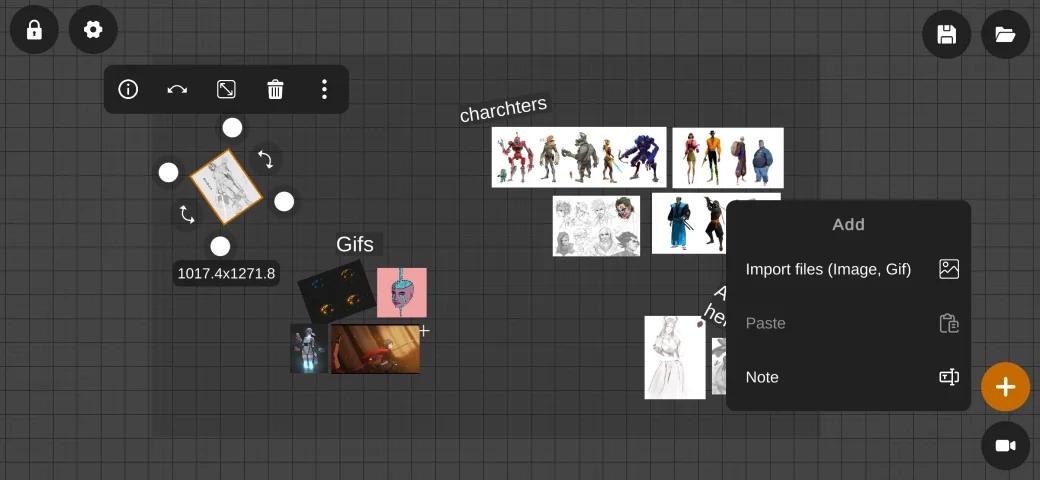
- Import images and gifs.
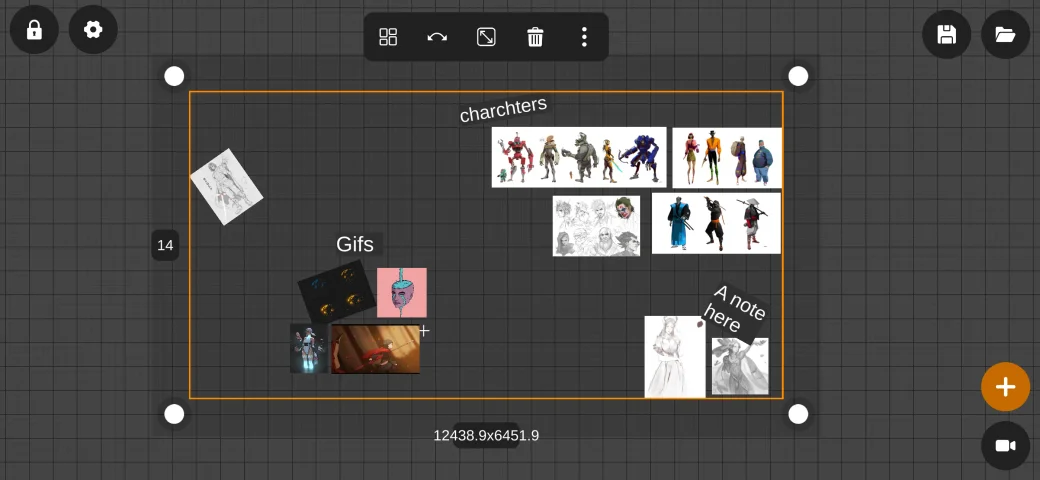
- Notes - Add text notes.
- Move, scale and rotate references to create the perfect layout.
- Multi selection - edit multiple references at one.
- Nodes - Useful for grouping references.
- Drag and drop - Drag and drop files from others apps like the gallery.
- Paste files from the clipboard.
- Supports split screen and pop-up view: Use it as a companion app with your favorite drawing app like Ibis Paint or Infinite Painter.
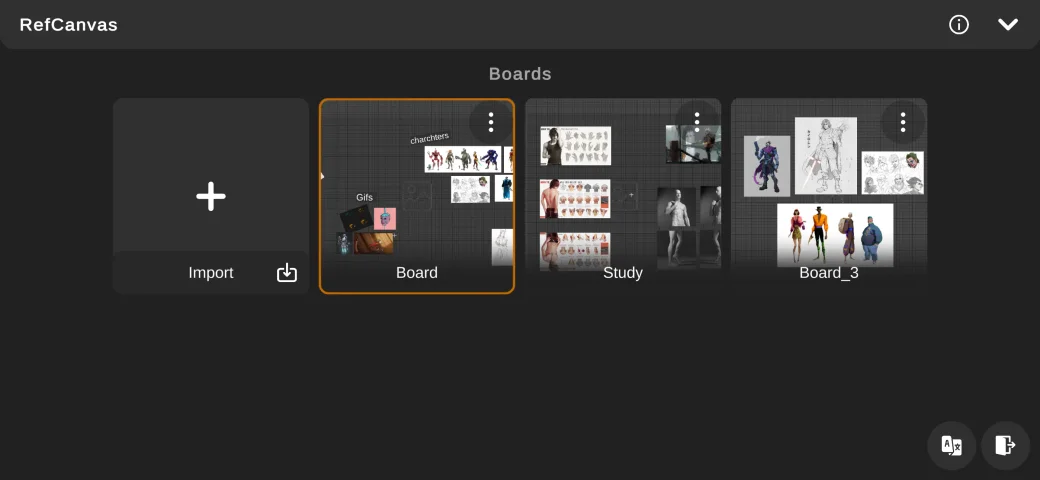
- Save your progress as boards for future use.
- Auto set thumbnails for boards after saving.
- Eye dropper - Tap and hold to pick a color from your references as a hex code.
- Drawing.
Animated GIF support:
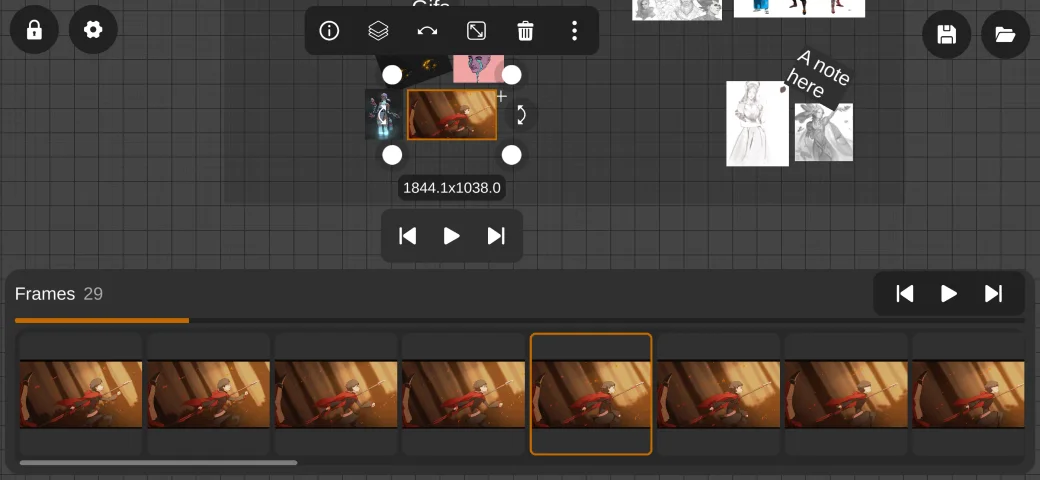
- Reference your favorite animated gifs.
- Pause animation and play frame by frame to better understand referenced animations.
- Animation timeline gives you an interactive visual breakdown of all the frames.
Easy to use reference tools:
- Grayscale toggle.
- Flip horizontally and vertically.
- Add link - allows you to visit the source of your reference.
Export:
Export boards to share.
Export board as SVG.
Export Images/Gifs as files.
Using RefCanvas to make reference boards & mood boards is easy, simply import your images or gifs, and move them around the canvas to arrange them in the layout that works best for your project. You can adjust their size, rotation and position to your liking, giving you maximum control over your creative process.
Novedades
Versión 1.30 · 3/2/2026
Packing: Optimally/Vertical/Horizontal (optional packing on import)
Export references: separately (multiple in zip)
Export board as SVG (or selected only)
Better Nodes - More customization.
Added webp support.
Fixed order saving.
Added connections - connect references/nodes etc.
Drawing. (experimental)
Multiple bug fixes and improvements.
Privacidad de la aplicación
Lo que youcef boukit declara en App Store sobre cómo esta aplicación gestiona los datos.
-
Datos no vinculados a ti
Pueden recopilarse, pero no se vinculan a tu identidad.
- Identificadores
- Datos de uso
- Diagnóstico
Las prácticas de privacidad pueden variar, por ejemplo, según las funciones que uses o tu edad.
Información
- Vendedor
- youcef boukit
- Categoría
- Diseño gráfico
- Versión
- 1.30
- Actualizado
- 3/2/2026
- Publicado
- 11/4/2023
- Tamaño
- 130,6 MB
- Requiere
- iOS 15.0 o posterior
- Clasificación por edad
- 4+
- Precio
- Gratis
- Compras en la aplicación
- Sí
- Idiomas
- Inglés
- Copyright
- © Endvoid 2023
Quizá también te guste
-
 DarkRef - Art Reference BoardDiseño gráfico
-
 Gathered - Por inspiraciónColecciona, organiza, inspira
-
 ImgRefTablero ref., escáner OCR
-
 PicRef - for reference pictureDiseño gráfico
-
 Sakuga MobileDiseño gráfico
-
 Holo.Pen Lite: Tableta VirtualDibuja en PC desde Tableta
-
 Refbox MobileTablero de referencias de arte
-
 Quick Poses: Gesture DrawingDiseño gráfico
-
 Valence 3DDiseño gráfico
-
 Uniform - 3D EditorDiseño gráfico