RefCreate
3D reference, drawing & drills
Diseñada para iPhone, iPad
Gratis · Compras en la aplicación
- Clasificación por edad4+
- CategoríaEducación
- DesarrolladorLambda Code SL
- Tamaño261,1 MB
Enlaza a la página oficial de App Store
Download.org no aloja ningún archivo de RefCreate. El botón abre la página de la aplicación en App Store, donde la publica Lambda Code SL. Ficha comprobada por última vez el 16/11/2026.
Capturas de pantalla



Acerca de
El desarrollador no ha proporcionado este texto en tu idioma.
Build your drawing skills with RefCreate for iPad and iPhone. Draw beside a 3D reference, practise the fundamentals with scored drills, and watch your progress grow.
RefCreate works best on iPad with Apple Pencil, with more room to draw and keep your reference beside you.
DRAW WITH A 3D REFERENCE BESIDE YOU
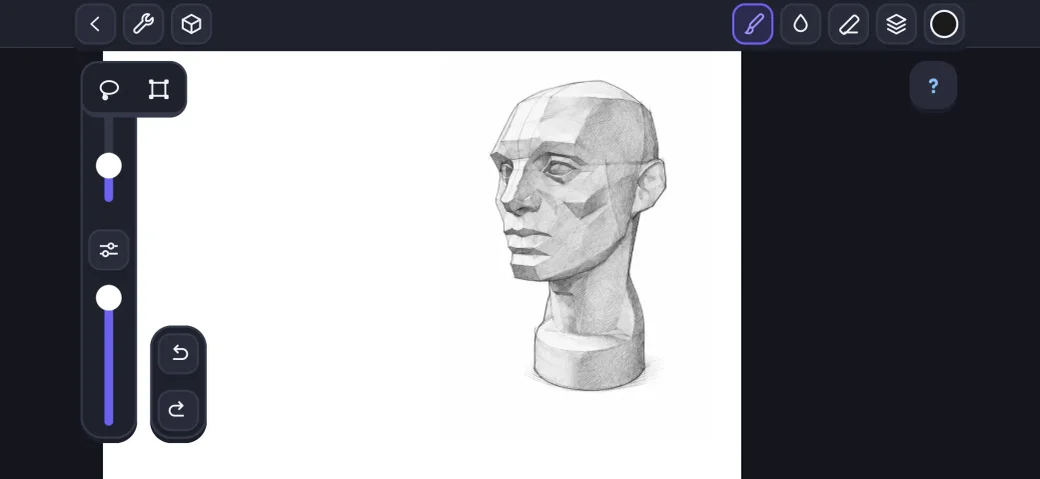
• Keep a 3D model in a floating or docked reference view while you paint on a layered canvas.
• Turn and zoom the model, then lock the view you want to study. Your reference view is saved with each drawing.
• Light the model your way: a key light, a fill light and an optional rim light, each with its own colour and intensity.
• One perspective grid shared by your canvas and the reference, with its horizon, vanishing points and bounding box.
• Trace the model on your canvas with an overlay you can show, hide and fade.
PRACTISE WITH INSTANT FEEDBACK
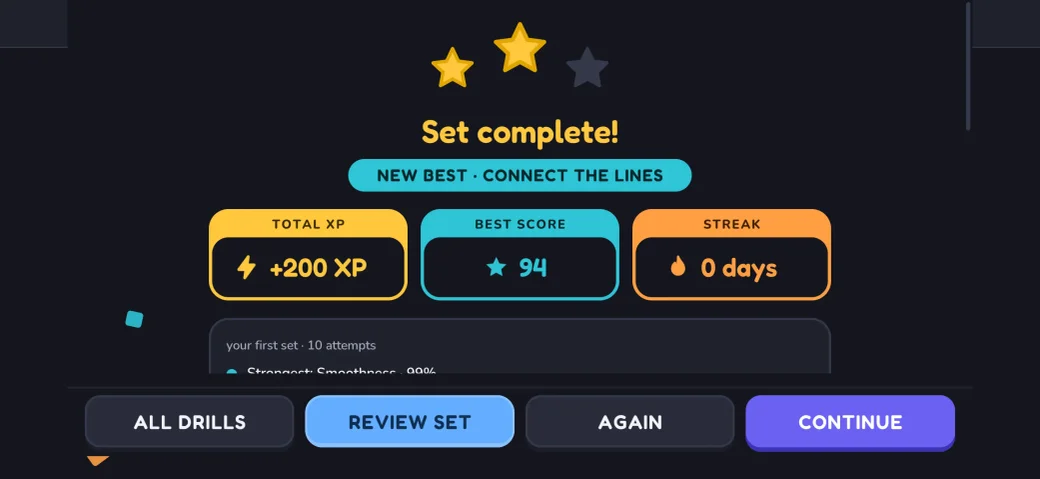
• Line Control drills: steady parallel strokes, connecting two points in one confident line, and longer sets.
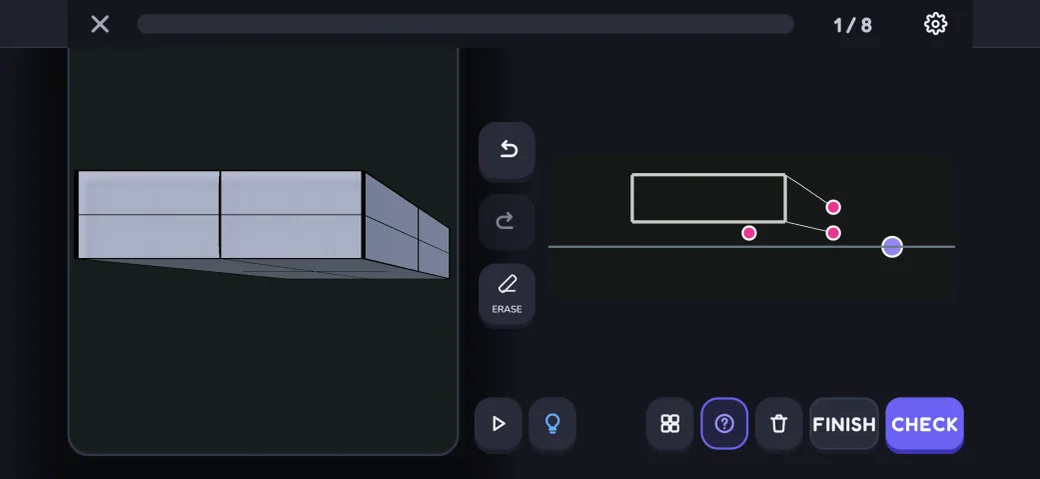
• Boxes drills: one-, two- and three-point boxes and cubes, dead reckoning, the Y method, and free boxes and cubes.
• Get score feedback as you practise, check a box yourself when you are ready, and review every line or box in the set.
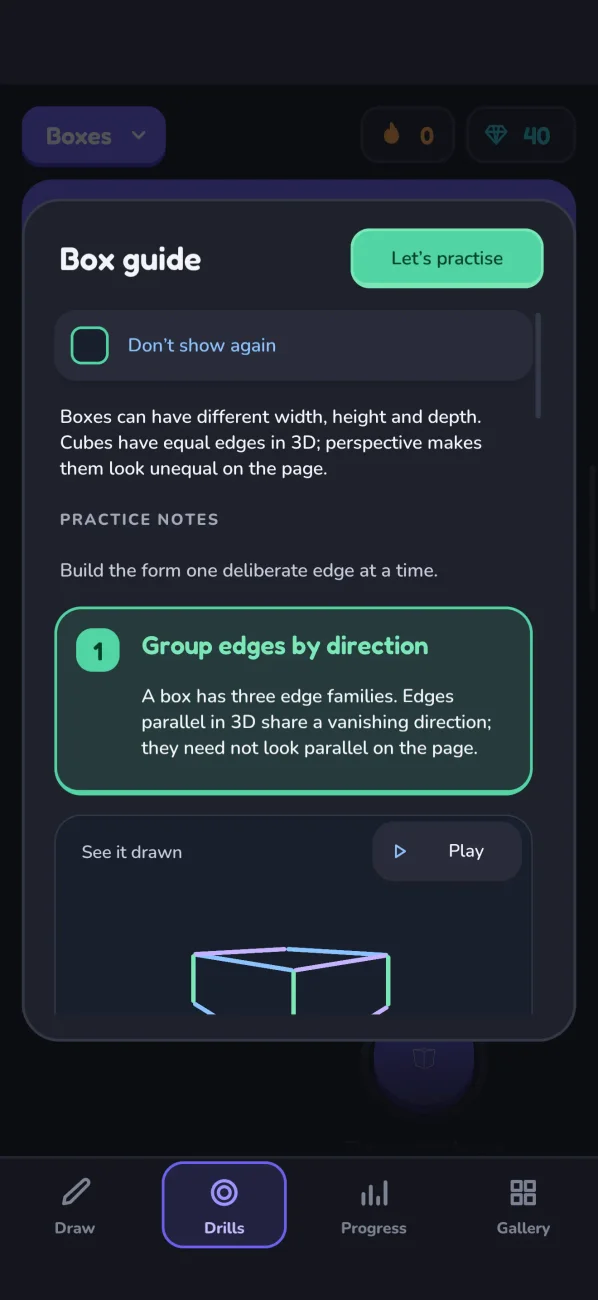
• Short animated guides demonstrate line and box techniques, with exercise-specific tips while you practise.
• Optional help on the box drills, including a 3D reference posed like your box, corner marks and lines that snap to the box's directions. Help costs some XP.
• Line Control drills are free. Boxes drills come with the Boxes Pack, and two free sets a day can be used on two rotating box exercises. Repeats count toward the two-set limit; cubes require the pack.
TRACK YOUR PROGRESS
• A daily goal and streak, XP and levels. Harder drills earn more XP.
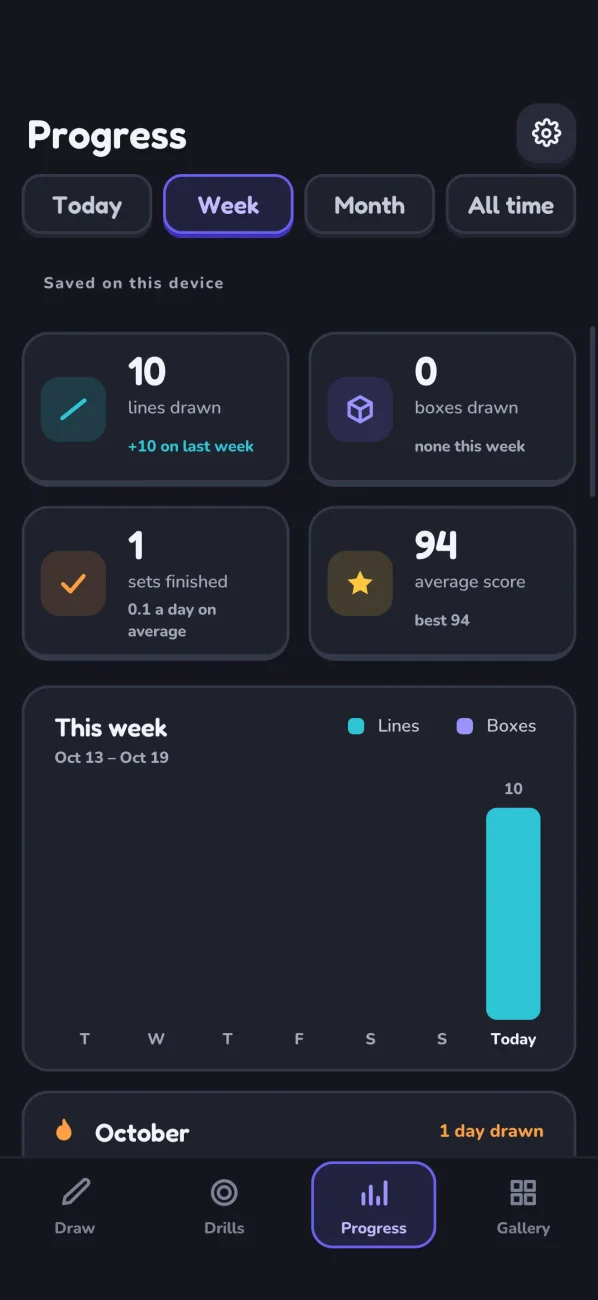
• Mastery for every drill, and Progress for today, this week, this month and all time.
• 31 badges for practice, accuracy, streaks and mastery. See your next goals or browse the full collection.
• Open Progress for your level, streak and personal records.
A FULL DRAWING WORKSPACE
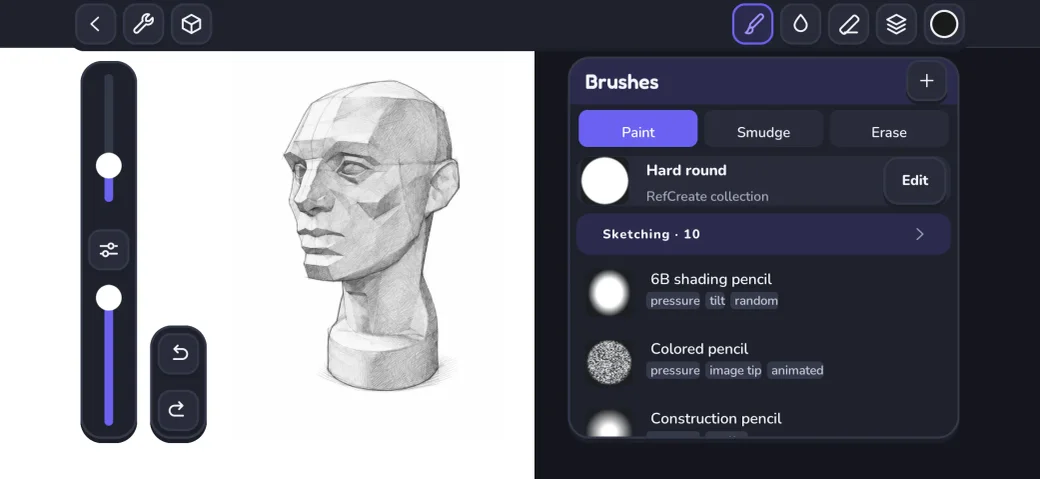
• A library of brushes organised by category, and a brush studio to make them your own.
• Layers with opacity, blend modes and locks to protect finished work; freehand selection and transform; QuickShape and perspective guides.
• Smoothing built into each brush for steadier lines. Edit any brush, and restore its defaults with one button.
• Import images and export your drawings. Turn between portrait and landscape and your drawing stays where it was.
BOXES PACK — EVERY BOXES DRILL, AND THE ONES TO COME
Unlock every Boxes drill. New Boxes drills are on the way, and they are included in the Boxes Pack at no extra charge. A one-time in-app purchase, with no subscription.
HEADS PACK — ONE PURCHASE, A GROWING COLLECTION
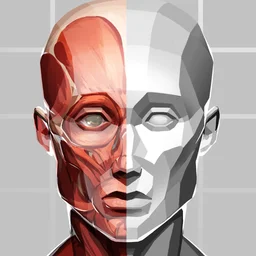
Unlock the Heads 3D model collection, including Asaro, planes of the head, skulls and facial muscles. Future models added to this collection are included at no extra charge.
The Heads drill is coming soon and will be included in the Heads Pack when released. It is not available in this version.
The Heads Pack is a one-time in-app purchase, with no subscription. Other packs are sold separately. Existing RefCreate Heads Pack owners can restore their purchase with the same App Store account. The Loomis head remains free.
Novedades
Versión 2.0.1 · 23/10/2026
• Fixed layout and text clipping on some iPad models.
• Improved canvas zoom, pan and rotation.
• Added swipe actions to lock, duplicate and delete layers.
• Improved layer reordering and simplified the Layers panel.
• Fixed delayed canvas updates after deleting a layer.
• Made it easier to review and continue drills.
Privacidad de la aplicación
Lo que Lambda Code SL declara en App Store sobre cómo esta aplicación gestiona los datos.
-
Datos usados para rastrearte
Pueden usarse para rastrearte en aplicaciones y sitios web propiedad de otras empresas.
- Compras
- Identificadores
- Datos de uso
-
Datos vinculados a ti
Pueden recopilarse y vincularse a tu identidad.
- Compras
- Identificadores
- Datos de uso
-
Datos no vinculados a ti
Pueden recopilarse, pero no se vinculan a tu identidad.
- Diagnóstico
- Otros datos
Las prácticas de privacidad pueden variar, por ejemplo, según las funciones que uses o tu edad.
Información
- Vendedor
- Lambda Code SL
- Categoría
- Educación
- Versión
- 2.0.1
- Actualizado
- 23/10/2026
- Publicado
- 12/1/2026
- Tamaño
- 261,1 MB
- Requiere
- iOS 16.0 o posterior
- Clasificación por edad
- 4+
- Precio
- Gratis
- Compras en la aplicación
- Sí
- Copyright
- © 2025 Lambda Code