Remove Objects:AI Photo Editor
AI Photo Editor & Eraser
Diseñada para iPhone, iPad
Gratis · Compras en la aplicación
- Clasificación por edad4+
- CategoríaDiseño gráfico
- DesarrolladorTAPUNIVERSE LLC
- IdiomasInglés+ 9 más
- Tamaño134,9 MB
Enlaza a la página oficial de App Store
Download.org no aloja ningún archivo de Remove Objects:AI Photo Editor. El botón abre la página de la aplicación en App Store, donde la publica TAPUNIVERSE LLC. Ficha comprobada por última vez el 28/11/2026.
Capturas de pantalla

Acerca de
El desarrollador no ha proporcionado este texto en tu idioma.
A magic eraser app that let you remove objects and people out of your picture. It's also offers an advanced AI technology for AI expand image or generative fill tools such as AI fill and AI replace. Say goodbye to unwanted objects in your photo, with Remove Objects, you can create a flawless image with just a few taps.
Key Features
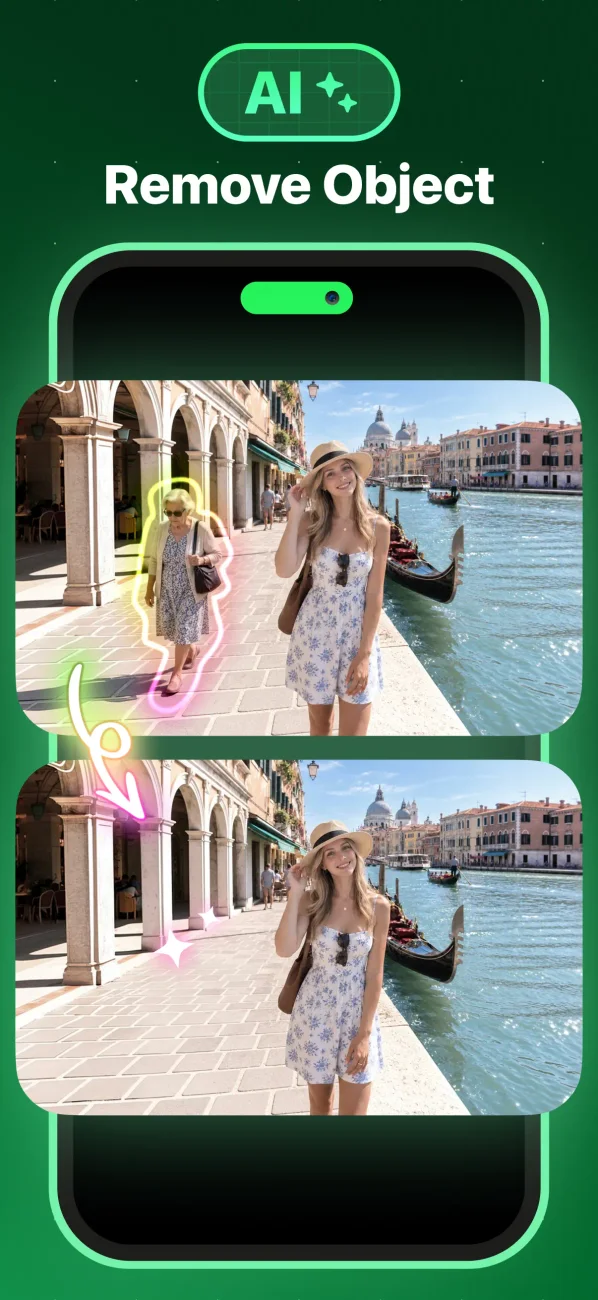
- AI Remove Objects
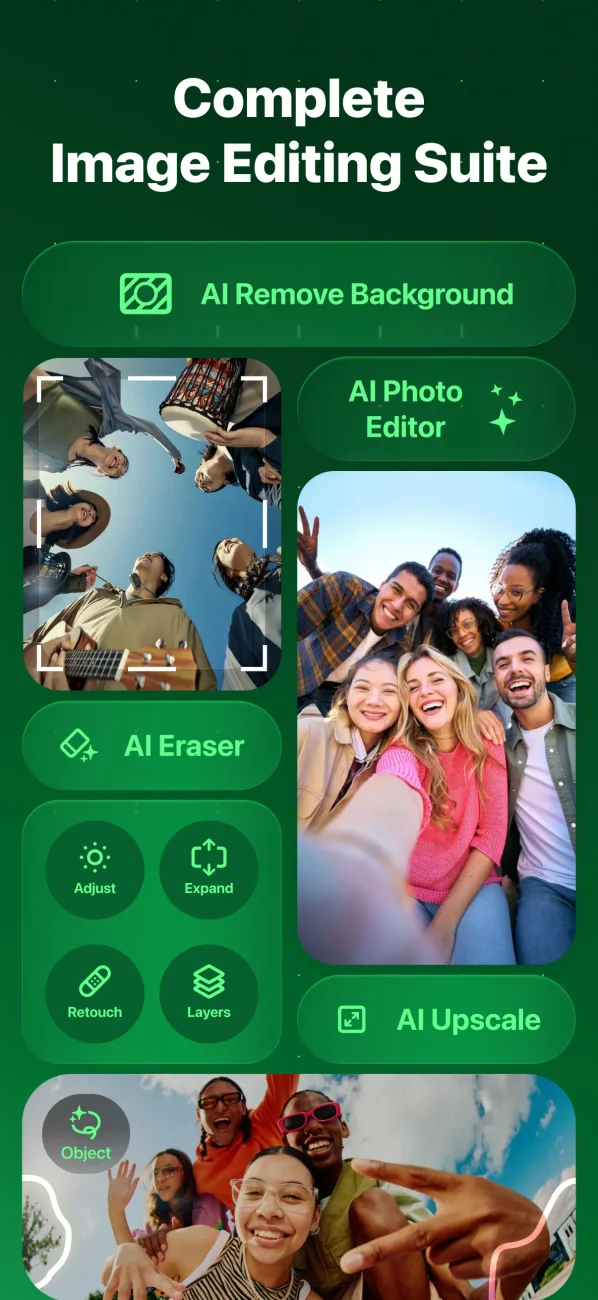
This magic eraser feature use AI remove to erase objects with precision and leave behind a natural looking background. Whether it's a stray passerby, an unwanted object, or anything else you wish was not there, this AI remove objects tool will make it disappear like magic.
- AI Generative Fill
This AI fill technology can intelligently predicts and generates content that blends perfectly with your photo, allowing you to enhance what's already there. Our AI replace feature giving you the power of unleashing your creativity without the need of complex software.
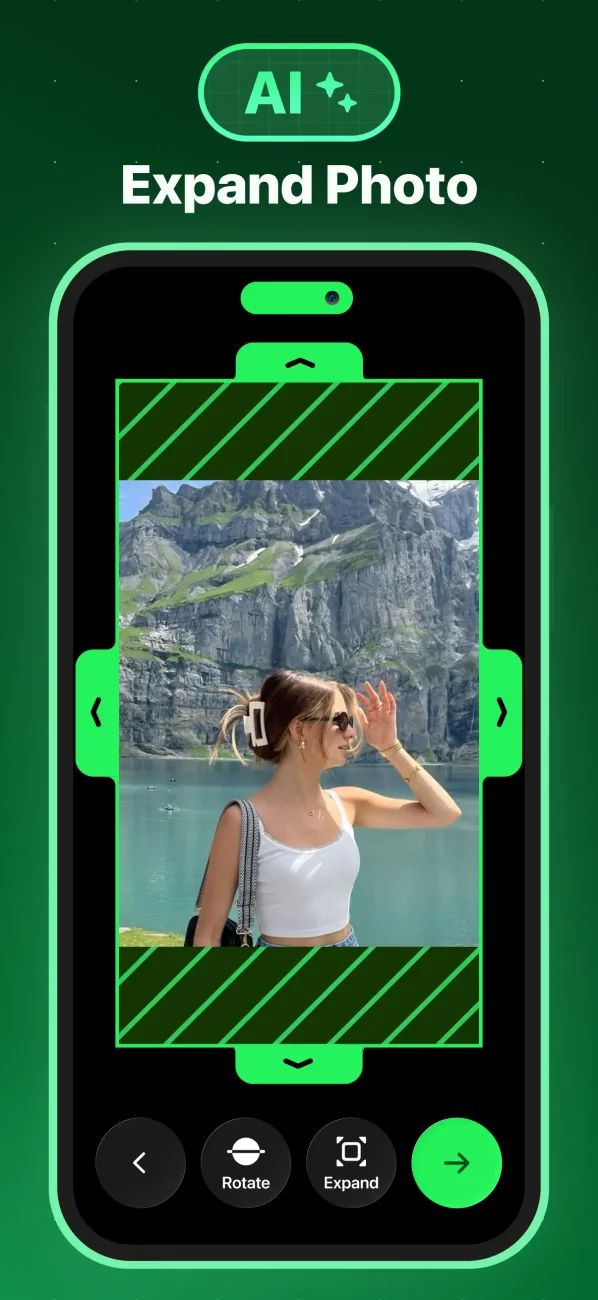
- AI Expand Image
Enlarge the boundaries of your image while maintaining the level of detail and quality. With the help of the new AI expand tool, you can easily fit your picture into a any format, or just to blow a new breathe to your photo.
- AI Edit
Simply describe what you want and watch it happen. This AI edit tool let you transform your photo directly using text prompts, no complicated tools or steep learning curve, just type what you want changed and let the AI do the rest.
- Isolate
Want to move a subject somewhere else in your photo? This isolate feature separates objects from the rest of your image while generative AI intelligently fills in the background behind it, giving you the freedom to reposition anything exactly where you want it.
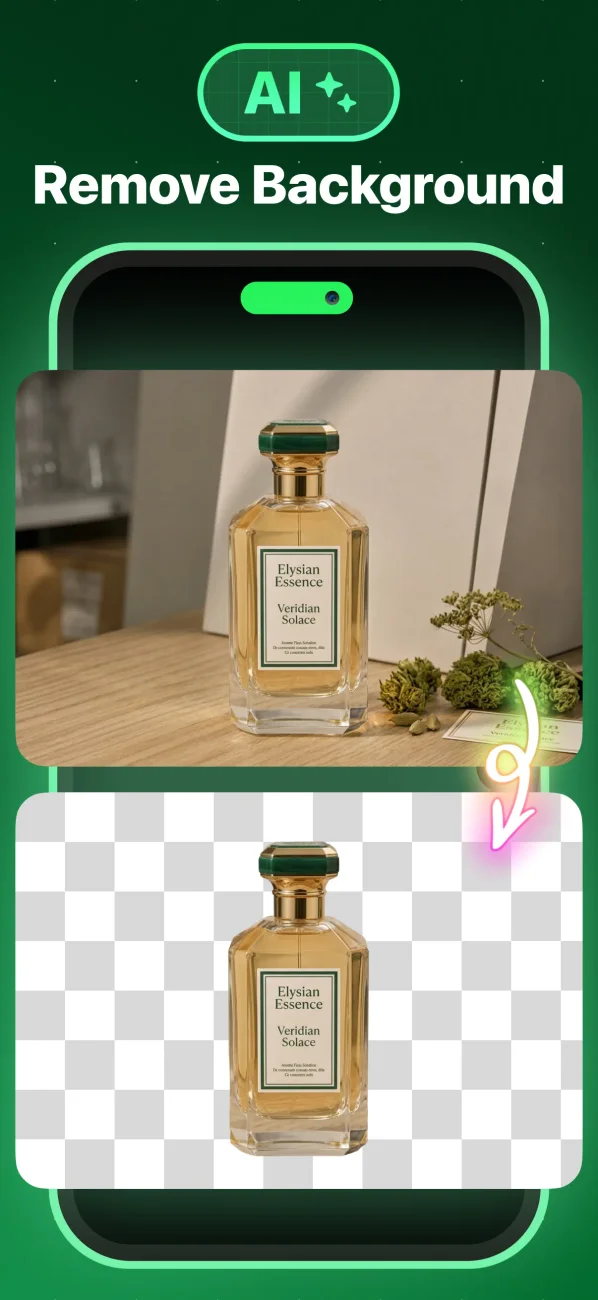
- Remove Background
No more manual selecting or masking, this AI remove background tool automatically erase the background from any photo in seconds, leaving you with a clean cutout ready for whatever you have in mind.
- Upscale
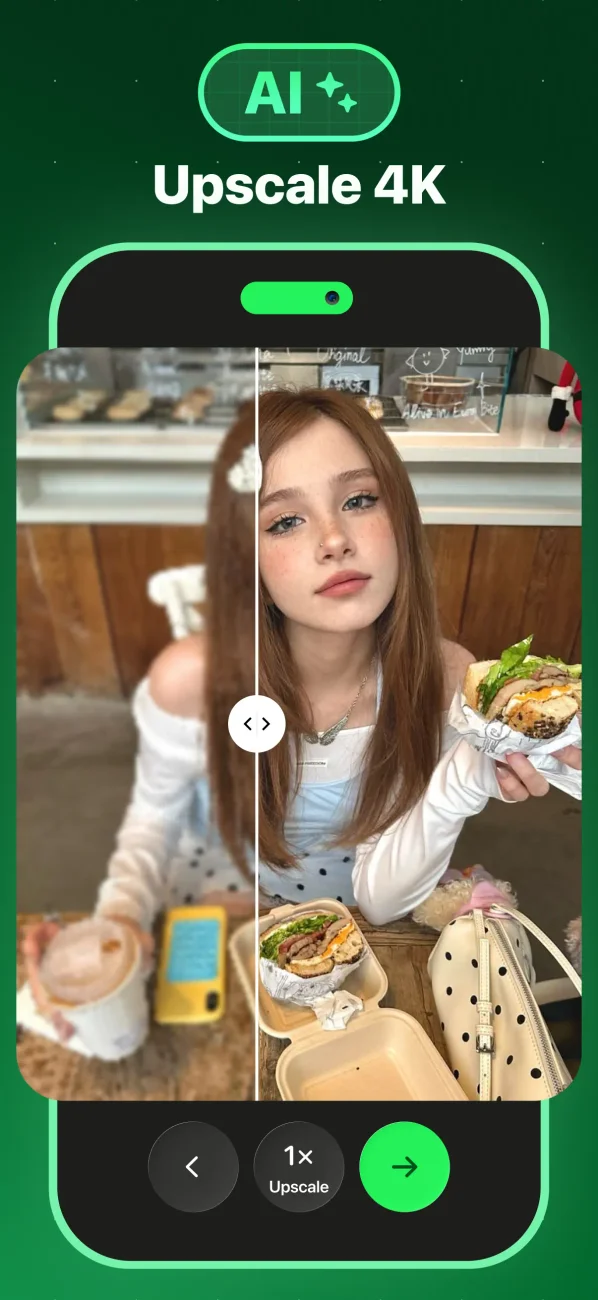
Bring your photos into stunning clarity with this AI upscale tool. Enhance resolution up to 4K using advanced AI image generation, perfect for printing, cropping in closer, or just giving old photos a new life.
- Complete Redesign with Liquid Glass
We rebuilt the entire app from the ground up with a brand new Liquid Glass design, bringing a fresh, fluid look and feel to every corner of the experience.
- More Basic Tools
Beyond our AI-powered toolkit, we've expanded with more basic editing capabilities including Adjustments, Layers, and Crop, giving you everything you need to perfect your photo in one place.
- Optimized for iPad
Now fully optimized for iPad with support for resizability, so you can edit your photos in whatever window size fits your workflow.
How to use our magic eraser tools
1. Take a picture or choose a photo you want to remove objects
2. Choose where you want to replace or erase objects
3. Retouch the image with AI replace or generative fill based on your need
4. Get a peak outside of what the lens captured with AI expand your picture
5. Export your content to library or send it via any social media
Smart Eraser:
- You can subscribe to unlock Smart Eraser, an AI-powered object removal that provides super realistic result.
- Subscription auto-renew at the end of current period, unless cancelled 24-hours in advance prior to the end of the current period. The subscription fee is charged to your iTunes account at confirmation of purchase. You may manage your subscription and turn off auto-renewal by going to your Account Settings after purchase. Per Apple policy, no cancellation of the current subscription is allowed during active subscription period. Once purchased, refunds will not be provided for any unused portion of the term.
Privacy Policy: https://tapuniverse.com/privacy/
Terms of Service: https://tapuniverse.com/terms/
Novedades
Versión 3.1.9 · 24/11/2026
Improvements & bug fixes
Privacidad de la aplicación
Lo que TAPUNIVERSE LLC declara en App Store sobre cómo esta aplicación gestiona los datos.
-
Datos no vinculados a ti
Pueden recopilarse, pero no se vinculan a tu identidad.
- Datos de uso
Las prácticas de privacidad pueden variar, por ejemplo, según las funciones que uses o tu edad.
Información
- Vendedor
- TAPUNIVERSE LLC
- Categoría
- Diseño gráfico
- Versión
- 3.1.9
- Actualizado
- 24/11/2026
- Publicado
- 3/6/2020
- Tamaño
- 134,9 MB
- Requiere
- iOS 18 o posterior
- Clasificación por edad
- 4+
- Precio
- Gratis
- Compras en la aplicación
- Sí
- Idiomas
- Inglés, Francés, Alemán, Italiano, Japonés, Coreano, Portugués, Chino simplificado, Español, Chino tradicional
- Copyright
- © TapUniverse
Quizá también te guste
-
 Retouch Touch Eliminar ObjetosBorrar Objetos, Fondo de Fotos
-
 Retouch: Erase Objects RemoverDiseño gráfico
-
 Borra objetos · Borrador fotoQuita fondo, cambia el cielo
-
 Borrador de fotosEliminación de objetos, borrar
-
 borrar objetos & touch up fotoeliminar objeto no deseado app
-
 Car Editor & AI Car DesignerDiseño gráfico
-
 Flashloop: AI Video GeneratorDiseño gráfico
-
 Generador de Video IA -VidmorEditor de vídeo con IA
-
 Color Finder・Grab Hex Code・MixPantone Picture Analyzer・Paint
-
 Wand - AI canvasDiseño gráfico