
RenoProgress
Track your renovation progress
Diseñada para iPhone, iPad
Gratis · Compras en la aplicación
- Clasificación por edad4+
- CategoríaUtilidades
- DesarrolladorJoseph Marino
- IdiomasInglés
- Tamaño3,6 MB
Enlaza a la página oficial de App Store
Download.org no aloja ningún archivo de RenoProgress. El botón abre la página de la aplicación en App Store, donde la publica Joseph Marino. Ficha comprobada por última vez el 12/11/2026.
Capturas de pantalla


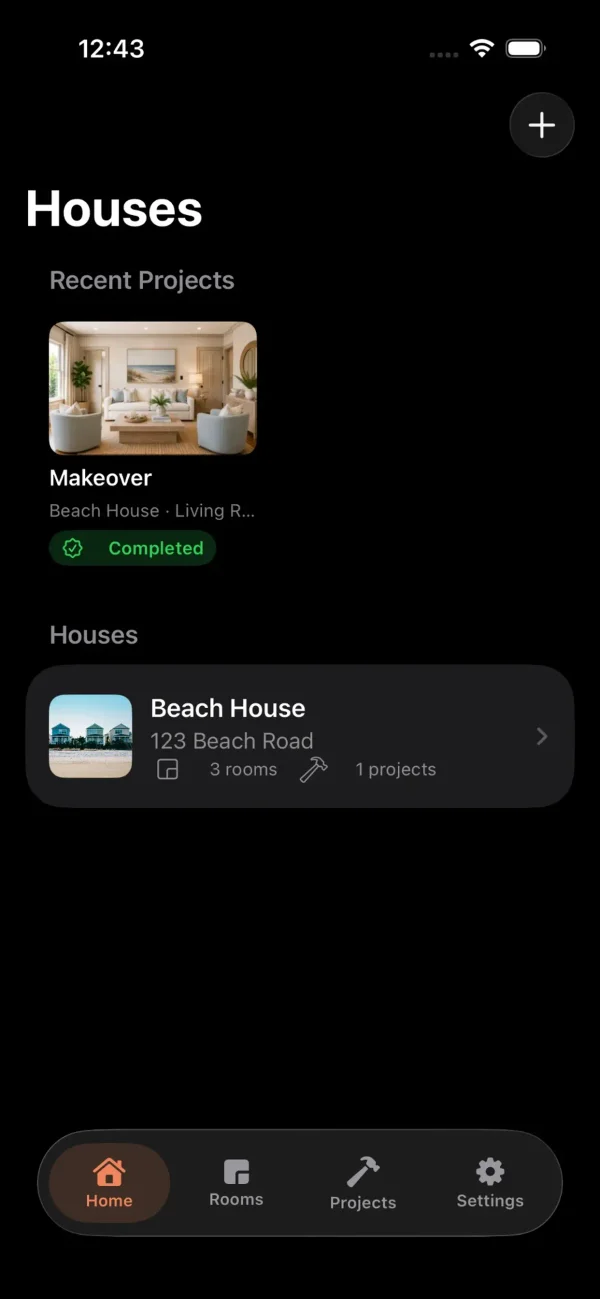
Acerca de
El desarrollador no ha proporcionado este texto en tu idioma.
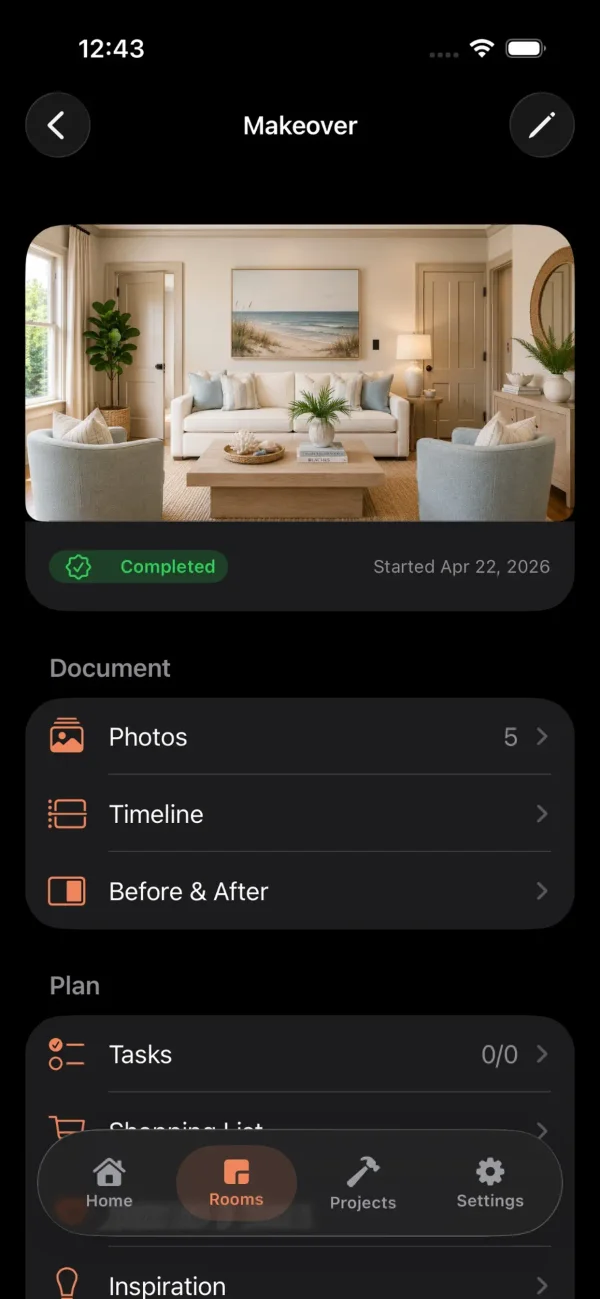
RenoProgress — Track Your Renovation, Photo by Photo
Turn the chaos of a home renovation into a clear, photo-first story of progress. RenoProgress helps you document every house, room, and project from "before" to "after" — and every messy, satisfying step in between.
ORGANIZE EVERYTHING
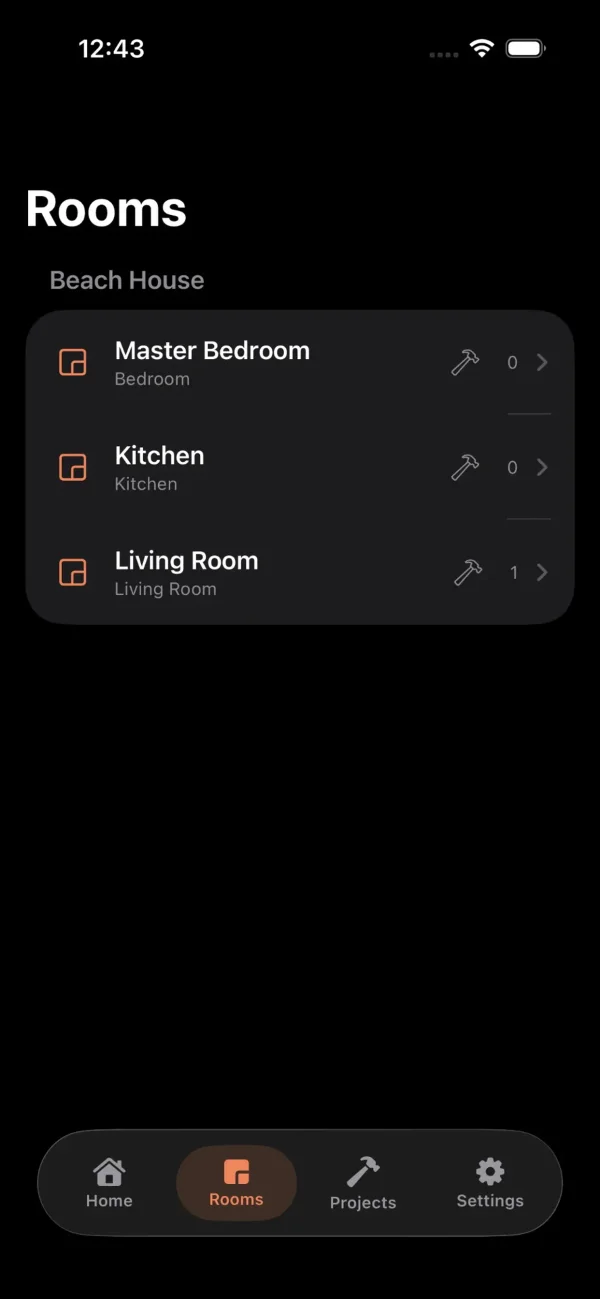
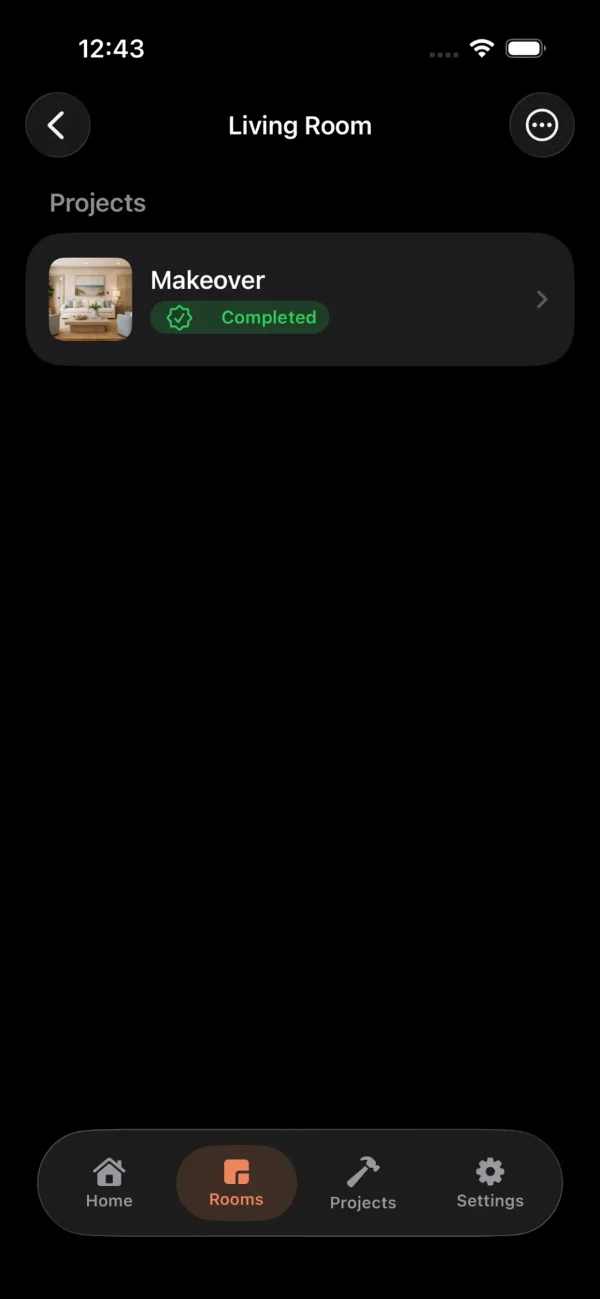
• Houses → Rooms → Projects, each with its own cover photo
• Photos grouped by phase: Before, Demolition, Prep, Painting, Finishing, After
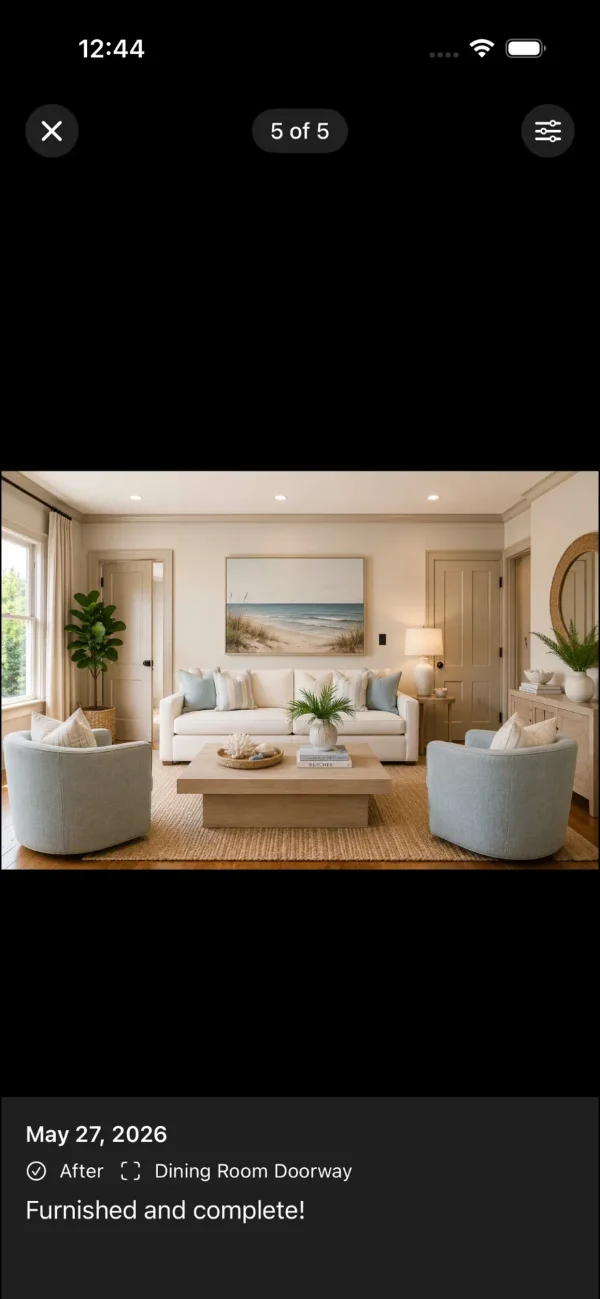
• Per-photo notes, capture dates, and favorites
MATCHED-ANGLE PHOTOS
• Tag a photo with a "viewpoint" and the camera shows your earlier shot as a faint ghost overlay
• Line up the same angle every time, so your before-and-after shots compare perfectly
SEE THE TRANSFORMATION
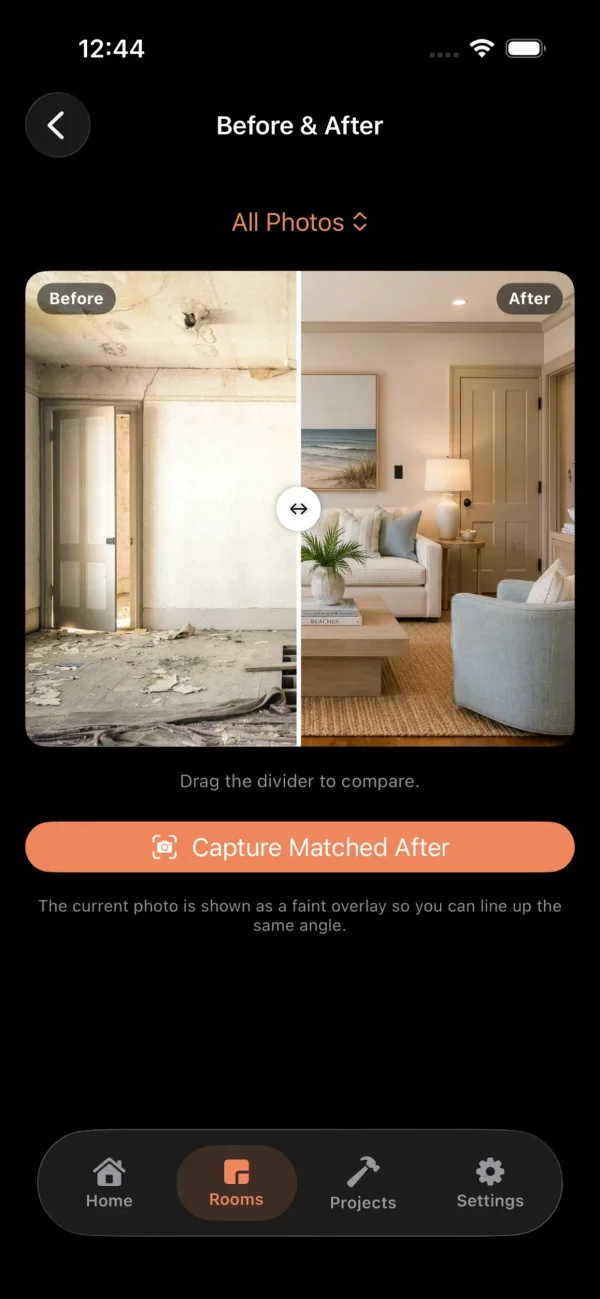
• Draggable before & after slider, grouped by viewpoint
• Timeline view of all your progress photos in order
• Export a single before & after image — side by side, stacked, or a split-cutaway layout — to share the reveal (Pro)
• Showcase your best before & afters and present them full screen to friends, family, or clients
FLOOR PLANS & ROOM DETAILS
• Draw floor plans to scale, with doors, windows, and a north arrow
• Scan a room with LiDAR to build its floor plan automatically (on devices with a LiDAR Scanner)
• House plans lay out every room together, floor by floor
• Track each room's windows, paint colors, lighting, outlets, and more — with photos
• Paint estimates for walls and ceilings, plus a breaker directory for the whole house
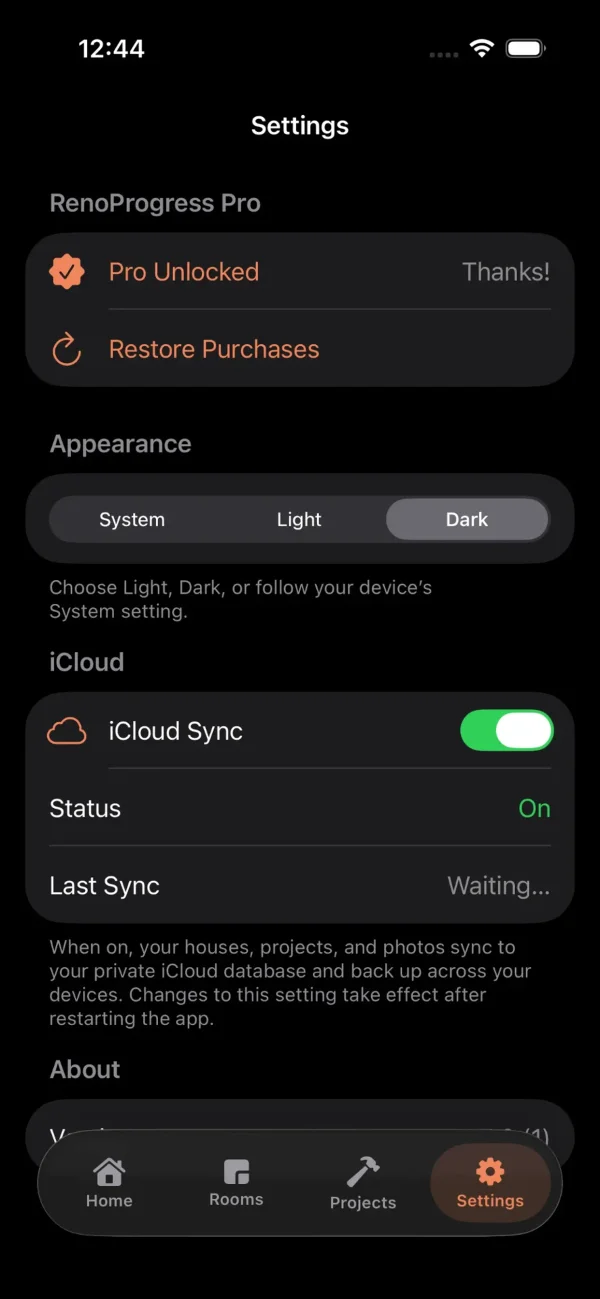
• Feet & inches or metric
STAY ON BUDGET
• Budget vs. actual tracking
• Log expenses by category with receipt photos
• Visual spending breakdown with charts
KEEP THE DETAILS
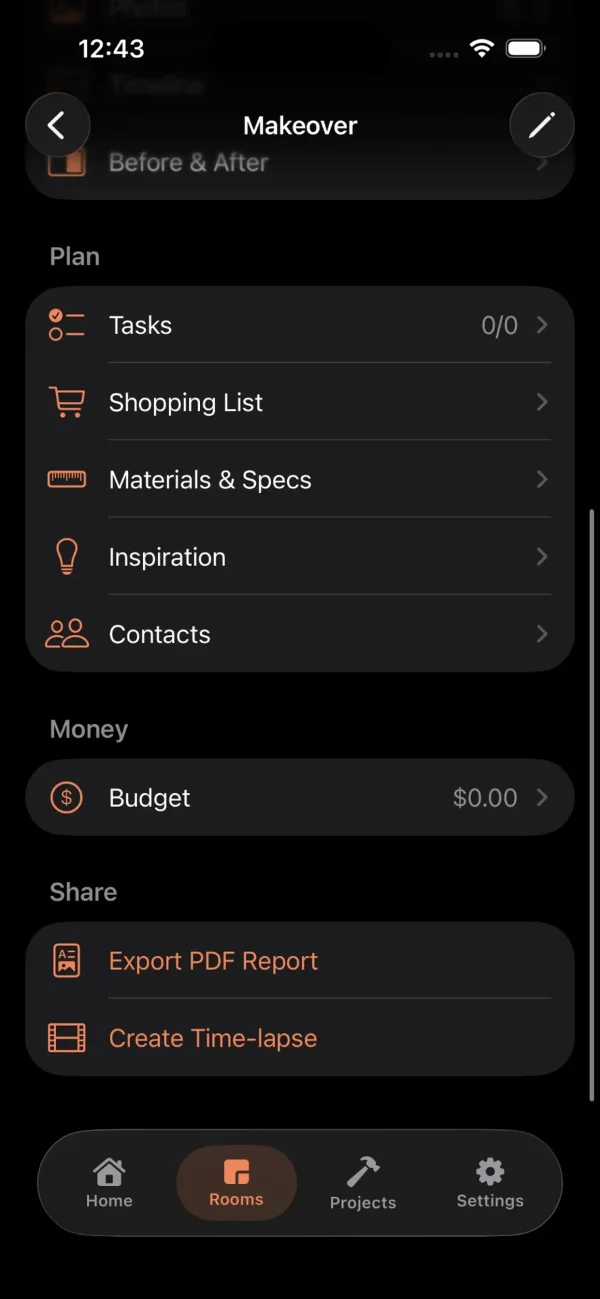
• Materials & specs: paint colors, SKUs, fixtures, and product links
• Shopping list with stores, prices, quantities, and links
• Tasks with due dates, plus a contacts list for contractors and suppliers
• Inspiration board for ideas, saved images, and links
BUILT FOR iPHONE, iPHONE DUO, AND iPAD
• Every screen has a bottom bar with the actions you need there, plus a one-tap Home button
• Customize each bar: choose its buttons and their order
• Bigger layouts when you unfold iPhone Duo or use iPad, including a side-by-side before & after view
START FREE, GO PRO
Track your first project free, with full access to photos, floor plans and room details, budget, materials, contacts, tasks, and inspiration.
RenoProgress Pro is a one-time purchase — no subscription — that unlocks:
• Unlimited projects across all your houses and rooms
• iCloud sync across iPhone and iPad through your private iCloud account
• PDF report export for insurance, resale, or records
• Time-lapse "progress reel" video export
• Before & after image export
• Floor plan images to share, and floor plans in your PDF reports
Whether you're remodeling a kitchen, flipping a house, or finally finishing the basement, RenoProgress keeps the whole journey in one place.
Novedades
Versión 2.0 · 31/10/2026
RenoProgress 2.0 is our biggest update yet. Your rooms now hold everything about them, not just your projects, there's a new Showcase for showing off your work, and the whole app has a new way to get around.
New: Floor plans. Draw any room to scale — start from a rectangle or an L, drag the walls and corners, or type exact lengths. Add doors and windows right into the walls, and set which way a wall faces to get a north arrow. With Pro, share a plan as an image and find it in your project PDF reports.
New: Scan a room with LiDAR. On iPhone and iPad models with a LiDAR Scanner, walk around the room and RenoProgress draws the floor plan for you, doors and windows included.
New: House plans and floors. Put each room on its floor, then see all your room plans laid out together, one floor at a time, lined up over the floor below.
New: Everything in the room. Keep track of each room's windows, paint colors, lighting, outlets, and other details — with photos. Paint estimates work out your wall and ceiling area (minus doors and windows) and how much paint two coats will take, and the Breaker Directory shows what's on every breaker in the house.
New: Showcase. Save your best before & afters to the Showcase, with an optional caption, then tap Present to walk friends, family, or clients through them full screen — drag to compare, play the project's time-lapse (Pro), or jump into the project. Add pairs from any project's Before & After, and find the Showcase on the Home screen's bar.
A new way to get around. The tab bar is gone. Every screen now has its own bar with the actions you need right there, plus a Home button that's always one tap away — Rooms, Projects, Showcase, and Settings are on the Home screen's bar. Make the bars your own in Settings → Bottom Bars: choose which buttons appear and put your favorites first.
Made for iPhone Duo and iPad. Unfold your iPhone Duo for a bigger Before & After with a new side-by-side view, a multi-column timeline, and larger photos. The bottom bars move to the side of the screen when that fits better, and you stay right where you were when you fold or unfold.
Also in this update:
• Long-press a photo to start selecting
• Choose feet & inches or metric in Settings → Measurements
• Before & After lists your newest photos first when you pick an "after" shot
• Full-screen photos stay sharp and centered when you rotate, fold, or unfold
Thanks for using RenoProgress! Questions or ideas? Email support@renoprogress.app.
Privacidad de la aplicación
Lo que Joseph Marino declara en App Store sobre cómo esta aplicación gestiona los datos.
-
No se recopilan datos
El desarrollador no recopila ningún dato de esta aplicación.
Las prácticas de privacidad pueden variar, por ejemplo, según las funciones que uses o tu edad.
Información
- Vendedor
- Joseph Marino
- Categoría
- Utilidades
- Versión
- 2.0
- Actualizado
- 31/10/2026
- Publicado
- 8/6/2026
- Tamaño
- 3,6 MB
- Requiere
- iOS 17.0 o posterior
- Clasificación por edad
- 4+
- Precio
- Gratis
- Compras en la aplicación
- Sí
- Idiomas
- Inglés
- Copyright
- © 2026 Joseph Marino
Quizá también te guste
-
 Vision TrainerEntrenamiento visual
-
 Wake-ups for Philips HueUtilidades
-
 Renovio - Calculadora ReformaCalcula materiales en segundos
-
 Gas CheckerUtilidades
-
 Unlock PDF – Password RemoverUtilidades
-
 International Fixed CalendarUtilidades
-
 TOKEN2 NFC BurnerUtilidades
-
 I-81 ConnectUtilidades
-
 AI Presentation GeneratorUtilidades
-
 PAL Color TouchUtilidades