- Clasificación por edad4+
- CategoríaEducación
- DesarrolladorJOSHUA DANIEL GLASSER
- IdiomasInglés
- Tamaño58,8 MB
Es posible que Resonate Learning no esté disponible en App Store en este momento
No se pudo acceder a la ficha de la tienda en nuestra última comprobación. El enlace sigue llevando a la página oficial de App Store.
Capturas de pantalla

Acerca de
El desarrollador no ha proporcionado este texto en tu idioma.
You'll never know which concepts went over your head — until you're sitting at the exam staring at a question you should have understood.
Resonate fixes that.
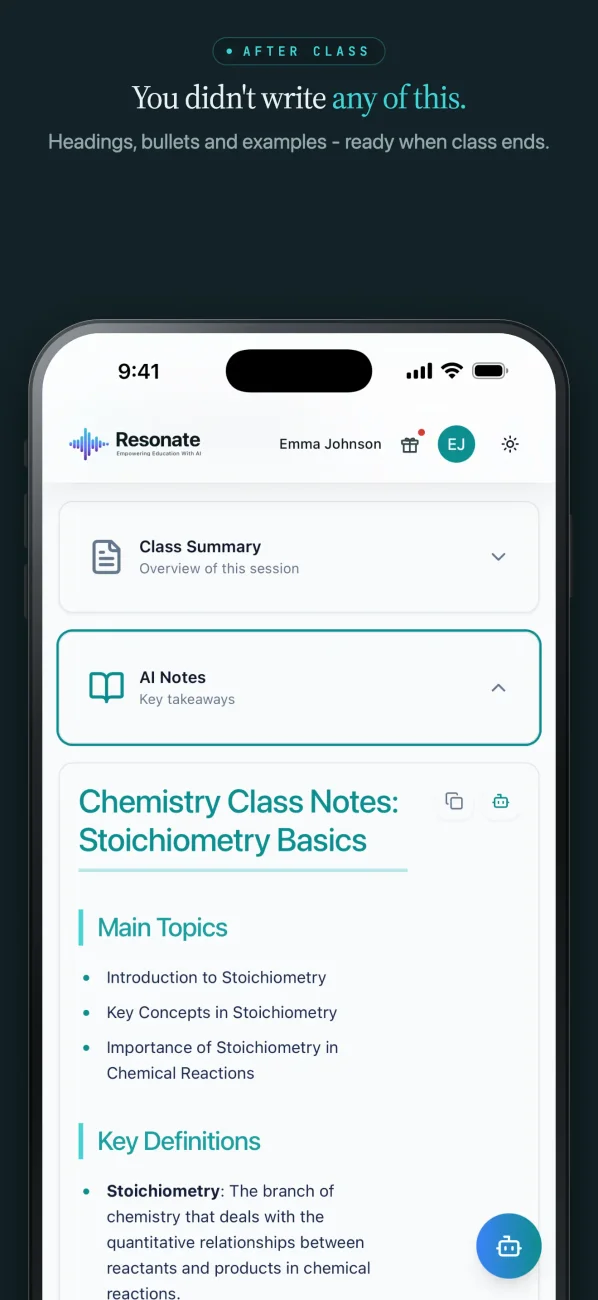
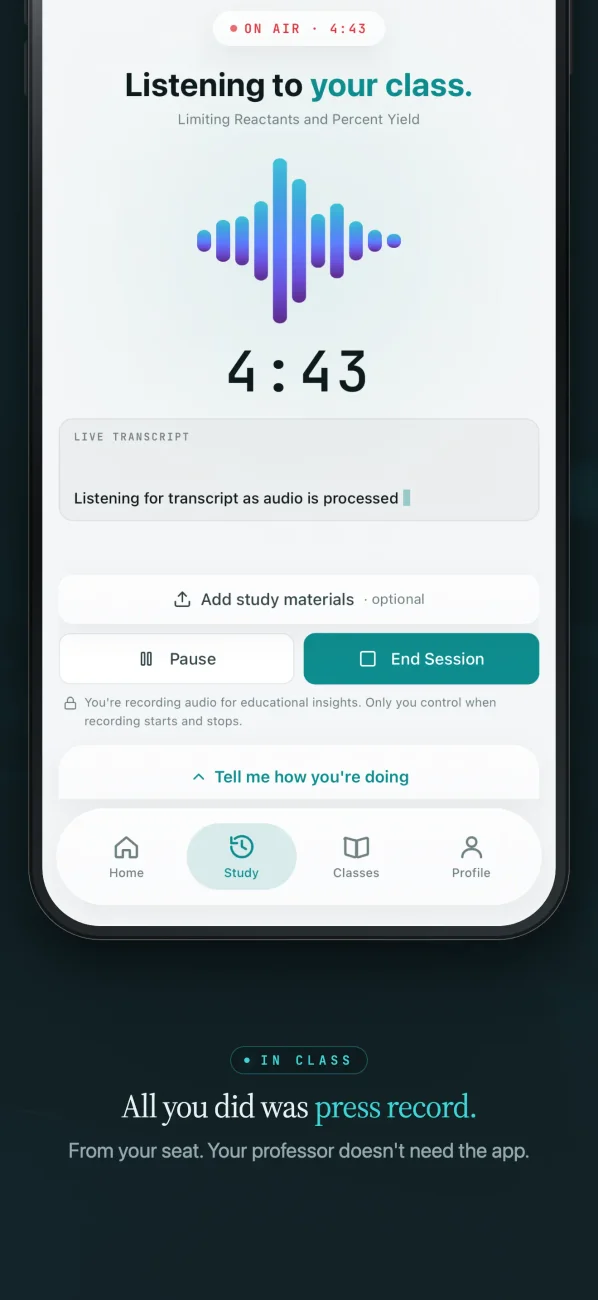
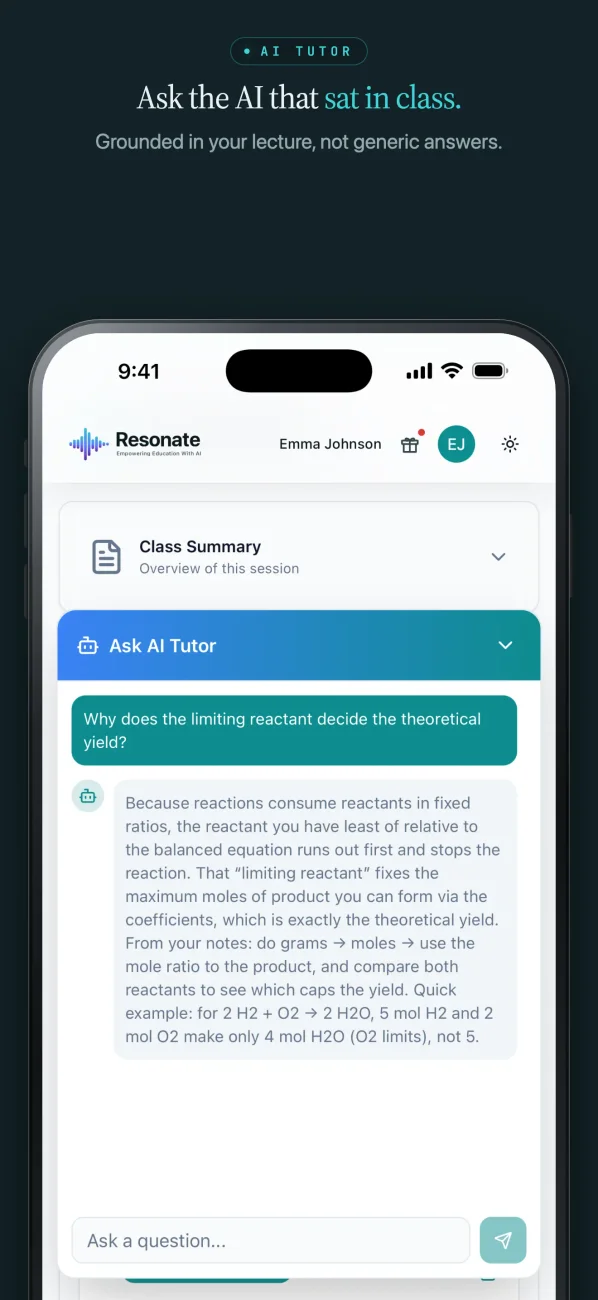
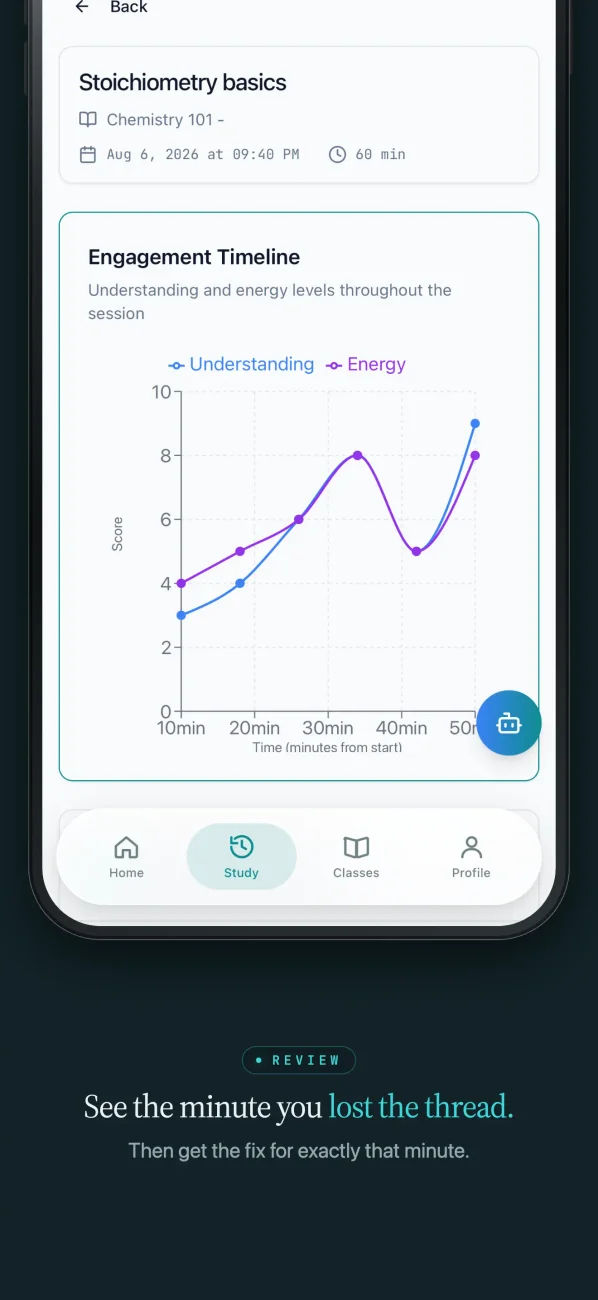
Open Resonate at the start of any lecture — your professor doesn't need to be on the platform. It records and transcribes in the background while you take normal notes or just listen. Tap the in-session feedback slider when you feel a concept slip past you. When class ends, your AI study companion synthesizes those signals into actionable insights: the specific ideas that didn't land, the moments where comprehension dropped, and the foundational concepts that need a second look — before you leave the room.
WHY RESONATE ISN'T JUST ANOTHER LECTURE-TO-NOTES APP
Most AI lecture apps make a tidy summary. Useful for review, useless for the part of studying that actually matters: figuring out what you DON'T understand yet.
Resonate is built around understanding-verification, not note-generation. The in-session feedback sliders give the AI real signal — not just transcription — so you study the gaps, not everything.
HOW IT WORKS
• Tap Start Recording at the top of class. Resonate captures audio and transcribes in the background.
• During the lecture, use the feedback slider whenever a concept doesn't click. One tap, no friction.
• Track your session from the lock screen — Live Activities and the Dynamic Island show elapsed time with an animated waveform, so you never need to unlock to check.
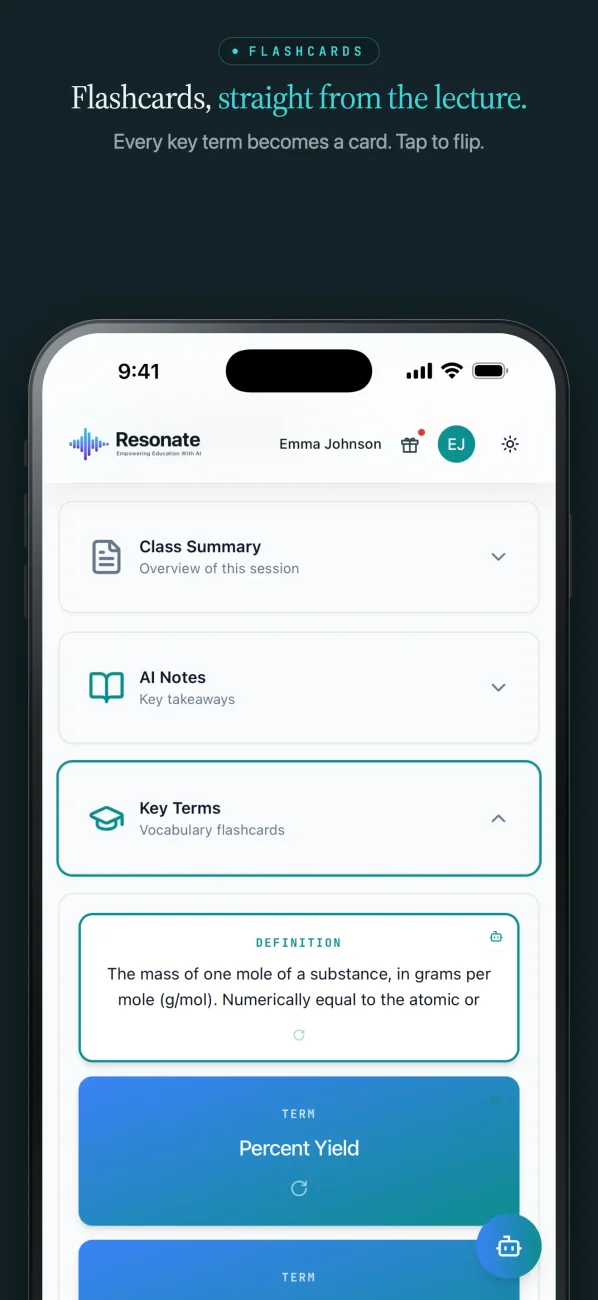
• Tap stop when class ends. Resonate synthesizes your in-session feedback into a Study Tab full of actionable insights: which concepts to revisit, which slides to re-read, which questions to bring to office hours.
• Review past sessions in your study history. Track how your understanding has built across the semester.
WHO IT'S FOR
• College students who don't have time to re-watch 50 hours of lecture before the midterm
• High schoolers in AP classes prepping for cumulative tests
• Online learners taking Coursera, edX, or Khan Academy courses
• Anyone who's ever realized halfway through studying that they don't actually understand the foundational concept
PRIVACY & YOUR DATA
Your lectures stay yours. Audio is processed for transcription and AI-generated insights; it is never sold and never used to train third-party AI models. Remove any session from your history at any time. See our full privacy policy at resonatelearn.app/privacy.
PRICING
Start with 3 free recording sessions, no credit card. Then a 14-day free trial of unlimited recording and AI insights. Cancel anytime.
QUESTIONS?
Visit resonatelearn.app or email support@resonatelearn.app — we read every message.
TERMS OF USE
Terms of Use (EULA): https://www.apple.com/legal/internet-services/itunes/dev/stdeula/
Novedades
Versión 1.0.17 · 23/11/2026
Recording is more reliable: if the app restarts during a lecture, your transcript stays in order, and very long recordings pause at 6 hours, with a reminder first that lets you keep going. Ending a recording from the lock screen now asks you to confirm, and you'll see when your insights are getting started. Students can also choose to share their self-study insights with linked parents (off by default).
Privacidad de la aplicación
Lo que JOSHUA DANIEL GLASSER declara en App Store sobre cómo esta aplicación gestiona los datos.
-
Datos usados para rastrearte
Pueden usarse para rastrearte en aplicaciones y sitios web propiedad de otras empresas.
- Identificadores
-
Datos vinculados a ti
Pueden recopilarse y vincularse a tu identidad.
- Compras
- Información de contacto
- Contenido del usuario
- Identificadores
- Datos de uso
- Diagnóstico
Las prácticas de privacidad pueden variar, por ejemplo, según las funciones que uses o tu edad.
Información
- Vendedor
- JOSHUA DANIEL GLASSER
- Categoría
- Educación
- Versión
- 1.0.17
- Actualizado
- 23/11/2026
- Publicado
- 29/7/2026
- Tamaño
- 58,8 MB
- Requiere
- iOS 16.0 o posterior
- Clasificación por edad
- 4+
- Compras en la aplicación
- Sí
- Idiomas
- Inglés
- Copyright
- © 2026 Joshua Daniel Glasser
Quizá también te guste
-
 Nuros: AI Study & Exam PrepEducación
-
 EtchNote - Exam Prep CardsTest Quiz Flashcards Maker
-
 NotesXP: AI Study GuideEstudia mejor, sube tus notas
-
 Lectra: Estudiar con IATus apuntes se vuelven juegos
-
 Polym: Learn & RememberEducación
-
 Flowency: Verbal Fluency CoachEducación
-
 Elo: Your Brain’s Best FriendEducación
-
 SUN: AI Podcasts & AudiobooksEducación
-
 Kioki: Aprende Inglés y MásVocabulario, Frases y Práctica
-
 LearnKataEducación