
- Clasificación por edad4+
- CategoríaDiseño gráfico
- DesarrolladorRuizheng Liu
- IdiomasInglés
- Tamaño767,0 KB
Enlaza a la página oficial de App Store
Download.org no aloja ningún archivo de Round Corner. El botón abre la página de la aplicación en App Store, donde la publica Ruizheng Liu. Ficha comprobada por última vez el 9/11/2026.
Capturas de pantalla

Acerca de
El desarrollador no ha proporcionado este texto en tu idioma.
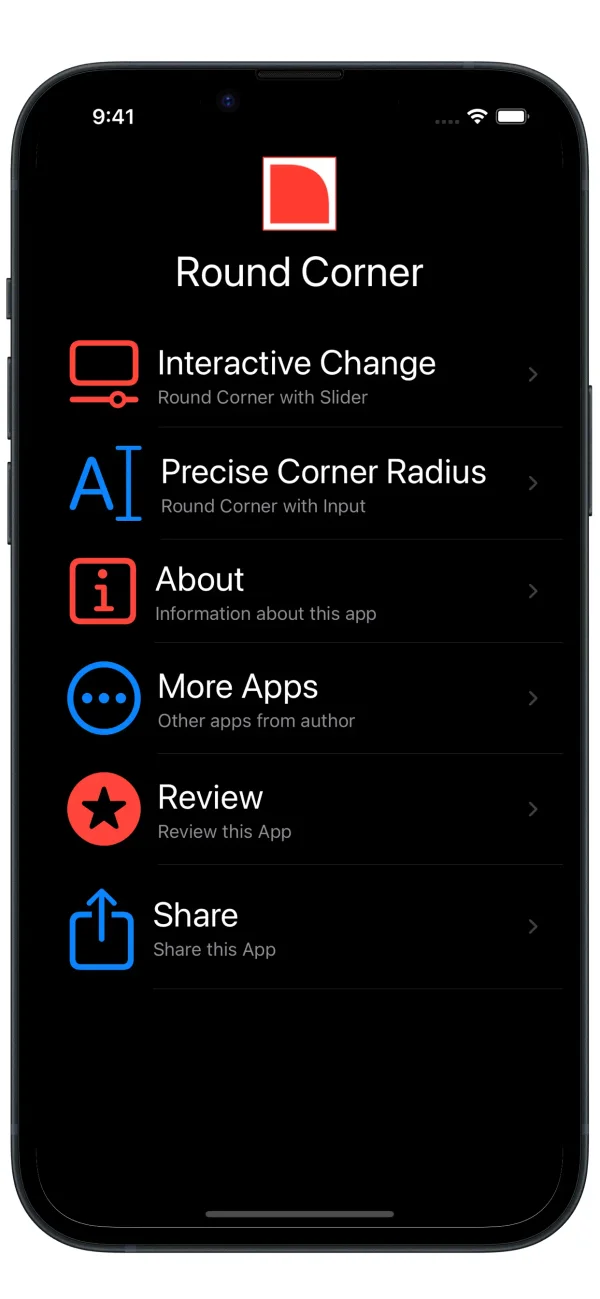
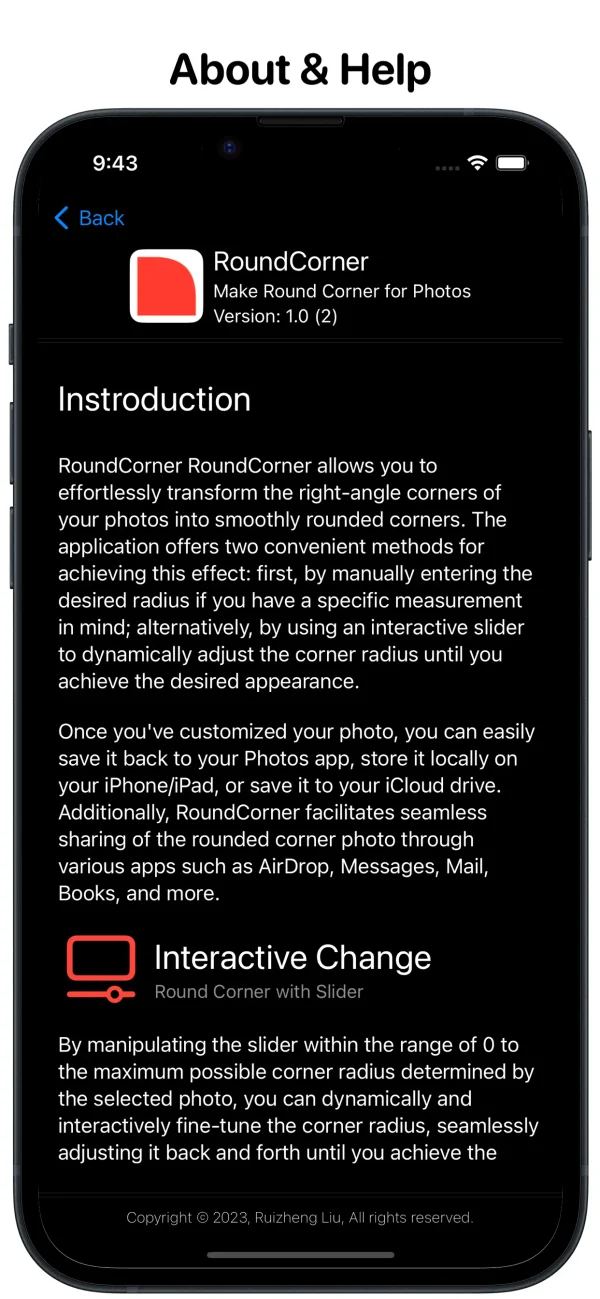
RoundCorner allows you to effortlessly transform the right-angle corners of your photos into smoothly rounded corners. The application offers two convenient methods for achieving this effect: first, by manually entering the desired radius if you have a specific measurement in mind; alternatively, by using an interactive slider to dynamically adjust the corner radius until you achieve the desired appearance.
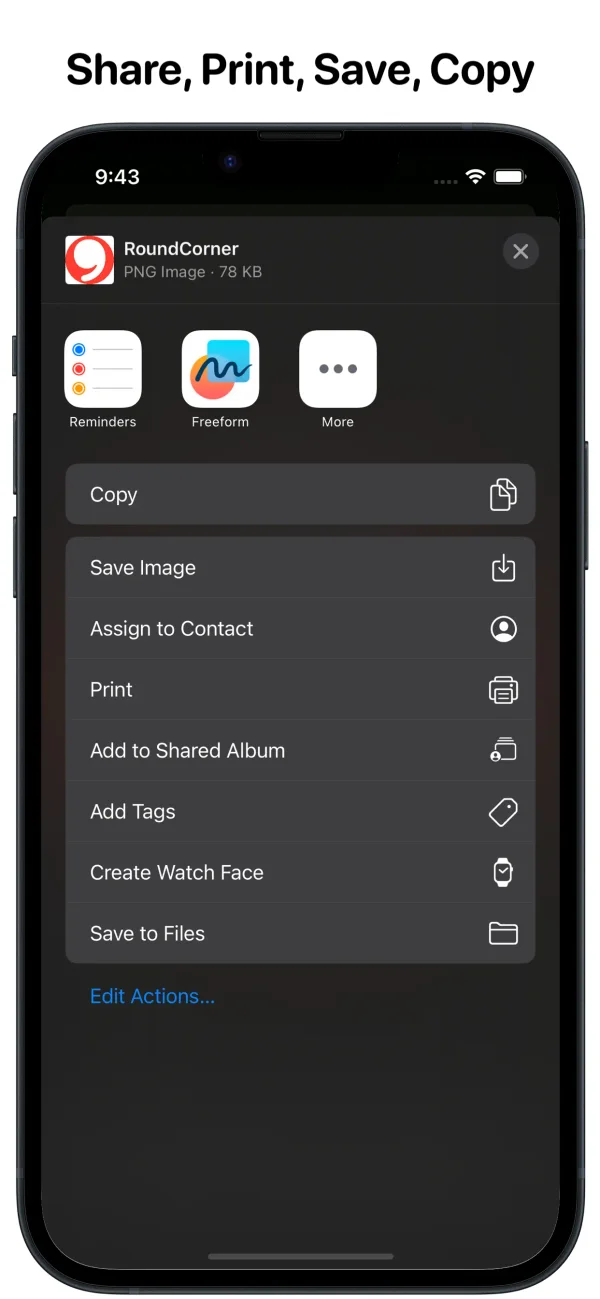
Once you've customized your photo, you can easily save it back to your Photos app, store it locally on your iPhone/iPad, or save it to your iCloud drive. Additionally, RoundCorner facilitates seamless sharing of the rounded corner photo through various apps such as AirDrop, Messages, Mail, Books, and more.
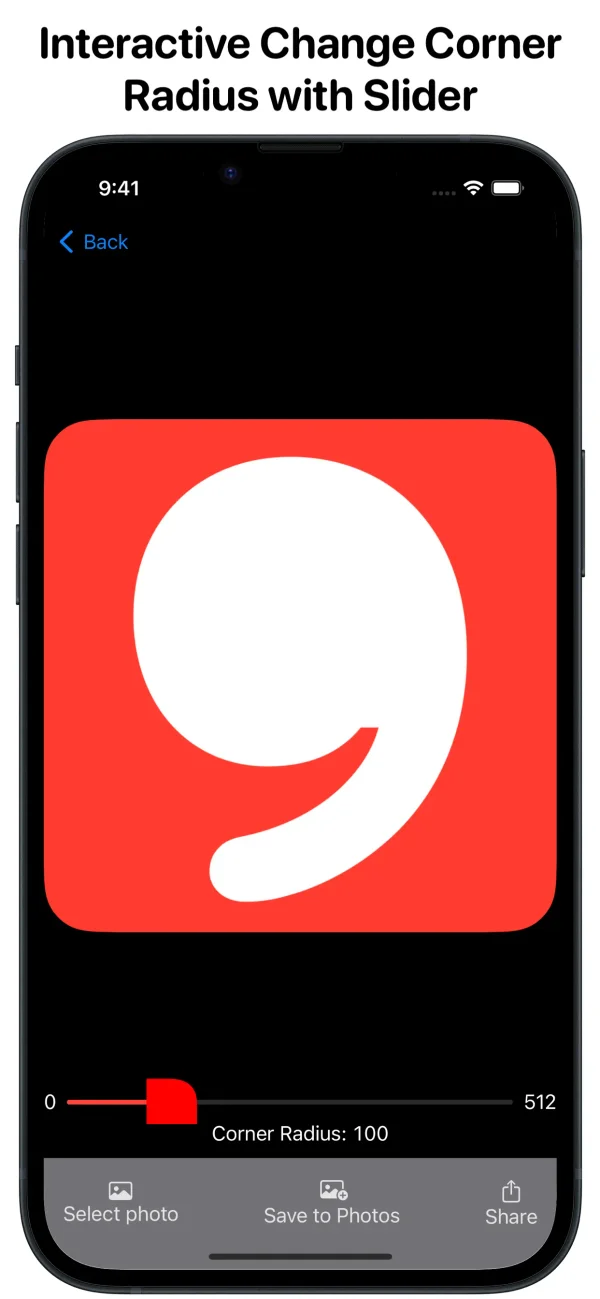
Interactive Change
==================
By manipulating the slider within the range of 0 to the maximum possible corner radius determined by the selected photo, you can dynamically and interactively fine-tune the corner radius, seamlessly adjusting it back and forth until you achieve the desired level of satisfaction.
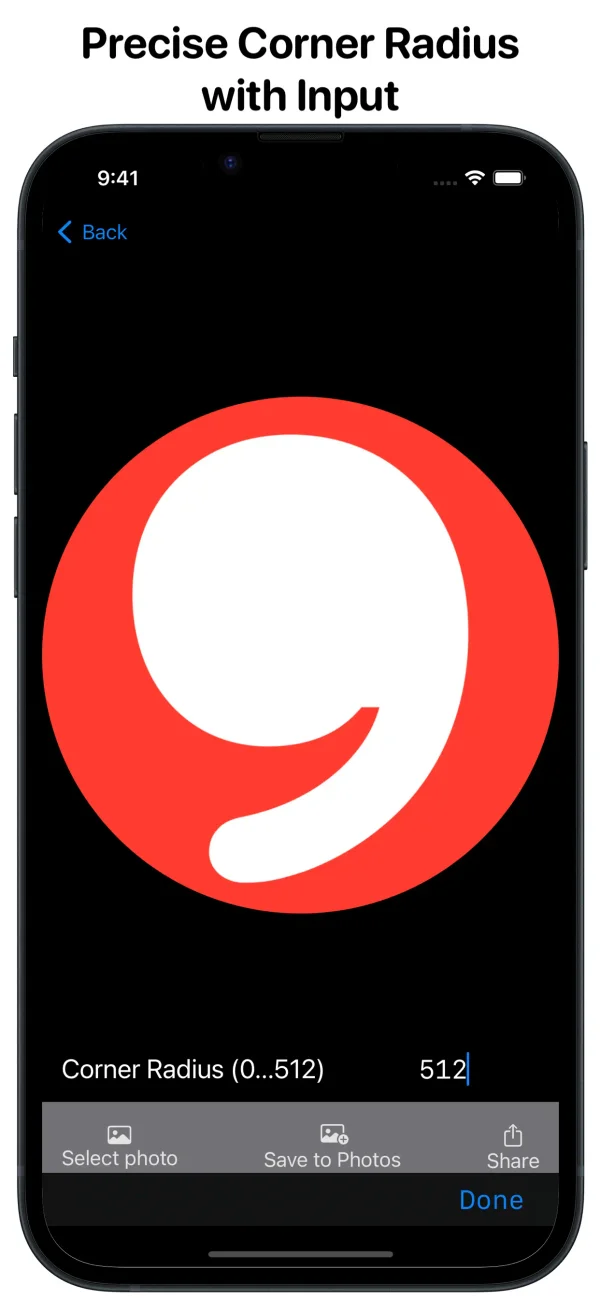
Precise Corner Radius
=====================
If you have a precise value in mind, you can input the corner radius directly using the number keypad. As you enter the desired number, the photo's corners will dynamically adjust. Simply tap "Done" upon completion or tap the photo to hide the number keypad. Please note that the maximum allowable value is limited to four digits.
Save & Share
============
Save the rounded corner photo back to your Photos library.
Share the photo with other Apps
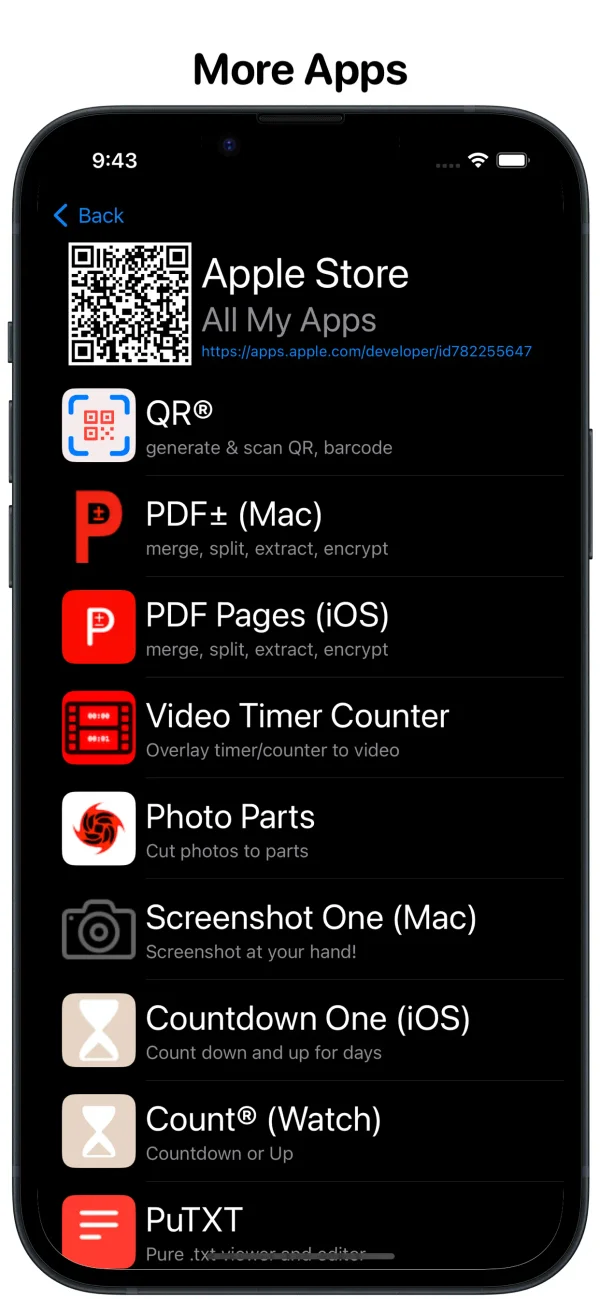
Help about this App
Links to other useful Apps
Note
====
The saved or shared rounded corner photo is in PNG format rather than JPG. This choice is made because JPG does not support transparency, specifically the alpha channel.
Privacidad de la aplicación
Lo que Ruizheng Liu declara en App Store sobre cómo esta aplicación gestiona los datos.
-
No se recopilan datos
El desarrollador no recopila ningún dato de esta aplicación.
Las prácticas de privacidad pueden variar, por ejemplo, según las funciones que uses o tu edad.
Información
- Vendedor
- Ruizheng Liu
- Categoría
- Diseño gráfico
- Versión
- 1.0
- Actualizado
- 7/12/2023
- Publicado
- 6/12/2023
- Tamaño
- 767,0 KB
- Requiere
- iOS 16.0 o posterior
- Clasificación por edad
- 4+
- Precio
- 5,99 €
- Idiomas
- Inglés
- Copyright
- Copyright © 2023 LIU, Ruizheng All rights reserved.
Quizá también te guste
-
 Animator PlusDibujo, Pintura & Animación
-
 Symbol CollectionDiseño gráfico
-
 SVG DesignerDiseño gráfico
-
 Holo.Pen: Tableta VirtualDibuja en PC desde Tableta
-
 MahoujinEx MobileDiseño gráfico
-
 Dither By Eyed™ - Photo EditorDiseño gráfico
-
 VidaSpriteAnima fácilmente sprites 2D
-
 iSymmetryDiseño de Patrones
-
 Bezier ProDiseño gráfico
-
 RoundedPicDiseño gráfico