- Clasificación por edad4+
- CategoríaMúsica
- DesarrolladorGianluca Natalini
- IdiomasInglés
- Tamaño3,7 MB
Enlaza a la página oficial de App Store
Download.org no aloja ningún archivo de samplerSequencer HD. El botón abre la página de la aplicación en App Store, donde la publica Gianluca Natalini. Ficha comprobada por última vez el 13/11/2026.
Capturas de pantalla

Acerca de
El desarrollador no ha proporcionado este texto en tu idioma.
"samplerSequencer HD" turns your device into a sampler sequencer for professional musicians and composers.
Just record a single sound / voice / special effect "A note" using the samplerSequencer HD audio recording feature (using the internal microphone of the device) or import the sound into the device through synchronization (using the iTunes software for Mac or PC) or with copy / paste using the technology "iTunes File Sharing" and samplerSequencer HD will create for you the whole scale of sounds and assign them to the virtual keyboard (n octaves) of samplerSequencer HD, so you can record an audio track using the sequencer recording feature of samplerSequencer HD (the sequencer records for you every note played by you).
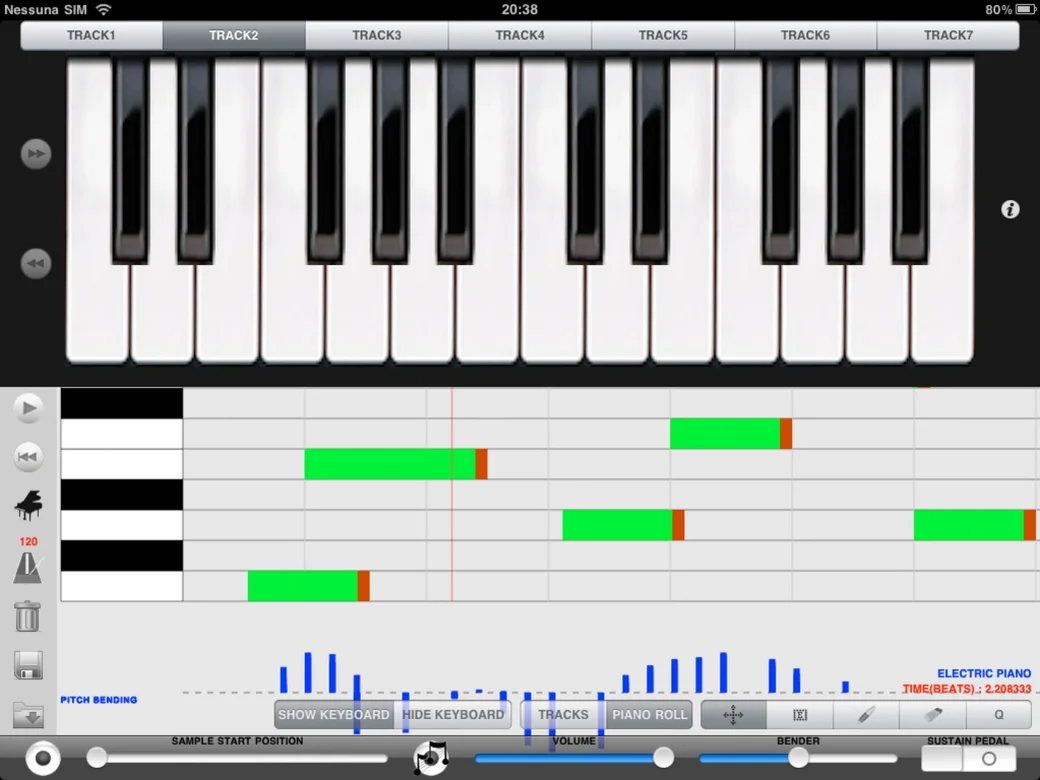
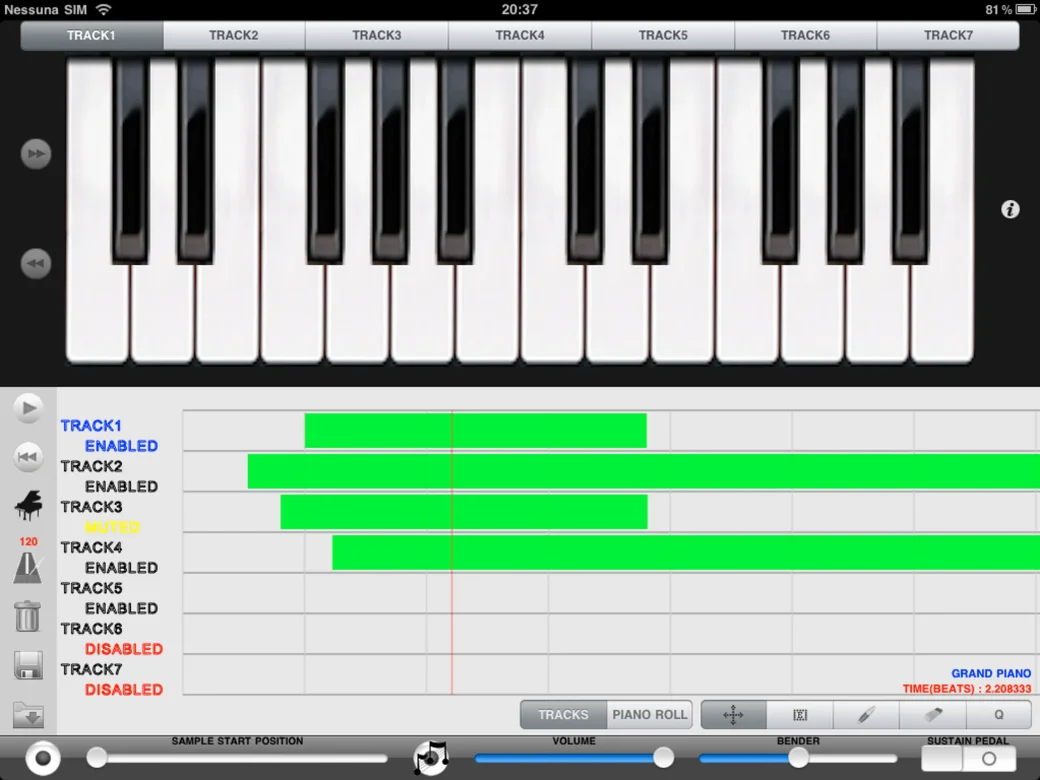
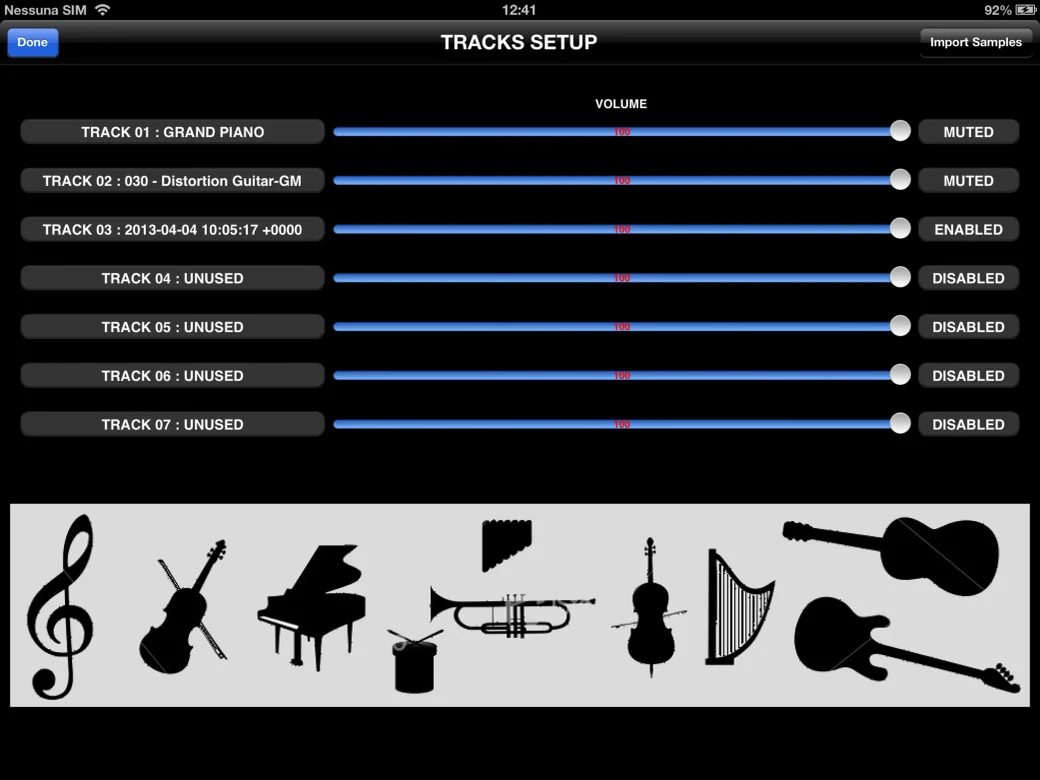
samplerSequencer HD operates with seven independent sound tracks, each with its own sampled sound (assignable to a track).
You can then record a track at a time (using the virtual keyboard or by writing different notes by hand) and then listen all the tracks together using the sequencer play feature.
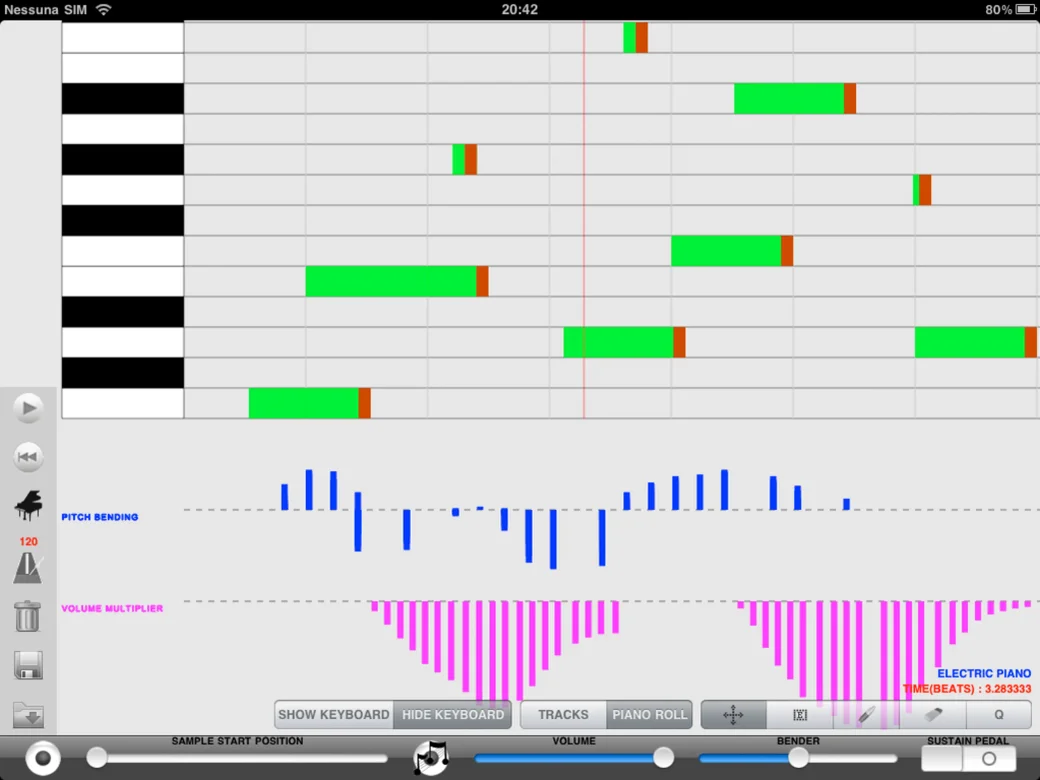
The sampleSequencer "all tracks view" and "selected track view", the ability to manually enter a note or put it through the virtual keyboard, the ability to delete unwanted notes, to touch a note and change its position, length and the type of the note (note shift), the ability of including sequencer events such as pitch bending and many other features make samplerSequencer HD a professional sequencer like the most popular sequencers for Mac or PC.
The software is able to read the common audio files (WAV, MP3, CAF, etc...) so you can create your own sound (you only need one audio file) using standard wave editor for Mac or PC and samplerSequencer HD will create automatically for you the musical instrument.
You can also import a song from the iTunes library on the device and by controlling "SAMPLE START POSITION" you can select a sound by extracting it from the imported song: samplerSequencer HD will automatically create the complete musical instrument for you.
You can import a song from iTunes and assign it to a track, and using the other tracks you can play your track over the imported song… the sequencer will play the song combined with your sound tracks.
Features:
- Storing infinite sound samples using the archive of sound ("Samples Archive") of samplerSequencer HD
- Virtual Keyboard
- Control for increase / decrease the keyboard octave (usable in real time)
- "Bending control" to change the sound in real time
- "Sample Start Position" control:
you can remove the initial part of a sample (ex. silence) by specifying the start time position of the sample (CUT FEATURE)
- "Sustain Pedal" control
- Multi keyboard voices (64 entries)
- Default "GRAND PIANO" sample
- Ability of “recording” of musical patterns during live performances:
enabling the recording, samplerSequencer HD record to an audio file the music played with the keyboard by the user (press a key on the keyboard to play, after registration, your live performance)
- sequencer with 7 independent tracks (you can assign to each track a different sampled sound)
- MUTE function to turn off unwanted tracks (PLAY MUTE feature)
- Independent VOLUME for each track (SEQUENCER MIXER)
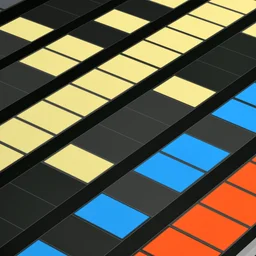
- View "all-track view ": it will display all the tracks simultaneously
- View "PIANO ROLL": it will display the notes for the selected track
- Function touch a note and change its parameters of position, duration, and type of the note
- Function touch / drag to remove one or more notes
- Function touch / drag to remove unwanted events (pitch bending, etc...)
- Metronome
- Beat control for the sequencer (it can be disabled)
- "samplerSequencer HD internal archive" to store all the user-sampled sounds (infinite sound presets)
- Infinite number of projects can be saved in the "projects archive" of samplerSequencer HD
- NOTE QUANTIZATION for selected track
- SEQUENCER PLAY LOOP from start position (PLAY FROM) to end position (PLAY TO)
- EDIT WINDOW FOR EVENTS
Novedades
Versión 2.4 · 5/9/2025
* Minor bugs fixed
Privacidad de la aplicación
Lo que Gianluca Natalini declara en App Store sobre cómo esta aplicación gestiona los datos.
-
No se recopilan datos
El desarrollador no recopila ningún dato de esta aplicación.
Las prácticas de privacidad pueden variar, por ejemplo, según las funciones que uses o tu edad.
Información
- Vendedor
- Gianluca Natalini
- Categoría
- Música
- Versión
- 2.4
- Actualizado
- 5/9/2025
- Publicado
- 11/4/2011
- Tamaño
- 3,7 MB
- Requiere
- iOS 18.0 o posterior
- Clasificación por edad
- 4+
- Precio
- 1,99 €
- Idiomas
- Inglés
- Copyright
- © 2011 Gianluca Natalini - NGCYBIT Robotics