
Scan Input Keyboard
Barcode Scanner Keyboard
Diseñada para iPhone, iPad, iPod touch
Gratis · Compras en la aplicación
- Clasificación por edad4+
- CategoríaUtilidades
- DesarrolladorSoftzoo Inc
- IdiomasInglés+ 1 más
- Tamaño19,2 MB
Enlaza a la página oficial de App Store
Download.org no aloja ningún archivo de Scan Input Keyboard. El botón abre la página de la aplicación en App Store, donde la publica Softzoo Inc. Ficha comprobada por última vez el 12/11/2026.
Capturas de pantalla
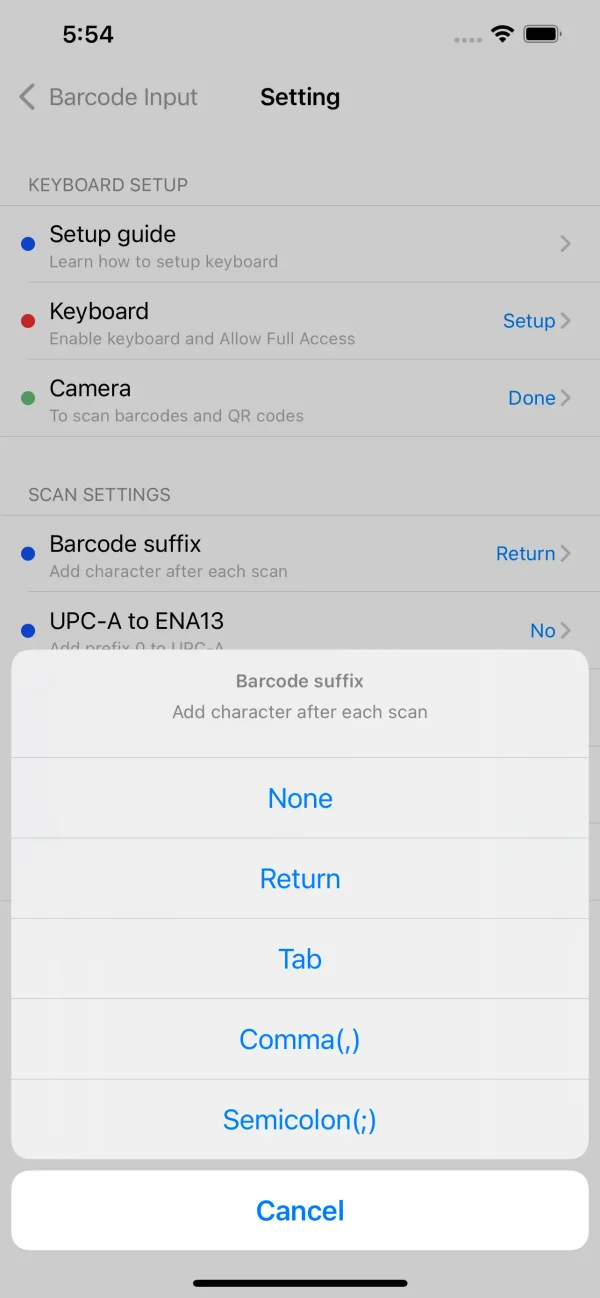
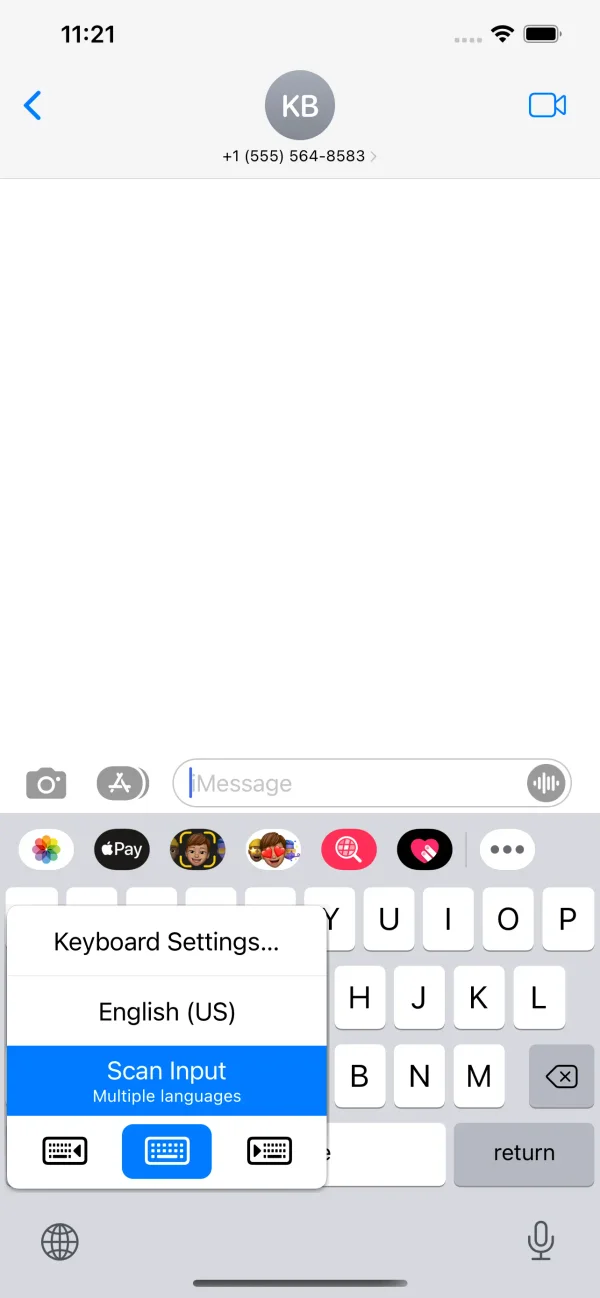
Acerca de
El desarrollador no ha proporcionado este texto en tu idioma.
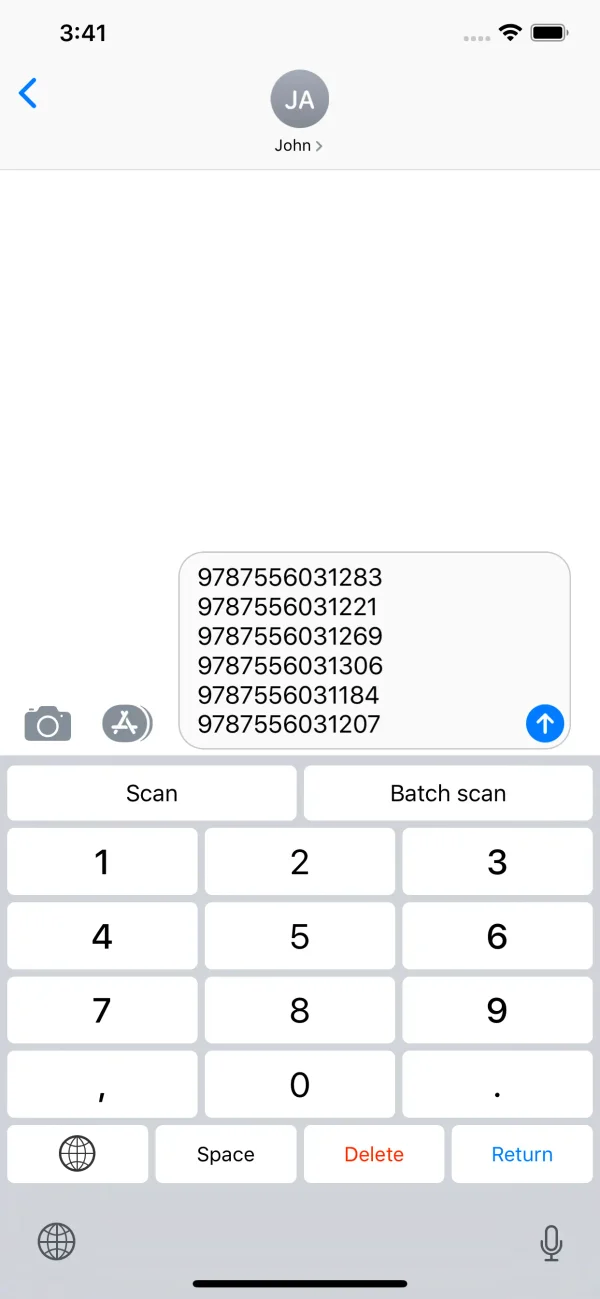
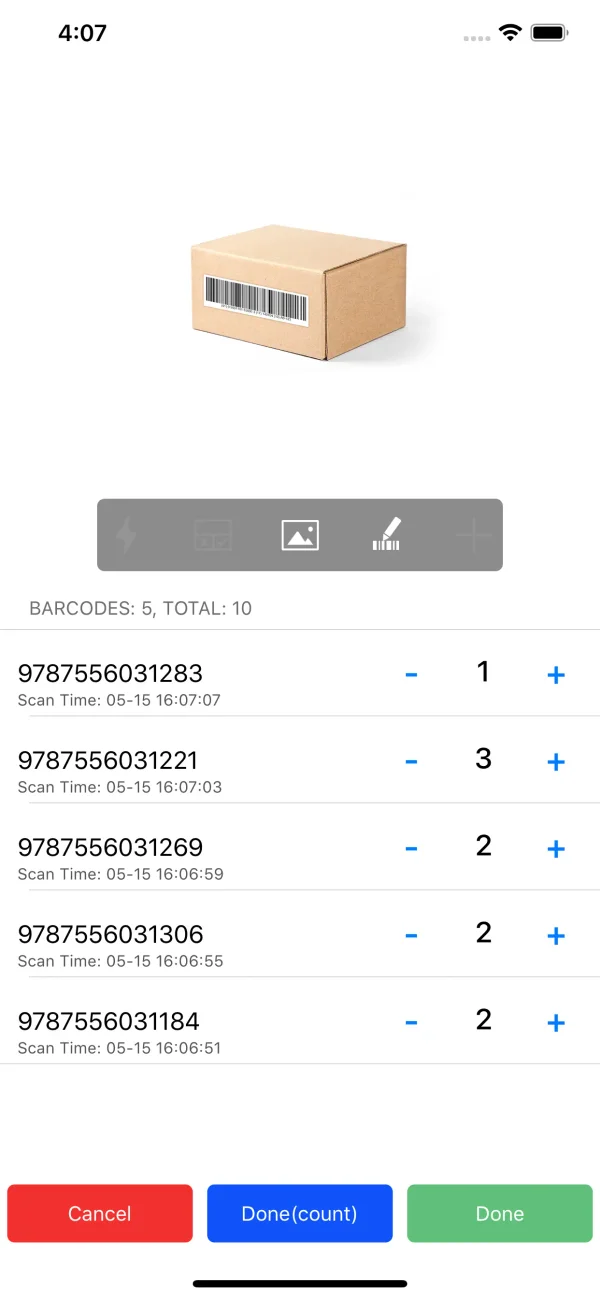
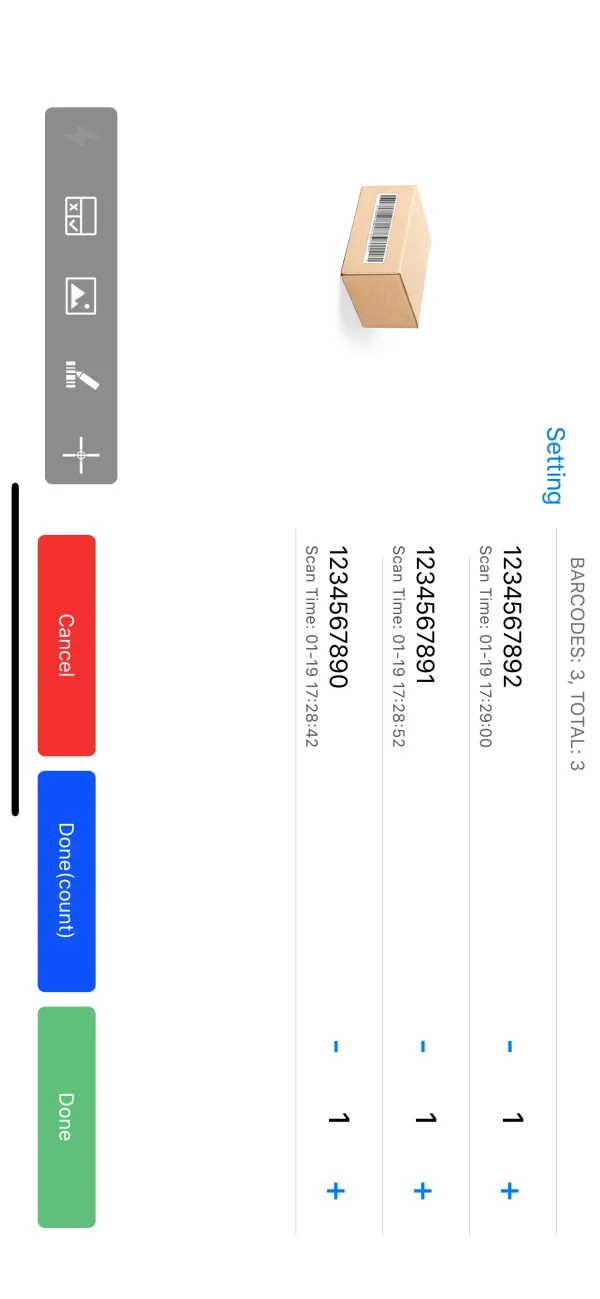
Scan Input is an iPhone keyboard with a scan button, it is also a scanner app. Instead of copy and paste barcodes into your document, It can scan barcode and QR code into your Apps directly. It works with almost all Apps on your iPhone, such as Safari Browser, Chrome, your company's ERP, CRM, or OA system. Third party Apps, such as Microsoft Word, Excel, Google Sheet, etc. No integration needed, no custom development needed, no paste needed.
You can throw away your hand held scanner now. This mobile barcode scanner and qr code scanner keyboard will change the way you work.
[How to use]
1. Install App on your iPhone
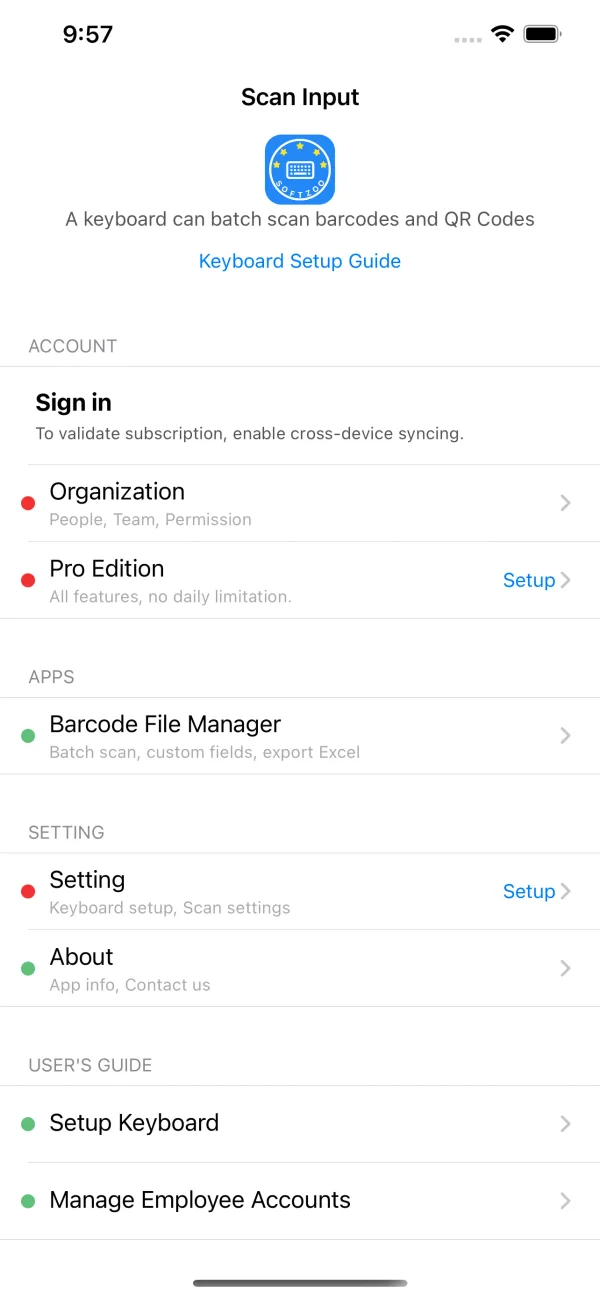
2. Open iPhone Settings - General - Keyboard - Keyboards - Add New Keyboard
3. Open one of your favorite App, Long press the 'Globe' Keyboard button and select 'Barcode Input'
4. Scan
[Subscriptions & Price]
You can use this App for free. We also provide subscription Edition to offer advanced features, such as unlimited scan, multiple projects, team collaboration.
Payment will be charged to iTunes Account at confirmation of purchase.Subscription automatically renews unless auto-renew is turned off at least 24-hours before the end of the current period.Account will be charged for renewal within 24-hours prior to the end of the current period, and identify the cost of the renewal.Subscriptions may be managed by the user and auto-renewal may be turned off by going to the user's Account Settings after purchase.Any unused portion of a free trial period, if offered, will be forfeited when the user purchases a subscription to that publication, where applicable.
If you turn off the auto-renew, you can still keep all your data on your device.
[Contact us]
Email: support@softzoo.com
Softzoo Inc
California, U.S.
Terms of use: http://softzoo.com/terms-of-use
Privacy policy: http://softzoo.com/privacy-policy
Novedades
Versión 1.5 · 14/3/2024
We made improvements and squashed bugs so App is even better for you.
Privacidad de la aplicación
Lo que Softzoo Inc declara en App Store sobre cómo esta aplicación gestiona los datos.
-
Datos vinculados a ti
Pueden recopilarse y vincularse a tu identidad.
- Información de contacto
Las prácticas de privacidad pueden variar, por ejemplo, según las funciones que uses o tu edad.
Información
- Vendedor
- Softzoo Inc
- Categoría
- Utilidades
- Versión
- 1.5
- Actualizado
- 14/3/2024
- Publicado
- 9/6/2022
- Tamaño
- 19,2 MB
- Requiere
- iOS 11.0 o posterior
- Clasificación por edad
- 4+
- Precio
- Gratis
- Compras en la aplicación
- Sí
- Idiomas
- Inglés, Chino simplificado
- Copyright
- © 2022 Softzoo Inc
Quizá también te guste
-
 Barcode Keyboard - BarcodeKeyUtilidades
-
 Blip: Barcode QR KeyboardUtilidades
-
 Barkoder KeyboardUtilidades
-
 QWedgeUtilidades
-
 Cognex KeyboardUtilidades
-
 BarTyperUtilidades
-
 ScanToPCUtilidades
-
 Power Barcode ScannerUtilidades
-
 Barcode NotesUtilidades
-
 BarcodeFácil - Barcode ScannerEscanear cualquier tipo de cód