
School Stickers •
400+ School Girl Stickers
Diseñada para iPhone, iPad, iPod touch
5,99 € · Compras en la aplicación
- Clasificación por edad4+
- DesarrolladorNurlan Ispayev
- IdiomasInglés
- Tamaño68,8 MB
Enlaza a la página oficial de App Store
Download.org no aloja ningún archivo de School Stickers •. El botón abre la página de la aplicación en App Store, donde la publica Nurlan Ispayev. Ficha comprobada por última vez el 12/11/2026.
Capturas de pantalla

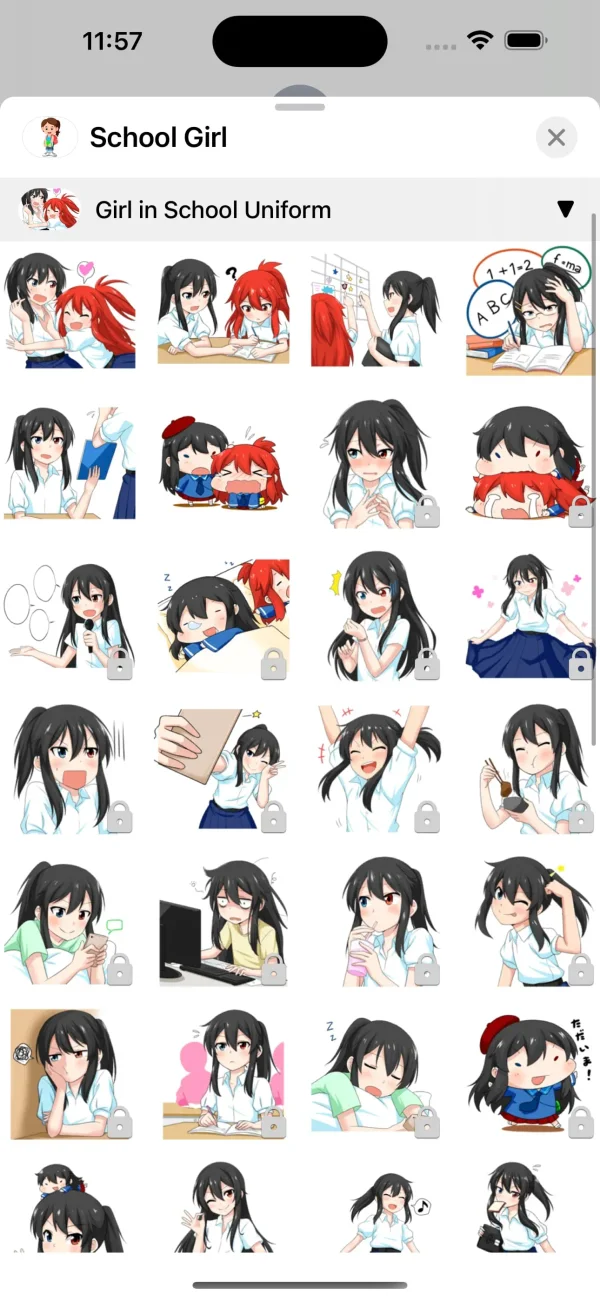
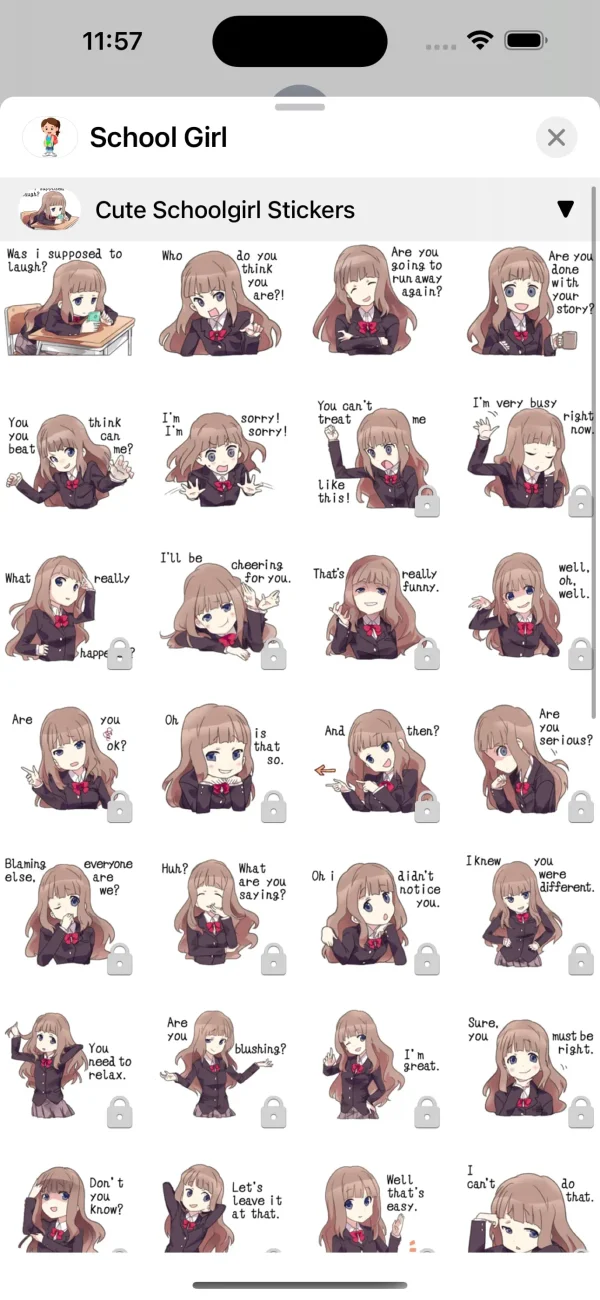
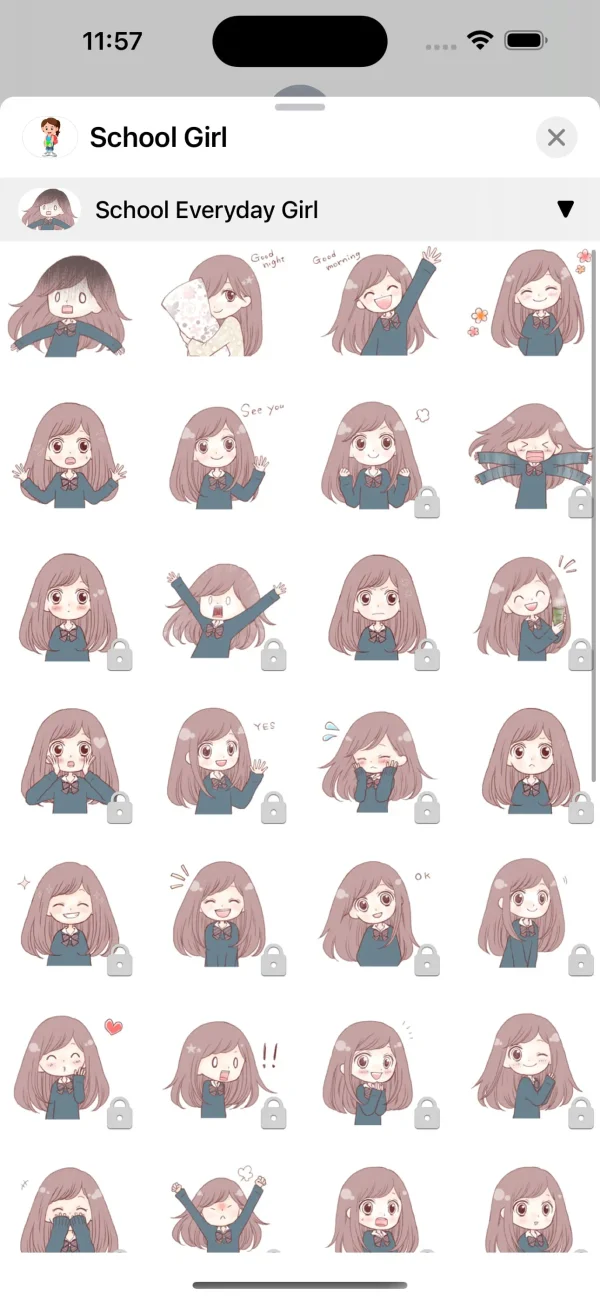
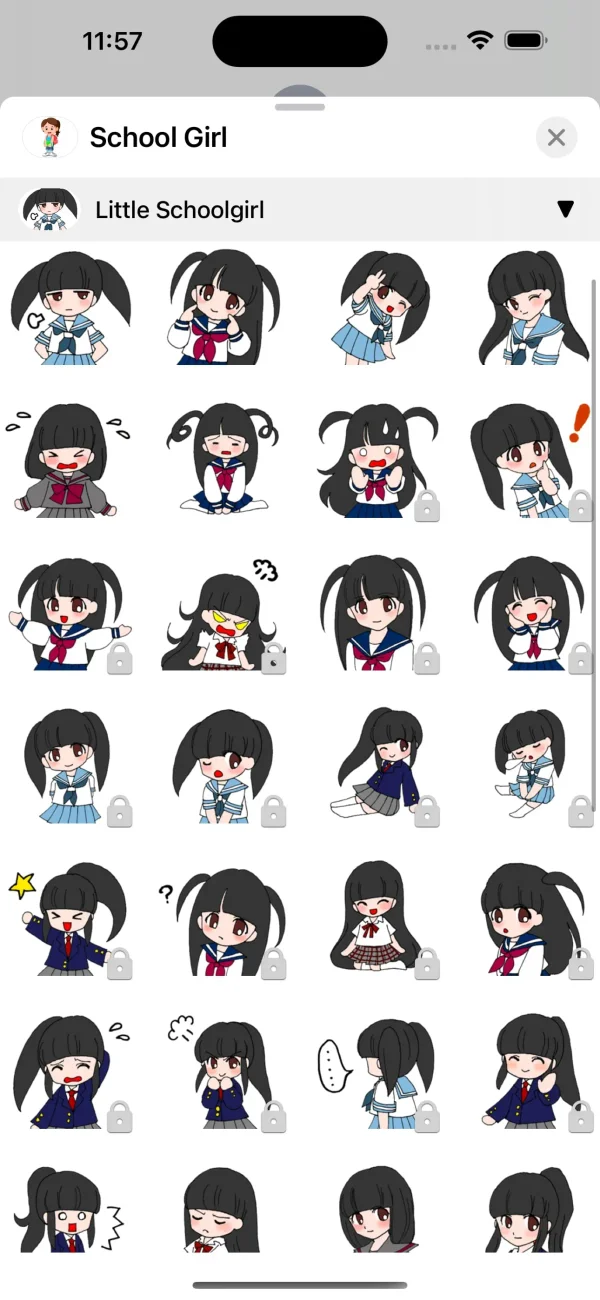


Acerca de
El desarrollador no ha proporcionado este texto en tu idioma.
—————————————————————————
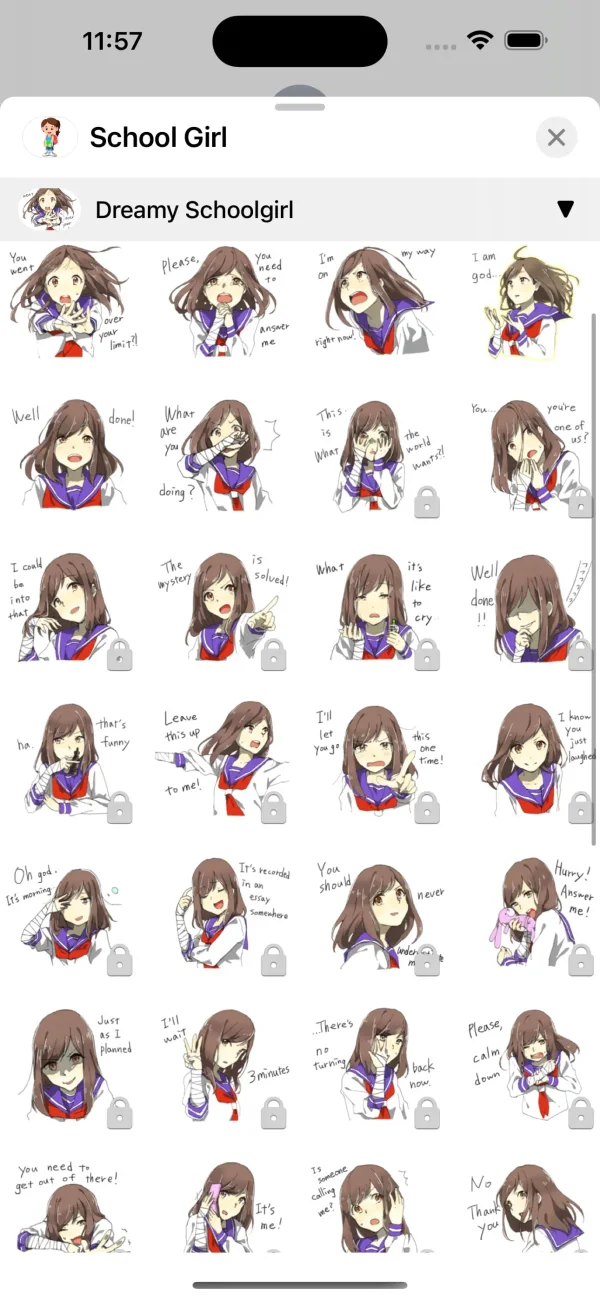
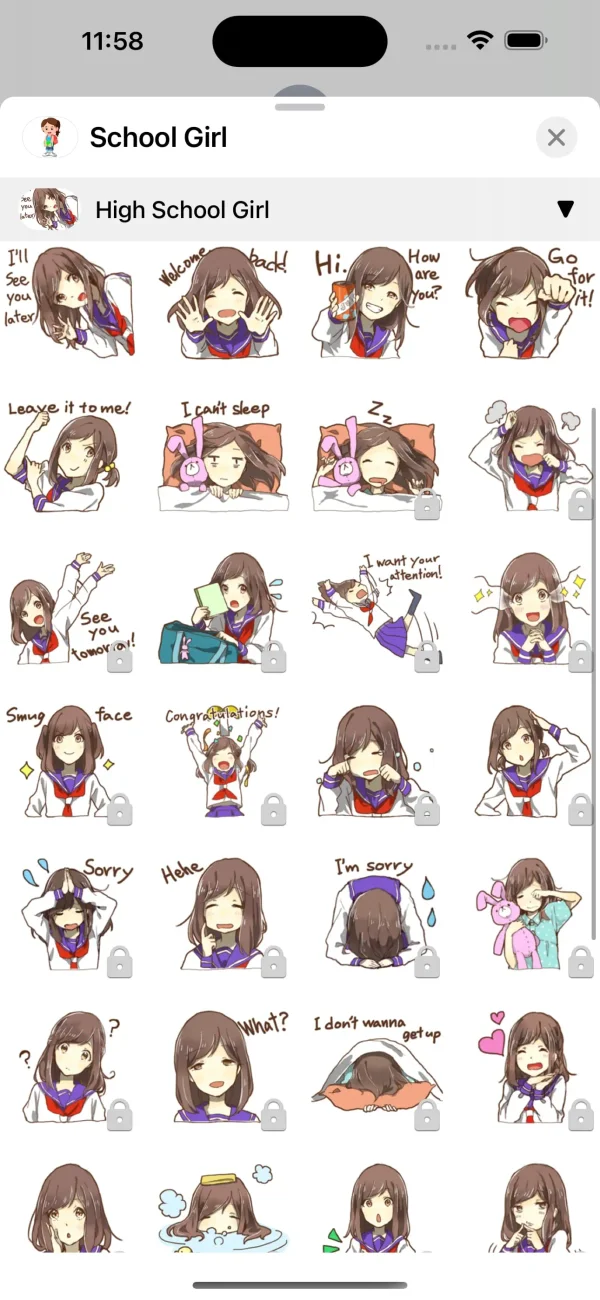
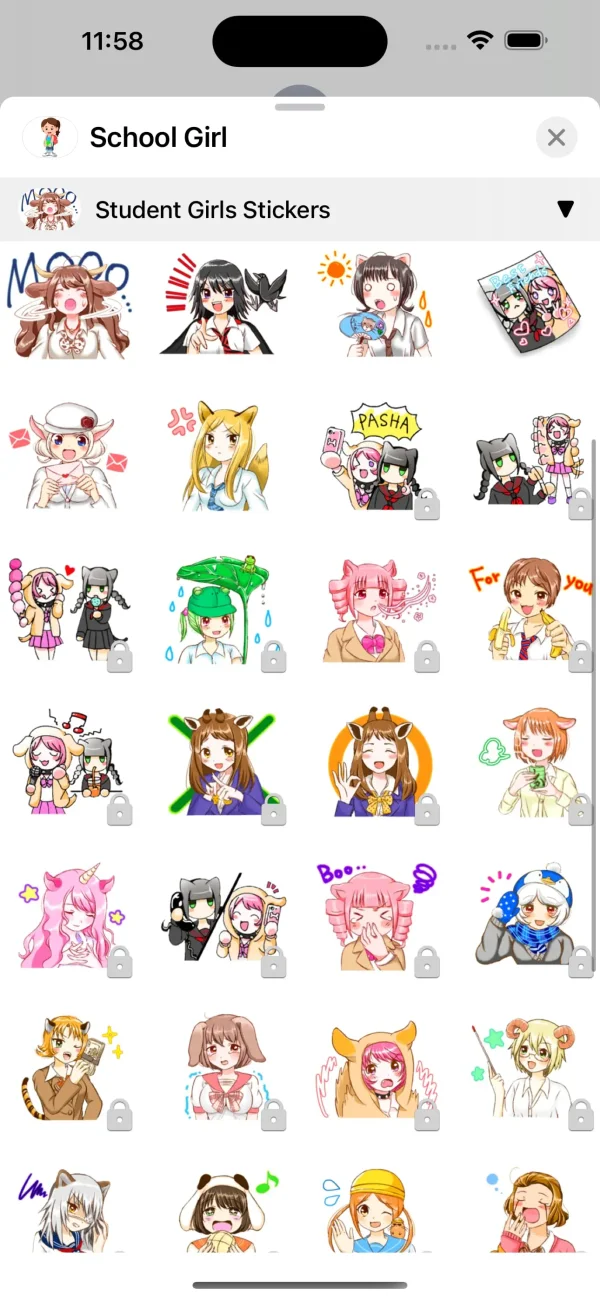
400 School Girl Stickers for iMessage!
STICKERS PACKS INCLUDE:
• Cute Schoolgirl Stickers
• Girl in School Uniform
• School Everyday Girl
• Little Schoolgirl
• Dreamy Schoolgirl
• Anime School Girl
• College Girlfriend
• High School Girl
• Student Girls
• Pink Schoolgirl
HOW TO USE:
• SEND dynamic and animated stickers in chat
• PLACE stickers anywhere on your iMessages
• CUSTOMIZE your photos with stickers in chat
• LAYER stickers over each other, in chat, and on photos
• SCALE & ROTATE stickers
HOW TO FIND YOUR STICKERS:
• Access iMessage apps— Enter a contact to message, then tap the App Store icon beside the chat field to see your most recently used iMessage app.
• Find new stickers—First tap the App Store icon, then tap the 4-ovals icon in the lower left to bring up the app drawer. Then, tap the + icon to access the Store.
• If you are not seeing Stickers that you have purchased, you may need to change your settings. Tap the App Store icon, then tap the 4-ovals icon in the lower left to bring up the app drawer. Then click the + symbol to open the store, and select the Manage button top right. Make sure the app you are looking for is turned on.
• Use stickers in chat—Tap to send, or touch and hold to put stickers on top of a bubble, other stickers, photos, and videos.
• Apple Watch (iOS 3), iPhone & iPad users (iOS 10)—Transform your chat with animated stickers! Earlier iOS versions and other platforms will see static stickers in chat.
CONTACTS: pianistoshow@gmail.com
Novedades
Versión 2.1 · 4/3/2024
- Long Time Update
- Added 6.7 iPhone Screenshot
- UI Improvements
- Bug Fixes
Privacidad de la aplicación
Lo que Nurlan Ispayev declara en App Store sobre cómo esta aplicación gestiona los datos.
-
No se recopilan datos
El desarrollador no recopila ningún dato de esta aplicación.
Las prácticas de privacidad pueden variar, por ejemplo, según las funciones que uses o tu edad.
Información
- Vendedor
- Nurlan Ispayev
- Versión
- 2.1
- Actualizado
- 4/3/2024
- Publicado
- 5/9/2018
- Tamaño
- 68,8 MB
- Requiere
- iOS 13.0 o posterior
- Clasificación por edad
- 4+
- Precio
- 5,99 €
- Compras en la aplicación
- Sí
- Idiomas
- Inglés
- Copyright
- © (c) PianistoShowApp
Quizá también te guste
-
 Maria and Adam Couple StickersEs Sarrar Younes
-
 Girl in Fall winter StickersStickers
-
 Love Stickers, Kana and MasatoEs Sarrar Younes
-
 Fall for PunsSvetlana Tokarenko
-
 Luna and Zane, Kawaii StickersEs Sarrar Younes
-
 Miko and Kai, Love StickersEs Sarrar Younes
-
 Cute Anime Girl Stickers °Stickers
-
 Emojis de Anime¡Exprésate con anime!
-
 Kawaii Anime Stickers •Stickers
-
 Cute Anime StickersStickers