Scroll Limit
Scroll and Screen Time Control
Diseñada para iPhone, iPad
Gratis · Compras en la aplicación
- Clasificación por edad4+
- CategoríaProductividad
- DesarrolladorMohamed Yassin
- IdiomasInglés
- Tamaño48,0 MB
Enlaza a la página oficial de App Store
Download.org no aloja ningún archivo de Scroll Limit. El botón abre la página de la aplicación en App Store, donde la publica Mohamed Yassin. Ficha comprobada por última vez el 17/11/2026.
Capturas de pantalla
Acerca de
El desarrollador no ha proporcionado este texto en tu idioma.
LOCK THE APPS THAT OWN YOU
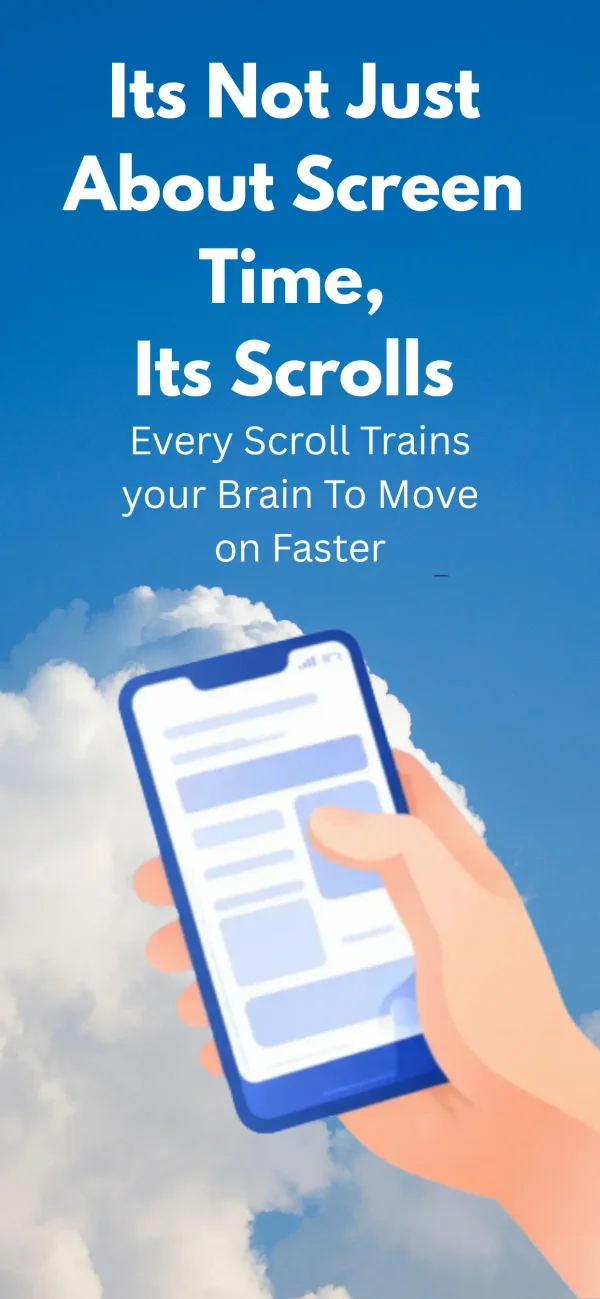
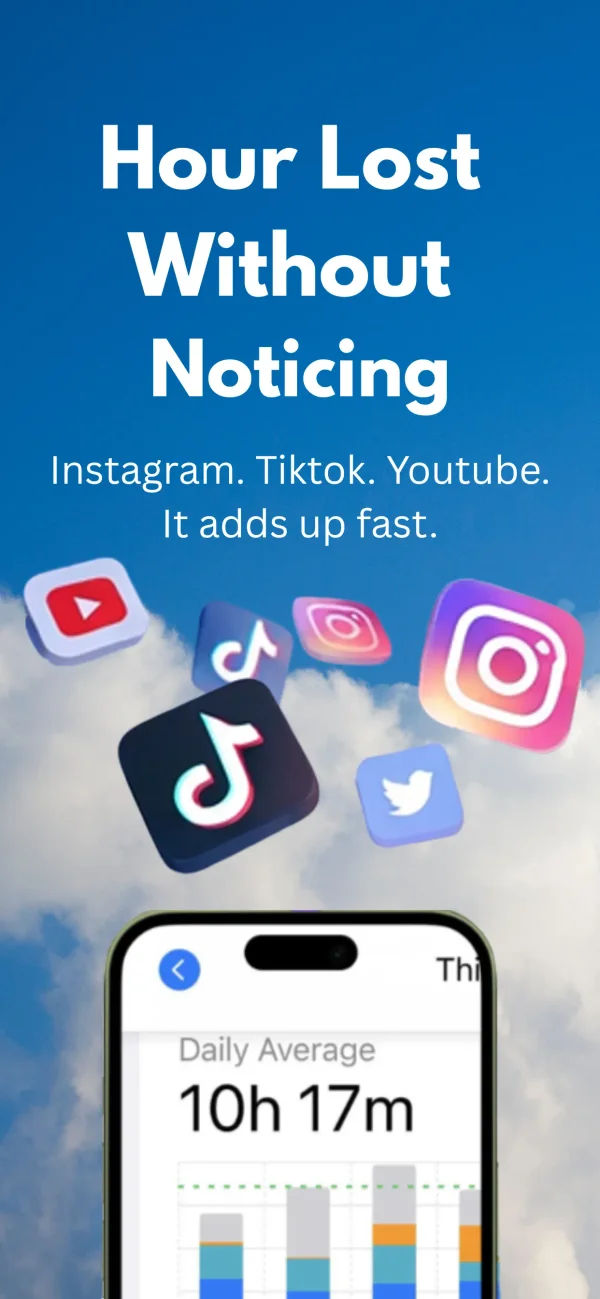
Screen time apps just tell you that you spent 2 hours on TikTok, then let you keep scrolling. Scroll Limit actually locks the apps that pull you in, and gives you only 3 unlocks a day. When you hit a wall instead of an endless feed, the habit finally breaks.
HOW IT WORKS
Pick the apps you keep losing time to. Scroll Limit locks them using Apple's Screen Time. Open one and you hit a lock screen, not a feed. Want in? You get 3 unlocks a day, and each one is a deliberate choice, not a reflex.
3 LIVES A DAY
You start every day with 3 unlocks. Spend one only when you really mean to. Run out and your locked apps stay locked until tomorrow. It is a hard limit you set for yourself, so being "just a little" on your phone is no longer automatic.
YOUR HOME SCREEN
Your locked apps sit front and center in a clean pyramid with their real icons. See your remaining unlocks at a glance on the lives banner. Tap any app to unlock it for a set time, then watch it lock itself back down.
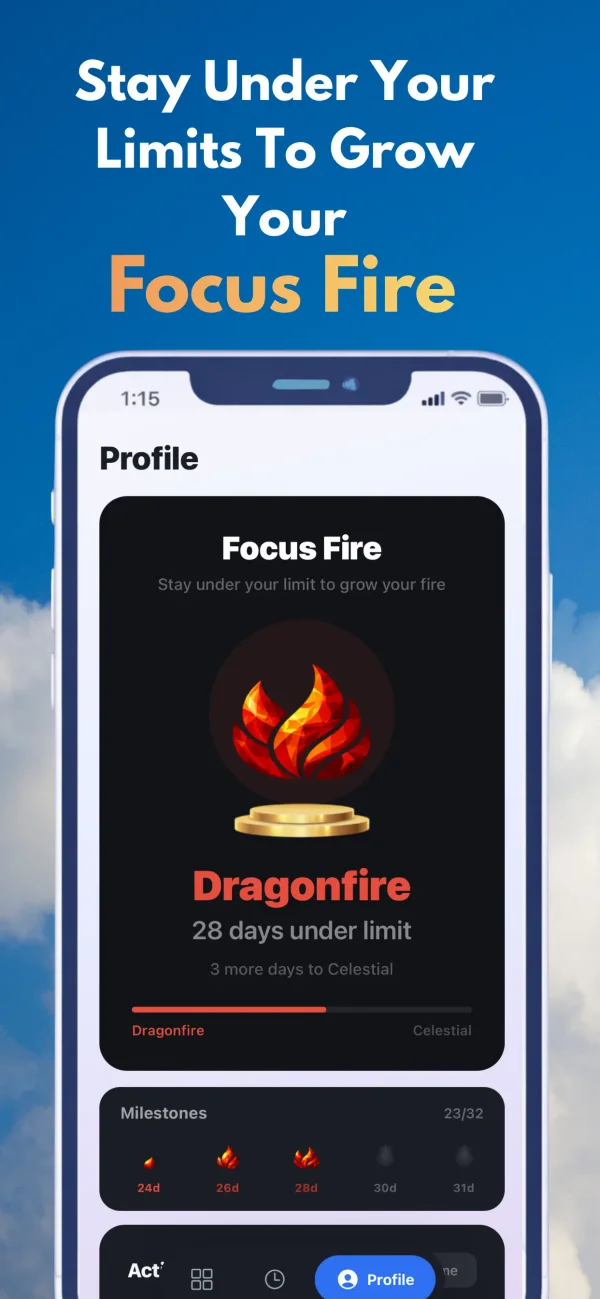
FOCUS FIRE
Keep at least one unlock in reserve each day and your Focus Fire climbs a level. Burn all three and it drops. Rise through 8 tiers, from Spark to Eternal, by holding back day after day. It is a streak that rewards restraint, not just showing up.
UNLOCK CHALLENGE
Unlocking is never one tap. A quick challenge stands between you and the app, just enough friction to make you pause and ask if you really need it.
FOCUS SESSIONS
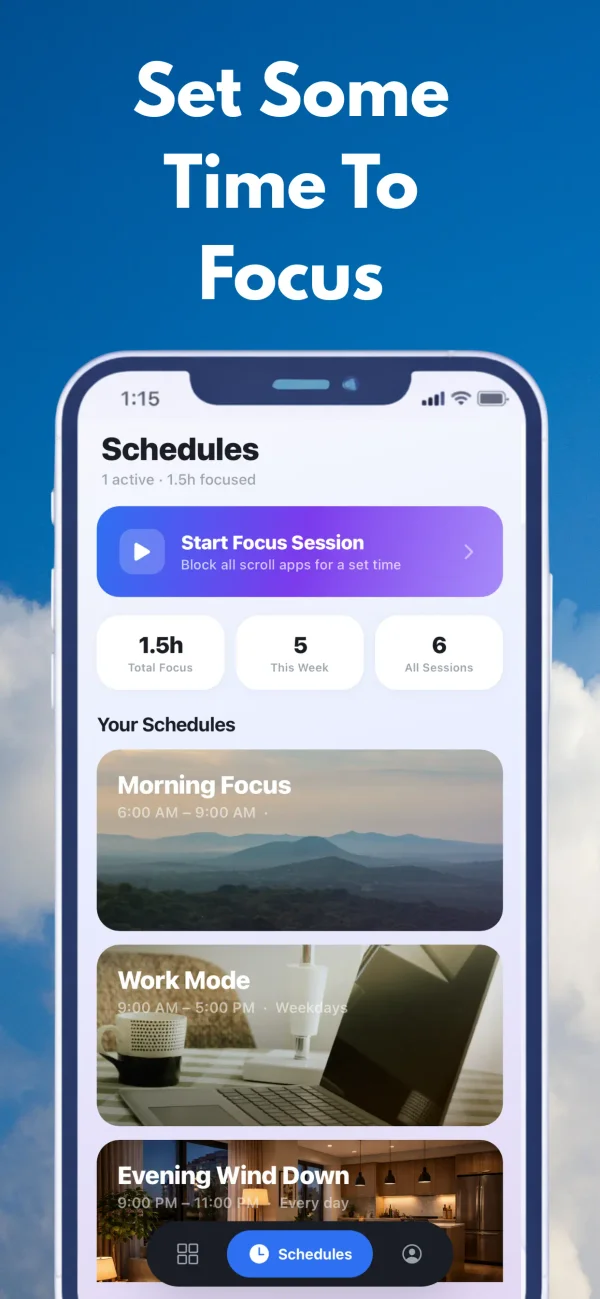
Need to lock in? Start a focus session and block all your apps for a set time. Choose your difficulty:
Easy: cancel anytime with an exit challenge
Medium: harder exit challenges
Deep Focus: no cancelling until the timer runs out
SCHEDULES
Set recurring locked blocks around your routine. Morning Focus locks apps from 6 to 9 AM. Work Mode keeps you off social during business hours. Evening Wind Down disconnects you before bed. Build your own with flexible day and time selection.
PRIVACY FIRST
All your data stays on your device. Scroll Limit uses Apple's privacy-preserving Screen Time API. We never see which apps you use or how long you use them. No accounts. No servers. No tracking.
Download Scroll Limit and lock the apps that own you.
Terms of Use (EULA):
https://www.apple.com/legal/internet-services/itunes/dev/stdeula/
Novedades
Versión 2.0.5 · 19/8/2026
Bug fixes and be “Are You Cooked?” feature
Privacidad de la aplicación
Lo que Mohamed Yassin declara en App Store sobre cómo esta aplicación gestiona los datos.
-
No se recopilan datos
El desarrollador no recopila ningún dato de esta aplicación.
Las prácticas de privacidad pueden variar, por ejemplo, según las funciones que uses o tu edad.
Información
- Vendedor
- Mohamed Yassin
- Categoría
- Productividad
- Versión
- 2.0.5
- Actualizado
- 19/8/2026
- Publicado
- 29/4/2026
- Tamaño
- 48,0 MB
- Requiere
- iOS 16.0 o posterior
- Clasificación por edad
- 4+
- Precio
- Gratis
- Compras en la aplicación
- Sí
- Idiomas
- Inglés
- Copyright
- © 2026 Mohamed Yassin. All rights reserved.
Quizá también te guste
-
 MuteLock: Focus TimerProductividad
-
 time Saved: Limit Screen TimeProductividad
-
 Scrolloc: Screen Time ControlProductividad
-
 MOA: Growth & Habit TrackerProductividad
-
 Pomodoro Timer Focus: Twen5Temporizador: estudio, trabajo
-
 BrainFree: Stop Doom ScrollingProductividad
-
 No Scroll: Block Reels & ShortHide feed, shorts, explore
-
 ScrollBump: Reduce Screen TimeProductividad
-
 Noreel: Scroll without reelsProductividad
-
 Serein: Screen Time ControlProductividad