
ShowPlayer Pro
Theatre Playback & Cue Control
Diseñada para iPhone, iPad, iPod touch
- Clasificación por edad4+
- CategoríaEntretenimiento
- Desarrollador1st Floor Texas, LLC
- IdiomasInglés
- Tamaño46,9 MB
Es posible que ShowPlayer Pro no esté disponible en App Store en este momento
No se pudo acceder a la ficha de la tienda en nuestra última comprobación. El enlace sigue llevando a la página oficial de App Store.
Capturas de pantalla


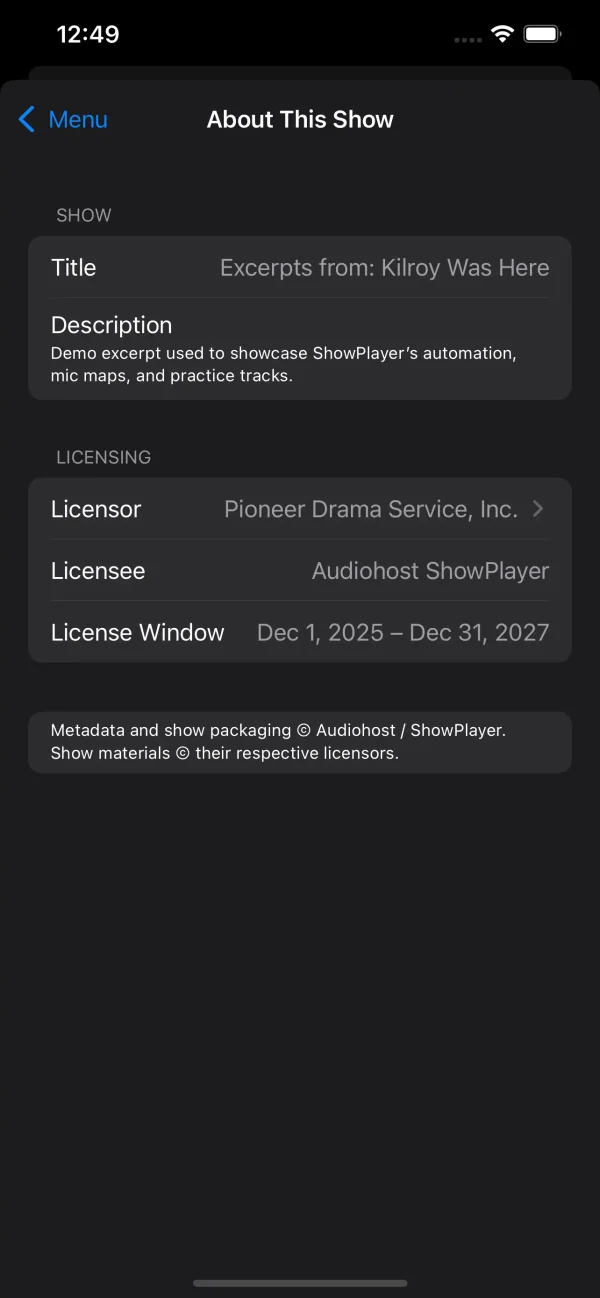
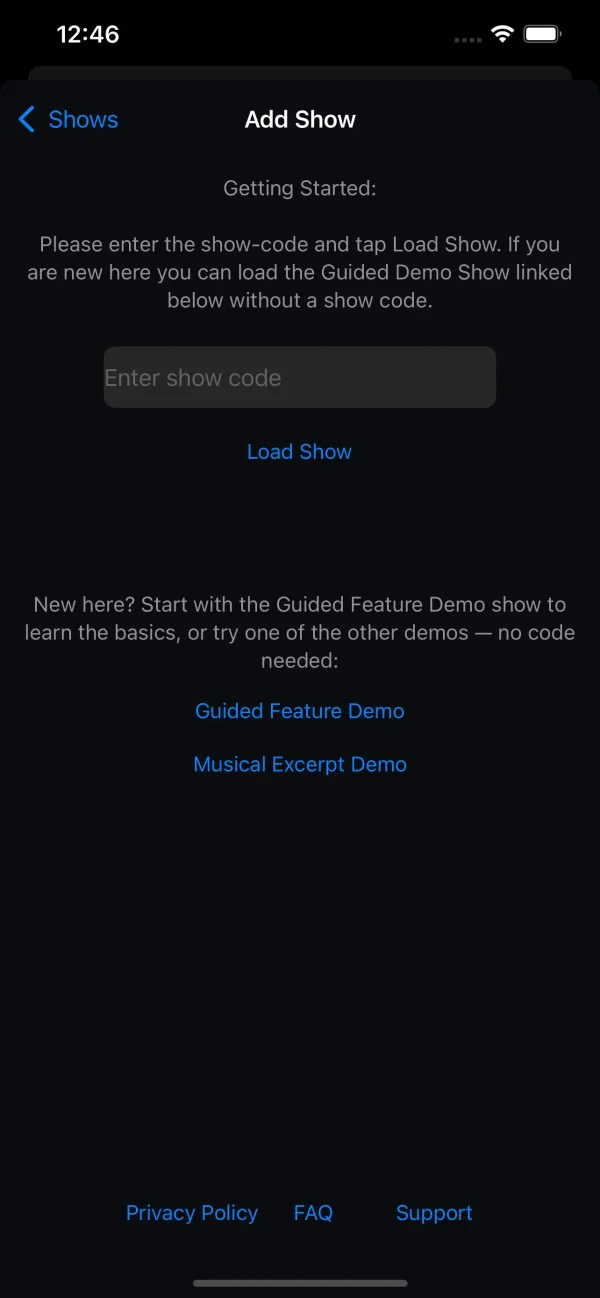

Acerca de
El desarrollador no ha proporcionado este texto en tu idioma.
Show Player Pro is a dedicated playback and cueing app built for live theatre, musicals, dance productions, and staged events—designed to support the entire process, from early rehearsals to final performance.
At its core, Show Player Pro lets you run shows at two levels of complexity:
• Audio-first playback for rehearsal and personal practice with clearly organized tracks, practice materials, and musical reference
• Full mic automation and cueing for productions that require precise, repeatable control during tech week and performance
Available titles are delivered as pre-built, turnkey shows that may include licensed show audio, rehearsal and practice tracks, mic layouts, mute automation, and suggested conductor cues. Shows are ready to run immediately, but remain fully editable—so you can adapt them to your cast, equipment, venue, and rehearsal workflow.
Whether you're running music playback for rehearsal, managing dialogue-heavy scenes, or executing a fully automated musical, Show Player Pro keeps timing, cues, and communication clear and dependable.
Key Features
• Practice and rehearsal tracks, optimized for blocking, choreography, tempo study, and individual cast practice
• Audio-first playback with clear organization for singing, underscore, and rehearsal material
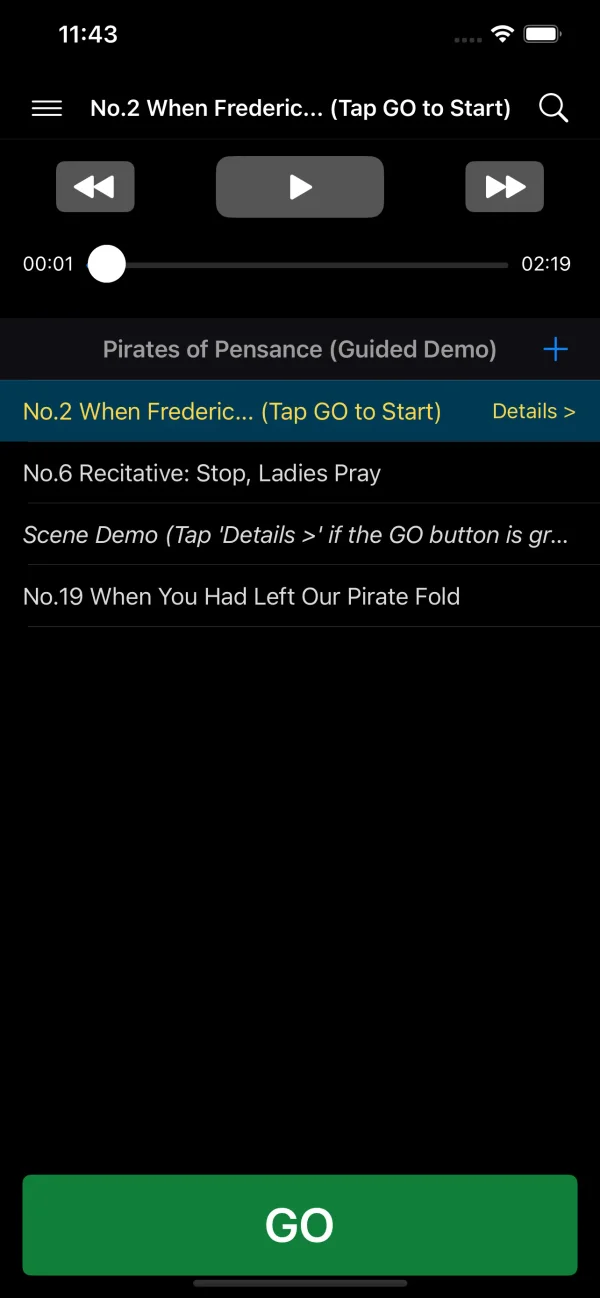
• Performance-ready GO button with clear visual and text-based state feedback
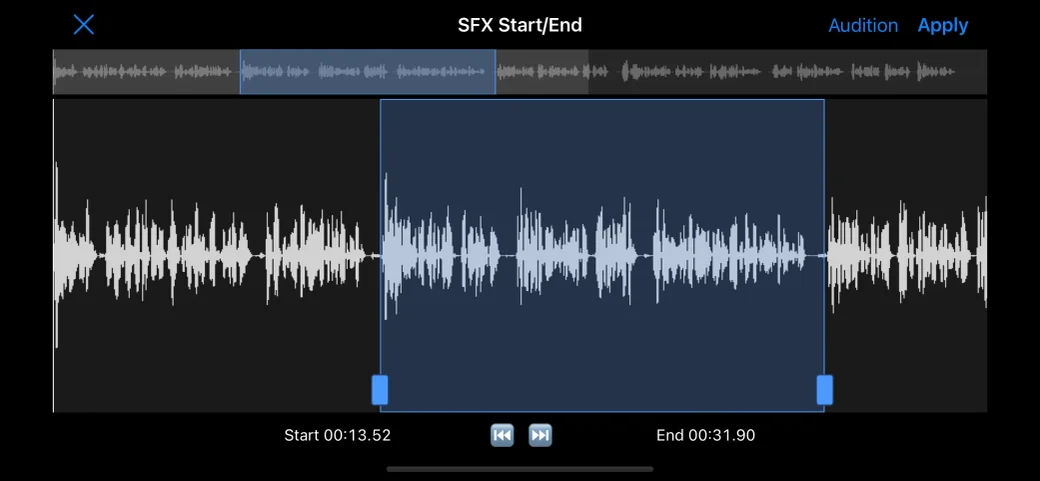
• Waveform-based editing for precise cue placement, rehearsal pickups, and refinement
• Playlist and Cue List views for navigating songs, scenes, markers, and conductor cues
• Vamp and devamp conductor cues for musical flexibility during live performance, with optional automatic repeat counts
• Streamer Overlay for film-scoring-style conductor cues, with fixed lead-in timing and Bluetooth-output latency compensation
• Attacca transitions for seamless cross-song continuation in musical numbers
• Hold cues that automatically pause the show at scripted dialogue or scene moments and resume on CONTINUE
• Flexible audio playback with accurate timing and per-show configurations
• Scene Mode handles dialogue between songs, where cues don't follow an audio timeline
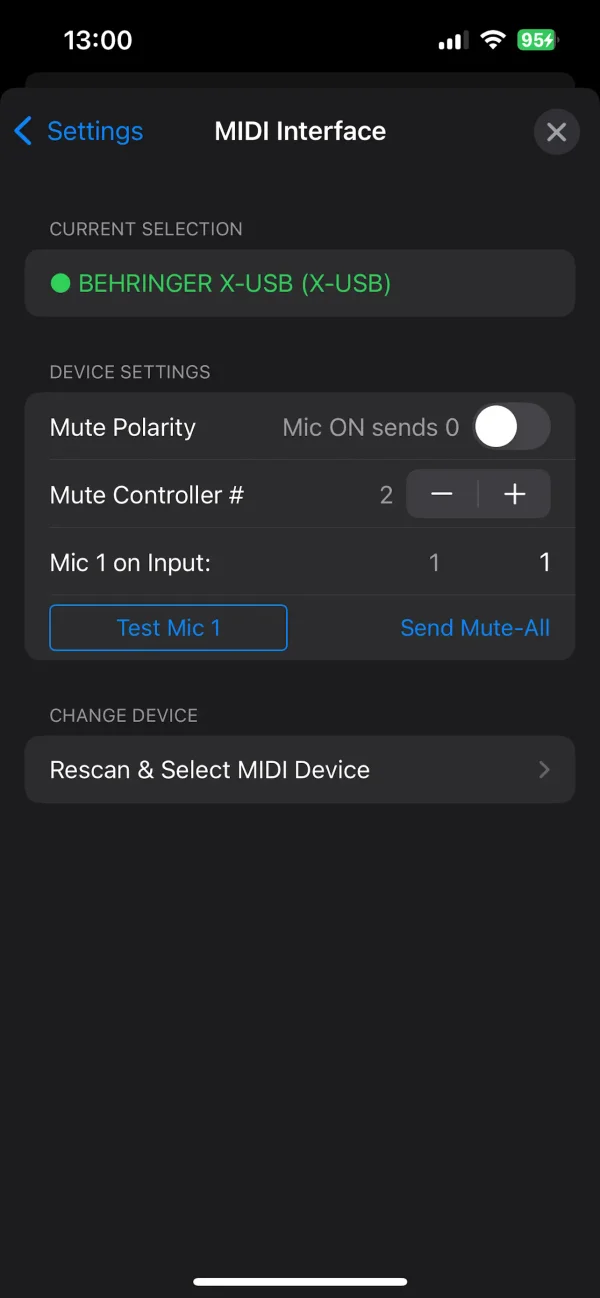
• MIDI cue support for triggering mic mute automation on supported digital mixers (Behringer X32/M32, Midas M32C, Allen & Heath Qu, and more)
• Bidirectional OSC support across multiple named network destinations for integrating with lighting consoles, QLab, video systems, and other network-attached show-control tools
• Deep direct integration with Behringer X32/M32 and Midas M32C — sends input channel names, DCA names, and DCA groupings to the board on load, with MIDI-triggered snippet recall for mid-show configuration changes
• Mic Switchboard for viewing, testing, and adjusting mic states during rehearsal
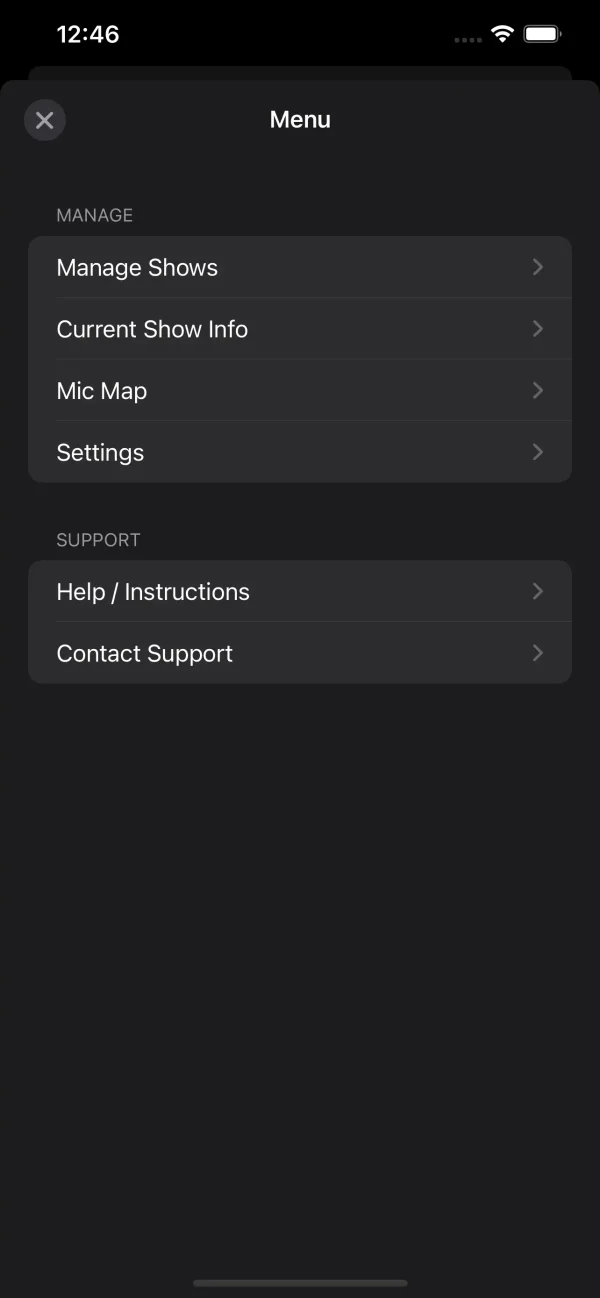
• Fully customizable MicMap — build character-to-channel assignments in-app, tailor the map to your technical and casting needs, share channels between multiple characters, and remap mics on the fly via MIDI cues during rehearsal or performance
• Realtime cue editing to adjust automation during rehearsal without stopping the flow
• Non-destructive cue disable to silence individual cues without deleting them—reversible with a tap
• SFX playback for spot effects, incidental music, and overlay audio
• Right-click / long-press quick-access menu on cue boxes for jump-to-editor shortcuts
• Guided Demo Show to learn the workflow quickly
• USB-MIDI device support (class-compliant interfaces)
• Optimized layouts for iPhone and iPad, with expanded controls on larger screens
Show Player Pro is built for reliability, clarity, and speed—essential qualities when running rehearsals and live performances under real-world conditions.
Ideal for stage managers, music directors, rehearsal pianists, technicians, educators, and anyone who needs a dependable, rehearsal-aware show-control solution.
Novedades
Versión 1.17 · 27/10/2026
Yamaha CL/QL support. Recall console scenes and push full Channel ON snapshots to the board on every cue, keeping the mix state in sync with the mic switchboard.
Privacidad de la aplicación
Lo que 1st Floor Texas, LLC declara en App Store sobre cómo esta aplicación gestiona los datos.
-
No se recopilan datos
El desarrollador no recopila ningún dato de esta aplicación.
Las prácticas de privacidad pueden variar, por ejemplo, según las funciones que uses o tu edad.
Información
- Vendedor
- 1st Floor Texas, LLC
- Categoría
- Entretenimiento
- Versión
- 1.17
- Actualizado
- 27/10/2026
- Publicado
- 9/12/2025
- Tamaño
- 46,9 MB
- Requiere
- iOS 15.6 o posterior
- Clasificación por edad
- 4+
- Idiomas
- Inglés
- Copyright
- © 2026 Thomas Bartke, Audiohost
Quizá también te guste
-
 DirectionXEntretenimiento
-
 Stage Lighting CalculatorEntretenimiento
-
 DMXDesktop Remote AppEntretenimiento
-
 SvenGalleryEntretenimiento
-
 WDIY 88.1 NPR RadioEntretenimiento
-
 TimeLine - Travel back in timeEntretenimiento
-
 Cosmos Predict AnythingEntretenimiento
-
 Duality ProEntretenimiento
-
 Film RealityEntretenimiento
-
 Digital Force BagEntretenimiento