- Clasificación por edad4+
- CategoríaEducación
- DesarrolladorBilal Naeem
- IdiomasInglés
- Tamaño79,9 MB
Es posible que Signer. no esté disponible en App Store en este momento
No se pudo acceder a la ficha de la tienda en nuestra última comprobación. El enlace sigue llevando a la página oficial de App Store.
Capturas de pantalla

Acerca de
El desarrollador no ha proporcionado este texto en tu idioma.
Signer brings American Sign Language fingerspelling to life using your iPhone or iPad camera. Whether you're a beginner or brushing up your skills, Signer gives you instant, real-time feedback — no Wi-Fi required.
REAL-TIME SIGN DETECTION
Point your front or back camera at your hand and Signer recognises all 26 ASL letters on the spot. Detection works with both left and right hands automatically.
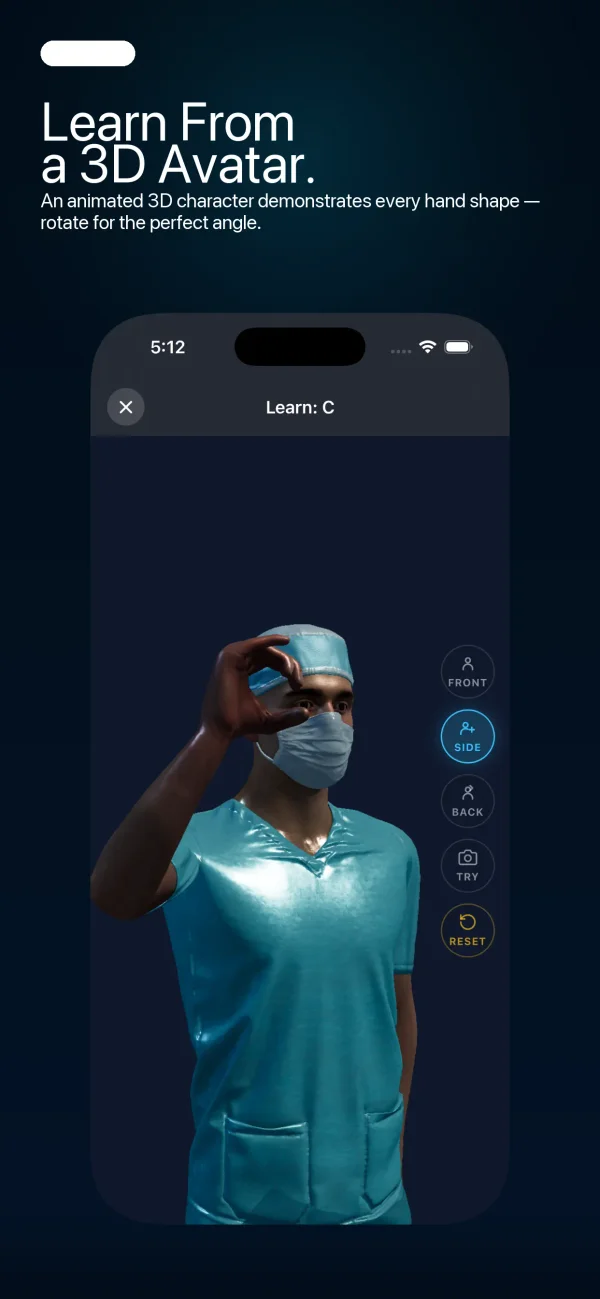
LEARN WITH A 3D AVATAR
Watch a fully animated 3D character demonstrate the correct hand shape for every letter. Fluid bone animations show each pose clearly, with dynamic motions for letters like J and Z.
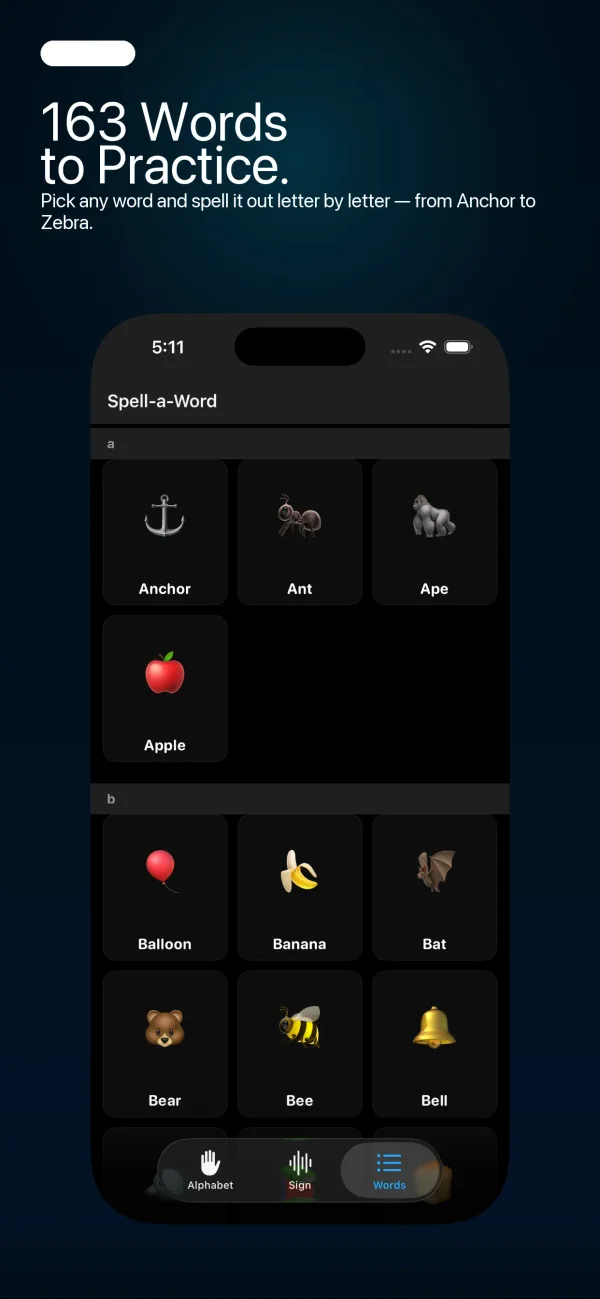
WORD PRACTICE MODE
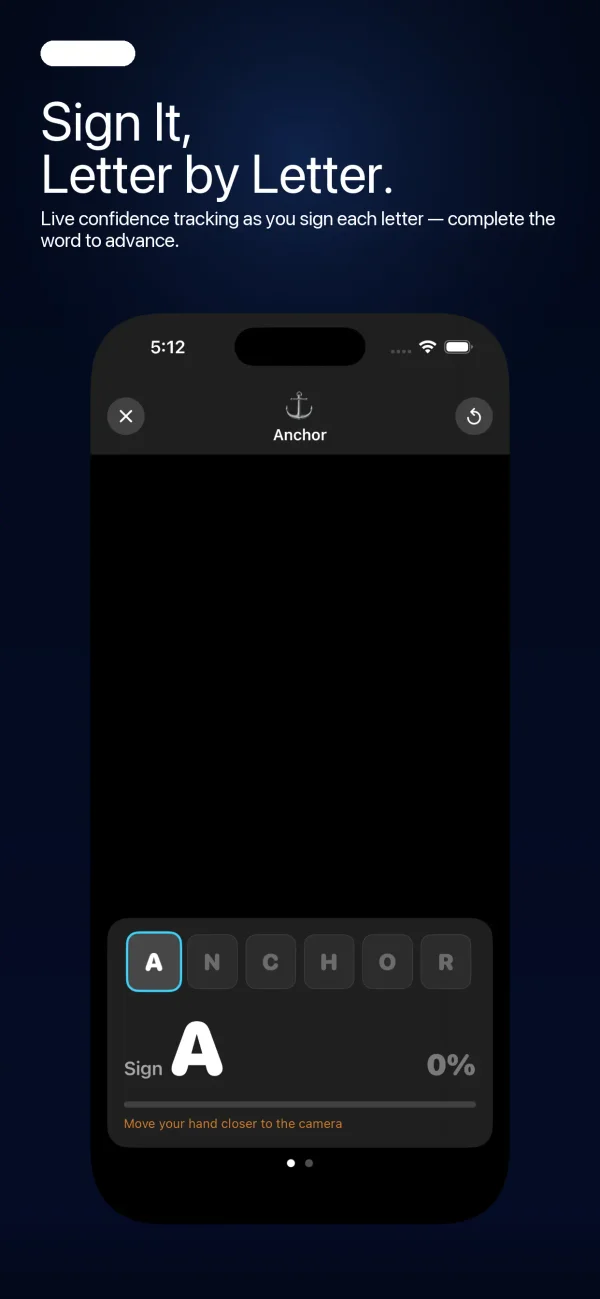
Choose from 163 common words and spell them out letter by letter. A live progress bar tracks your confidence as you sign, and the app speaks each letter and word aloud when you get it right.
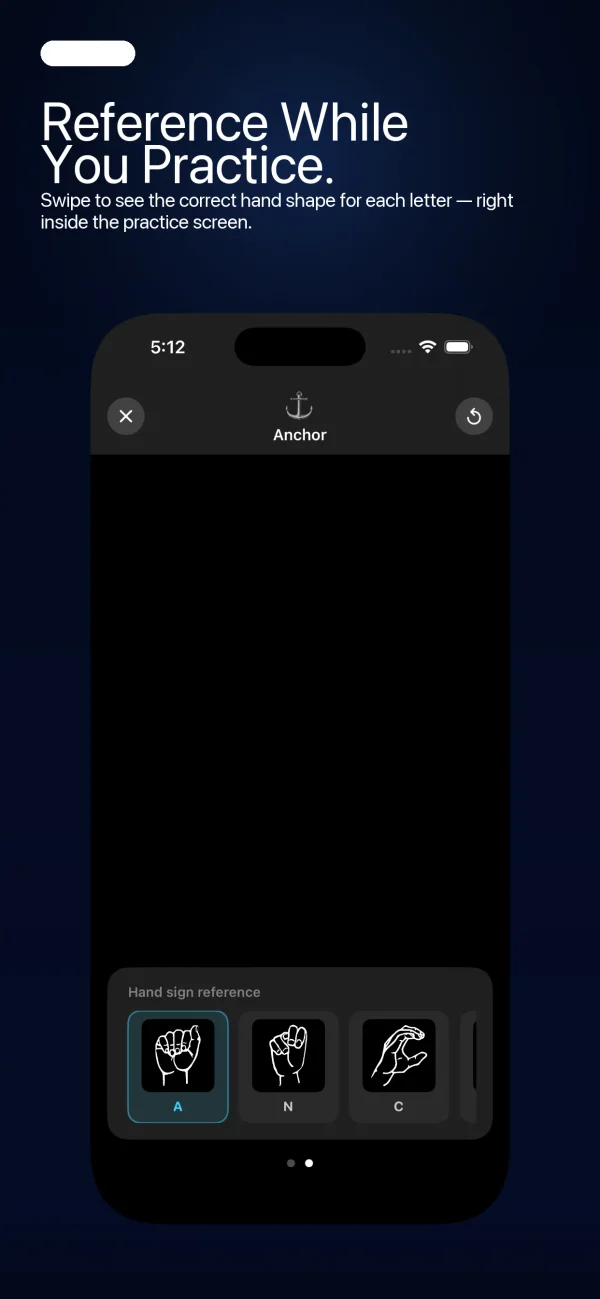
ALPHABET REFERENCE
Browse an illustrated A–Z grid of ASL hand shapes. Tap any letter to enter single-letter practice mode with live camera feedback alongside the reference image.
SMART FEEDBACK
• Auto-speech reads out detected letters and completed words
• Confidence meter shows detection strength in real time
• Hand skeleton overlay visualizes keypoint tracking
• Background segmentation isolates your hand for cleaner detection
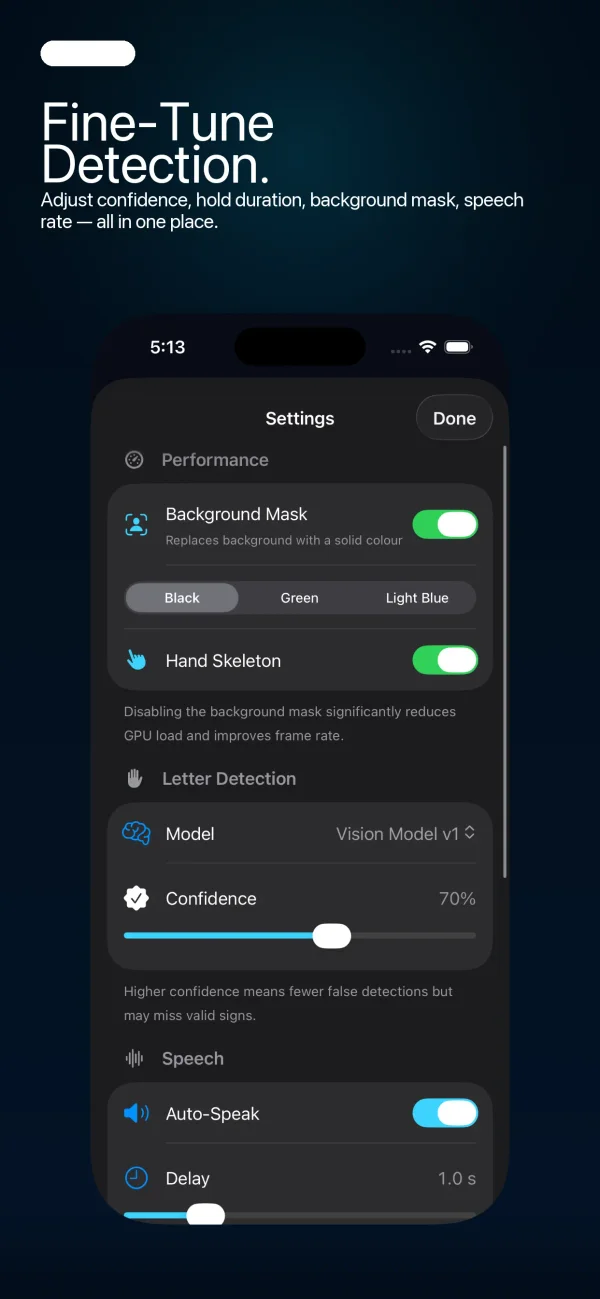
CUSTOMIZABLE EXPERIENCE
• Adjust detection sensitivity (confidence threshold)
• Control how long you need to hold a sign before it registers
• Toggle hand skeleton, background mask, and auto-speech on or off
• Choose your mask background color (black, green, or light blue)
• iPad: side-by-side multi-angle avatar view for a fuller look at each sign
PRIVACY FIRST
All processing happens entirely on-device using Apple Vision and Core ML. Your camera feed is never stored or transmitted.
Novedades
Versión 1.3.0 · 4/9/2026
- Improved 3D Avatar: All A–Z hand poses have been refined for greater accuracy and clarity, making it easier to learn the correct handshape for each letter.
- Upgraded Detection Model: Now using an improved ASL model (v1.5) for more accurate and reliable sign recognition.
- Better Practice Feedback : The confidence bar in letter practice now responds to any detected sign, not just the target letter, so you always know the camera is
working.
Privacidad de la aplicación
Lo que Bilal Naeem declara en App Store sobre cómo esta aplicación gestiona los datos.
-
No se recopilan datos
El desarrollador no recopila ningún dato de esta aplicación.
Las prácticas de privacidad pueden variar, por ejemplo, según las funciones que uses o tu edad.
Información
- Vendedor
- Bilal Naeem
- Categoría
- Educación
- Versión
- 1.3.0
- Actualizado
- 4/9/2026
- Publicado
- 1/9/2026
- Tamaño
- 79,9 MB
- Requiere
- iOS 18.6 o posterior
- Clasificación por edad
- 4+
- Idiomas
- Inglés
- Copyright
- © 2026 Bilal Naeem