- Clasificación por edad4+
- CategoríaFoto y vídeo
- DesarrolladorVasilii Andreev
- Tamaño3,0 MB
Enlaza a la página oficial de App Store
Download.org no aloja ningún archivo de Simplphoto. El botón abre la página de la aplicación en App Store, donde la publica Vasilii Andreev. Ficha comprobada por última vez el 14/11/2026.
Capturas de pantalla

Acerca de
El desarrollador no ha proporcionado este texto en tu idioma.
Simplphoto is a practical camera app built around three creative tools: manual photography, stop motion and collages.
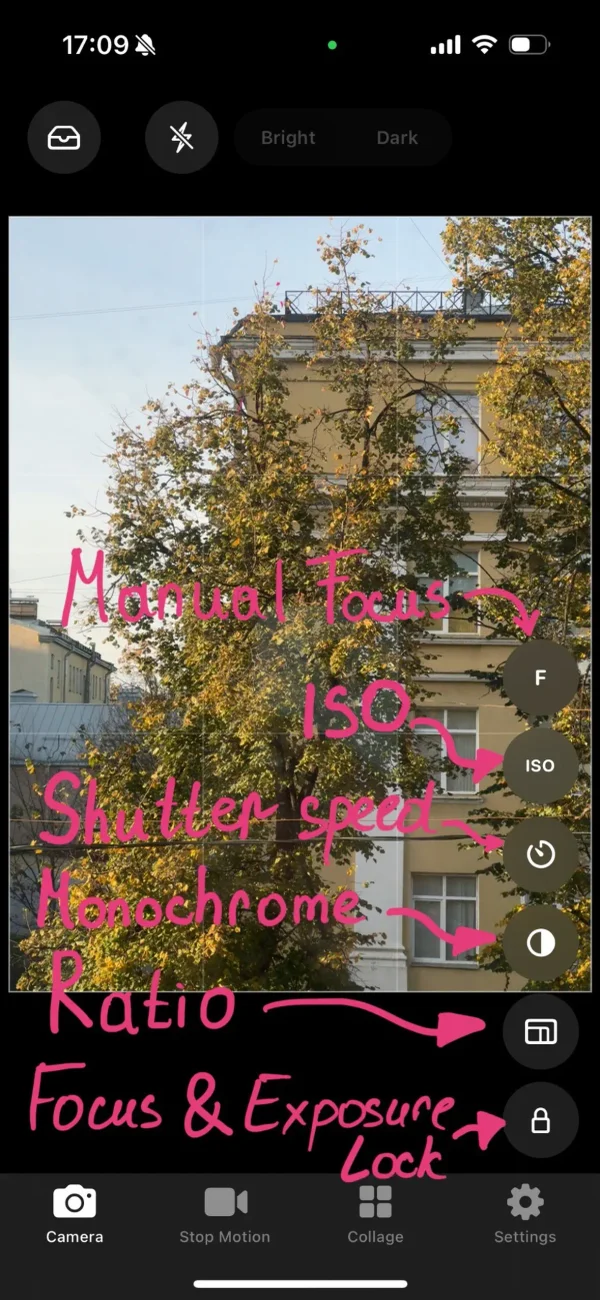
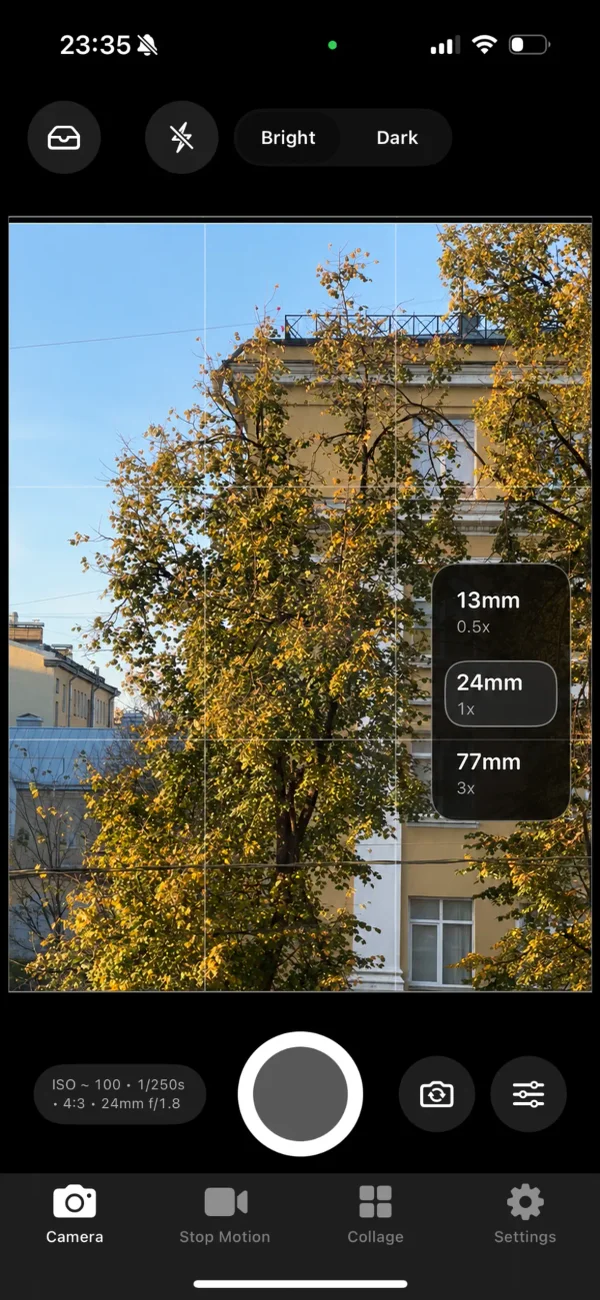
In Camera mode, the focus is control. You can adjust ISO, shutter speed, focus, white balance, flash, lens, aspect ratio and resolution before taking a shot. Simplphoto is made for users who want a more deliberate way to shoot on iPhone, with less automatic decision-making and no added AI filters, face retouching or beauty effects from the app. It is useful for product shots, textures, documents, reference photos, creative tests, low-light scenes and any situation where consistency matters.
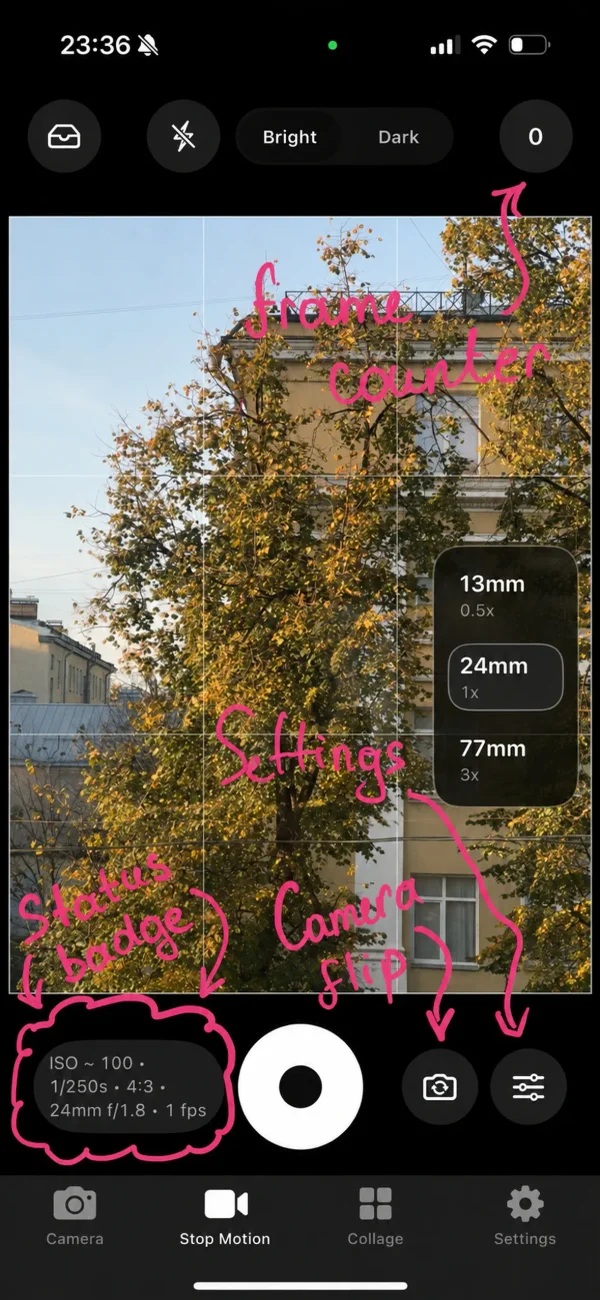
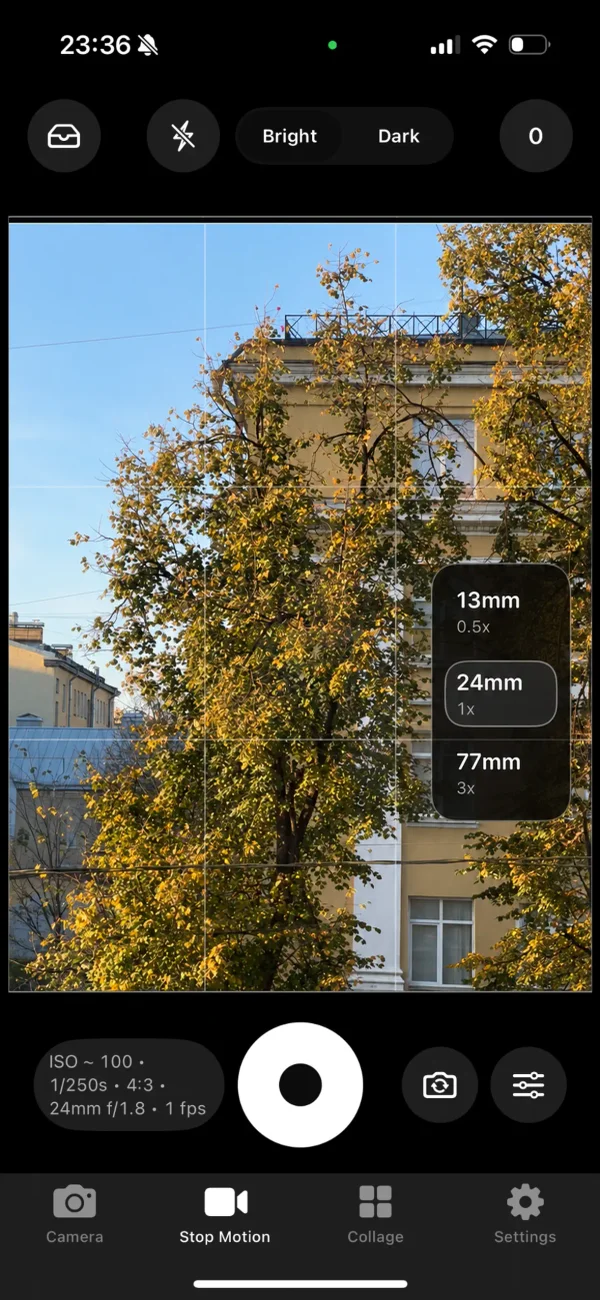
Stop Motion uses the same camera-first approach. Instead of simply turning random photos into a video, it lets you build a sequence with manual camera settings, so exposure, focus and color can stay more consistent from frame to frame. Choose the shooting interval, capture your frames and export the result as a video. The app does not add AI effects to your stop motion sequence, which helps keep the result closer to the original scene.
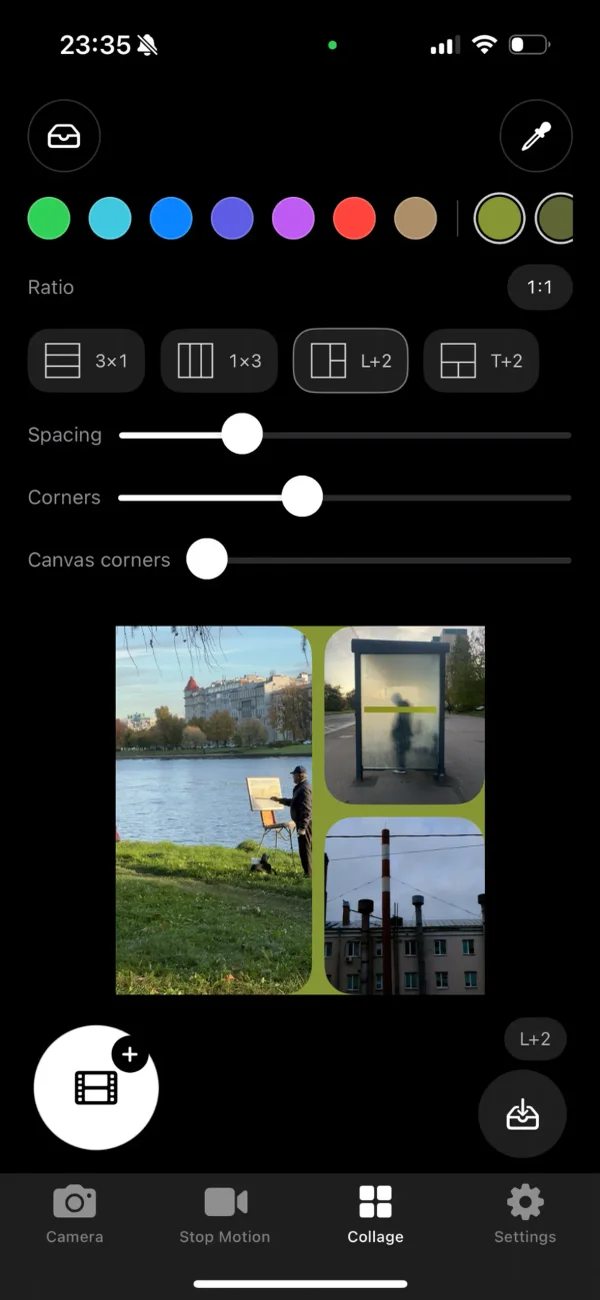
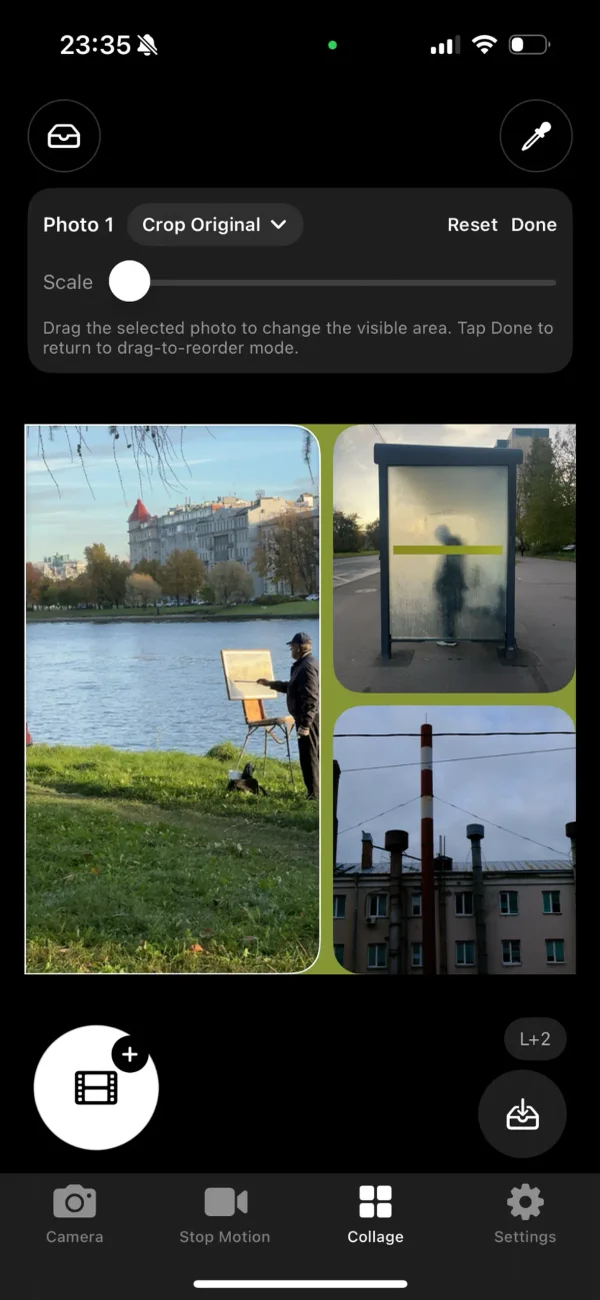
Collage mode is a separate creative tool for arranging multiple images in a clean layout. You can choose different output ratios, change the background color, adjust spacing, select the number of photos and switch between layouts such as grids and large-photo compositions. It is useful for before-and-after sets, product comparisons, moodboards, social media layouts, visual summaries and clean image collections.
Key features:
• Manual ISO, shutter, focus and white balance control
• High-resolution photo capture on supported iPhone models
• Multiple aspect ratios for shooting and collage export
• Flash and lens control where available
• Monochrome mode and quick bright/dark presets
• Stop motion capture with adjustable interval and video export
• Collage maker with customizable ratio, layout, spacing and background
• Built-in vault for photos, stop motion videos and collages
• Export to Photos, Files, AirDrop and other iOS sharing options
• Light and dark interface themes
Simplphoto is not trying to replace your creativity with automatic effects. It gives you clear controls, predictable tools and a simple workflow for taking photos, making stop motion videos and creating collages directly on your iPhone.
Novedades
Versión 1.3 · 9/11/2026
Simplphoto 1.3 brings new tools, improved reliability, and more control over your files.
• Vault Backup & Restore: Back up your photos, collages, and stop-motion videos in organized archives and restore them when needed.
• Export tracking: Easily see which files have been exported and find those that haven't.
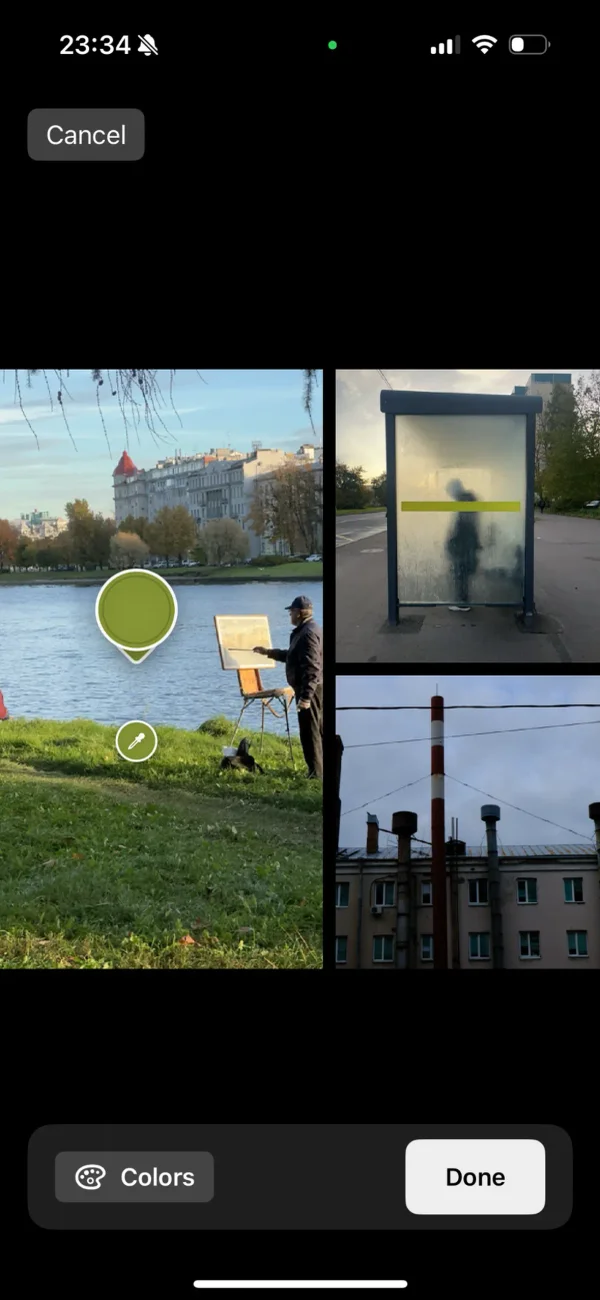
• Improved Collages: Better scaling, cropping, and new background options for rounded corners.
• Easier navigation: Swipe through your files in Vault.
• Expanded Guide: Clear explanations of manual camera controls, including ISO, shutter speed, focus, and white balance.
• Camera stability, performance improvements, and bug fixes.
Thanks for using Simplphoto!
Privacidad de la aplicación
Lo que Vasilii Andreev declara en App Store sobre cómo esta aplicación gestiona los datos.
-
No se recopilan datos
El desarrollador no recopila ningún dato de esta aplicación.
Las prácticas de privacidad pueden variar, por ejemplo, según las funciones que uses o tu edad.
Información
- Vendedor
- Vasilii Andreev
- Categoría
- Foto y vídeo
- Versión
- 1.3
- Actualizado
- 9/11/2026
- Publicado
- 30/4/2026
- Tamaño
- 3,0 MB
- Requiere
- iOS 16.6 o posterior
- Clasificación por edad
- 4+
- Precio
- Gratis
- Copyright
- © Vasilii Andreev
Quizá también te guste
-
 Chamber: Film Camera & EditorFoto y vídeo
-
 Uncamera: Vintage CameraFoto y vídeo
-
 Offcut CameraFoto y vídeo
-
 zerotakeCámara de cine y teleprompter
-
 KoloristikaCinema Color Science.
-
 MoodCap: Cámara de ánimoEnergía en directo y diario
-
 EXIF Cleaner: marca de aguaBorra EXIF/GPS y marca de agua
-
 CaperEstilo retro, control preciso
-
 GlowUp: Filtro Arte y DibujoCartoon, Neon & Pop Art
-
 Manten Light: Teleprompter LuzKelvin, lux y exposición