Smart Remote: TV Control
Wi-Fi remote & screen sharing
Diseñada para iPhone, iPad
Gratis
- Clasificación por edad4+
- CategoríaUtilidades
- DesarrolladorSonil Jalees
- Tamaño1,7 MB
Enlaza a la página oficial de App Store
Download.org no aloja ningún archivo de Smart Remote: TV Control. El botón abre la página de la aplicación en App Store, donde la publica Sonil Jalees. Ficha comprobada por última vez el 12/11/2026.
Capturas de pantalla


Acerca de
El desarrollador no ha proporcionado este texto en tu idioma.
Make room for a simpler remote. Smart Remote brings everyday TV controls to your iPhone and iPad with a calm interface, guided pairing, and local connections.
CONTROL FROM THE COUCH
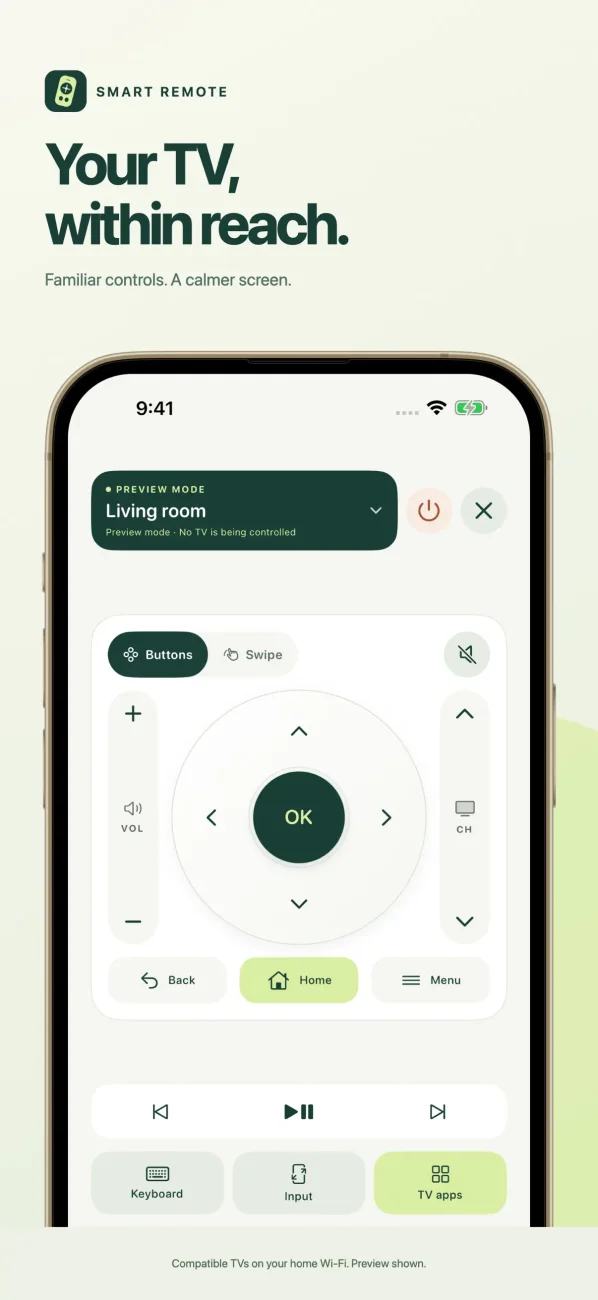
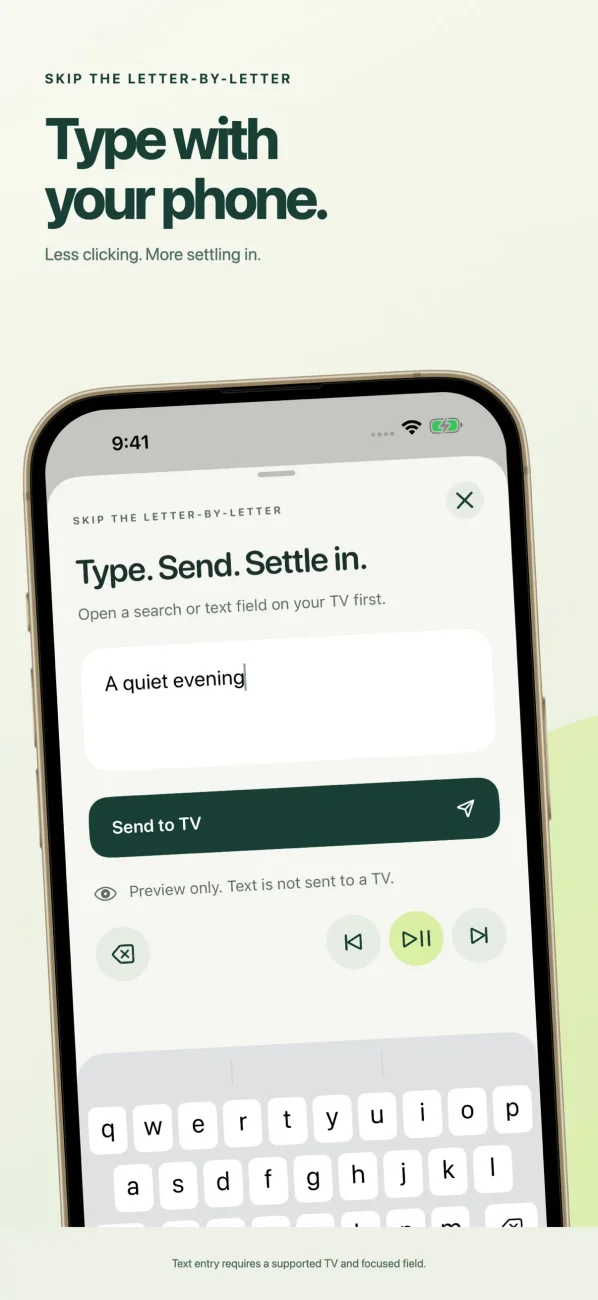
Navigate with directional buttons or a swipe pad. Adjust volume and channels, use playback controls, and send text from your phone to supported TV text fields. Open available TV apps without searching through menus. Button, keyboard, app-list, and power support vary by TV model and firmware.
PAIR ON YOUR HOME NETWORK
Discover compatible TVs on the same local network or enter a private IPv4 address manually. Smart Remote is designed for Android / Google TV with Android TV Remote Service v2, compatible Samsung Tizen and LG webOS TVs, and Sony BRAVIA models with IP control enabled. Follow your TV’s approval or PIN prompt. Sony IP control may require a pre-shared key.
GIVE YOUR SCREEN MORE ROOM
Follow the AirPlay guide to use Screen Mirroring in iOS Control Center with a compatible receiver. Or start a system-confirmed broadcast and open the local receiver address in a compatible TV browser. Browser sharing uses a temporary session code and shares screen video over unencrypted local HTTP. It does not transmit audio, runs at approximately 3–6 frames per second, and is best suited to photos, webpages, and presentations. Protected video may appear black.
MAKE IT YOURS
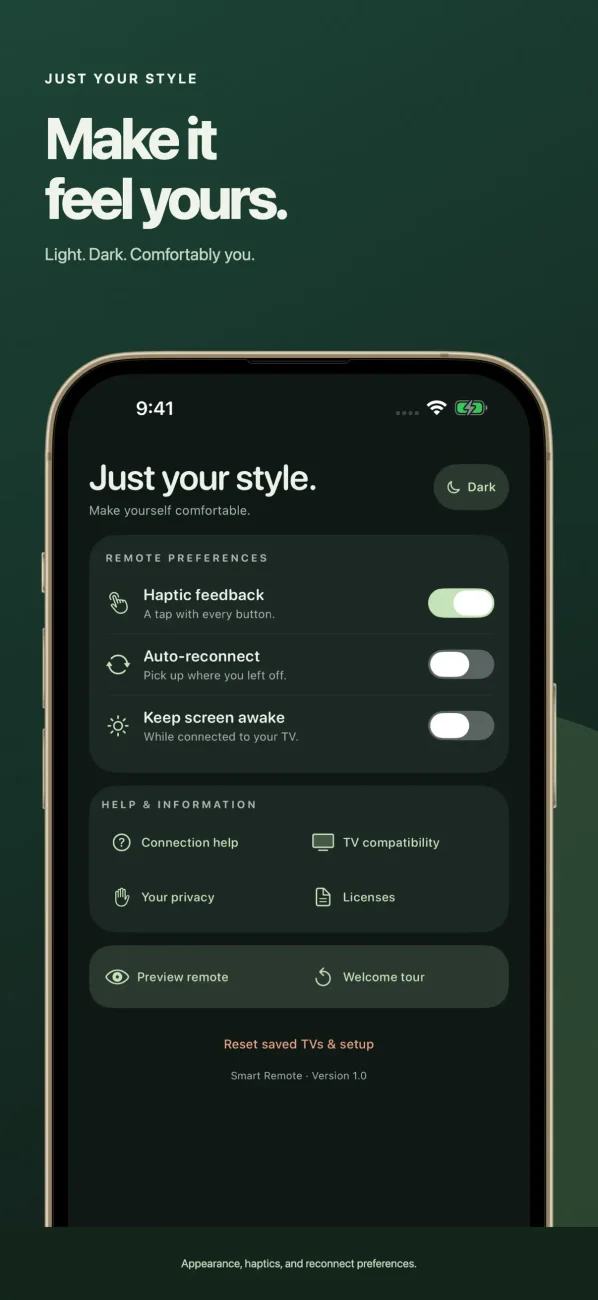
Save and rename TVs. Choose System, Light, or Dark appearance, adjust haptics, enable auto-reconnect, or keep the display awake while connected. Explore the clearly labeled preview remote before pairing; preview mode does not control a TV.
PRIVATE BY DESIGN
No account, advertising, analytics SDK, or cloud backend. TV controls communicate directly over your local network. Pairing credentials stay in device Keychain. Browser sharing does not save a recording or upload your screen to a cloud service.
BEFORE YOU CONNECT
Your phone and TV must share a trusted local network. Local Network permission and compatible TV settings are required. Guest-network isolation and VPNs may interfere. Some TVs need their physical remote to wake up.
This version does not provide remote control for Roku, Apple TV, Fire TV, Chromecast-only receivers, or infrared-only TVs. IPv6-only local networks are not supported. Screen sharing requires a compatible AirPlay receiver or TV web browser. Smart Remote is an independent app and is not affiliated with or endorsed by TV manufacturers.
Privacidad de la aplicación
Lo que Sonil Jalees declara en App Store sobre cómo esta aplicación gestiona los datos.
-
No se recopilan datos
El desarrollador no recopila ningún dato de esta aplicación.
Las prácticas de privacidad pueden variar, por ejemplo, según las funciones que uses o tu edad.
Información
- Vendedor
- Sonil Jalees
- Categoría
- Utilidades
- Versión
- 1.0
- Actualizado
- 7/11/2026
- Publicado
- 6/11/2026
- Tamaño
- 1,7 MB
- Requiere
- iOS 17.0 o posterior
- Clasificación por edad
- 4+
- Precio
- Gratis
- Copyright
- © 2026 Sonil Jalees
Quizá también te guste
-
 AirExtendUtilidades
-
 IPTV Universal Remote WifiUtilidades
-
 Control: Mando universal TVSin anuncios, pagos ni rastreo
-
 bmsCommunicationUtilidades
-
 My Remote: Universal TV RemoteUtilidades
-
 Smart TV Remote+ for SamsungUtilidades
-
 TV Remote: All Smart TV RemoteUtilidades
-
 Mi Mando Smart TVMando a distancia y teclado
-
 Universal Remote for MAGUtilidades
-
 Clicker: TV Remote, No AdsUtilidades