SOOP - Live Streaming
Connect live with streamer!
Diseñada para iPhone, iPad, iPod touch
Gratis · Compras en la aplicación
- Clasificación por edad12+
- CategoríaEntretenimiento
- DesarrolladorSOOP Co., Ltd.
- IdiomasInglés+ 4 más
- Tamaño347,8 MB
Enlaza a la página oficial de App Store
Download.org no aloja ningún archivo de SOOP - Live Streaming. El botón abre la página de la aplicación en App Store, donde la publica SOOP Co., Ltd. Ficha comprobada por última vez el 25/11/2026.
Capturas de pantalla


Acerca de
El desarrollador no ha proporcionado este texto en tu idioma.
● Media where I become the owner, SOOP
SOOP, a streaming platform created through participation and communication!
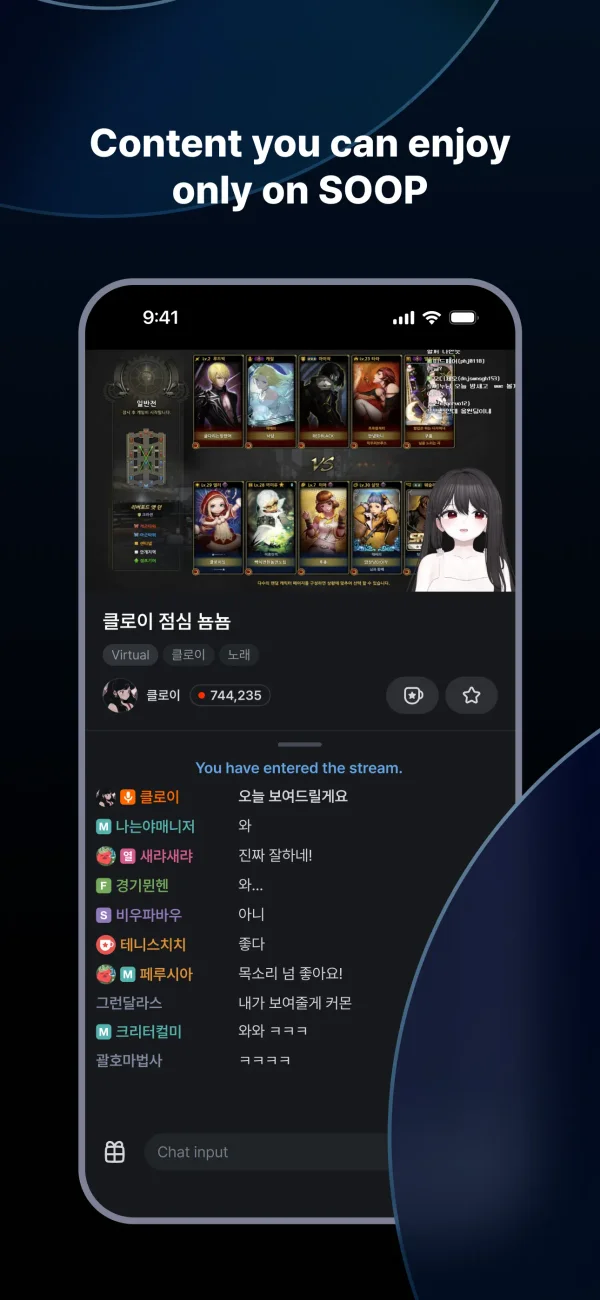
Discover a variety of content at SOOP.
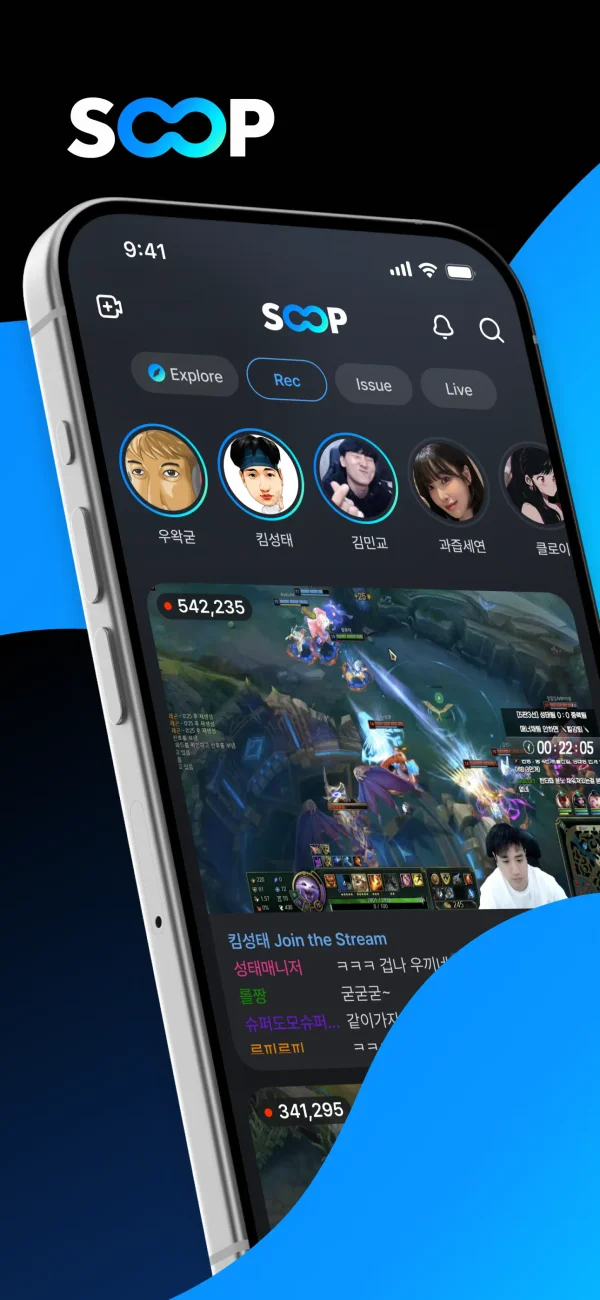
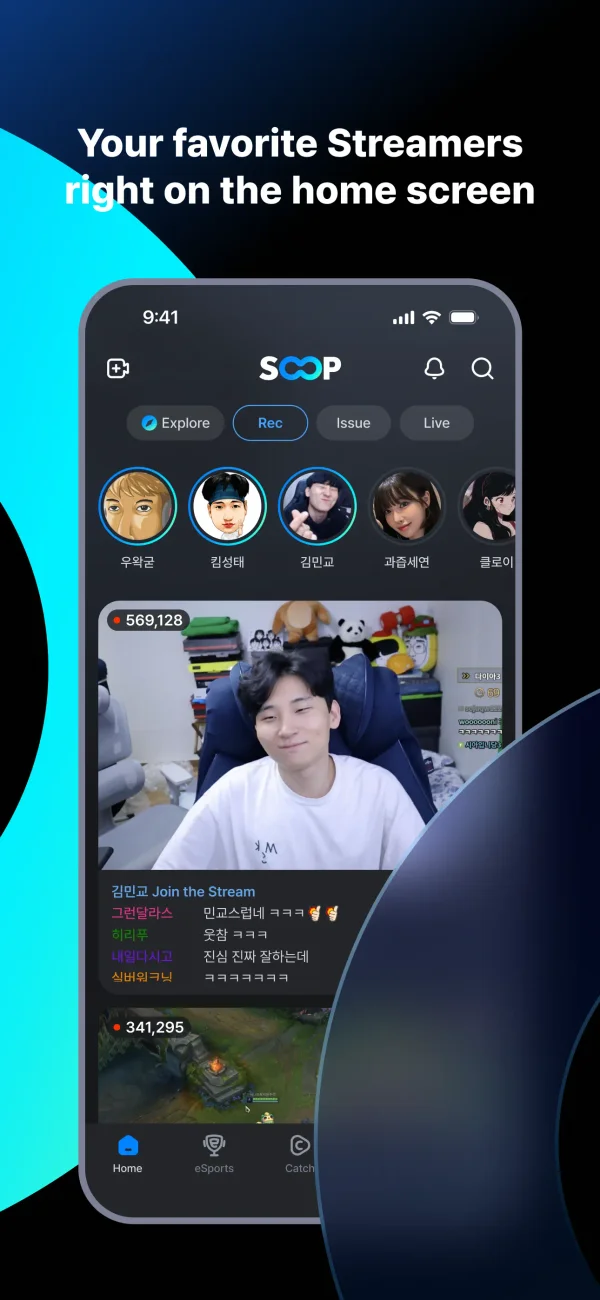
● Your favorite streamers on the front screen!
You can quickly watch your favorite broadcasts.
● Find the category you want in the navigation!
Easily discover various contents on SOOP through navigation.
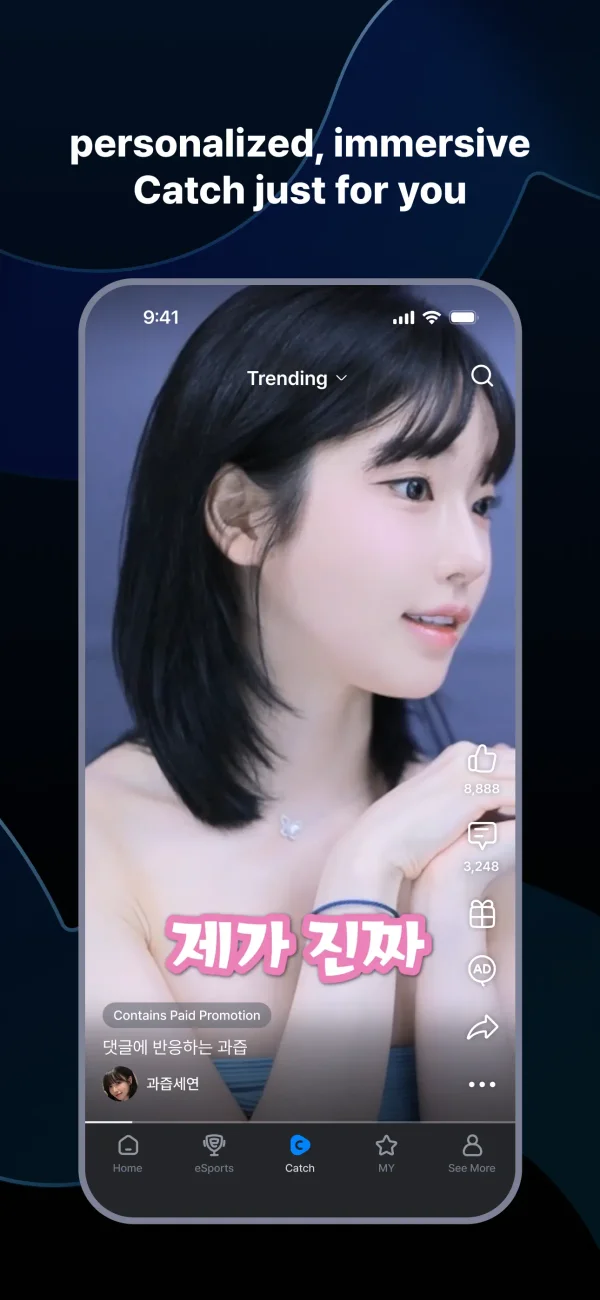
● A catchy, immersive catch
Enjoy short and fun content quickly.
● Participation and communication
Check out the latest VODs and news from your favorite streamers on our channel.
Become a streamer who communicates with various users through broadcasting.
● Best fun
Discover SOOP original content from ASL, Cinety, etc.
● ‘Quick View’, ‘Quick View Plus’ that skips VOD advertisements
- You can rewatch missed scenes with the official broadcast time machine function.
- When entering the LIVE broadcast, you can participate without video advertisements.
- Supports LIVE broadcast preview function.
- You can use two broadcasts simultaneously in multi-view. (Quick View Plus)
- You can participate in VOD advertisements without video advertisements. (Quick View Plus)
● [App Permissions]
Required Permissions: None
Optional Permissions:
- Camera: Used to access the camera when streaming.
- Microphone: Used to access the microphone for audio when streaming.
- Photos and Videos: Used to attach images to your channel.
- Notifications: Used to receive notifications for favorite channels and announcements.
- Bluetooth: Used to play streams on connected devices.
- Location: Used to measure the remaining distance while streaming.
- Local Network: Used to discover and connect to supported devices.
- Tracking: Used for certain campaigns in Collect Ad Balloons and to provide personalized ads.
- You can use the service without granting optional permissions, except for features that require those permissions.
●iOS Quick View Plus Auto-Payment (App Store Subscription Payment) Notes
- All pass prices in SOOP include VAT.
- iOS Quick View Plus auto-payment (App Store subscription) is billed through the payment method registered to your Apple App Store iTunes Account.
- The total amount includes Apple's commission and may vary depending on Apple’s pricing policy for each country. Please check the final amount on the Apple payment screen.
- Subscription cancellation and payment details can only be checked through Apple.
- Auto-payment for iOS subscription products follows Apple’s subscription policy. If you do not cancel at least 24 hours before the end of your subscription period, it may be renewed automatically.
- App Store subscriptions are billed monthly and automatically renewed on the same date as the original purchase date.
- The auto-payment time on the App Store and the purchase/expiration dates shown in SOOP may differ slightly depending on Apple’s confirmation timing.
- iOS subscription products can be canceled in iTunes [Account Settings > Manage Subscriptions] or on iOS via [Settings > Apple ID > Subscriptions].
- Even if you cancel your subscription through iTunes or iOS Apple ID settings, the subscription will remain active until the end of the current billing period and then automatically expire.
- One iTunes or Apple account can only be used to subscribe to SOOP products for one SOOP account. If you wish to subscribe with a different SOOP account, you must cancel your current subscription first.
- For inquiries related to iOS payments (duplicate purchases, refunds, missing items, etc.), please contact Apple Support. Refunds for unused subscription periods are generally not available.
※ Terms of Use : https://www.sooplive.com/policy/lang/policy1_en.html
※ Privacy policy : https://www.sooplive.com/policy/lang/policy2_en.html
※ Customer Center Email: globalsupport@sooplive.com
Novedades
Versión 8.37.0 · 24/11/2026
[8.37.0 Update]
- Other bug fixes and stabilizations
Privacidad de la aplicación
Lo que SOOP Co., Ltd. declara en App Store sobre cómo esta aplicación gestiona los datos.
-
Datos usados para rastrearte
Pueden usarse para rastrearte en aplicaciones y sitios web propiedad de otras empresas.
- Identificadores
-
Datos no vinculados a ti
Pueden recopilarse, pero no se vinculan a tu identidad.
- Compras
- Información de contacto
- Contenido del usuario
- Historial de búsqueda
- Historial de navegación
- Identificadores
- Datos de uso
- Diagnóstico
Las prácticas de privacidad pueden variar, por ejemplo, según las funciones que uses o tu edad.
Información
- Vendedor
- SOOP Co., Ltd.
- Categoría
- Entretenimiento
- Versión
- 8.37.0
- Actualizado
- 24/11/2026
- Publicado
- 4/12/2009
- Tamaño
- 347,8 MB
- Requiere
- iOS 15.0 o posterior
- Clasificación por edad
- 12+
- Precio
- Gratis
- Compras en la aplicación
- Sí
- Idiomas
- Inglés, Coreano, Chino simplificado, Tailandés, Chino tradicional
- Copyright
- © 2014 SOOP Corp.