
SP Camera
Capture without any notice
Diseñada para iPhone, iPad, iPod touch
9,99 €
- Clasificación por edad17+
- CategoríaFoto y vídeo
- DesarrolladorRatha Sou
- IdiomasInglés
- Tamaño24,1 MB
Enlaza a la página oficial de App Store
Download.org no aloja ningún archivo de SP Camera. El botón abre la página de la aplicación en App Store, donde la publica Ratha Sou. Ficha comprobada por última vez el 19/11/2026.
Capturas de pantalla




Acerca de
El desarrollador no ha proporcionado este texto en tu idioma.
Want to secretly capture photos and videos without anyone notices, here is the app that you need: SP Camera.
With SP Camera, you can record video, or take pictures without being seen while the device shows one of fake backgrounds.
Simulate that you are browsing the web, a blog or leave the device on a table showing a still image or a time clock while recording.
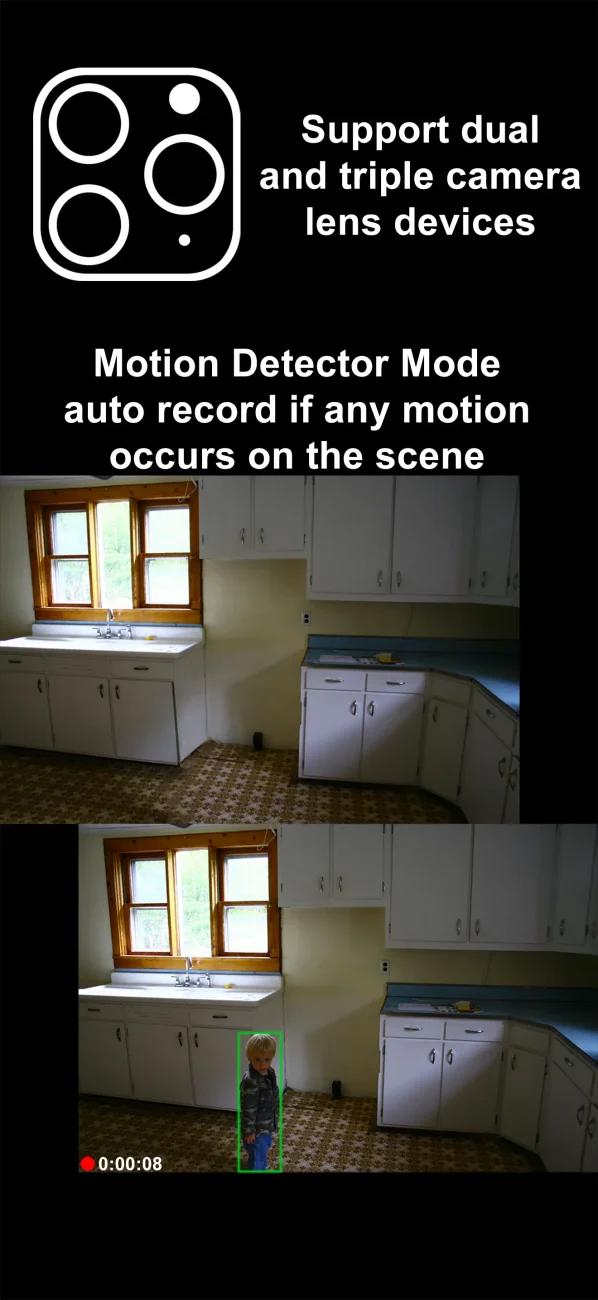
Automatically record and save video if any motion occurs on the scene with Motion Detector Sensor.
With built-in Photo Timer, this app automatically captures photos every few seconds without touching the capture button again.
Save your photos and videos in the password protected private folder.
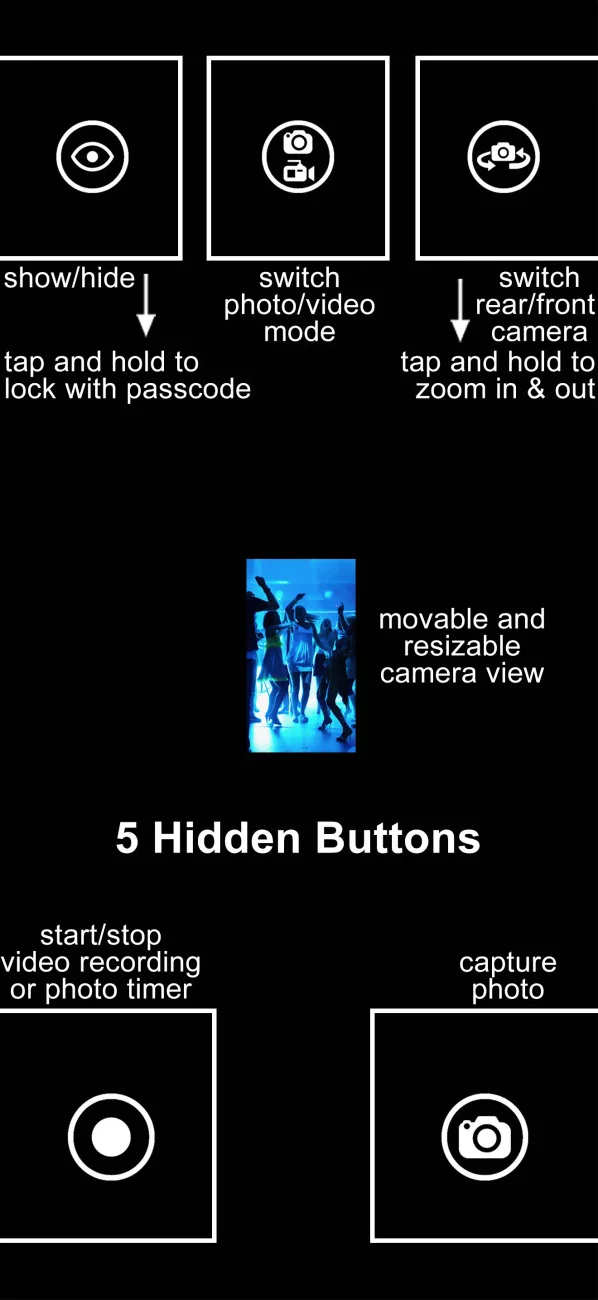
Moreover, you can hide all the UI control buttons to simulate a real spy experience.
MODE
* Photo: automatically capture photo without tap any buttons with Photo Timer up to 48MP
* Video: record video and capture still photo at the same time (snap 8MP photo while recording 4K video)
* Motion Detector: automatically record only if any motion occurs on the scene
* Slow Motion: support high frame rate or slow motion video recording on both front and rear camera
* Timelapse: record video in fast motion action up to 32x
* Horizontal: always record video in landscape even the device is held in portrait orientation
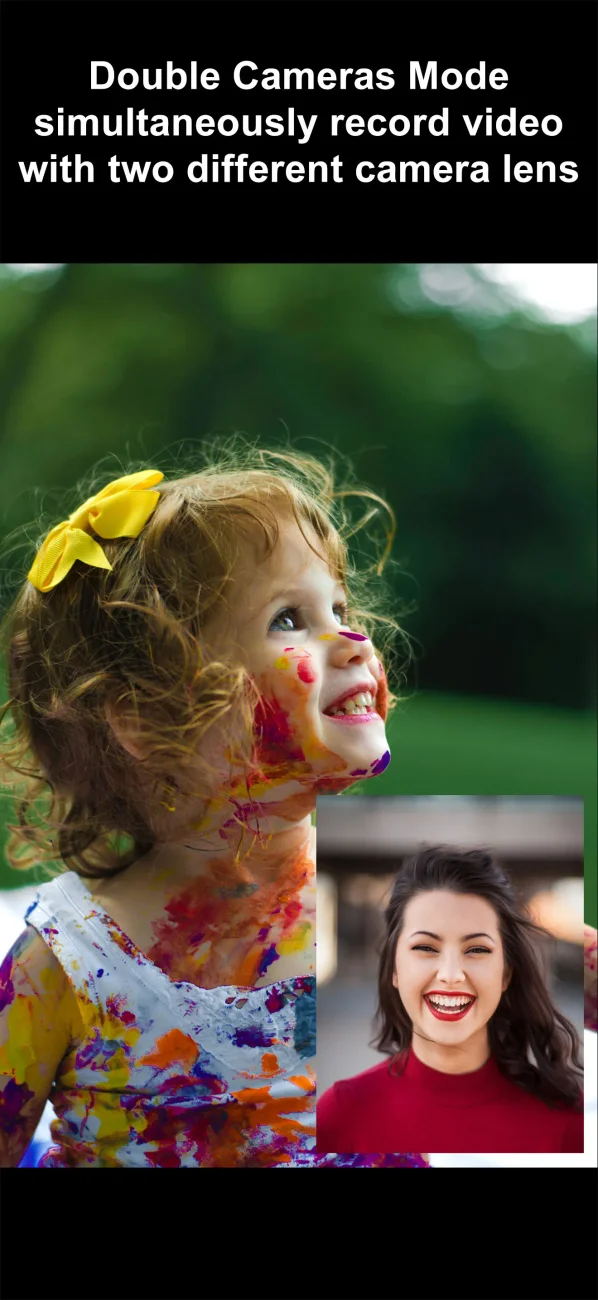
* Double Cameras: simultaneously record video with two different camera lens
CAMERA
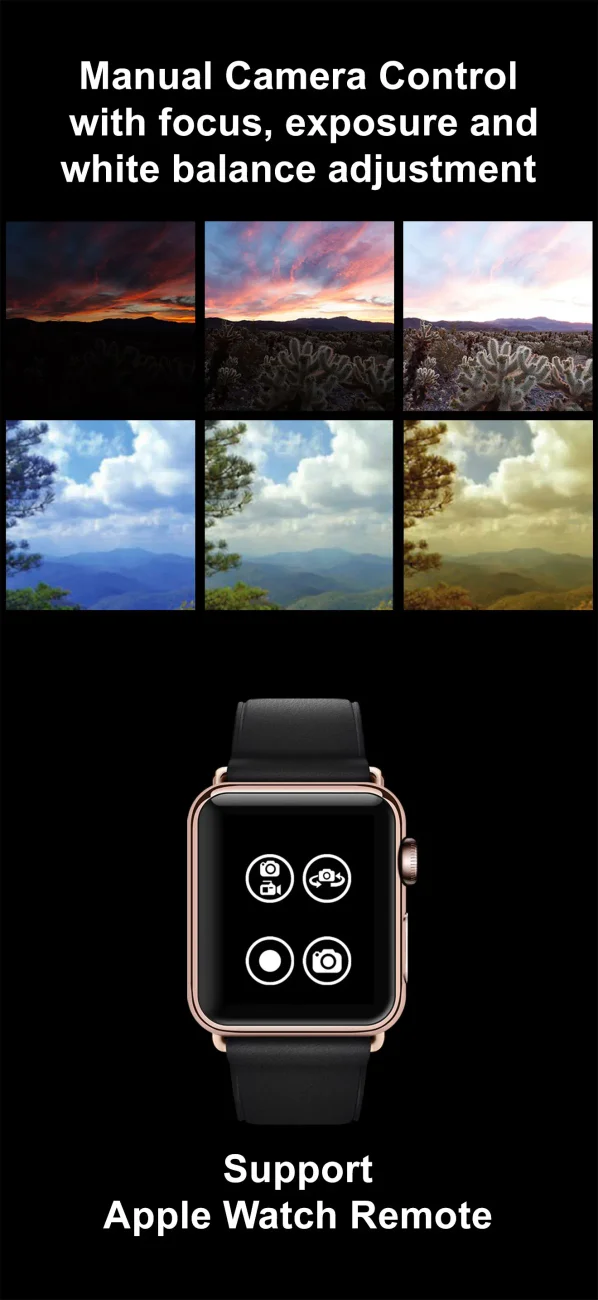
• Manual camera control with focus, exposure, ISO, and white balance adjustment
• Ability for photo capturing & video recording at the same time for all video modes
• Save more storage with changeable video recording resolution between QVGA 240p, VGA 480p, HD 720p, FullHD 1080p or 4K 2160p
• Ability to zoom in & zoom out up to 10x
• Support dual and triple rear camera lens devices
• Automatically boost low light photo & video visibility and quality
• Limitable video recording duration and numbers of Photo Timer photos
• Cinematic video stabilization support for shake-free video recording
• Tap on camera view area to focus and adjust exposure
• Adjustable auto or manual focus and exposure
• Ability to record silent video (without sound)
• Support volume buttons actions for photo capturing and video recording
• Save photo and video in passcode protected private app folder or save to camera roll
• Ability to add date and time stamp when capturing photo or recording motion detector video
• Choose different styles of Double Cameras mode recording including Picture-in-Picture, Split View, and Dual Files
INTERFACE
• Automatic Mode: auto perform record action and other actions when app launch
• Easy Mode: easily tap any area to take photo and double tap to start/stop video recording
• Screen is completely black simulate the device is turned off
• No camera flash or on-screen flash is appeared
• Fake other people that you're on other activities by using fake backgrounds
• Alternative image slideshow or animated clock or reactive web browsing fake backgrounds
• Ability to your own image fake backgrounds
• Dimmed screen with zero brightness in black background
• Adjustable the visibilty of the UI transparency
• Movable and resizable camera preview
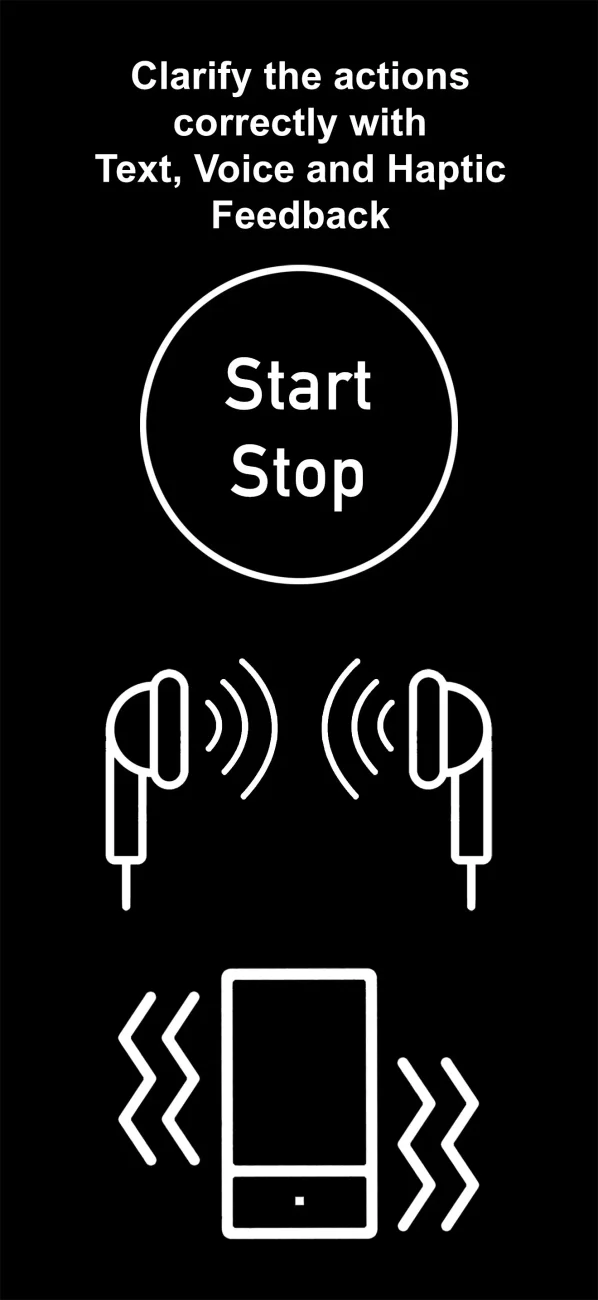
• Clarify the actions correctly with Text, Voice, and Haptic Feedback
PASSCODE
• No one can stop your recording by secure the recording and lock UI buttons with passcode
• Advanced passcode system can lock app startup, lock camera UI buttons, or lock gallery viewing
• Hide App Folder private photos and videos with failed passcode input
GALLERY
• Built-in gallery for viewing photos and videos and easy sharing
• Recover deleted photos and videos within 7 days with Trash Folder
REMOTE
• Wireless Apple Watch Remote supported for recording control
NOTES:
• Built-in Gallery Viewer unable to play slow-mo video in slow motion action.
• Double Cameras mode required iPhone or iPad with A12 or A12X chipset or later.
• 48MP photos capturing required iPhone 14 Pro series or iPhone 15 series or later.
• 4K 120fps recording required iPhone 16 Pro series or later.
Novedades
Versión 7.8.3 · 18/10/2026
- Bugs fixed and performance improvement
Privacidad de la aplicación
Lo que Ratha Sou declara en App Store sobre cómo esta aplicación gestiona los datos.
-
No se recopilan datos
El desarrollador no recopila ningún dato de esta aplicación.
Las prácticas de privacidad pueden variar, por ejemplo, según las funciones que uses o tu edad.
Información
- Vendedor
- Ratha Sou
- Categoría
- Foto y vídeo
- Versión
- 7.8.3
- Actualizado
- 18/10/2026
- Publicado
- 20/2/2013
- Tamaño
- 24,1 MB
- Requiere
- iOS 13.0 o posterior
- Clasificación por edad
- 17+
- Precio
- 9,99 €
- Idiomas
- Inglés
- Copyright
- © Ratha Sou
Quizá también te guste
-
 myCameraPal - Look Busy!Foto y vídeo
-
 Discreet - Black screen cameraToma fotos en secreto
-
 InviCam: Secret Video RecorderSpy Covert Cam & Black Night
-
 Black Screen Video CameraCapture personal moments
-
 PV Cam ViewerFoto y vídeo
-
 LockCam - Lock Secret AlbumsProtect private photos videos
-
 SCamera ProCapturar Fotos en Secreto
-
 Cloud SpyFoto y vídeo
-
 Camara Pantalla Negra QuietCamGrabacion con pantalla apagada
-
 DarkCam Inconspicuous CameraFoto y vídeo