SP Neuron Mobile
Infinite-canvas mind mapping
Diseñada para iPhone, iPad
Gratis · Compras en la aplicación
- Clasificación por edad4+
- CategoríaProductividad
- Desarrollador余 杨
- IdiomasInglés+ 6 más
- Tamaño10,4 MB
Enlaza a la página oficial de App Store
Download.org no aloja ningún archivo de SP Neuron Mobile. El botón abre la página de la aplicación en App Store, donde la publica 余 杨. Ficha comprobada por última vez el 14/11/2026.
Capturas de pantalla


Acerca de
El desarrollador no ha proporcionado este texto en tu idioma.
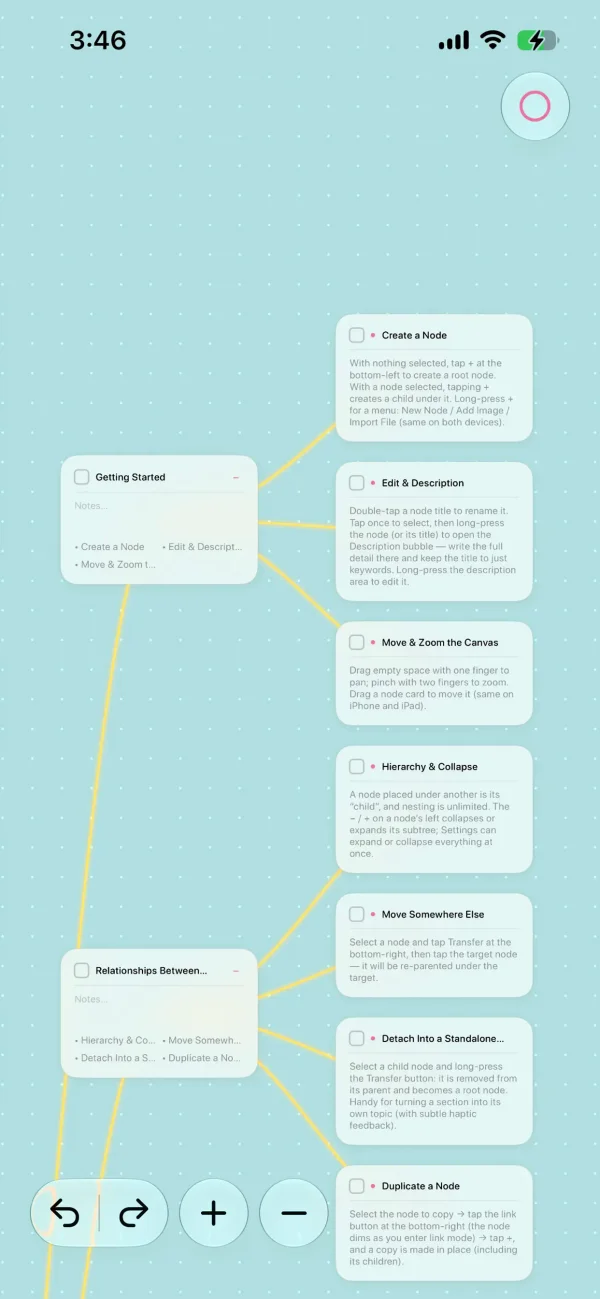
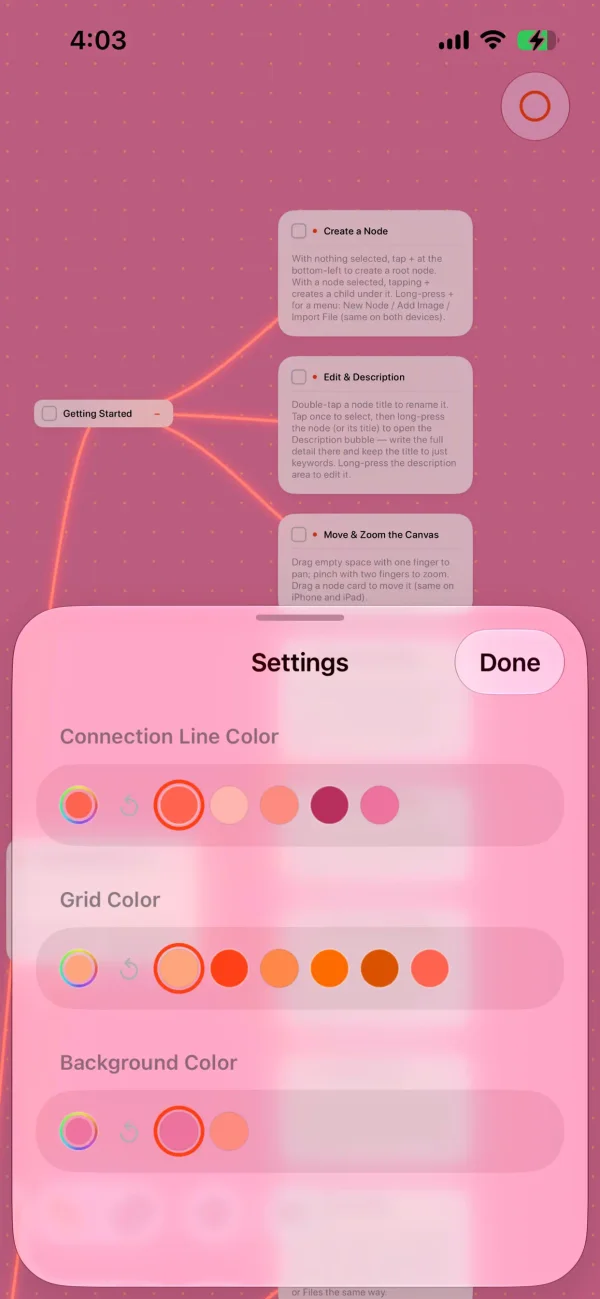
SP Neuron is a clean, fast mind-mapping and outliner built for the way you actually think. Drop ideas onto an endless canvas, connect them, and let your thoughts organize themselves.
Key features:
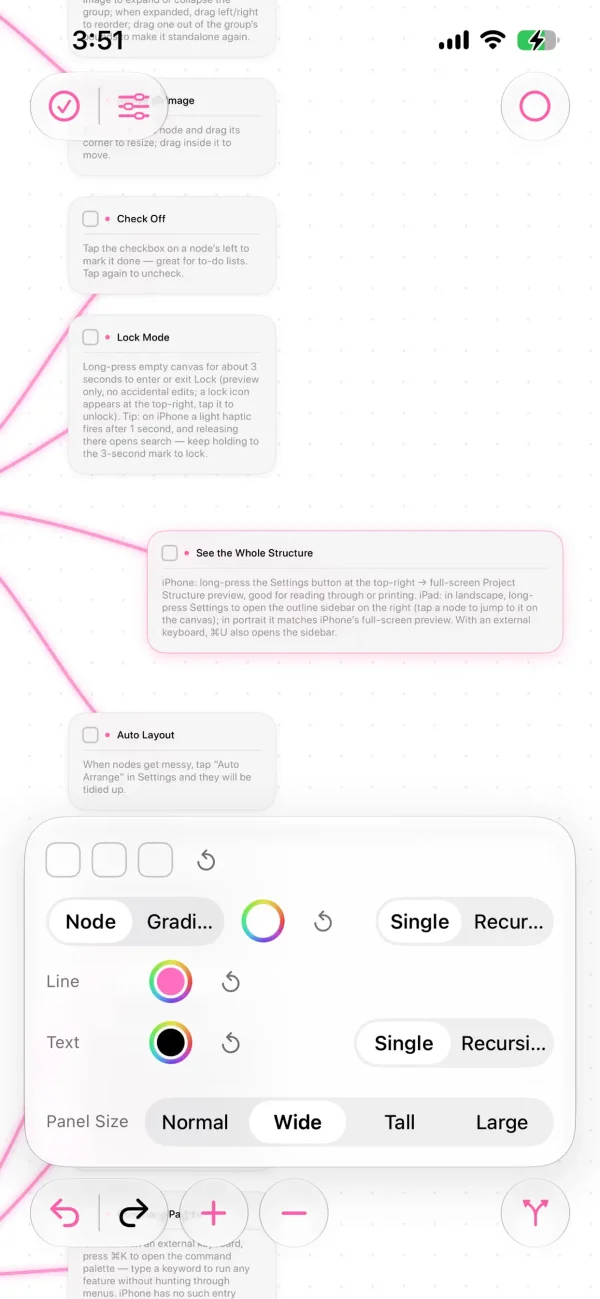
- Infinite canvas — pan and zoom freely, with no limit on how large your map grows.
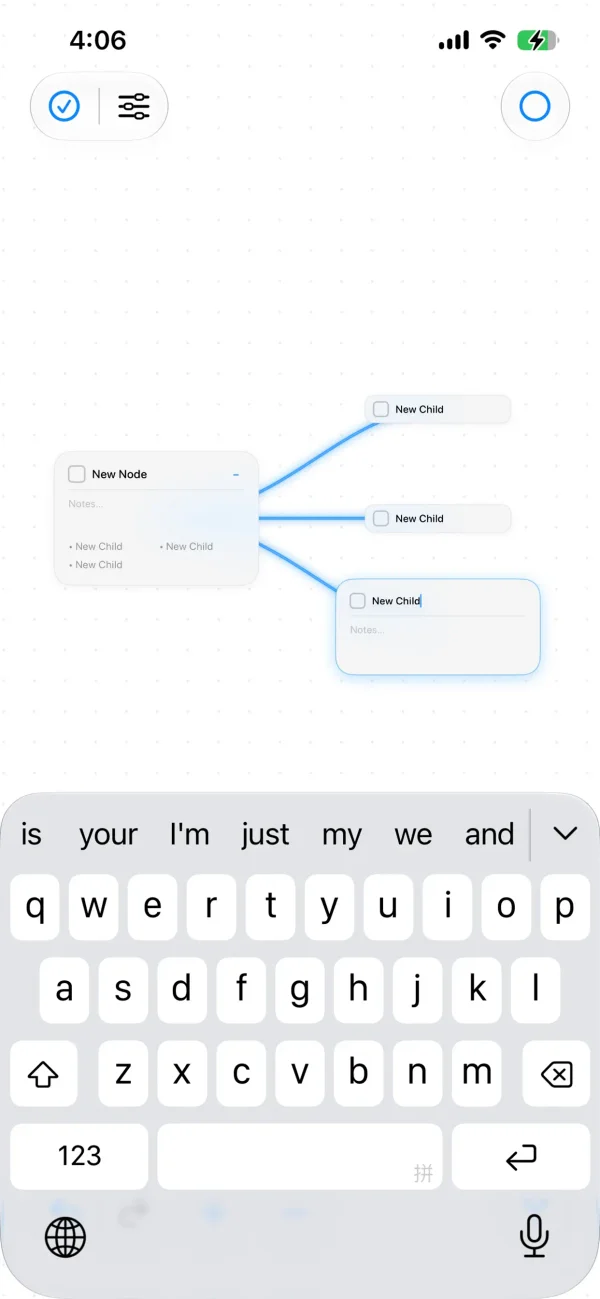
- Node cards — each one holds your thoughts; drag to rearrange, pinch to zoom.
- Smart connections — link nodes to make relationships clear at a glance.
- Built-in outline sidebar — jump to any node and fly to it smoothly with a single tap.
- iCloud sync — your maps stay in sync across iPhone and iPad, with full offline editing that resumes the moment you're back online.
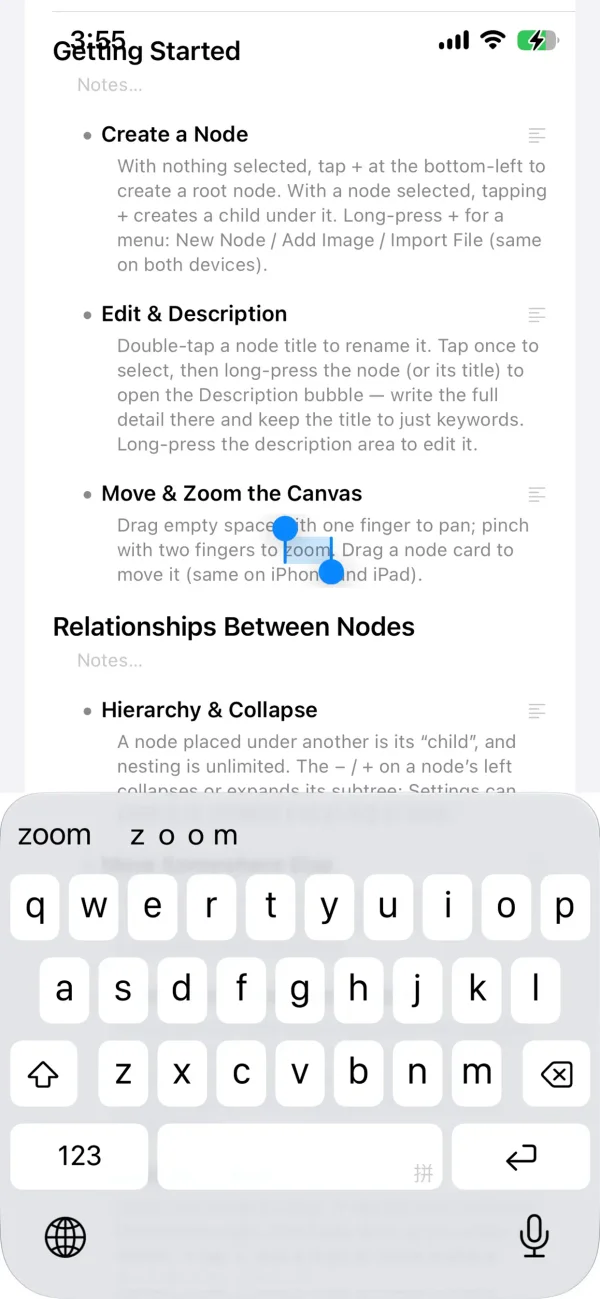
- 7-language built-in manual — English, German, French, Japanese, Korean, Simplified and Traditional Chinese, ready the first time you open the app.
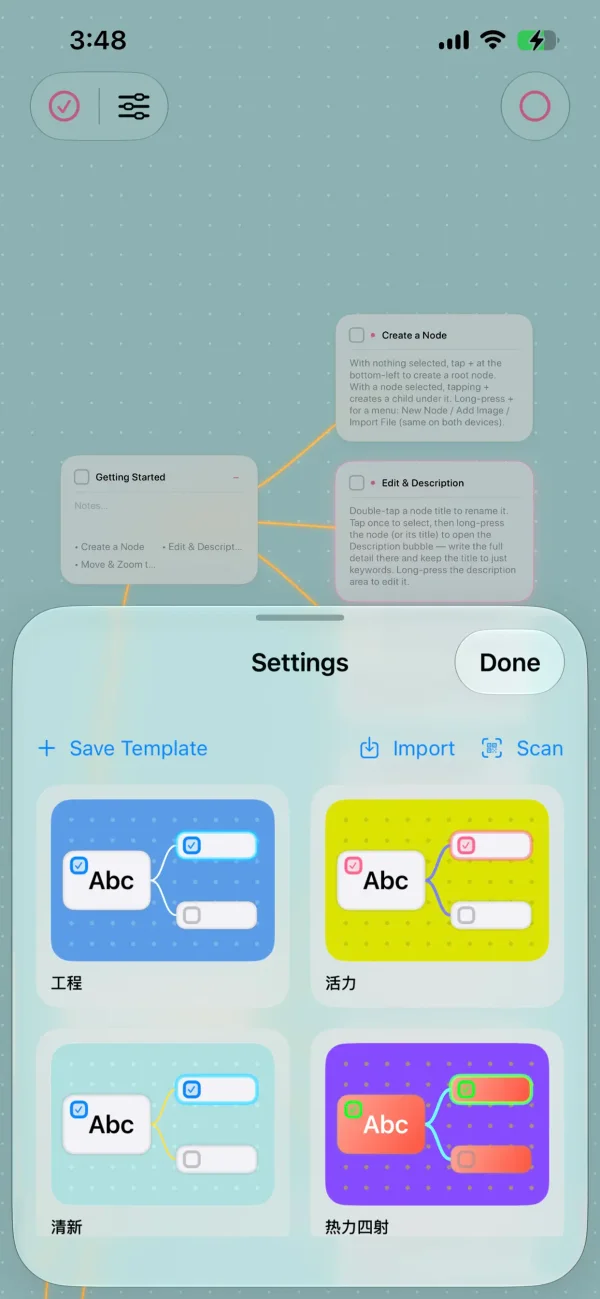
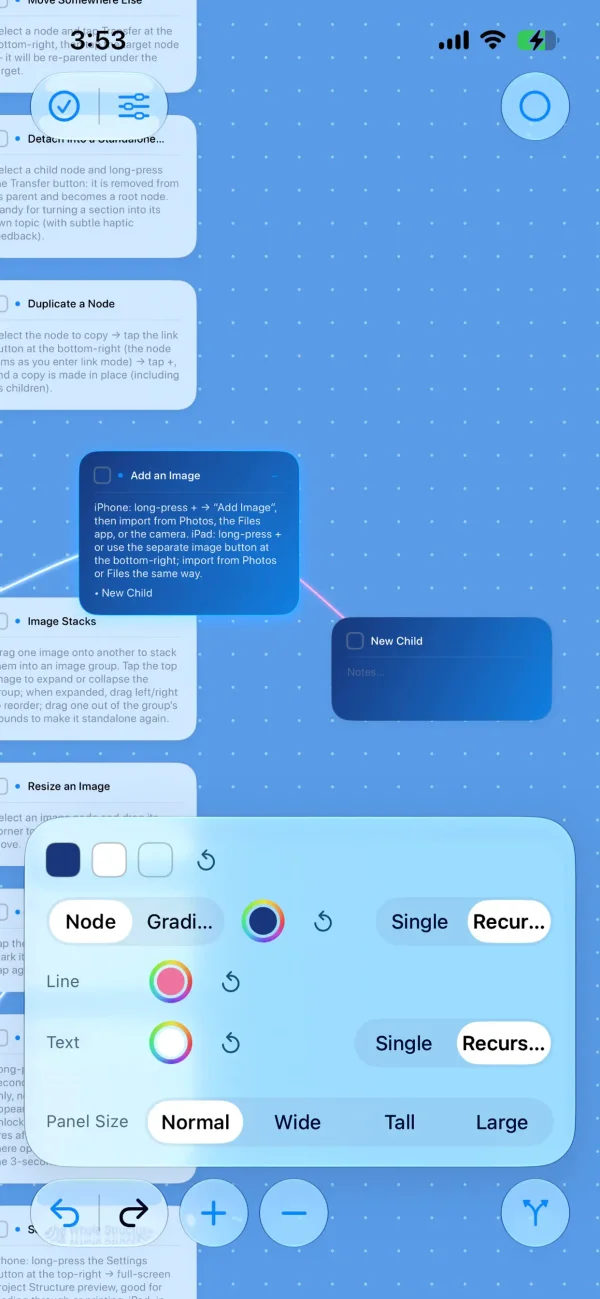
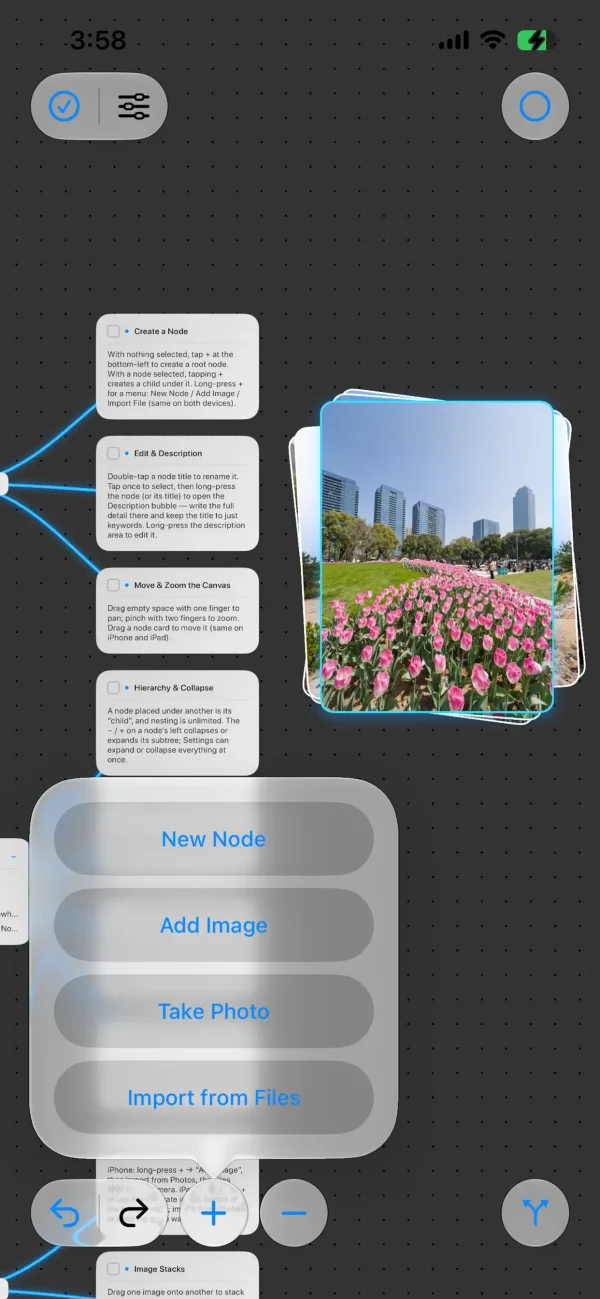
- Liquid Glass design — crafted for iOS 26 with a fluid, native feel.
- Dark mode — easy on the eyes, day or night.
- Command palette — reach power actions with a keystroke.
Whether you're planning a project, studying, or capturing a sudden burst of ideas, SP Neuron keeps it all in one calm, beautiful space.
Privacy: SP Neuron does not collect any personal data. Your maps are stored only on your device and in your own iCloud container. There are no third-party trackers or ads, and you can delete your data or stop syncing at any time.
Novedades
Versión 1.6 · 8/11/2026
Neuron 1.6
New
- Perfectly adapted for iPhone Duo, taking full advantage of the foldable display with a redesigned UI and Outline mode.
- Math Formulas: type $...$ in a title or note to see a properly typeset formula, also shown in the outline.
- iPad Keyboard Navigation: arrow keys move the selection between nodes, Return edits the title, Tab switches between title and notes, and ESC exits editing or clears the selection.
- iPad Shortcuts: ⌘I toggles Quick Edit, ⌘+ / ⌘- zoom in and out, and ⌘0 resets to 100%.
- Auto Arrange, Rebuilt: nodes are placed in level-based columns, vertically centered and symmetrical; even a canvas with thousands of nodes arranges faster and cleaner.
- Node Markers: bold for emphasis, plus a "Deprecated" marker in grey strikethrough to keep old records without distraction.
- Hideable Checkboxes: turn them off if you don't use to-dos; titles shift left to reclaim the space.
- Outline from Clipboard: copy a block of indented text and paste it straight into a node tree.
- Outline Editing: edits preview live on the canvas and commit as a single undo step on exit; multi-select, choosing a transfer target, and bold are supported.
- Undo Restores Expansion: undo and redo also restore the expanded state of note bubbles and image stack groups.
- Adaptive Materials: Liquid Glass on iOS 26, with an equivalent material applied automatically on earlier systems.
Improved
- System Requirements: supports iOS 17 or later, bringing Neuron to more devices.
- Performance: the canvas, outline, filmstrip, and formula rendering are all optimized to stay smooth with large numbers of nodes and images.
- Pointer & Connections: cards lift slightly on hover and links spring back as you drag, for a more natural feel.
- Fixed assorted interface details and localized text.
Privacidad de la aplicación
Lo que 余 杨 declara en App Store sobre cómo esta aplicación gestiona los datos.
-
No se recopilan datos
El desarrollador no recopila ningún dato de esta aplicación.
Las prácticas de privacidad pueden variar, por ejemplo, según las funciones que uses o tu edad.
Información
- Vendedor
- 余 杨
- Categoría
- Productividad
- Versión
- 1.6
- Actualizado
- 8/11/2026
- Publicado
- 3/8/2026
- Tamaño
- 10,4 MB
- Requiere
- iOS 17.0 o posterior
- Clasificación por edad
- 4+
- Precio
- Gratis
- Compras en la aplicación
- Sí
- Idiomas
- Inglés, Francés, Alemán, Japonés, Coreano, Chino simplificado, Chino tradicional
- Copyright
- © 2026 YU YANG
Quizá también te guste
-
 MotivAction: Goal PlannerProductividad
-
 DNI y Documentos WalletPasaporte, carnet y claves
-
 Shimau: Save Now, Find LaterProductividad
-
 Countdown Reminder: Days LeftProductividad
-
 HOAGuard: HOA Evidence LogProductividad
-
 TenantDesk: Rental InspectionProductividad
-
 Study Deck: Memory FlashcardsProductividad
-
 DocLens - OCRProductividad
-
 Live Level - Habit TrackerProductividad
-
 CreatorBook: Creator AnalyticsProductividad