
- Clasificación por edad4+
- CategoríaFinanzas
- DesarrolladorTy Okazaki
- IdiomasInglés
- Tamaño2,1 MB
Enlaza a la página oficial de App Store
Download.org no aloja ningún archivo de Split – Share with Ease. El botón abre la página de la aplicación en App Store, donde la publica Ty Okazaki. Ficha comprobada por última vez el 12/11/2026.
Capturas de pantalla

Acerca de
El desarrollador no ha proporcionado este texto en tu idioma.
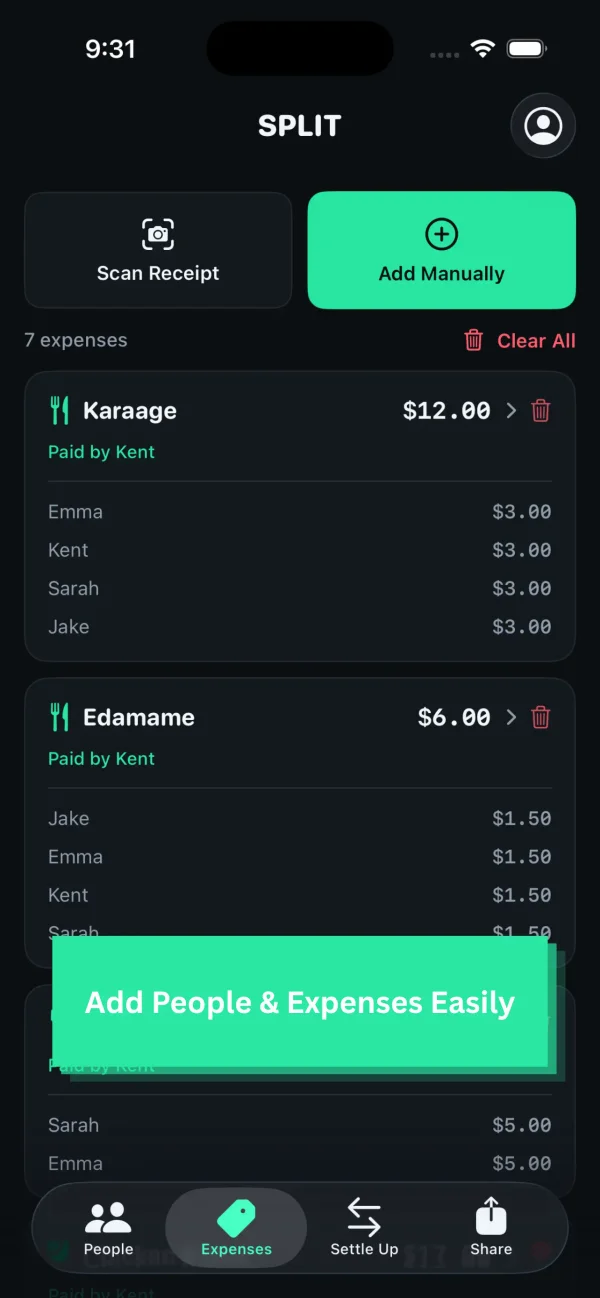
Split is bill-splitting the way it should work: item by item, not just the total — and entirely on your device.
Most splitting apps ask you to type in a lump sum and divide it evenly. Split reads the actual receipt.
ITEMIZED, NOT LUMP-SUM
Point your camera at a receipt and Split reads it on-device — no photo or text ever leaves your phone. Choose exactly who's splitting each individual item, not the whole bill. One person's appetizer doesn't have to get split with the whole table.
RECURRING PEOPLE
Add someone once and they're saved as a contact for next time. Favorite the people you split with most so you're never retyping the same names for the same group of friends.
AUTOMATIC SETTLE-UP
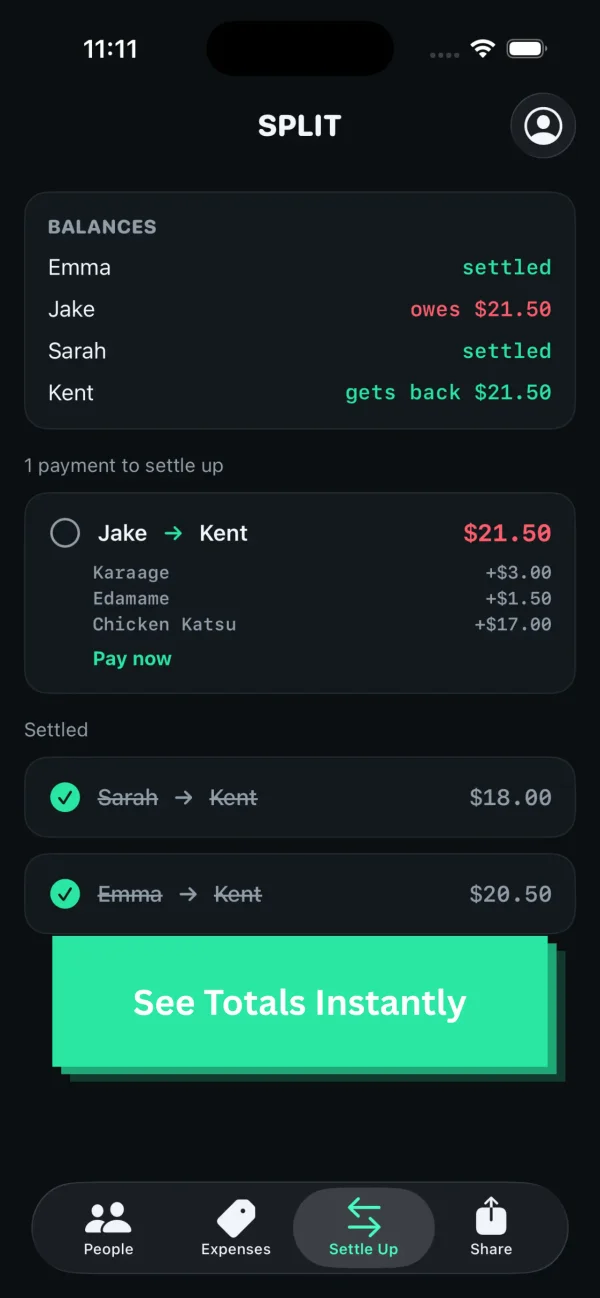
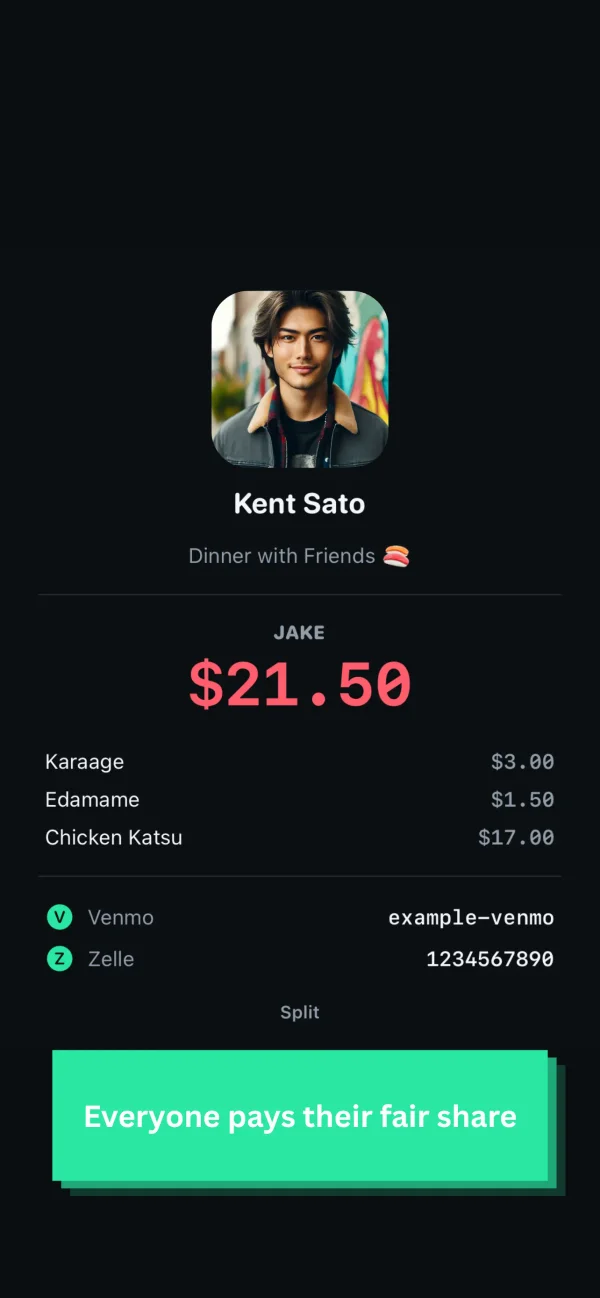
Record who paid for what, and Split works out exactly who owes whom — netted directly between the people who actually shared an expense, not routed through some global optimization that can make a payment feel random. Mark a payment as done and it's tracked for good.
PAY IN ONE TAP
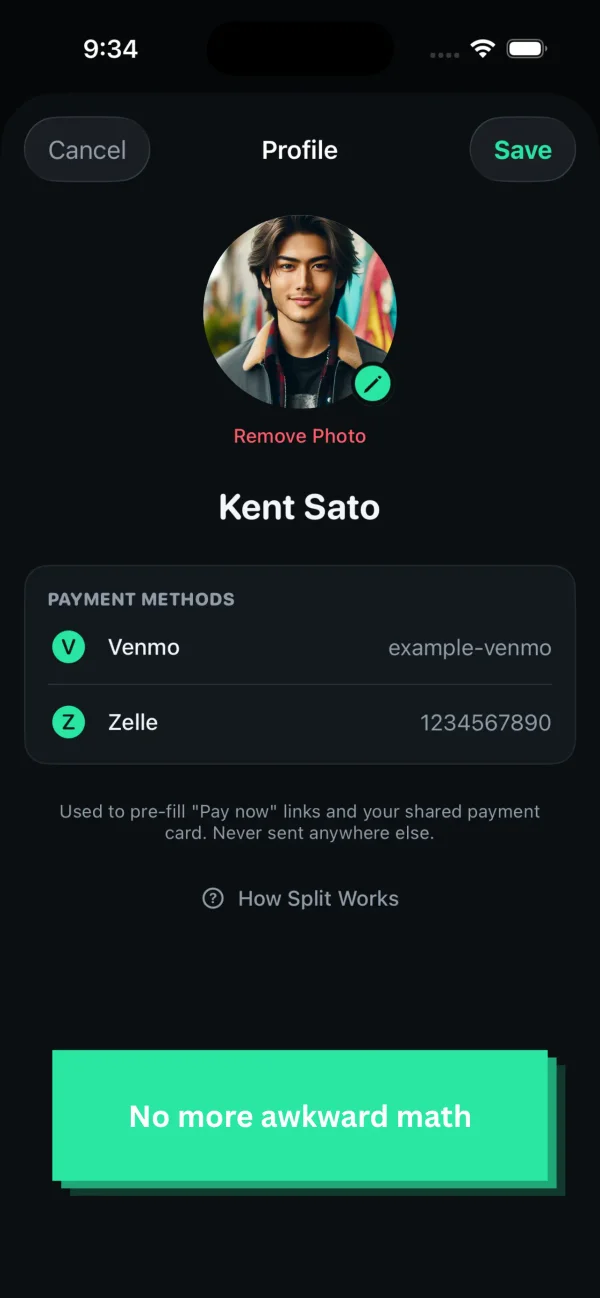
Direct links to Venmo and Cash App with the amount pre-filled — no typing a number by hand. Zelle info is one tap to copy.
PRIVATE BY DESIGN
Split doesn't have accounts, doesn't have a server, and doesn't collect or transmit any of your data. Names, expenses, receipts — everything lives on your device, full stop. There's nothing to breach because there's nothing collected.
Split a dinner, a trip, a grocery run, or rent. Add the people, add or scan the expenses, and settle up — that's it.
Novedades
Versión 1.1 · 15/7/2026
What's New
- Itemized receipt scanning — point your camera at a receipt and Split reads it entirely on-device, letting you choose exactly who's splitting each individual item instead of dividing one lump total evenly
- Mark payments as paid — track settlements as they happen, with the ability to undo a payment marked by mistake
- Recurring contacts — add someone once and they're saved for next time, with a Favorites section for the people you split with most
- Real persistence — your names, expenses, and settings now reliably survive closing the app (previously data lived only in memory and vanished on quit)
- Editable expenses — tap any expense to update its name, amount, payer, or who's splitting it
- One-tap payment links — Venmo and Cash App open with the amount pre-filled; Zelle info copies with one tap
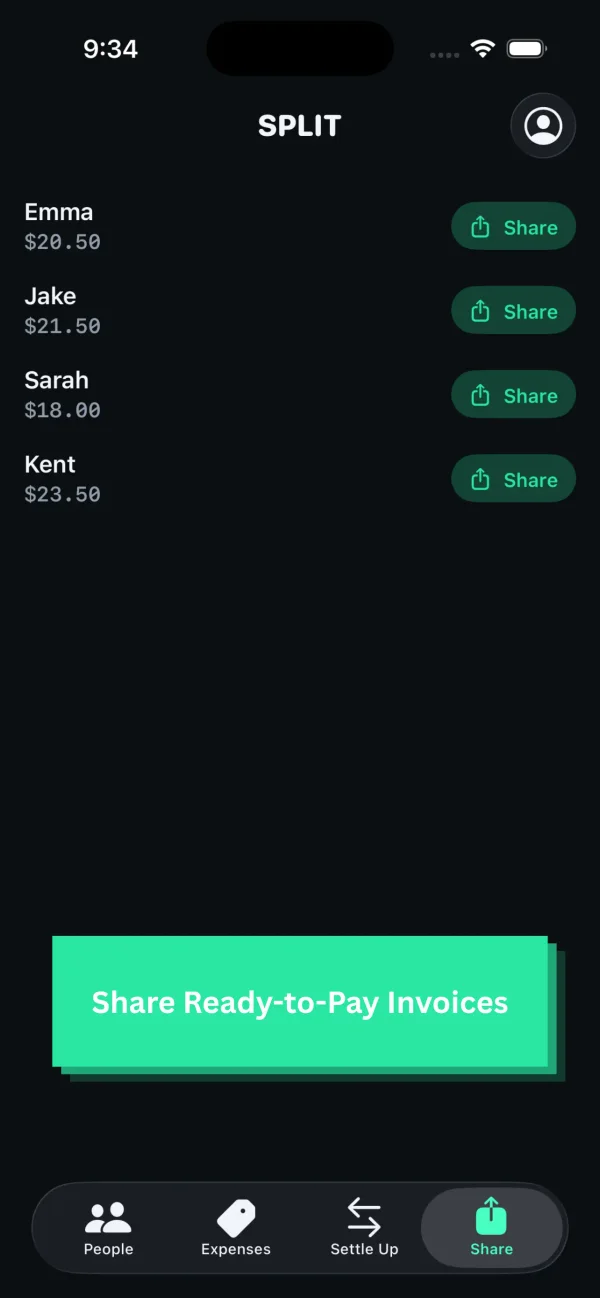
- Itemized payment cards — shared payment summaries now show a full breakdown of what composes each person's total, not just a final number
- A completely modern look — rebuilt from the ground up with a custom dark "ledger" design system, replacing the original default iOS styling
- Onboarding walkthrough — a first-launch guide to the app's core features, replayable anytime from Profile settings
Privacidad de la aplicación
Lo que Ty Okazaki declara en App Store sobre cómo esta aplicación gestiona los datos.
-
No se recopilan datos
El desarrollador no recopila ningún dato de esta aplicación.
Las prácticas de privacidad pueden variar, por ejemplo, según las funciones que uses o tu edad.
Información
- Vendedor
- Ty Okazaki
- Categoría
- Finanzas
- Versión
- 1.1
- Actualizado
- 15/7/2026
- Publicado
- 22/5/2024
- Tamaño
- 2,1 MB
- Requiere
- iOS 17.4 o posterior
- Clasificación por edad
- 4+
- Precio
- Gratis
- Idiomas
- Inglés
- Copyright
- © 2026 Ty Okazaki
Quizá también te guste
-
 BillSplit: Split Bills & TabsFinanzas
-
 Pareto: Bill Splitter & ScanFinanzas
-
 Split - Pay EquallyFinanzas
-
 Splitly: Split Group ExpensesFinanzas
-
 Split - Receipt ScannerFinanzas
-
 PickCard: Credit Card TrackerFinanzas
-
 Net Worth Tracker : VaultlyFinanzas
-
 SharedSavingsFinanzas
-
 SplitScan: Bill SplitterFinanzas
-
 Purpose BudgetFinanzas