- Clasificación por edad4+
- CategoríaUtilidades
- DesarrolladorEd Leonhardt
- IdiomasInglés
- Tamaño1,2 MB
Enlaza a la página oficial de App Store
Download.org no aloja ningún archivo de SuiteSVD. El botón abre la página de la aplicación en App Store, donde la publica Ed Leonhardt. Ficha comprobada por última vez el 16/11/2026.
Capturas de pantalla

Acerca de
El desarrollador no ha proporcionado este texto en tu idioma.
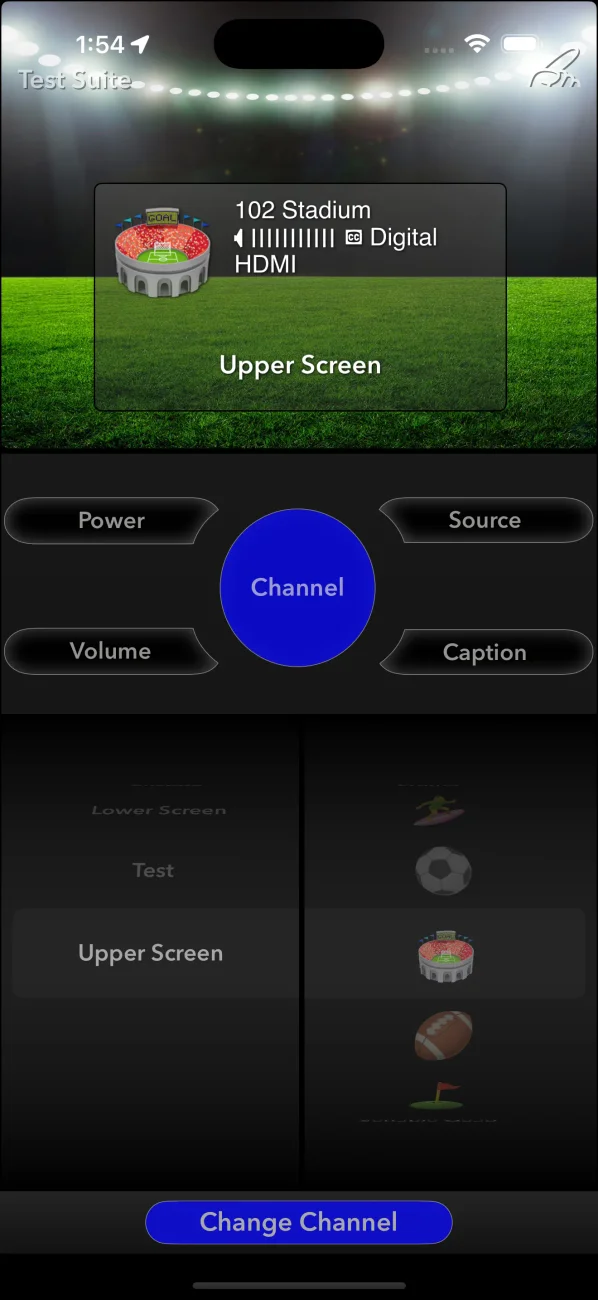
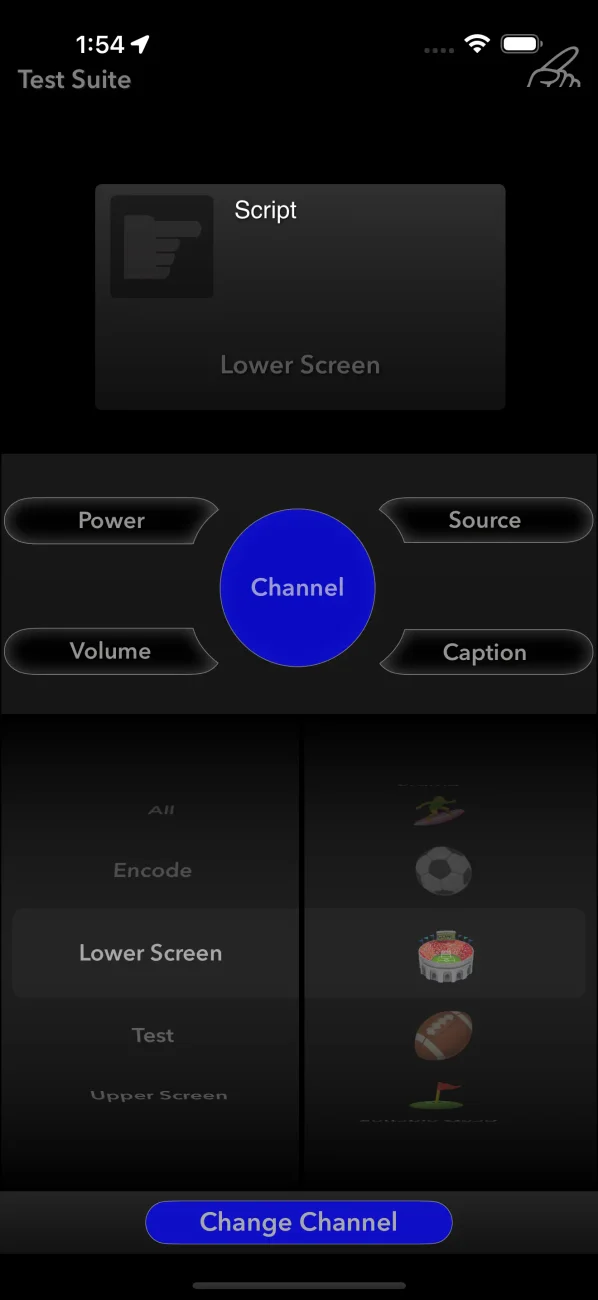
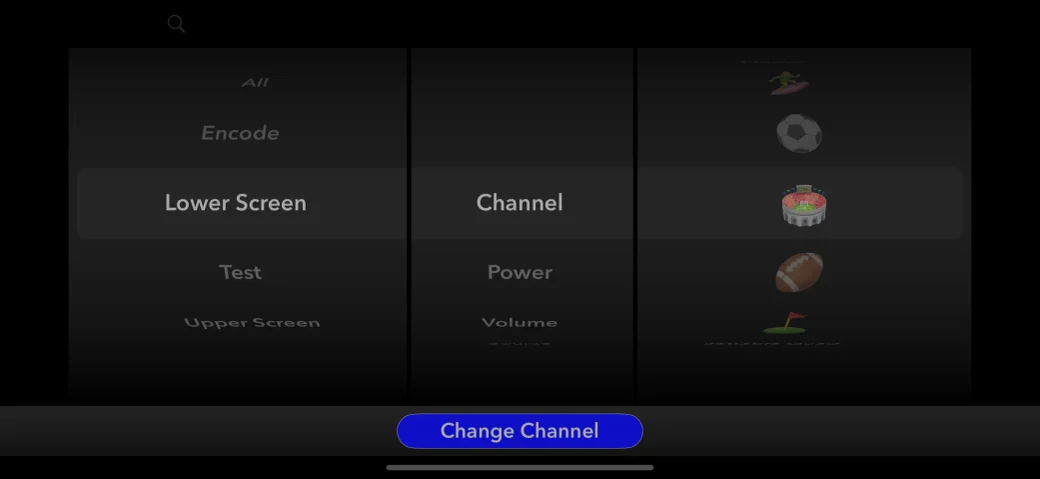
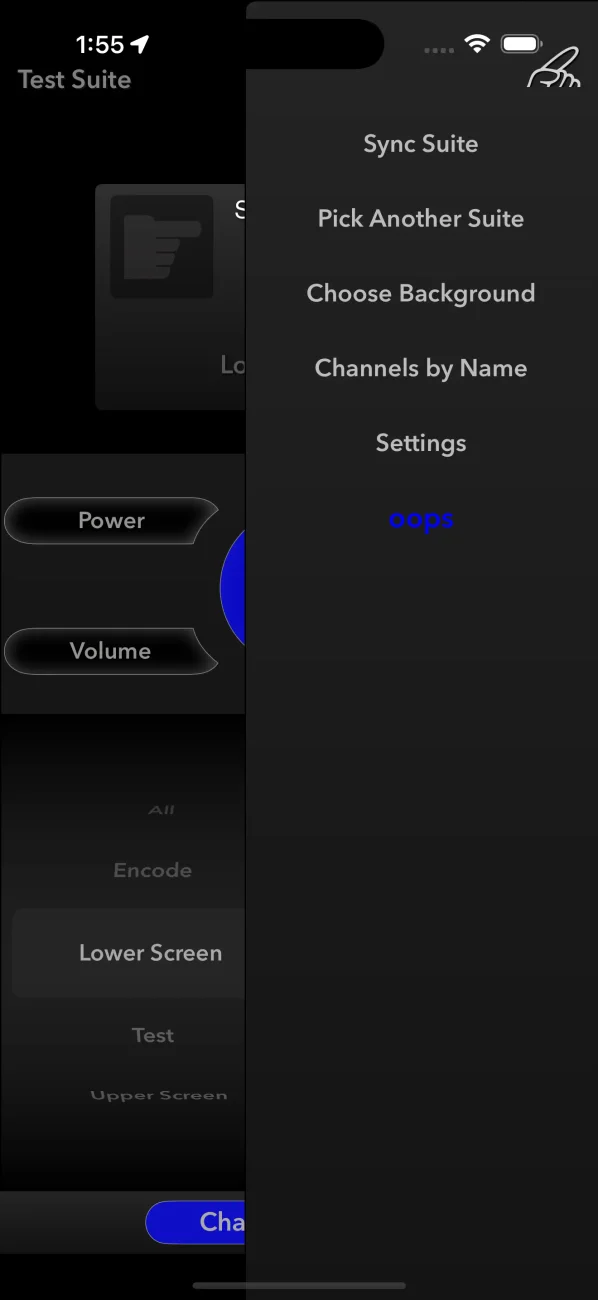
SuiteSVD provides local control capabilities to iOS in a SV/CV Director (SVD) deployment. Control areas typically are defined as suites, lounges, or other physical areas where control of the TV's is granted to a device within that area. Channel, power, volume, source, and caption control can be manipulated with SuiteSVD at either a single TV, multiple, or all TV choice.
Suite characteristics are pulled at launch to discover the quantity of TVs in the local control area along with their status, channels and icons, and feature choices. TVs can be sized, rotated, and positioned on an iPad (Adjust Displays within the Finger menu) with a custom background option on any device (in Finger Menu). SuiteSVD was designed to leverage the iOS Guided Access feature allowing dedicated use of a device for a given local control area, or simply lock settings within the app after configuration. SuiteSVD can be used to manage up to six areas, or even all local control areas.
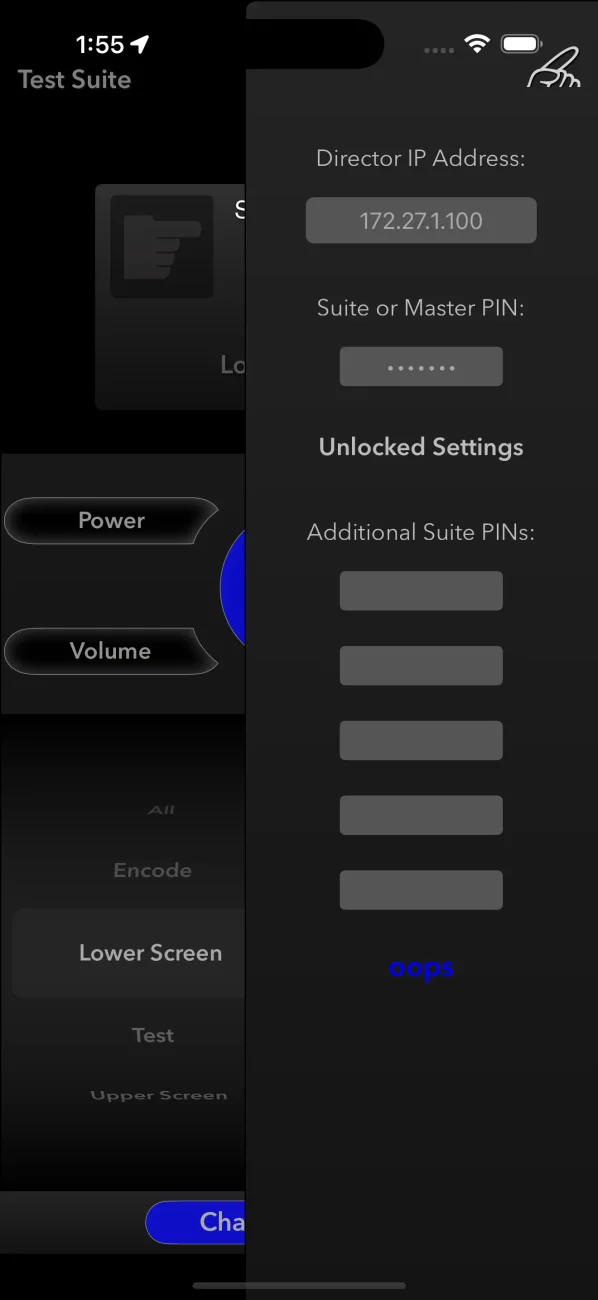
When first run SuiteSVD and the device will prompt for several pieces if information:
- Allow location use for collecting the Wi-Fi SSID and presenting it to you (optional)
- A master or individual suite PIN to control suite devices (required)
- A Director IP address that is reachable from the current Wi-Fi SSID (required)
- Access to the network to find and connect to Director (required)
An additional 5 suite PIN numbers can be entered within SuiteSVD to handle choosing between them. You can flip a Hide Settable toggle to disable/enable settable choices for guided access mode outside SuiteSVD in iOS Settings. There is demo mode also in settings that does not require an operational Director.
Background image for the iPad is a 1024x1024 square, and the background for the iPhone/iPod is a 320x196 rectangle. Both aspect fill a larger image, so double or triple up the dimensions for newer retina device resolution. Use AirDrop to iTunes to put jpg or png images onto the device.
Channel icon creators for SVD should plan on a 120x120 square with a transparent background (png). Keep the load time down by reducing images to 64 colors before upload. Upload as Third Party (Large) and assign within SVD to the appropriate channel.
To use the local streaming settings Director must be provisioned for a channel named "LC-HDMI-In" and/or "LC_HDMI-Out" within the suite channel listings to enable HDMI or Display streaming within SuiteSVD for a single sender on each channel. This allows administrators to restrict where the feature is deployed. Support for the streaming features is additionally dependent on the player model and software versions.
Novedades
Versión 5.10.0 · 4/5/2026
- bug fixes around multiple suite PIN scenarios and ipad wheel hide/show
- added "No TV Players" to change button when detected in addition to the alert
- dropped default finger glyph in channel well in place of missing channel icon
- iphone & ipad search is now always open and easier to find
- added communication resiliency with longer timeouts with retries
- failure to pull TV status at first launch is now silently handled
Privacidad de la aplicación
Lo que Ed Leonhardt declara en App Store sobre cómo esta aplicación gestiona los datos.
-
No se recopilan datos
El desarrollador no recopila ningún dato de esta aplicación.
Las prácticas de privacidad pueden variar, por ejemplo, según las funciones que uses o tu edad.
Información
- Vendedor
- Ed Leonhardt
- Categoría
- Utilidades
- Versión
- 5.10.0
- Actualizado
- 4/5/2026
- Publicado
- 24/7/2013
- Tamaño
- 1,2 MB
- Requiere
- iOS 17.6 o posterior
- Clasificación por edad
- 4+
- Precio
- Gratis
- Idiomas
- Inglés
- Copyright
- © 2012-2026 Ed Leonhardt