
- Clasificación por edad4+
- CategoríaUtilidades
- DesarrolladorSupra Lighting Inc
- IdiomasInglés+ 6 más
- Tamaño19,3 MB
Enlaza a la página oficial de App Store
Download.org no aloja ningún archivo de SupraLink. El botón abre la página de la aplicación en App Store, donde la publica Supra Lighting Inc. Ficha comprobada por última vez el 12/11/2026.
Capturas de pantalla

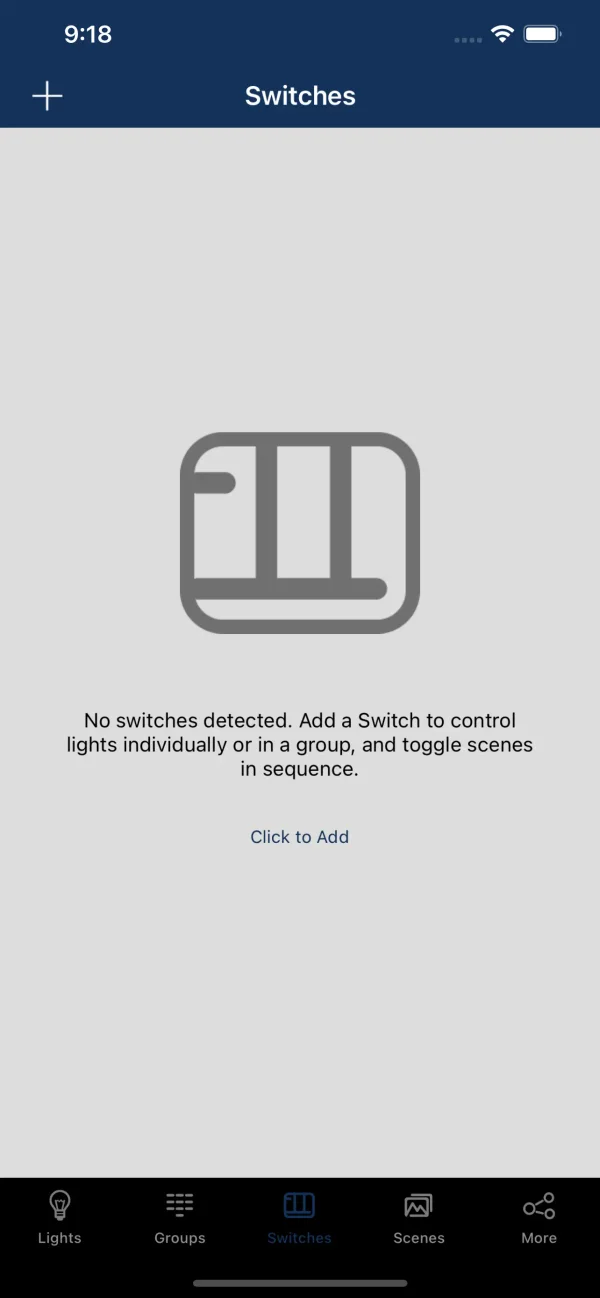
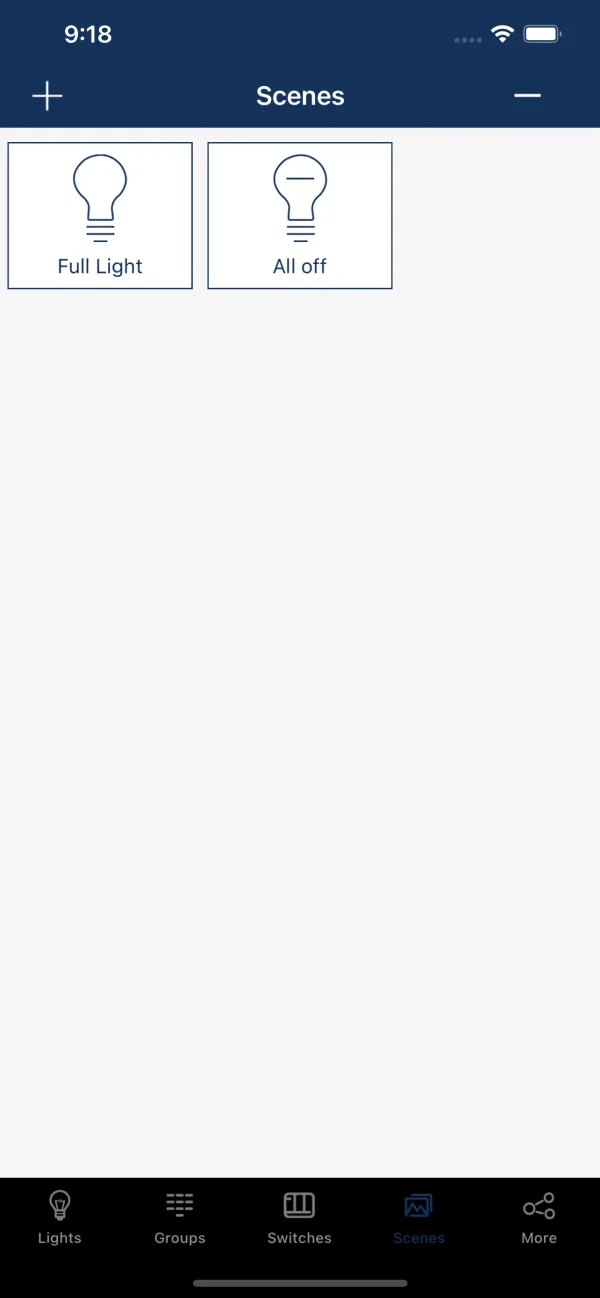
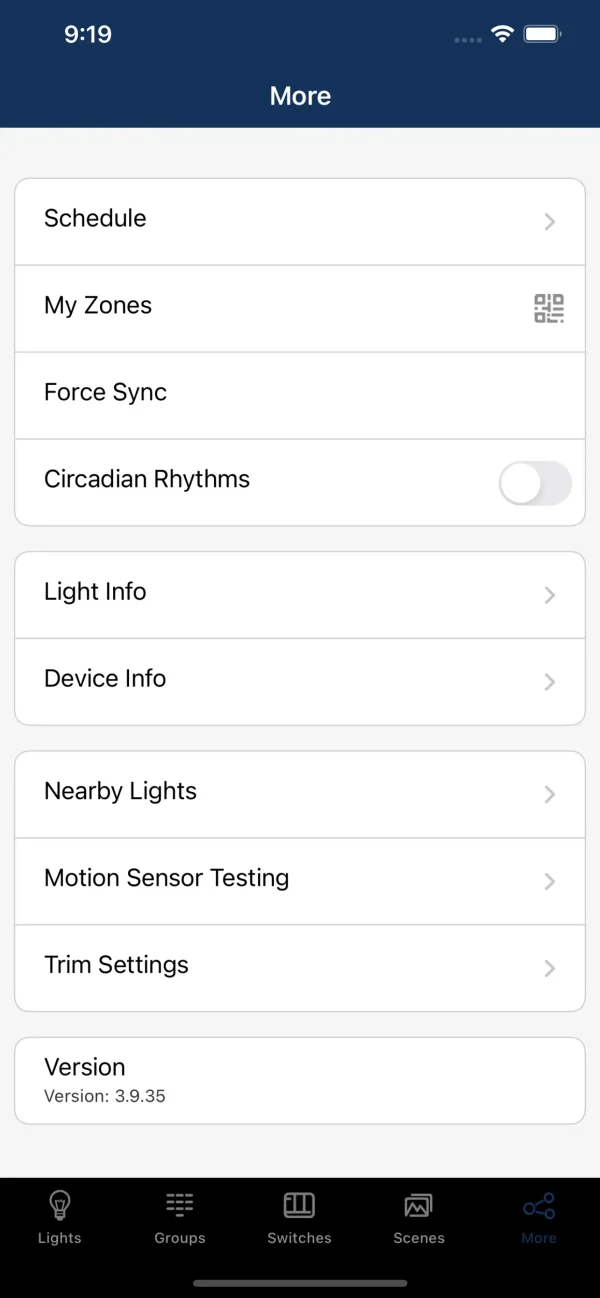
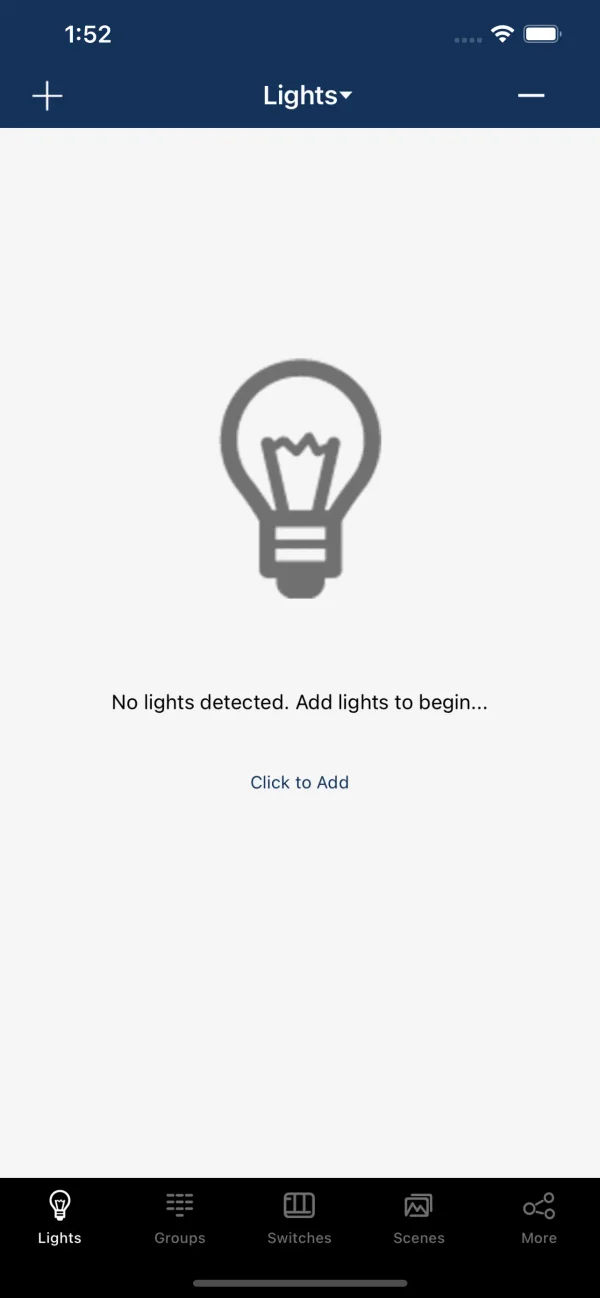
Acerca de
El desarrollador no ha proporcionado este texto en tu idioma.
Configure or reconfigure your SupraLink luminaire level lighting control system from Supra Lighting on your mobile phone or tablet.
The SupraLink mobile app allows end users (electrical contractors, sales agents, or facility maintenance professionals) to startup, configure, troubleshoot, and reconfigure SupraLink wirelessly from a smartphone or tablet.
The SupraLink app is optimized for efficient onsite startup and maintenance activities. It allows end-users to easily modify the settings and operation of the fixtures, sensors, and wall switches in a zone, aiding in meeting energy code requirements.
For larger installations, multiple users may use the SupraLink mobile application simultaneously to reduce onsite time.
Leave the ladder and laptop in the truck!
Using Bluetooth™ Low Energy (BLE) communications, users configure zones of fixtures and wall switches without the need for special hardware adaptors or wires. Utilizing a simple visual interface that provides real-time feedback, configure the equipment to work together for a consistent look or allow each fixture to operate independently.
No Wi-Fi? No cellular service? No problem. We know the wireless and cellular coverage can be spotty in commercial buildings. You can make programming adjustments even with SupraLink completely offline.
Using the SupraLink app, nodes can be commissioned without the need for a gateway or internet access!
Novedades
Versión 1.1.0 · 7/8/2025
New Features:
Added a Discover page for easier management of switches, ceiling sensor, and various devices.
Bluetooth to wifi bridge can display complete IP information and MAC address on the app.
Group CCT dimming function.
Improved success rate for adding lights.
Added switch functionality for battery ceiling sensor, with the icon changed to a battery icon.
An automatic status icon 'A' has been added to the ceiling sensor icon.
Data synchronization now uses a compressed method to improve sync speed.
Added a light addition verification feature to resolve potential issues when adding lights to multiple devices simultaneously.
Bug Fixes:
Resolved the issue of linked actions being triggered when binding switches to light groups.
Lights that were not actually deleted in the mesh network will be automatically re-added to the zone.
Fixed the issue of freezing or crashing after a period of inactivity when there are many fixtures.
Resolved the problem of needing to delete devices multiple times.
Fixed the issue where the selected switch was not clearly displayed.
Text modifications on the timer page.
Fixed the crash issue when a switch is bound to a fixture, the fixture is deleted, and then the edit switch page is accessed.
Fixed the bug where changing the zone name to "My Lights" did not update the navigation bar text.
Resolved the issue where modifying group sensor settings incorrectly changed the "Disable motion trigger" configuration for lights in the group.
Fixed the frequent jumping issue after selecting battery ceiling sensor.
Resolved the problem where modifying group members in the app could cause ceiling sensor to exit the group.
Fixed the issue of timer binding light group or scene IDs being scrambled in the zone data export file.
Resolved the display error on the Auto Calibration page.
Fixed the issue where newly created zone names could become garbled or change to "My Lights."
Resolved the incorrect display of IP address separators on the Bluetooth to wifi interface.
Corrected the spelling error in the template interface, changing "skiped" to "skipped."
Fixed the issue where clicking "Circadian Rhythms" could result in a perpetual loading screen.
Resolved the issue where exporting data after selecting the default scene in the timer did not have the corresponding ID.
Fixed the issue where clicking the ceiling sensor switch did not respond to the lights in the associated group.
Modified the icons for template import and export.
Resolved text display issues in the template application interface.
PIR Wall switch displayed inside the switch.
Fixed the bug where ceiling sensor could still be controlled when not bound to a group.
Resolved the issue where the data export icon in the zone list displayed as a color block on certain models.
Fixed the issue where the "more" page displayed a network error message for several seconds even when the network was fine.
Modified the crash bug when entering the dimming page from the light group, caused by adding a nil object to the array.
Optimized the performance issue with clicking ceiling sensor.
Resolved the issue where adding lights was not possible when the number of powered fixtures was high.
Fixed potential crashing issues.
Privacidad de la aplicación
Lo que Supra Lighting Inc declara en App Store sobre cómo esta aplicación gestiona los datos.
-
No se recopilan datos
El desarrollador no recopila ningún dato de esta aplicación.
Las prácticas de privacidad pueden variar, por ejemplo, según las funciones que uses o tu edad.
Información
- Vendedor
- Supra Lighting Inc
- Categoría
- Utilidades
- Versión
- 1.1.0
- Actualizado
- 7/8/2025
- Publicado
- 19/10/2022
- Tamaño
- 19,3 MB
- Requiere
- iOS 12.0 o posterior
- Clasificación por edad
- 4+
- Precio
- Gratis
- Idiomas
- Inglés, Francés, Noruego bokmål, Portugués, Chino simplificado, Sueco, Chino tradicional
- Copyright
- © @SupraLink
Quizá también te guste
-
 Fluke iSeeUtilidades
-
 Tecnolite ConnectUtilidades
-
 ShinePhoneUtilidades
-
 Mando a Distancia TV RemotoTV Inteligente Mando Universal
-
 Nexxt HomeUtilidades
-
 Fotómetro LM-3000Medición simple y precisa
-
 390EyesUtilidades
-
 SmartLife-SmartHomeUtilidades
-
 Car Scanner OBD2 - EOBD FacileELM327 Bluetooth OBD 2: torque
-
 VIDAAUtilidades