
Sync with S3
Backup photos to S3 storage
Diseñada para iPhone
Gratis · Compras en la aplicación
- Clasificación por edad4+
- CategoríaProductividad
- DesarrolladorPixegram, LLC
- IdiomasInglés
- Tamaño47,2 MB
Enlaza a la página oficial de App Store
Download.org no aloja ningún archivo de Sync with S3. El botón abre la página de la aplicación en App Store, donde la publica Pixegram, LLC. Ficha comprobada por última vez el 21/11/2026.
Capturas de pantalla
Acerca de
El desarrollador no ha proporcionado este texto en tu idioma.
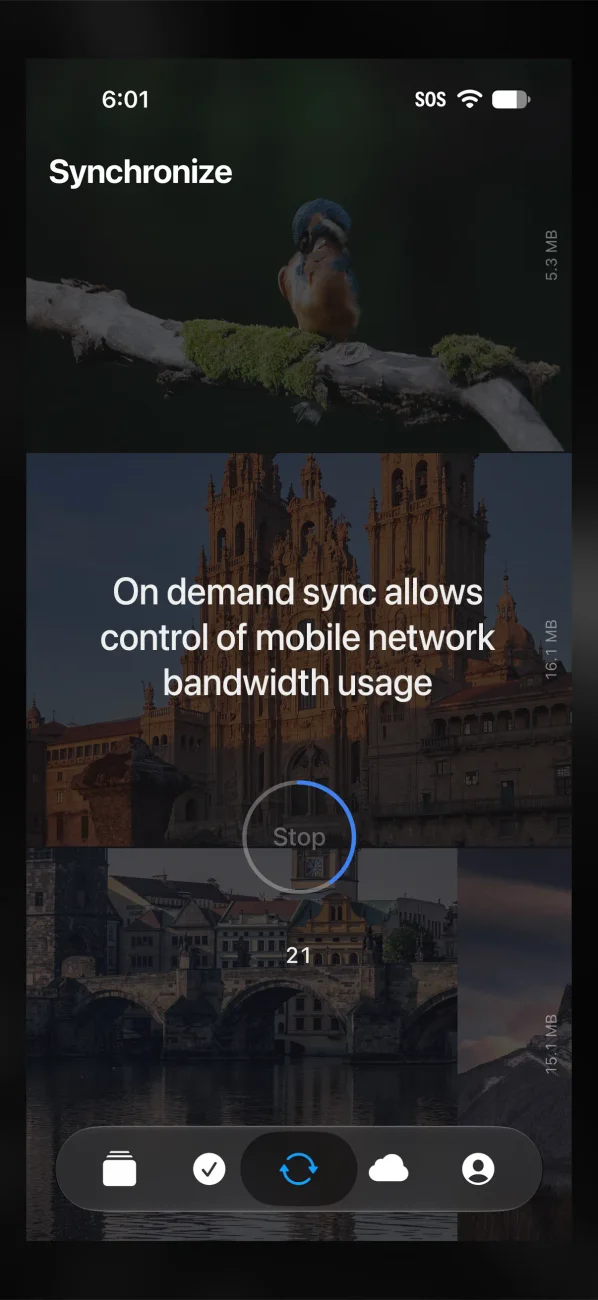
Sync for S3 synchronizes your phone’s photo library, including the album and folder hierarchy, to your S3 storage.
For users who like to organize their photos into folders and albums, Sync will also
- Sync automatically creates folders and albums you may have created in your phone’s photo library on S3 storage.
- Uploads the video component for Live Photos.
- Uploads the edited versions of photos and videos.
- Mirror or backup your photo library.
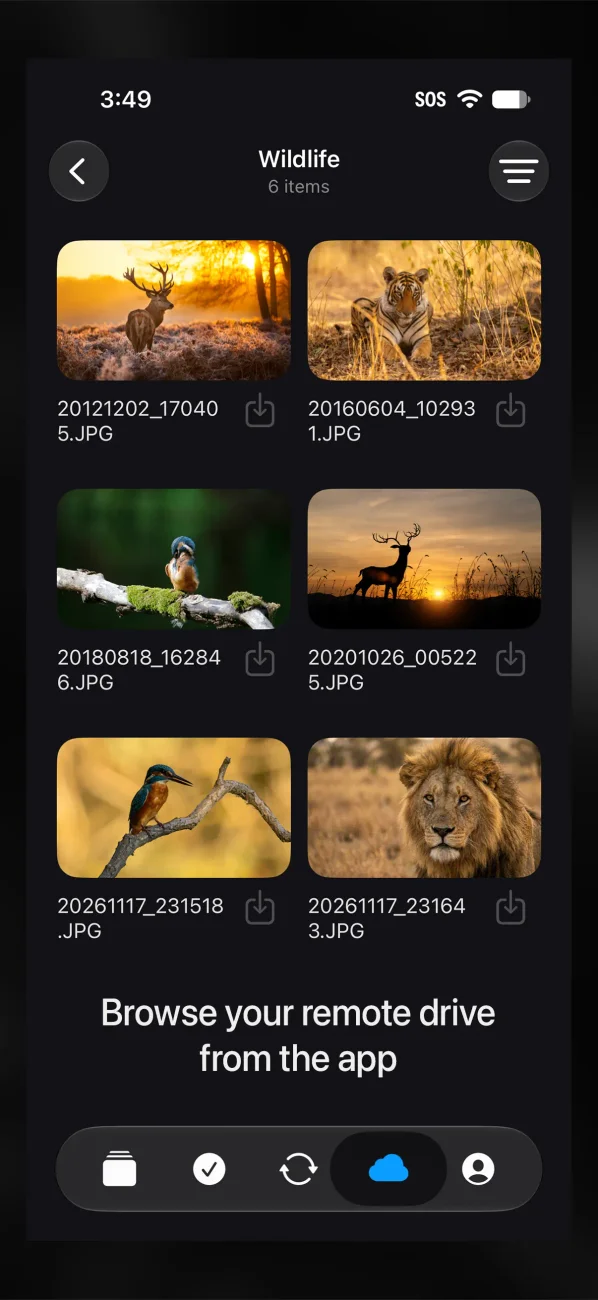
- Restore photos and videos from S3 storage back to your phone’s photo library.
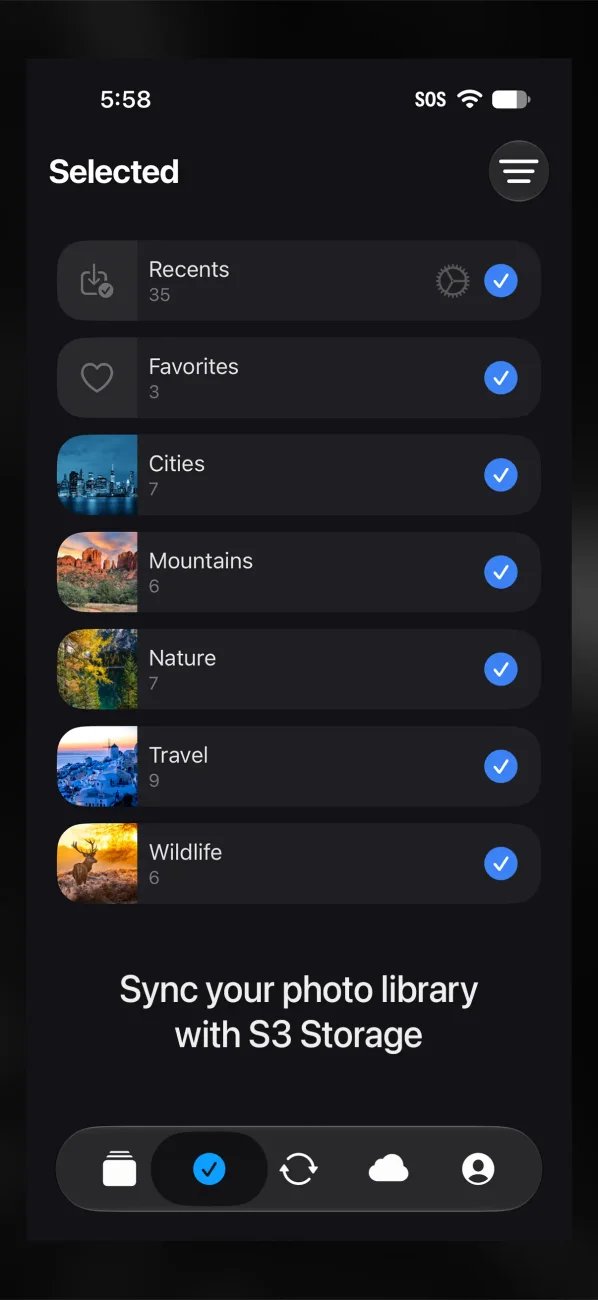
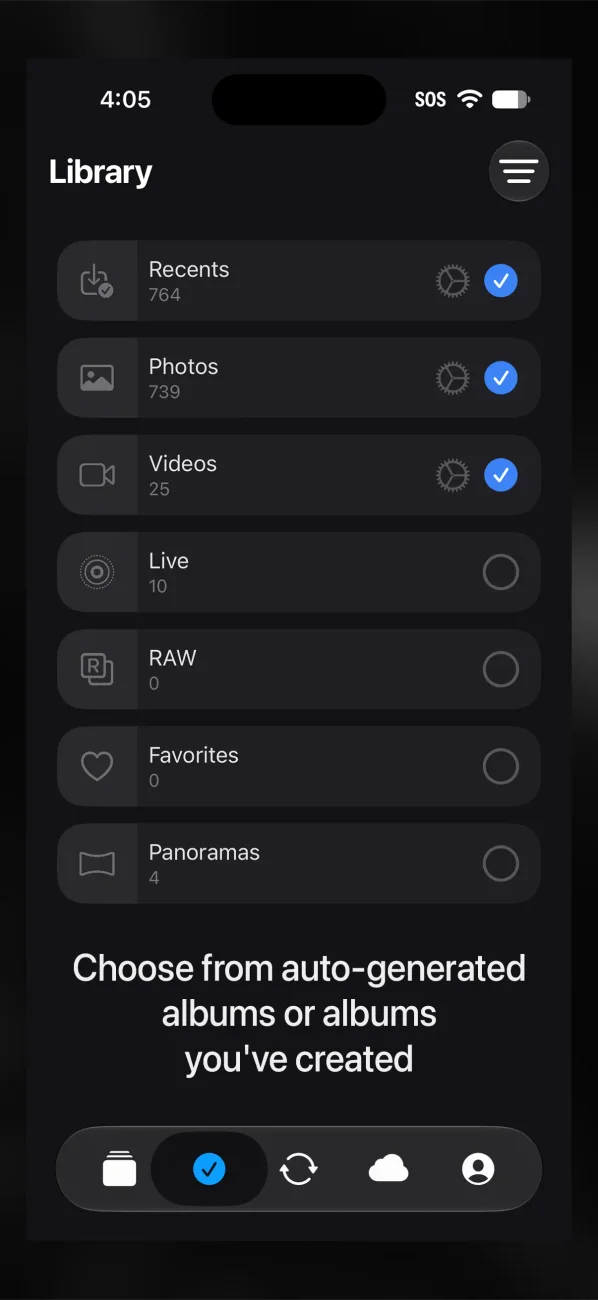
- Synchronize your entire photo library or only certain folders and albums.
In summary, each time you run Sync, it will make sure any changes to your phone’s photo library are updated on your S3 storage, overwriting, renaming, uploading, and deleting items on your S3 storage if needed.
Sync will also NEVER delete any photos from your phone. Sync performs a ONE-WAY sync only, making your S3 storage match your phone’s photo library. Any changes made on your S3 storage will not be synced to your phone, rather, the changes on your S3 storage will simply be overwritten the next time you run a Sync.
Free Plan
The free plan is limited to syncing up to 3 top-level folders and albums and up to 200 photos.
Premium Plan
Our affordable premium plan removes all restrictions and unlocks access to all future features.
Subscription Pricing and Terms
- Annual or monthly subscription billing will start immediately after you subscribe and will auto-renew each year or month.
- Subscriptions will automatically renew unless canceled at least one day before the renewal date within 24 hours before the end of the current period. Payment will be charged to your Apple ID account at the confirmation of purchase. You can manage and cancel your subscription by going to your account settings in the App Store.
- Subscriptions are non-refundable, so please choose this option carefully.
- Please refer to the In-App Purchases section for pricing.
Terms of Use —
https://www.apple.com/legal/internet-services/itunes/dev/stdeula
Privacy Policy —
https://sync.photosplus.app/privacy.php
Novedades
Versión 1.8 · 19/11/2026
Faster Uploads: Photos and videos are now uploaded in parallel, with file verification performed in the background. Together, these improvements deliver 3–5 times faster overall upload performance compared to previous versions.
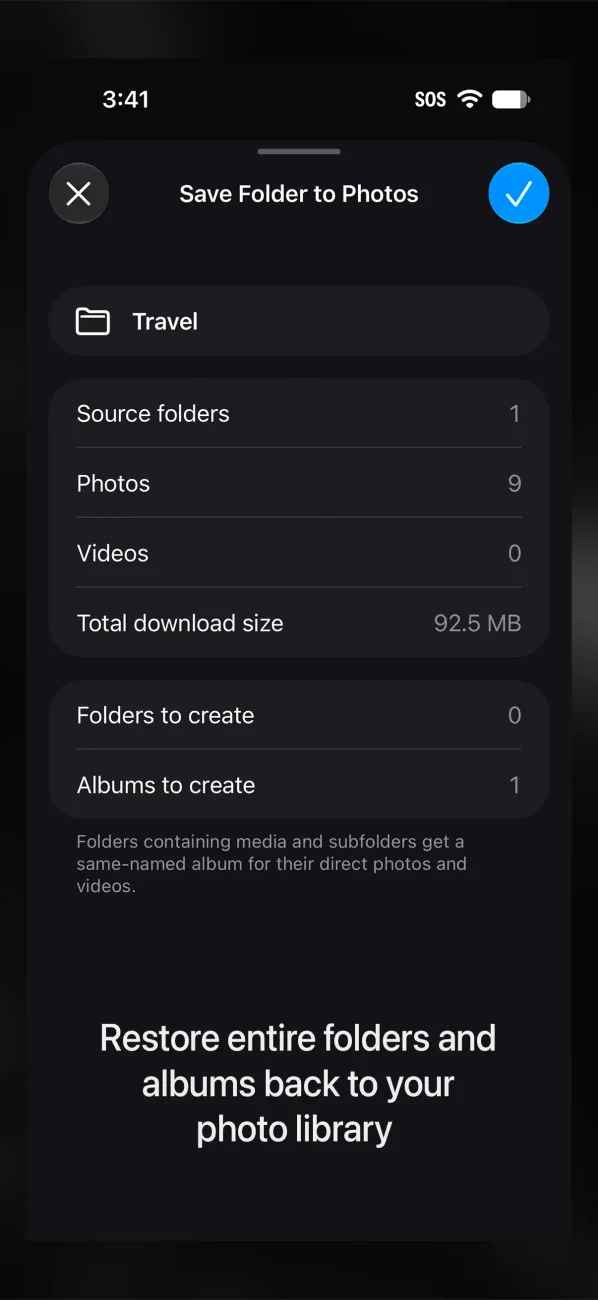
Restore Photos & Videos: You can now restore photos and videos from S3 Storage directly back to your phone's photo library.
iOS 27 Support: Updated for compatibility with iOS 27.
Privacidad de la aplicación
Lo que Pixegram, LLC declara en App Store sobre cómo esta aplicación gestiona los datos.
-
No se recopilan datos
El desarrollador no recopila ningún dato de esta aplicación.
Las prácticas de privacidad pueden variar, por ejemplo, según las funciones que uses o tu edad.
Información
- Vendedor
- Pixegram, LLC
- Categoría
- Productividad
- Versión
- 1.8
- Actualizado
- 19/11/2026
- Publicado
- 30/4/2024
- Tamaño
- 47,2 MB
- Requiere
- iOS 27.0 o posterior
- Clasificación por edad
- 4+
- Precio
- Gratis
- Compras en la aplicación
- Sí
- Idiomas
- Inglés
- Copyright
- © Pixegram, LLC
Quizá también te guste
-
 Sync: Respaldo y nubeRespalda, restaura y comparte
-
 S3 Client - Files locationProductividad
-
 G Cloud BackupProductividad
-
 Passwords CloudProductividad
-
 FTP Client - Files locationProductividad
-
 MobiDriveStore. Sync. Secure.
-
 Phone Drive: ArchivosFotos y música por wifi
-
 G App LauncherProductividad
-
 A2Z GruposMensaje Grupal y Correo Grupal
-
 USB Disk SE,Gestor de ArchivosReproductor de Musica y Fotos