
TapVV
Smart edits. Private videos.
Diseñada para iPhone, iPad, Mac, iPod touch
Gratis · Compras en la aplicación
- Clasificación por edad4+
- CategoríaFoto y vídeo
- DesarrolladorAndongdaolai Technology Co., Ltd.
- IdiomasFrancés+ 5 más
- Tamaño8,0 MB
Enlaza a la página oficial de App Store
Download.org no aloja ningún archivo de TapVV. El botón abre la página de la aplicación en App Store, donde la publica Andongdaolai Technology Co., Ltd. Ficha comprobada por última vez el 12/11/2026.
Capturas de pantalla
Acerca de
El desarrollador no ha proporcionado este texto en tu idioma.
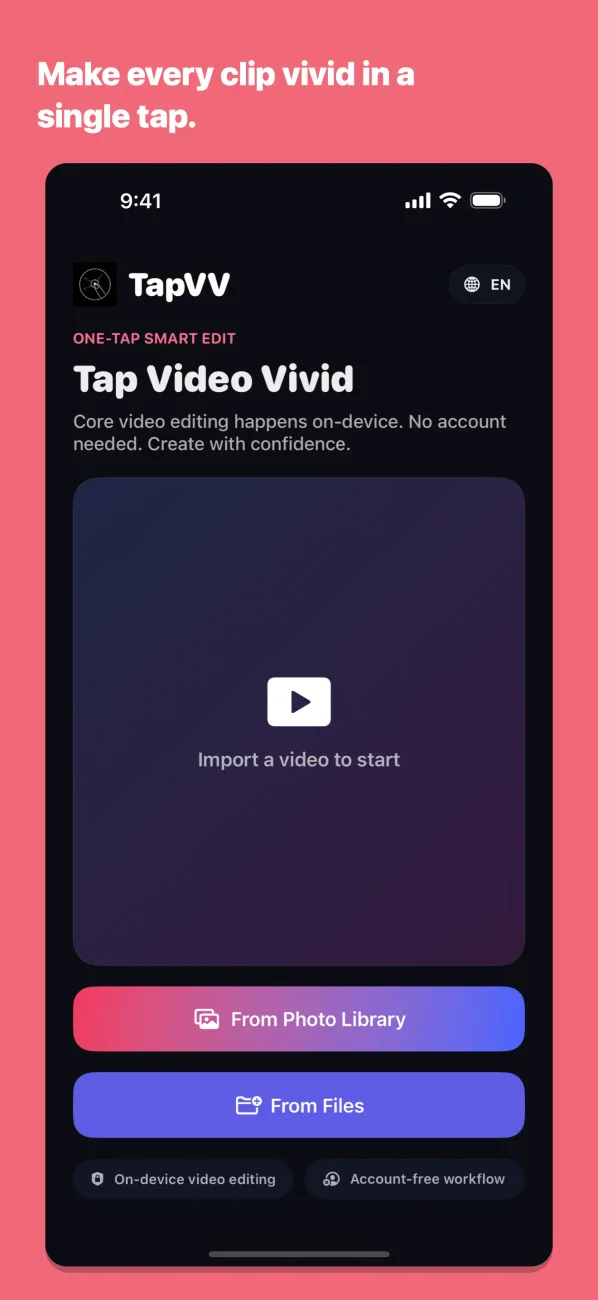
Turn everyday clips into polished videos with TapVV — a fast, privacy-first editor built for creators who want better results without a complicated timeline.
ONE-TAP SMART EDITING
Analyze your clip, review clear suggestions, and apply improvements to pacing, structure, color, motion, text, and music in one streamlined flow.
UNDERSTAND WHAT WORKS
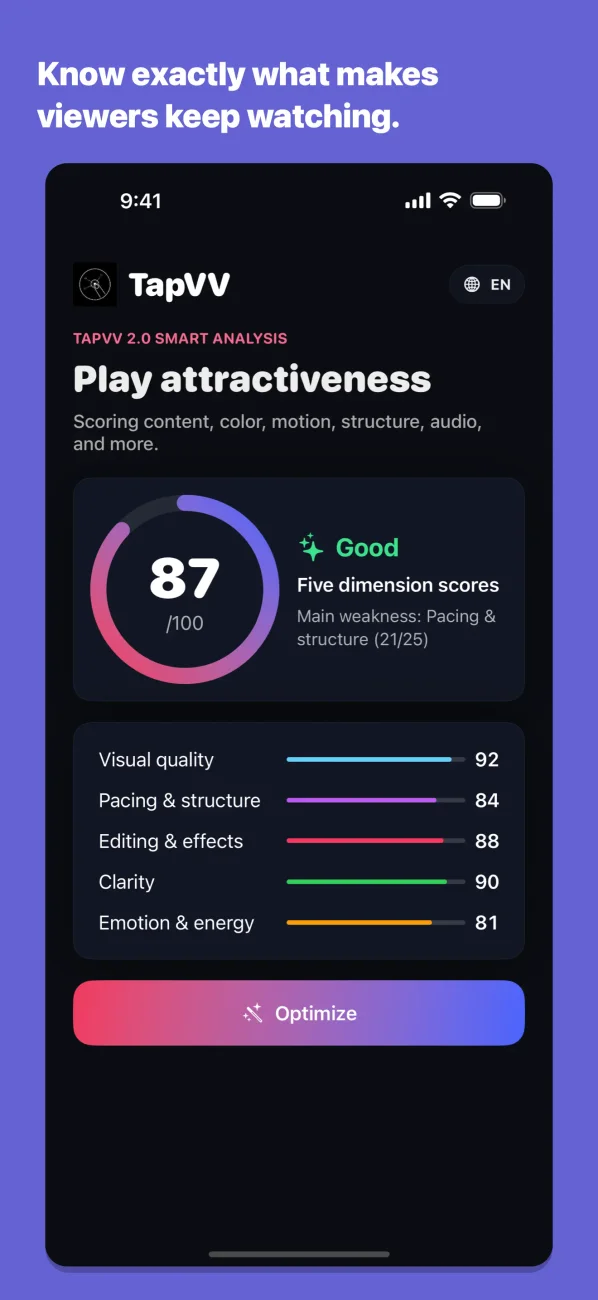
TapVV’s 0–100 viewing-attractiveness reference breaks down visual quality, pacing, editing, clarity, and energy, so you can see what to improve next.
READY-MADE LOOKS AND EFFECTS
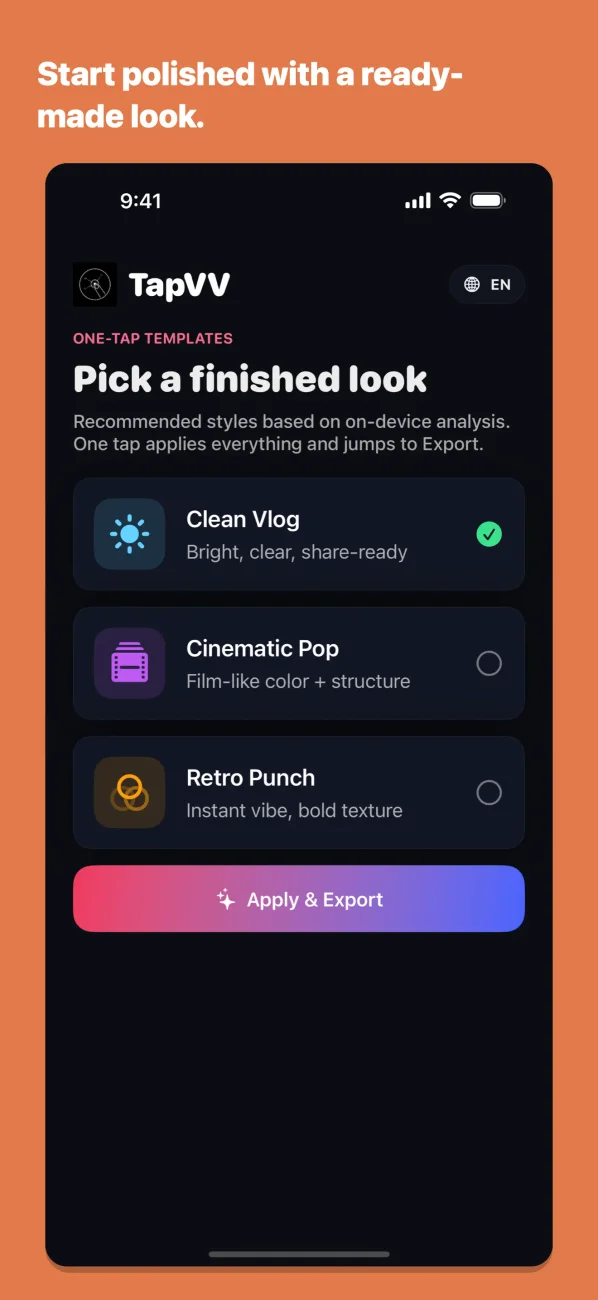
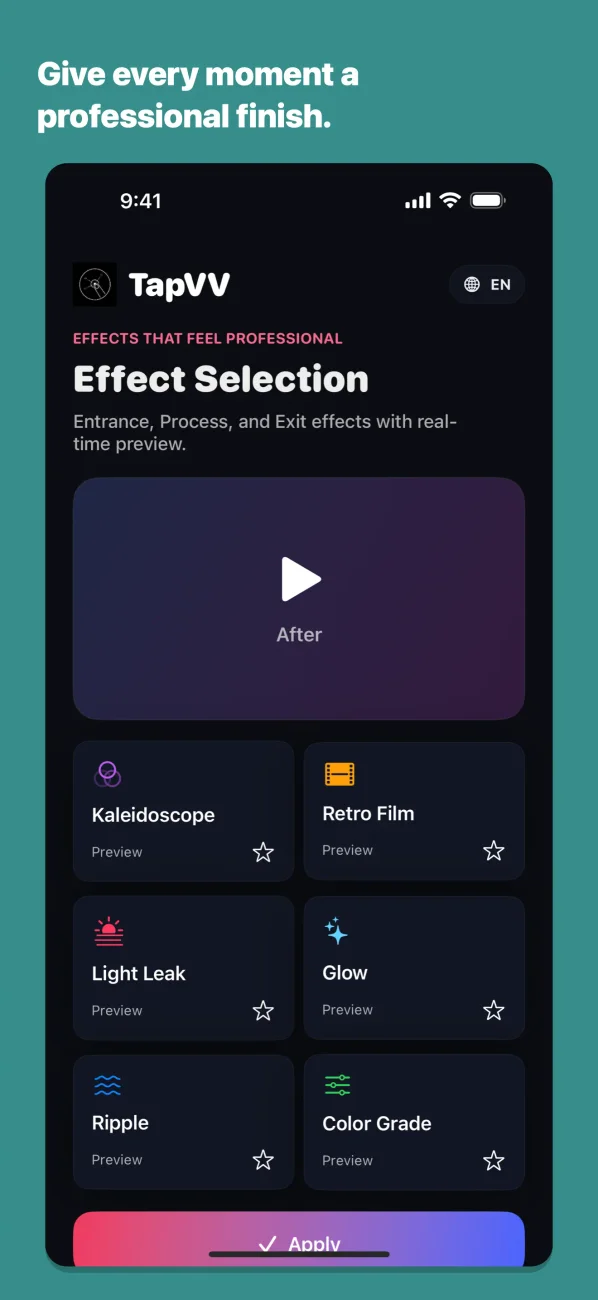
Start with a polished template, then fine-tune entrance, process, and exit effects with real-time previews. Save favorites and keep a consistent style.
PRACTICAL CREATOR TOOLS
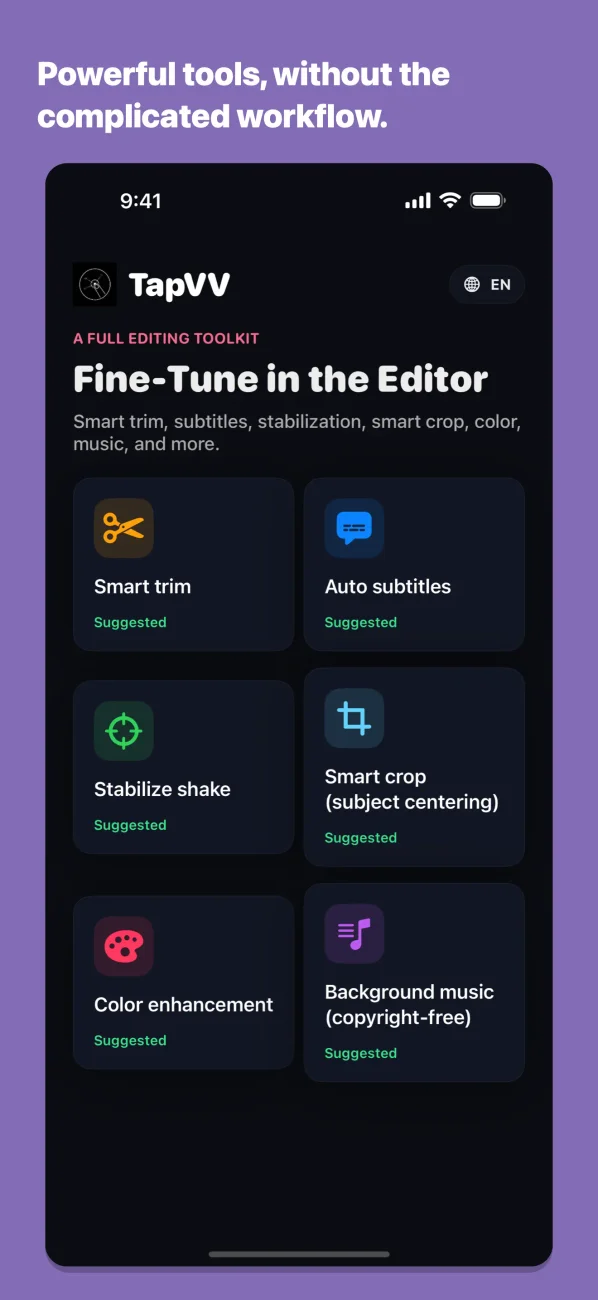
Trim clips, create subtitles, add text, stabilize footage, keep subjects centered with smart crop, reduce noise, tune color, and add copyright-safe background music.
SIMPLE EXPORT CONTROL
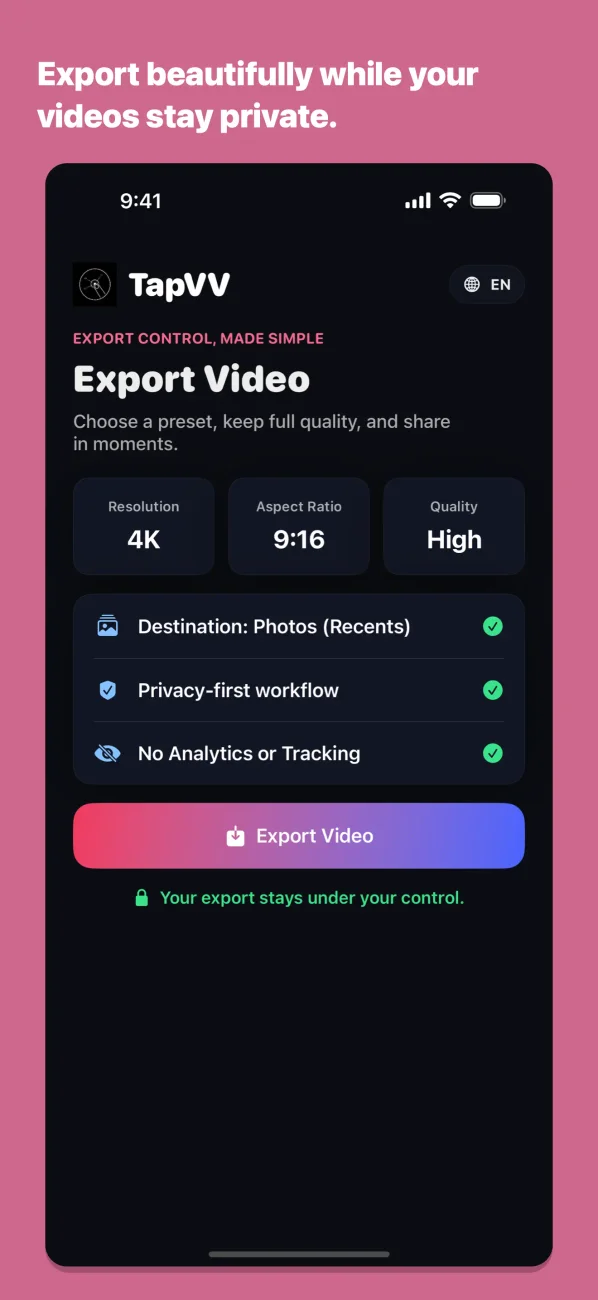
Choose a use-case preset or adjust resolution, aspect ratio, quality, frame rate, and playback speed before saving to Photos or Files.
PRIVATE BY DESIGN
Core video editing runs on your device. No account is required, video files are not uploaded to a server, and no analytics or tracking tools are used. Auto Subtitles may use Apple speech recognition when on-device recognition is unavailable.
TapVV Pro is a one-time purchase that unlocks the complete effects and music collection and removes the export watermark. No subscription.
Novedades
Versión 3.0 · 3/10/2026
TapVV 3.0
• Open videos faster: enter the editor immediately while local or iCloud media prepares in the background.
• Improved effects, color adjustments, and text overlays, with consistent results in preview and export.
• Better compatibility on older iPhones, fixing rendering crashes and upside-down portrait video with Slide In.
• Rebuilt three featured one-tap templates with more natural cinematic visuals, music, and device-safe rendering.
• Preview templates before keeping them, replay automatically from the beginning, and undo the last template or smart edit.
• Smarter One-Tap Optimize with more meaningful scores, fully scrollable suggestions, and more reliable repeat analysis and Apply.
Privacidad de la aplicación
Lo que Andongdaolai Technology Co., Ltd. declara en App Store sobre cómo esta aplicación gestiona los datos.
-
No se recopilan datos
El desarrollador no recopila ningún dato de esta aplicación.
Las prácticas de privacidad pueden variar, por ejemplo, según las funciones que uses o tu edad.
Información
- Vendedor
- Beijing Andongdaolai Technology Co., Ltd.
- Categoría
- Foto y vídeo
- Versión
- 3.0
- Actualizado
- 3/10/2026
- Publicado
- 14/1/2026
- Tamaño
- 8,0 MB
- Requiere
- iOS 15.8 o posterior
- Clasificación por edad
- 4+
- Precio
- Gratis
- Compras en la aplicación
- Sí
- Idiomas
- Francés, Alemán, Inglés, Chino simplificado, Coreano, Japonés
- Copyright
- © 2025 Addlai Co., Ltd. All rights reserved.
Quizá también te guste
-
 Cuepace: Teleprompter de videoGraba videos mirando a cámara
-
 Frolic - Bring Photos AliveFoto y vídeo
-
 DualShot Recorder · 2 Formatos1 toma, vertical y horizontal
-
 BlinkCutFoto y vídeo
-
 Estabilizador Video, StabivioSuavizar Vídeos Temblorosos
-
 Video Stabilizer ProEstabiliza vídeos temblorosos
-
 VideoNotesAIFoto y vídeo
-
 SnapTwin: Vídeo Doble CámaraGraba frontal y trasera juntas
-
 kamico - AI相机与摄影构图指导智能构图辅助与AI一键滤镜调色
-
 Fotos a Vídeo, Diapositivas HDCrea reels, shorts e historias