TDPT
Easy motion capture
Diseñada para iPhone, iPod touch
Gratis · Compras en la aplicación
- Clasificación por edad12+
- CategoríaEntretenimiento
- DesarrolladorDIGITAL STANDARD CO., LTD.
- IdiomasInglés
- Tamaño235,2 MB
Enlaza a la página oficial de App Store
Download.org no aloja ningún archivo de TDPT. El botón abre la página de la aplicación en App Store, donde la publica DIGITAL STANDARD CO., LTD. Ficha comprobada por última vez el 13/11/2026.
Capturas de pantalla
Acerca de
El desarrollador no ha proporcionado este texto en tu idioma.
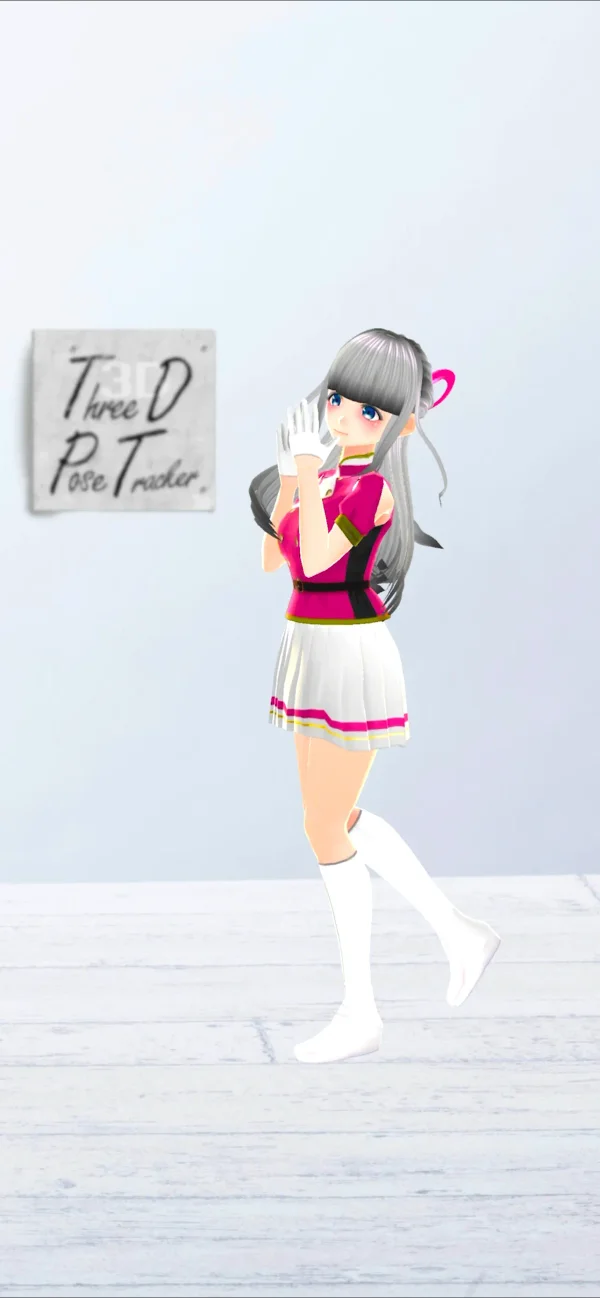
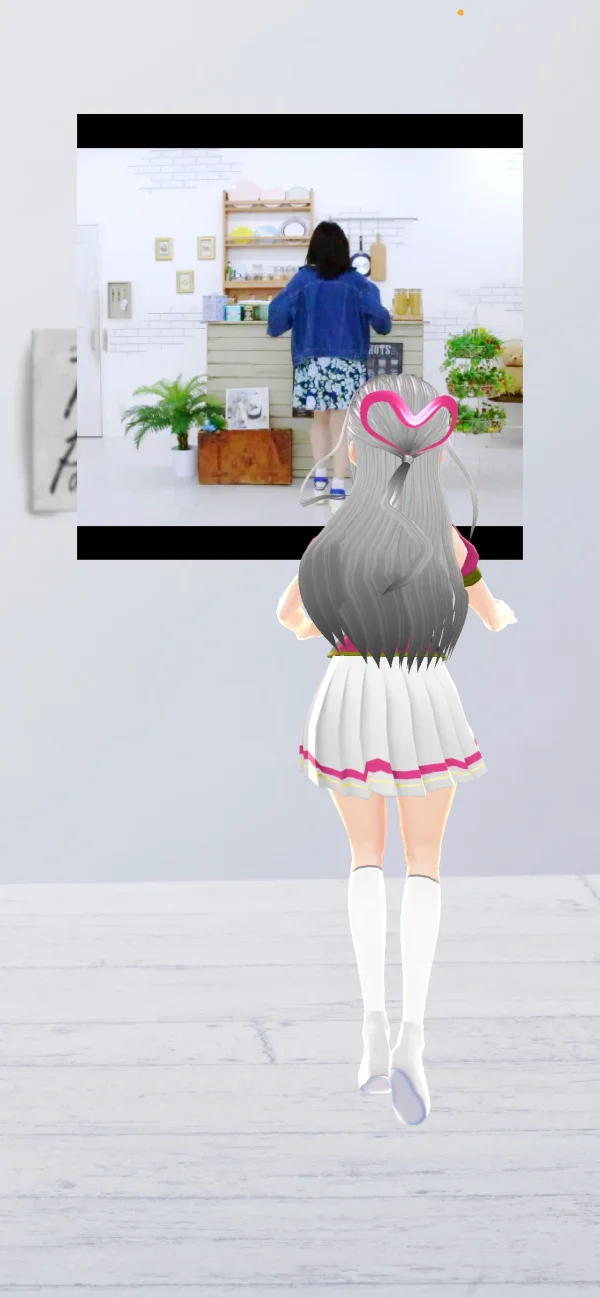
TDPT can motion capture in real-time just by taking a picture of the whole body on the camera. You can motion capture in real-time while playing from a video.
Make sure that the camera captures the whole body by yourself. Similarly, please use a video that shows the whole body alone. If multiple people are shown at the same time or only the upper body is shown, motion capture cannot be performed normally. In addition, more accurate motion capture can be achieved in bright conditions such as the source of sunlight than when shooting at night.
In TDPT, you can also set the image of the "Photos" app as the background image, or read the file of your VRM avatar and change the avatar.
In the '' Premium Features '', you can change your avatar from VRoid Hub, and add functions such as sending and exporting motion data.
'' Menu button''
- Switch Camera
The inner camera, outer camera, and angle of view will change.
- Select Video
You can select your favorite video from the iOS standard "File" app, and you can perform motion capture in real time.
- Move Avatar
There are functions such as rotation, movement, enlargement / reduction, etc.
'' Setting screen ''
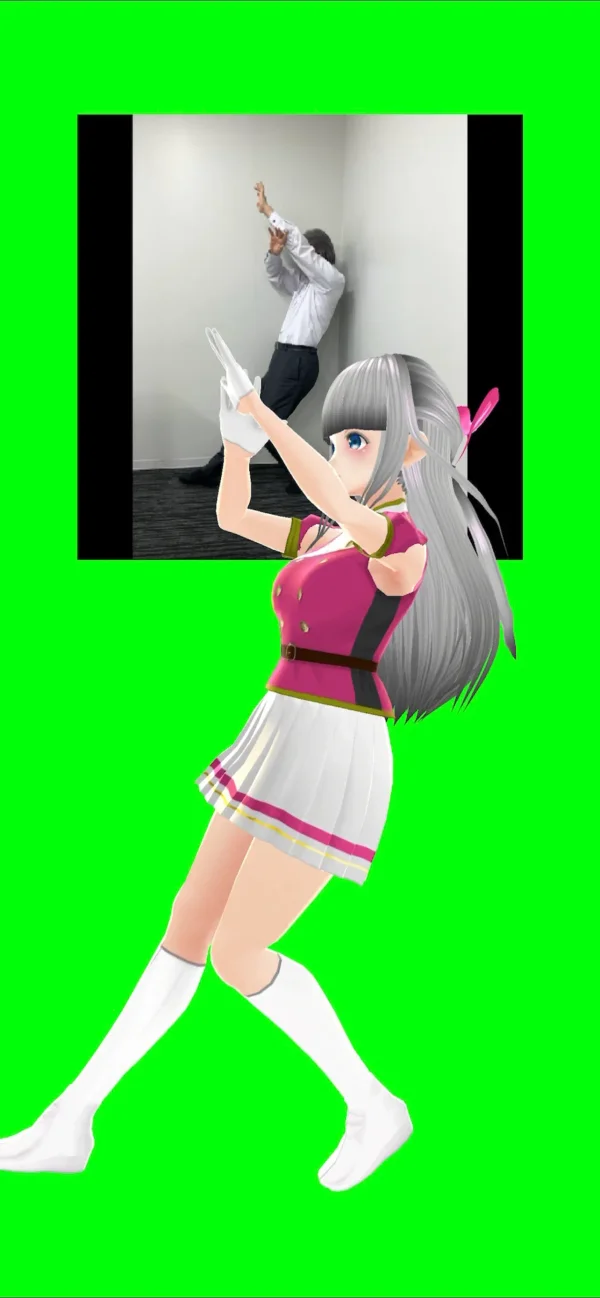
- Show Background
When ON, the background image is displayed, and when OFF, the green background is displayed.
- Select Background Image
You can select your favorite image from the "Photo" app.
- Select VRM avatar
.Vrm data can be read from the iOS standard "File" app.
(Please pay attention to the license when using other than your own avatar.)
- Reset Avatar
- Show Input Image
Turn on to display the video from the camera and OFF to hide it.
- Audio Volume
- Filter adjustment
- Smooth: The movement is smooth, but the movement is slow. It also increases the processing load.
- Medium: A well-balanced filter during normal operation.
- Rough: The movement becomes rough, but the operation is fast and the processing load is lightened.
- Switching FPS
Switch the frame rate of the entire application. You can switch between 20FPS and 30FPS.
- Switching FPS display
Switch the display of the frame rate value.
'' Premium Features ''
These features are available with a one-time purchase. This content can be used to export motion data files or use services of other companies.
- Connect to VRoid Hub
You can use your own avatar or heart-shaped avatar by linking your VRoid Hub account.
(Avatar usage may be subject to certain conditions.)
- Motion Data Transmission
-- VMC Protocol
Enter the recipient IP and port number to send the motion data.
-- OSC Trackers
Enter the recipient IP and port number to send the Tracker data.
- Exporting motion data
You can export motion data in VMD or BVH format.
Supported Divices
iPhone SE(2nd Gen)
iPhone 11 or newer
Novedades
Versión 1.4.1 · 27/3/2026
Bug Fixes
- Added support for pausing and restarting video playback.
- Fixed T-pose neck tilt: Fixed an issue where the neck remained tilted at the angle from the last motion when returning to the T-pose in avatar movement mode.
- Fixed BVH recording stop error: Fixed an issue where the app could not be closed if an error occurred while stopping BVH recording.
- Fixed BVH recorder memory leak: Fixed an issue where the BVHRecorder component was not properly removed after BVH recording was stopped.
- Fixed video audio output: Fixed an issue where audio during video playback was not correctly routed to the main speaker or Bluetooth headphones.
- Fixed footer menu layout: Fixed a visual issue where gaps appeared in the footer menu.
- Fixed billing confirmation screen text.
- Removed microphone input-based lip sync functionality.
Privacidad de la aplicación
Lo que DIGITAL STANDARD CO., LTD. declara en App Store sobre cómo esta aplicación gestiona los datos.
-
Datos no vinculados a ti
Pueden recopilarse, pero no se vinculan a tu identidad.
- Compras
- Historial de navegación
- Datos de uso
Las prácticas de privacidad pueden variar, por ejemplo, según las funciones que uses o tu edad.
Información
- Vendedor
- DIGITAL STANDARD CO., LTD.
- Categoría
- Entretenimiento
- Versión
- 1.4.1
- Actualizado
- 27/3/2026
- Publicado
- 3/5/2021
- Tamaño
- 235,2 MB
- Requiere
- iOS 15.6 o posterior
- Clasificación por edad
- 12+
- Precio
- Gratis
- Compras en la aplicación
- Sí
- Idiomas
- Inglés
- Copyright
- © DIGITAL STANDARD CO., LTD.
Quizá también te guste
-
 MakeAvatarEntretenimiento
-
 mocopiEntretenimiento
-
 waidayoEntretenimiento
-
 VRoid MobileEntretenimiento
-
 nizima LIVE TRACKEREntretenimiento
-
 Hyper: VTubers & AI AvatarsVTuber Studio & AI Characters
-
 iFacialMocapTrFacialMocap & Send to PC
-
 FACEMOTION3Dfacial motion capture
-
 VTube StudioEntretenimiento
-
 PulsoidEntretenimiento