
Text Editor - LiquidLogic
Text, Coding, Grep, FTP
Diseñada para iPhone, iPad
Gratis · Compras en la aplicación
- Clasificación por edad17+
- CategoríaPara desarrolladores
- DesarrolladorMEGASOFT Inc.
- IdiomasInglés+ 1 más
- Tamaño97,8 MB
Enlaza a la página oficial de App Store
Download.org no aloja ningún archivo de Text Editor - LiquidLogic. El botón abre la página de la aplicación en App Store, donde la publica MEGASOFT Inc. Ficha comprobada por última vez el 27/11/2026.
Capturas de pantalla
Acerca de
El desarrollador no ha proporcionado este texto en tu idioma.
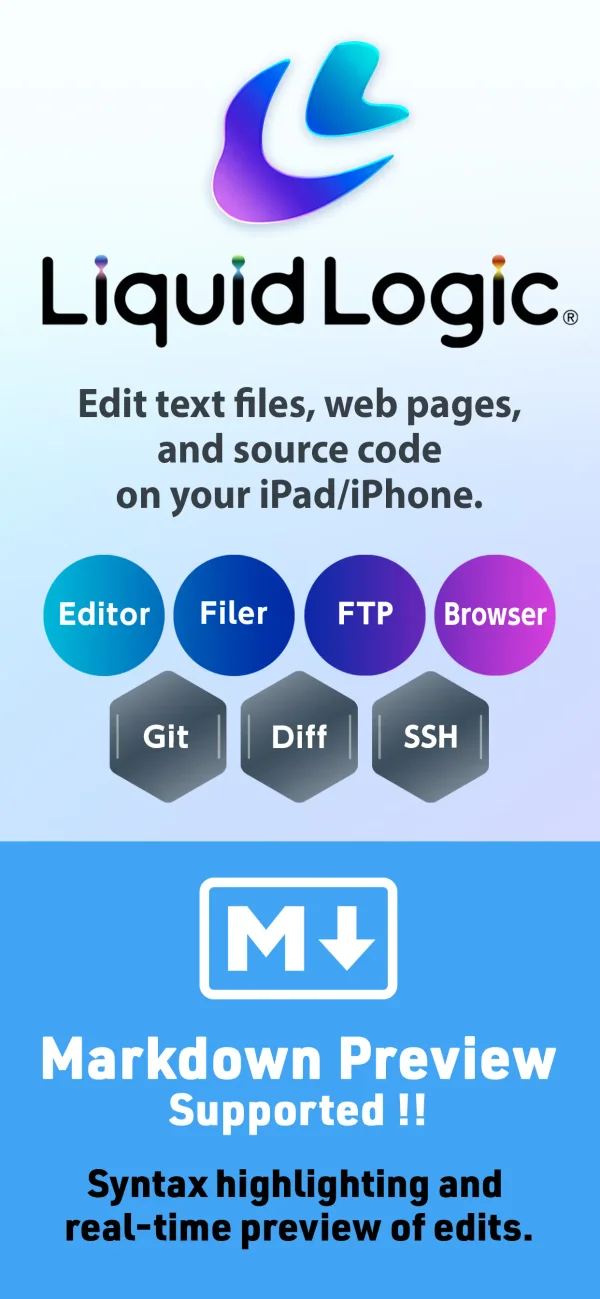
LiquidLogic is a text editor that allows you to edit text files, web pages, and source code on your iPad/iPhone.
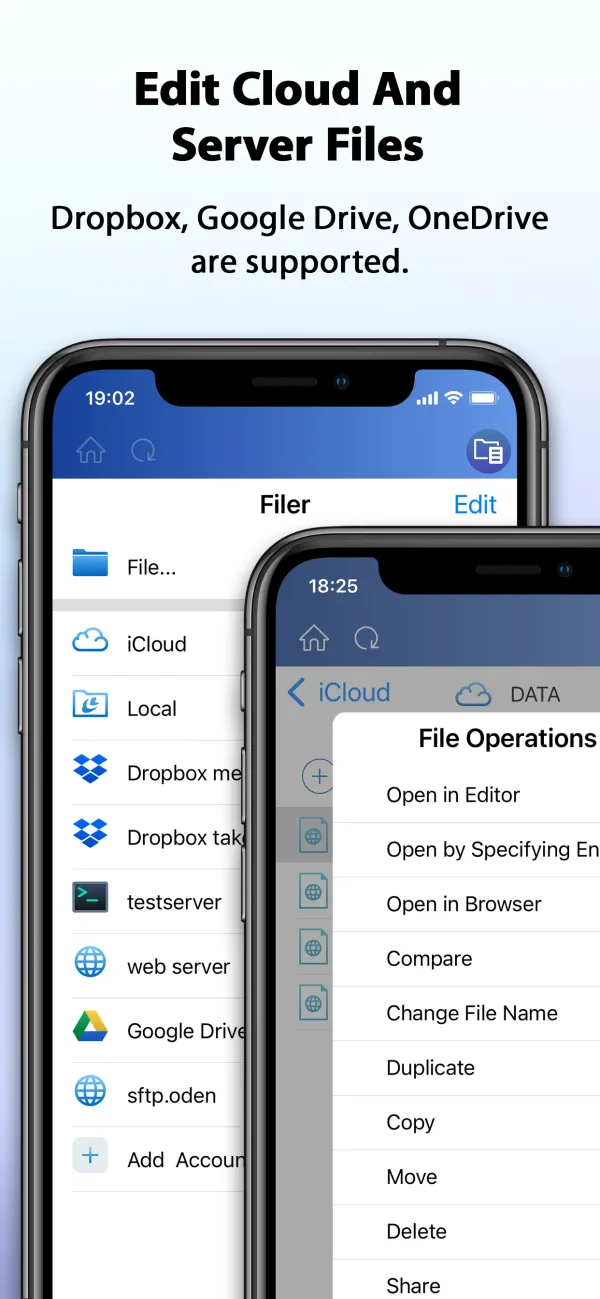
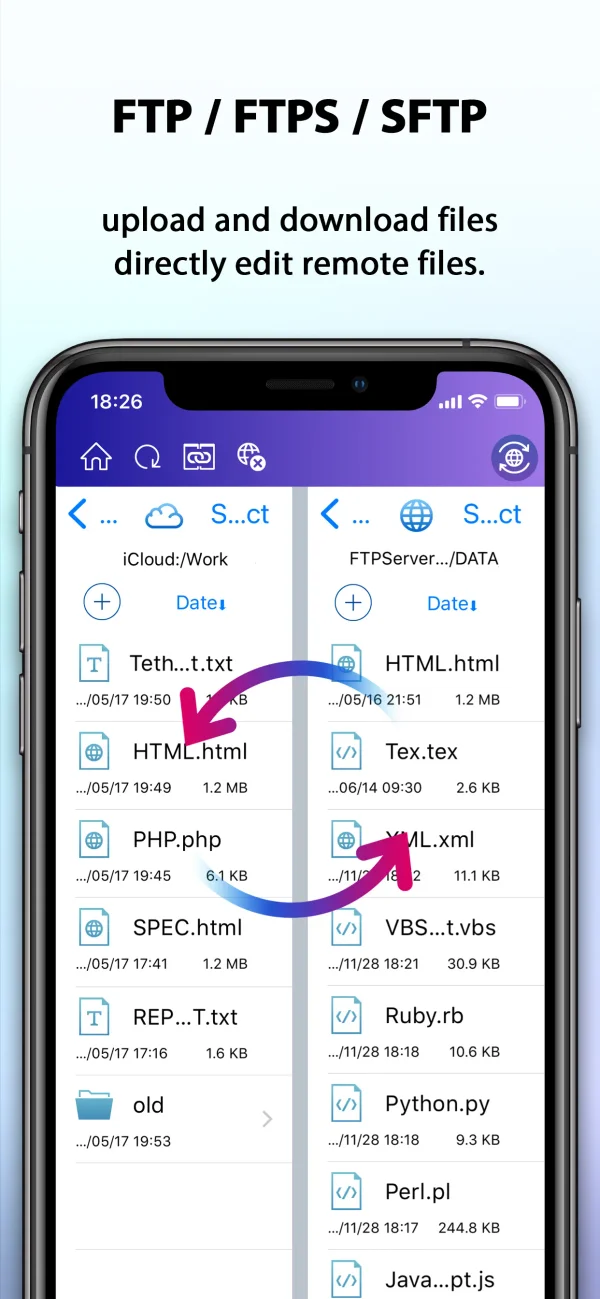
The highly functional editor is equipped with a filer and FTP to edit files in the cloud and on servers.
The dedicated browser can also be used to check web pages and preview HTML.
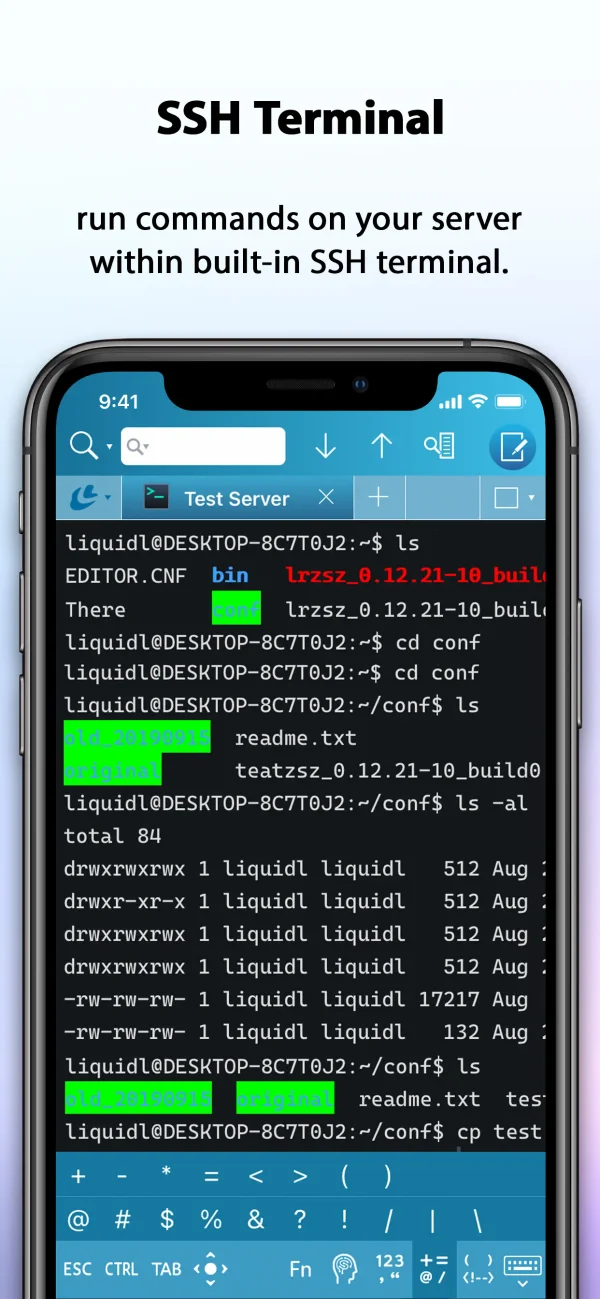
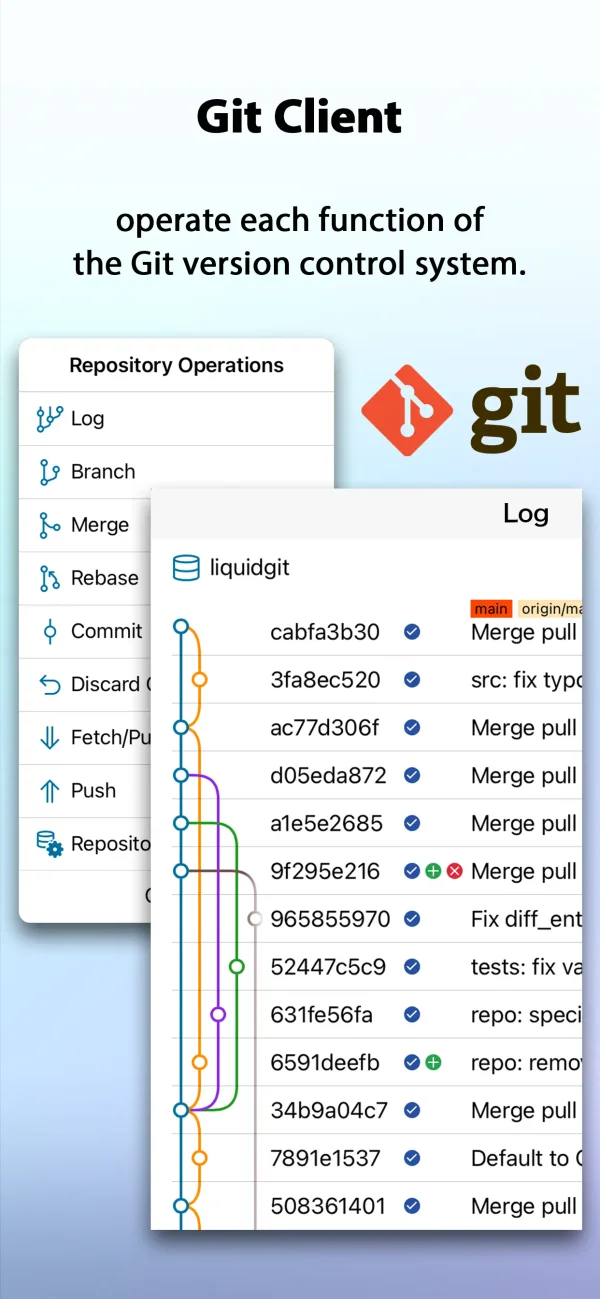
SSH terminal and Git version management functions are also included.
All-in-one text editing is possible.
MAIN FEATURES
• Multiple files can be displayed and edited by switching tabs.
• Supports multitasking, allowing you to launch multiple LiquidLogic applications.
• Split screen to view and edit two files at the same time.
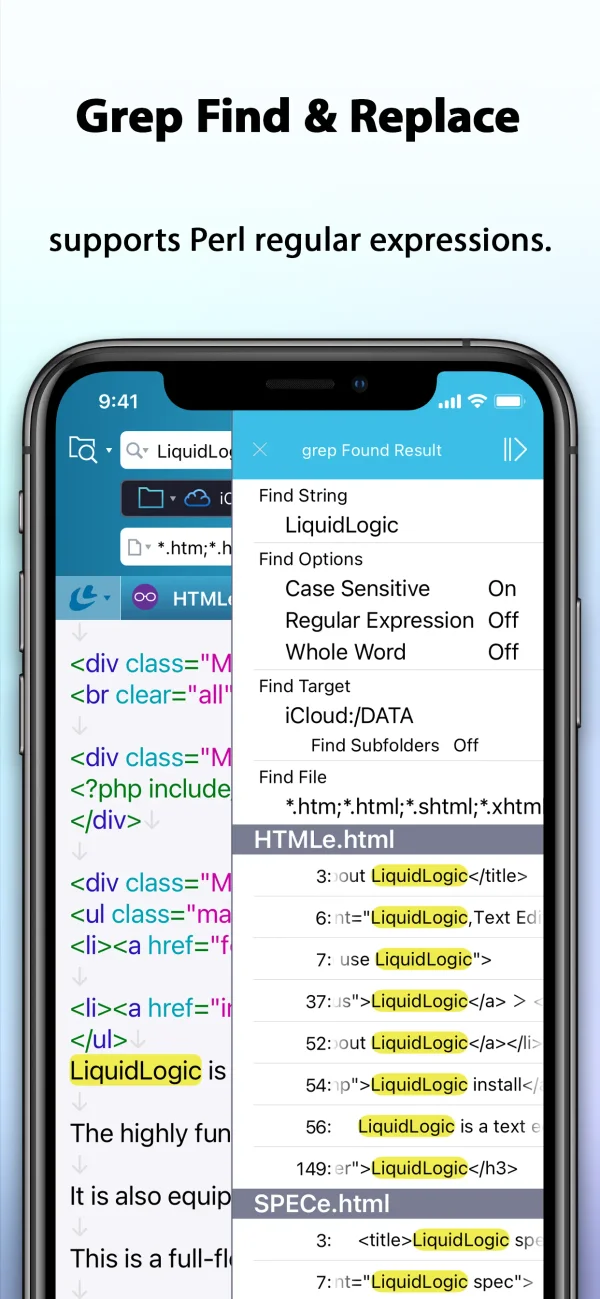
• Real-time search with support for Perl regular expressions.
• Equipped with grep find and replace function.
• Supports 15 languages including HTML, Markdown, XML, CSS, JavaScript, PHP, Perl, Ruby, and C++.
• Syntax highlighting according to language.
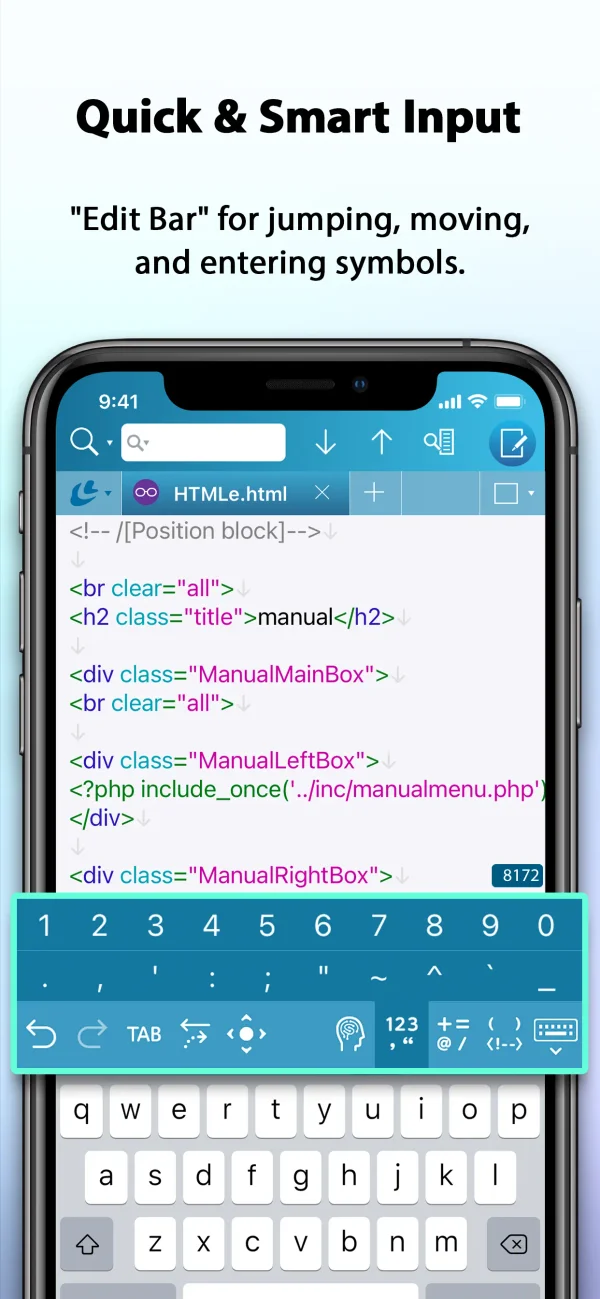
• Edit Bar for cursor movement and input of symbols, parentheses, numbers, etc.
• Supports 34 character codes including Unicode, Shift JIS, EUC, etc., and can change character codes and line feed codes.
• Equipped with a filer. Multiple openings and various file operations are possible.
• Files in iCloud, iCloud Drive, Dropbox, Google Drive, and OneDrive can be edited.
• Supports SMB connection. Directly edit files on servers and NAS devices.
• FTP/FTPS/SFTP included. Supports download/upload and direct file editing.
• Equipped with SSH terminal. Files can be downloaded and edited from there.
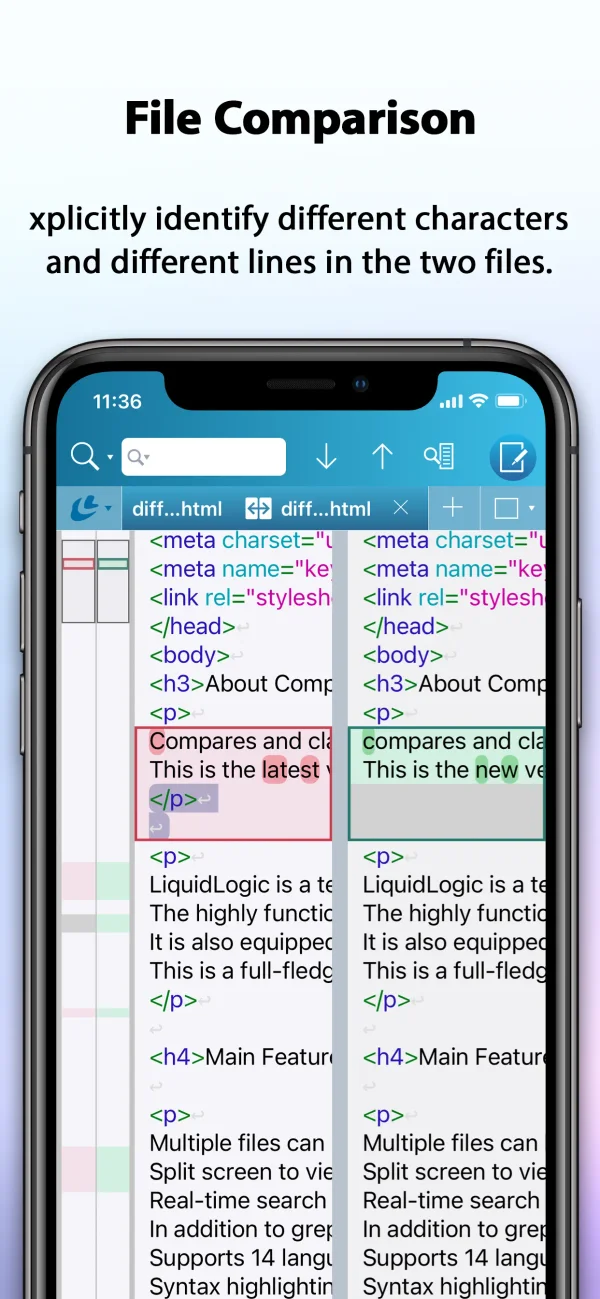
• File comparison functionality that allows you to compare two files side by side and clearly show the differences between them.
• Git version control functionality.
• Built-in ChatGPT functionality.
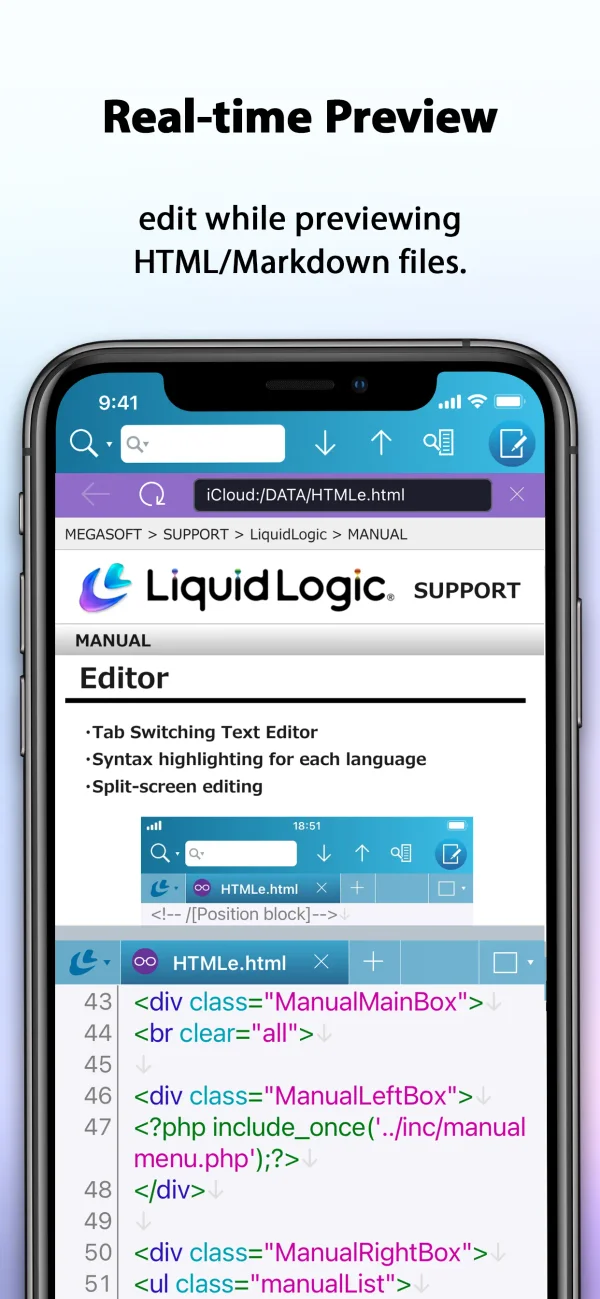
• Preview HTML/Markdown files in real time.
• Download the HTML source from the browser and edit it in the editor.
• Supports keyboard shortcuts.
• Available for Apple Silicon-equipped Mac.
ONLINE MANUAL
https://www.megasoft.co.jp/support/liquidlogic/manual/index_en.php
Novedades
Versión 3.3.12 · 4/11/2026
Improved quality and fixed problems.
If you have any suggestions or requests, please contact us through the support form.
Privacidad de la aplicación
Lo que MEGASOFT Inc. declara en App Store sobre cómo esta aplicación gestiona los datos.
-
Datos no vinculados a ti
Pueden recopilarse, pero no se vinculan a tu identidad.
- Identificadores
- Diagnóstico
Las prácticas de privacidad pueden variar, por ejemplo, según las funciones que uses o tu edad.
Información
- Vendedor
- MEGASOFT Inc.
- Categoría
- Para desarrolladores
- Versión
- 3.3.12
- Actualizado
- 4/11/2026
- Publicado
- 22/4/2024
- Tamaño
- 97,8 MB
- Requiere
- iOS 17.6 o posterior
- Clasificación por edad
- 17+
- Precio
- Gratis
- Compras en la aplicación
- Sí
- Idiomas
- Inglés, Japonés
- Copyright
- © copyright(c) MEGASOFT Inc.
Quizá también te guste
-
 Visual File EditorPara desarrolladores
-
 Code - Editor Git and TerminalPara desarrolladores
-
 CodeMaster - Mobile Coding IDEEditor de código, SSH y SFTP
-
 HTML Designer ProPara desarrolladores
-
 Source Files: Git StoragePara desarrolladores
-
 Docker ManagementPara desarrolladores
-
 Code AppPara desarrolladores
-
 phpwinPara desarrolladores
-
 Buffer Editor - Code EditorPara desarrolladores
-
 Text EditingPara desarrolladores