- Clasificación por edad9+
- CategoríaEntretenimiento
- DesarrolladorSean Guy
- IdiomasInglés
- Tamaño10,5 MB
Es posible que ThriftyStreamer no esté disponible en App Store en este momento
No se pudo acceder a la ficha de la tienda en nuestra última comprobación. El enlace sigue llevando a la página oficial de App Store.
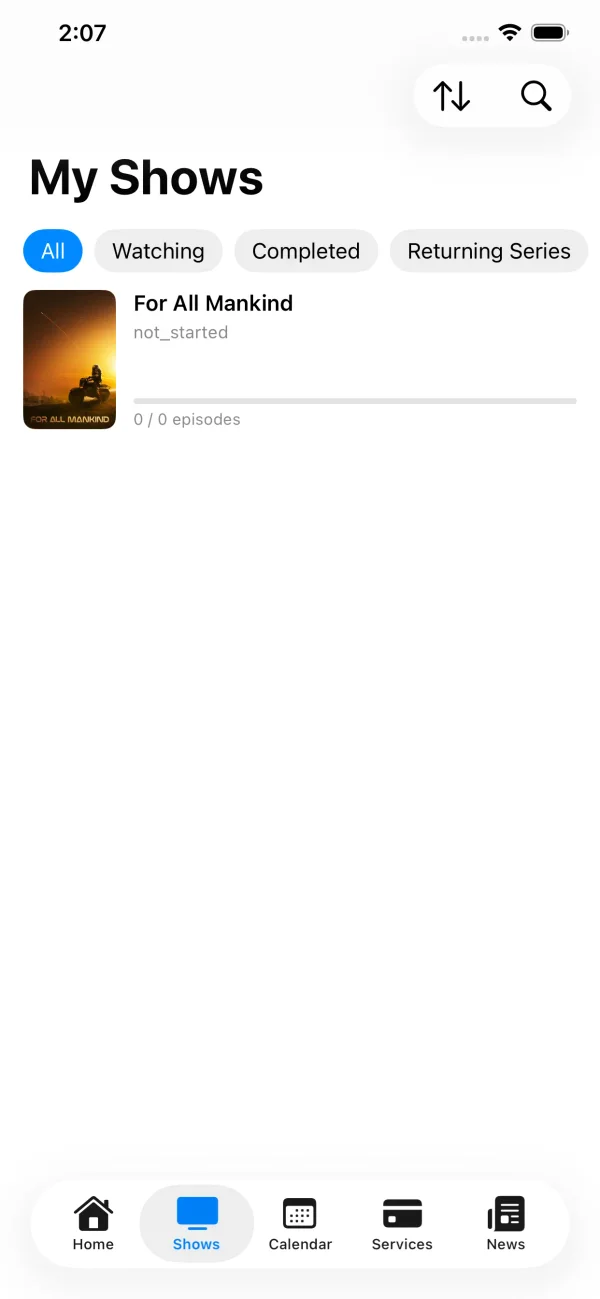
Capturas de pantalla


Acerca de
El desarrollador no ha proporcionado este texto en tu idioma.
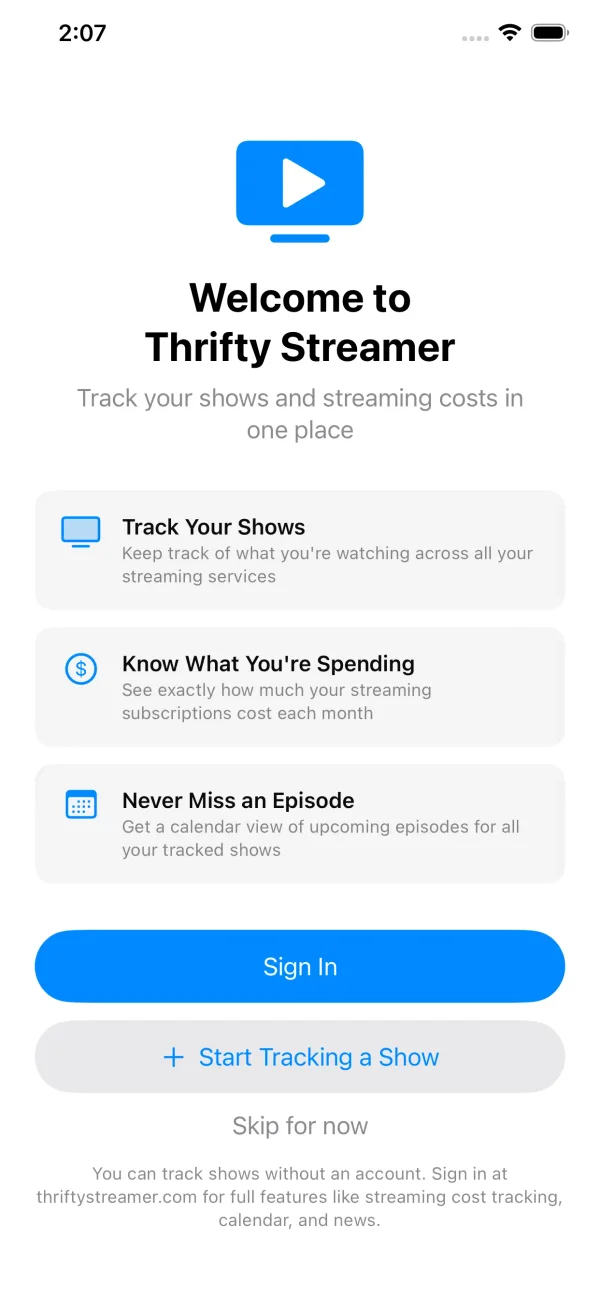
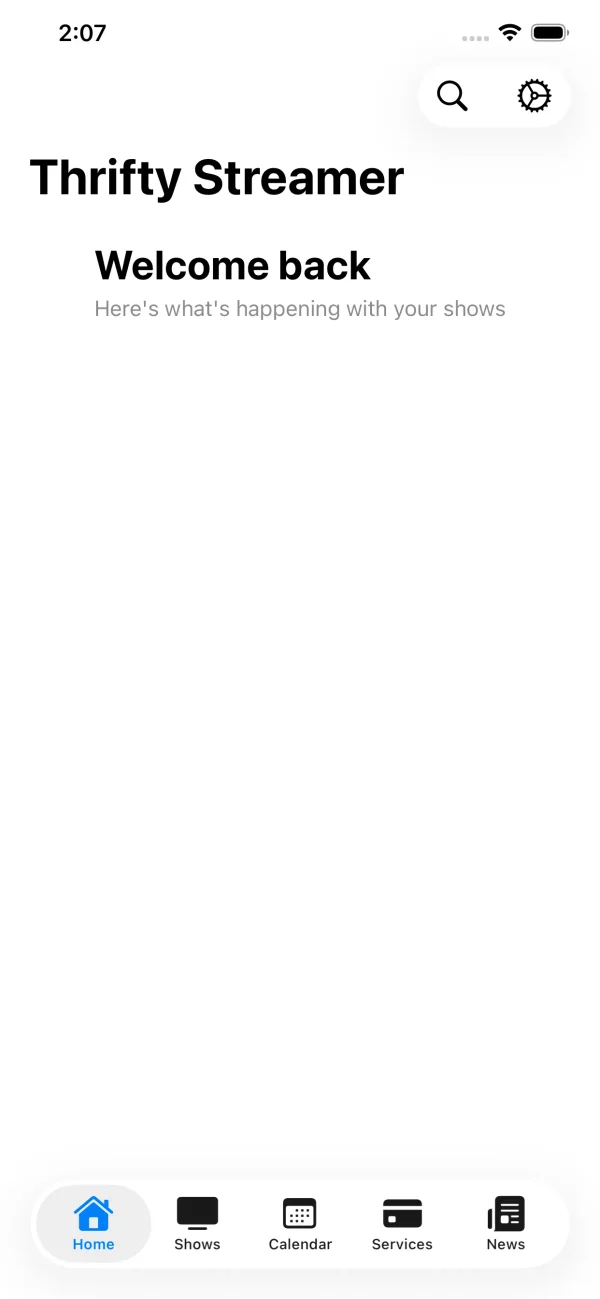
Thrifty Streamer helps you watch more and pay less.
Track every show you're watching across Netflix, Hulu, Disney+, Max, Prime Video, Apple TV+, Paramount+, Peacock, and more — all in one place. See your total monthly streaming spend, and get a recommendation on which service you actually need this month based on what
you're watching.
FEATURES
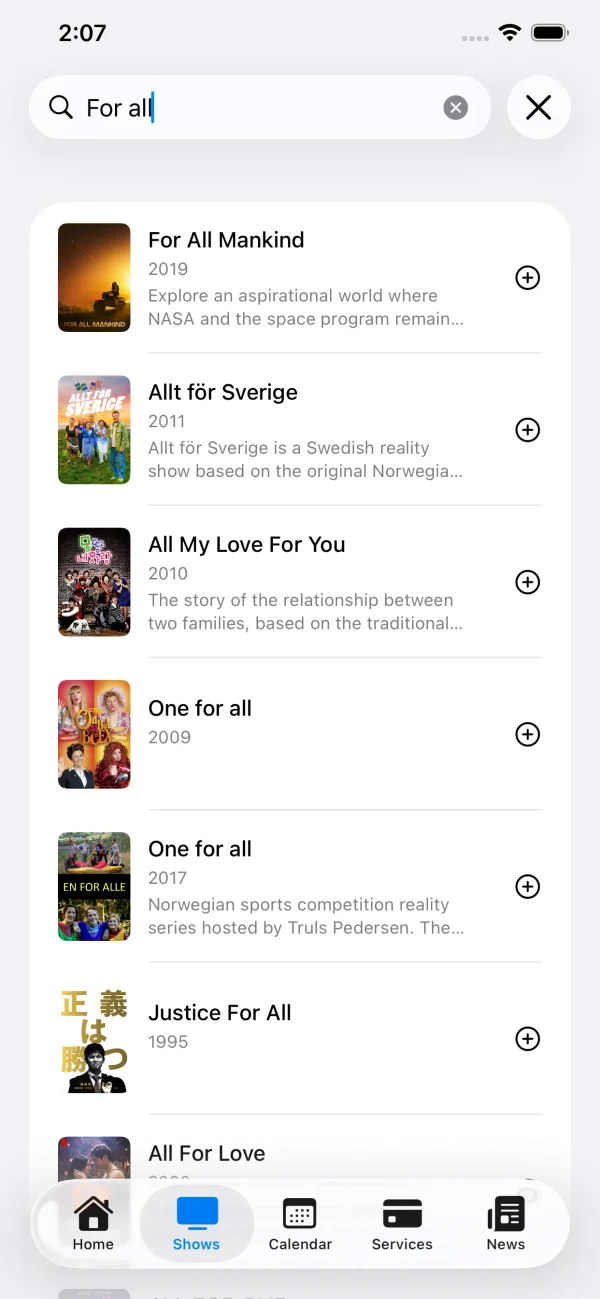
• Track shows and episodes across every major streaming service
• Monthly cost summary — see what you're spending and where
• Suggested Service — which subscription to keep this month
• Continue Watching — jump to your next unwatched episode
• Release calendar — never miss a premiere
• Show details with trailers, backdrops, and season progress
• Entertainment news feed
• Sign in with Apple, Google, or Microsoft
WHY THRIFTY STREAMER
Streaming services add up fast. Thrifty Streamer shows you, month by month, which service is actually earning its keep — so you can rotate subscriptions and keep watching what you love without paying for what you don't.
This product uses the TMDB API but is not endorsed or certified by TMDB.
Novedades
Versión 1.4 · 12/9/2026
Continue Watching now leads with the show you watched most recently, followed by shows with an episode that aired in the last 30 days. Mark an episode watched and the row moves straight away — no pull-to-refresh — and shows with a fresh episode are badged "New episode".
You can also sort your show list by recent activity, alongside Recently Added, Title and Progress.
Continue Watching learns from what you mark watched, so the order fills in over your first few days rather than all at once.
Privacidad de la aplicación
Lo que Sean Guy declara en App Store sobre cómo esta aplicación gestiona los datos.
-
Datos usados para rastrearte
Pueden usarse para rastrearte en aplicaciones y sitios web propiedad de otras empresas.
- Identificadores
- Datos de uso
-
Datos vinculados a ti
Pueden recopilarse y vincularse a tu identidad.
- Información de contacto
- Contenido del usuario
- Identificadores
-
Datos no vinculados a ti
Pueden recopilarse, pero no se vinculan a tu identidad.
- Identificadores
- Datos de uso
- Diagnóstico
Las prácticas de privacidad pueden variar, por ejemplo, según las funciones que uses o tu edad.
Información
- Vendedor
- Sean Guy
- Categoría
- Entretenimiento
- Versión
- 1.4
- Actualizado
- 12/9/2026
- Publicado
- 4/5/2026
- Tamaño
- 10,5 MB
- Requiere
- iOS 17.0 o posterior
- Clasificación por edad
- 9+
- Idiomas
- Inglés
- Copyright
- © 2026 Sean Guy
Quizá también te guste
-
 ShowMeMyShowsEntretenimiento
-
 wach: Movie & Show WatchlistEntretenimiento
-
 Show Time: Series & MoviesEntretenimiento
-
 Q'd Up!Entretenimiento
-
 The Signal: UAP WhistleEntretenimiento
-
 GZM ShowsEntretenimiento
-
 Multiview AppEntretenimiento
-
 Coax - Surf your Plex ServerRelájate con Coax
-
 Bingebase: Series y PelículasCapítulos, estrenos y qué ver
-
 Jamul CasinoEntretenimiento