- Clasificación por edad4+
- CategoríaMedicina
- DesarrolladorOptilima LTD
- IdiomasInglés
- Tamaño20,5 MB
Enlaza a la página oficial de App Store
Download.org no aloja ningún archivo de Toric IOL. El botón abre la página de la aplicación en App Store, donde la publica Optilima LTD. Ficha comprobada por última vez el 15/11/2026.
Capturas de pantalla

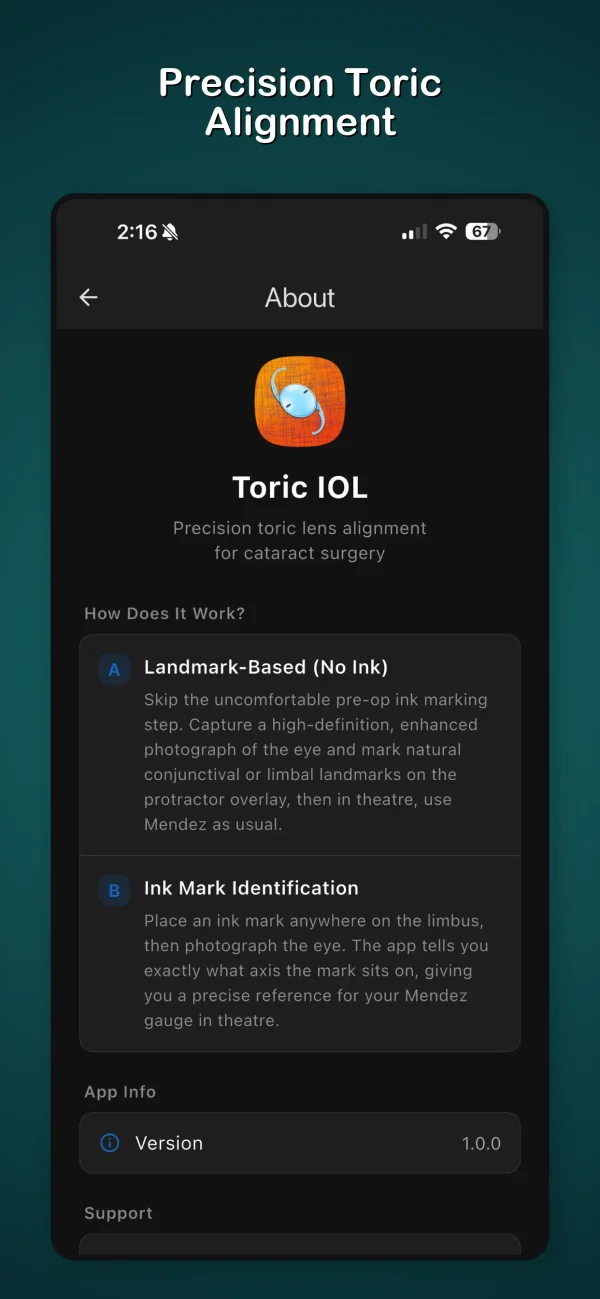
Acerca de
El desarrollador no ha proporcionado este texto en tu idioma.
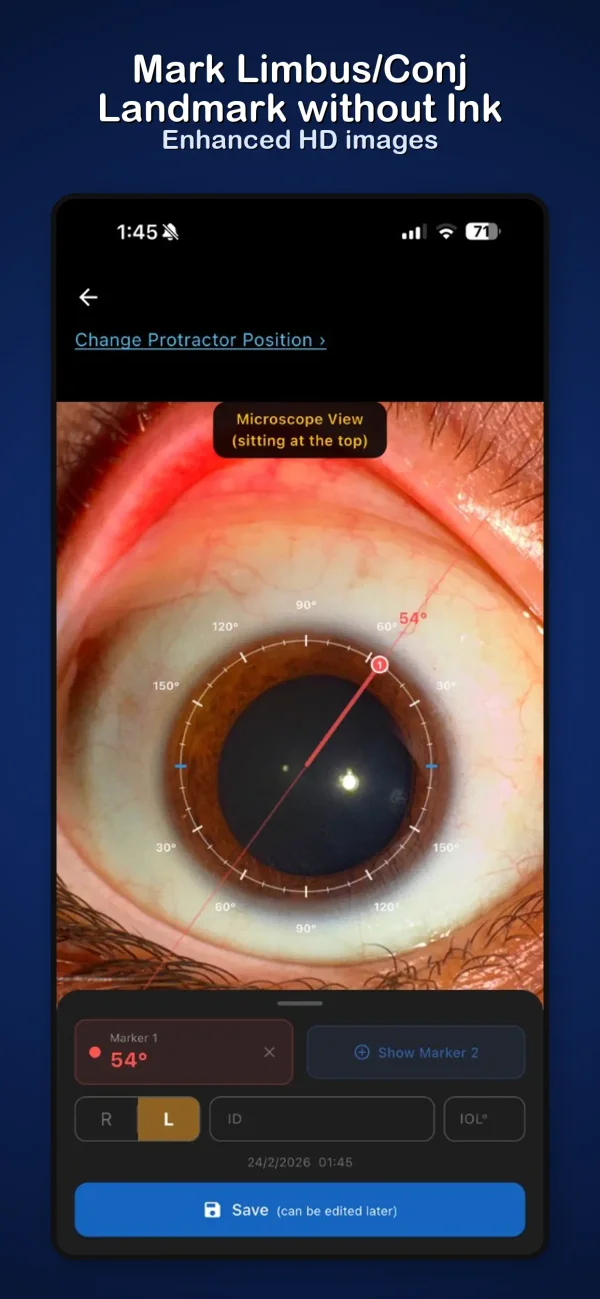
Toric IOL lets you align toric intraocular lenses without pre-op ink marking. Photograph the eye, identify natural conjunctival or limbal landmarks on a digital protractor overlay, and use them as precise references for your Mendez gauge in theatre.
The app guides you to capture a high-quality, enhanced close-up — not just a normal phone photo. The result is a sharp, contrast-boosted image where vessels and landmarks are easy to identify.
GUIDED CAPTURE
• Macro camera with telephoto lens — automatically selects the sharpest lens for close-up eye photography
• Limbus guide overlay — aligns the eye within a limbus ring and palpebral fissure outline before you shoot
• Gyroscope level indicator — only allows capture when the phone is held perfectly horizontal
• Flash on by default — illuminates conjunctival and limbal vessels for clearer landmark identification
ENHANCED IMAGE
Once captured, the image is automatically enhanced to make landmarks easier to identify.
TWO WAYS TO USE IT
A) Landmark-Based (No Ink)
Skip the uncomfortable pre-op ink marking. Mark natural conjunctival or limbal landmarks on the protractor overlay to record their axis. In theatre, align your Mendez gauge to those same landmarks.
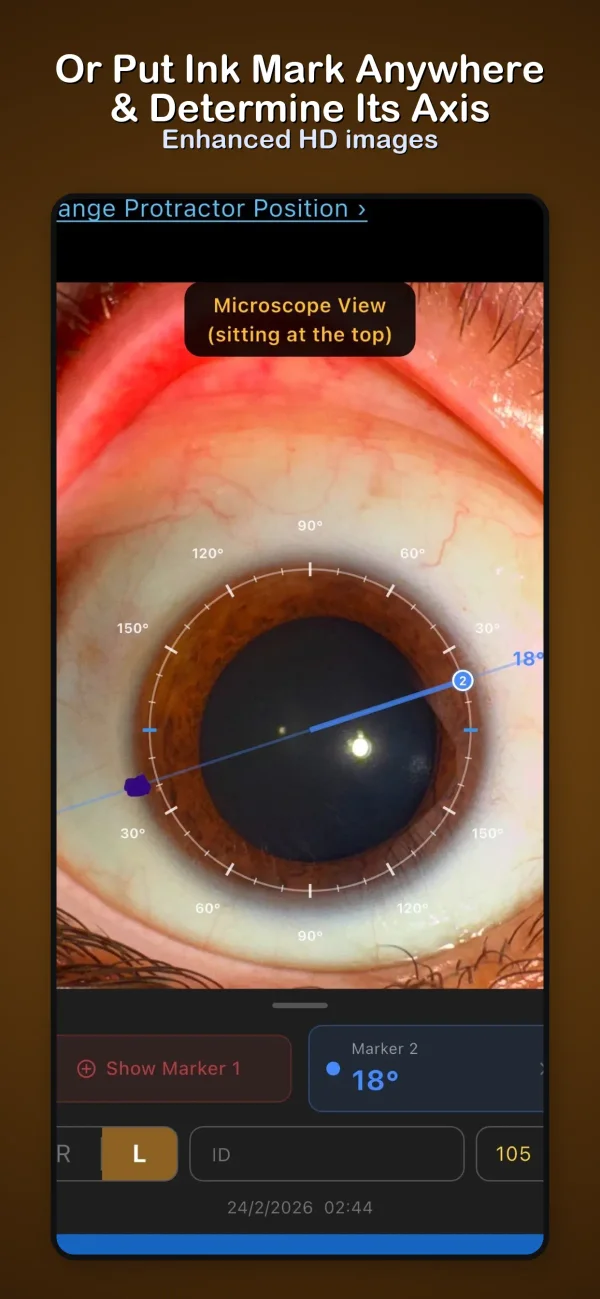
B) Ink Mark Identification
Place an ink mark anywhere on the limbus, then photograph the eye. The app tells you exactly what axis the mark sits on — a precise reference for your Mendez gauge.
OR REFERENCE VIEW
Open the saved case in theatre. The display is in microscope orientation so it matches what you see through the oculars. The screen stays awake automatically.
• Two independent axis markers (drag to position)
• IOL target axis with alignment marks on the protractor ring
• Pinch to zoom, drag to reposition
PRIVACY
All data stays on your device. No accounts, no cloud, no tracking.
Developed by an ophthalmologist.
Privacidad de la aplicación
Lo que Optilima LTD declara en App Store sobre cómo esta aplicación gestiona los datos.
-
No se recopilan datos
El desarrollador no recopila ningún dato de esta aplicación.
Las prácticas de privacidad pueden variar, por ejemplo, según las funciones que uses o tu edad.
Información
- Vendedor
- Optilima LTD
- Categoría
- Medicina
- Versión
- 1.0
- Actualizado
- 25/2/2026
- Publicado
- 25/2/2026
- Tamaño
- 20,5 MB
- Requiere
- iOS 16.6 o posterior
- Clasificación por edad
- 4+
- Precio
- Gratis
- Idiomas
- Inglés
- Copyright
- © Optilima