
TrackBridge: Head Tracking
Motion Controller for PC Sims
Diseñada para iPhone
Gratis
- Clasificación por edad12+
- CategoríaUtilidades
- DesarrolladorRobin Rowinski
- IdiomasInglés
- Tamaño4,3 MB
Enlaza a la página oficial de App Store
Download.org no aloja ningún archivo de TrackBridge: Head Tracking. El botón abre la página de la aplicación en App Store, donde la publica Robin Rowinski. Ficha comprobada por última vez el 23/11/2026.
Capturas de pantalla



Acerca de
El desarrollador no ha proporcionado este texto en tu idioma.
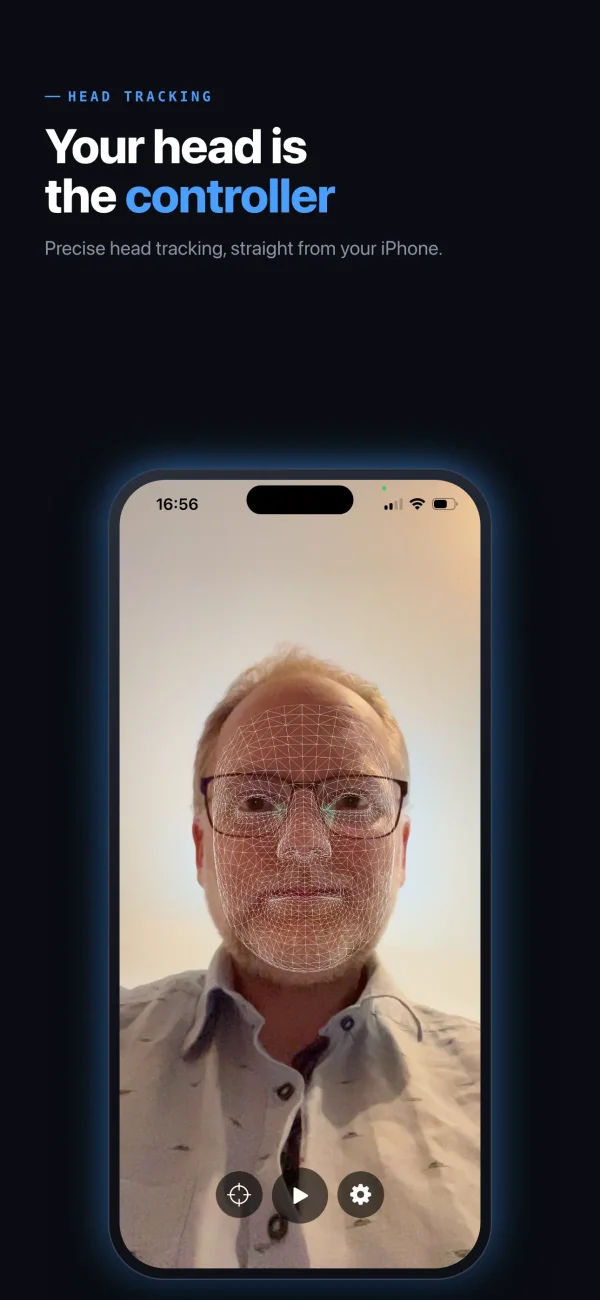
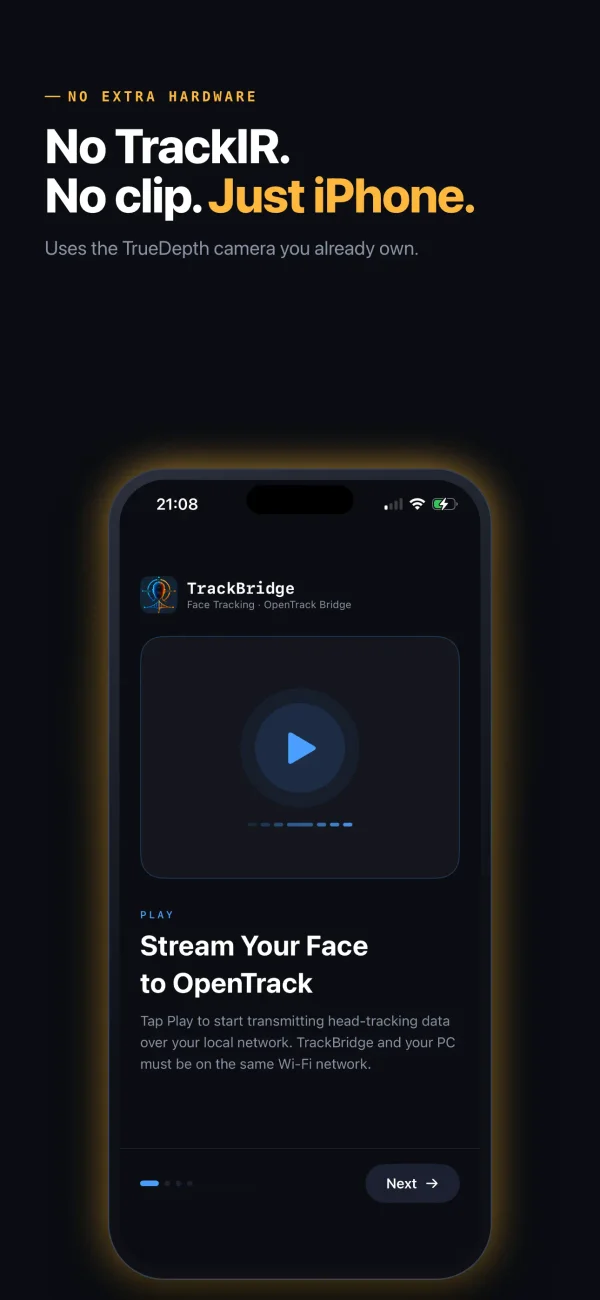
Turn your iPhone into a precise head tracker for flight, racing, and truck sims - no extra hardware, no TrackIR, no account. Move your head, and the in-game camera follows.
TrackBridge uses your iPhone's TrueDepth camera to capture your head's rotation and position, then streams it over your local network to OpenTrack on your PC. From there it drives head look in the sims you already play.
HOW IT WORKS
Your iPhone reads your head pose (yaw, pitch, roll and position) and sends it via UDP to OpenTrack. OpenTrack passes it on to your game - the same setup people use with dedicated tracking hardware, just with the phone you already own.
QUICK SETUP
1. Install OpenTrack on your PC (free, open source).
2. In OpenTrack, set Input to "UDP over network".
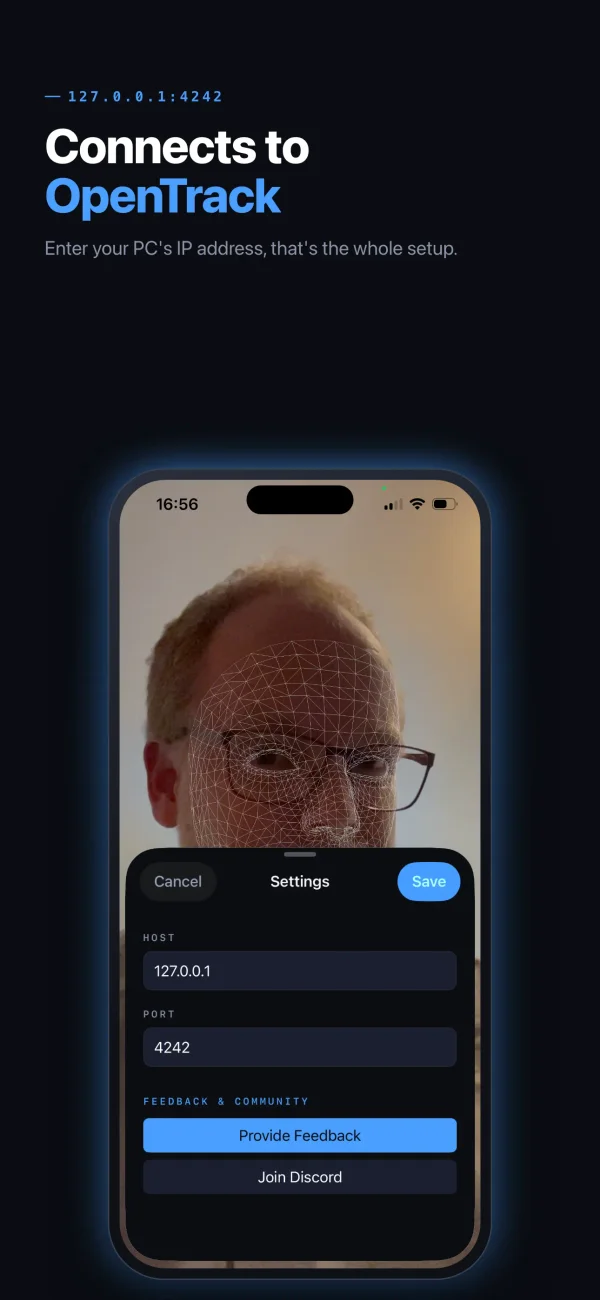
3. Open TrackBridge and enter your PC's IP address (default port 4242).
4. Place your phone facing you - on a stand, a mount, or against your monitor.
5. Start tracking and look around in your sim.
An in-app guide walks you through it the first time.
FEATURES
- 6 degrees of freedom: head rotation and position
- Low-latency UDP streaming over your local Wi-Fi or hotspot
- Works with any game OpenTrack supports
- No dedicated hardware, no infrared clip, no reflectors
- No account, no sign-up, no personal data required
- Simple, focused interface - set it up once and play
FREE, SUPPORTED BY ADS
TrackBridge is free. To keep it that way, it's supported by rewarded video ads: watch one short video and unlock 4 hours of uninterrupted tracking. No subscriptions, no hidden costs, nothing to buy.
SYSTEM REQUIREMENTS
- iPhone with a TrueDepth camera (iPhone X or newer)
- A PC running OpenTrack (Windows, Linux, or Mac)
- iPhone and PC on the same local network
Whether you're flying in your favorite flight sim, racing wheel-to-wheel, or hauling freight across the map in a truck sim, TrackBridge gives you natural, hardware-free head tracking straight from your iPhone.
Novedades
Versión 1.1 · 22/11/2026
Important: The roll axis was inverted. If you inverted roll in OpenTrack to fix it, please turn that off after updating.
New
- Live values on the tracker screen: yaw, pitch, roll, position and the address TrackBridge is sending to.
- Setup Help in Settings with a step-by-step guide and first aid if no data arrives.
- Tuning tips for sensitivity and axis direction in OpenTrack.
- Sunglasses on your live camera view, or switch to the face mesh or a clean view in Settings.
- Fresh app icon.
Improved
- Fixed a gray camera screen that could appear on some devices.
- Videos only start when you tap Play or Watch video.
- Status messages when the camera or a video is unavailable.
- Invalid port numbers no longer cause problems.
- Settings scroll in landscape.
Privacidad de la aplicación
Lo que Robin Rowinski declara en App Store sobre cómo esta aplicación gestiona los datos.
-
Datos no vinculados a ti
Pueden recopilarse, pero no se vinculan a tu identidad.
- Ubicación
- Identificadores
- Datos de uso
- Diagnóstico
Las prácticas de privacidad pueden variar, por ejemplo, según las funciones que uses o tu edad.
Información
- Vendedor
- Robin Rowinski
- Categoría
- Utilidades
- Versión
- 1.1
- Actualizado
- 22/11/2026
- Publicado
- 13/7/2026
- Tamaño
- 4,3 MB
- Requiere
- iOS 17.0 o posterior
- Clasificación por edad
- 12+
- Precio
- Gratis
- Idiomas
- Inglés
- Copyright
- © 2026 Robin Rowinski