
Treadmill Smart Speed
Your iPhone is the footpod
Diseñada para iPhone
Gratis · Compras en la aplicación
- Clasificación por edad4+
- CategoríaSalud y forma física
- DesarrolladorAppyAppster Ltd
- IdiomasInglés
- Tamaño65,4 MB
Enlaza a la página oficial de App Store
Download.org no aloja ningún archivo de Treadmill Smart Speed. El botón abre la página de la aplicación en App Store, donde la publica AppyAppster Ltd. Ficha comprobada por última vez el 12/11/2026.
Capturas de pantalla



Acerca de
El desarrollador no ha proporcionado este texto en tu idioma.
Your treadmill, on Zwift.
Treadmill Smart Speed turns your iPhone into a Bluetooth running speed and incline sensor. Set the speed you are running on screen and your iPhone broadcasts it, exactly as a footpod would — so Zwift, and any other app that reads a running sensor, sees your treadmill. No footpod, no treadmill upgrade, no extra hardware.
GETTING CONNECTED
1. Start pairing in Zwift. Open the pairing screen and choose the run speed sensor slot.
2. Look for this iPhone by its own name. The app cannot change how it appears — to change what Zwift shows, rename the phone in Settings › General › About › Name.
3. Wait for the pill to turn green. It reads Connected once a fitness app is receiving speed. Until then it reads Discoverable.
BUILT TO BE READ MID-RUN
The screen is made to be read at arm's length, in a dim room, while you are running. The speed being broadcast owns the display, and every control sits in the half a thumb reaches.
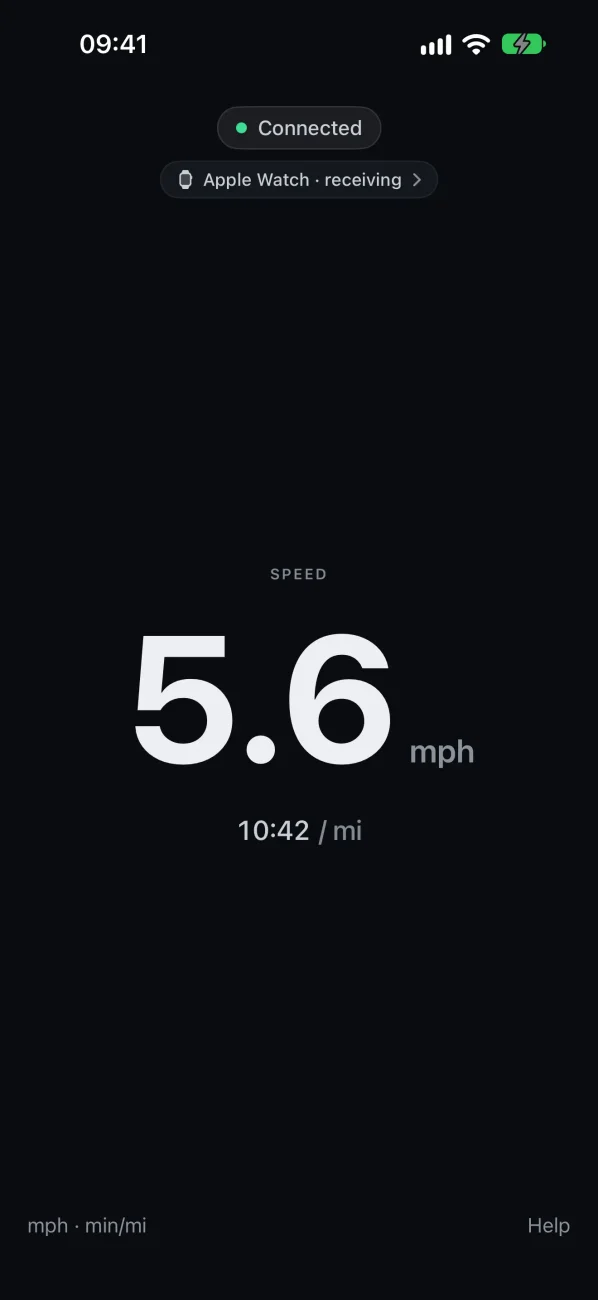
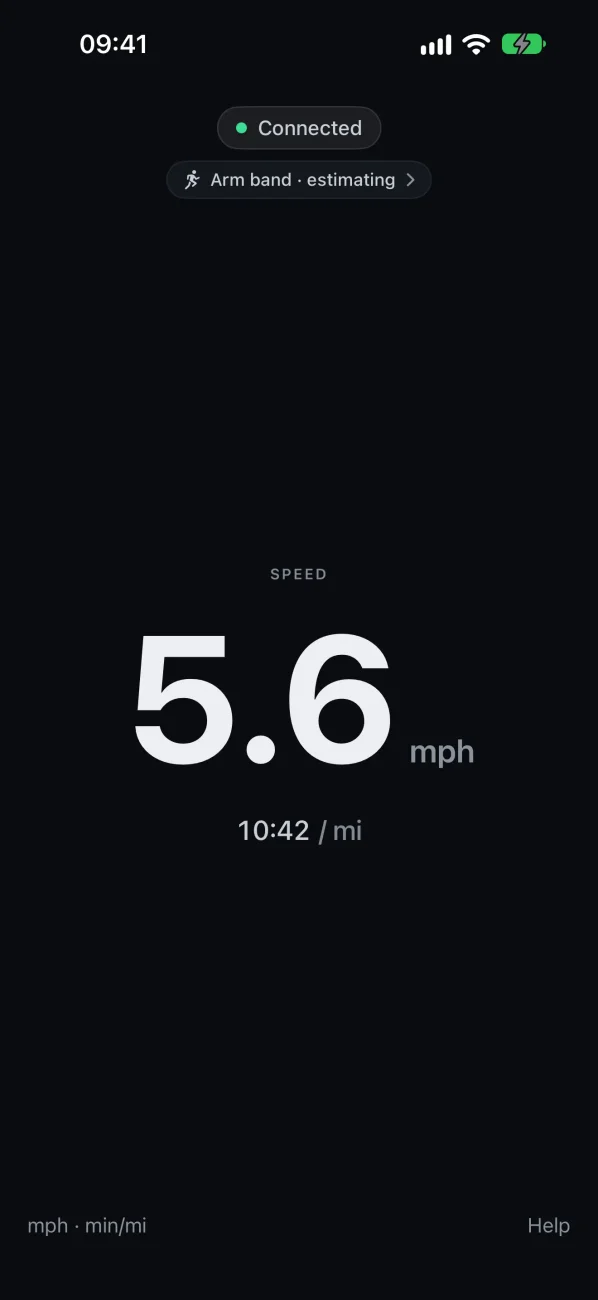
• A large speed readout with your current pace beneath it
• Plus and minus keys that step in 0.1 increments
• Six presets you set to your own paces, one tap each
• Incline, sent alongside speed
• Metric or imperial, chosen separately for speed and for pace
• Keeps broadcasting in the background, so glancing at another app does not drop the connection
APPLE WATCH
The Apple Watch app estimates your speed and cadence from your wrist and reads your heart rate, then streams them to your iPhone. Your iPhone broadcasts the speed, and your heart rate as a heart-rate sensor that Zwift can pair too. Your run is saved to Health as a workout.
JUST RUN
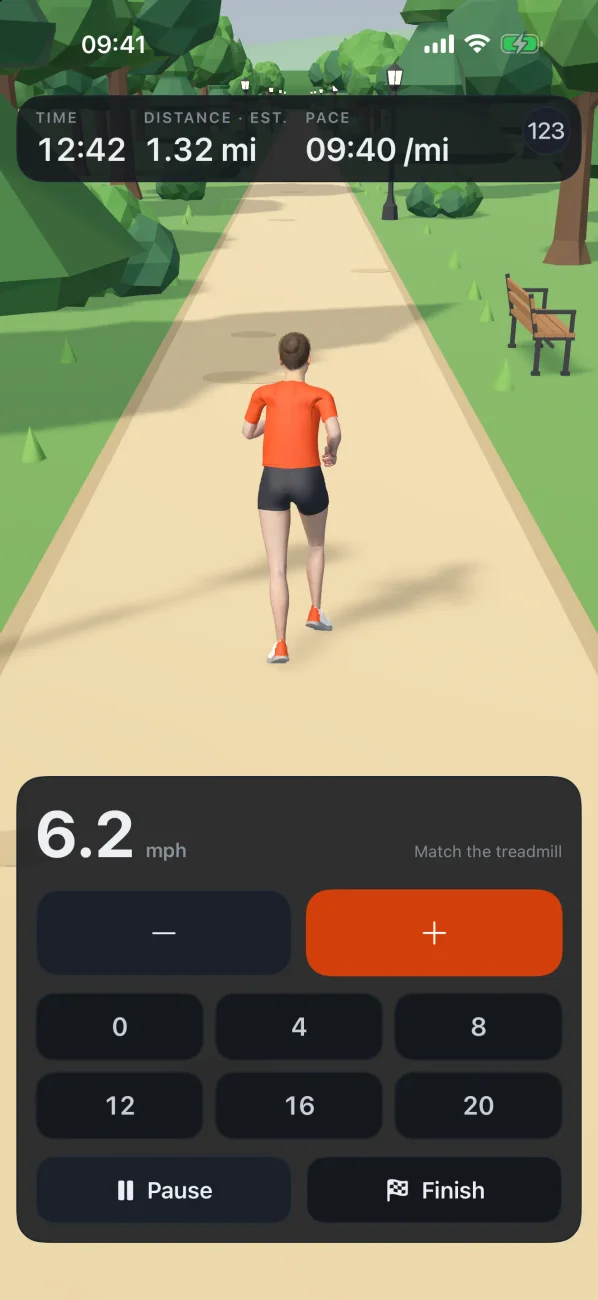
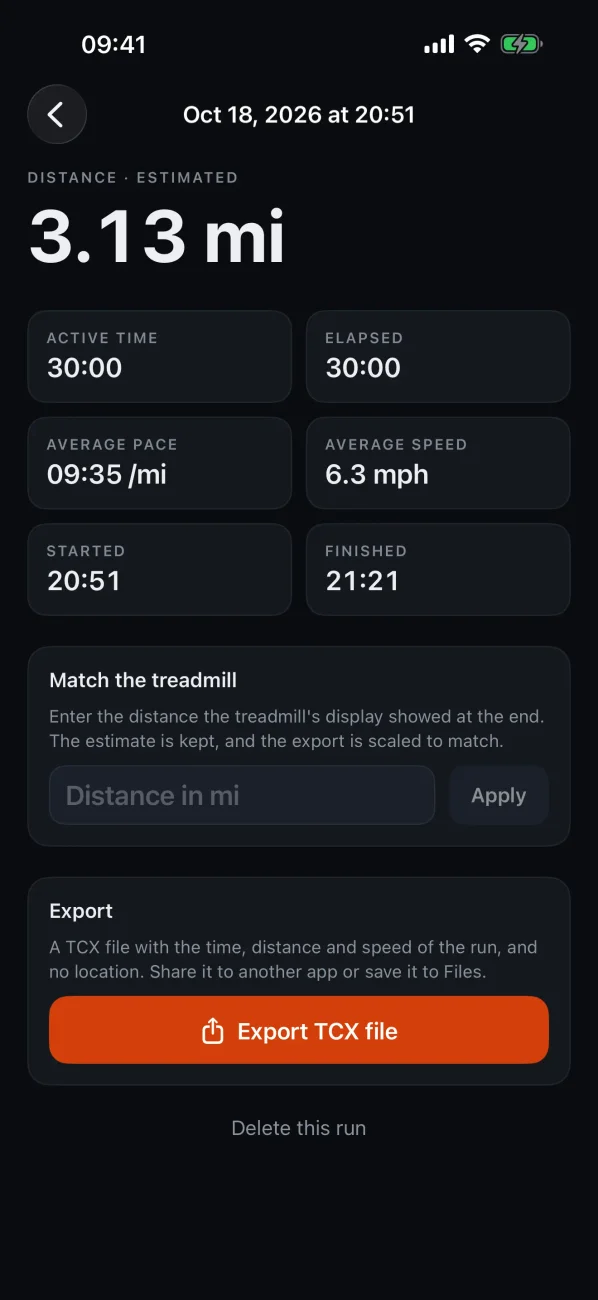
No app to send the speed to? Choose Just Run at the bottom of the speed source list and your iPhone records the run on its own. Set the speed to match the treadmill's console and run through a 3D park, as a man or a woman. Every kilometre or mile has a gate: run through it for your split, a tap and a burst of confetti. Each run is kept on your iPhone with its time, distance and pace. Match the distance to the treadmill's display afterwards, and export the run as a TCX file to share or save. The last 50 runs are kept, and you can delete any of them.
IF YOU BOUGHT THE ORIGINAL APP
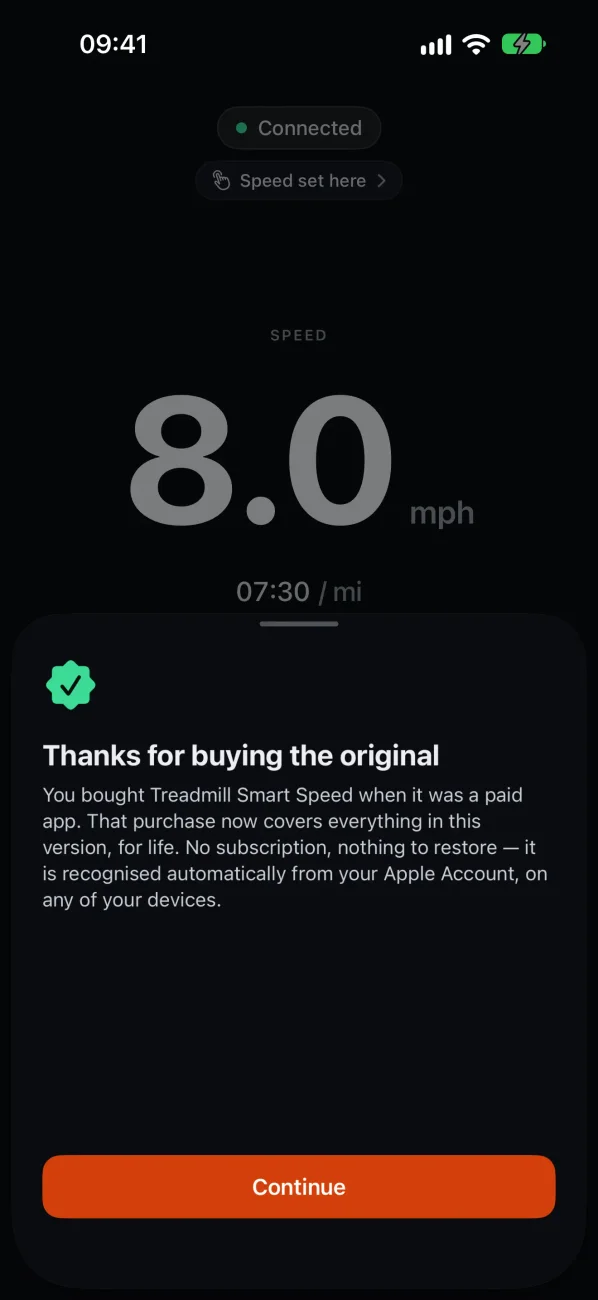
It stays yours. Everything in this version is free for you, for ever — no subscription, nothing to restore. It is recognised automatically from your Apple Account, on any of your devices.
FREE TO TRY
Every feature is free for a 10-minute run, with an hour between free runs. When a free run ends, the speed sent drops to zero, and a Just Run run is saved up to that moment, until you unlock.
Unlock forever is a one-time purchase with no subscription. Every run is then unlimited, and the unlock is shared with your family through Family Sharing. The price is shown before you buy.
Privacy policy: https://appyappster.com/privacy
Support: https://appyappster.com/support
Novedades
Versión 3.1.2 · 30/10/2026
If you bought Treadmill Smart Speed back when it was a paid app, this update recognises your purchase again: everything is unlocked for you, for good, with nothing to buy. Versions 3.0 and 3.1 showed some of those customers the free-run countdown by mistake. Sorry about that, and thank you for staying with the app since the start.
If the app still shows a countdown after updating, open Help and send the line beginning "App Store record" to support (Help › Support).
Privacidad de la aplicación
Lo que AppyAppster Ltd declara en App Store sobre cómo esta aplicación gestiona los datos.
-
No se recopilan datos
El desarrollador no recopila ningún dato de esta aplicación.
Las prácticas de privacidad pueden variar, por ejemplo, según las funciones que uses o tu edad.
Información
- Vendedor
- AppyAppster Ltd
- Categoría
- Salud y forma física
- Versión
- 3.1.2
- Actualizado
- 30/10/2026
- Publicado
- 26/1/2017
- Tamaño
- 65,4 MB
- Requiere
- iOS 17.0 o posterior
- Clasificación por edad
- 4+
- Precio
- Gratis
- Compras en la aplicación
- Sí
- Idiomas
- Inglés
- Copyright
- © AppyAppster Limited
Quizá también te guste
-
 Klemy: Entreno cinta de correrCinta virtual y walking pad
-
 Treadmill Buddy: Cinta correrRutas virtuales y planes
-
 Kinni: Running & WorkoutsSalud y forma física
-
 MOTTIV: Run & Triathlon PlansSalud y forma física
-
 Favero AssiomaSalud y forma física
-
 Echo: Frecuencia CardiacaPulso de tu reloj para Zwift
-
 TrainingPeaks Virtual CyclingSalud y forma física
-
 WorkOutDoorsSalud y forma física
-
 pliability: Stretch & MobilitySalud y forma física
-
 Polar FlowSincroniza y analiza