
- Clasificación por edad9+
- CategoríaEducación
- DesarrolladorUltimate Drill Book
- IdiomasInglés+ 1 más
- Tamaño29,2 MB
Enlaza a la página oficial de App Store
Download.org no aloja ningún archivo de UDBapp Pro. El botón abre la página de la aplicación en App Store, donde la publica Ultimate Drill Book. Ficha comprobada por última vez el 14/11/2026.
Capturas de pantalla
Acerca de
El desarrollador no ha proporcionado este texto en tu idioma.
Get the app used by hundreds of thousands of marchers, directors, and teachers around the world.
Features for Students
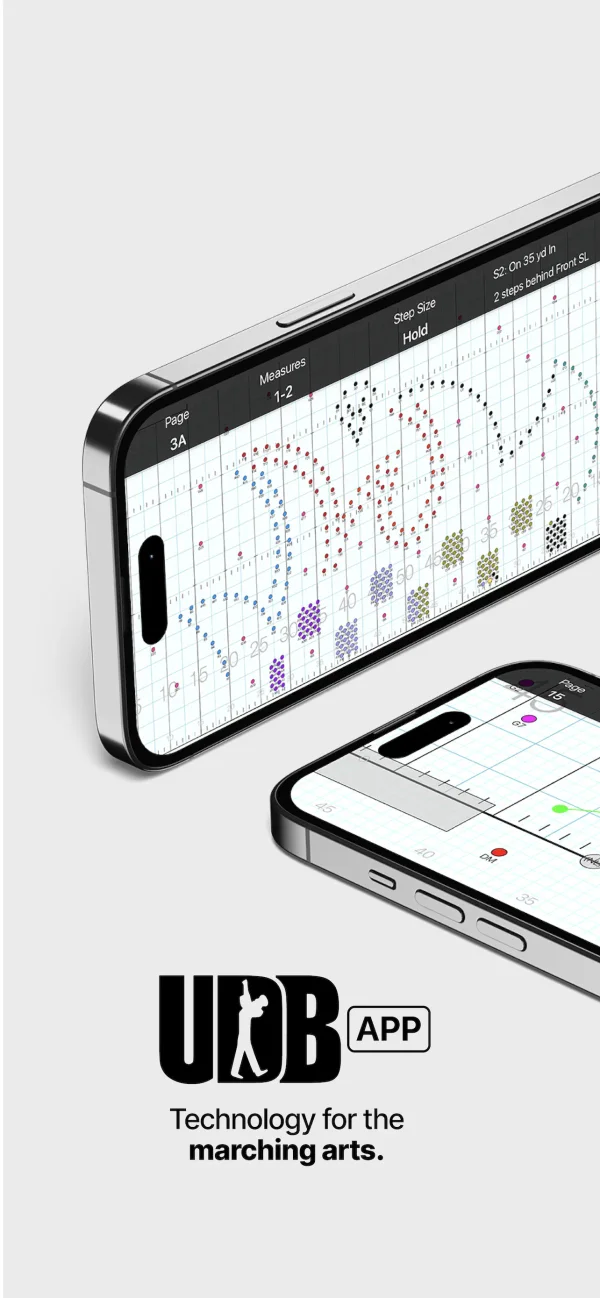
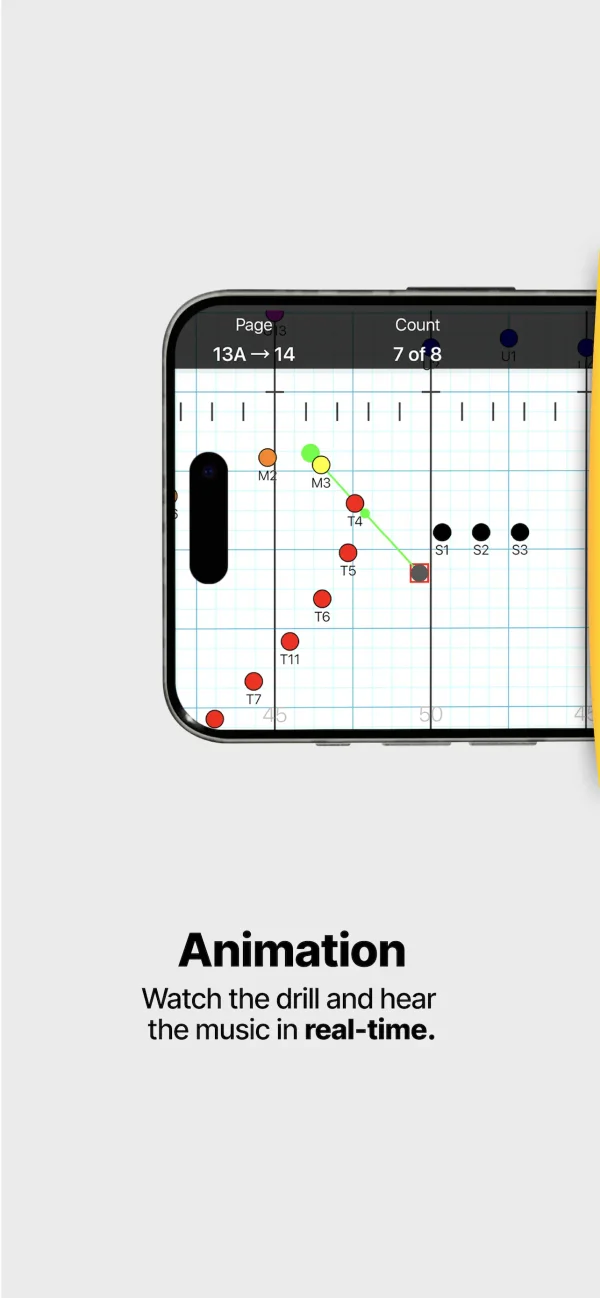
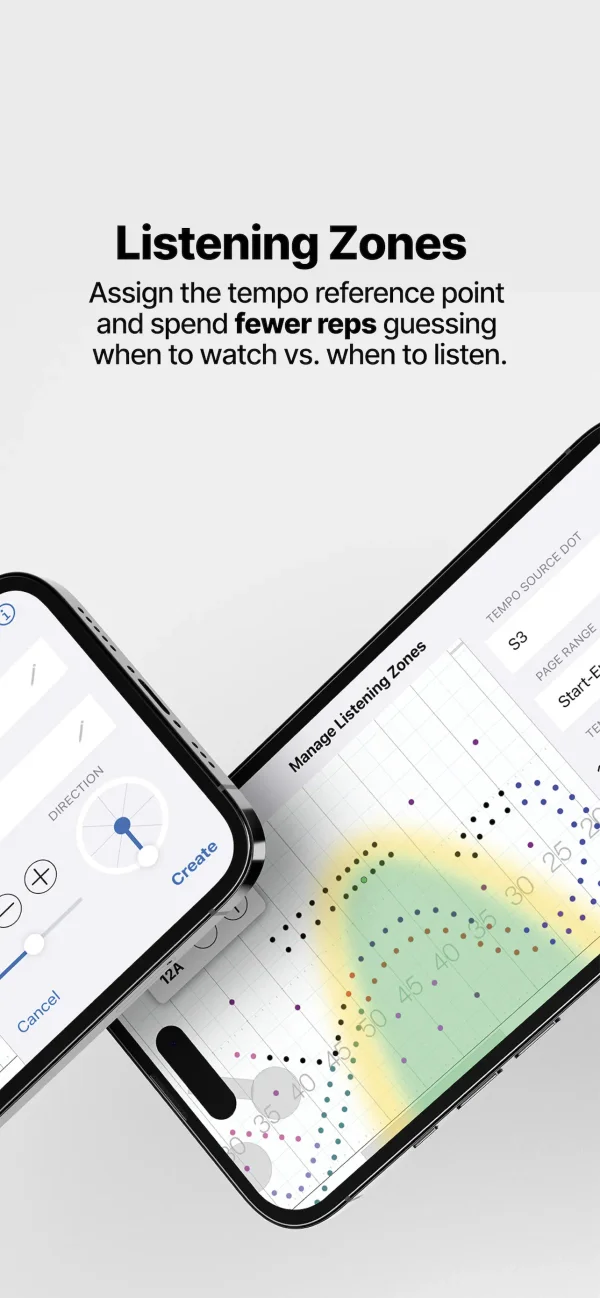
• Watch the drill animation while listening to the music from any perspective (performer or director).
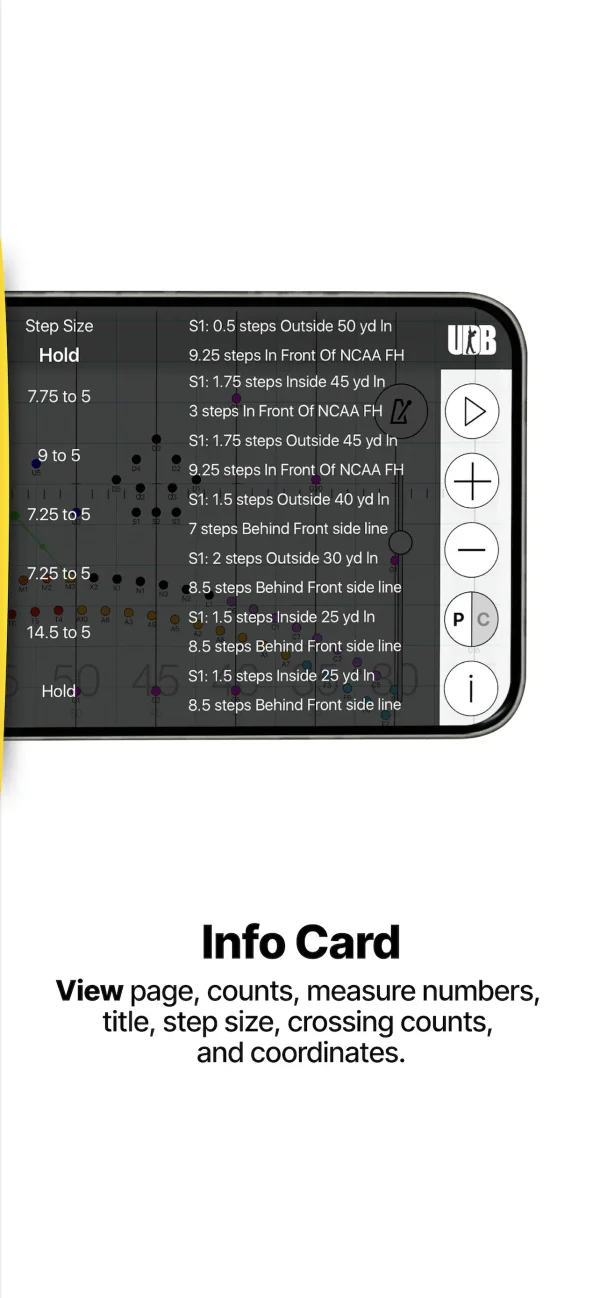
• View your individual coordinate sheet for sets in a song or counts in a set.
• Follow your drill count by count with live updating coordinates.
• UDB view shows curved and straight-line path information for previous and next sets.
• Student leadership can access everyone’s drill information.
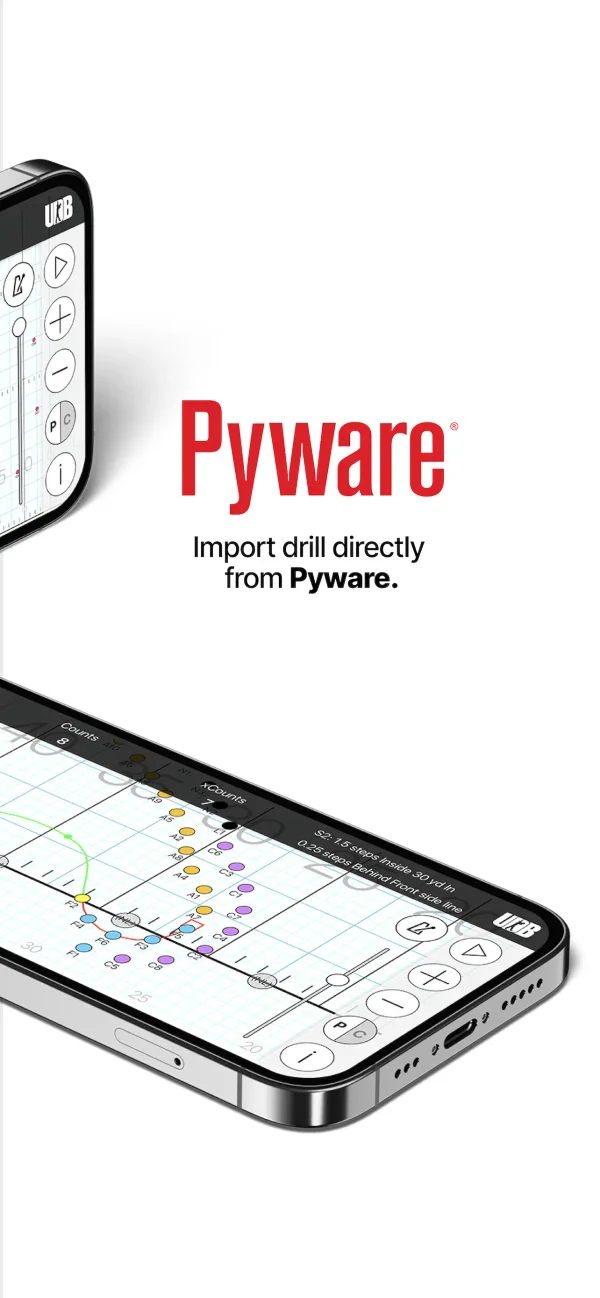
• Learn and clean drill in seconds after it's been exported from Pyware by the designer.
Features for Directors and Staff
• Tap any performer to view coordinate and UDB view information.
• Change field perspective (performer/director).
• Easily add/delete/edit drill files in your ensemble's account directly from your app.
• Learn and clean drill in seconds after it's been exported from Pyware by the designer.
Sheet Music Integration
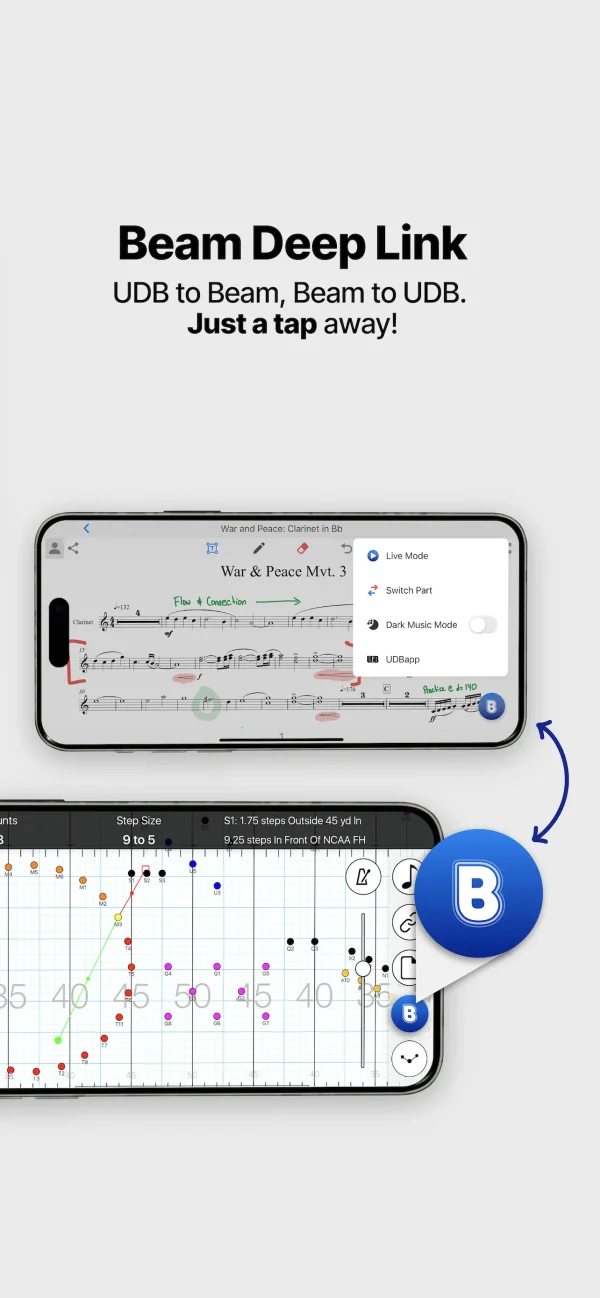
• One tap access to Beam
• Import music and scores from cloud services like Dropbox and Google Drive or take a picture.
• Sync the drill and music with drill tabs.
• Annotate music with integrated icons and helpful tools.
Differentiators
• Phone layout designed for one handed use
• Easily find your midway points and yard line crossing counts
• Easily switch between custom views
Tap ID
• Tap ID allows directors to see the performer labels that your students have selected. Simply tap on a performer's dot while viewing the drill to see their name and photo. Multiple students can select a single performer label so directors can easily see and manage alternates, shadows, and primary performers.
Calendar + Attendance
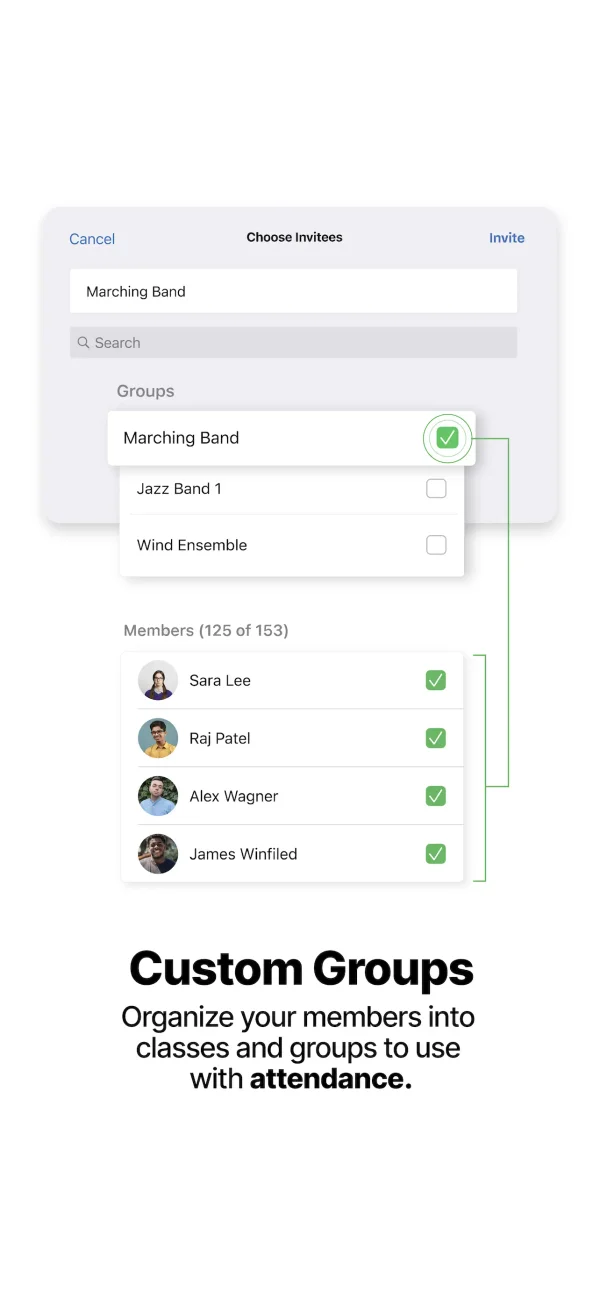
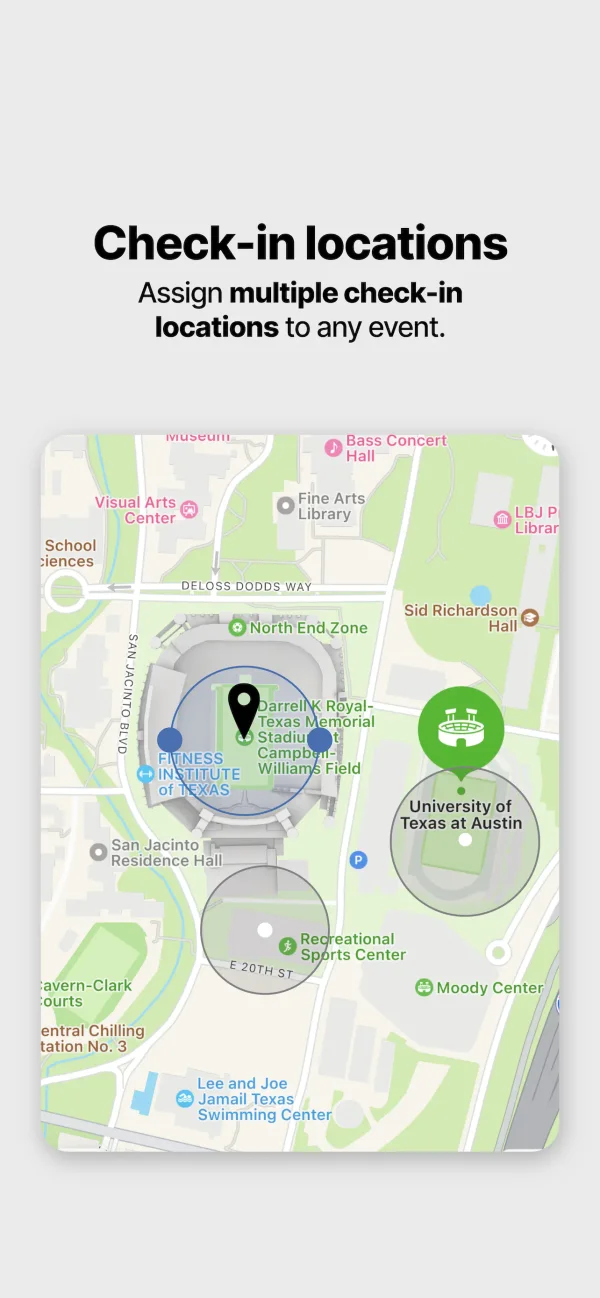
• See your full rehearsal and performance schedule, check-in to events, and track attendance throughout the season.
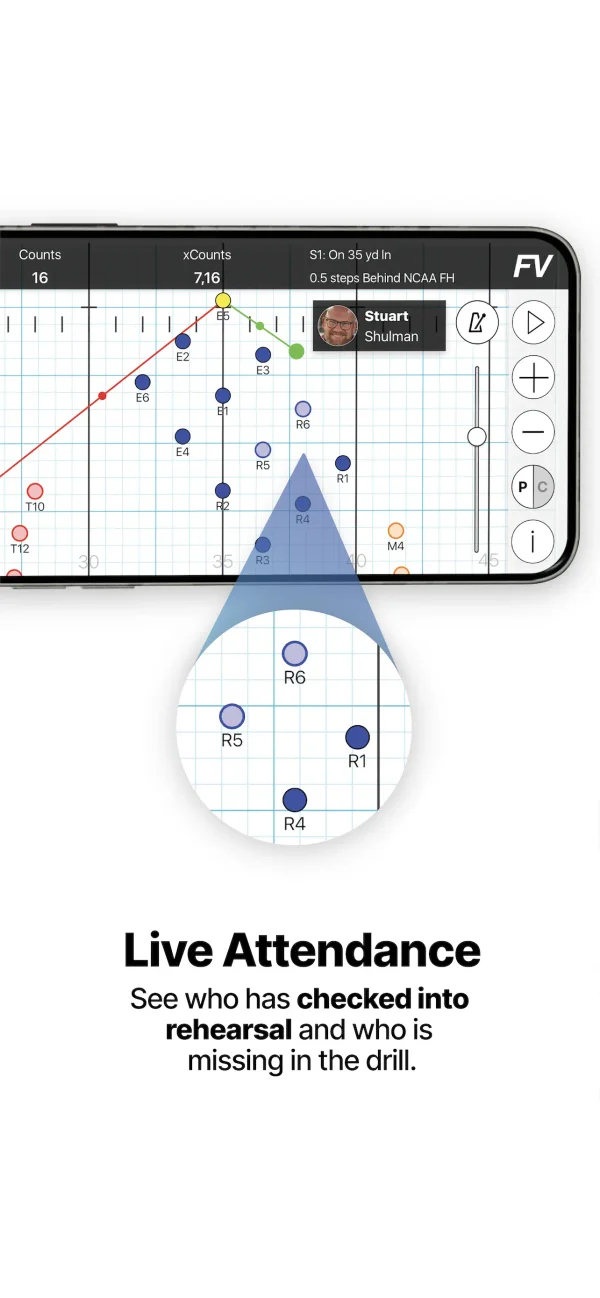
• Use Live Attendance to get a real-time view of who is at rehearsal and who is not.
Offline Mode
• Offline mode allows a director to restrict access to Ultimate Drill Book if selected users are connected to the internet. If not activated, all users will be able to access Ultimate Drill Book even if connected to a WiFi or cellular connection.
Novedades
Versión 2.5.1 · 8/10/2025
Custom View logic updates
Attendance logic and export updates
User login updates
General fixes and improvements
Privacidad de la aplicación
Lo que Ultimate Drill Book declara en App Store sobre cómo esta aplicación gestiona los datos.
-
No se recopilan datos
El desarrollador no recopila ningún dato de esta aplicación.
Las prácticas de privacidad pueden variar, por ejemplo, según las funciones que uses o tu edad.
Información
- Vendedor
- Ultimate Drill Book, Inc.
- Categoría
- Educación
- Versión
- 2.5.1
- Actualizado
- 8/10/2025
- Publicado
- 22/6/2020
- Tamaño
- 29,2 MB
- Requiere
- iOS 16 o posterior
- Clasificación por edad
- 9+
- Precio
- Gratis
- Idiomas
- Inglés, Japonés
- Copyright
- © 2025 Ultimate Drill Book, Inc.
Quizá también te guste
-
 CompetitionSuite CommentaryEducación
-
 StudentSquare AppEducación
-
 GradeWay for HACEducación
-
 Aceable Drivers Ed & MoreEducación
-
 BigFuture SchoolEducación
-
 RAISE365Educación
-
 Sine: Entrenamiento auditivoDominio de la música
-
 Drumr - Learn & Practice DrumsKit y Drumline: Cursos, Música
-
 Gradekit: Track Grades & GPAEducación
-
 Loper - College SearchEducación