- Clasificación por edad4+
- CategoríaEstilo de vida
- Desarrollador杰升 周
- IdiomasInglés+ 3 más
- Tamaño65,6 MB
Enlaza a la página oficial de App Store
Download.org no aloja ningún archivo de UMEMORY. El botón abre la página de la aplicación en App Store, donde la publica 杰升 周. Ficha comprobada por última vez el 20/11/2026.
Capturas de pantalla

Acerca de
El desarrollador no ha proporcionado este texto en tu idioma.
UMEMORY A professional hardware data management tool designed exclusively for iOS devices. Seamlessly connecting to USB hardware, it allows you to view, manage, and back up critical data from both your hardware and mobile device anytime, anywhere, providing all-round support for data security and convenient usage.
Core Features
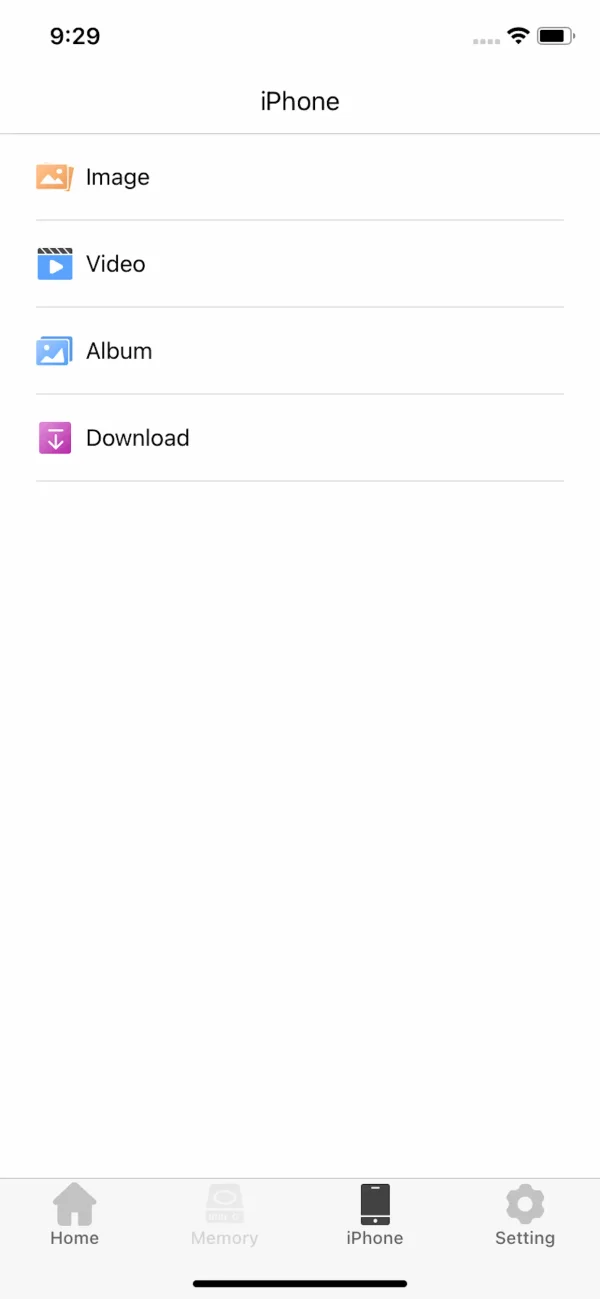
All-Round Hardware Data ViewingAfter connecting to a USB hardware device, browse all types of files stored on the hardware—including music, videos, and images—directly within the app. It supports parsing of multiple formats, enabling quick preview without the hassle of file transfer.
Convenient File ManagementPerform copy, move, delete, and rename operations on files stored in both the hardware and mobile device. Organize your data into categories efficiently and create a neat file storage environment with ease.
Secure Backup ProtectionOne-tap backup of mobile files and contacts to the hardware device. Dual storage ensures data is protected against loss, building a solid defense for your precious data.
Smooth Multimedia PlaybackBuilt-in high-performance player lets you stream music and videos stored on the hardware directly within the app, eliminating the need to switch to other applications and delivering an immersive audio-visual experience.
Application Advantages
Stable and Efficient ConnectionOptimized USB connection mechanism ensures compatibility with mainstream hardware devices. Enjoy fast, stable connections with smooth data transfer—no lag or disconnection issues.
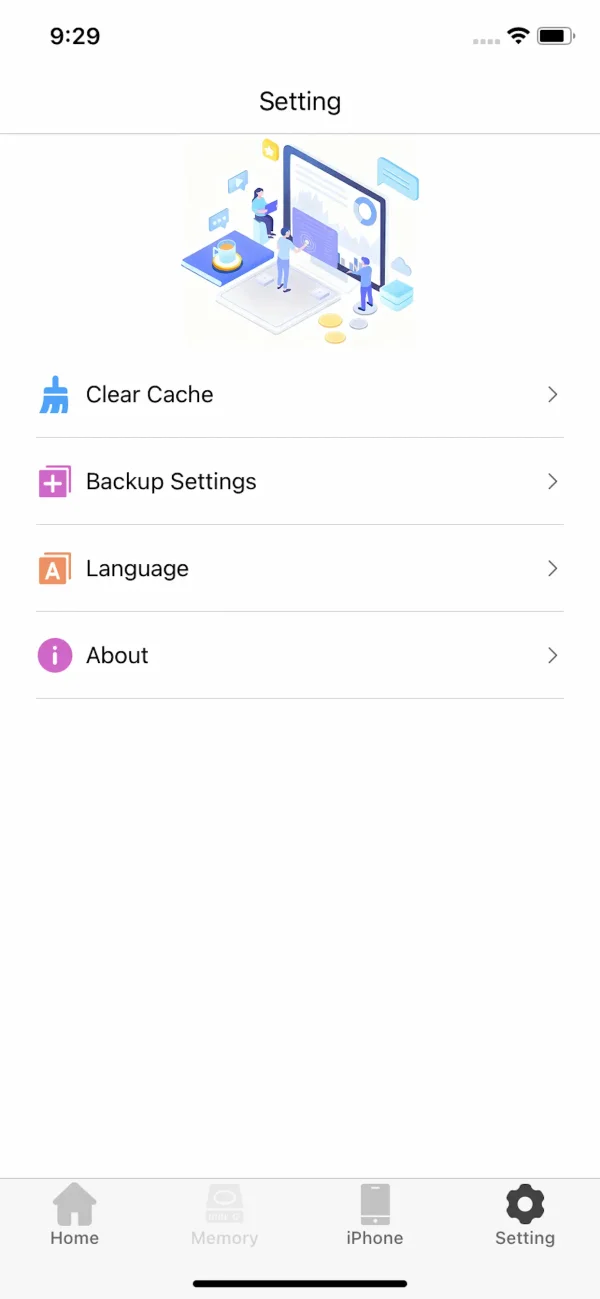
Intuitive and User-Friendly OperationThe interface follows iOS interaction logic with clearly defined functional sections. No professional knowledge is required, making it easy for beginners to master in no time.
Encrypted Data SecurityAdvanced encryption technology is applied during backup and transmission, protecting sensitive data such as contacts and private files from unauthorized access and ensuring privacy security.
Lightweight and Bloat-FreeThe app features a compact size with minimal memory footprint. It runs smoothly without lag and does not interfere with the performance of other mobile functions.
User Instructions
Plug the USB hardware device into your iOS device’s port to establish a connection;
Launch the Ziguang Flash Drive app, which will automatically detect the connected device;
Freely view and manage hardware data, or back up mobile data directly within the app.
Whether you are organizing files daily, backing up important contacts, or playing multimedia content from hardware on the go, Ziguang Flash Drive meets all your needs and makes data management simpler and safer!
Novedades
Versión 1.0.16 · 24/12/2025
1.App optimizations.
2.Fixed known issues.
Privacidad de la aplicación
Lo que 杰升 周 declara en App Store sobre cómo esta aplicación gestiona los datos.
-
No se recopilan datos
El desarrollador no recopila ningún dato de esta aplicación.
Las prácticas de privacidad pueden variar, por ejemplo, según las funciones que uses o tu edad.
Información
- Vendedor
- 杰升 周
- Categoría
- Estilo de vida
- Versión
- 1.0.16
- Actualizado
- 24/12/2025
- Publicado
- 7/12/2025
- Tamaño
- 65,6 MB
- Requiere
- iOS 11.0 o posterior
- Clasificación por edad
- 4+
- Precio
- Gratis
- Idiomas
- Inglés, Japonés, Chino simplificado, Chino tradicional
- Copyright
- © @ zhoujiesheng