
- Clasificación por edad4+
- CategoríaReferencia
- DesarrolladorJoshua Smith
- IdiomasInglés
- Tamaño7,1 MB
Es posible que Versefold no esté disponible en App Store en este momento
No se pudo acceder a la ficha de la tienda en nuestra última comprobación. El enlace sigue llevando a la página oficial de App Store.
Capturas de pantalla
Acerca de
El desarrollador no ha proporcionado este texto en tu idioma.
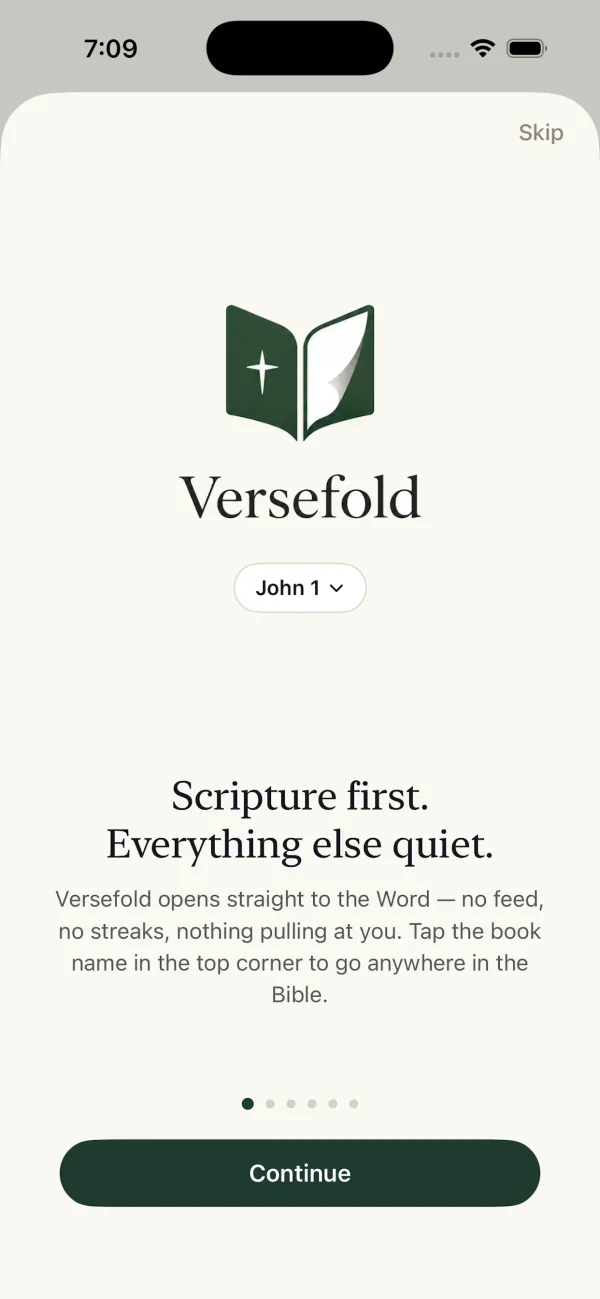
Versefold is a quiet place to read, study, and remember Scripture. It opens
straight to the Word — no feed, no streaks, no social layer, nothing pulling
at your attention. Scripture first. Everything else quiet.
READ
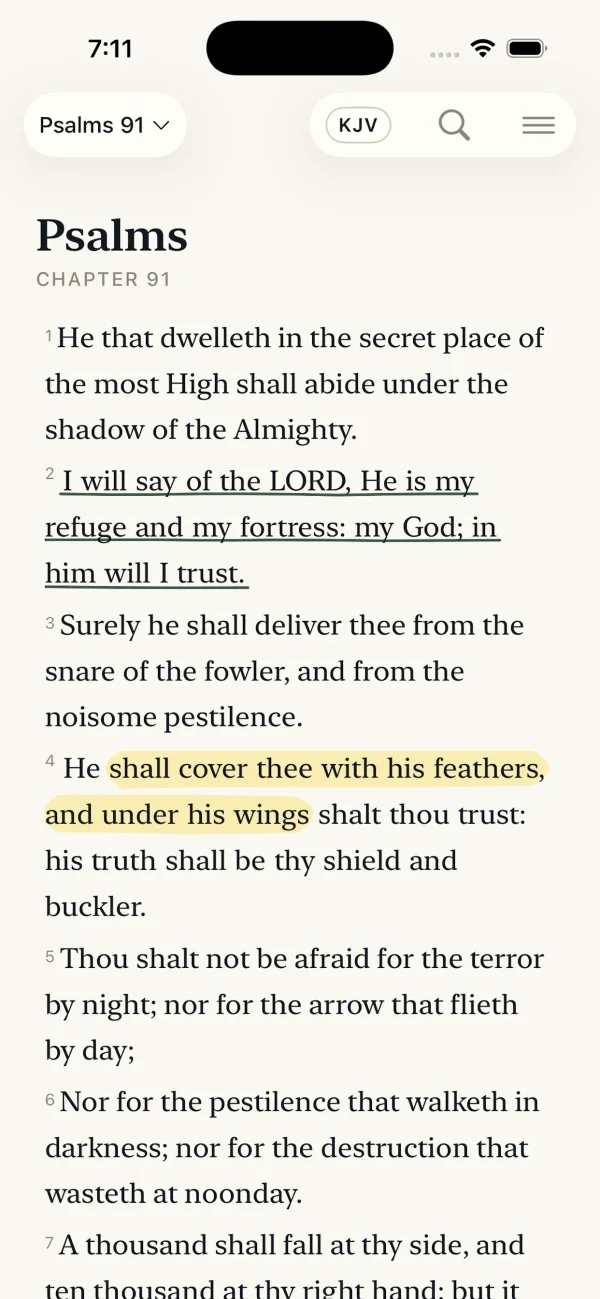
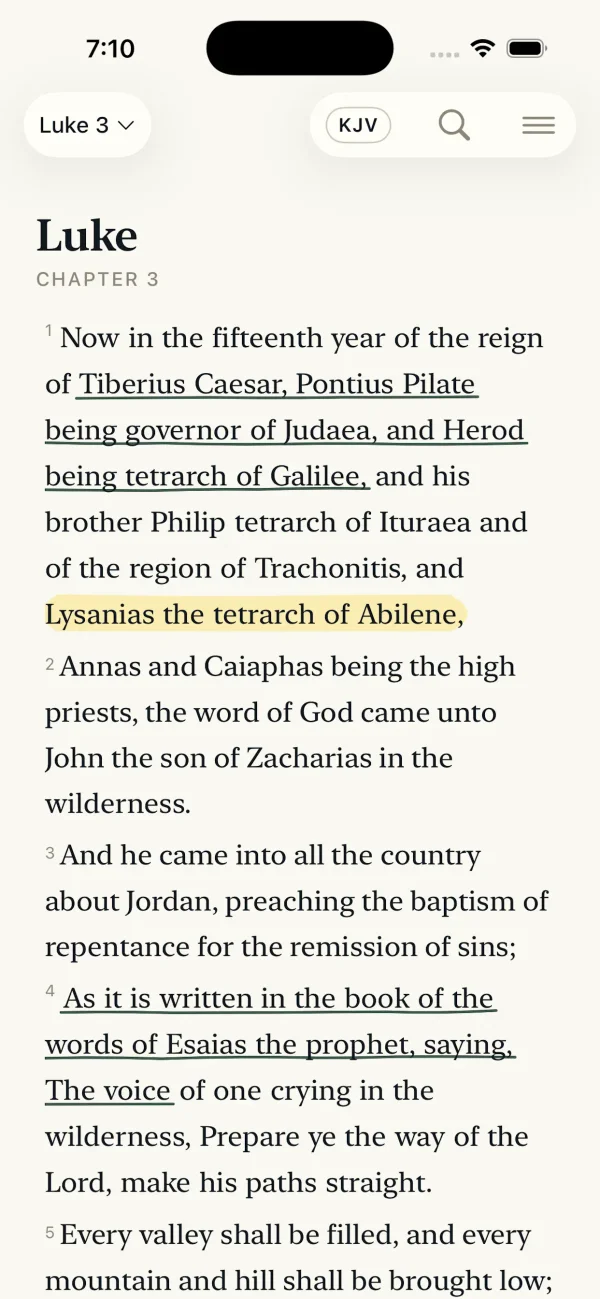
Open to your last reading location and simply read. The full KJV lives on
your device and works completely offline. Choose from more than twenty
translations in English and Spanish — NIV, ESV, NLT, NKJV, CSB, NASB 2020,
The Message, Reina-Valera, and more — and flip between them instantly.
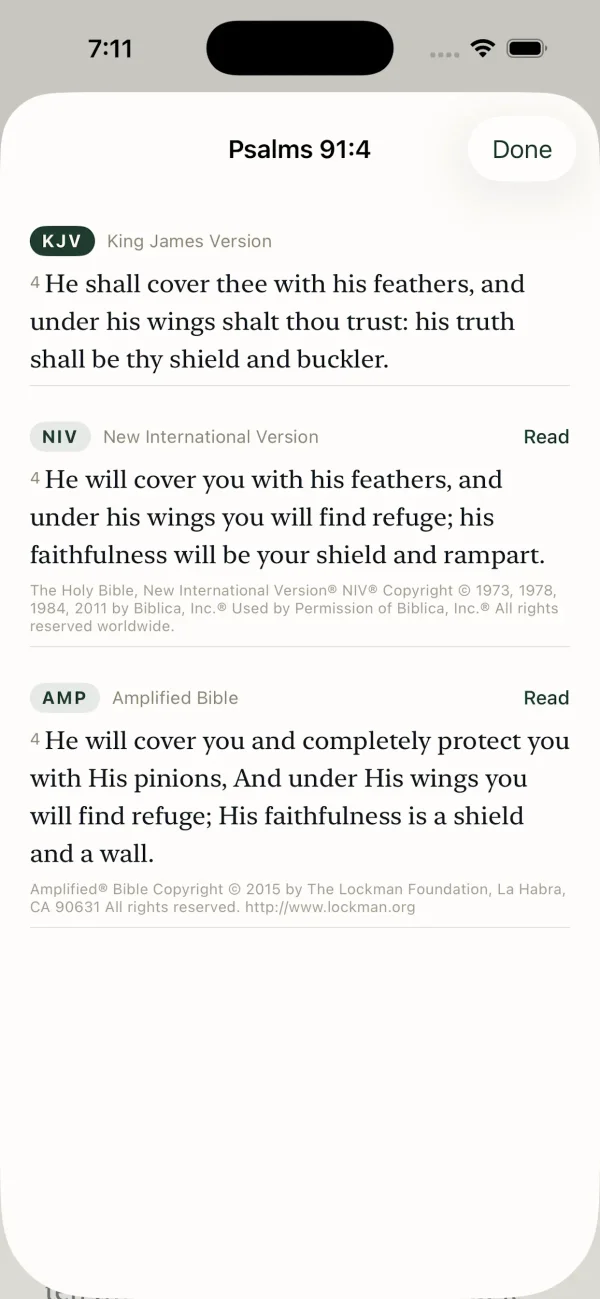
Compare any verse side by side in the translations you choose, in the order
you choose them. Clean typography, warm ivory pages, and themes that stay
out of the way.
MARK IT LIKE A PAPER BIBLE
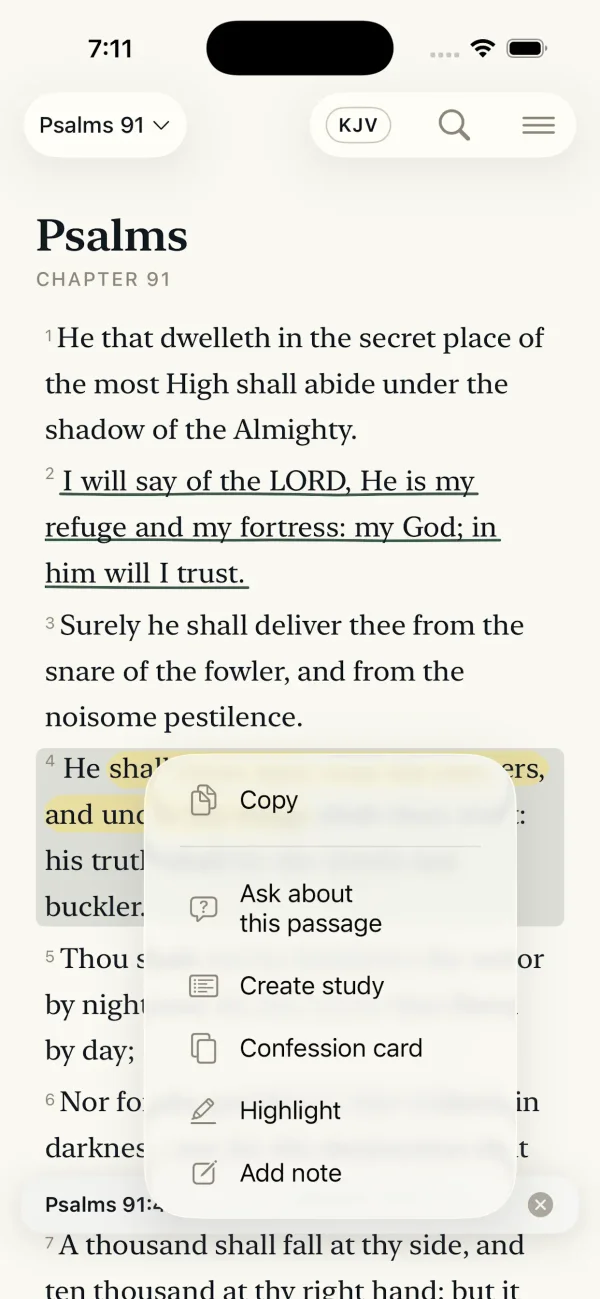
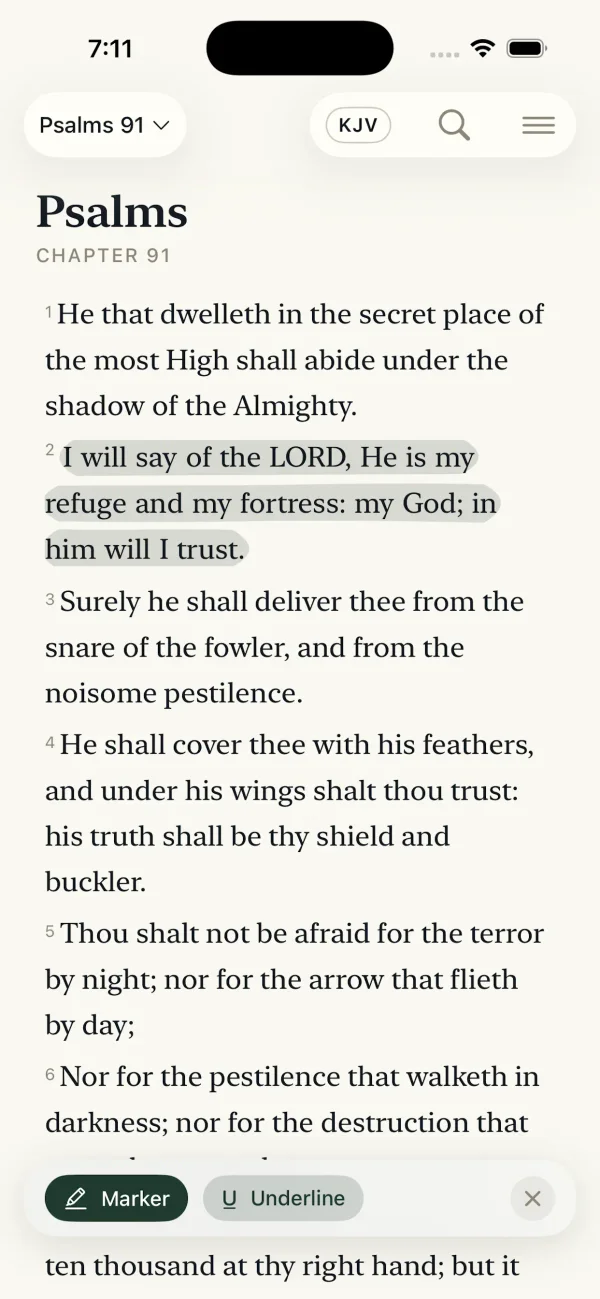
Press and hold, then drag your finger across the words that matter. Tap
Marker to use your last color, or hold it to choose yellow, green, blue, or
pink. Add a penned underline, recolor selected words, or erase just part of
a mark. Your ink wraps naturally with the text. Notes leave a small
hand-penned mark beside the verse in every translation, and when a verse you
marked appears in another translation, a small ink swash in the margin
points you back to the version that holds your ink.
UNDERSTAND
Select any passage and Unfold it: a careful, deeper explanation grounded in
the text itself. Every explanation is clearly labeled as AI-assisted
commentary — never styled like Scripture — and carries a Basis section citing
the passages it draws on. Ask your own question about any passage and get an
answer rooted in the Word, not the internet.
STUDY
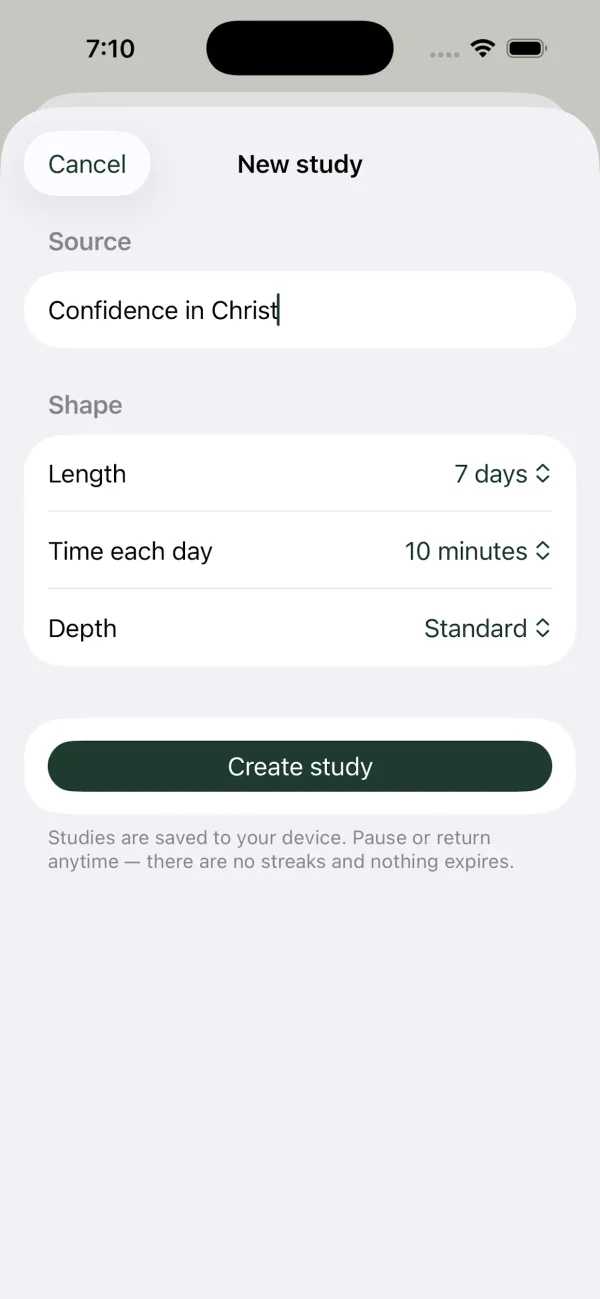
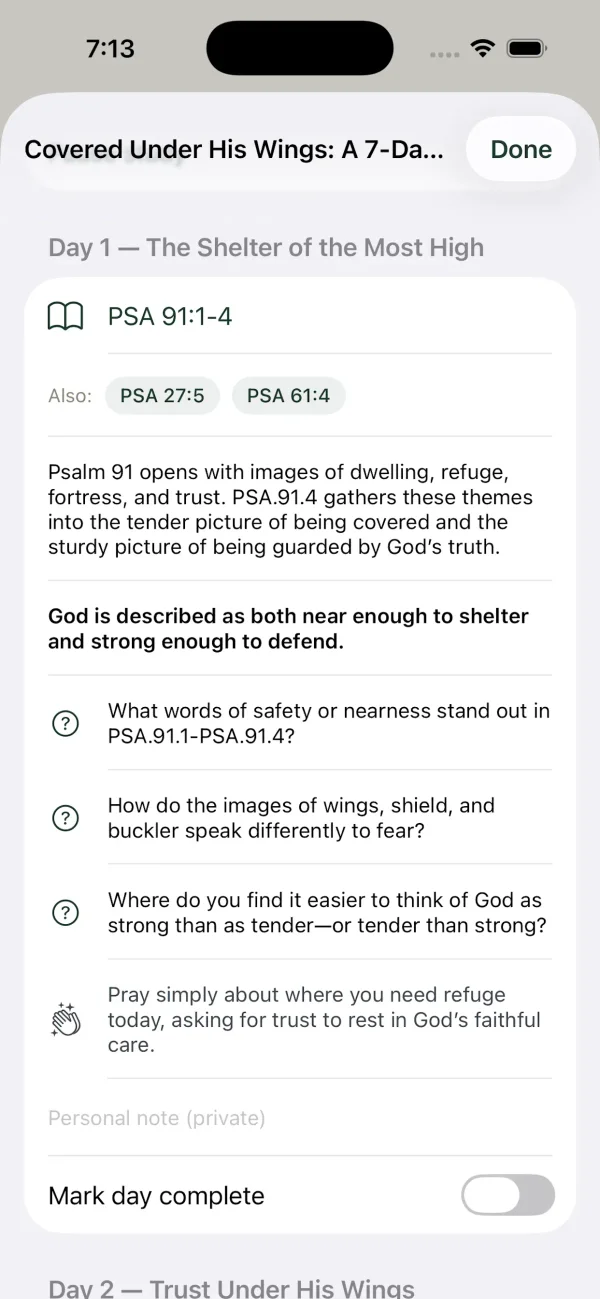
Build a personal guided study from any verse, book, or theme — choose the
length, the minutes per day, and the depth. Each day brings readings,
context, reflection questions, and a prayer prompt. Pause anytime. Nothing
expires, and there are no streaks to lose.
REMEMBER AND SHARE
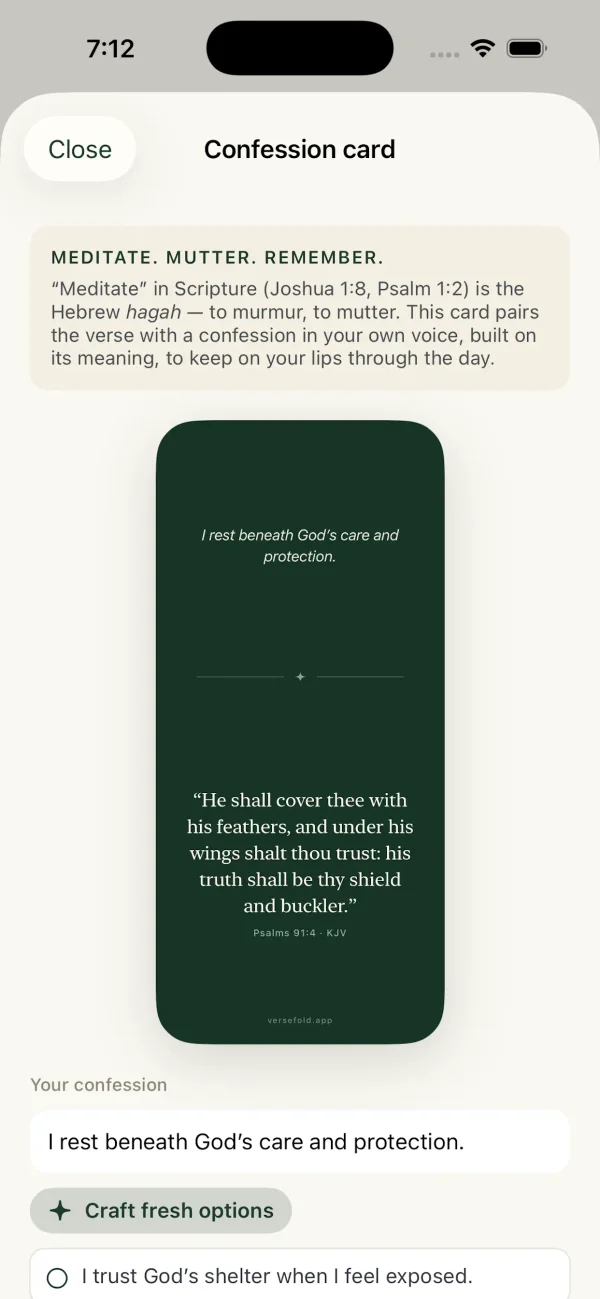
Turn a verse into a quiet graphic, with brand colors, landscapes, warm paper, or a photo from your library. Choose a square, portrait, Story, or lock-screen format, then save or share it.
Send a passage link so someone can read the verse and its chapter right away, without an app or account. On iPhone, try the Versefold App Clip, keep the passage, and find it in Library after installing the full app on the same phone. Your personal photo stays in the image you choose to share.
"Meditate" in Scripture is the Hebrew hagah, to mutter, to keep the Word on your lips. Versefold is built around that practice.
SEARCH BY MEANING
Search for "confidence and strength in the Lord" and find the passages that
carry that meaning — not just the ones that contain those words.
PRIVATE BY DESIGN
No account. No sign-up. No ads. No analytics trackers. Your highlights,
notes, and studies stay on your device — export them or delete them anytime.
The Word before the phone.
Novedades
Versión 1.6 · 31/10/2026
Share a verse. Keep reading together.
• Send a passage link that opens straight to Scripture, with the chapter one tap away. No app or account needed to read.
• Make a card with Still hills, Quiet shore, Olive paper, or your favorite Versefold look. Choose square, portrait, Story, or lock screen.
• Try the new App Clip on iPhone. Keep a passage there, then find it in Library when you install the full app on the same phone.
• Your notes, highlights, and personal photos stay private unless you choose to share them.
Always free. No account. No ads.
Privacidad de la aplicación
Lo que Joshua Smith declara en App Store sobre cómo esta aplicación gestiona los datos.
-
No se recopilan datos
El desarrollador no recopila ningún dato de esta aplicación.
Las prácticas de privacidad pueden variar, por ejemplo, según las funciones que uses o tu edad.
Información
- Vendedor
- Joshua Smith
- Categoría
- Referencia
- Versión
- 1.6
- Actualizado
- 31/10/2026
- Publicado
- 15/7/2026
- Tamaño
- 7,1 MB
- Requiere
- iOS 17.0 o posterior
- Clasificación por edad
- 4+
- Idiomas
- Inglés
- Copyright
- © 2026 - Versefold
Quizá también te guste
-
 Wayfold: Understand the BibleGuías de estudio bíblico
-
 Haru JLPT: Learn JapaneseEducación
-
 Lincoln Avenue Baptist ChurchEducación
-
 Versed: Bible MemoryEducación
-
 Open Borders: inmigraciónEstado del caso y ciudadanía
-
 30West IP eLearningEducación
-
 Contagious Disciple MakingEducación
-
 Exegeo: Understand the BibleReferencia
-
 Norm Geisler Int'l. MinistriesEducación
-
 MemoryVerses: Bible MemoryEducación