
Video + : Player for Cloud
Elegant Cloud Media Player
Diseñada para iPhone, iPad
Gratis · Compras en la aplicación
- Clasificación por edad17+
- CategoríaUtilidades
- Desarrollador志鹏 汤
- IdiomasInglés+ 7 más
- Tamaño62,0 MB
Enlaza a la página oficial de App Store
Download.org no aloja ningún archivo de Video + : Player for Cloud. El botón abre la página de la aplicación en App Store, donde la publica 志鹏 汤. Ficha comprobada por última vez el 22/11/2026.
Capturas de pantalla


Acerca de
El desarrollador no ha proporcionado este texto en tu idioma.
Your media, wherever you keep it.
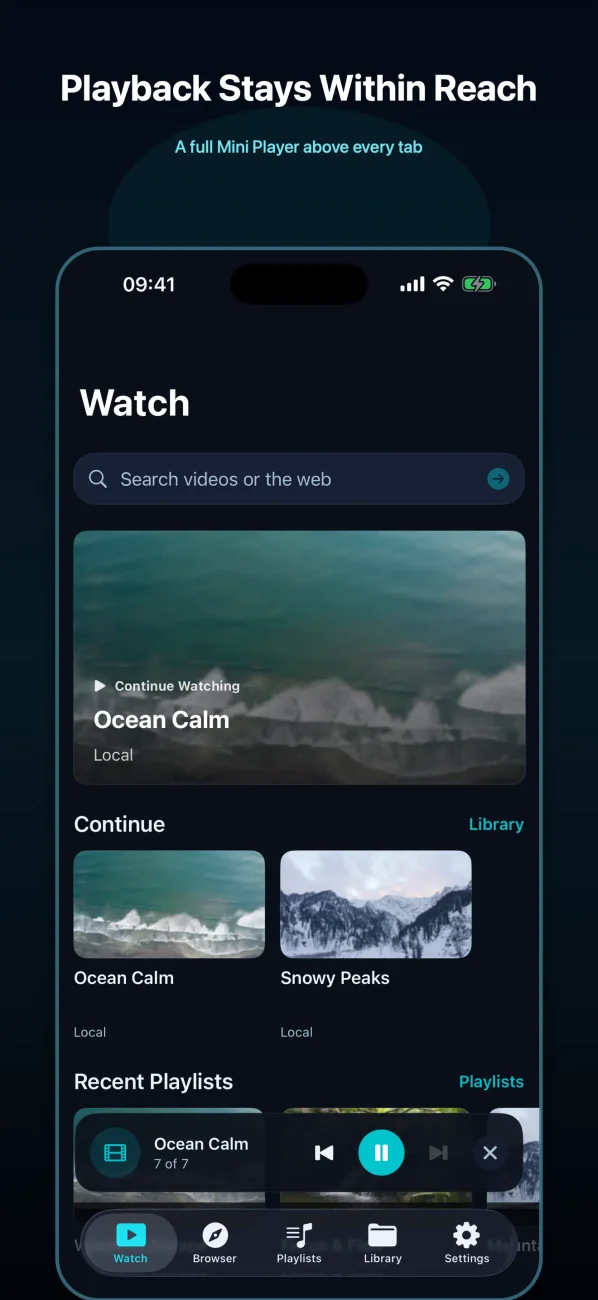
Video + is a modern video and audio player for media you own or are authorized to access. Version 5.0 brings a completely refreshed experience while continuing the app’s focus on flexible playback, personal media libraries, cloud storage, and offline viewing.
WIDE FORMAT SUPPORT
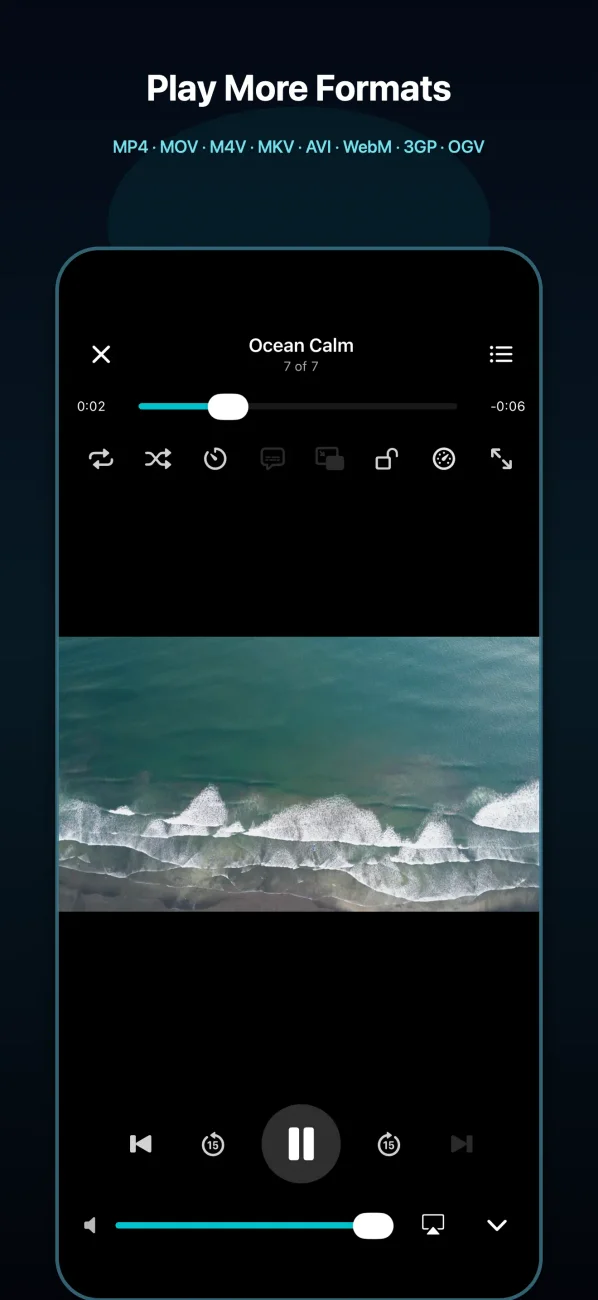
Open a broad range of video and audio file types:
• Video: MP4, MOV, M4V, MKV, AVI, WebM, 3GP, and OGV
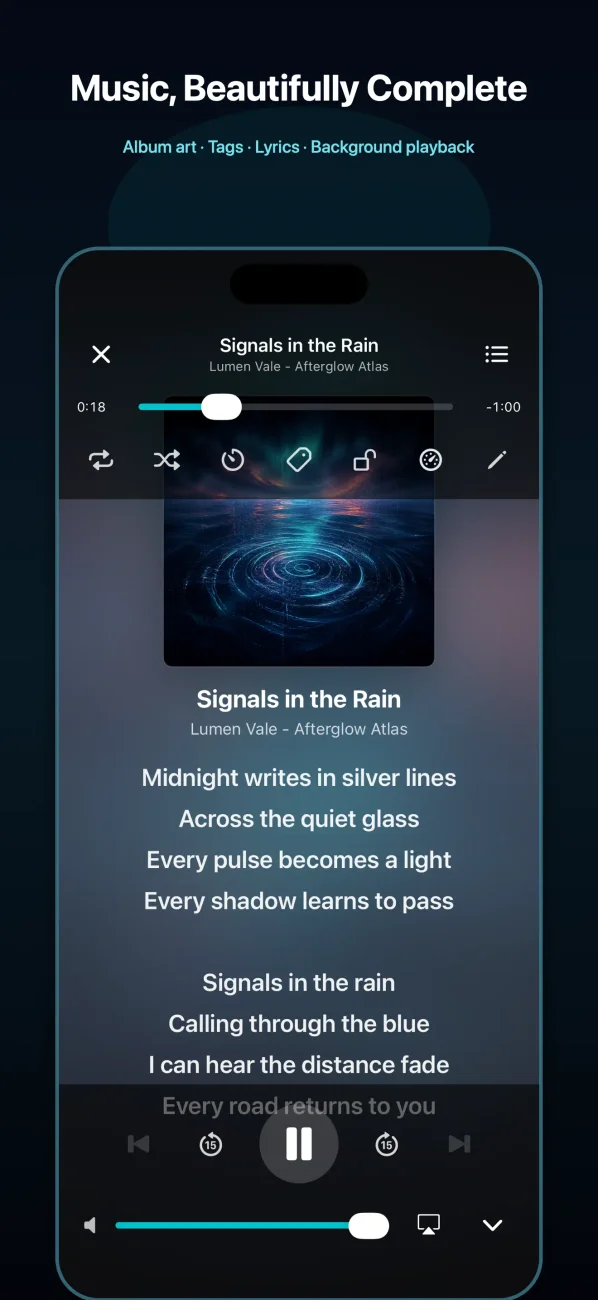
• Audio: MP3, M4A, AAC, WAV, FLAC, OGG, and Opus
• External subtitles: SRT and WebVTT
Depending on the container and device capabilities, compatible video codecs include H.264, HEVC/H.265, AV1, VP9, VP8, MPEG-4, MPEG-2, and VC-1.
Video + combines native Apple playback technology with an extended media engine for compatible formats, including advanced MKV playback. Actual compatibility depends on the codecs, profiles, subtitles, and audio tracks contained in each file.
PLAY YOUR MEDIA YOUR WAY
• Play video and audio in a wide range of popular formats
• Adjust playback speed and video display mode
• Use shuffle, repeat, queue controls, and a sleep timer
• Continue listening with background audio for supported media
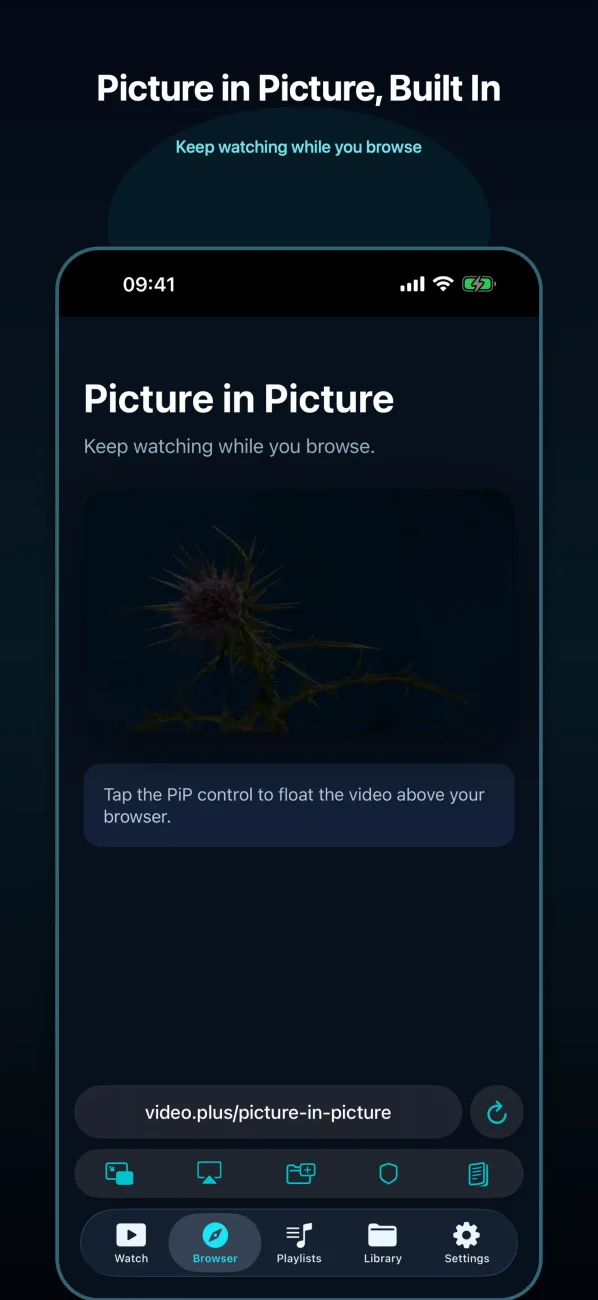
• Watch with Picture in Picture
• Send supported media to compatible displays with AirPlay
• Load embedded or external subtitles and adjust subtitle timing
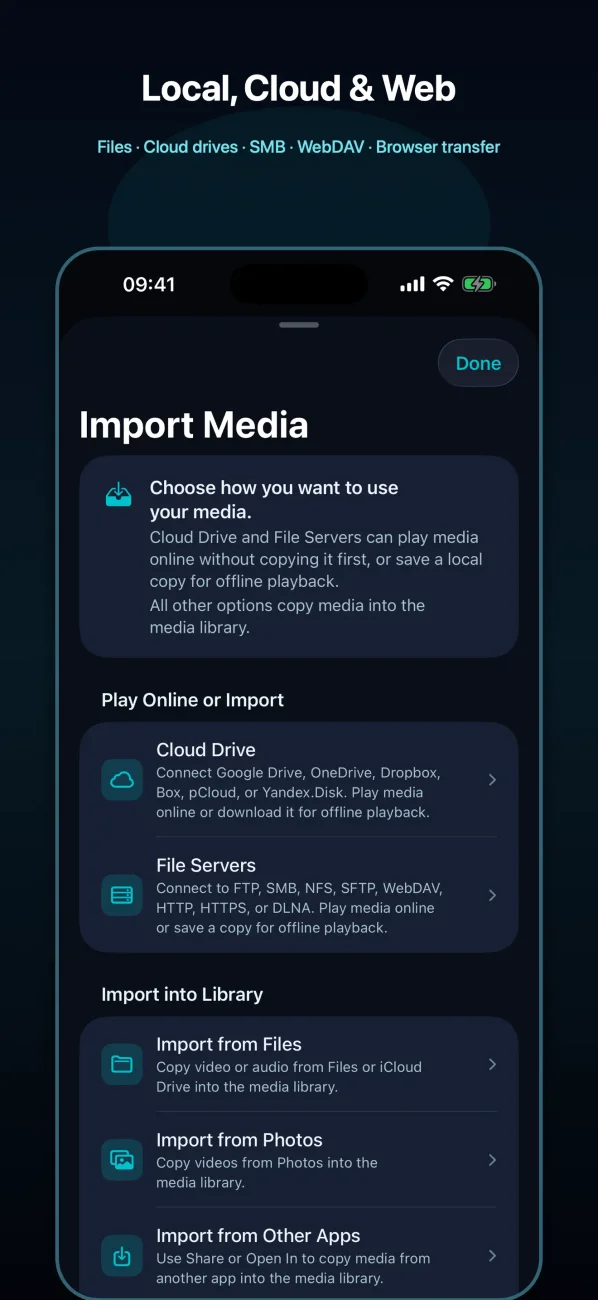
IMPORT FROM YOUR FAVORITE SOURCES
Bring your personal media into Video + from:
• URL links via Library > Import media > Import from URL Link
• Podcasts via Library > Import media > Podcasts (RSS / OPML)
• Files and iCloud Drive
• Photos
• Other apps using Share or Open In
• A computer on the same Wi-Fi network
• Finder or iTunes File Sharing
CONNECTED STORAGE
Connect to storage you control or have permission to access:
• Google Drive
• Microsoft OneDrive
• Dropbox
• Box
• pCloud
• Yandex.Disk
• FTP, SMB, NFS, SFTP, WebDAV, HTTP, and HTTPS servers
• Jellyfin, Emby, Plex, Subsonic, and Navidrome media servers
• Compatible UPnP and DLNA media servers
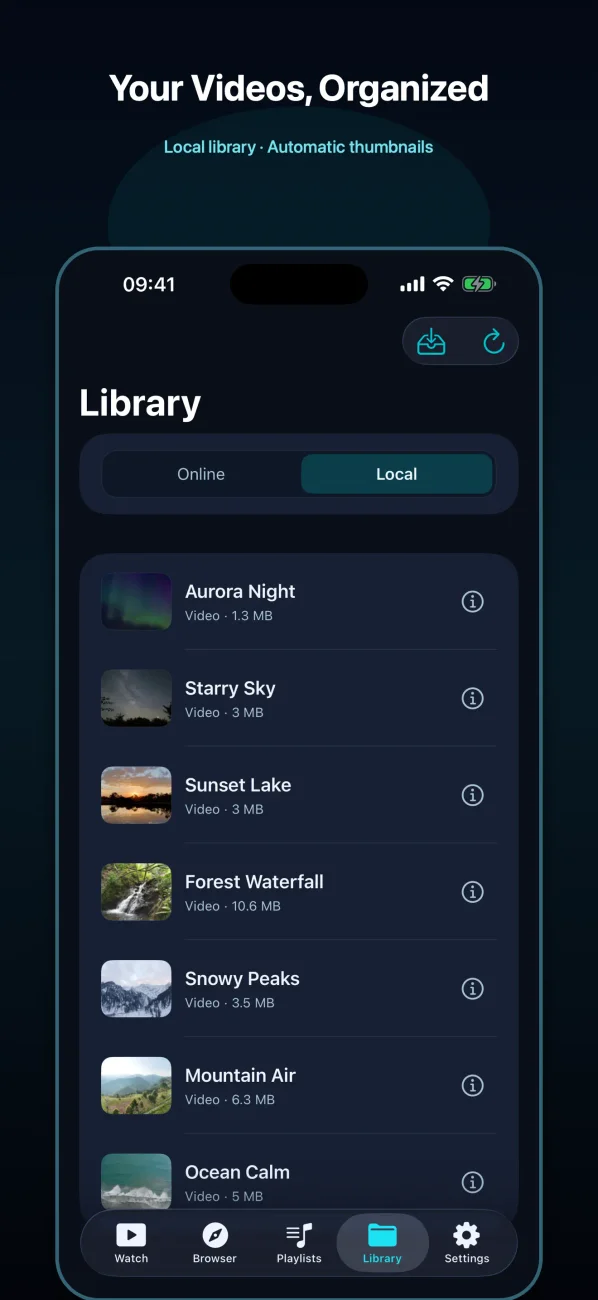
Play supported media directly from connected storage, or save your own files to the device for offline playback.
ORGANIZE AND CONTINUE
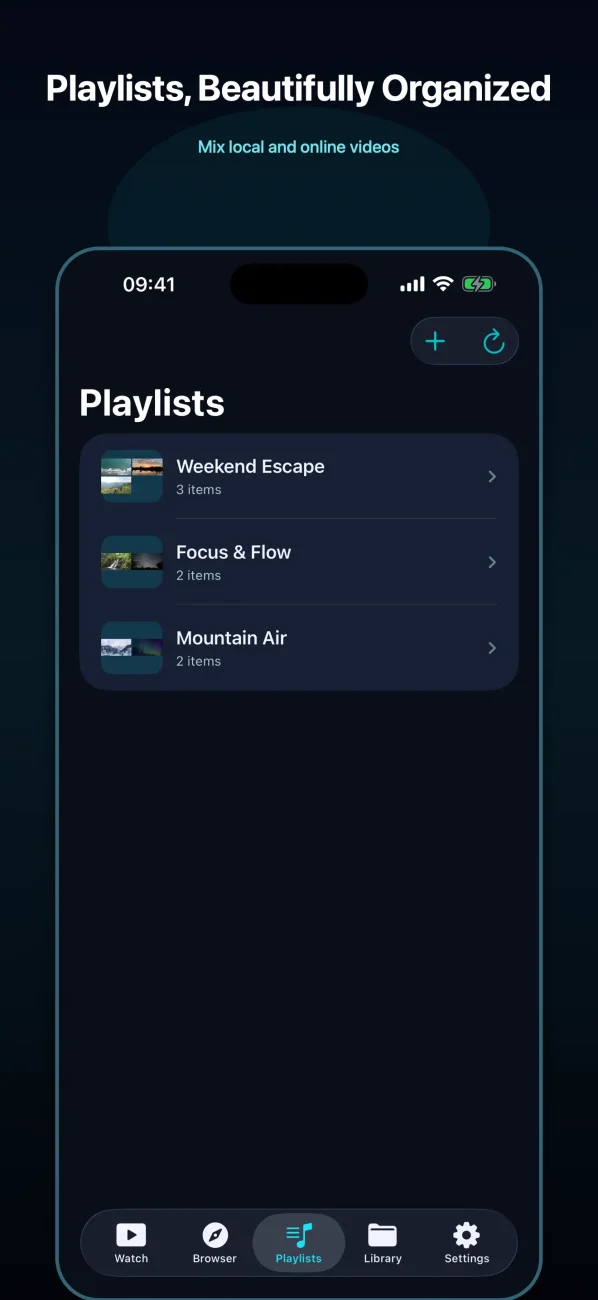
• Build playlists with local and connected media
• Keep a unified playback queue
• View technical media details
• Track recently played items
• Continue from your previous playback position
• Manage offline copies and transfer history
• Search and browse your personal library
WEB LINKS AND BOOKMARKS
The built-in browser lets you open webpages, organize bookmarks and history, and save video page links for later. Where supported by the webpage, Video + can remember playback information and help you return to where you left off.
The Online Library stores page links and playback metadata only. It does not save copies of media from websites.
PRIVATE ACCESS
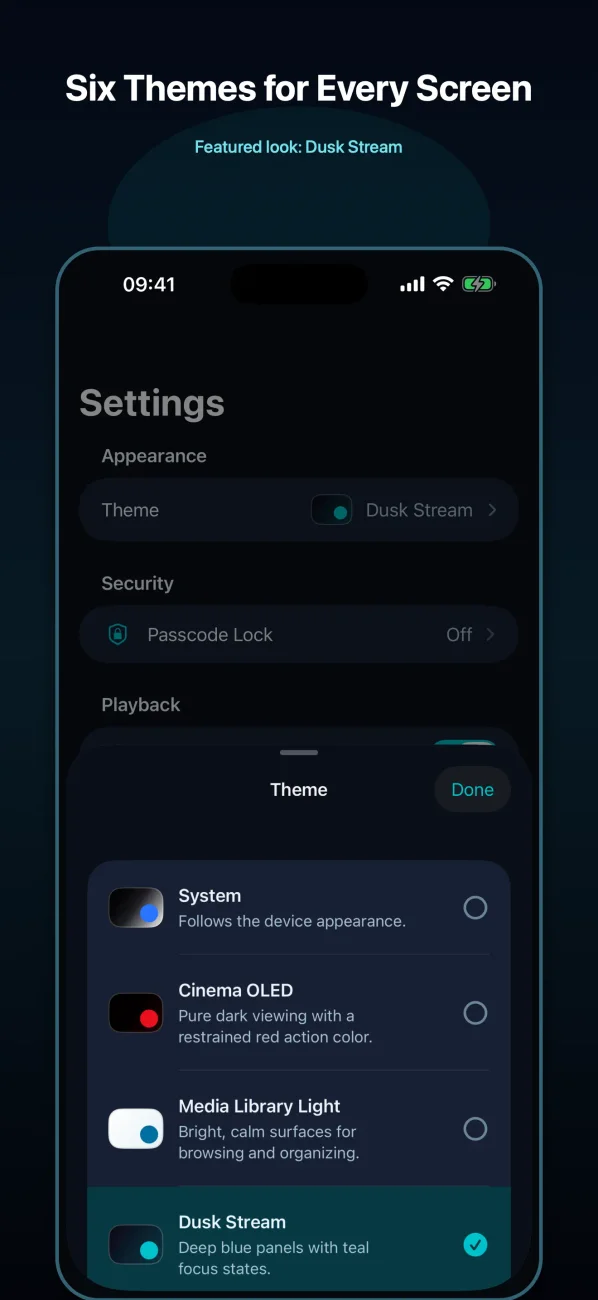
Enable Passcode Lock to require a four-digit passcode whenever Video + returns from the background. Unlock quickly with Face ID or Touch ID when available. Your app passcode is stored securely in the iOS Keychain.
OPTIONAL ICLOUD SYNC
Keep playlists, saved links, playback positions, bookmarks, and browser organization available across your devices with iCloud sync. Imported media files, offline copies, cloud account sessions, and website sessions remain local to the device. File server password sync is optional and uses iCloud Keychain.
Video + does not host or provide media. Please use the app only with content you own or are authorized to access. Playback availability depends on the media format, network connection, connected service, and source availability.
Terms of Use (EULA): https://www.apple.com/legal/internet-services/itunes/dev/stdeula/
Novedades
Versión 5.8 · 20/10/2026
Optimized for iPhone Duo.
Privacidad de la aplicación
Lo que 志鹏 汤 declara en App Store sobre cómo esta aplicación gestiona los datos.
-
Datos vinculados a ti
Pueden recopilarse y vincularse a tu identidad.
- Ubicación
- Información de contacto
- Contenido del usuario
- Historial de búsqueda
- Identificadores
- Datos de uso
- Diagnóstico
-
Datos no vinculados a ti
Pueden recopilarse, pero no se vinculan a tu identidad.
- Información de contacto
- Diagnóstico
Las prácticas de privacidad pueden variar, por ejemplo, según las funciones que uses o tu edad.
Información
- Vendedor
- 志鹏 汤
- Categoría
- Utilidades
- Versión
- 5.8
- Actualizado
- 20/10/2026
- Publicado
- 8/11/2012
- Tamaño
- 62,0 MB
- Requiere
- iOS 17.0 o posterior
- Clasificación por edad
- 17+
- Precio
- Gratis
- Compras en la aplicación
- Sí
- Idiomas
- Inglés, Árabe, Francés, Alemán, Japonés, Coreano, Chino simplificado, Chino tradicional
- Copyright
- © 2026 Zhipeng Tang
Quizá también te guste
-
 Pip - Video PlayerUtilidades
-
 VideoBox: Reproductor de VideoDropbox, GoogleDrive, OneDrive
-
 My FileManagerEs una aplicación avanzada de
-
 OPlayer Lite - media playervideo file manager
-
 FoxFM - Reproductor Música MP3Video y archivos, sin conexión
-
 Browser & Sin conexión archivoSin conexión Video & Music
-
 Offline Pro: Música y VideoGuardar música y video
-
 GoranNet 4GUtilidades
-
 Fastlink 4G LTEUtilidades