
Visual Cue
Visual schedules & routines
Diseñada para iPhone, iPad
9,99 € · Compras en la aplicación
- Clasificación por edad4+
- CategoríaEducación
- DesarrolladorAME Mobile Inc.
- IdiomasInglés
- Tamaño19,8 MB
Enlaza a la página oficial de App Store
Download.org no aloja ningún archivo de Visual Cue. El botón abre la página de la aplicación en App Store, donde la publica AME Mobile Inc. Ficha comprobada por última vez el 15/11/2026.
Capturas de pantalla
Acerca de
El desarrollador no ha proporcionado este texto en tu idioma.
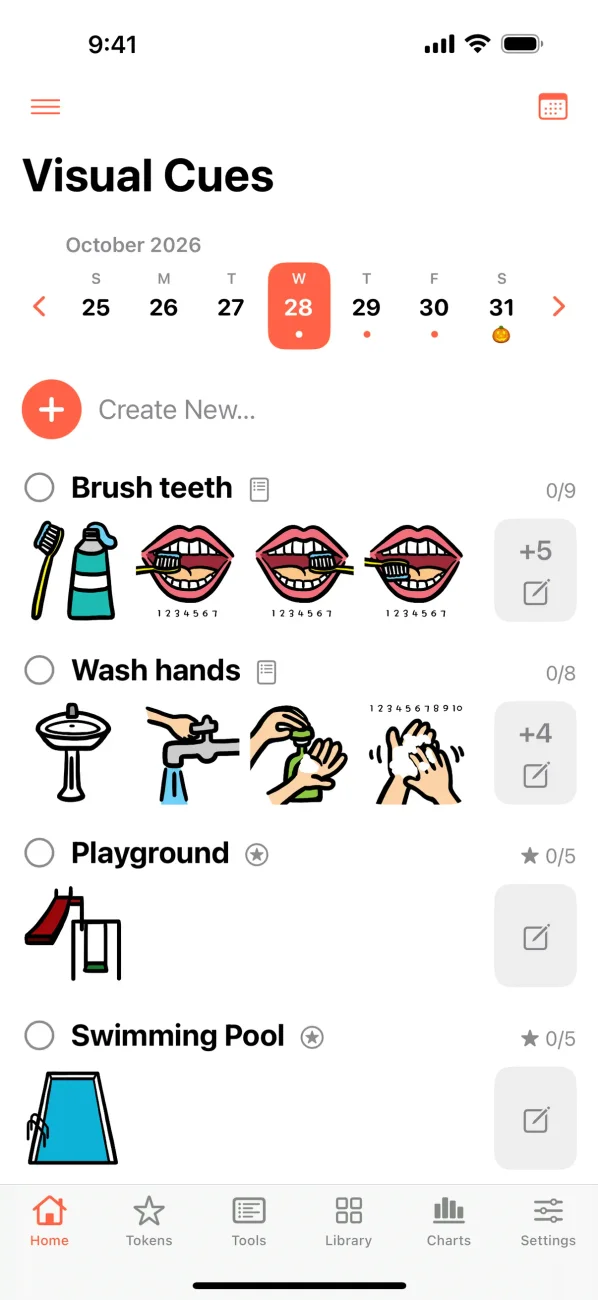
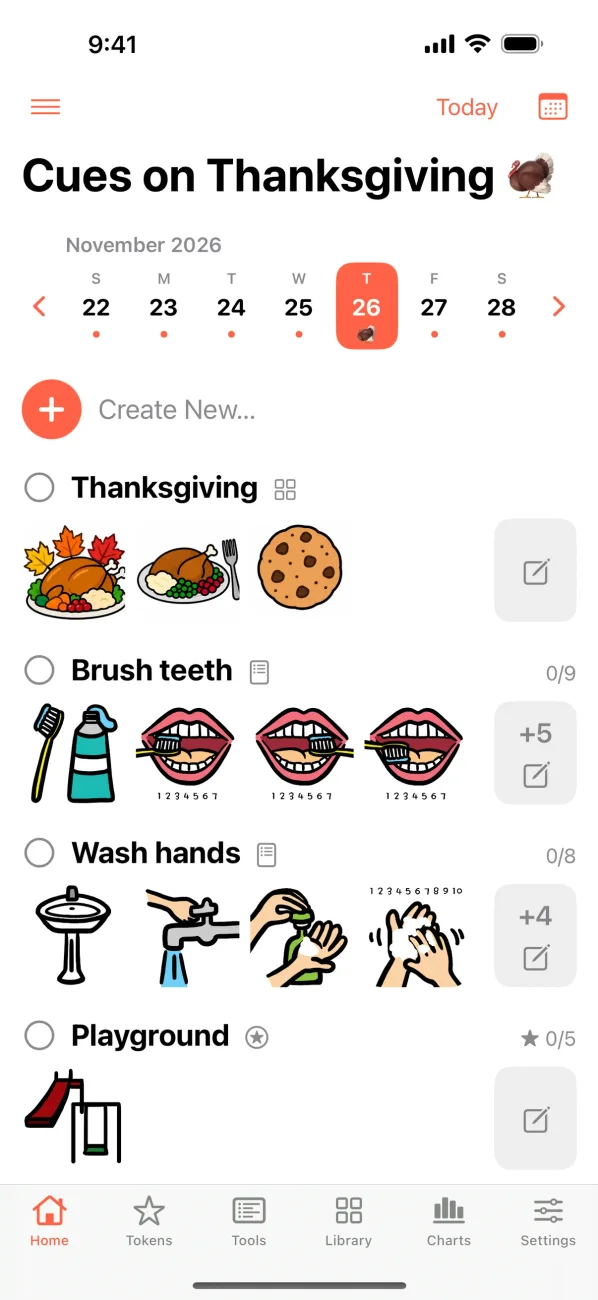
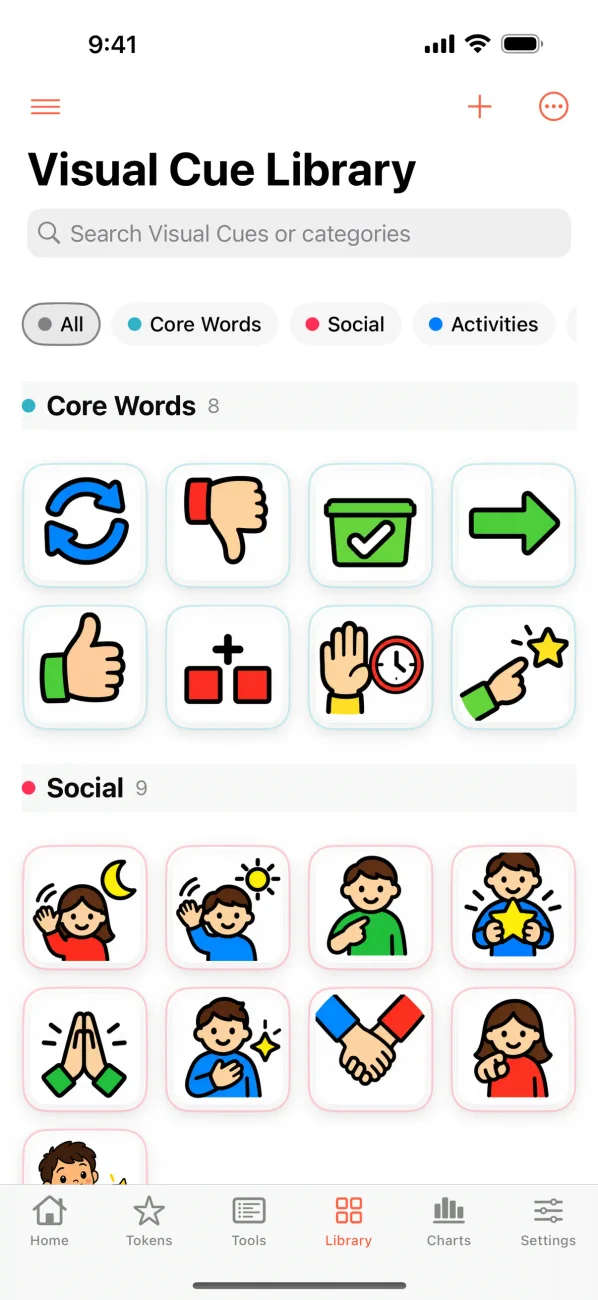
Visual Cue helps children and adults who think in pictures get through the day with less stress. Show what's happening now, what's next, and what they're working for, with clear pictures and a spoken voice.
Built for autism, ADHD, Down syndrome, speech delays, and anyone who benefits from visual supports, at home, at school, and in therapy.
YOUR DAY, IN PICTURES
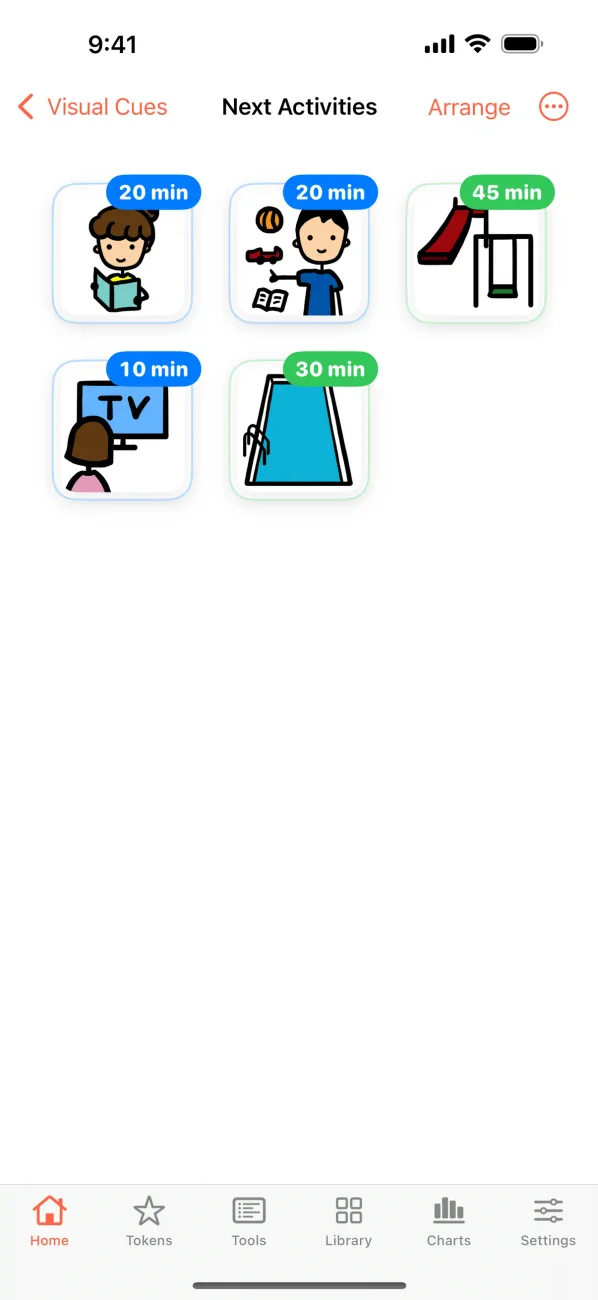
• Visual Cues for each day: everyday routines plus one-off events, in the order they happen
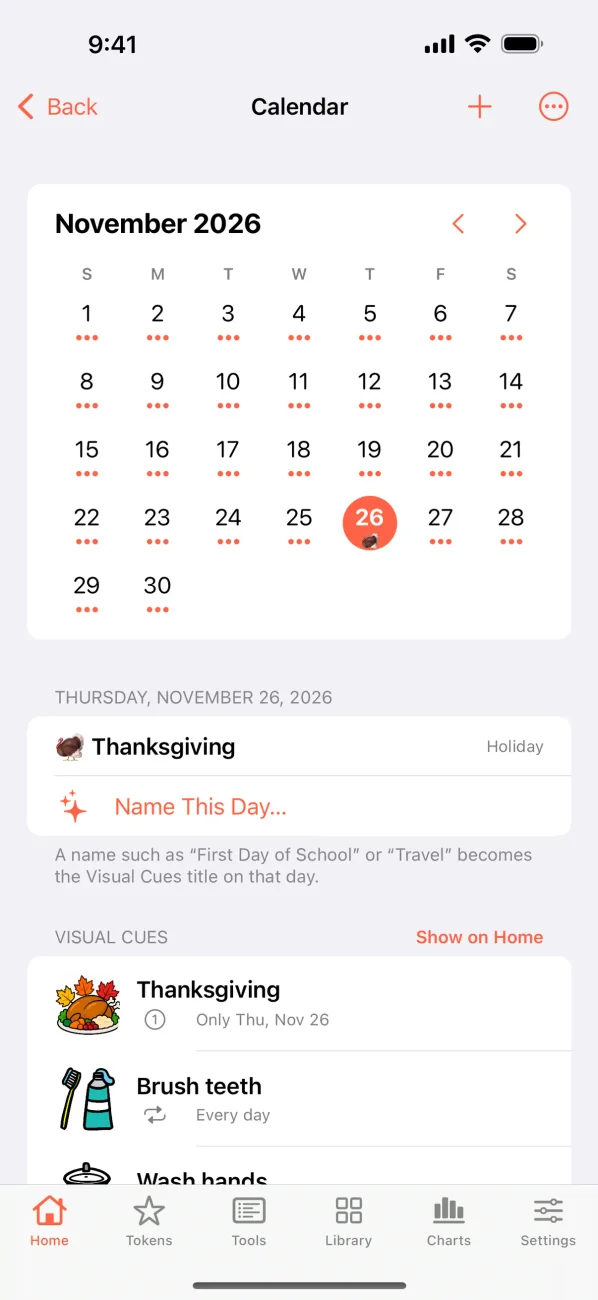
• A calendar to plan ahead: every day, school days, chosen weekdays, or just once, with optional times
• Name special days like "First Day of School" or "Travel", and see US holidays such as Thanksgiving and Halloween, each with its own picture board
• Gentle reminders at the time you set, plus one reminder each morning
TWO WAYS TO RUN A SCHEDULE
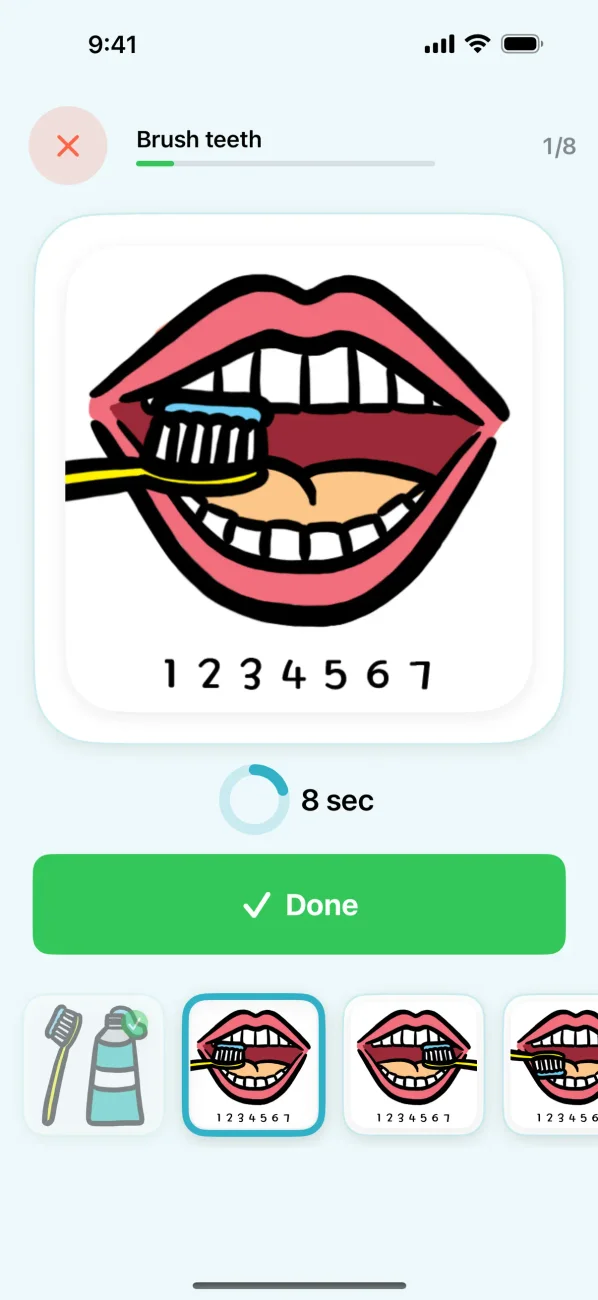
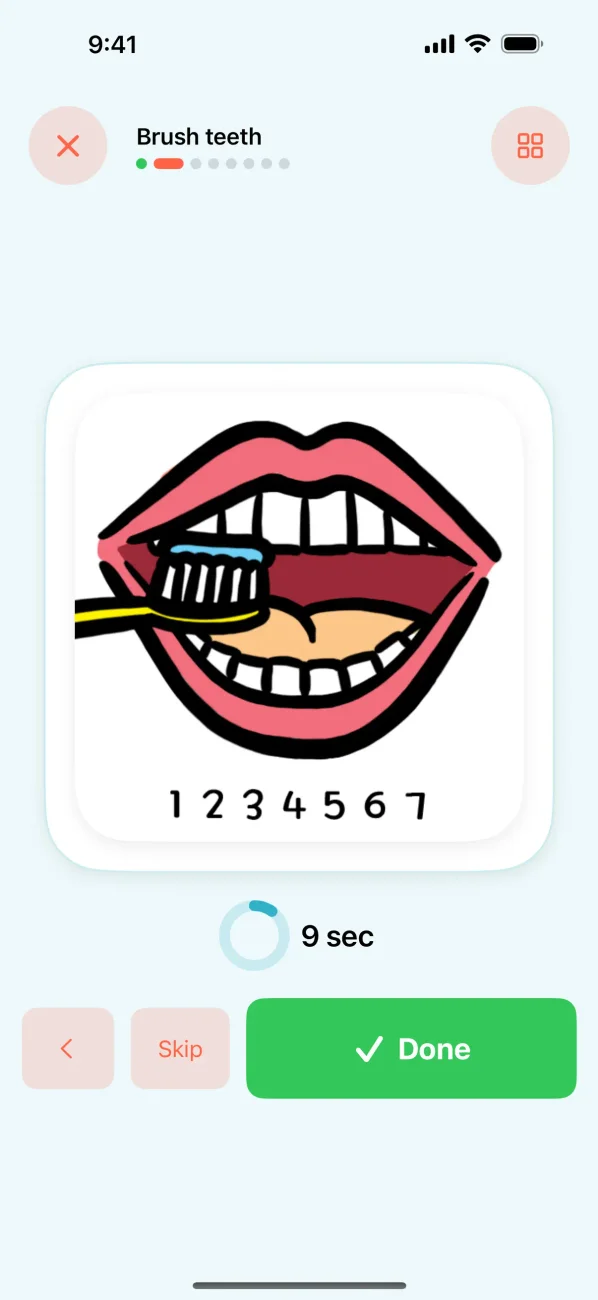
• Cue Focused: one large picture at a time, with Done, Skip, and an optional step timer
• Working For: every picture stays in view so the person sees what's coming and chooses what to do next
MORE VISUAL TOOLS
• First–Then boards
• Choice Boards: offer a few pictures and let them choose
• Visual Cue Boards: tap a picture to hear it
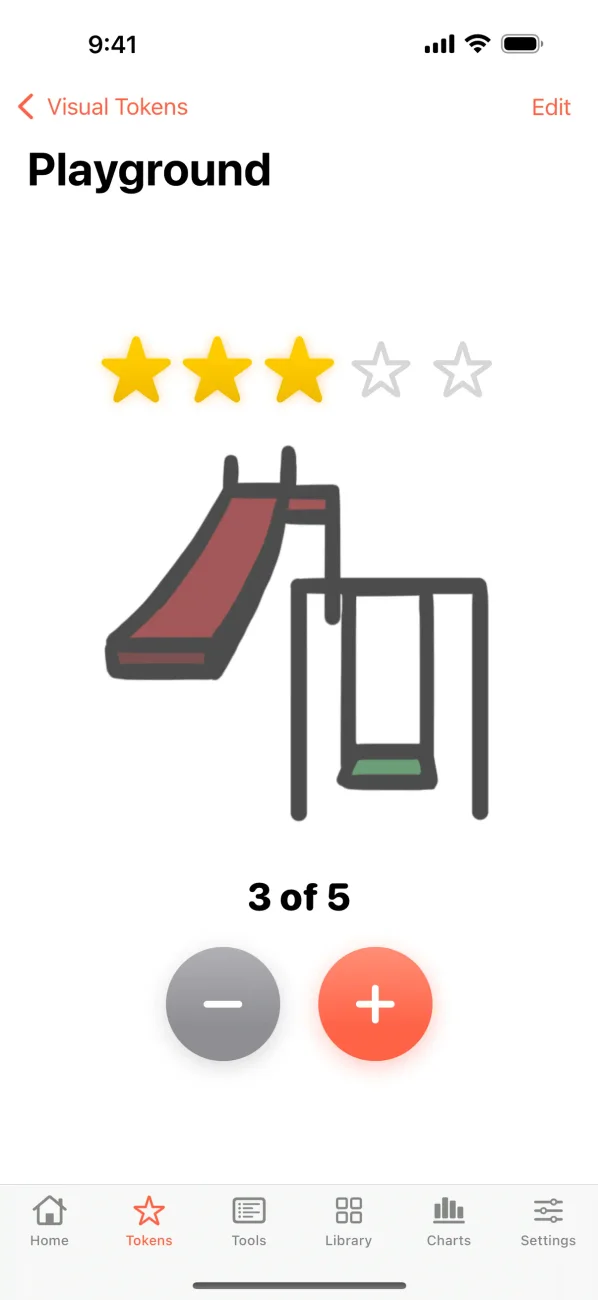
• Token boards: earn stars toward a reward that appears as stars are earned
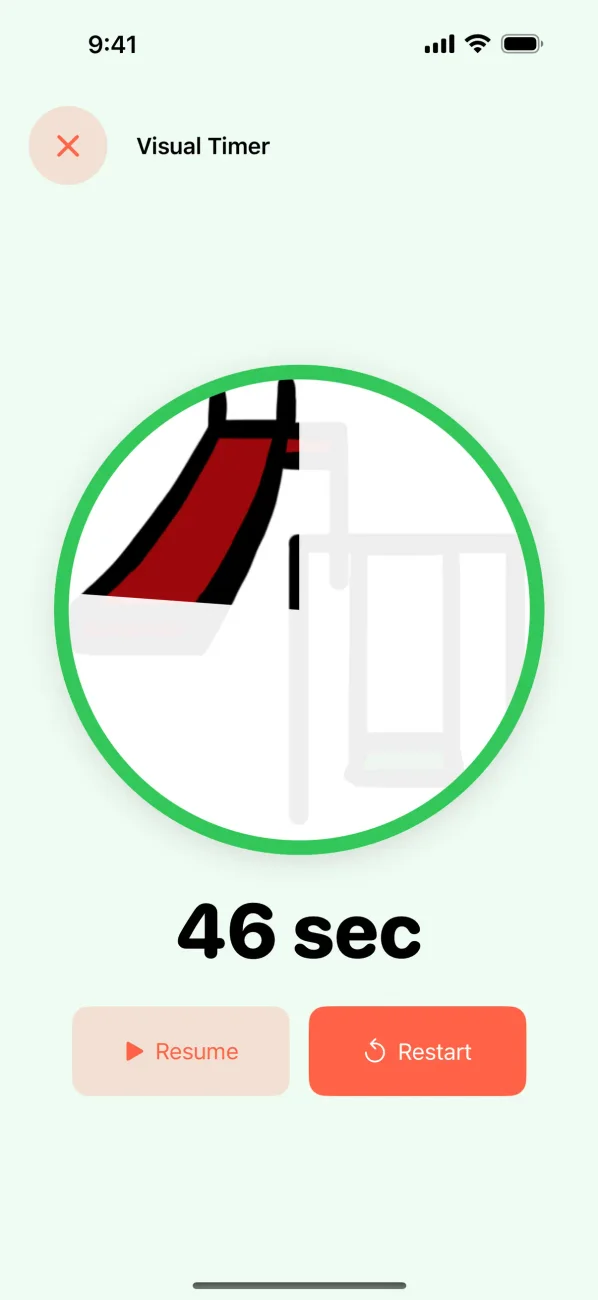
• Visual Timer: the picture is revealed as time runs out
• Count Up and Countdown: tap to count, with every number spoken
• Quick Access: First–Then and Touch Choice in one tap, for on-the-spot moments
STARS, STREAKS, AND BADGES
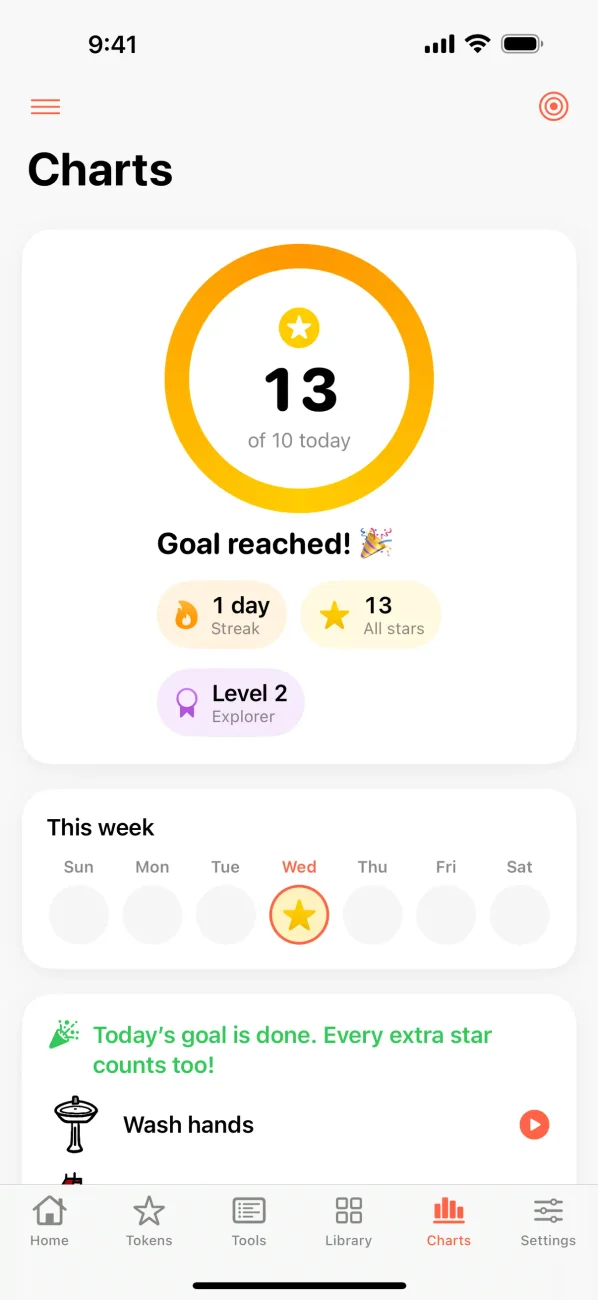
Every finished step, checked-off cue, and token earns a star. Reach the daily goal, keep a streak, level up, and collect badges. Nothing is ever taken away, so progress always feels good.
FOR PARENTS, TEACHERS, AND THERAPISTS
• A clear report: steps done and skipped, active days, the most-used routine, and the step that's skipped most often
• Export your data to a spreadsheet to share with your team
• Separate profiles for each person
MAKE IT YOURS
• Starter library of Visual Cues in a clear, friendly style
• Use your own photos or take one with the camera
• Record your own voice, or use the built-in speech
• Pictures without words by default, with an option to show them
PRIVATE AND OFFLINE
Everything stays on your device. No account, no ads, no tracking.
Upgrading from the previous Visual Cue? Your Visual Cues, schedules, boards, and history are found on your device and brought across the first time you open Import Old Data. Your old data is only read, never changed.
Works on iPhone, iPad, and Mac.
Terms of Use (Apple Standard EULA):
https://www.apple.com/legal/internet-services/itunes/dev/stdeula/
Privacy Policy:
https://amemobile.ca/privacy/
Novedades
Versión 10.0.1 · 6/11/2026
10.0.1 makes Visual Cue smoother and more useful for everyday routines.
• Working For now moves to the next Visual Cue automatically when its timer ends, with a clear “It’s time for…” announcement. Manual Turning remains available in Settings.
• Cue words and spoken announcements follow the selected language, including built-in translations for English, French, Spanish, and supported Plus languages.
• Search Visual Cue pickers and the Library quickly, with frequently selected cues appearing first in pickers.
• Add a new Visual Cue directly from a picker when the right cue is not already in the library.
• Settings are protected by a keyboard-safe grown-up check so routine users do not accidentally change configuration.
• Improved speech transitions, keyboard handling, picker layouts, schedule rows, and Choice Board sizing.
Privacidad de la aplicación
Lo que AME Mobile Inc. declara en App Store sobre cómo esta aplicación gestiona los datos.
-
No se recopilan datos
El desarrollador no recopila ningún dato de esta aplicación.
Las prácticas de privacidad pueden variar, por ejemplo, según las funciones que uses o tu edad.
Información
- Vendedor
- AME Mobile Inc.
- Categoría
- Educación
- Versión
- 10.0.1
- Actualizado
- 6/11/2026
- Publicado
- 11/6/2011
- Tamaño
- 19,8 MB
- Requiere
- iOS 17.0 o posterior
- Clasificación por edad
- 4+
- Precio
- 9,99 €
- Compras en la aplicación
- Sí
- Idiomas
- Inglés
- Copyright
- © 2026 AME Mobile Inc.
Quizá también te guste
-
 SOY UN SUPERHÉROEActividades de motricidad fina
-
 Spanish Vowel ArticulationEducación
-
 SpeakColors Español LiteEducación
-
 Social QuestHabilidades sociales en acción
-
 KeedogoEl teclado para preescolares
-
 InnerVoice: CAA para AutismoTableros, voz y conversación
-
 My Social StoryEducación
-
 SpeakColorsEducación
-
 Autism Daily Skills GamesEducación
-
 PixWriter LiteEducación