Watchlistr
Discover & Track
Diseñada para iPhone, iPad
Gratis · Compras en la aplicación
- Clasificación por edad4+
- CategoríaEntretenimiento
- DesarrolladorRuben Manzano
- IdiomasInglés
- Tamaño232,6 MB
Enlaza a la página oficial de App Store
Download.org no aloja ningún archivo de Watchlistr. El botón abre la página de la aplicación en App Store, donde la publica Ruben Manzano. Ficha comprobada por última vez el 18/11/2026.
Capturas de pantalla

Acerca de
El desarrollador no ha proporcionado este texto en tu idioma.
Discover and track your favorite movies and shows with Watchlistr!
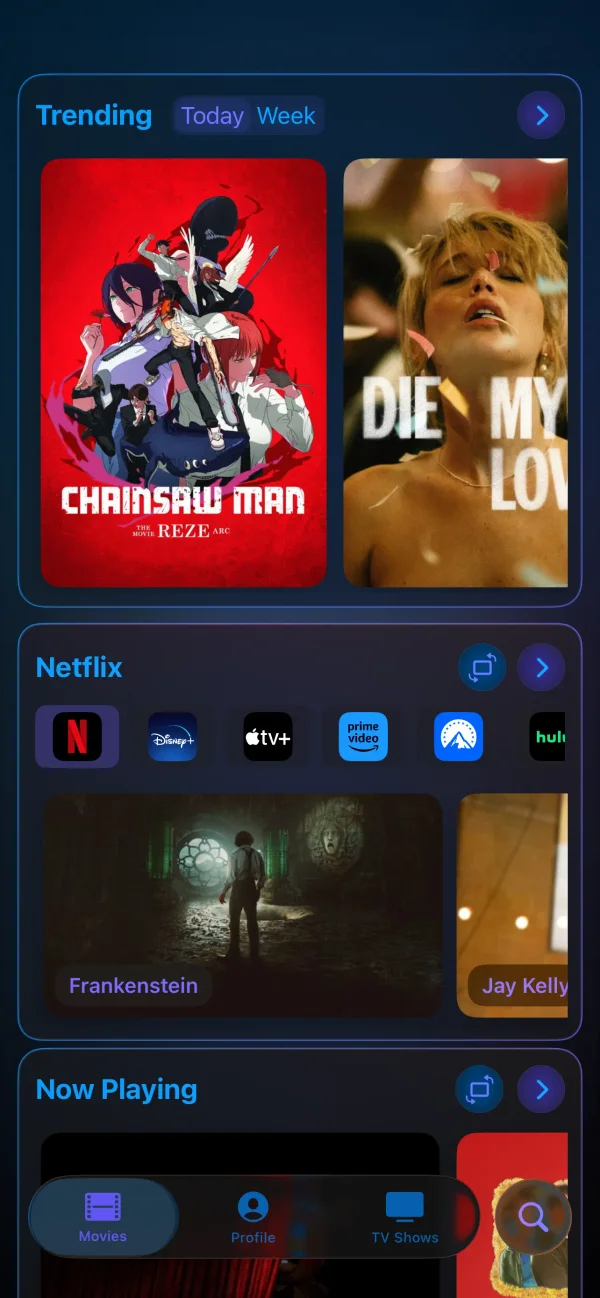
• Browse: View all the latest blockbusters to classic films & binge-worthy series. Within both media tabs you'll find dedicated sections showcasing popular titles from curated lists & a streaming service section. Additionally, the TV Show tab has a section highlighting shows airing today and those scheduled for tomorrow! Sorting options on media sections, providing you with more control over how you view your content.
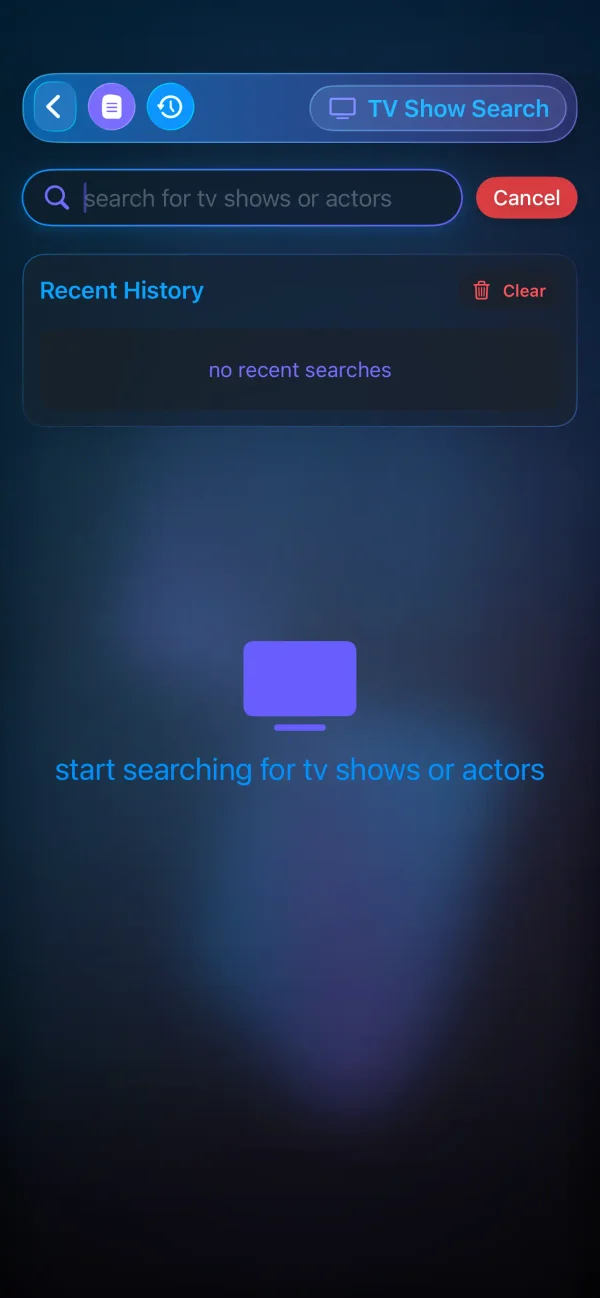
• Search: Easily find what you're looking for with a powerful search functionality, with a search history for quick and easy access. Track down your favorite actors or tap the genre button to unveil a list, offering a preview of 20 captivating media entries. Collections are shown when available upon searching for movies.
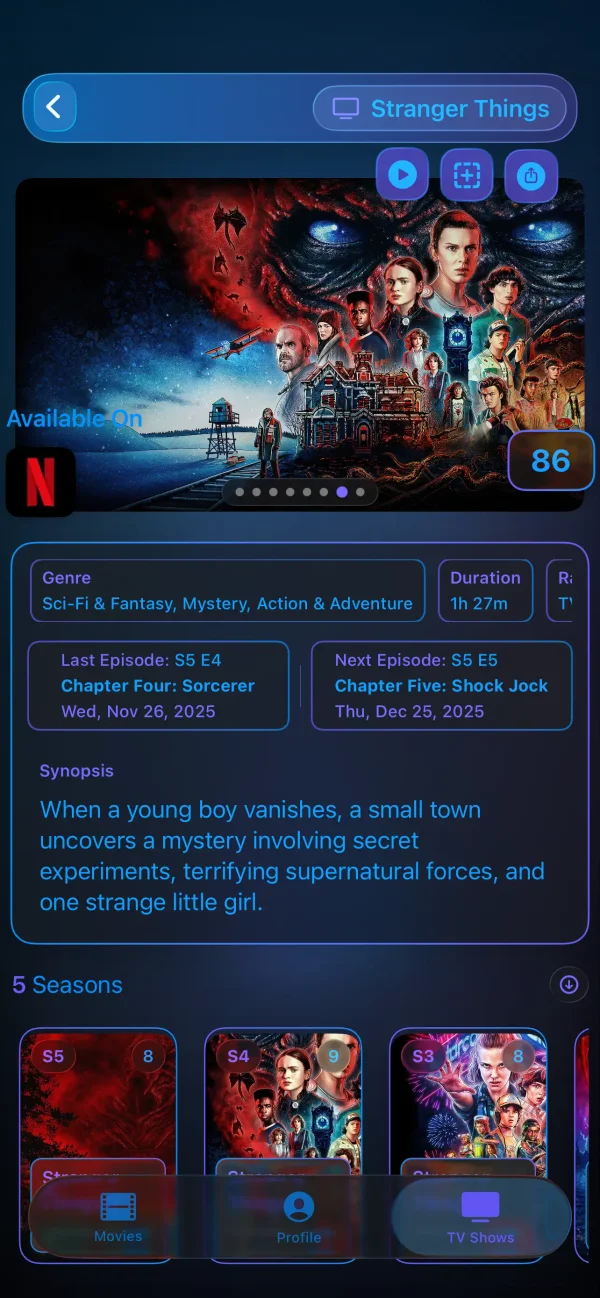
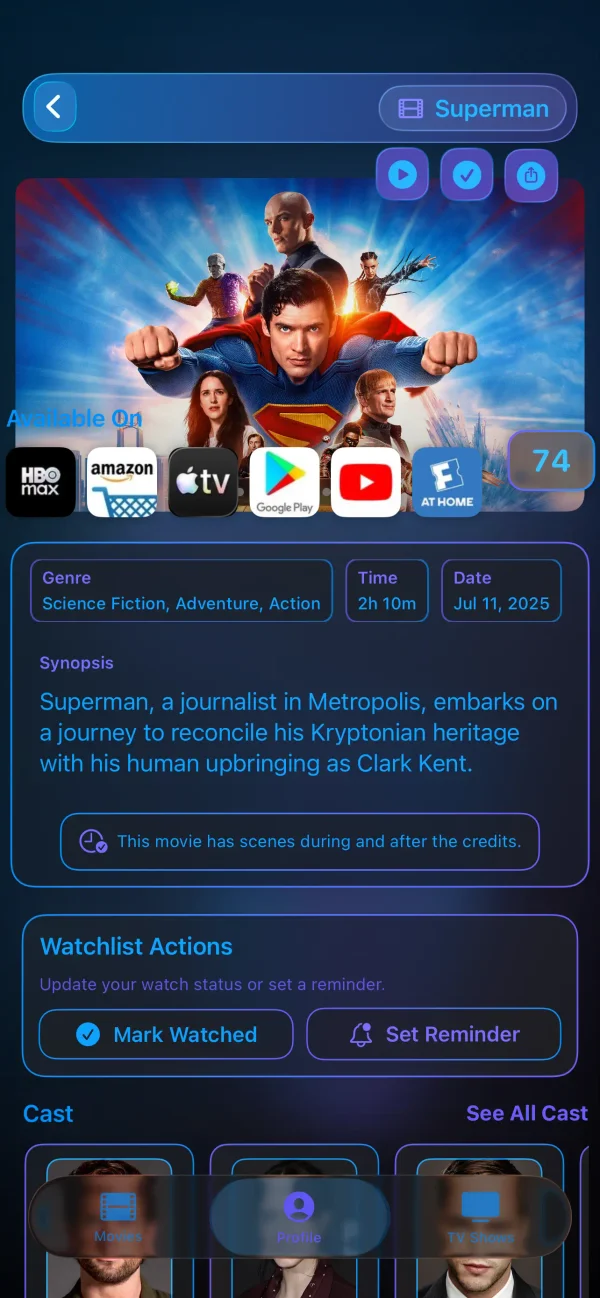
• Detailed Info: Get comprehensive details about each media with a single tap. When viewing shows, scroll to the season section to view a quick count of its episodes, tap on it to view the season's episode list. Easily find out where to stream or rent your favorite media, simply tap on the app icon within the media details to seamlessly navigate to the respective app, if installed. If not, it will redirect you to the TMDB site for details. Collections are also shown for movies, providing a complete viewing experience. You can also tap on a cast member to discover other related media featuring the same actor or actress. View different masterpieces of movies and shows in the ‘Suggested’ section when viewing titles, offering suggestions based on your interests.
• Share Button: A convenient way to share your favorite finds! Share directly from the media’s detail view. Simply tap the share button, send it to someone, and it’ll navigate them directly to the media’s detail page.
• Notifications: Set up reminders to stay in the loop when a new movie or episode is released or if you want to rewatch your favorites. They come with a unique notification sound to make your alerts stand out!
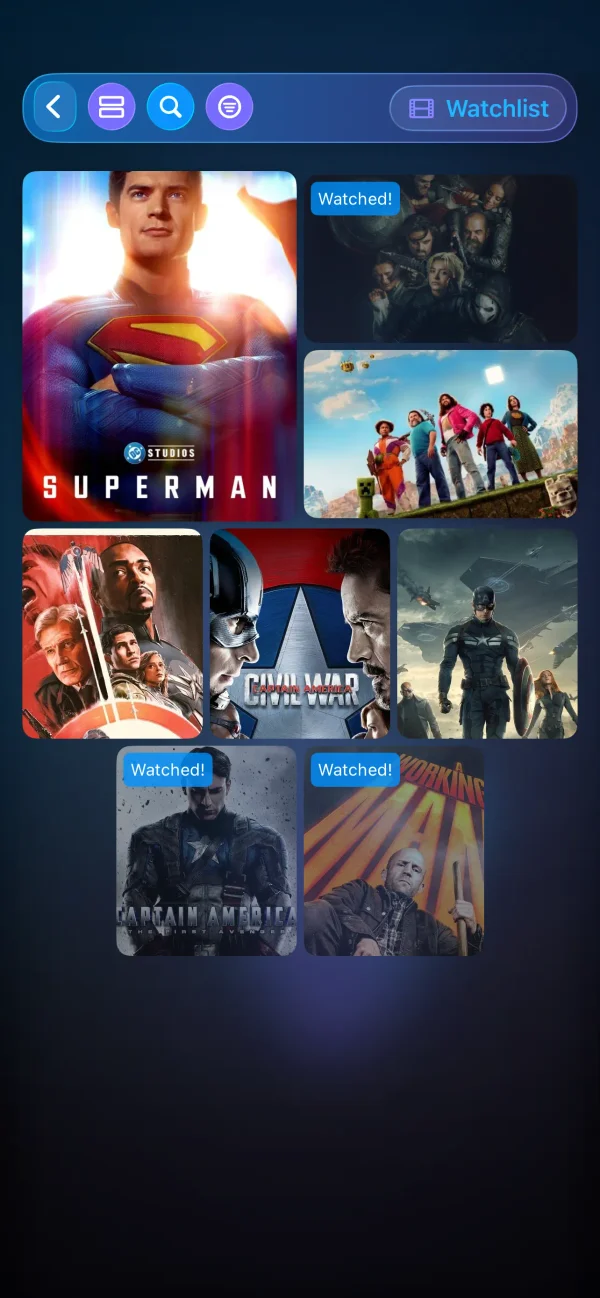
• Manage Watchlist: Mark each piece of media as "watched" right down to individual episodes. When marking each media as "watched" it adds a badge near the media. You may also hold down on a show or movie for convenient access to set custom reminders, view if there is a next episode available for a show or schedule alerts for upcoming releases for a movie directly from your watchlist. Long-press on any movie or show in your watchlist to mark it as ‘Watching’. This will pin the media to the top of your list until you long-press again to mark it as 'Done Watching’. Additionally, with shows in your watchlist, if a new episode is airing, the 'New Episode' badge will show. There are options to sort your watchlist alphabetically, by its watched status, or by its added date are available. Create folders to group your favorites, sort by genre, and keep things tidy your way.
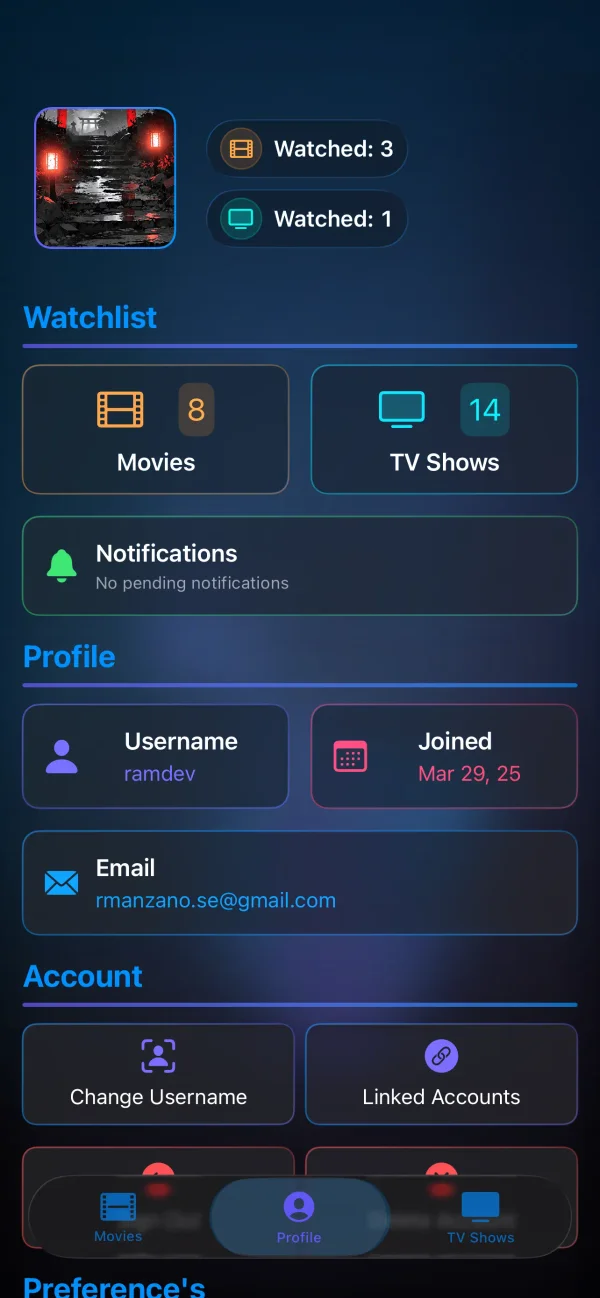
• Profile: Personalize your profile with a profile picture and change the color of the two different texts. Your profile will also tell you how many movies/episodes you’ve marked as watched, see how many notifications you have scheduled, view the new episodes count, and customize the appearance to choose between light or dark mode to suit your viewing preferences and you can choose where the app opens—whether it’s Movies, Profile, or TV Shows.
• Sign Up with Apple or Google: Sign up with Apple or Google for an alternative secure and convenient sign-in experience or seamlessly link your preferred provider to your Firebase account for a unified login experience. Try out Watchlistr using the temp user option, allowing you to explore some of the app's features without the need to sign-up!
Novedades
Versión 26.1 · 6/5/2026
Upcoming Notifications & Small Fixes
Privacidad de la aplicación
Lo que Ruben Manzano declara en App Store sobre cómo esta aplicación gestiona los datos.
-
Datos no vinculados a ti
Pueden recopilarse, pero no se vinculan a tu identidad.
- Información de contacto
- Identificadores
- Datos de uso
- Diagnóstico
Las prácticas de privacidad pueden variar, por ejemplo, según las funciones que uses o tu edad.
Información
- Vendedor
- Ruben Manzano
- Categoría
- Entretenimiento
- Versión
- 26.1
- Actualizado
- 6/5/2026
- Publicado
- 15/11/2023
- Tamaño
- 232,6 MB
- Requiere
- iOS 18.0 o posterior
- Clasificación por edad
- 4+
- Precio
- Gratis
- Compras en la aplicación
- Sí
- Idiomas
- Inglés
- Copyright
- © devzano
Quizá también te guste
-
 Cine WiseEntretenimiento
-
 Filmterest: Películas y seriesPelículas, series The Movie DB
-
 taranTinoExplore the World of Cinema
-
 CineInformeXEncuentra lo que amas
-
 StreamFinderEntretenimiento
-
 Movie MemoirsEntretenimiento
-
 Movie Sense: Film & TV ShowsEntretenimiento
-
 Watchlistfy: Sigue y DescubrePelis, series, anime y juegos
-
 Movie MoodifyEntretenimiento
-
 What To Watch Now: Movie & TVEntretenimiento