
Whitelo
Photo trace · draw · pixel
Diseñada para iPhone, iPad, iPod touch
Gratis
- Clasificación por edad4+
- CategoríaDiseño gráfico
- Desarrollador自强 侯
- IdiomasInglés+ 1 más
- Tamaño61,9 MB
Enlaza a la página oficial de App Store
Download.org no aloja ningún archivo de Whitelo. El botón abre la página de la aplicación en App Store, donde la publica 自强 侯. Ficha comprobada por última vez el 14/11/2026.
Capturas de pantalla

Acerca de
El desarrollador no ha proporcionado este texto en tu idioma.
Whitelo is an iOS canvas built for creative expression—free drawing, imaginative challenges, trace-and-color levels, and pixel art. Pick up a brush and start. No account required; your work stays on your device.
【Three ways to create, one canvas】
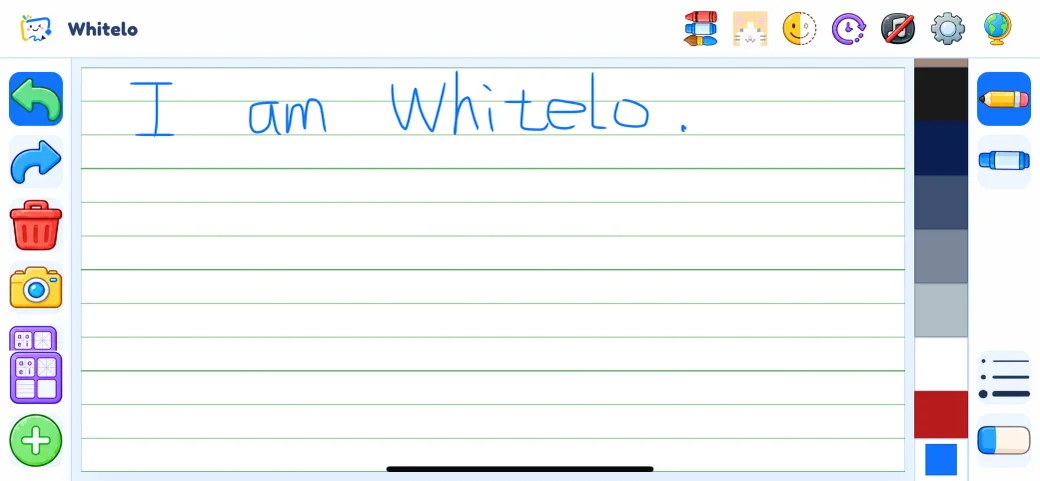
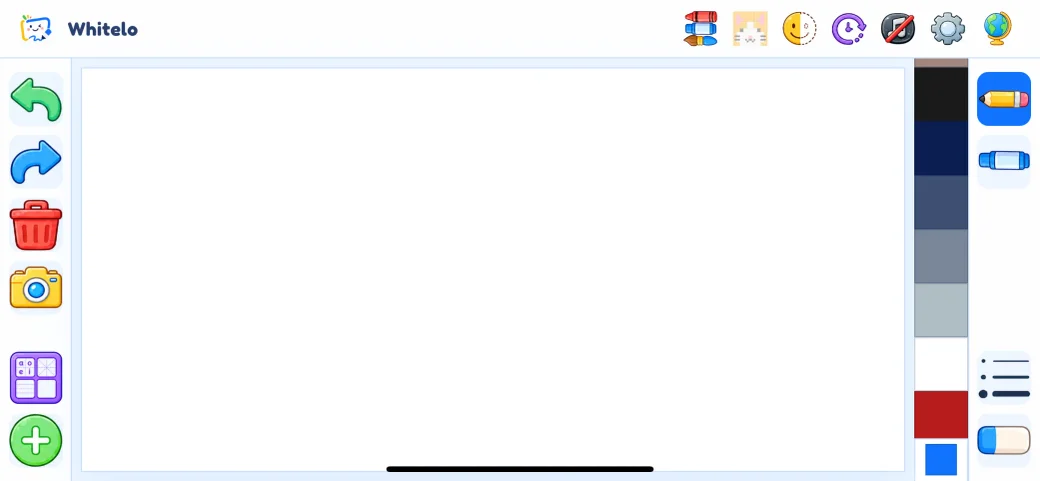
· Regular drawing: a blank whiteboard for doodles, notes, and quick ideas
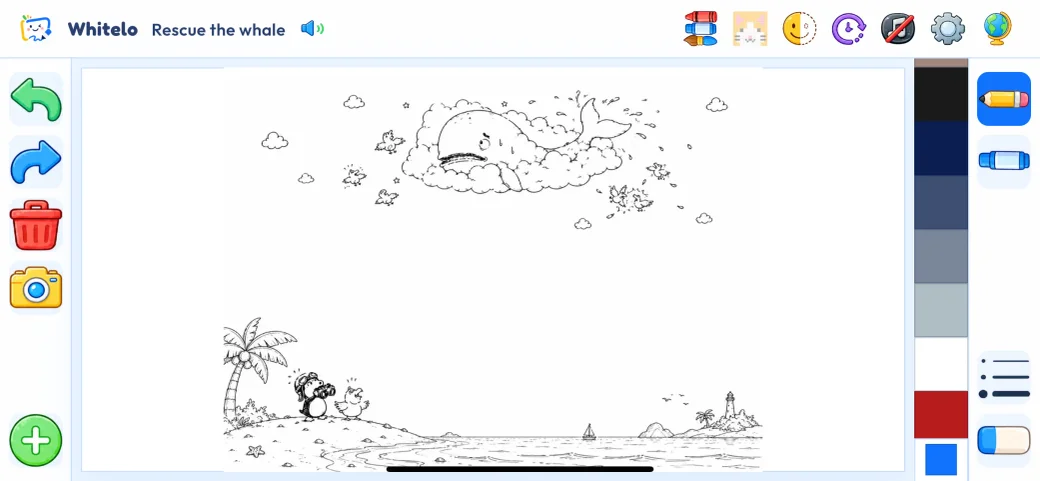
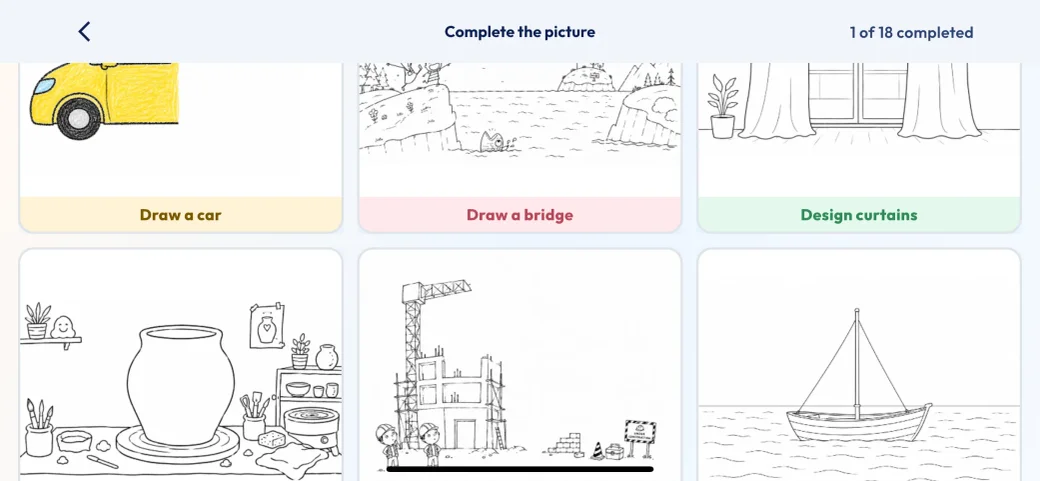
· Creative Space: two kinds of guided play—complete the scene and trace & color
· Pixel art: switch to a pixel grid, tap to fill, and build small creations
【Brushes that feel natural】
· Pencil, marker, and eraser with three stroke sizes
· Undo, redo, and clear—easy to fix mistakes
· Templates including character grids, pinyin grids, and English writing lines
· 65 colors across 14 color groups—richer palettes for every sketch
【Creative Space · complete the scene】
· Fill in what's missing: design a banner, help a bunny, decorate the sky, stock a stall, and more
· Themed line-art prompts—use your imagination to finish the picture
· Tap to hear the prompt read aloud; on-screen captions keep the brief visible
· Progress saved locally—pick up the next challenge anytime
· Review past artwork for each level and see your creativity grow
【Creative Space · trace & color】
· Follow grey line guides—puppies, cats, fairy-tale houses, pirates, giraffes, dinosaurs, and more
· Trace the outline, then fill with color at your own pace
· Toggle line art on or off while you work (exports still include the guide)
· Great for building confidence before free drawing
【Pixel art · tap to build】
· Switch between regular drawing and pixel mode in one tap
· Multiple pixel materials with satisfying tap feedback
· Perfect for short breaks—quick little creations on a grid
【Creative Space · Photo Trace (1.0.2)】
· New Photo Trace tab: camera or Photos library, image sits under your strokes
· Trace lines and fill color over your own photos
· My Photos grid; history per photo; delete photos and linked artworks
· Reference blur and transform: opacity, softness, pan, zoom, rotate, then save
· Toggle reference visibility; remove reference before your first stroke (photo stays in Creative Space)
· Gallery and history previews can show or hide the reference; replay has the same toggle
· Share export: with or without reference image
【Export and replay】
· HD image export: save to Photos or share to other apps
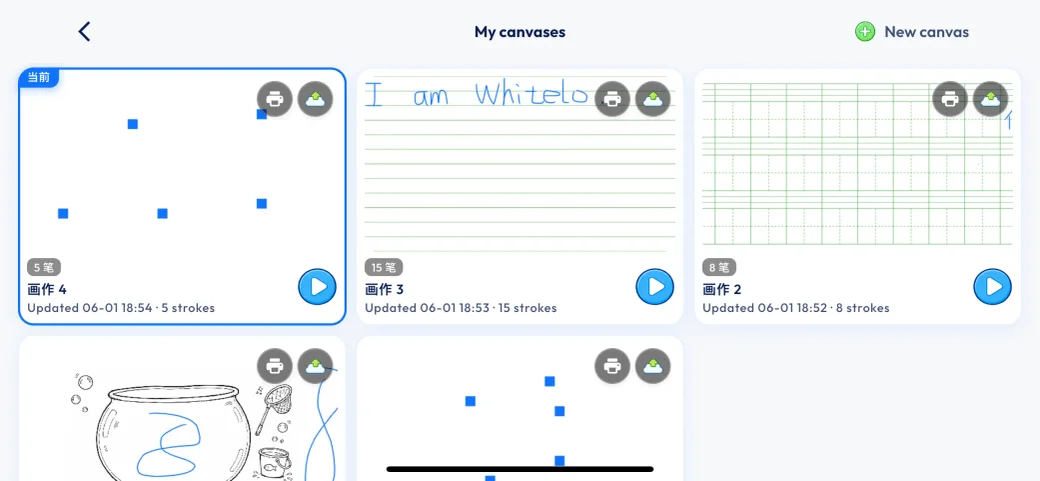
· Drawing replay video: watch your strokes come to life again
· My canvases: manage multiple boards and replay your process
· Print via the system share sheet (AirPrint)
【Thoughtful details】
· Light, dark, or system appearance—comfortable day or night
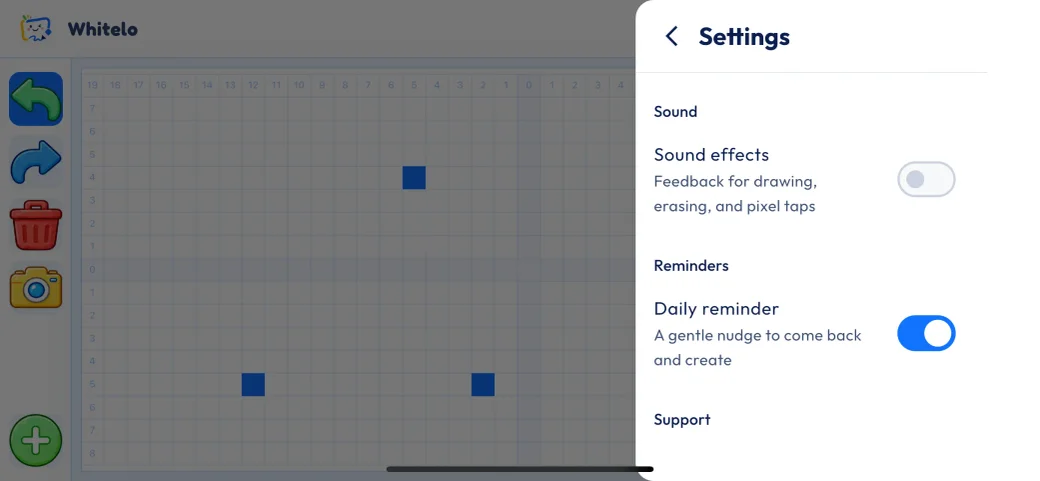
· Background music and sound effects (can be turned off in Settings)
· Optional daily reminders to come back and create
· No sign-in, no in-app purchases—just drawing
Whitelo is for anyone who loves to doodle, trace along line art, take on imaginative drawing challenges, or wants a clean whiteboard to create freely.
Enjoying Whitelo? Leave a rating on the App Store, or share it with friends who love to draw.
Novedades
Versión 1.0.2 · 13/7/2026
Whitelo 1.0.2 — Photo Trace: turn your own photos into a canvas.
· Photo Trace: new tab in Creative Space—take a photo or pick from your library, then trace and color on top
· My Photos: manage reference photos; view trace history per photo; delete photos and linked artworks
· Home shortcut: start Photo Trace from the top bar on a free canvas
· Reference tools: adjust opacity and blur; pan, zoom, rotate 90°, and save changes to the image
· Remove reference: before your first stroke, confirm to clear the tracing photo from the canvas (the photo stays in Creative Space · Photo Trace)
· Reference toggle: in My Canvases, challenge history, and photo-trace history, switch previews between strokes-only and with reference (strokes-only by default)
· Replay: new toggle next to play/pause to show or hide the reference while watching
· Share: choose to export with or without the reference image; photo-trace pieces support print and share
If you have feedback, contact us via the Support URL on our App Store listing. Your ratings and shares help more people discover Whitelo.
Privacidad de la aplicación
Lo que 自强 侯 declara en App Store sobre cómo esta aplicación gestiona los datos.
-
No se recopilan datos
El desarrollador no recopila ningún dato de esta aplicación.
Las prácticas de privacidad pueden variar, por ejemplo, según las funciones que uses o tu edad.
Información
- Vendedor
- 自强 侯
- Categoría
- Diseño gráfico
- Versión
- 1.0.2
- Actualizado
- 13/7/2026
- Publicado
- 2/6/2026
- Tamaño
- 61,9 MB
- Requiere
- iOS 13.0 o posterior
- Clasificación por edad
- 4+
- Precio
- Gratis
- Idiomas
- Inglés, Chino simplificado
- Copyright
- © 2025 Zi Qiang Hou
Quizá también te guste
-
 Color Pro X Accurate PickerDiseño gráfico
-
 LineDrawing - Arte lineal puroTraza, observa y crea
-
 Pick to Pixel: Foto-Pixel ArtEditor pixel art con paleta
-
 PaintJob PortableDiseño gráfico
-
 PixelBean - Bead Pattern MakerDiseño gráfico
-
 Color Picker & Palette: LucaDiseño gráfico
-
 Animated Drawing-DigitalSketchDiseño gráfico
-
 Paintly: Draw, Trace & PaintDiseño gráfico
-
 DrawTraceDiseño gráfico
-
 Kinder Paint: Dibujo infantilPintar Montessori sin anuncios