- Clasificación por edad4+
- CategoríaEconomía y empresa
- DesarrolladorHanmiGlobal
- IdiomasInglés
- Tamaño63,6 MB
Es posible que WIMS Safety no esté disponible en App Store en este momento
No se pudo acceder a la ficha de la tienda en nuestra última comprobación. El enlace sigue llevando a la página oficial de App Store.
Capturas de pantalla


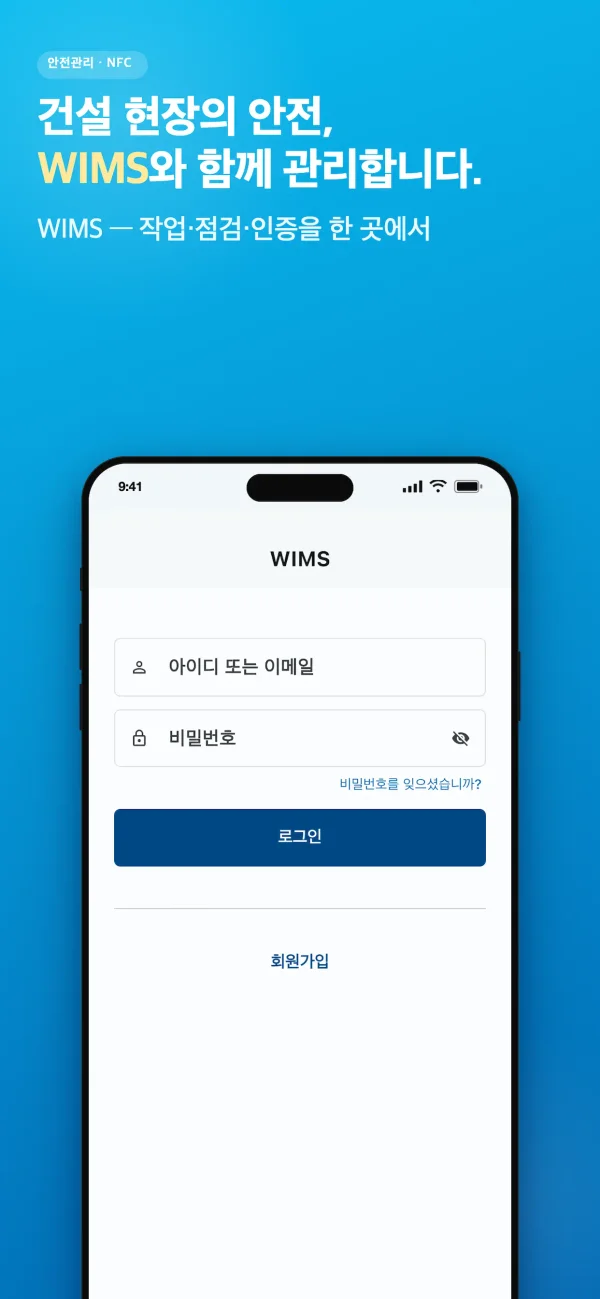
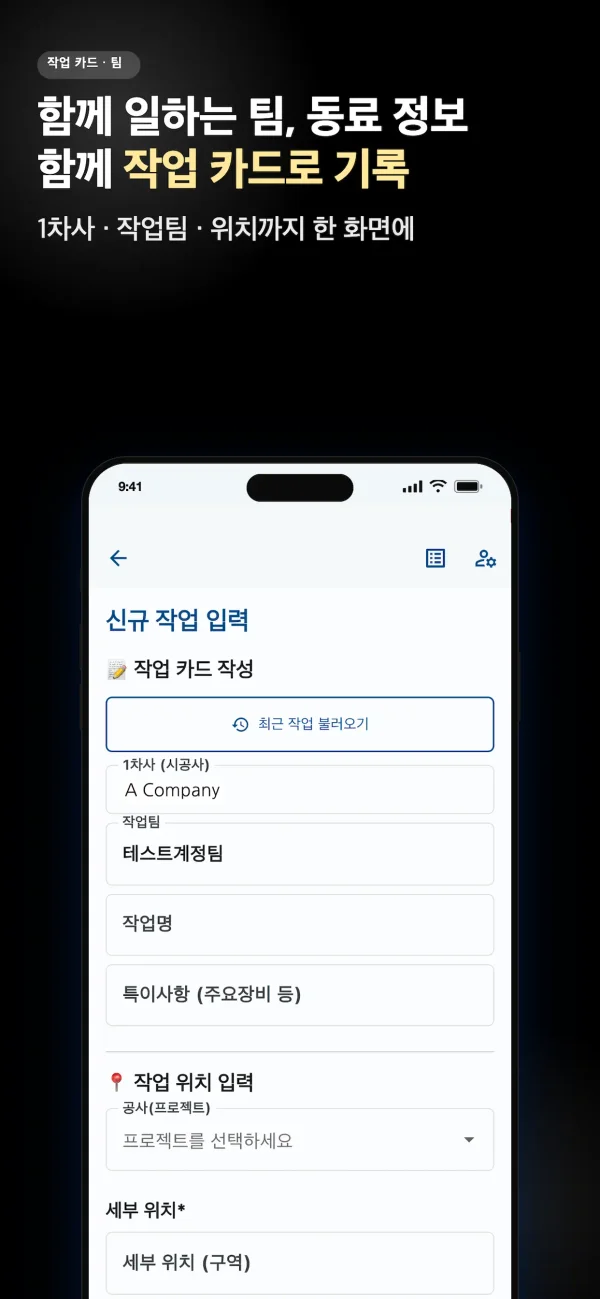
Acerca de
El desarrollador no ha proporcionado este texto en tu idioma.
Overview
WIMS Safety is a construction-industry productivity application that digitalizes safety management and work-history recording on construction sites. The system is operated by HanmiGlobal, a Korea-based construction management (CM) firm, and is designed for construction professionals — including field workers, CM inspectors, contractors, and project owners — who participate in registered construction projects. The app provides role-specific interfaces so that each user sees only the features relevant to their role on site. Account credentials are issued by the operating organization to ensure that work and inspection records are tied to verified site personnel.
1. Key Features
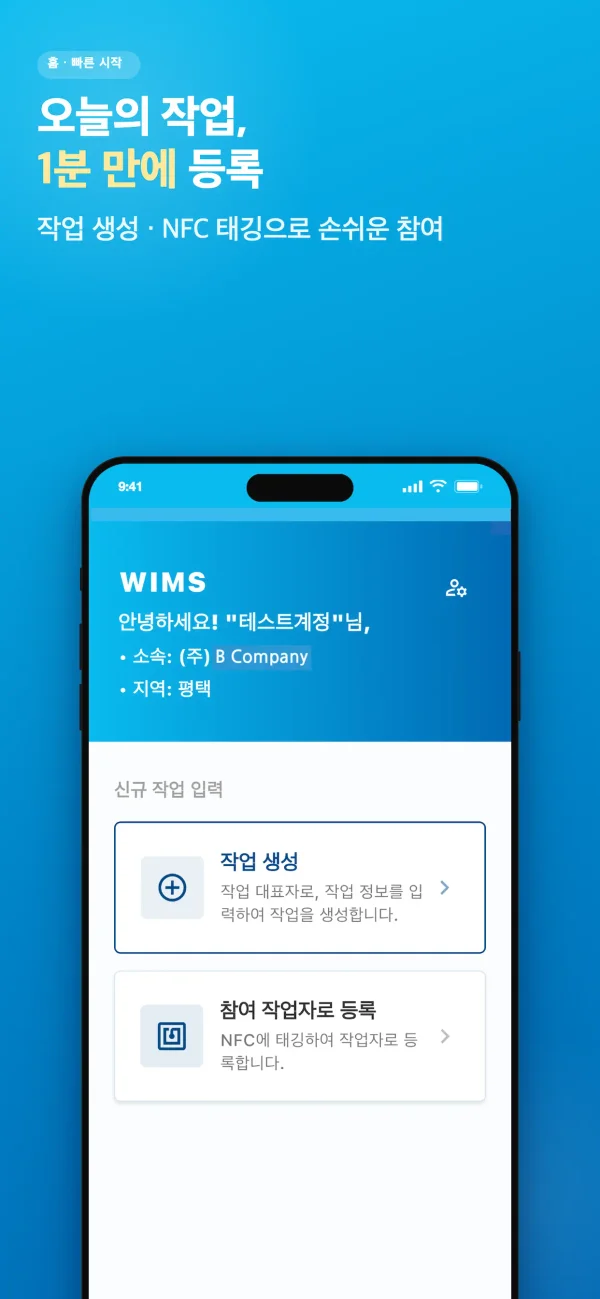
Daily Work Registration
Workers create a daily work card at the start of their shift by entering the project, work location, and task details. Co-workers can be invited to share the card so that a group of workers is logged together.
CM Inspection & NFC Verification
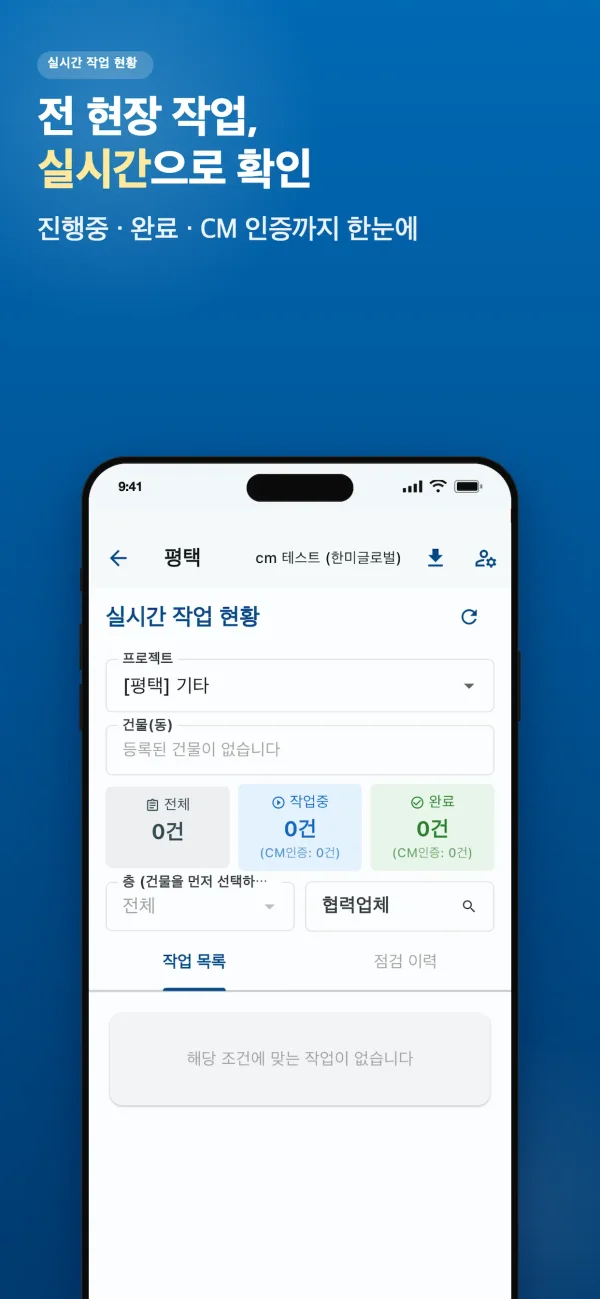
Site managers (CM) view the list of active work in real time and record inspection results. At the time of inspection, the CM scans the worker's pre-registered NFC tag to create a tamper-resistant record that an in-person inspection occurred on site.
Contractor & Owner Monitoring (Read-Only)
Contractors and project owners view the same real-time work information as the CM in read-only mode, allowing them to monitor site conditions securely without modifying any data.
Master Administration
Master administrators manage projects, buildings, companies, users, and NFC tag registrations, and can export system data for operational reporting.
2. Role-Based Access Control (RBAC)
The app enforces five role tiers — Technician (worker), Constructor (contractor), PM (CM inspector), Owner (project owner), and Master (system administrator) — to ensure data security and least-privilege information access.
3. Real-Time Synchronization
The app uses Firebase Cloud Firestore real-time streams. When one user updates a record, all other users' screens reflect the change immediately, without manual refresh.
4. NFC Usage
4.1. Important — NFC Is Not Used for Authentication or Login
NFC tags are used solely as an anti-tampering verification mechanism in two specific workflows:
(a) Work Registration — a worker associates their pre-issued NFC tag with a daily work card to prove physical presence on the construction site.
(b) Inspection Verification — a CM scans the worker's NFC tag to record that an in-person inspection took place.
All NFC tags must be pre-registered to a whitelist (the nfc_registry collection in Firestore) by a Master administrator. Tags that are not on the whitelist are rejected by the app. WIMS Safety does not read arbitrary NFC tags from the public environment, and NFC is never used to authenticate users, unlock content, or replace passwords.
4.2. Why NFC Is Required (Industry Context)
Construction sites have specific constraints that make NFC the most reliable verification method:
Workers wear gloves, which makes touchscreen-based QR-code scanning unreliable.
Outdoor lighting (direct sunlight, low light, glare) frequently causes camera-based QR scanning to fail.
Paper QR codes can be photocopied and reused; NFC tags can be cryptographically bound to a specific worker, preventing fraud.
Construction environments involve dust, moisture, and surface contamination, which degrade printed codes but have minimal effect on embedded NFC tags.
For these reasons, NFC was chosen over QR or camera-based alternatives. The use is limited, purpose-specific, and tied to verified site personnel.
Novedades
Versión 1.2.1 · 2/11/2026
WIMS 1.2.1 개선사항
[NFC 태깅 개선]
• 태그가 인식되지 않을 때 화면에 조치 방법을 안내합니다.
• 태그를 미리 대고 기다리면 인식되지 않을 수 있습니다. 태깅 화면이 나타난 뒤에 태그를 대 주세요.
• 인식이 늦어질 때의 안내 문구를 실제 동작에 맞게 바로잡았습니다.
[오류 신고 개선]
• 신고할 때 태깅 진단 정보가 함께 전송되어 원인 확인이 빨라집니다.
태깅이 반복해서 실패하면 앱 내 신고 버튼으로 알려 주세요. 빠르게 확인하겠습니다.
Privacidad de la aplicación
Lo que HanmiGlobal declara en App Store sobre cómo esta aplicación gestiona los datos.
-
Datos vinculados a ti
Pueden recopilarse y vincularse a tu identidad.
- Información de contacto
- Identificadores
-
Datos no vinculados a ti
Pueden recopilarse, pero no se vinculan a tu identidad.
- Contenido del usuario
- Diagnóstico
Las prácticas de privacidad pueden variar, por ejemplo, según las funciones que uses o tu edad.
Información
- Vendedor
- HanmiGlobal Co., Ltd.
- Categoría
- Economía y empresa
- Versión
- 1.2.1
- Actualizado
- 2/11/2026
- Publicado
- 19/5/2026
- Tamaño
- 63,6 MB
- Requiere
- iOS 13.0 o posterior
- Clasificación por edad
- 4+
- Idiomas
- Inglés
- Copyright
- © 2026 HanmiGlobal Co., Ltd.