- Clasificación por edad4+
- CategoríaMúsica
- DesarrolladorMasayuki Akamatsu
- IdiomasInglés+ 1 más
- Tamaño6,9 MB
Enlaza a la página oficial de App Store
Download.org no aloja ningún archivo de WorldWandering. El botón abre la página de la aplicación en App Store, donde la publica Masayuki Akamatsu. Ficha comprobada por última vez el 17/11/2026.
Capturas de pantalla


Acerca de
El desarrollador no ha proporcionado este texto en tu idioma.
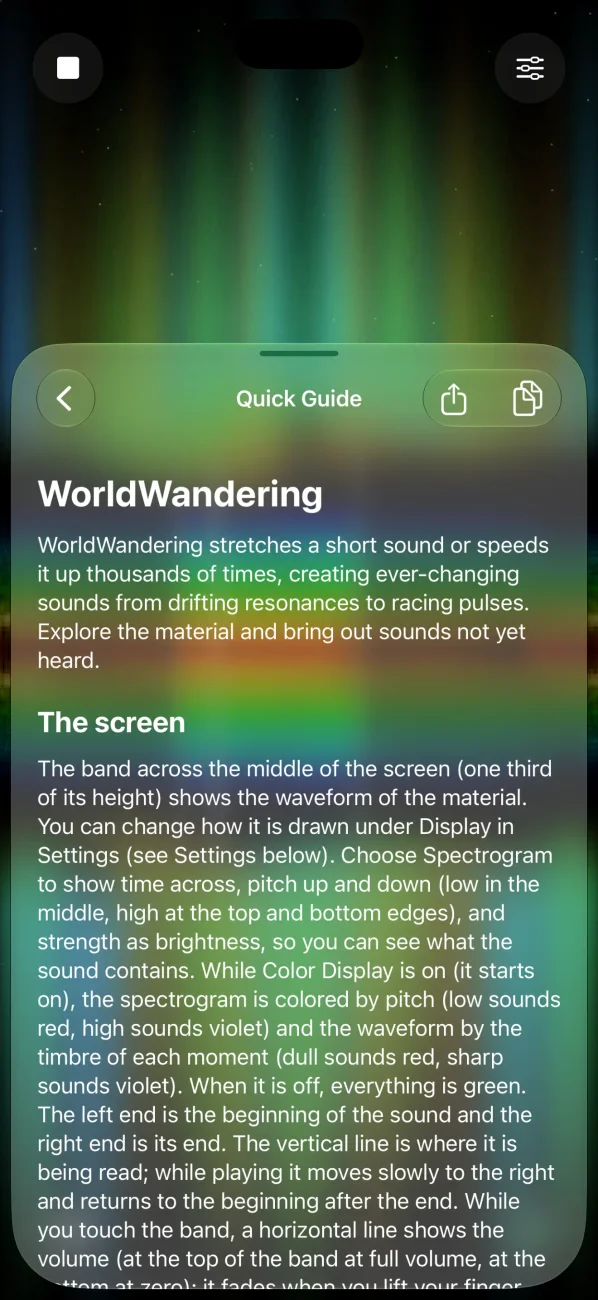
WorldWandering stretches a short sound up to ten million times into a slowly drifting resonance. It can also speed a sound up tens of thousands of times into a dizzying pulse. Every action and setting takes effect on the spot, so you can create new sounds while the sound plays.
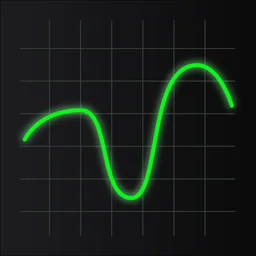
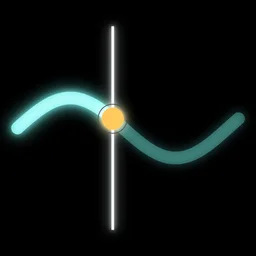
The screen is the sound. A band across the middle shows the material as a waveform or a spectrogram, with a line where it is being read and the range it loops over. Touch the band to move the reading position and the volume with your finger. Pinch to widen or narrow the loop. Turn the device sideways and the material fills the whole screen.
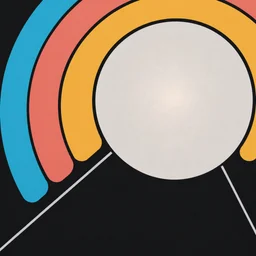
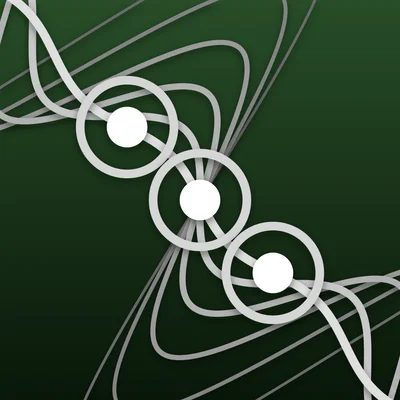
Touch above or below the band to send the sound on a journey. Left to right is the reading position; top to bottom runs through six places with very different characters — Drift, Haze, Shimmer, Swarm, Pulse and Tape — with the top and bottom joined into a loop. A crosshair shows where you are aiming, and when you lift your finger the sound travels there over the Transition time while a circle closes in on the spot. Tap three times to stop or start. The sound can also wander the map on its own, and Randomize moves every setting somewhere new.
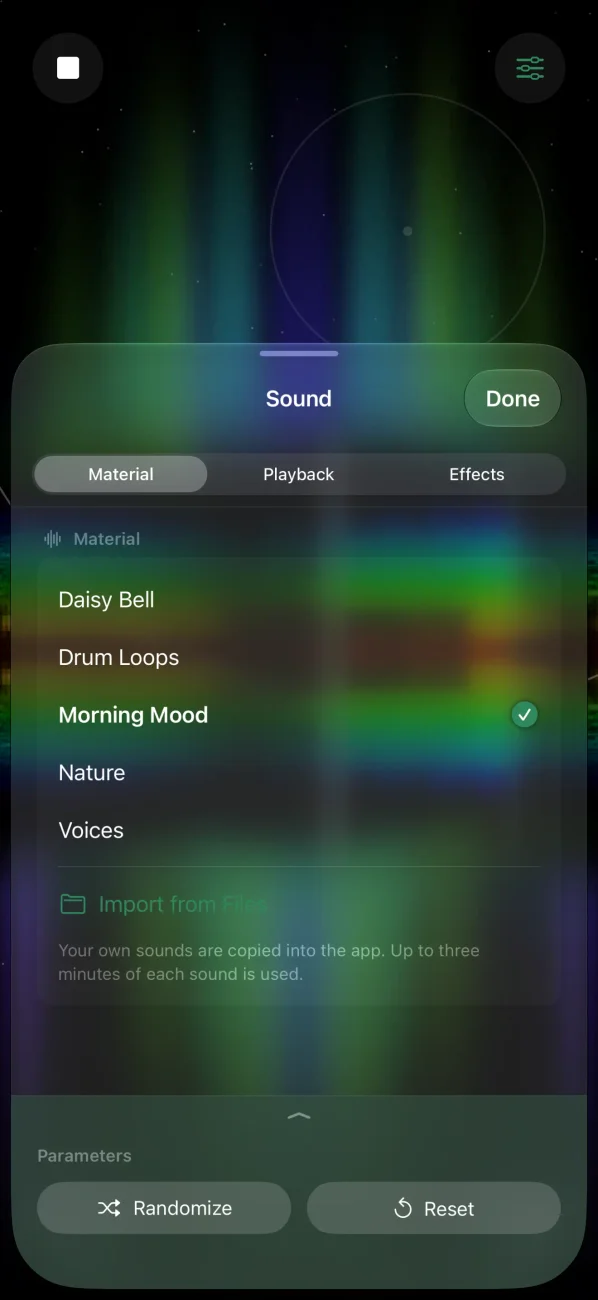
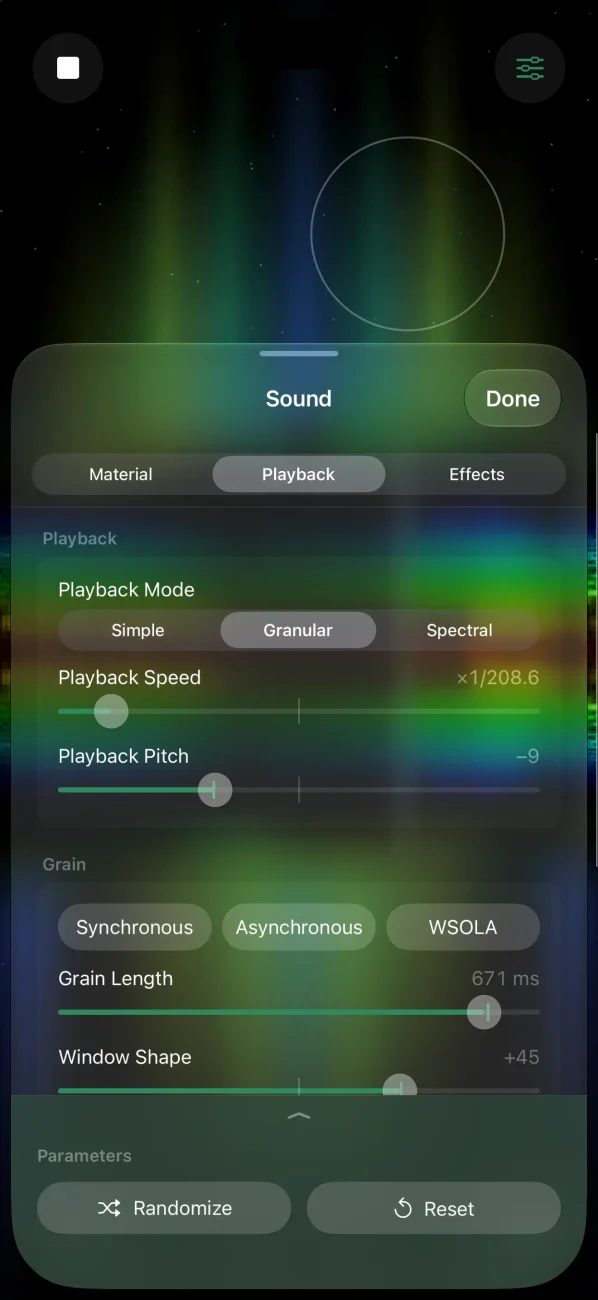
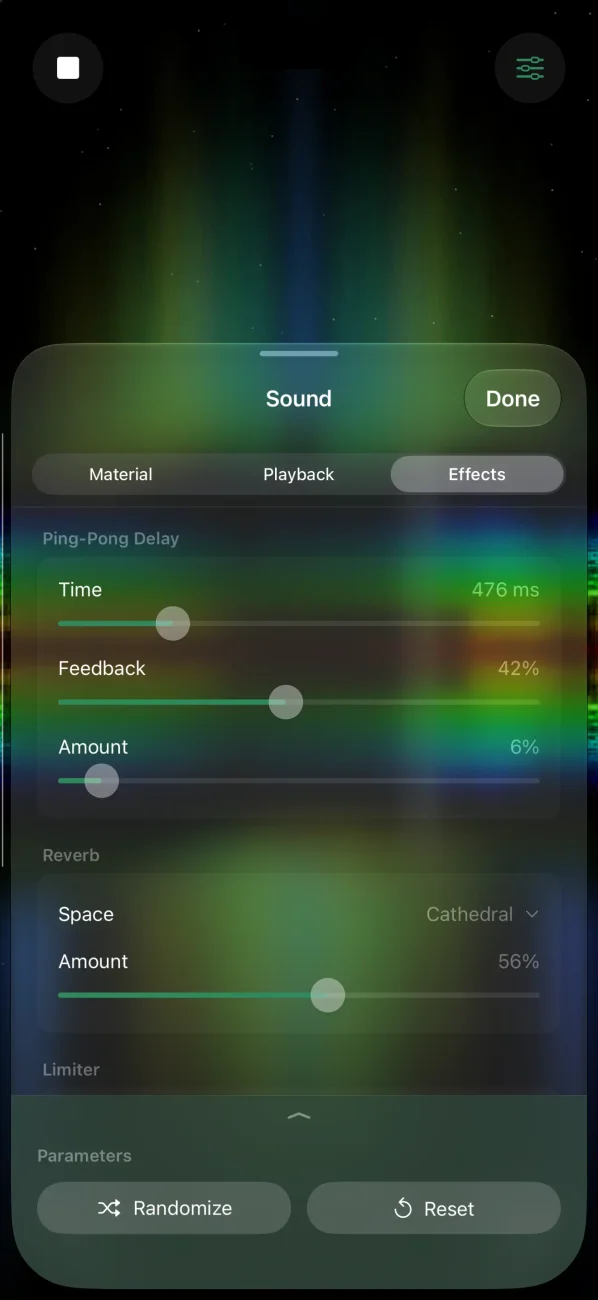
The settings that shape the sound are in the Sound sheet, grouped into three tabs:
- Material — five built-in sounds: voices, nature, drum loops, an orchestra and an old vocal recording. With Pro you can import your own sounds from the Files app.
- Playback — three ways of playing: Simple (like a tape: slower is lower), Granular (short grains joined and overlapped, with synchronous, asynchronous and WSOLA types) and Spectral (the sound is dissolved into its frequencies and stretched). Playback speed runs continuously from ×0 through ×1 to ×∞, with pitch up to two octaves up or down, the window length and shape, grain length, density and jitter, the loop and a shift that moves it along a little on every round, and a crossfade that hides the join of the loop.
- Effects — a ping-pong delay, a reverb and a limiter.
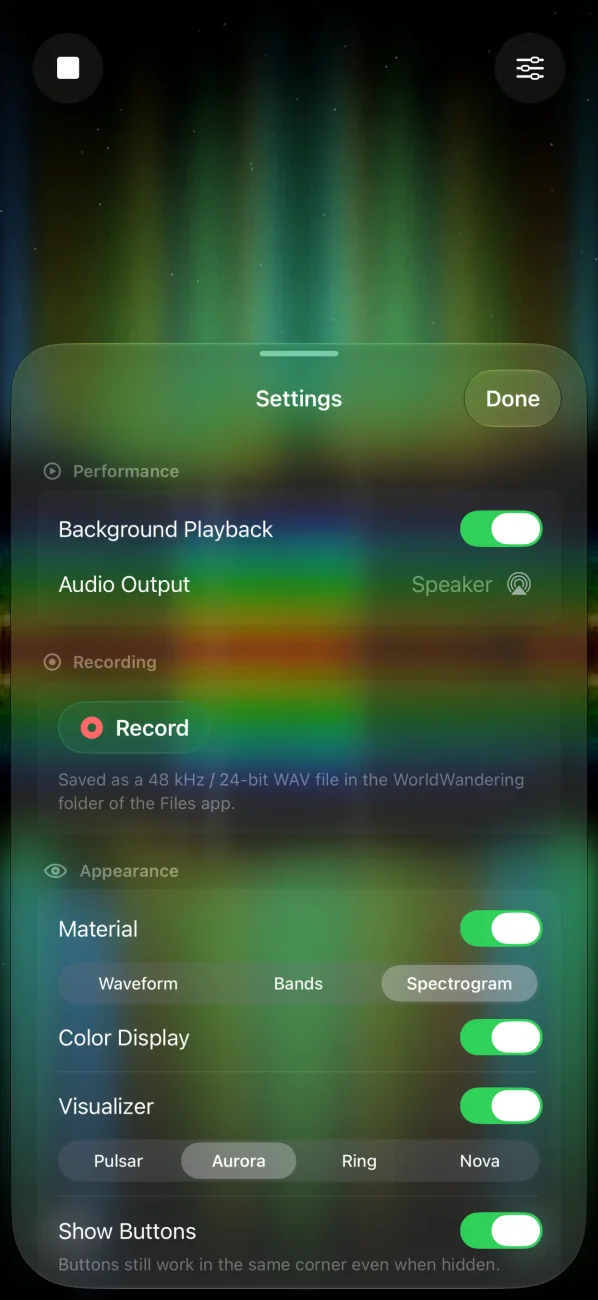
Four visualizers follow the sound across the whole screen: Pulsar, Aurora, Ring and Nova. Their colours follow the timbre and their size and brightness follow the loudness.
Send the sound to Bluetooth speakers, AirPlay speakers such as HomePod, or a USB audio interface, and control it from Control Center and the Lock Screen. Record exactly what you hear as a 48 kHz / 24-bit WAV file.
Leave it running while you work, read or rest. Background Playback keeps it going when you leave the app, Prevent Auto-Lock keeps the picture awake, and the corner buttons can be hidden while still working where they are. A quick guide is built in.
WorldWandering is free with a banner ad. Pro, a one-time in-app purchase, removes the ad and unlocks every setting, recording, and your own sounds. The Sound sheet is fully available without Pro, apart from importing your own sounds.
Novedades
Versión 1.1.0 · 30/10/2026
- Supports iPhone Duo. The four buttons sit in the toolbar. When unfolded, the screen turns with the device, and in landscape the material fills the screen.
- The volume is now matched to other music apps (−16 LUFS), and the built-in sounds play at about the same volume.
Privacidad de la aplicación
Lo que Masayuki Akamatsu declara en App Store sobre cómo esta aplicación gestiona los datos.
-
Datos usados para rastrearte
Pueden usarse para rastrearte en aplicaciones y sitios web propiedad de otras empresas.
- Identificadores
-
Datos vinculados a ti
Pueden recopilarse y vincularse a tu identidad.
- Ubicación
- Identificadores
- Datos de uso
-
Datos no vinculados a ti
Pueden recopilarse, pero no se vinculan a tu identidad.
- Diagnóstico
Las prácticas de privacidad pueden variar, por ejemplo, según las funciones que uses o tu edad.
Información
- Vendedor
- 正行 Akamatsu
- Categoría
- Música
- Versión
- 1.1.0
- Actualizado
- 30/10/2026
- Publicado
- 14/10/2026
- Tamaño
- 6,9 MB
- Requiere
- iOS 17.6 o posterior
- Clasificación por edad
- 4+
- Precio
- Gratis
- Idiomas
- Inglés, Japonés
- Copyright
- © Masayuki Akamatsu