
- Clasificación por edad4+
- CategoríaUtilidades
- Desarrolladorj5create
- IdiomasInglés+ 15 más
- Tamaño41,1 MB
Enlaza a la página oficial de App Store
Download.org no aloja ningún archivo de Wormhole - CrossLink. El botón abre la página de la aplicación en App Store, donde la publica j5create. Ficha comprobada por última vez el 12/11/2026.
Capturas de pantalla


Acerca de
El desarrollador no ha proporcionado este texto en tu idioma.
This companion application can be used with j5create CrossLink Hub Cable.
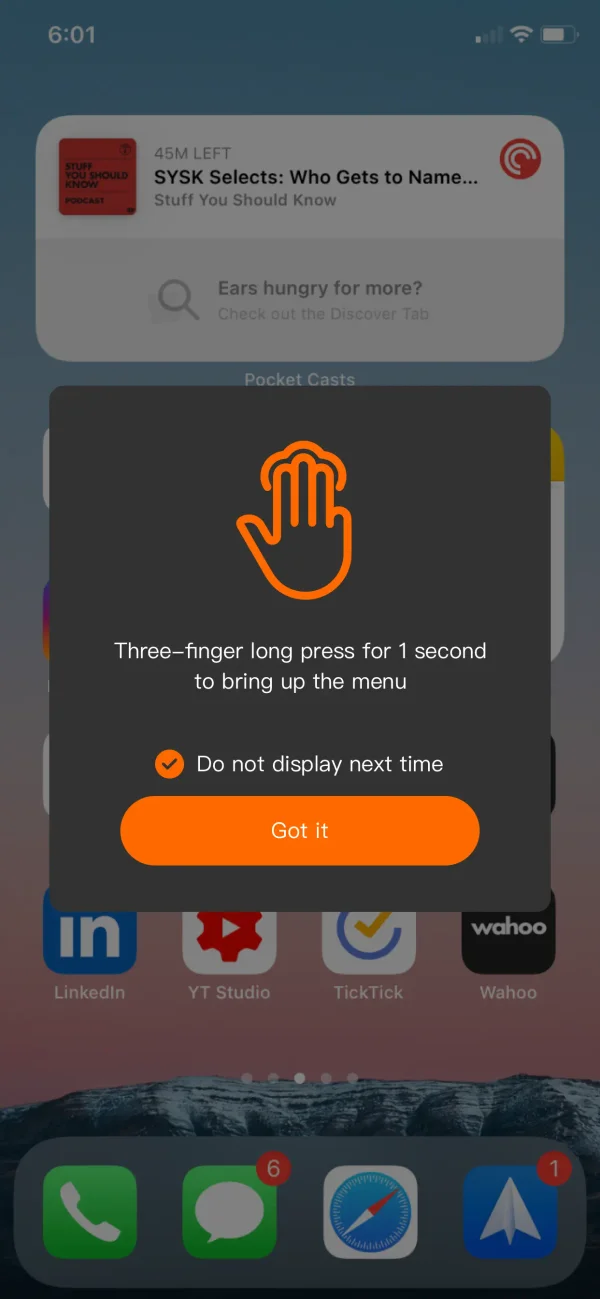
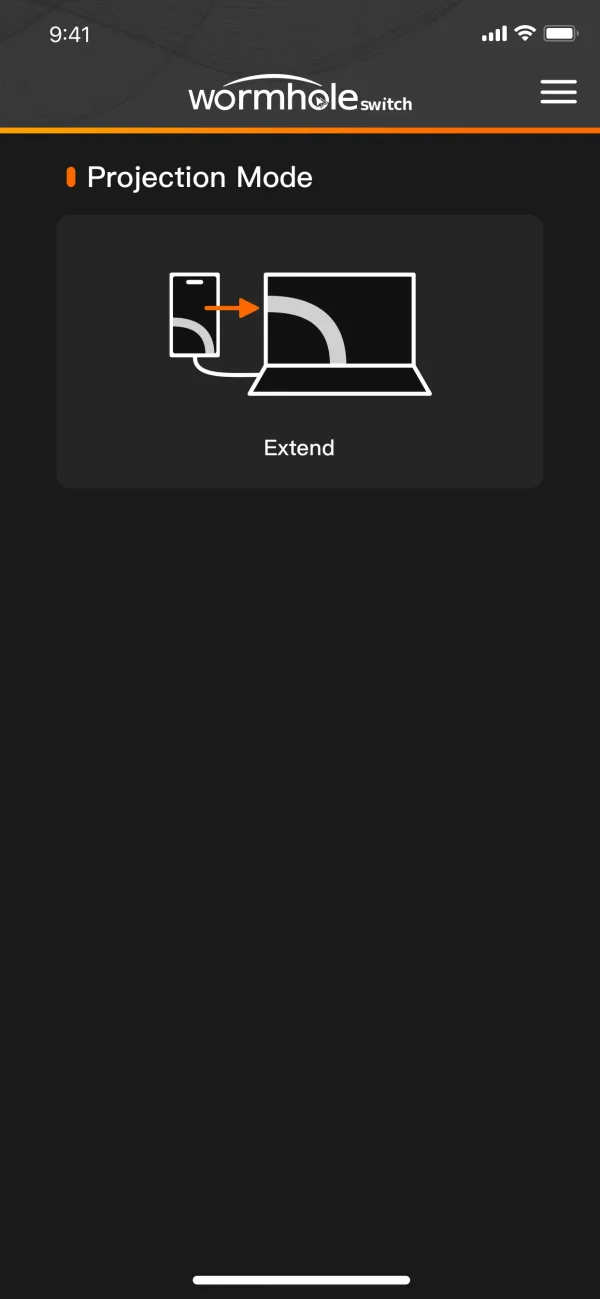
j5create CrossLink Hub Cable is a USB hub with host to host connection cable function, besides the hub function, this link cable can also be used to connect Windows PC and iPad/iPhone, once the connection is completed, users can easily duplicate the screen to iPad/iPhone , whereas in an iPad/iPhone you can see the contents of the Windows screen there, you can control or draw something in Windows with your finger or a stylus, and touch events or stylus traces and pen pressure are reflected to Windows, just like directly in operate the touch screen with a finger or a pen on a Windows PC. In addition to mapping the main screen of the Windows PC and directly viewing and operating on the iPad/iPhone, the APP also provides the function of generating a virtual second screen, and at the same time project this virtual second screen to the iPad/iPhone, and directly operate on the iPad/iPhone.
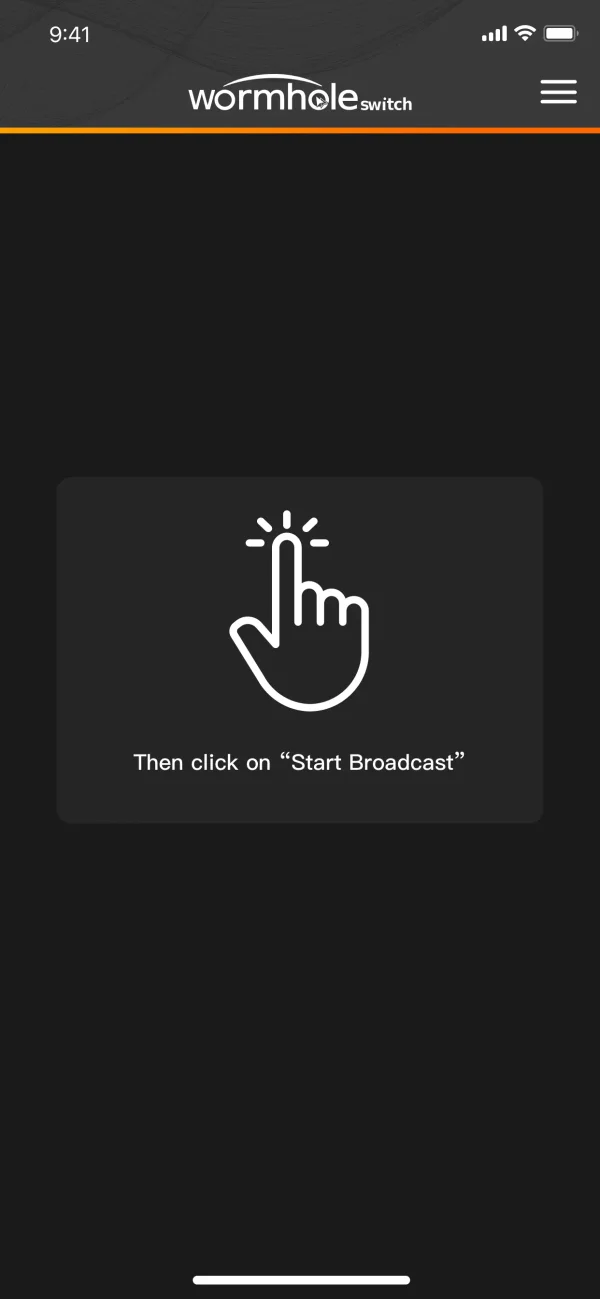
Conversely, we can also project the content of the iPad/iPhone to the Windows PC through this cable connection, this function is like AirPlay, you can directly see the screen content and operation of the iPad/iPhone on the screen of the Windows PC.
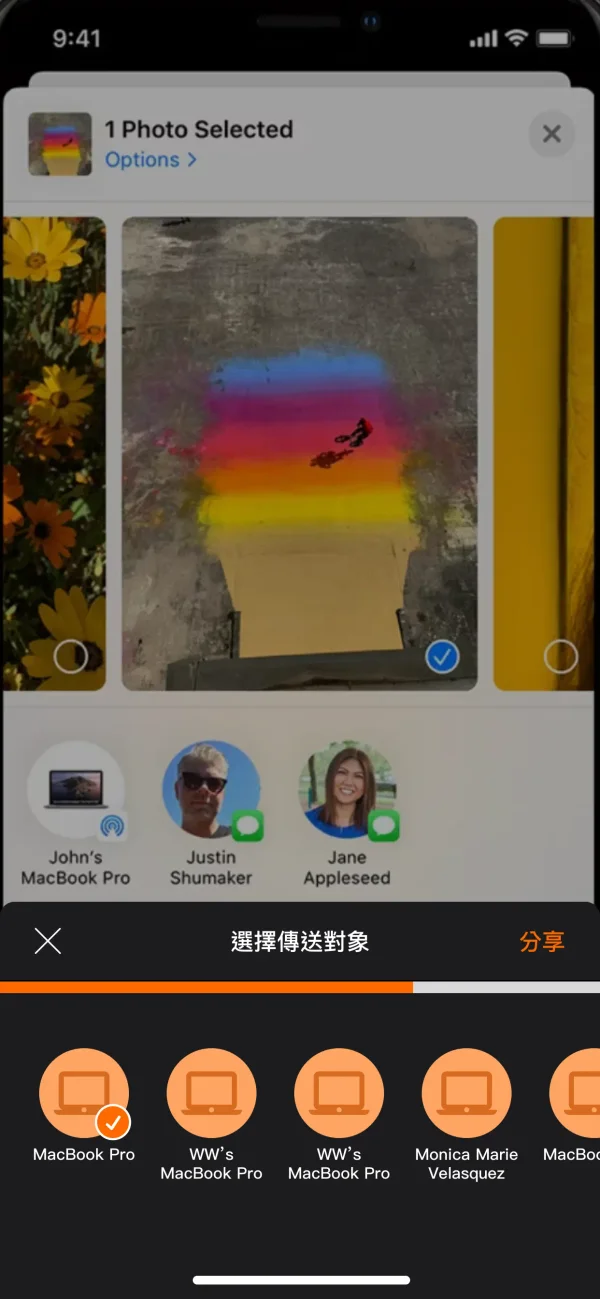
In addition to video screen projection and copying, the app also supports AirDrop-like functionality, allowing you to easily share media content such as videos, photos or files to a "Download" location on your Windows PC. You can also share files to your iPad/iPhone just like you can with AirDrop on a Mac by right-clicking on the file in Windows File Explorer and selecting the share menu function.
Novedades
Versión 1.0.44 · 20/4/2026
Extend the connection timeout period and add a reminder to guide users to enable permissions if they initially choose to disable local network permissions.
Privacidad de la aplicación
Lo que j5create declara en App Store sobre cómo esta aplicación gestiona los datos.
-
No se recopilan datos
El desarrollador no recopila ningún dato de esta aplicación.
Las prácticas de privacidad pueden variar, por ejemplo, según las funciones que uses o tu edad.
Información
- Vendedor
- Magic Control Technology Corporation
- Categoría
- Utilidades
- Versión
- 1.0.44
- Actualizado
- 20/4/2026
- Publicado
- 27/7/2023
- Tamaño
- 41,1 MB
- Requiere
- iOS 11.0 o posterior
- Clasificación por edad
- 4+
- Precio
- Gratis
- Idiomas
- Inglés, Danés, Neerlandés, Finés, Francés, Alemán, Húngaro, Italiano, Japonés, Coreano, Noruego bokmål, Portugués + 4 más
- Copyright
- © 2023 j5create - Kennesaw, GA
Quizá también te guste
-
 Phone Mirroring - Cast to PCScreen Mirror to PC
-
 DongledUtilidades
-
 HDMI Monitor - Screen ShareStreaming y Compartir Pantalla
-
 PadDisplayUtilidades
-
 AnyMirror: Mirror Screen to PCUtilidades
-
 HDMIUtilidades
-
 AURGA Viewer: Wireless DisplayUtilidades
-
 Genki StudioUtilidades
-
 Usb TransferUtilidades
-
 Racing WheelUtilidades