
XML Studio Editor & Viewer
Format, Diff & Convert to PDF
Diseñada para iPhone, iPad, iPod touch
Gratis · Compras en la aplicación
- Clasificación por edad4+
- CategoríaUtilidades
- DesarrolladorBMAC Infotech
- IdiomasInglés
- Tamaño29,6 MB
Enlaza a la página oficial de App Store
Download.org no aloja ningún archivo de XML Studio Editor & Viewer. El botón abre la página de la aplicación en App Store, donde la publica BMAC Infotech. Ficha comprobada por última vez el 18/11/2026.
Capturas de pantalla

Acerca de
El desarrollador no ha proporcionado este texto en tu idioma.
XML Studio The Ultimate Professional XML Editor & Converter
Tired of mobile XML viewers that crash on large files or strip away essential developer formatting? XML Studio is a desktop-grade XML editor, viewer, and converter built directly for your mobile device. Whether you are a software developer debugging API responses, a data analyst converting databases, or a student learning code, XML Studio delivers an incredibly fast, feature-rich coding environment.
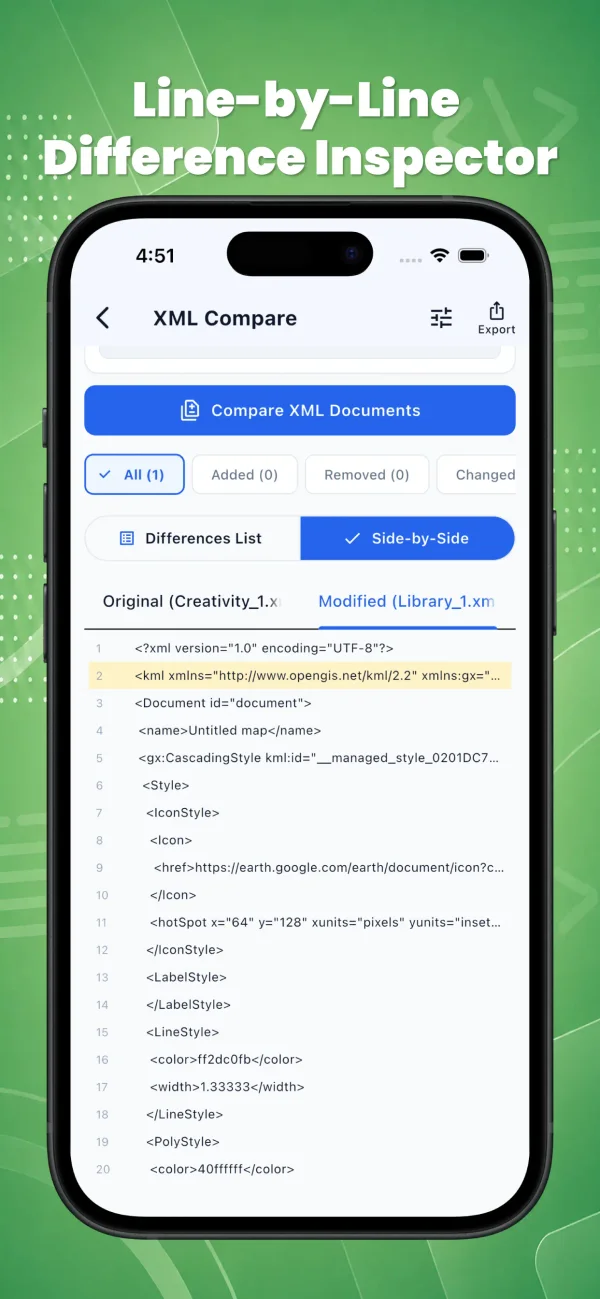
Engineered to handle Large XML Files with zero lag, XML Studio goes beyond basic text viewing. It offers a complete suite of professional tools including visual Tree Views, advanced Syntax Validation, and Side-by-Side Diff comparisons.
ADVANCED XML EDITING & VIEWING
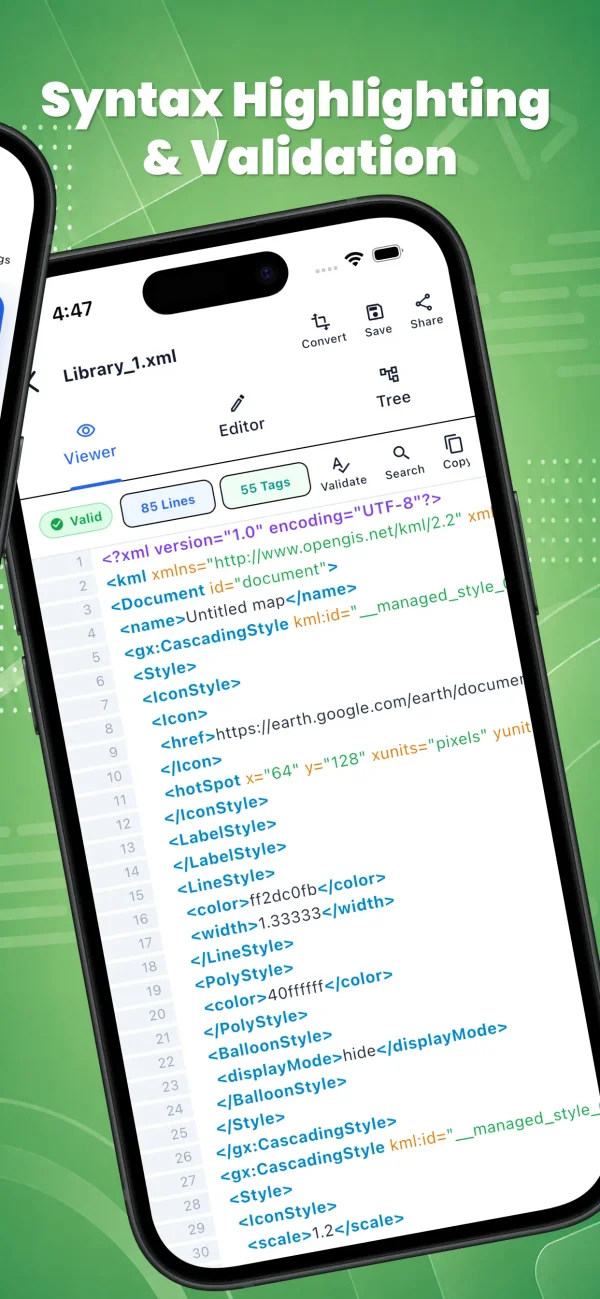
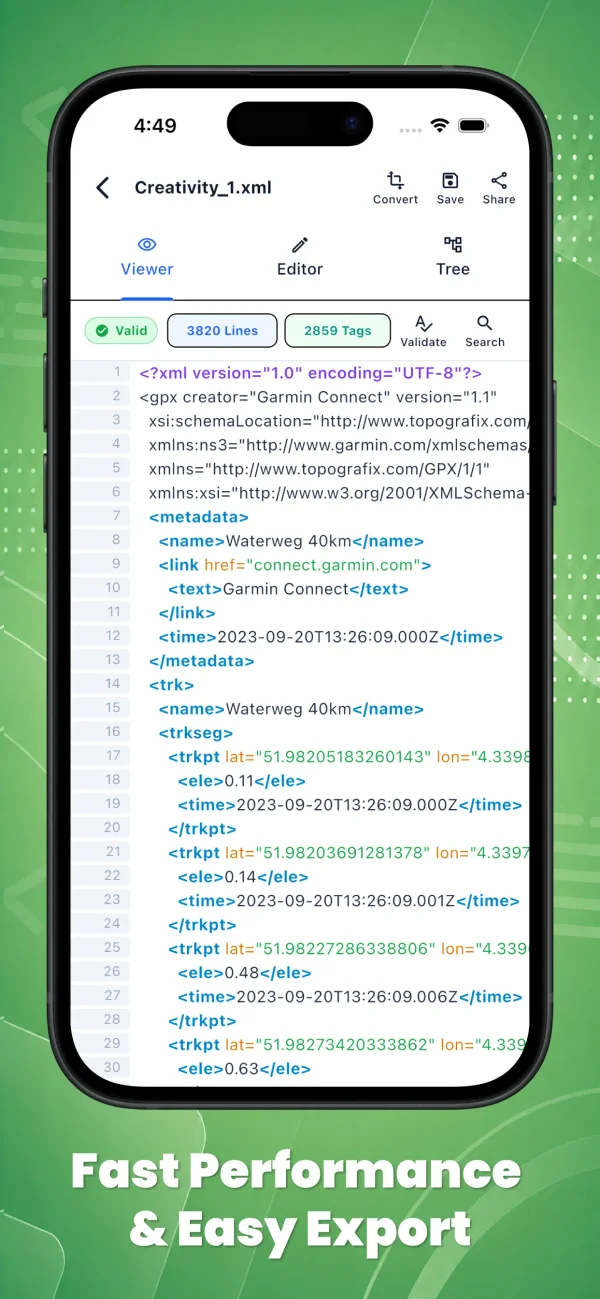
- Robust Code Editor: Full XML editing capabilities with intelligent Syntax Highlighting, Line Numbers, and Code Folding to keep your workspace clean.
- Flawless Large File Support: Our highly optimized rendering engine allows you to open, scroll, and edit massive XML documents without freezing or crashing your device.
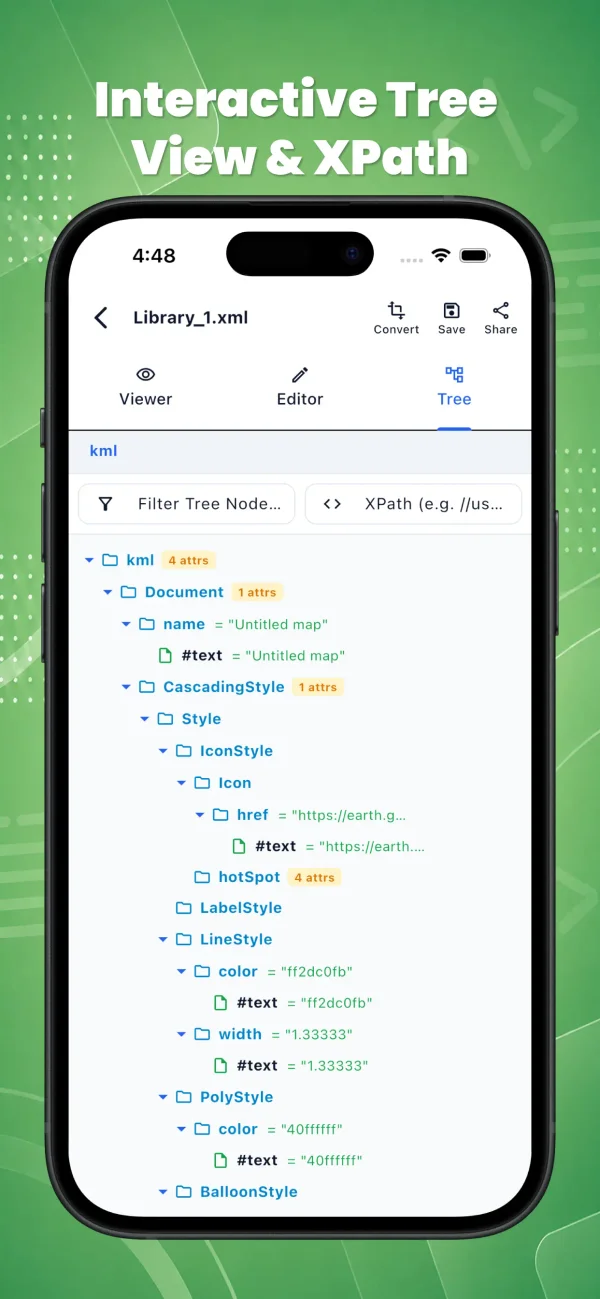
- Visual Tree View: Instantly collapse and expand complex XML nodes to navigate deep, nested data structures effortlessly.
- Find & Replace: Quickly search through thousands of lines of code and execute bulk replacements in seconds.
VALIDATE, FORMAT & COMPARE
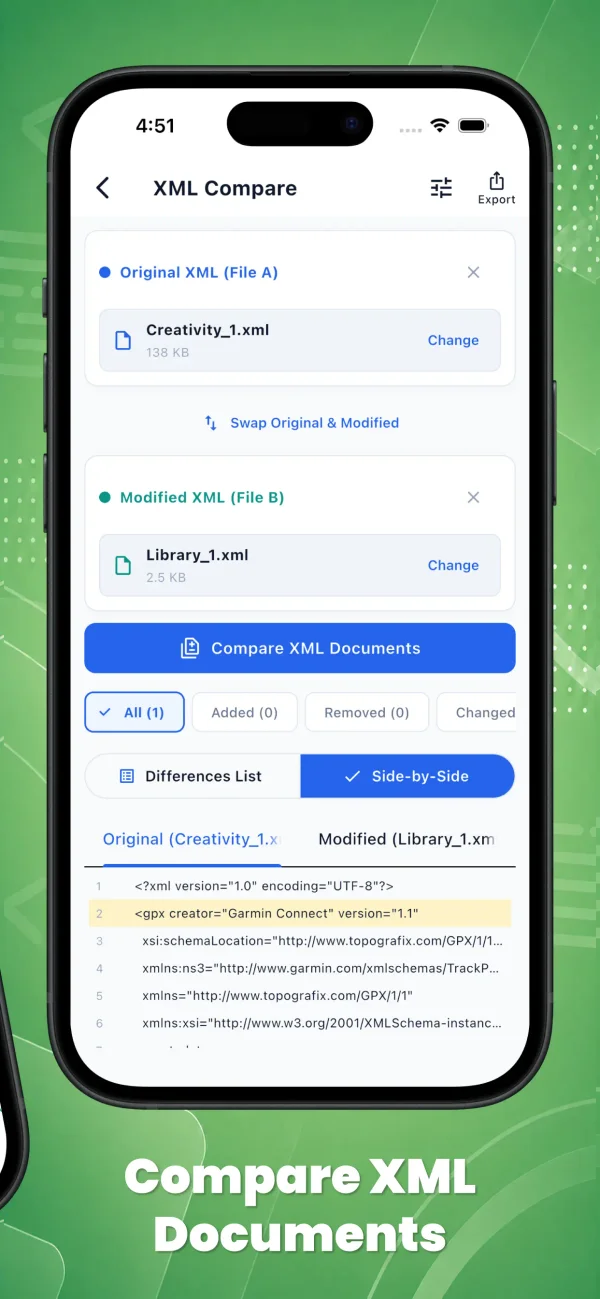
- Side-by-Side XML Diff: A rare and powerful mobile feature! Compare two different XML files side-by-side to instantly spot missing tags, altered values, or version changes.
- Syntax Validation & Error Location: Stop hunting for missing brackets. Our built-in validator instantly detects syntax errors and points you to the exact line and character location.
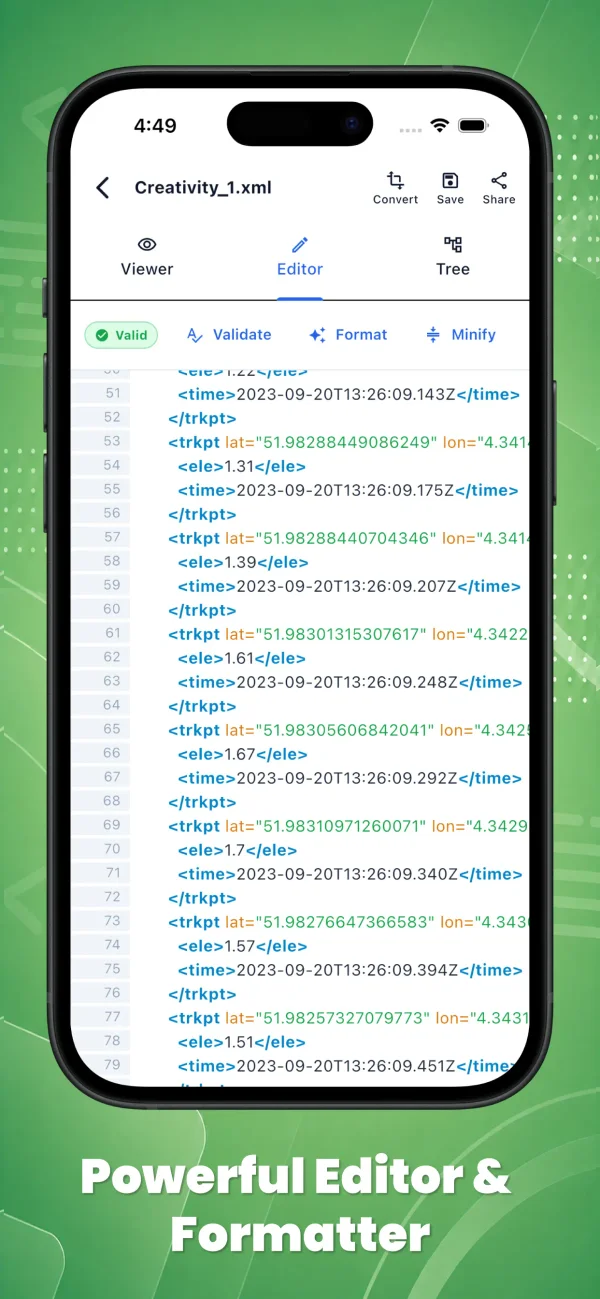
- Beautify & Minify: Clean up messy, unformatted code with the XML Beautifier, or compress your files using the Minify tool.
- Custom Indentation: Format your code exactly how you like it.
MULTI-FORMAT CONVERTER & EXPORT
Convert your XML data into highly readable, shareable formats completely offline. Seamlessly export your files to:
- XML to JSON (Perfect for web development and REST APIs)
- XML to CSV (Easily import data into Excel or Google Sheets)
- XML to PDF (Generate clean, formatted reports for clients)
- XML to HTML (Ready for web browser viewing)
- XML to TXT (Raw text extraction)
DETAILED DOCUMENT STATISTICS
Get an instant breakdown of your file structure. View total node counts, element depths, attribute statistics, and file size metrics at a glance.
Payment & Subscription:
- You can choose our plans and get unlimited access to all the features of the App.
Enjoy ad-free experience for a week USD 0.99
Enjoy ad-free experience for a month USD 2.99
Enjoy ad-free experience for a a year USD 24.99
You can cancel your subscription anytime, to cancel subscription follow these steps
on your iPhone/iPad Go to Settings > click on Your Name > Subscriptions > In Active section > XML Studio Editor & Viewer > Cancel Subscription >Confirm Cancellation
EULA: https://howtodelete.weebly.com/privacy-policy.html
Download XML Studio today and carry a professional XML IDE in your pocket!
Privacidad de la aplicación
Lo que BMAC Infotech declara en App Store sobre cómo esta aplicación gestiona los datos.
-
No se recopilan datos
El desarrollador no recopila ningún dato de esta aplicación.
Las prácticas de privacidad pueden variar, por ejemplo, según las funciones que uses o tu edad.
Información
- Vendedor
- BMAC Infotech
- Categoría
- Utilidades
- Versión
- 1.0
- Actualizado
- 27/8/2026
- Publicado
- 27/8/2026
- Tamaño
- 29,6 MB
- Requiere
- iOS 15.6 o posterior
- Clasificación por edad
- 4+
- Precio
- Gratis
- Compras en la aplicación
- Sí
- Idiomas
- Inglés
- Copyright
- © BMAC INFOTECH
Quizá también te guste
-
 Network Scan: Wi-Fi & SSHUtilidades
-
 XML Viewer and EditorUtilidades
-
 Simple ViewerUtilidades
-
 PosterTile - Big Poster PrintPósters gigantes en casa
-
 Sharefi - Network File SharingUtilidades
-
 PDF Studio: PDF ConverterUtilidades
-
 Ag Fence ProUtilidades
-
 XML Viewer: Editor & FormatterUtilidades
-
 Hex Editor & Viewer: Hex EyeUtilidades
-
 Math KeyboardIntroduce fórmulas fácilmente