Zero Scanner: PDF Scan & OCR
OCR search for receipts, bills
Diseñada para iPhone
Gratis · Compras en la aplicación
- Clasificación por edad4+
- CategoríaProductividad
- DesarrolladorYohei Kawazura
- IdiomasCoreano+ 3 más
- Tamaño2,8 MB
Enlaza a la página oficial de App Store
Download.org no aloja ningún archivo de Zero Scanner: PDF Scan & OCR. El botón abre la página de la aplicación en App Store, donde la publica Yohei Kawazura. Ficha comprobada por última vez el 20/11/2026.
Capturas de pantalla
Acerca de
El desarrollador no ha proporcionado este texto en tu idioma.
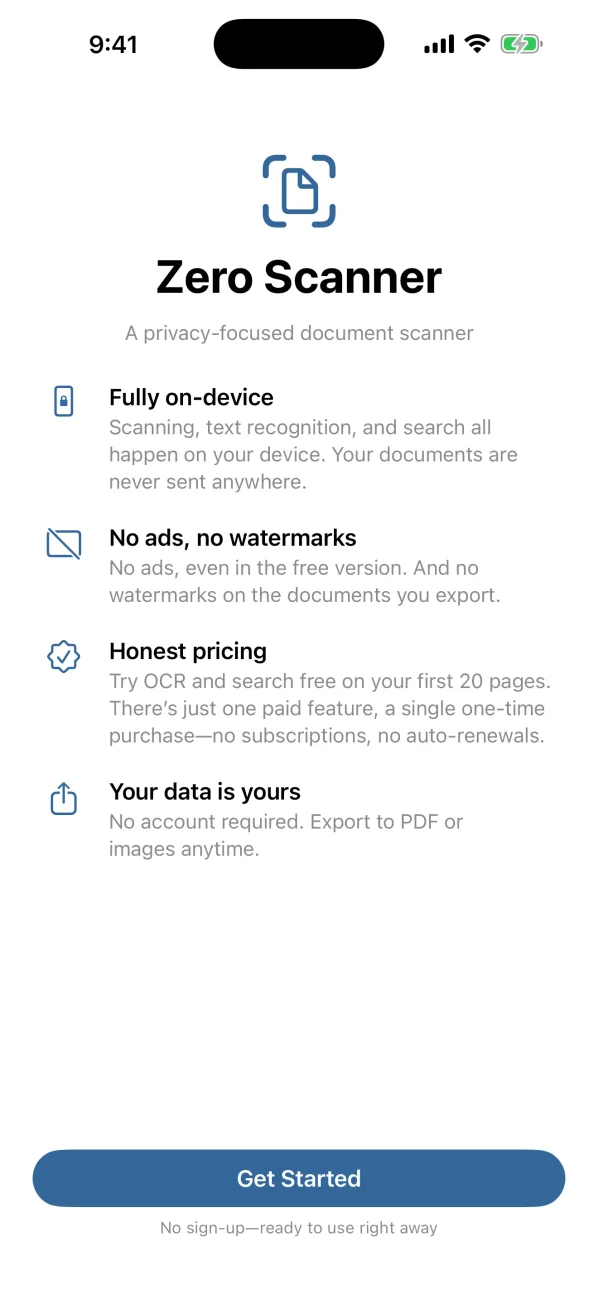
Scan your documents and keep them entirely on your device. Zero Scanner is a document scanner built around one priority: your files never leave your phone. Receipts, tax paperwork, medical statements, contracts—the documents you'd never want anyone else to see are the ones that stay safest here.
PRIVACY FIRST
- Scanning, OCR, search, and PDF export all happen on-device
- Zero network transmission. No analytics SDKs. No account required
- No ads. No watermark
FREE, WITH NO LIMITS
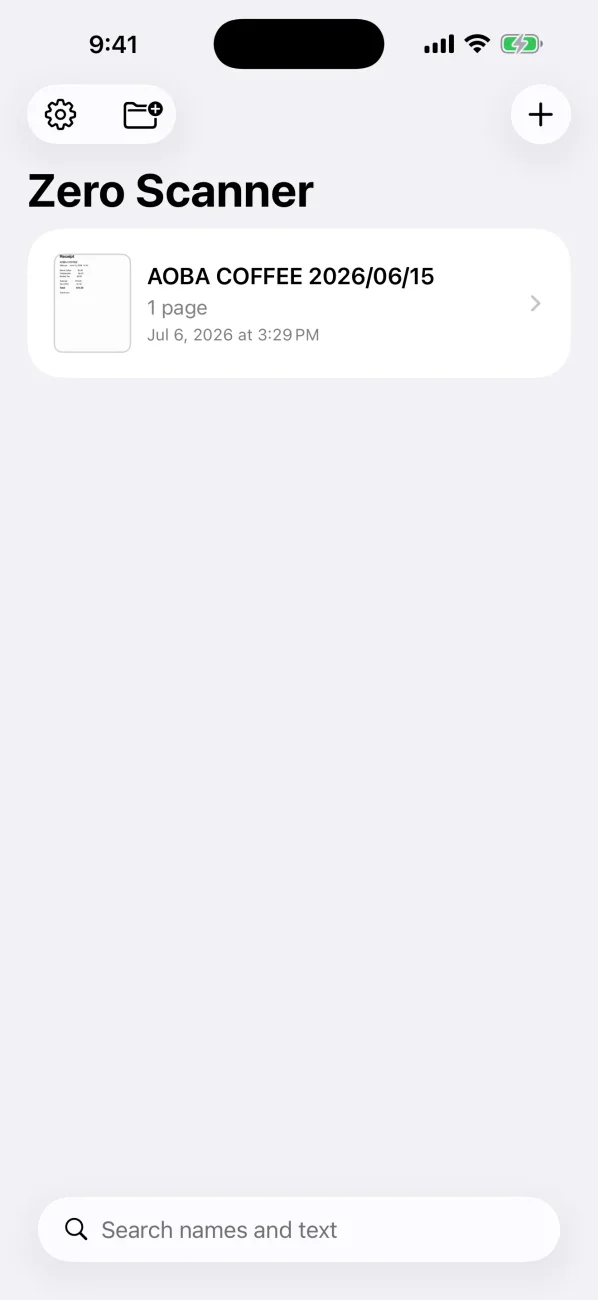
- Scan documents (automatic edge detection, multi-page capture)
- Import from the camera, your photos, or PDFs in Files
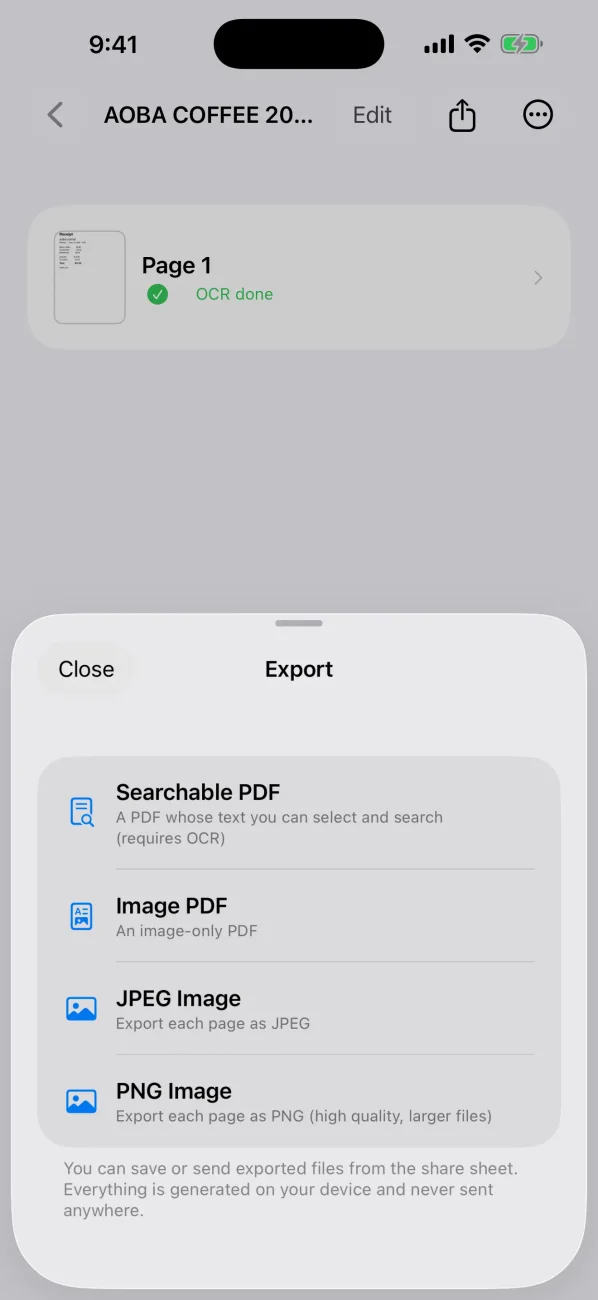
- Export and share as PDF, JPEG, or PNG (image)
- Organize with folders; reorder, add, and delete pages
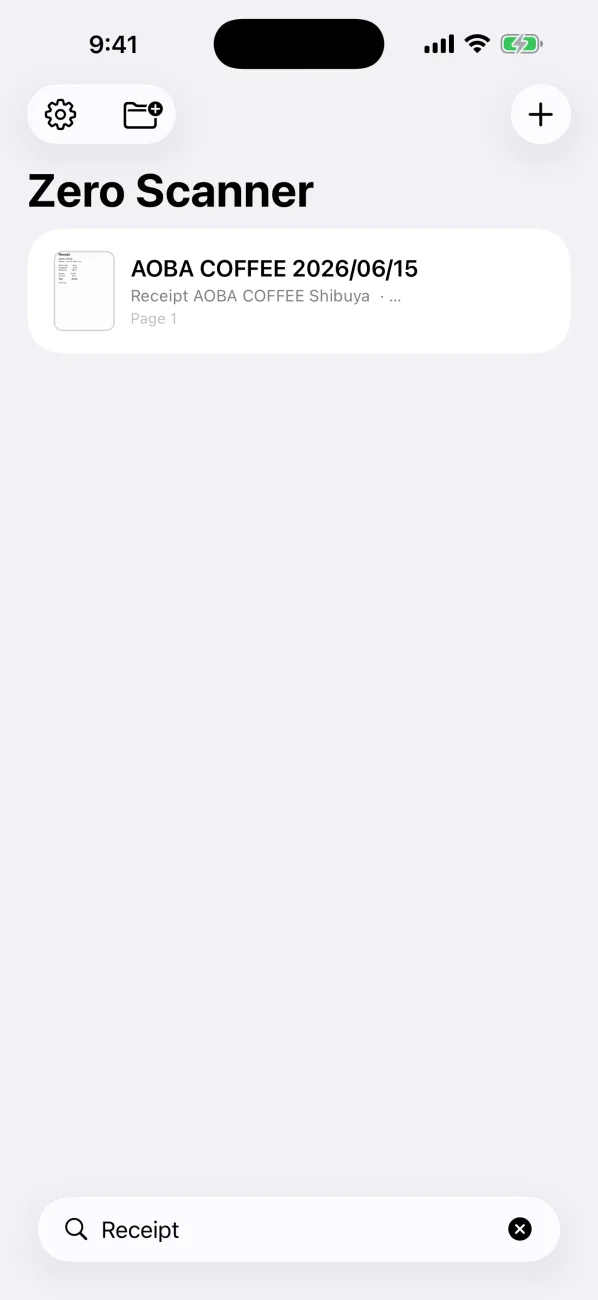
- Try OCR & full-text search free on your first 20 pages
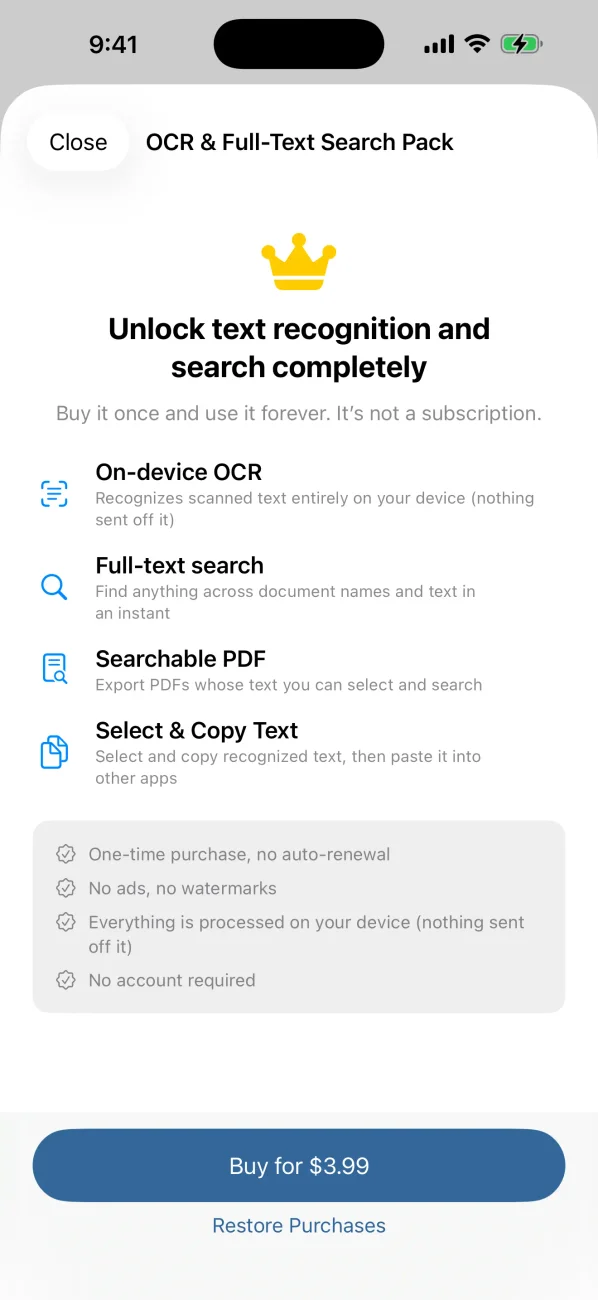
OCR & FULL-TEXT SEARCH PACK (one-time purchase, not a subscription)
- OCR (text recognition) for Japanese and English
- Full-text search across all your documents (no page limit)
- Export searchable PDFs (with an invisible text layer)
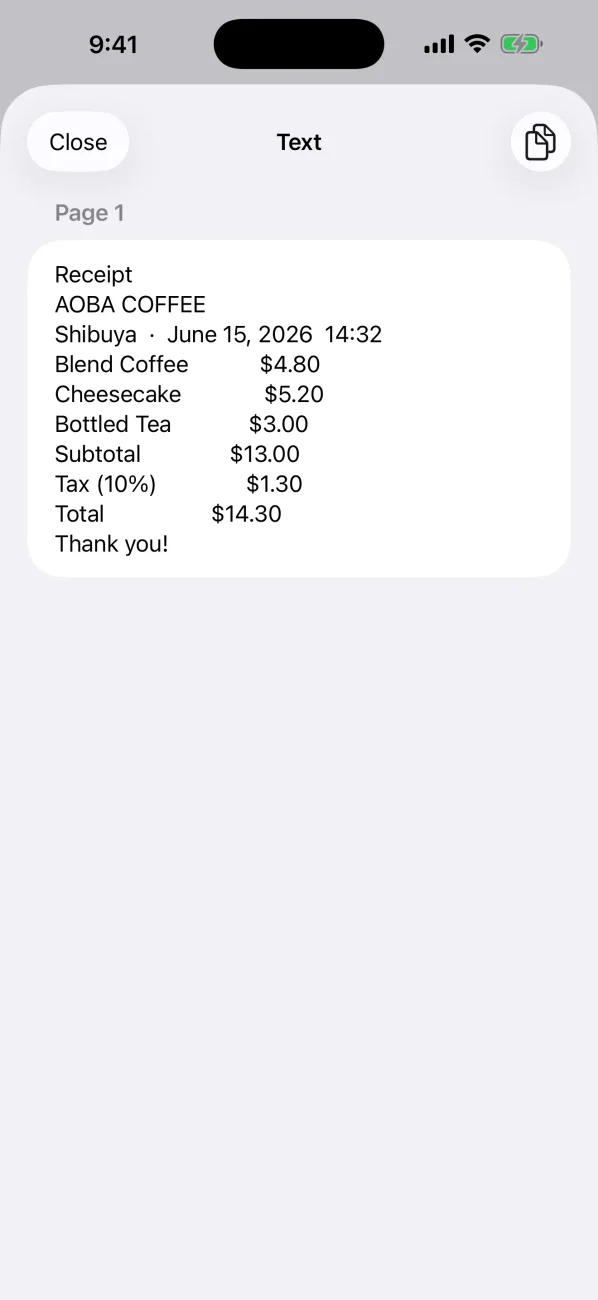
- Select and copy recognized text
- Turn a folder of receipts into a yearly CSV—date, store, and amount extracted on device
Doing your taxes or a medical-expense deduction? Pull the date, store, and amount from a folder of receipts and export a full year as one CSV (Pro). Unreadable fields are left blank so you can check them yourself—use it as a first draft for the tallying you'd otherwise type by hand.
Receipts, tax documents, medical bills, insurance policies, contracts—snap them, keep them, and find them later by words instead of scrolling. "That receipt from last year," "the contract with the cancellation clause"—search finds them on-device in seconds. Because nothing goes to the cloud, you can safely store the money, health, and legal papers you'd
never upload.
You can also lock the app itself with Face ID, and back everything up to a single file when you switch phones. Export to PDF or image is always available.
The pack is a single one-time purchase. No recurring fees, no hidden charges. And even on the free tier, scanning and image export stay unlimited and watermark-free.
Novedades
Versión 1.1.1 · 17/7/2026
Improved stability and made small refinements.
Receipt CSV export (Pro) — handy for tax and medical-expense tallying — is still here whenever you need it.
We'd love to hear your feedback. Still zero networking, no account, everything on device.
Privacidad de la aplicación
Lo que Yohei Kawazura declara en App Store sobre cómo esta aplicación gestiona los datos.
-
No se recopilan datos
El desarrollador no recopila ningún dato de esta aplicación.
Las prácticas de privacidad pueden variar, por ejemplo, según las funciones que uses o tu edad.
Información
- Vendedor
- Yohei Kawazura
- Categoría
- Productividad
- Versión
- 1.1.1
- Actualizado
- 17/7/2026
- Publicado
- 1/7/2026
- Tamaño
- 2,8 MB
- Requiere
- iOS 17.2 o posterior
- Clasificación por edad
- 4+
- Precio
- Gratis
- Compras en la aplicación
- Sí
- Idiomas
- Coreano, Inglés, Japonés, Chino simplificado
- Copyright
- © 2026 Kawazura
Quizá también te guste
-
 ScanotePáginas a texto, al instante
-
 NexaLink Receipt ScannerProductividad
-
 PO!N: notas rápidas en chatApunta en 1 segundo sin orden
-
 PRiMPO 【プリンポ】書類・スキャン・データ化 OCRProductividad
-
 通知ほしいProductividad
-
 HCTC 2026Productividad
-
 Widget Memo - Simple Note -Productividad
-
 ToDotto(トドット):ToDo &スケジュール管理Productividad
-
 TATEditorProductividad
-
 RemoteMeetingProductividad