
Zotty: AI Notes & Notepad
AI Notes, Tasks & Budget
Diseñada para iPhone, iPad, Mac
Compras en la aplicación
- Clasificación por edad4+
- CategoríaProductividad
- DesarrolladorYunus Akcicek
- IdiomasInglés+ 7 más
- Tamaño32,7 MB
Es posible que Zotty: AI Notes & Notepad no esté disponible en App Store en este momento
No se pudo acceder a la ficha de la tienda en nuestra última comprobación. El enlace sigue llevando a la página oficial de App Store.
Capturas de pantalla

Acerca de
El desarrollador no ha proporcionado este texto en tu idioma.
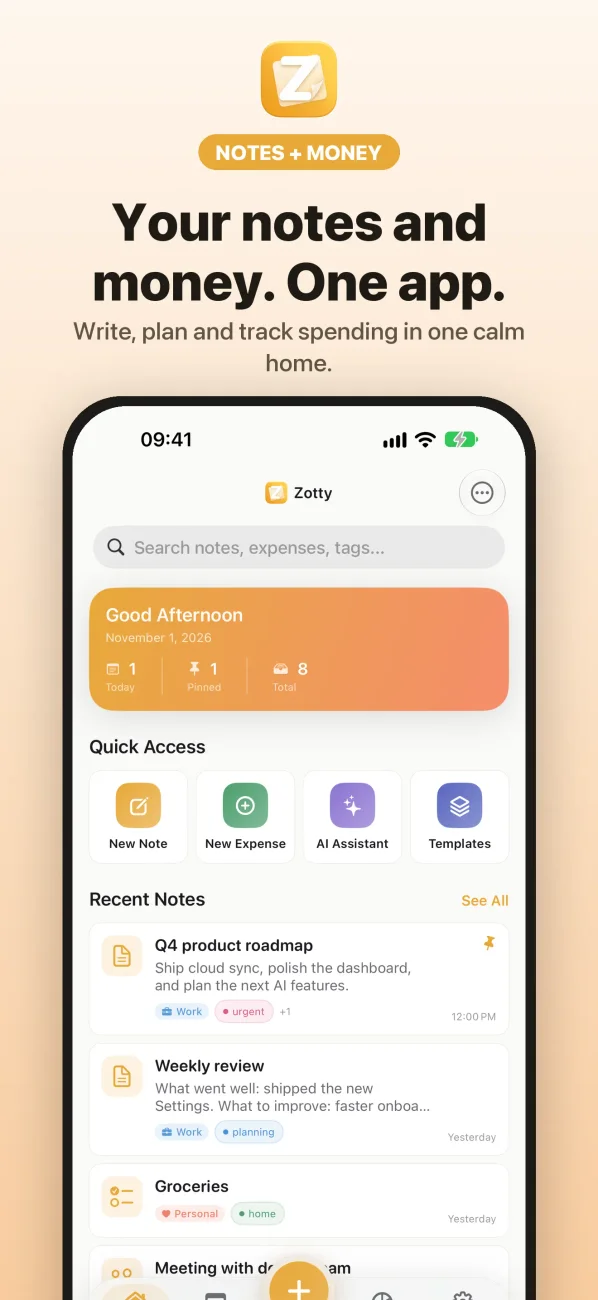
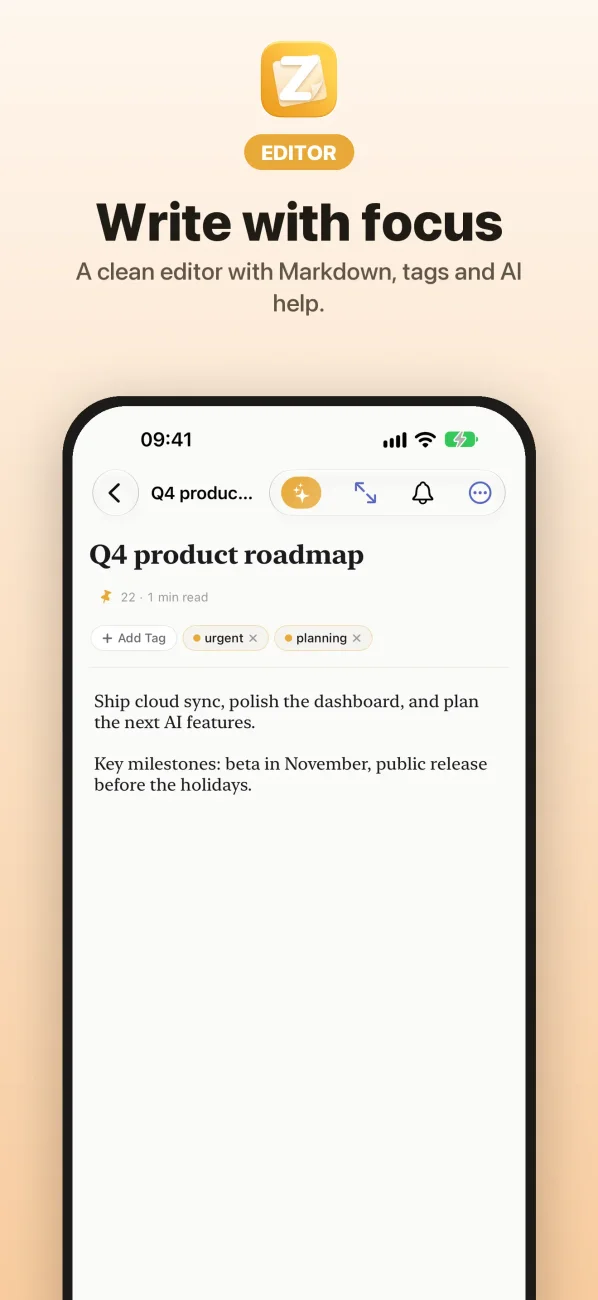
Zotty is a modern, fast and secure note-taking and productivity app that elevates your daily workflow with artificial intelligence, on iPhone, iPad and Mac.
Easily capture daily thoughts, study notes or meeting summaries. Expand, summarize, translate or rewrite your notes instantly with built-in AI tools, and keep track of your spending in the same place.
Key Features:
• Smart AI-Powered Notes & Summaries
• Checklists, Journals, Meeting Notes, Sketches & Voice Notes
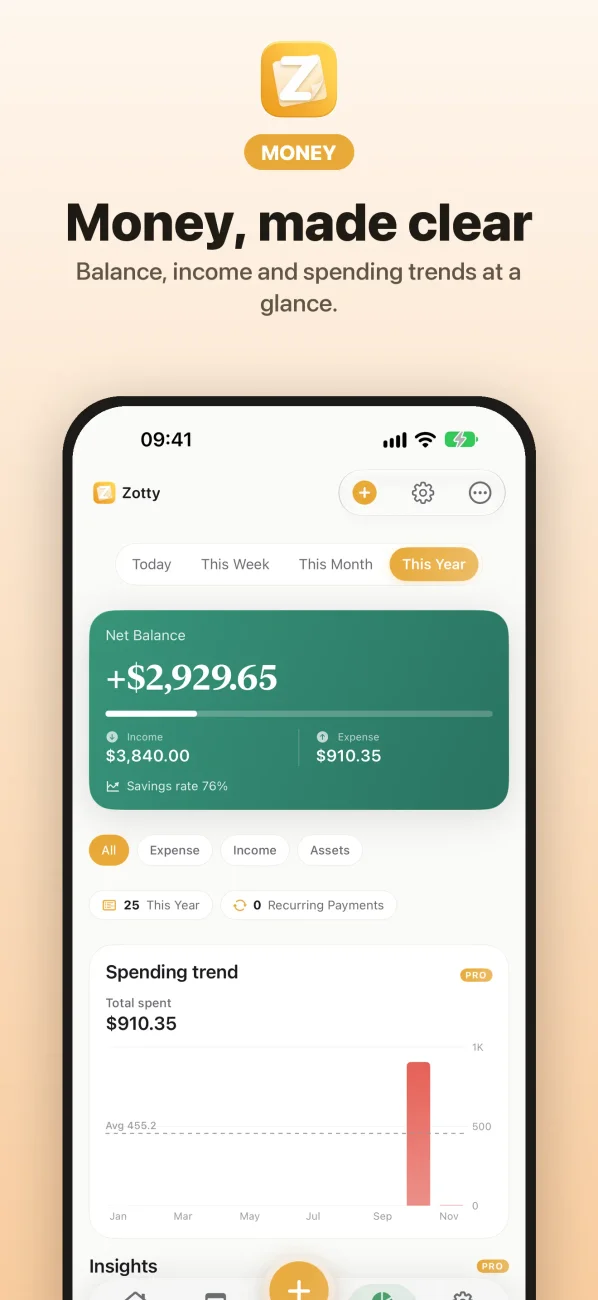
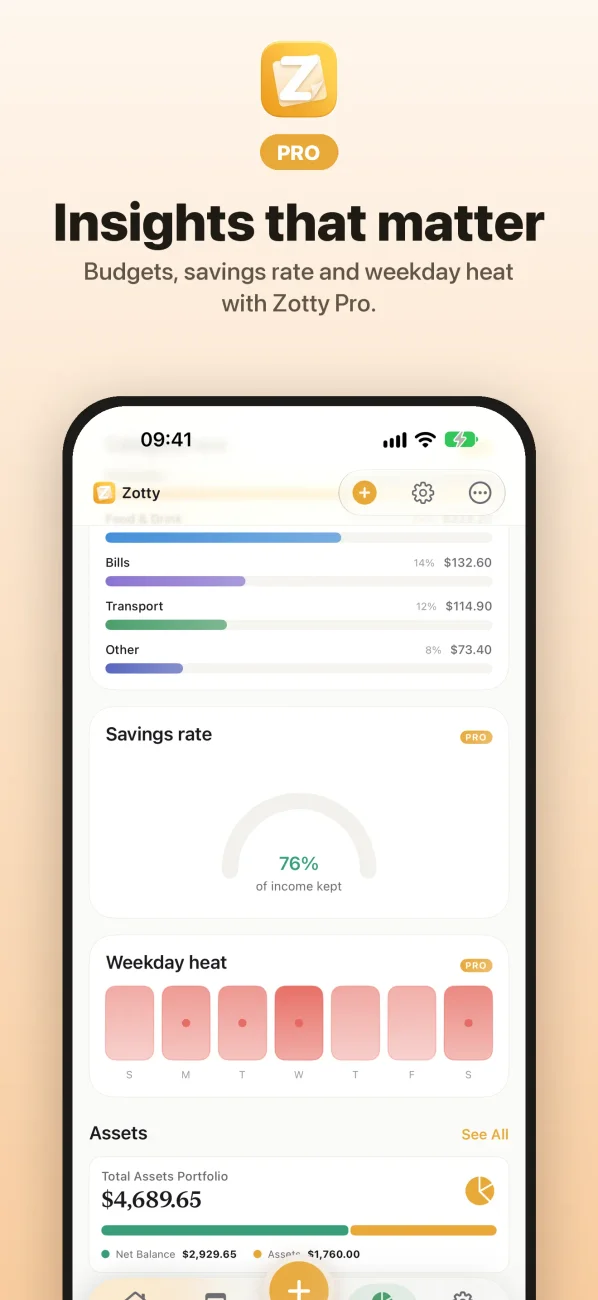
• Financial & Expense Tracking with Subscriptions and Trends
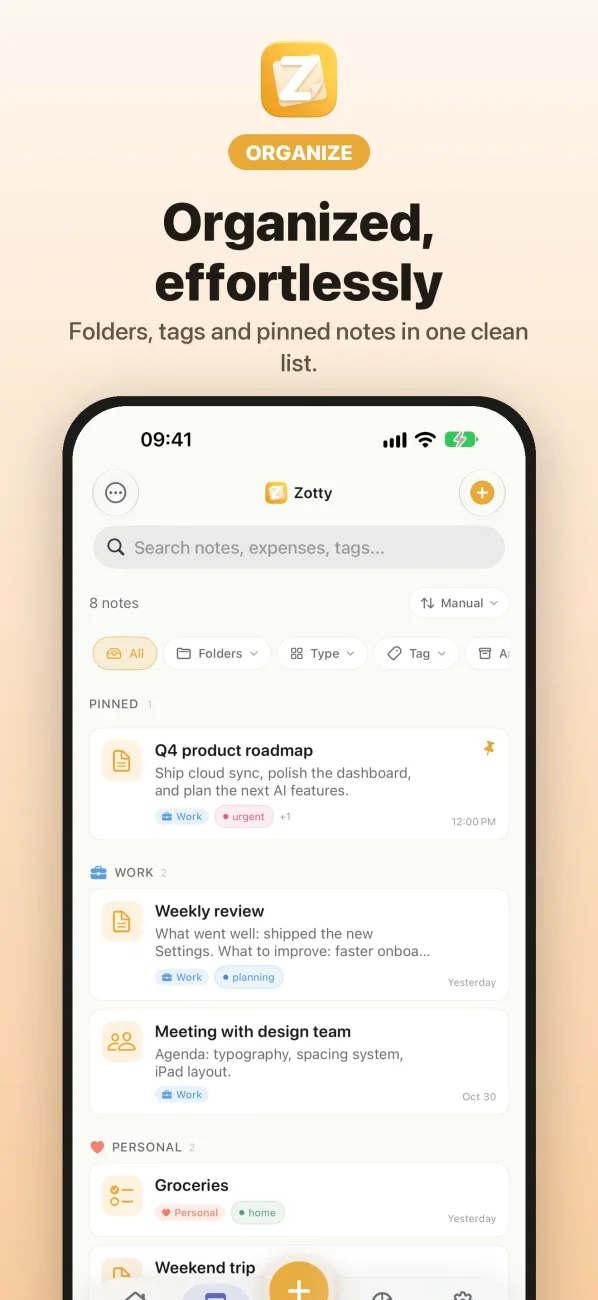
• Folders, Tags, Pinning and Powerful Search
• Shortcuts & Siri: Create notes hands-free
• Multiple Windows on iPad and Mac
• Quick Notes from the Mac Menu Bar
• Local Privacy & Biometric Lock Support
• Clean, Distraction-Free Interface with Light and Dark Themes
• Available in 8 languages
Terms of Use (EULA): https://www.apple.com/legal/internet-services/itunes/dev/stdeula/
Privacy Policy: https://zotty.app/privacy-policy
Novedades
Versión 1.4 · 2/11/2026
• New Quick Add button in the tab bar: tap the center Zotty button to pop open Liquid Glass shortcuts for a new note, checklist, expense and more. Long-press it to customize.
• Pro: choose, reorder and add your own Quick Add shortcuts.
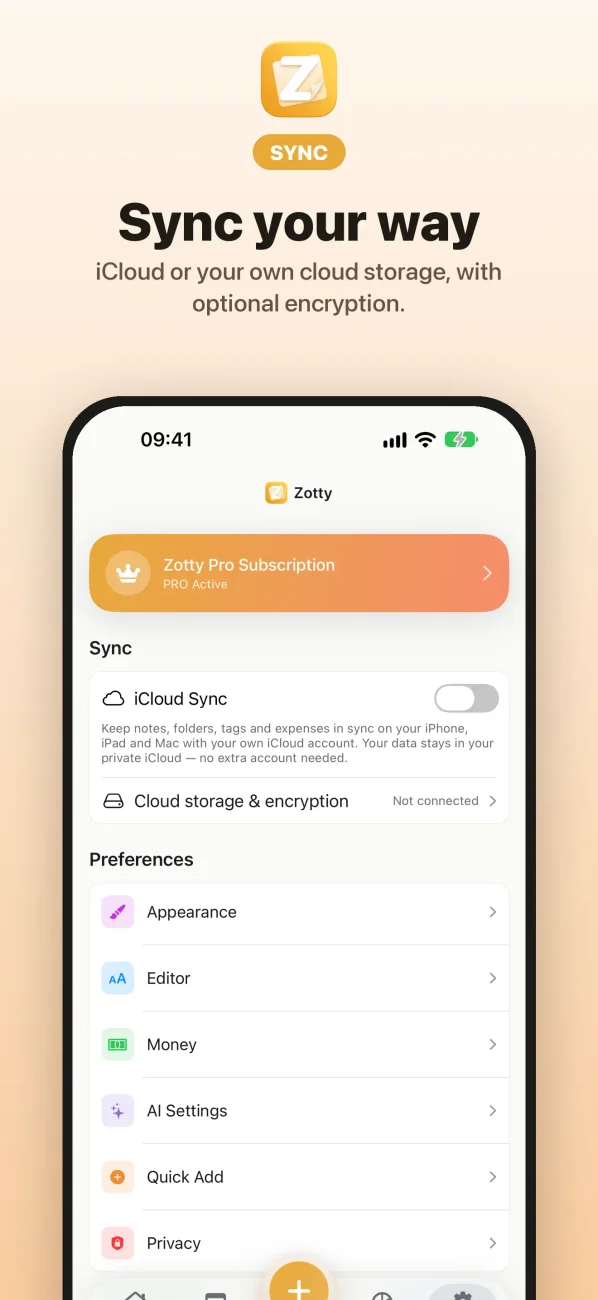
• Cloud sync with more choices: iCloud, Google Drive, Dropbox, OneDrive, WebDAV or any folder in Files, with optional end-to-end encryption (Pro).
• Redesigned swipe actions on notes: cleaner, rounded Delete, Share, Archive and Pin buttons.
• Redesigned Templates gallery, with richer templates such as Goal Planner.
• Money: improved dashboard layout and Pro charts, and a fix for the layout glitch when expanding dashboard sections.
• A single menu in Notes and Money now gives you quick access to all actions.
• Fixed: you can now scroll the Notes list when your finger starts on a note.
• Fixed: new checklists put the cursor on the first item.
• The tab bar now stays visible inside notes and hides when the keyboard opens.
• Many small design and stability improvements.
Privacidad de la aplicación
Lo que Yunus Akcicek declara en App Store sobre cómo esta aplicación gestiona los datos.
-
No se recopilan datos
El desarrollador no recopila ningún dato de esta aplicación.
Las prácticas de privacidad pueden variar, por ejemplo, según las funciones que uses o tu edad.
Información
- Vendedor
- Yunus Akcicek
- Categoría
- Productividad
- Versión
- 1.4
- Actualizado
- 2/11/2026
- Publicado
- 15/9/2026
- Tamaño
- 32,7 MB
- Requiere
- iOS 18.0 o posterior
- Clasificación por edad
- 4+
- Compras en la aplicación
- Sí
- Idiomas
- Inglés, Árabe, Francés, Alemán, Hindi, Chino simplificado, Español, Turco
- Copyright
- © 2026 Yunus Akçiçek
Quizá también te guste
-
 Stow: organizador mentalNotas TDAH, ordenadas por IA
-
 Regu - Creador de Webs con IACrea tu web conversando
-
 Fobble NotesProductividad
-
 NoteMe: Notas widget y tareasNotas rápidas, botón de acción
-
 Brainbaby - Chat y estudio IAImágenes, vídeo, docs, diapos
-
 Nooktide: Calendario con IAPlanificador por voz y hábitos
-
 DefterPad: Notas manuscritasCuaderno, anotar PDF y audio
-
 Notiva: Notes, Tasks & FocusProductividad
-
 RandevuPanelProductividad
-
 Authenticator App: 2FA CodesProductividad