ARS Joystick 2
Arsanna Studio- PEGI 3Classification d’âge
- PersonnalisationCatégorie
- 16/10/2026Mis à jour
- 0,99 €Prix
Renvoie vers la fiche Google Play officielle de com.watchfacestudio.arsjoystick2. Dernière vérification le 24/11/2026.
Captures d’écran


À propos de cette application
Traduction automatique par Google. Langue d’origine : Anglais (États-Unis).
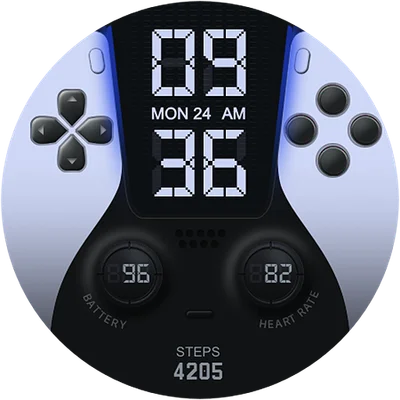
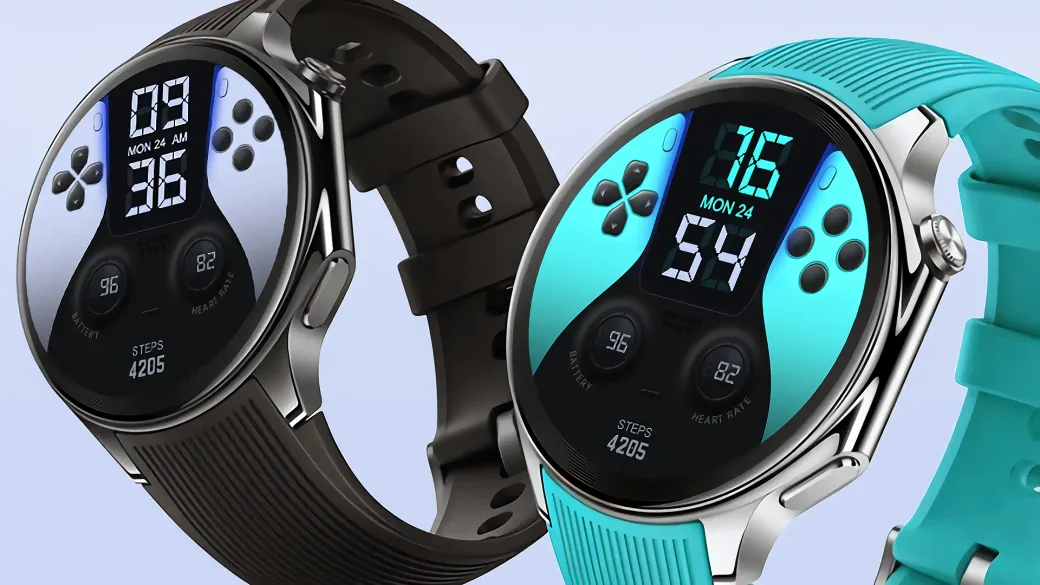
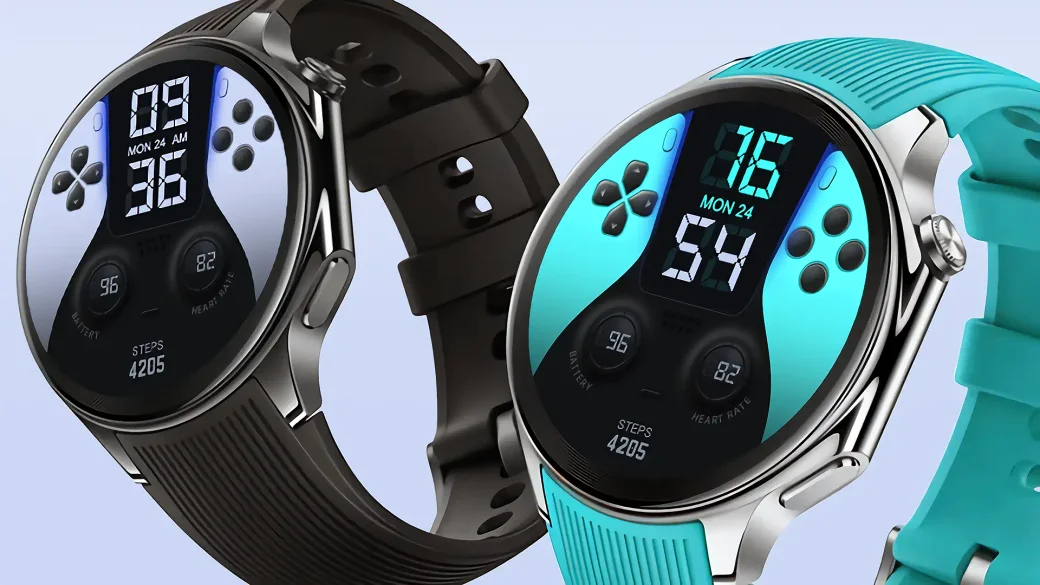
Passez au niveau supérieur avec notre cadran Game Joystick, parfait pour les joueurs ! Jouez avec style !
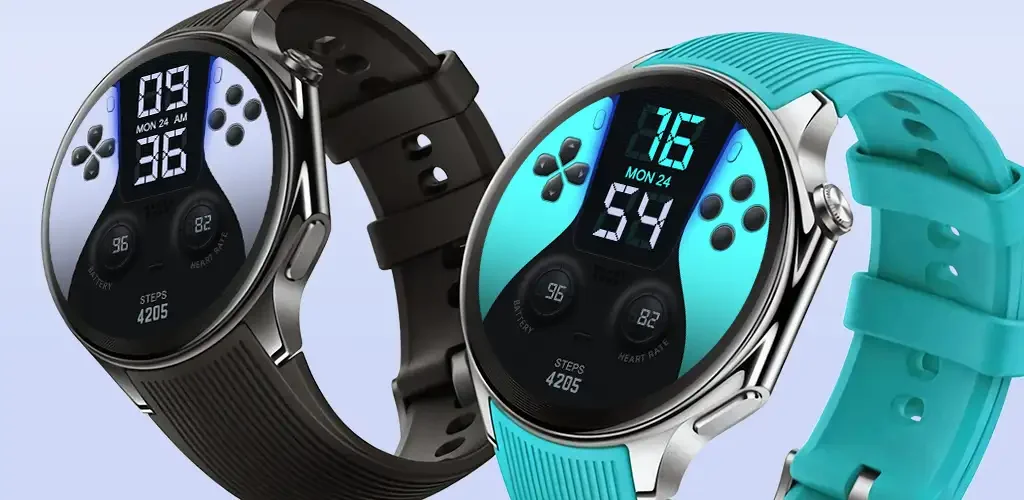
Améliorez votre style avec notre cadran sur le thème du joystick ! Parfait pour les joueurs, ce design apporte le frisson du jeu directement à votre poignet. Jouez avec style et suivez le temps comme jamais auparavant !
ARS Joystick 2 pour votre montre. Prend en charge les montres Galaxy Watch 7 Series et Wear OS avec API 30+.
Dans la section « Disponible sur plus d'appareils », appuyez sur le bouton à côté de votre montre dans la liste pour installer ce cadran de montre.
Caractéristiques :
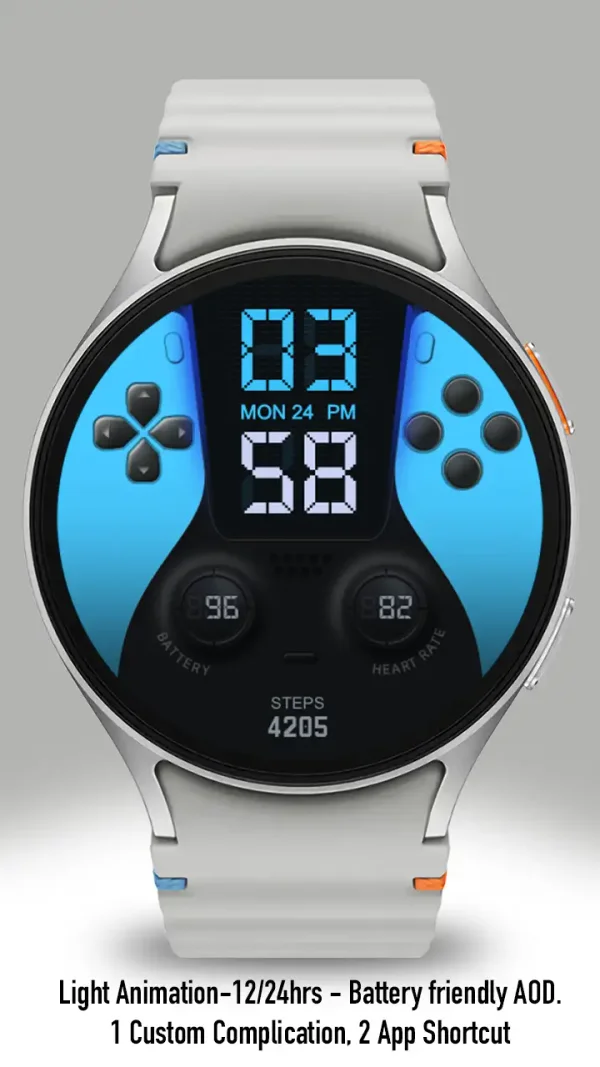
- Changer les styles de couleurs du joystick
- Trois complications
- Assistance 12/24 heures
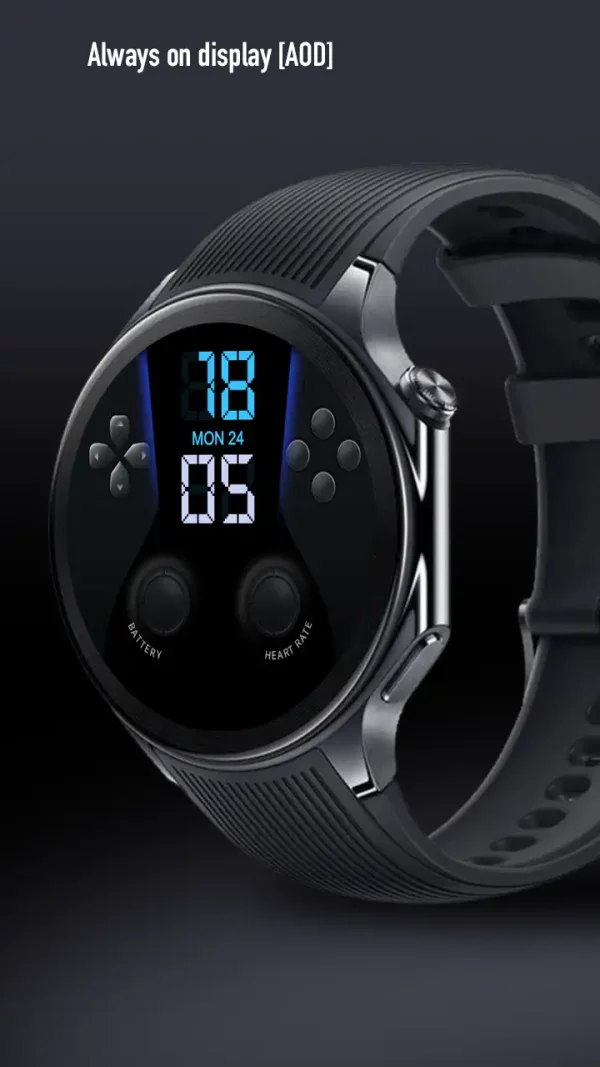
- Toujours affiché
Une fois le cadran de la montre installé, activez-le en procédant comme suit :
1. Ouvrez les sélections de cadran de montre (appuyez longuement sur le cadran de montre actuel)
2. Faites défiler vers la droite et appuyez sur « Ajouter un cadran de montre »
3. Faites défiler vers le bas sur la section téléchargée
4. Appuyez sur le cadran de la montre nouvellement installé
Afficher le texte d’origine
Level up your style with our Game Joystick-themed watchface! Perfect for gamers, this design brings the thrill of the game directly to your wrist. Game on in style and keep track of time like never before!
ARS Joystick 2 for Your Watch. Supports Galaxy Watch 7 Series and Wear OS watches with API 30+.
On the "Available on more devices" section, tap the button beside your watch on the list to install this watch face.
Features :
- Change Joystick Colors Styles
- Three Complications
- 12/24 Hours Support
- Always on Display
After the watch face is installed, activate the watch face by these steps :
1. Open watch face selections (tap and hold the current watch face)
2. Scroll to the right and tap "add watch face"
3. Scroll down on the downloaded section
4. Tap the newly installed watch face
Sécurité des données
Ce que Arsanna Studio déclare sur Google Play au sujet des données que cette application collecte et partage.
- Aucune donnée partagée avec des tiersEn savoir plus sur la manière dont les développeurs déclarent le partage
- Aucune donnée collectéeEn savoir plus sur la manière dont les développeurs déclarent la collecte
Nouveautés
16/10/2026
upgrade API Target
Coordonnées du développeur
- E-mailarsanna.id@gmail.com
- Politique de confidentialitésites.google.com
- AdressePerum Villa Bunga Blok C No 6 RT 02 RW 006 Kel. Kalimulya, Kec Cilodong Depok Jawa Barat 16471 Indonesia
Informations
- Proposée par
- Arsanna Studio
- Catégorie
- Personnalisation
- Mis à jour
- 16/10/2026
- Publié
- 06/02/2025
- Classification d’âge
- PEGI 3
- Prix
- 0,99 €
- Nom du package
- com.watchfacestudio.arsjoystick2
Applications similaires
-
 Clarifier les fonctions
Personnalisation
-
 Digital 1 Watch face
Personnalisation
-
 NW Digital Wear OS Watch Face
Personnalisation
-
 OMG 332 Sport Digital Watch
Personnalisation
-
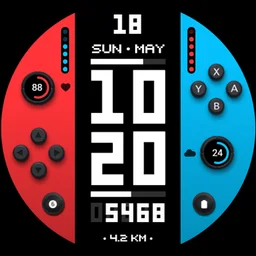 Gamer WatchFace
Personnalisation
-
 Horloge en forme de point
Personnalisation
-
 PRADO X96 Digital Watch Face
Personnalisation
-
 LCD mécanique Cadrans
Personnalisation
-
 Digital Watch Face Key 006
Personnalisation
-
 DIGINATO WS07 Watch face
Personnalisation
-
 Écran rétro
Personnalisation
-
 Light Shadow- for wear os 5
Personnalisation