Auto Background Changer
Nilesh JainContient des annonces · Achats intégrés
- PEGI 3Classification d’âge
- PhotographieCatégorie
- 08/11/2025Mis à jour
- GratuitPrix
Renvoie vers la fiche Google Play officielle de com.sk.backgroundchanger. Dernière vérification le 26/11/2026.

Captures d’écran


À propos de cette application
Traduction automatique par Google. Langue d’origine : Anglais (États-Unis).
L'application Background Changer consiste à supprimer l'arrière-plan de votre photo et à changer l'arrière-plan
Background Eraser n'est pas seulement un simple éditeur de photos, c'est comme un outil de suppression d'arrière-plan photo intelligent et une application de gomme pour vos photos. Application de suppression d'arrière-plan, vous pouvez facilement effacer intelligemment la couleur d'arrière-plan ou l'objet.
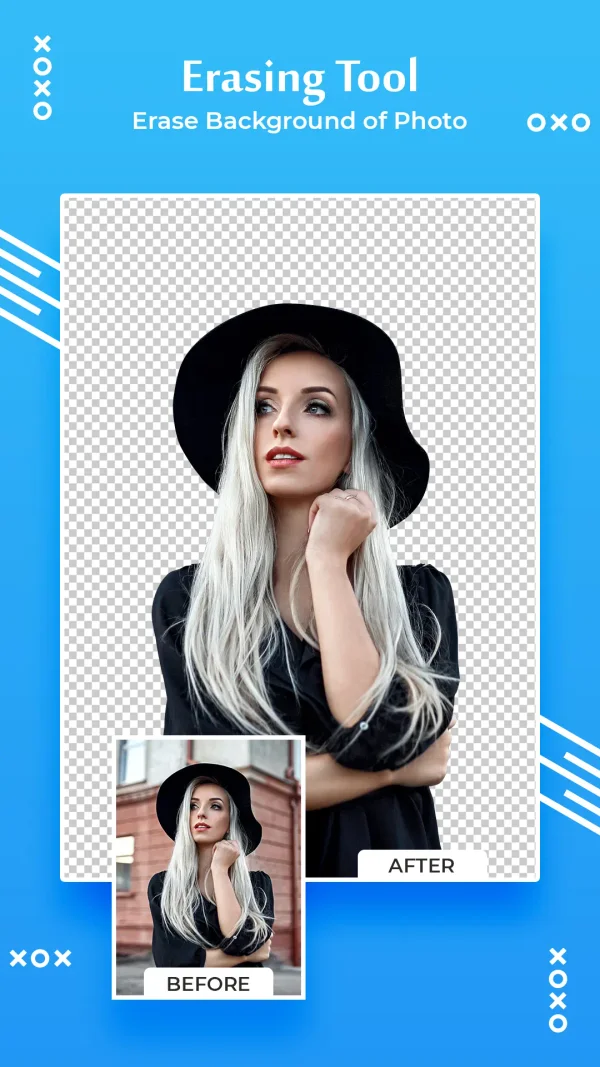
Background Eraser est une application pour couper des images et pour rendre l'arrière-plan d'une image transparent.
L'application Background Eraser permet de supprimer facilement l'arrière-plan de votre photo.
"Auto Background Changer" est la meilleure application pour remplacer l'arrière-plan de votre photo à l'aide de l'outil AI.
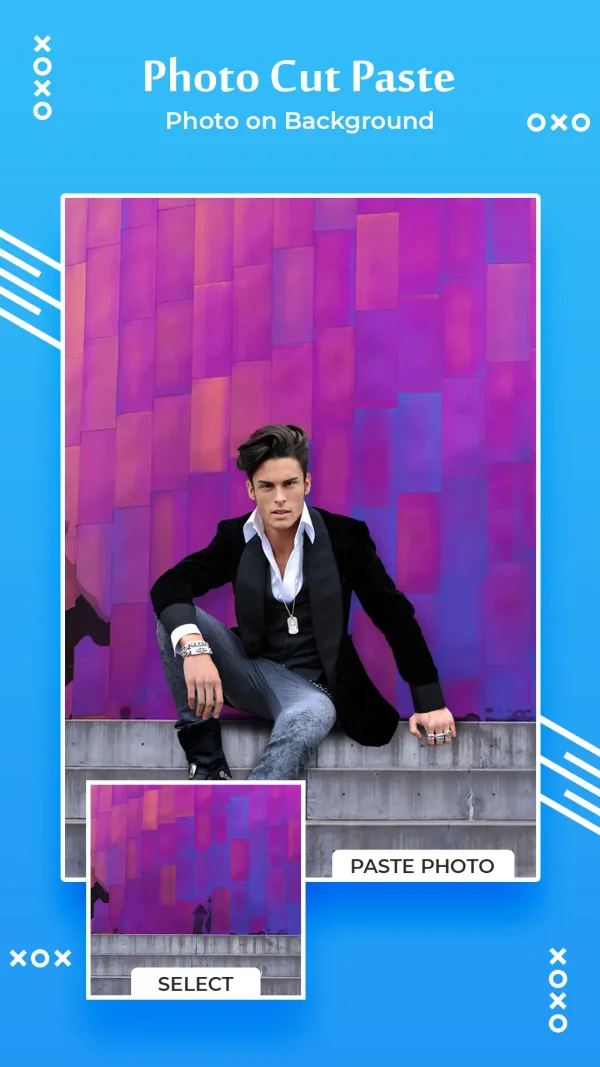
Cette application est un changeur d'arrière-plan automatique. Vous pouvez découper l'arrière-plan de n'importe quelle photo et modifier l'arrière-plan de votre photo.
La gomme d'arrière-plan peut supprimer automatiquement l'arrière-plan des photos ou vous pouvez utiliser l'outil gomme pour les photos pour effacer vous-même les objets des photos.
Le changeur d'arrière-plan est livré avec Background Eraser pour supprimer les arrière-plans des photos. Le changement d'arrière-plan de l'image peut d'abord être effectué en effaçant l'arrière-plan de la photo. L'outil automatique efface facilement l'arrière-plan de la photo. Vous pouvez utiliser l'outil manuel pour le changement d'arrière-plan. L'outil de zoom dans Background Changer vous permet d'effectuer un zoom avant et arrière pour effacer avec précision l'arrière-plan.
Étape pour créer une photo étonnante
1. Sélectionnez Image à partir de la galerie ou de l'appareil photo.
2. Coupez l'arrière-plan de la photo, coupez automatiquement avec les outils d'effacement de coupe manuelle.
3. Outil de coupe lisse pour lisser la bordure de la photo
4. Enregistrer la photo de coupe ou la définir sur l'arrière-plan de la pose
5. Ajustez votre photo coupée et ajoutez du texte sur la photo.
6. Outil d'édition de photos comme - Luminosité, Contraste, Saturation, Netteté et Vignette
7. Enregistrez votre belle photo dans votre téléphone.
Caractéristiques du changeur d'arrière-plan automatique ou de la gomme d'arrière-plan automatique :
⁃ Effaceur et décapant d'arrière-plan automatique. Il peut effacer l'arrière-plan de la photo
⁃ Modifier automatiquement l'arrière-plan de la photo à l'aide de l'intelligence artificielle.
⁃ Enregistrez et partagez une photo sans arrière-plan.
⁃ Changez l'arrière-plan de l'image avec l'une des images prédéfinies ou remplacez l'arrière-plan par votre propre image.
⁃ Vous pouvez créer des collages impressionnants très rapidement en utilisant cet éditeur d'image d'arrière-plan. Par exemple, vous pouvez recadrer la tête sur le corps ou changer l'arrière-plan de la photo en une image sympa.
⁃ Coupe automatique avec outils d'effacement manuel.
⁃ Color Splash Photo - Color Splash Photo Effect prend un incroyable effet Splash classique avec le toucher, avec les doigts, vous pouvez créer les meilleurs effets photo couleur.
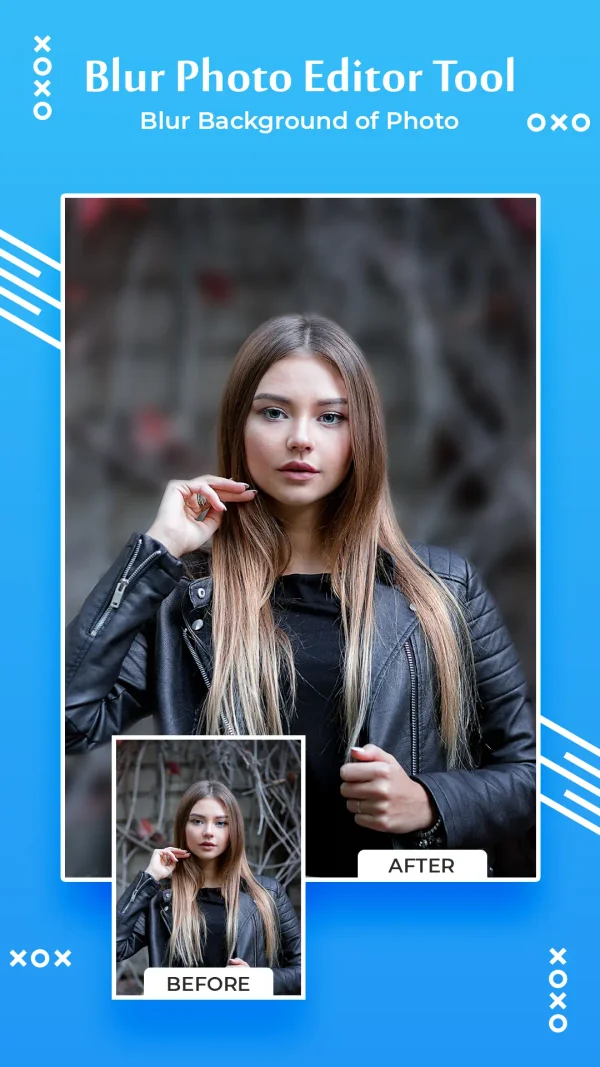
⁃ Blur photo Editor - Image floue comme un appareil photo reflex numérique qui est une très bonne application pour flouter l'arrière-plan de l'image.
Modifiez les arrière-plans photo avec de nouveaux arrière-plans à l'aide de l'outil Aide de la gomme magique pour les arrière-plans. Auto Photo Background Changer est l'outil d'édition de photos le plus avancé pour supprimer les arrière-plans des photos et modifier l'arrière-plan des photos.
Le meilleur utilitaire pour supprimer les arrière-plans des photos. ESSAYEZ MAINTENANT!!
Afficher le texte d’origine
Background Eraser is not just simple photo editor it’s like smart photo background remover and eraser app for your photos. Background Remover App you can smartly erase background color or object easily.
Background Eraser is an application for cutting pictures and for making a picture’s background transparent.
The Background Eraser app is to remove your photo background in an easy way.
“Auto Background Changer” is the best app for to replace background of your photo using AI Tool.
This app is an automatic background changer. You can cut out background from any photo and change the background of your photo.
Background eraser can automatically remove background from photos or you can use eraser tool for photos to erase objects from photos by yourself.
Background changer comes with Background Eraser to remove photo backgrounds. Image Background Change can be done first by Erasing Photo Background. Auto Tool easily Erases photo background. You can use Manual Tool for Background Change. Zoom Tool in Background Changer lets you zoom in and out to accurately erase background.
Step To Create Amazing Photo
1. Select Image From Using Gallery or Camera.
2. Cut Photo Background, Auto Cut with Manual Cut Erase Tools.
3. Smooth Cutting tool to smooth cut photo border
4. Save Cuting photo or setect over pose background
5. Adjust You Cut Photo and Add Text On Photo.
6. Photo Editing Tool Like - Brightness, Contrast, Saturation, Sharpne and Vignette
7. Save Your beautiful photo in your phone.
Features Of Auto Background Changer or Auto Background Eraser:
⁃ Automatic background eraser and remover. It can erase background from photo
⁃ Change Photo Background Automatically Using Artificial Intelligence.
⁃ Save and share a photo without background.
⁃ Change picture background with a one of predefined images or replace background with your own picture.
⁃ You can make awesome collages very fast using this background image editor. For example, you can crop head on body or change photo background to some cool picture.
⁃ Auto Cut with Manual Cut Erase Tools.
⁃ Color Splash Photo - Color Splash Photo Effect take amazing classic Splash effect with touch, with fingers, you can create best color photo effects.
⁃ Blur photo Editor - Blur image like DSLR Camera which is very good app to blur image background.
Change Photo Backgrounds with new backgrounds with the Help of Magical Eraser tool for backgrounds. Auto Photo Background Changer is the most advanced Photo Editing tool to remove photo backgrounds and Change Photo Background.
The best utility to remove backgrounds from photos. TRY NOW!!
Sécurité des données
Ce que Nilesh Jain déclare sur Google Play au sujet des données que cette application collecte et partage.
- Aucune donnée partagée avec des tiersEn savoir plus sur la manière dont les développeurs déclarent le partage
- Cette appli peut recueillir ces types de donnéesActivité dans l'application et ID de l'appareil ou autres ID
- Les données ne sont pas chiffrées
- Impossible de supprimer les données
Nouveautés
Version 1.3.0 · 08/11/2025
1.Improve User Experience
2.Add New Background Templates
3.Minior Bug Fixing
4.Performance Enhancement
5.Add so many auto cut tools
Thank You for using the background changer app! We regularly update our app to fix bugs, improve performance and add new features to help you connect with your friends.
Coordonnées du développeur
- Site webnileshjain92.blogspot.com
- E-mailnilesh.sanghavi92@gmail.com
- Politique de confidentialitésites.google.com
- AdresseA-1104, 11FL, KEDAR HEIGHTS, NEAR TIRTH HERITAGE, ABRAMA RD, MOTA VARACHHA SURAT, Gujarat 394101 India
Informations
- Proposée par
- Nilesh Jain
- Catégorie
- Photographie
- Version
- 1.3.0
- Mis à jour
- 08/11/2025
- Publié
- 19/10/2018
- Nécessite
- Android 6.0 ou version ultérieure
- Classification d’âge
- PEGI 3
- Prix
- Gratuit
- Achats intégrés
- 1,49 € - 7,49 € si facturé via Play
- Nom du package
- com.sk.backgroundchanger