GRBL Nothing Bars 2
Grubel- PEGI 3Classification d’âge
- PersonnalisationCatégorie
- 07/10/2026Mis à jour
- 1,79 €Prix
Renvoie vers la fiche Google Play officielle de com.grbl.nothingbars2. Dernière vérification le 16/11/2026.
Captures d’écran
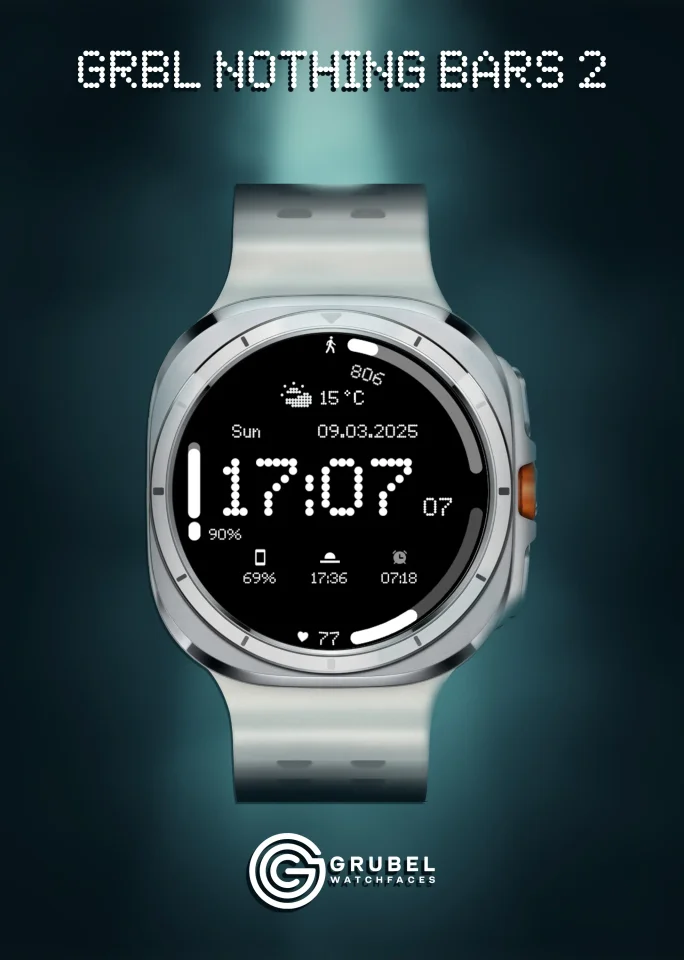
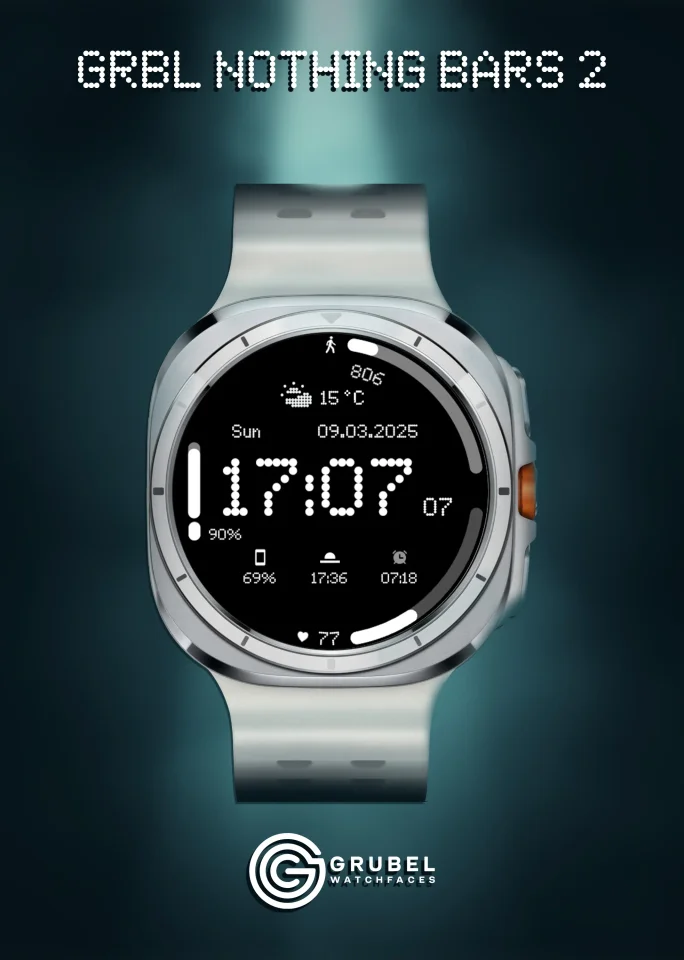
À propos de cette application
Traduction automatique par Google. Langue d’origine : Anglais (États-Unis).
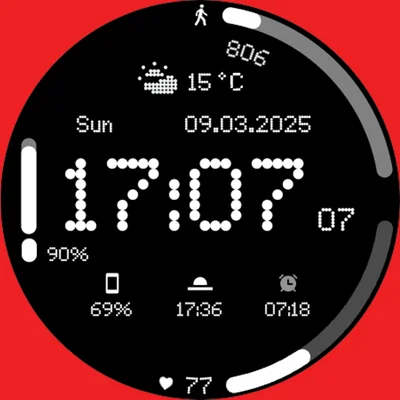
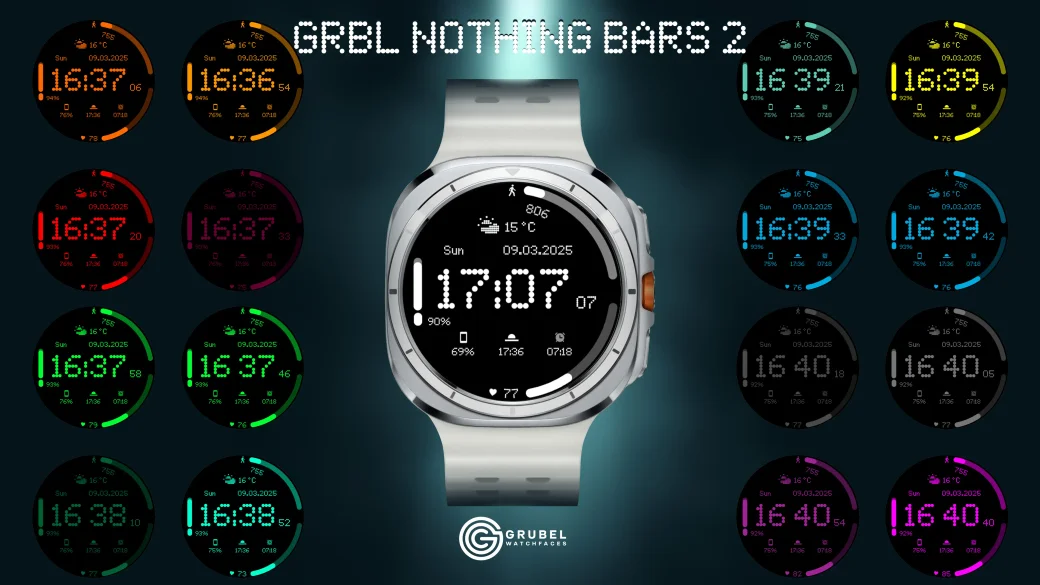
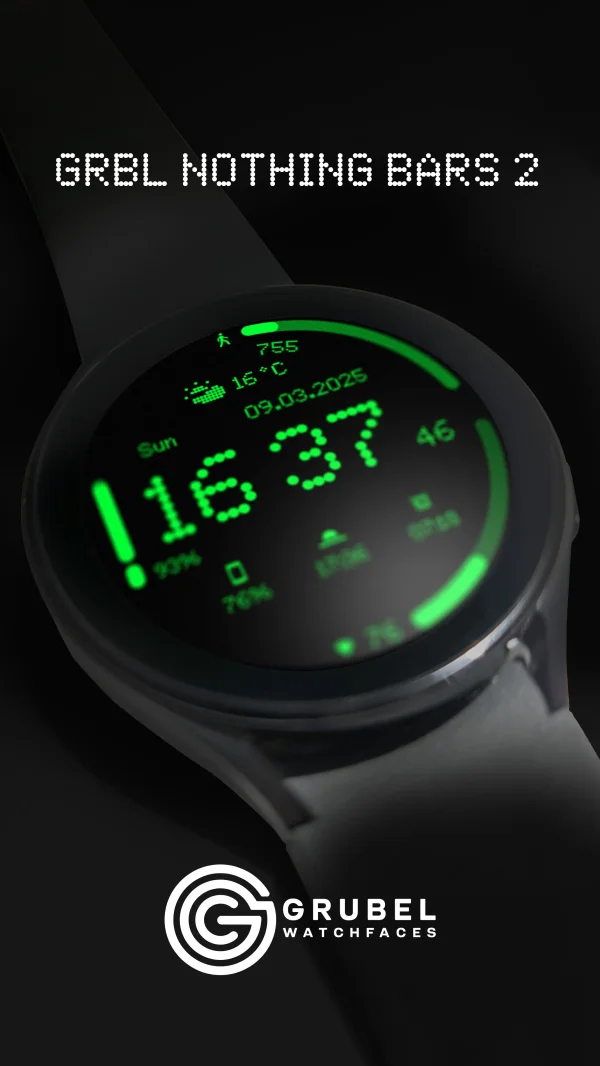
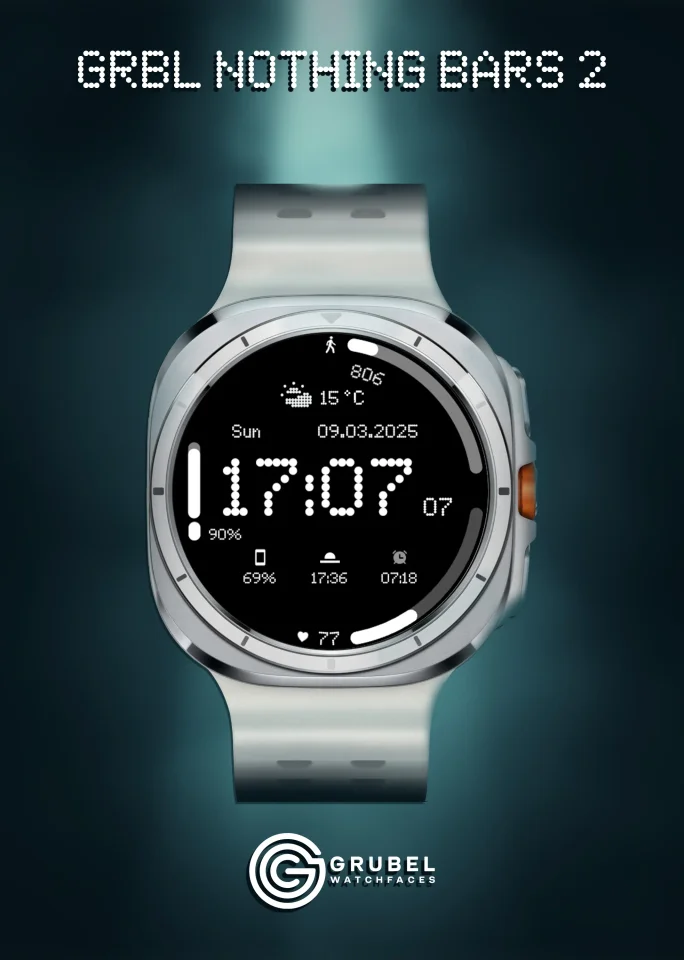
Cadran de montre moderne avec barres d'état et météo sur le thème Nothing pour Wear OS
📢 LORSQUE VOUS NE VOYEZ PAS LA COMPLICATION MÉTÉO APRÈS L'INSTALLATION DU CADRAN DE LA MONTRE :
- VEUILLEZ METTRE À JOUR LA MÉTÉO MANUELLEMENT SUR LA MONTRE
SI CELA NE MARCHE PAS :
- VEUILLEZ PASSER À UN AUTRE CADRAN DE MONTRE PUIS REVENIR À CELUI-CI
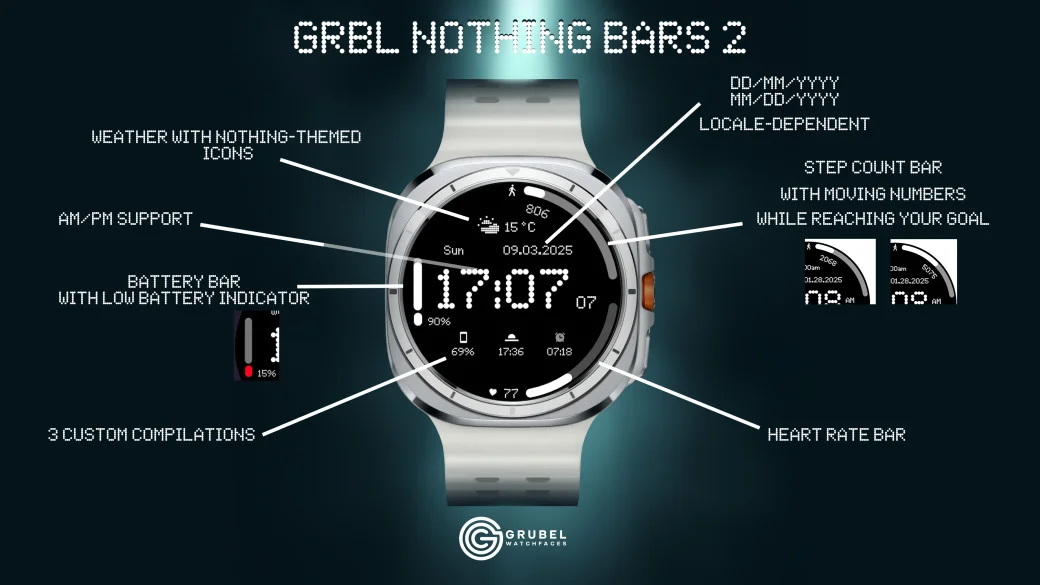
Caractéristiques :
Conçu pour Wear OS
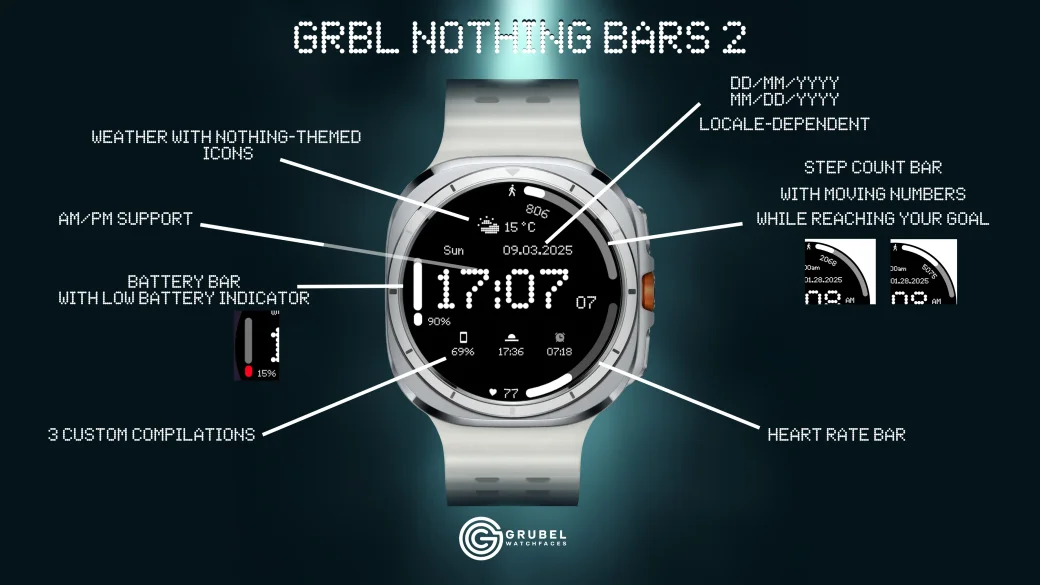
✅ Prend en charge les formats AM/PM et 12H/24H
✅ 3 complications personnalisées
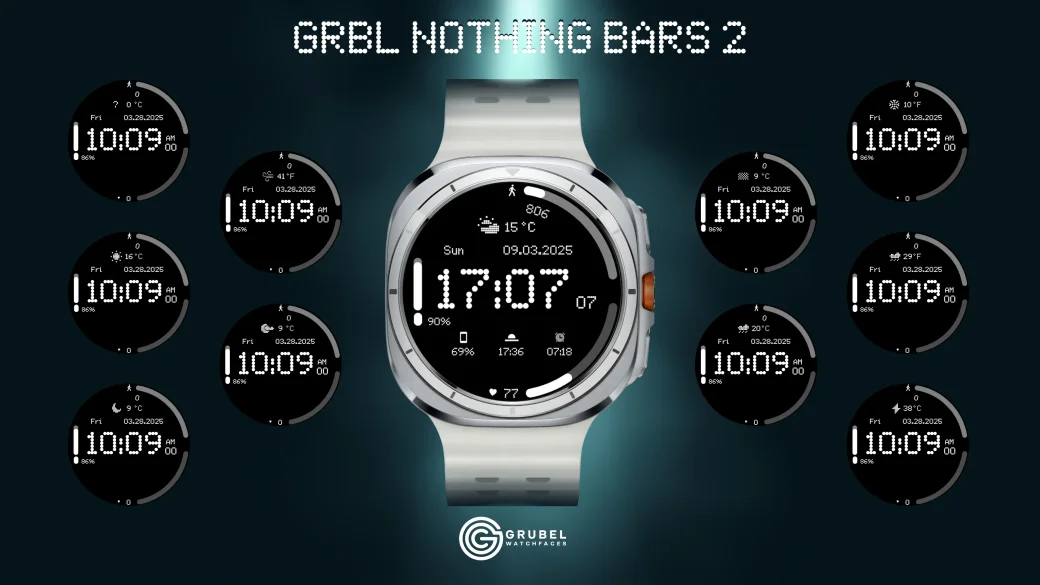
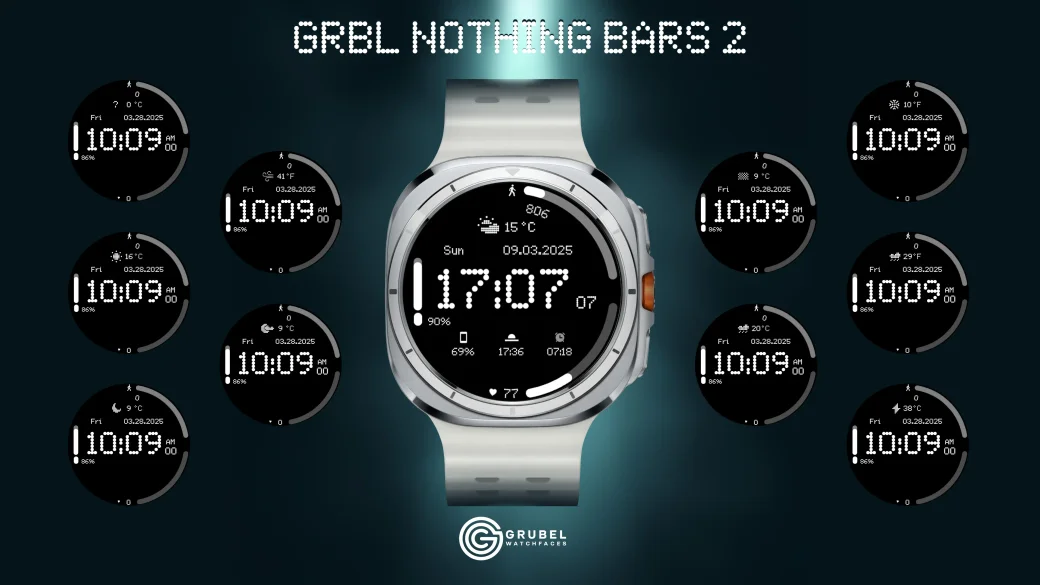
✅ 11 icônes météo personnalisées basées sur Nothing OS
✅ Date (changement de format en fonction des paramètres régionaux de l'utilisateur)
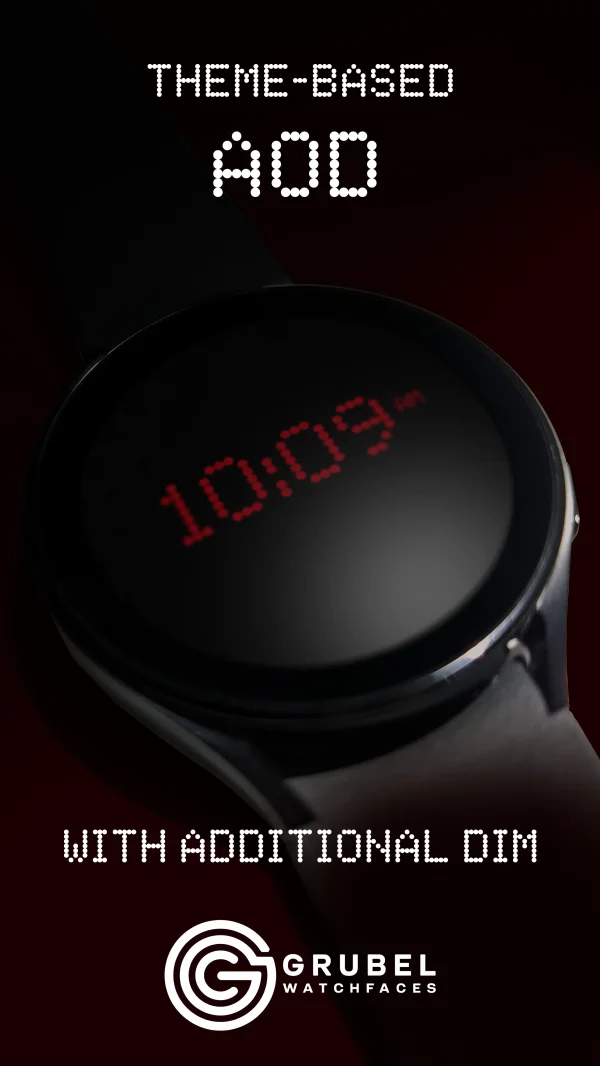
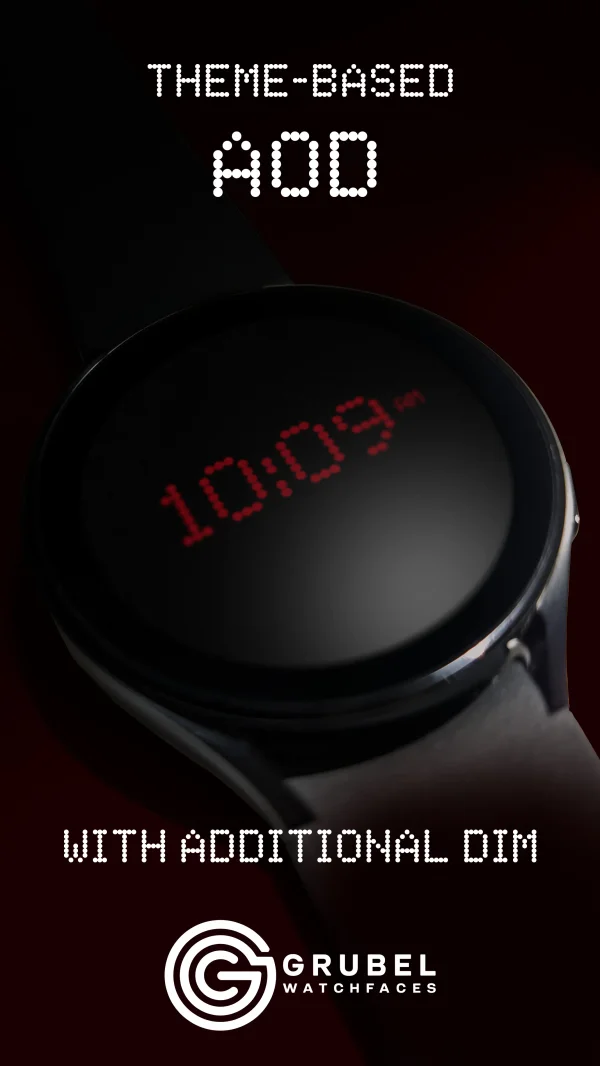
✅ AOD avec des couleurs assorties au thème
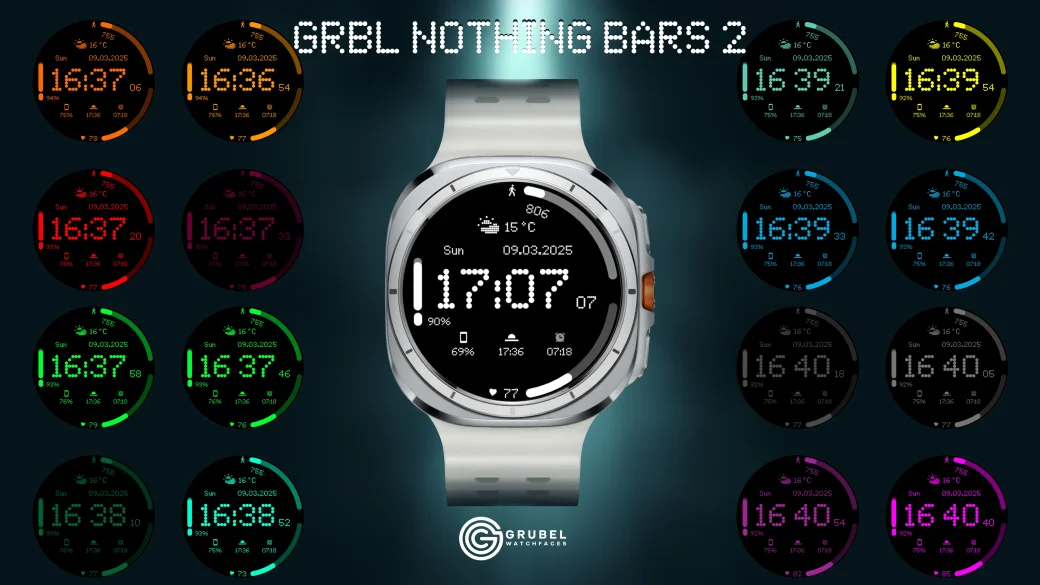
✅16 thèmes
Si vous rencontrez un problème, veuillez nous contacter à grubel.watchfaces@gmail.com. Nous serons heureux de vous fournir des captures d'écran et des instructions étape par étape pour vous aider à installer le cadran de la montre.
📢Les cadrans de montre ne changent pas automatiquement après l'installation. Pour le configurer, revenez à l’écran d’accueil, appuyez longuement, faites glisser votre doigt jusqu’à la fin et appuyez sur « + » pour ajouter le cadran de la montre. Utilisez la lunette pour le trouver.
Les développeurs Samsung proposent une vidéo utile montrant plusieurs façons d'installer un cadran de montre Wear OS :
🎬 https://youtu.be/vMM4Q2-rqoM
📢L'APPLICATION COMPANION N'INSTALLE PAS LE CADRAN SUR VOTRE MONTRE. IL OUVRE UNIQUEMENT LA LISTE PLAY STORE SUR VOTRE MONTRE, OÙ VOUS POUVEZ L'INSTALLER VOUS-MÊME.
VEUILLEZ LIRE LES INSTRUCTIONS CI-DESSOUS.
Il existe deux façons d'installer ce cadran sur votre appareil WearOS :
Depuis l'application PLAY STORE :
1. Utilisez le menu déroulant et sélectionnez la cible
appareil sur l'application PLAY STORE :
après quelques minutes, le cadran de la montre sera transféré
montre.
2- ACTIVER LE CADRAN DE LA MONTRE :
Une fois installé, vous devez activer le cadran de la montre.
Appuyez longuement sur l'écran, balayez vers la gauche et appuyez sur "AJOUTER UNE MONTRE
FACE" pour l'activer.
À partir du SITE WEB PLAY STORE :
1 - Accédez au lien du cadran de la montre via un navigateur Web sur
PC/Mac comme Chrome, Safari (etc.). Vous pouvez rechercher
le nom du cadran de la montre sur Play Store.
Cliquez sur "Installer sur plus d'appareils" et sélectionnez la cible
appareil:
après quelques minutes, le cadran de la montre sera transféré
montre.
2- ACTIVER LE CADRAN DE LA MONTRE :
Une fois installé, vous devez activer le cadran de la montre.
Appuyez longuement sur l'écran, balayez vers la gauche et appuyez sur "AJOUTER UNE MONTRE
FACE" pour l'activer.
pour API 34+
📢 N'oubliez pas que si vous souhaitez que votre montre affiche l'état de la batterie du téléphone, vous devez installer l'application Phone Battery Complication.
CLAUSE DE NON-RESPONSABILITÉ
📢 Chaque appareil propose différentes complications personnalisées et la sélection varie selon les applications tierces. Les complications personnalisées affichées dans les captures d'écran du magasin proviennent d'une application tierce - Complication de la batterie du téléphone
Afficher le texte d’origine
📢 WHEN YOU CAN'T SEE THE WEATHER COMPLICATION AFTER INSTALLING THE WATCH FACE:
- PLEASE UPDATE THE WEATHER MANUALLY ON THE WATCH
IF THAT DOESNT WORK:
- PLEASE SWITCH TO OTHER WATCH FACE THEN SWITCH BACK TO THIS ONE
Features:
Designed for Wear OS
✅ Supports AM/PM and 12H/24H format
✅ 3 custom complications
✅ 11 custom weather icons based on Nothing OS
✅ Date (format change based on user's locale)
✅ AOD with theme-matching colors
✅16 themes
If you face any problem, please reach out to us at grubel.watchfaces@gmail.com. We’ll gladly provide screenshots and step-by-step instructions to help you install the watch face.
📢Watch faces do not change automatically after installation. To set it up, return to the home display, tap and hold, swipe to the end, and tap ‘+’ to add the watch face. Use the bezel to find it.
Samsung Developers offer a helpful video showing multiple ways to install a Wear OS watch face:
🎬 https://youtu.be/vMM4Q2-rqoM
📢THE COMPANION APP DOES NOT INSTALL THE WATCH FACE ON YOUR WATCH. IT ONLY OPENS THE PLAY STORE LISTING ON YOUR WATCH, WHERE YOU CAN INSTALL IT YOURSELF.
PLEASE READ INSTRUCTIONS BELOW.
There are two ways to install this watchaface to your WearOS device:
From PLAY STORE APP:
1. Use the drop-down menu and select the target
device on the PLAY STORE APP:
after a few minutes the watch face will transferred on
watch.
2- ACTIVATE WATCH FACE:
Once installed, you need to activate the watch face.
Long press screen, swipe left and tap "ADD WATCH
FACE" to activate it.
From PLAY STORE WEBSITE:
1 - Go to the watch face link through a Web Browser on
PC / Mac such as Chrome, Safari (etc.). You can search
the watch face name on Play Store.
Click on "Install on more devices" and select the target
device:
after a few minutes the watch face will transferred on
watch.
2- ACTIVATE WATCH FACE:
Once installed, you need to activate the watch face.
Long press screen, swipe left and tap "ADD WATCH
FACE" to activate it.
for API 34+
📢 Remember , if you want your watch to show phone's battery status, you should install Phone Battery Complication app
DISCLAIMER
📢 Each device offers different custom complications, and selection varies by third-party apps. Custom complications shown in store screenshots come from third-party app - Phone Battery Complication
Sécurité des données
Ce que Grubel déclare sur Google Play au sujet des données que cette application collecte et partage.
- Aucune donnée partagée avec des tiersEn savoir plus sur la manière dont les développeurs déclarent le partage
- Aucune donnée collectéeEn savoir plus sur la manière dont les développeurs déclarent la collecte
Coordonnées du développeur
- E-mailgrubel.watchfaces@gmail.com
- Politique de confidentialitésites.google.com
- AdresseJuliana Tuwima 20/8a 90-002 Łódź Poland
Informations
- Proposée par
- Grubel
- Catégorie
- Personnalisation
- Mis à jour
- 07/10/2026
- Publié
- 09/03/2025
- Classification d’âge
- PEGI 3
- Prix
- 1,79 €
- Nom du package
- com.grbl.nothingbars2