Notification light for Pixel
JawomoAchats intégrés
- PEGI 3Classification d’âge
- OutilsCatégorie
- 30/11/2025Mis à jour
- GratuitPrix
Renvoie vers la fiche Google Play officielle de com.jamworks.aodnotificationledlight. Dernière vérification le 14/11/2026.

Captures d’écran
À propos de cette application
Traduction automatique par Google. Langue d’origine : Anglais (États-Unis).
aodNotify - Voyant de notification / LED pour Pixel !
Vous avez besoin d'un voyant de notification/LED pour votre appareil Pixel ?
Avec aodNotify, vous pouvez facilement ajouter un voyant/LED de notification à votre téléphone Pixel !
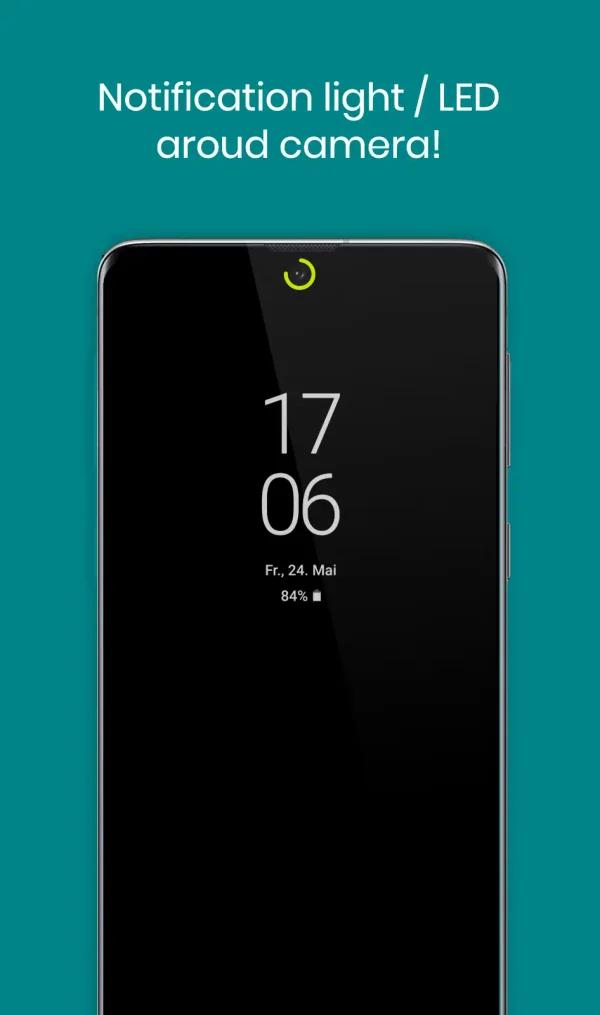
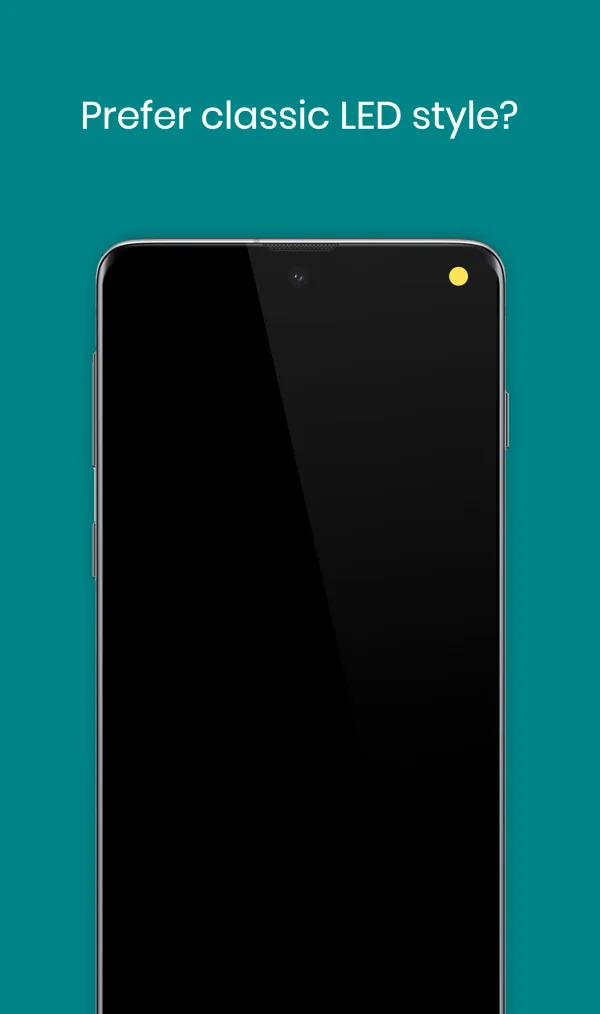
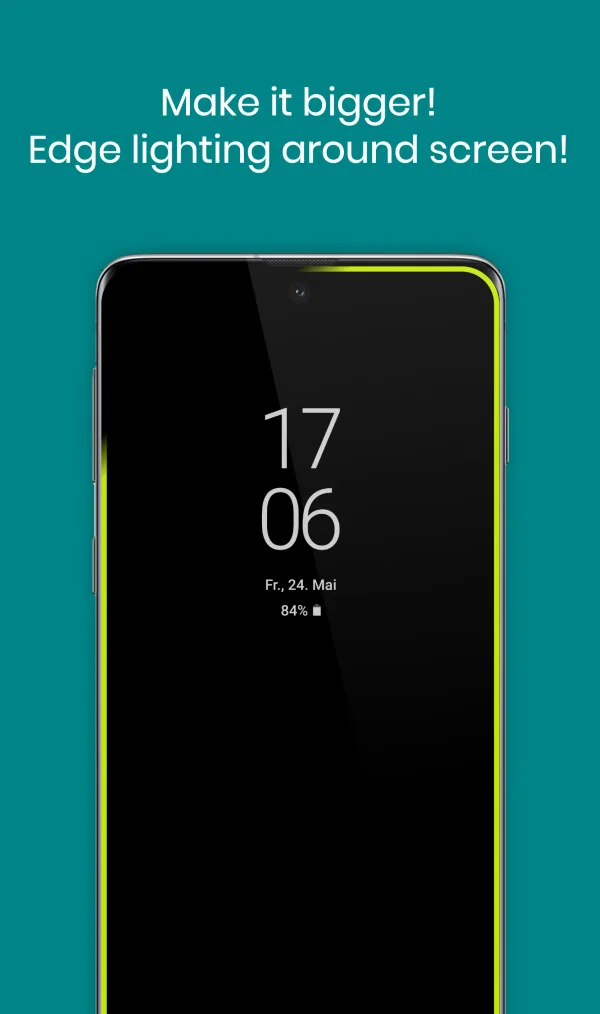
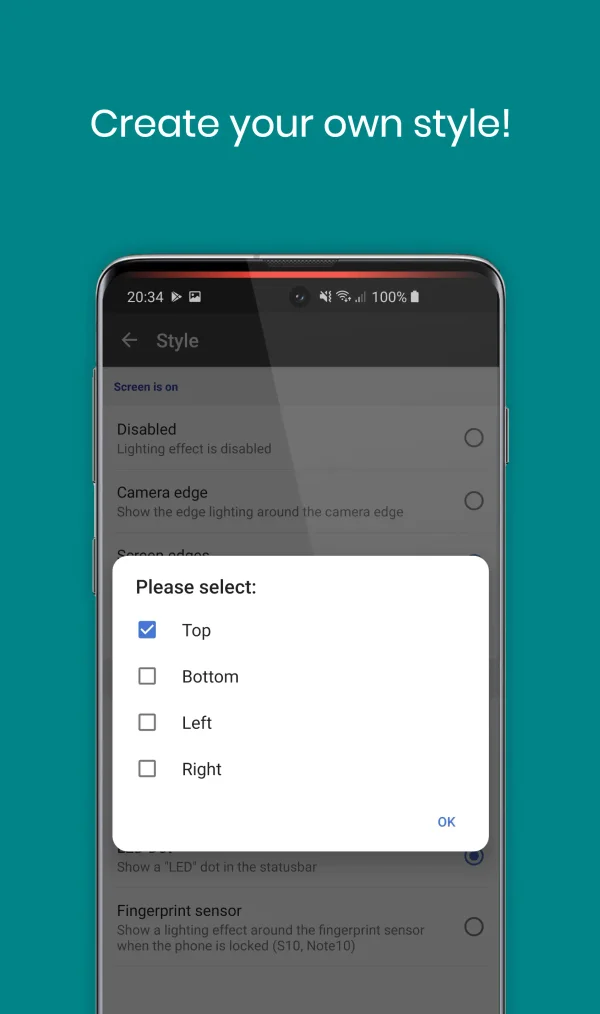
Vous pouvez sélectionner différents styles de voyant de notification et afficher le voyant de notification autour de la découpe de la caméra, des bords de l'écran ou même simuler un point lumineux LED de notification dans la barre d'état de votre appareil Pixel !
Comme le voyant de notification est intégré à l'affichage permanent du Pixel, sa consommation de batterie minimale et ne vide pas votre batterie comme d'autres applications qui maintiennent votre téléphone éveillé !
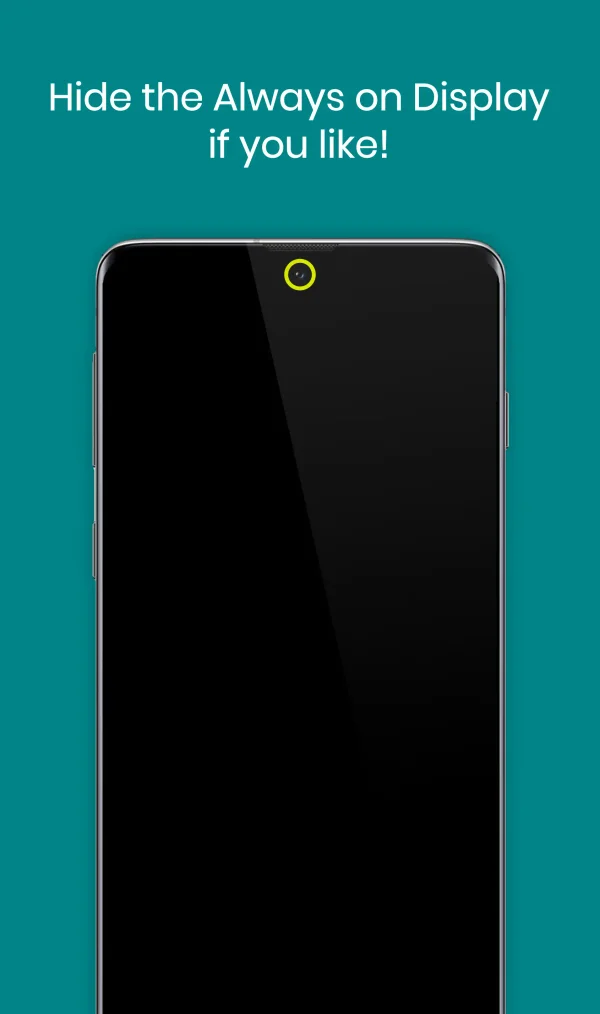
Si vous n'avez pas besoin de l'affichage permanent, l'application peut également activer l'affichage permanent (AOD) uniquement sur les notifications ou afficher le voyant LED de notification même sans l'affichage permanent !
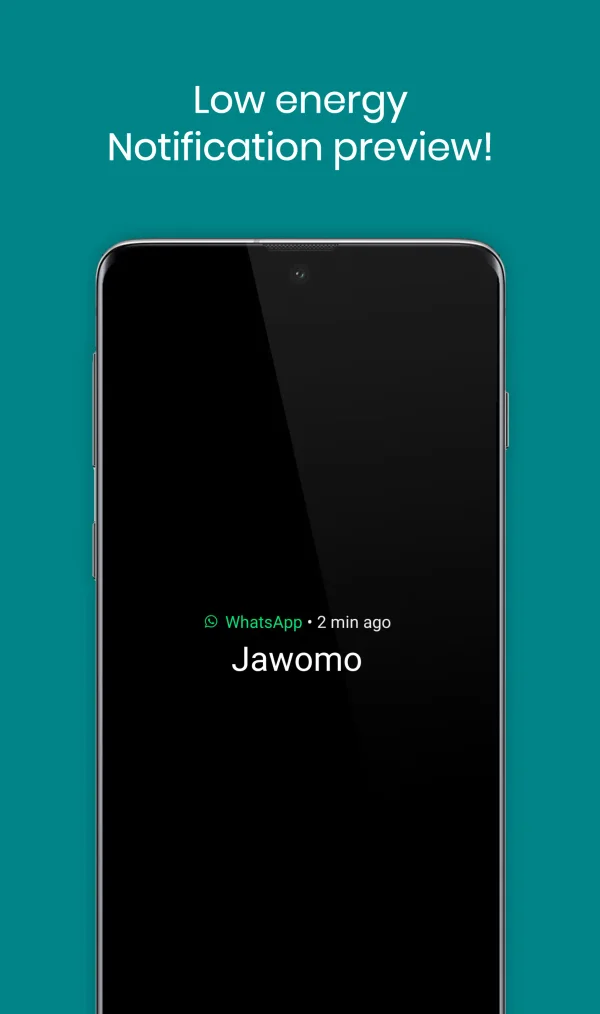
Grâce à la fonctionnalité Aperçu des notifications, vous pouvez voir directement si vous recevez des notifications importantes sans réveiller votre Pixel !
CARACTÉRISTIQUES PRINCIPALES
• Voyant de notification / LED pour Pixel et autres !
• Aperçu des notifications de faible consommation d'énergie (Android 10+)
• Activez Always On Display (AOD) uniquement sur les notifications.
• Voyant de charge/batterie faible/LED
PLUS DE FONCTIONNALITÉS
• Soyez averti sans son de notification !
• Styles de voyants de notification (autour de la caméra, de l'écran, du point LED)
• Couleurs personnalisées des applications et des contacts
• Animations ECO pour économiser la batterie
• Mode intervalle (marche/arrêt) pour économiser la batterie
• Horaires de nuit pour économiser la batterie
• Consommation minimale de la batterie
UTILISATION DE LA BATTERIE PAR HEURE ~
• LED - 3,0 %
• LED ET INTERVALLE - 1,5 %
• ANIMATION LED & ÉCO - 1,5%
• ANIMATION & INTERVALLE LED & ÉCO - 1,0%
• APERÇU DES NOTIFICATIONS - 0,5 %
• TOUJOURS À L'AFFICHAGE - 0,5 %
Sans le voyant de notification LED, l'application consomme près de 0 % de batterie !
APPAREILS GOOGLE
• Tous les appareils Pixel
• Plus de tests
REMARQUES
• Google pourrait bloquer cette application avec de futures mises à jour !
• Veuillez vérifier si l'application est compatible avant de mettre à jour le logiciel du téléphone ou toujours affichée !
• Bien que nous n'ayons jamais rencontré de problèmes de brûlure d'écran sur nos appareils de test, nous vous recommandons de ne pas garder le voyant de notification/LED actif pendant une longue période ! Utilisez sous votre propre responsabilité !
Divulgation:
L'application utilise l'API AccessibilityService pour afficher le voyant de notification à l'aide d'une superposition sur l'écran.
Aucune donnée n'est collectée ou partagée à l'aide de l'API AccessibilityService !
Afficher le texte d’origine
You need a notification light / LED for your Pixel device?
With aodNotify you can easily add a notification light / LED to your Pixel phone!
You can select different notification light styles and show the notification light around the camera cutout, screen edges or even simulate an notification LED light dot in the statusbar of your Pixel device!
As the notification light is integrated in Pixel's Always On Display it has minimal battery consumption and doesn't drain your battery like other apps which keep your phone awake!
If you don't need the Always On Display, the app can also activate the Always On Display (AOD) only on notifications or show the notification LED light even without the Always On Display!
With the notification preview feature you can directly see if you have important notifications without waking your Pixel!
MAIN FEATURES
• Notification light / LED for Pixel and others!
• Low energy notification preview (android 10+)
• Activate Always On Display (AOD) only on notifications
• Charging / Low battery light / LED
MORE FEATURES
• Get notified without notification sound!
• Notification light styles (around camera, screen, LED dot)
• Custom app / contact colors
• ECO animations to save battery
• Interval mode (on/off) to save battery
• Night times to save battery
• Minimal battery consumption
BATTERY USAGE PER HOUR ~
• LED - 3.0%
• LED & INTERVAL - 1.5%
• LED & ECO ANIMATION - 1.5%
• LED & ECO ANIMATION & INTERVAL - 1.0%
• NOTIFICATION PREVIEW - 0.5%
• ALWAYS ON DISPLAY - 0.5%
Without the LED notification light the app consumes almost 0% battery!
GOOGLE DEVICES
• All Pixel devices
• More in testing
NOTES
• Google may block this app with future updates!
• Please check if the app is compatible before updating phone software or always on display!
• Altough we never experienced any screen burn in issues on our test devices, we recommend to not keep the notification light / LED active for a long time! Use at you own responsibility!
Disclosure:
The app uses the AccessibilityService API to display the notification light using an overlay over the screen.
No data is collected or shared using the AccessibilityService API!
Sécurité des données
Ce que Jawomo déclare sur Google Play au sujet des données que cette application collecte et partage.
- Aucune donnée partagée avec des tiersEn savoir plus sur la manière dont les développeurs déclarent le partage
- Aucune donnée collectéeEn savoir plus sur la manière dont les développeurs déclarent la collecte
Nouveautés
Version 1.31 · 30/11/2025
The app is now hides during Android Auto connection due to a bug on Pixel devices on Android 16.
• Translations updated
• Fixes & optimizations
Coordonnées du développeur
- E-mailjamworks.mobile@gmx.net
- Politique de confidentialitéjawomo.app
- AdresseBergstraße 8/2 70825 Korntal-Münchingen Germany
Informations
- Proposée par
- Jawomo
- Catégorie
- Outils
- Version
- 1.31
- Mis à jour
- 30/11/2025
- Publié
- 11/11/2021
- Nécessite
- Android 8.0 ou version ultérieure
- Classification d’âge
- PEGI 3
- Prix
- Gratuit
- Achats intégrés
- 1,99 € - 5,99 € si facturé via Play
- Nom du package
- com.jamworks.aodnotificationledlight