Pixels Digital watch face
Rayan's- PEGI 3Classification d’âge
- PersonnalisationCatégorie
- 26/10/2026Mis à jour
- 0,99 €Prix
Renvoie vers la fiche Google Play officielle de com.watchfacestudio.pixels. Dernière vérification le 20/11/2026.

À propos de cette application
Traduction automatique par Google. Langue d’origine : Anglais (États-Unis).
Pixels est une montre numérique au look old school
Nostalgie, revisitée.
Clarté instantanée. Aucun détail superflu pour vous ralentir.
Visibilité maximale. Distraction minimale.
Pixels est un cadran de montre numérique au look rétro, conçu pour une lisibilité optimale : même de loin, un simple coup d’œil suffit pour lire l’heure.
Personnalisation disponible :
- La complication supérieure est personnalisable pour afficher l’essentiel.
- 2 raccourcis d’applications personnalisables depuis l’écran des complications.
- Affichage 12 h/24 h, compatible avec le format horaire de votre téléphone.
- Icônes au choix pour les raccourcis d’applications.
- Options de couleurs pour exprimer votre style.
Compatibilité :
Compatible avec les appareils Wear OS suivants (niveau d’API 30+) :
• Samsung Galaxy Watch 4, 5, 6, 7, 8 et Ultra.
• Google Pixel Watch 1, 2 et 3.
Guide d’installation :
1. Assurez-vous que votre montre est connectée à votre téléphone via Bluetooth. 2. Cliquez sur « Installer » et sélectionnez votre montre dans le menu déroulant.
3. Vous pouvez également rechercher « Pixels » directement depuis l’application Play Store sur votre montre.
4. Appuyez longuement sur votre cadran actuel pour le personnaliser et l’appliquer.
Avis et assistance : Votre avis compte pour nous. Si vous rencontrez des problèmes ou avez des suggestions, veuillez nous contacter à l’adresse rayansdesignseg@gmail.com avant de laisser un commentaire. Nous mettons régulièrement à jour nos applications afin de vous offrir la meilleure expérience possible.
Mots-clés : Cadran analogique, Wear OS, Design classique, Minimaliste, Économie d’énergie, Cadran personnalisé, Thème luxueux, Style vintage.
Afficher le texte d’origine
Nostalgia, updated.
Clear at a glance. No tiny details to slow you down
Maximum visibility. Minimum distraction
Pixels is an old school look digital watch face, designed to be super clear so it's just a glance from far away will be more than enough to keep up with time.
Customization is available for:
- The top Complication is customizable to let you choose what really matters.
-2 App shortcuts customizable from the Complication screen.
-12-hour/24-hour support matches your phone time format.
-Icons set to select from for Apps shortcuts.
-Color Options that let you express your style.
Device Compatibility:
Compatible with Following Wear OS devices (API Level 30+), including:
• Samsung Galaxy Watch 4, 5, 6, 7, 8 and ultra.
• Google Pixel Watch 1, 2, and 3.
Installation Guide:
1. Ensure your watch is connected to the phone via Bluetooth.
2. Click "Install" and select your watch from the dropdown menu.
3. Alternatively, search for "Pixels" directly on the Play Store App on your watch.
4. Long press your current watch face to customize and apply.
Feedback & Support: We value your experience. If you have any issues or suggestions, please contact us at rayansdesignseg@gmail.com before leaving a review. We update our apps regularly to ensure the best experience.
Keywords: Analog watch face, Wear OS, Classic design, Minimalist, Battery saver, Custom watch face, Luxury theme, Vintage style.
Sécurité des données
Ce que Rayan's déclare sur Google Play au sujet des données que cette application collecte et partage.
- Aucune donnée partagée avec des tiersEn savoir plus sur la manière dont les développeurs déclarent le partage
- Aucune donnée collectéeEn savoir plus sur la manière dont les développeurs déclarent la collecte
Nouveautés
Version 24.0.0 · 26/10/2026
Modern High-Contrast LCD Color option
Updated to target Android 15 (API level 35).
Coordonnées du développeur
- E-mailrayansdesignseg@gmail.com
- Politique de confidentialitésites.google.com
- Adresse1436 second district-Sixth neighborhood-6 October First -Giza Apt 6 First 6th of October الجيزة 3233726 Egypt
Informations
- Proposée par
- Rayan's
- Catégorie
- Personnalisation
- Version
- 24.0.0
- Mis à jour
- 26/10/2026
- Publié
- 09/06/2023
- Classification d’âge
- PEGI 3
- Prix
- 0,99 €
- Nom du package
- com.watchfacestudio.pixels
Applications similaires
-
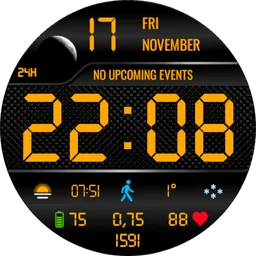 WR 007 MOD Digital Watch Face
Personnalisation
-
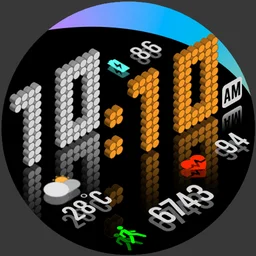 Merge Labs Isometric Reflected
Style de vie
-
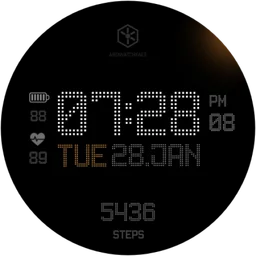 QUE DIGITAL ARD Watch Face
Personnalisation
-
 Orange LED Watch Face
Personnalisation
-
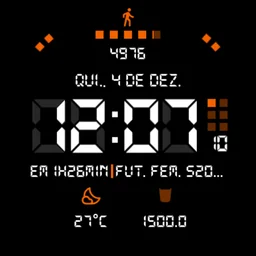 AD Digital Blocs - Watch Face
Personnalisation
-
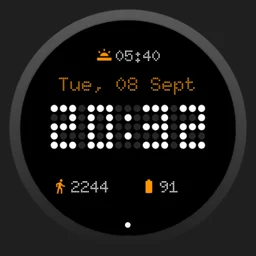 Dots Watch Face
Personnalisation
-
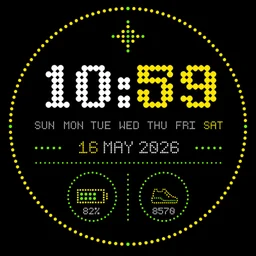 Dot Time Watch Face GTR2
Personnalisation
-
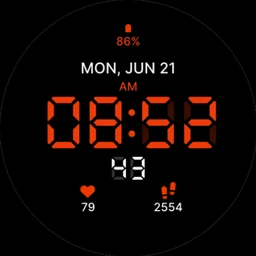 Digital LED Watch Face
Personnalisation
-
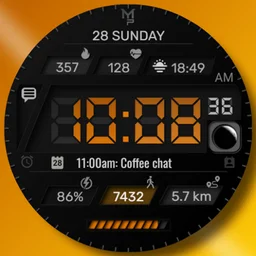 V1NYL - Digital watch face
Personnalisation
-
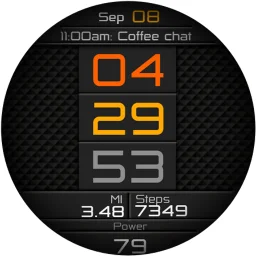 Tempordious Watch Face
Personnalisation
-
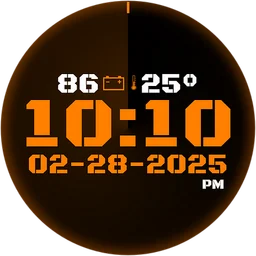 328 PS
Personnalisation
-
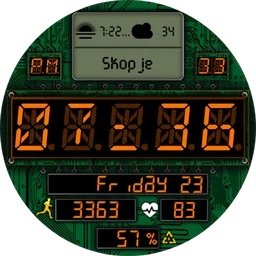 LED Digital Watch Face MB372
Personnalisation