Android · Personnalisation
Obtenir Progress Watch face pour Android
amoledwatchfaces™ publie Progress Watch face sur Google Play. Download.org n’héberge aucun fichier APK : le bouton ouvre la fiche officielle.
0,99 €
Scannez avec votre téléphone pour ouvrir la page Google Play.
Renvoie vers la page Google Play officielle
Download.org n’héberge aucun fichier de Progress Watch face. Le bouton ouvre la page de l’application sur Google Play, où amoledwatchfaces™ la publie. Fiche vérifiée pour la dernière fois le 22/11/2026.
Comment installer Progress Watch face
Trois étapes, toutes sur Google Play.
- Ouvrez Google PlayUtilisez le bouton ci-dessus ou scannez le code avec votre téléphone.
- Vérifiez l’éditeurLa page doit afficher Progress Watch face par amoledwatchfaces™. Identifiant de l’application : com.amoledwatchfaces.progress.
- Installez depuis la boutiqueTouchez le bouton d’installation sur Google Play. La boutique gère le téléchargement et toutes les mises à jour.
Informations
- Proposée par
- amoledwatchfaces™
- Catégorie
- Personnalisation
- Version
- 1.1.5
- Mis à jour
- 04/08/2026
- Publié
- 13/01/2023
- Classification d’âge
- PEGI 3
- Prix
- 0,99 €
- Nom du package
- com.amoledwatchfaces.progress
Encore plus pour Android
Tout voir: Encore plus pour Android-
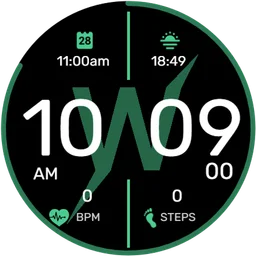 Mono Color Cadran
Personnalisation
-
 MDS469 Digital Watch Face
Personnalisation
-
 Neon Glow Digital - OMG 497
Personnalisation
-
 Expedition Watch Face
Personnalisation
-
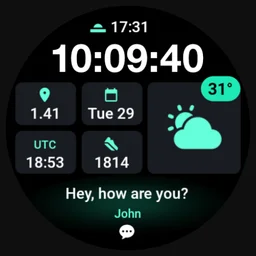 MDS457 Blocks Watch Face
Personnalisation
-
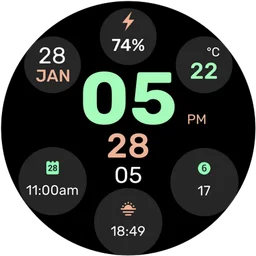 Master Minute Cadran
Personnalisation
-
 Watch Face A20
Personnalisation
-
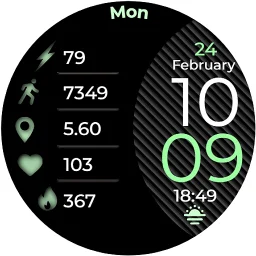 CC Digital 24 watch face
Personnalisation
-
 Pixel 1 Watch face
Personnalisation
-
 MAHO002 Wear OS Watch Face
Personnalisation
-
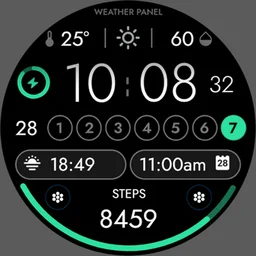 QuanTick 04 - Digital Watch
Personnalisation
-
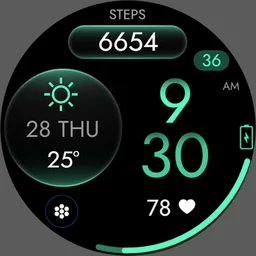 QuanTick 12 - Minimal Watch
Personnalisation