WIN Nuclear Pixel Animation
WinWatchfaces- PEGI 3Classification d’âge
- PersonnalisationCatégorie
- 04/10/2026Mis à jour
- 1,29 €Prix
Renvoie vers la fiche Google Play officielle de com.watchfacestudio.nuclearpixelwin. Dernière vérification le 14/11/2026.
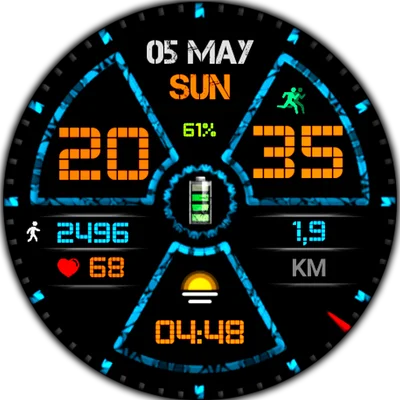
Captures d’écran
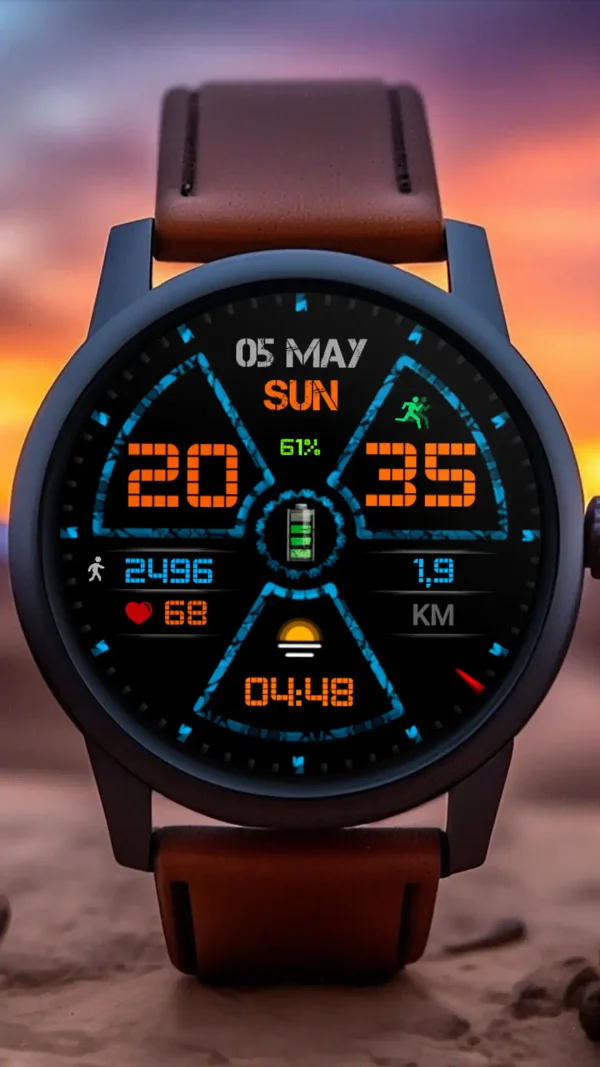
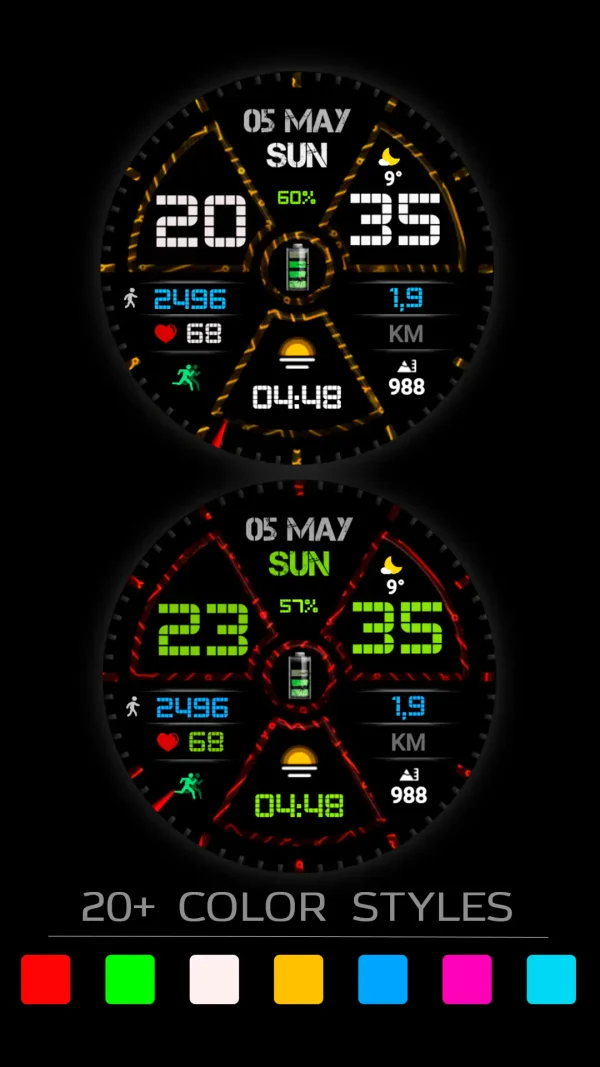
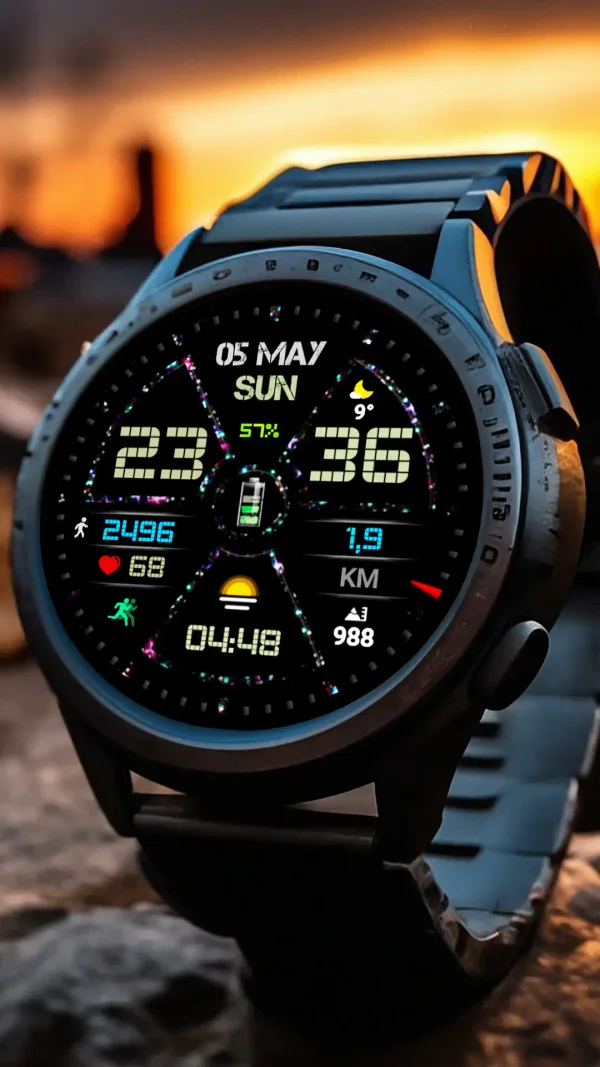
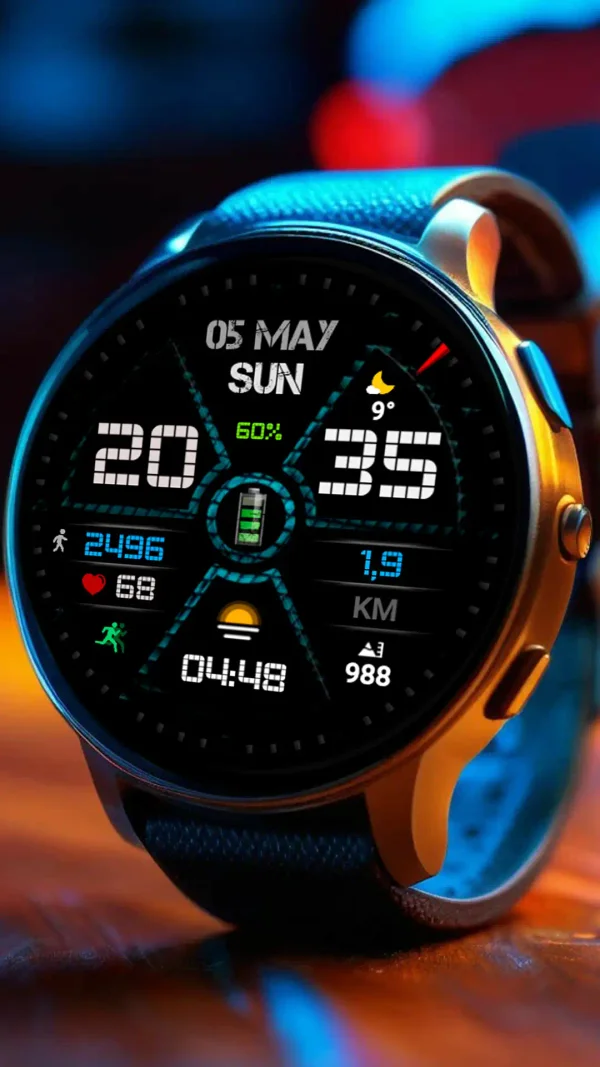

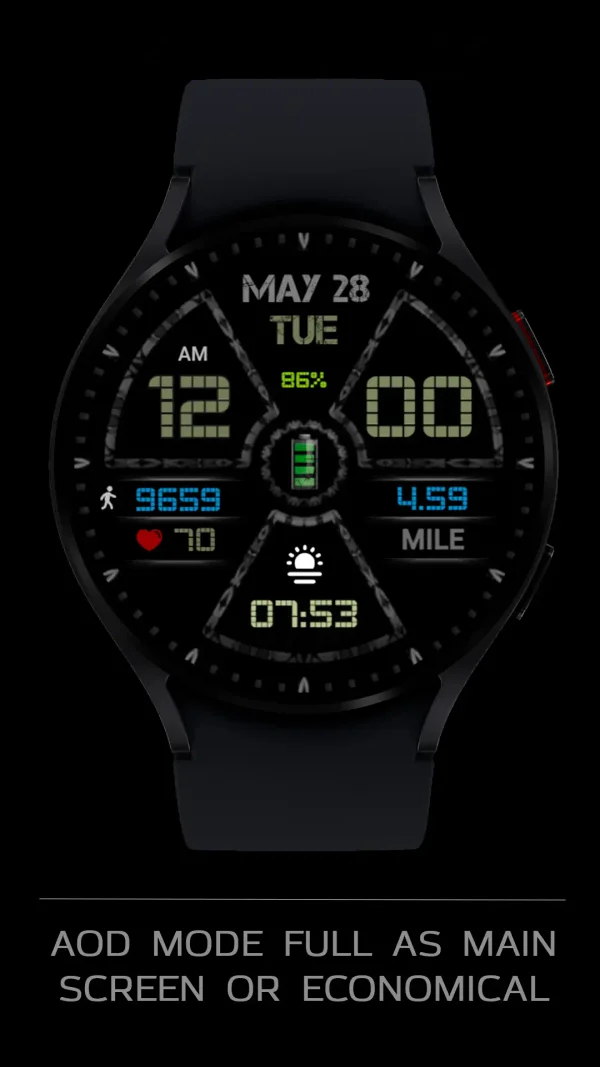
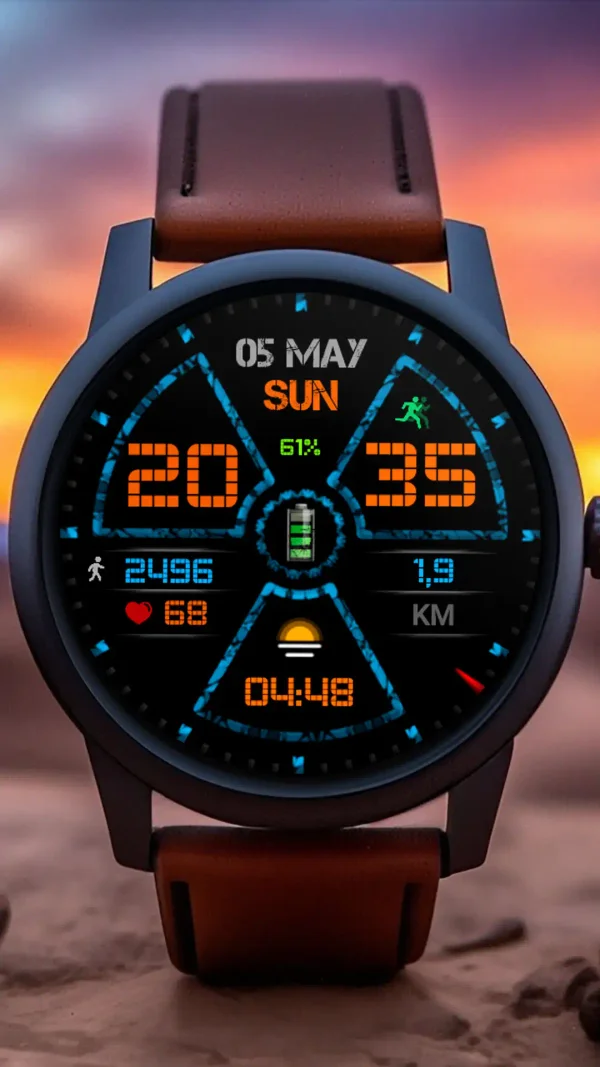
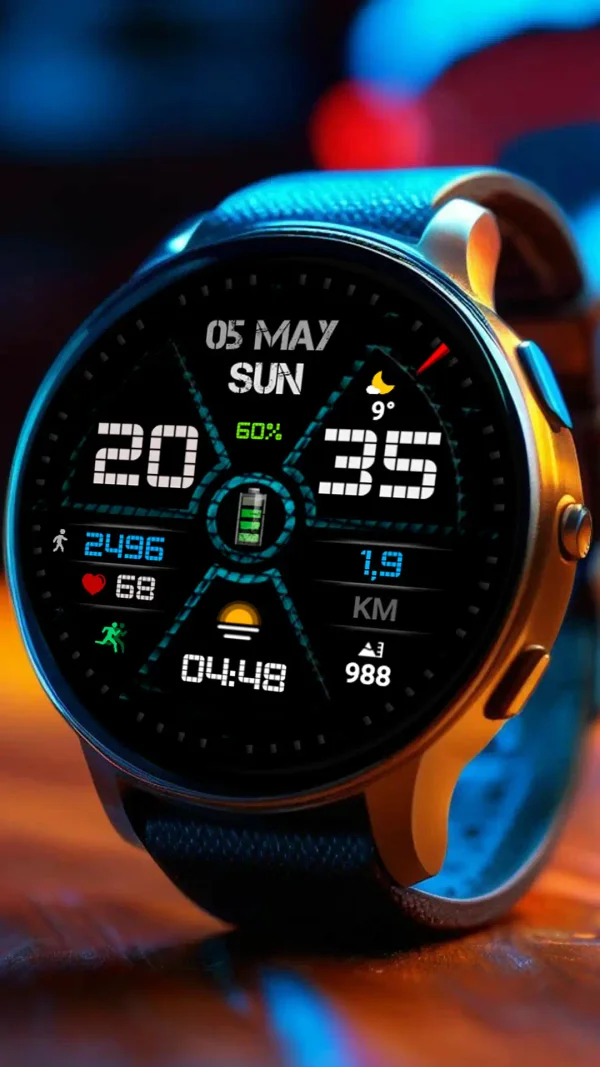
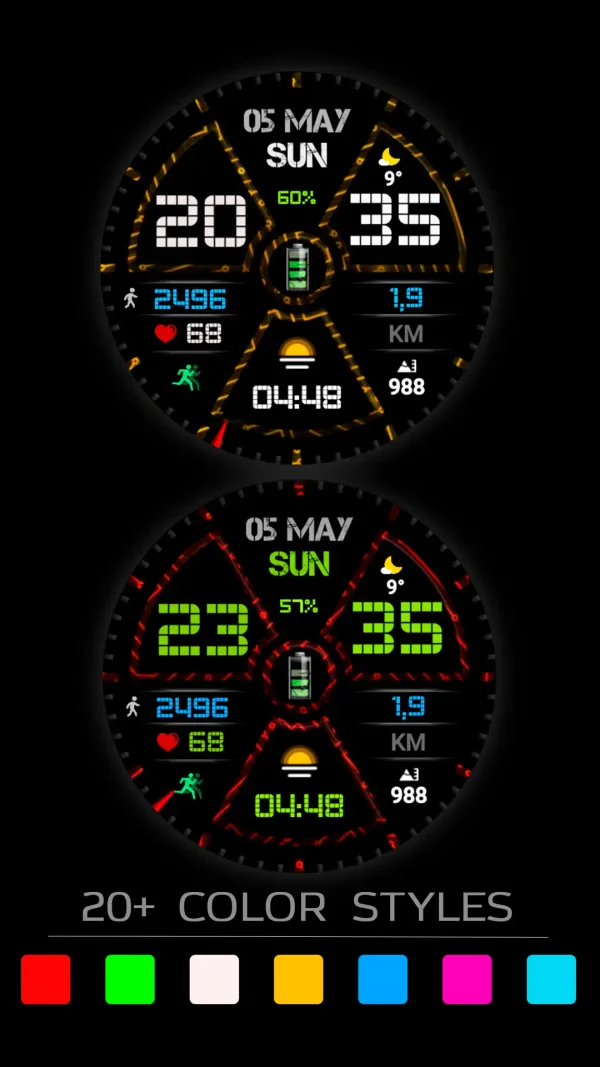
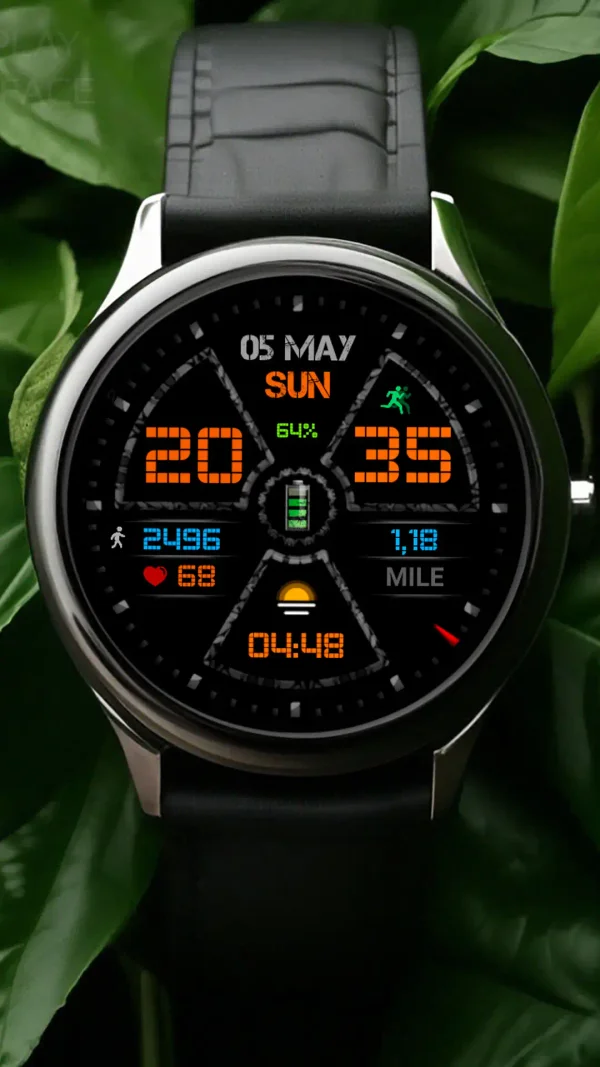
À propos de cette application
Traduction automatique par Google. Langue d’origine : Anglais (États-Unis).
Cadran animé fantastique pour Wear OS
Cadran de montre animé et ludique pour Wear OS, avec de nombreux réglages.
Regardez la vidéo de démonstration : https://www.youtube.com/watch?v=pzRoOY1EnkE
Une animation époustouflante et une large gamme de fonctionnalités embelliront la montre de tout amateur de design moderne et élégant, dans un format original.
CARACTÉRISTIQUES :
- Haute résolution ;
- Format de l'heure : 12/24 heures ;
- Couleurs personnalisables ;
- Raccourcis d'applications personnalisés ;
- Mode AOD
- INSTRUCTIONS D'INSTALLATION DU CADRAN :
En cas de problème d'installation, suivez les instructions : https://bit.ly/infWF
Réglages :
- Pour personnaliser votre cadran, appuyez longuement sur l'écran, puis appuyez sur le bouton « Personnaliser ».
Assistance :
- Veuillez contacter srt48rus@gmail.com.
Découvrez mes autres cadrans sur le Google Play Store : https://bit.ly/WINwatchface
Compatible avec les appareils Wear OS fonctionnant sous API niveau 30 et supérieur, notamment les Samsung Galaxy Watch 4, 5, 6, 7, 8 et Pixel Watch.
**Installation**
1. Installez l'application de cadran sur votre téléphone.
2. Assurez-vous que votre montre Wear OS est connectée à votre téléphone et utilise le même compte Google.
3. Sélectionnez votre montre comme appareil d'installation et terminez l'installation.
4. Une fois l'installation terminée, sélectionnez le cadran dans votre galerie.
Si l'installation est retardée, vérifiez la connexion Internet sur les deux appareils, patientez une ou deux minutes, ou redémarrez votre montre et réessayez.
**Personnalisation**
• Appuyez longuement sur le cadran, puis appuyez sur **Personnaliser** pour accéder aux paramètres.
• Pour une expérience optimale, nous vous recommandons de configurer le cadran directement sur votre montre. Tutoriel vidéo :
https://youtu.be/YPcpvbxABiA
**Assistance**
Pour toute question ou problème d'installation, veuillez contacter : srt48rus@gmail.com
**Plus de cadrans de montre par WIN**
Découvrez d'autres cadrans :
https://play.google.com/store/apps/dev?id=6789054753742990227
Afficher le texte d’origine
Fantastic gaming animated watch face for Wear OS with many settings
Please watch the video of how the animation works: https://www.youtube.com/watch?v=pzRoOY1EnkE
Stunning animation and a wide range of functions will decorate the watch of any connoisseur of modern stylish design in an unusual format
FEATURES>
- A high resolution;
- time format 12/24 hours;
- Changeable colors;
- Custom application shortcuts;
- AOD mode
- WATCHFACE INSTALLATION NOTES -
If you have any problems with installation, follow the instructions: https://bit.ly/infWF
Settings
- To customize your watch face, simply touch and hold the display, then tap the Customize button.
Support
- Please contact srt48rus@gmail.com.
Check out my other watch faces on the Google Play Store: https://bit.ly/WINwatchface
Compatible with Wear OS devices running API level 30 and above, including Samsung Galaxy Watch 4, 5, 6, 7, 8 and Pixel Watch.
**Installation**
1. Install the watch face app on your phone.
2. Make sure your Wear OS watch is connected to your phone and uses the same Google account.
3. Select your watch as the installation device and complete the installation.
4. After installation, select the watch face from your watch face gallery.
If installation is delayed, check the internet connection on both devices, wait a minute or two, or restart your watch and try again.
**Customization**
• Touch and hold the watch face, then tap **Customize** to access the available settings.
• For the best experience, we recommend configuring the watch face directly on your watch. Video guide:
https://youtu.be/YPcpvbxABiA
**Support**
If you have any questions or installation issues, please contact: srt48rus@gmail.com
**More watch faces by WIN**
Explore other watch faces:
https://play.google.com/store/apps/dev?id=6789054753742990227
Sécurité des données
Ce que WinWatchfaces déclare sur Google Play au sujet des données que cette application collecte et partage.
- Aucune donnée partagée avec des tiersEn savoir plus sur la manière dont les développeurs déclarent le partage
- Aucune donnée collectéeEn savoir plus sur la manière dont les développeurs déclarent la collecte
Nouveautés
04/10/2026
Wear OS Update - Added ability to select rain probability in custom complications
Coordonnées du développeur
- E-mailsrt48rus@gmail.com
- Politique de confidentialitésites.google.com
- Adresseул. Ескалиева, д. 148 кв. 21 090000 Уральск Kazakhstan
Informations
- Proposée par
- WinWatchfaces
- Catégorie
- Personnalisation
- Mis à jour
- 04/10/2026
- Publié
- 06/05/2024
- Classification d’âge
- PEGI 3
- Prix
- 1,29 €
- Nom du package
- com.watchfacestudio.nuclearpixelwin