WIN Nuclear Splash MOD
WinWatchfaces- PEGI 3Classification d’âge
- PersonnalisationCatégorie
- 19/10/2026Mis à jour
- 1,29 €Prix
Renvoie vers la fiche Google Play officielle de com.watchfacestudio.nuclearSplashwin. Dernière vérification le 27/11/2026.
Captures d’écran
À propos de cette application
Traduction automatique par Google. Langue d’origine : Anglais (États-Unis).
Cadran de montre artistique élégant pour Wear OS
Nucléaire Splash – Cadran de montre tactique de survie
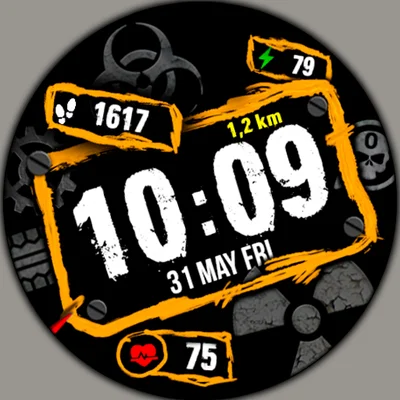
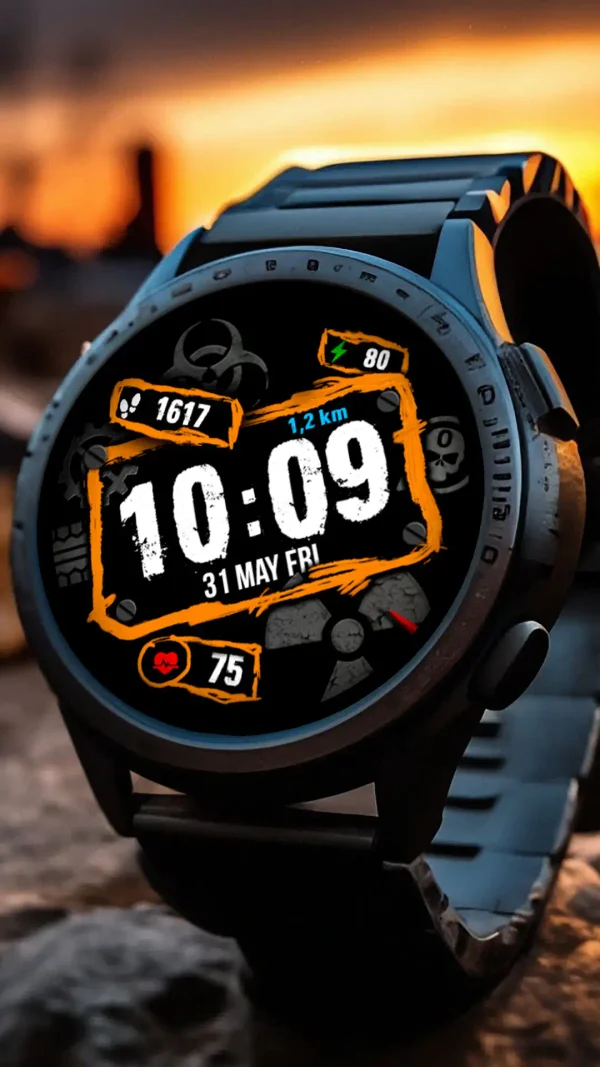
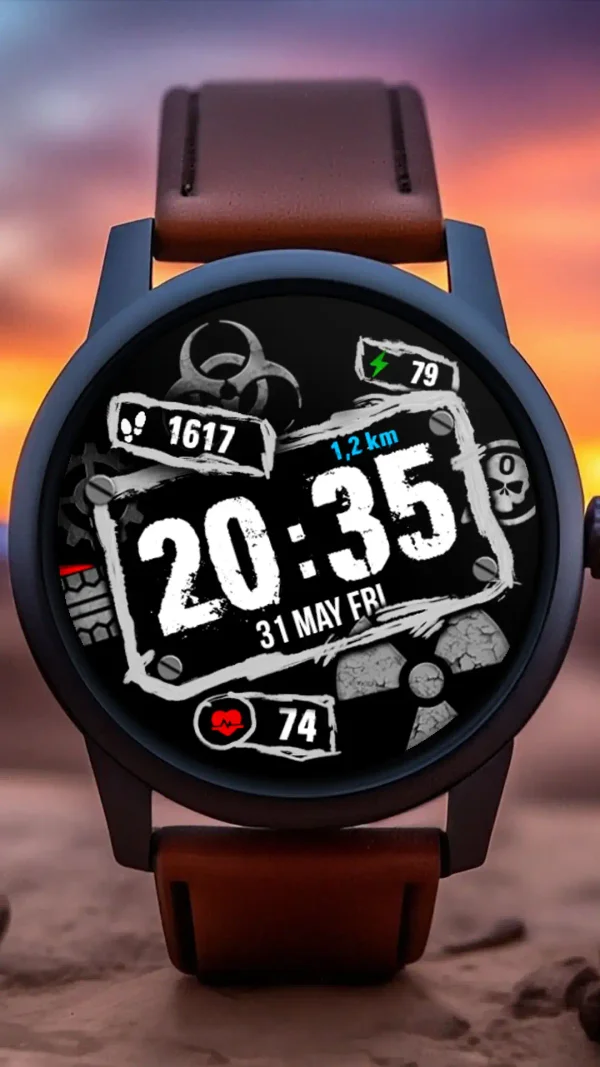
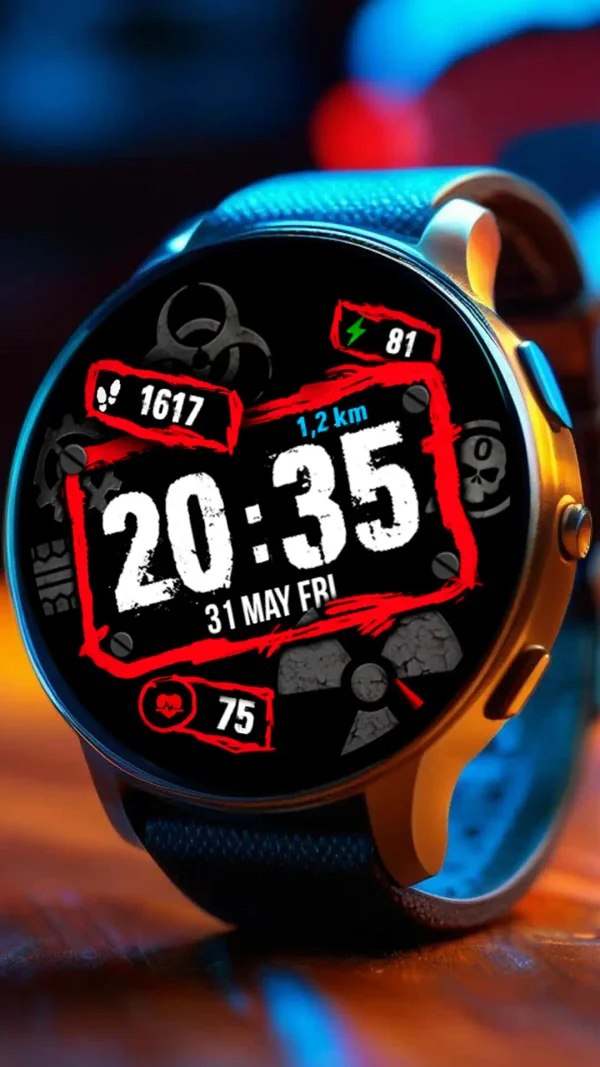
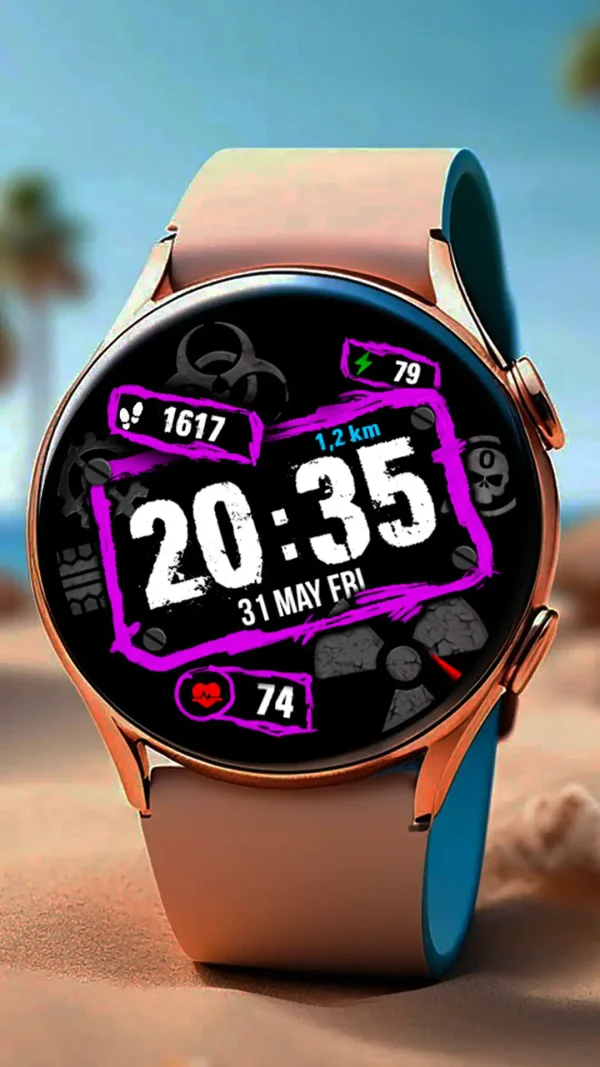
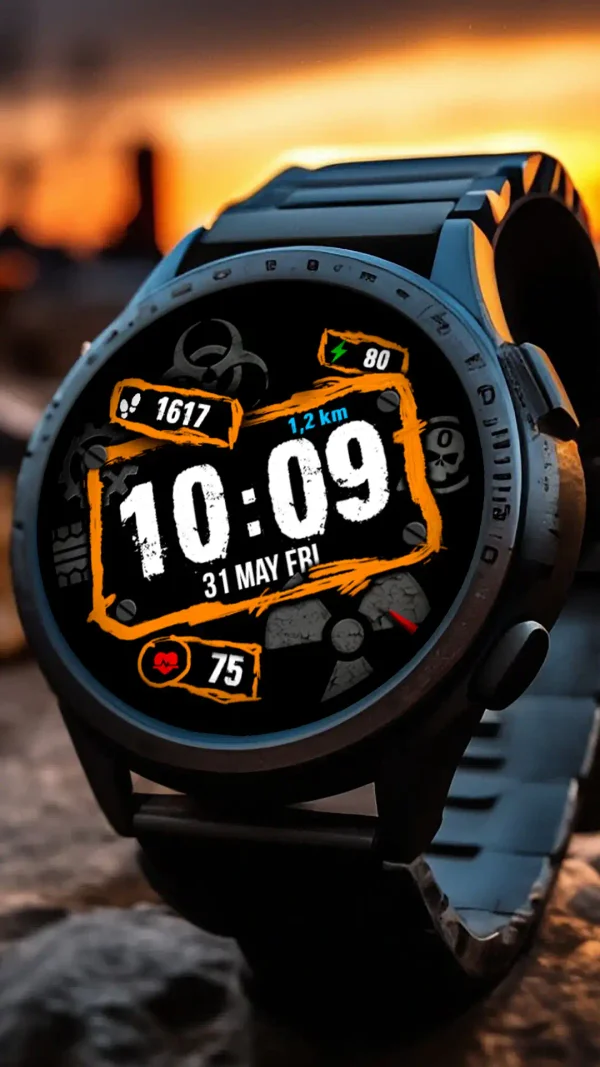
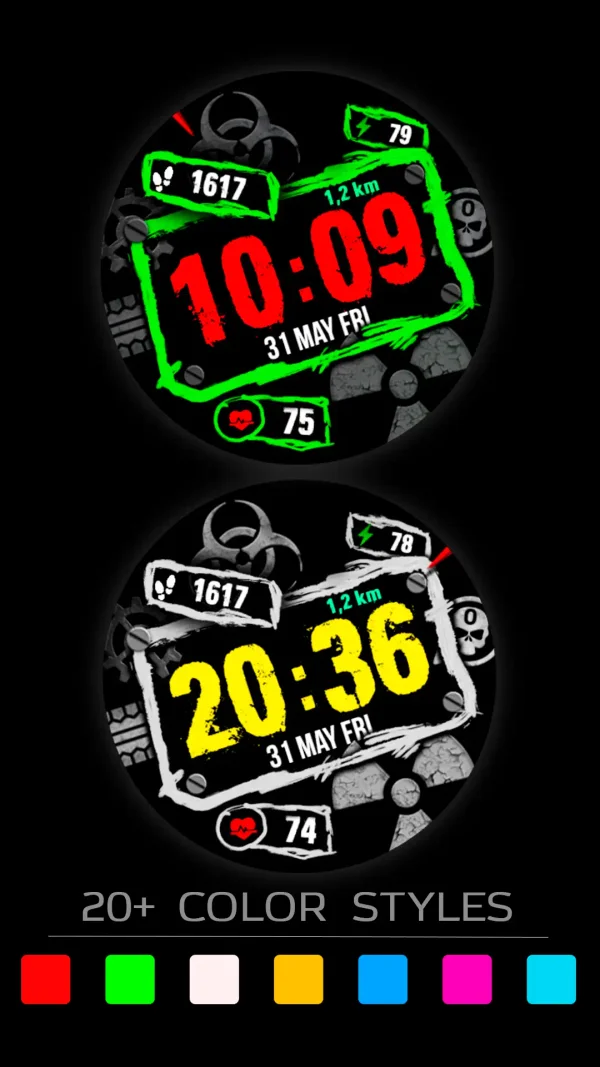
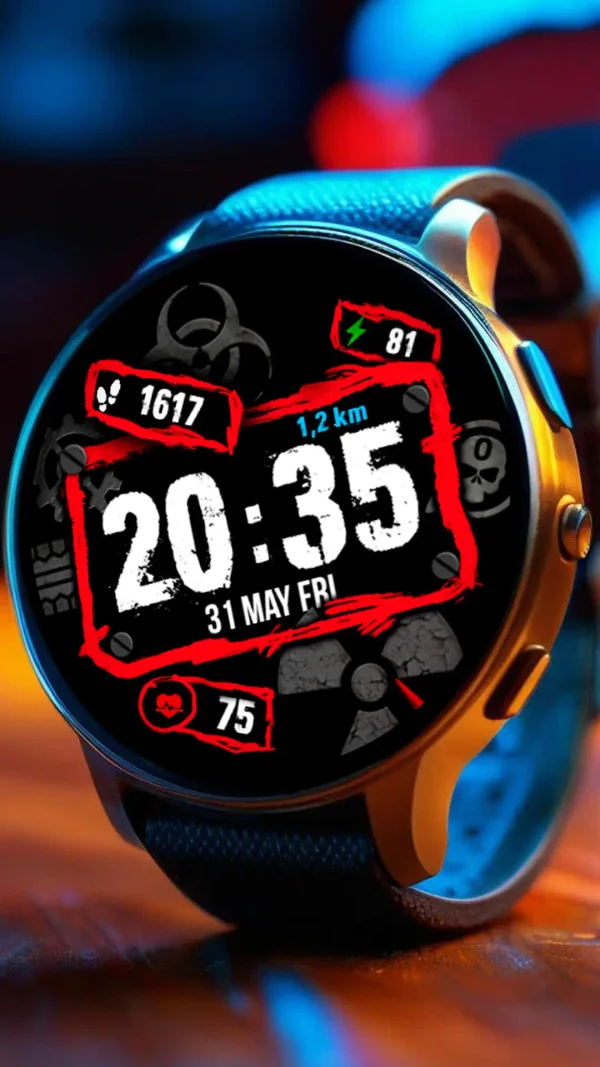
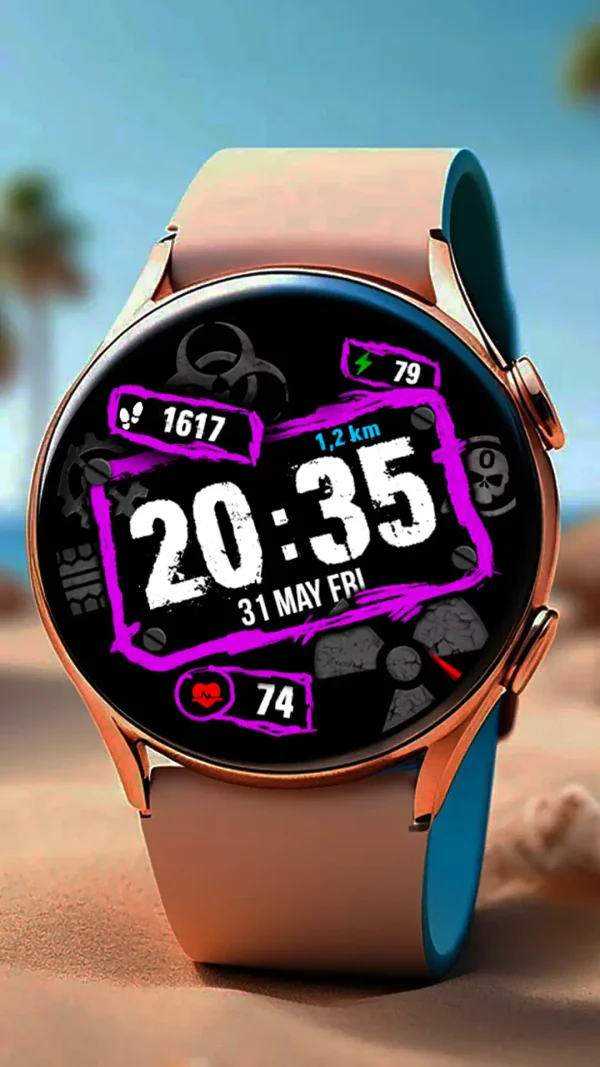
Un cadran de montre tactique robuste inspiré de la survie nucléaire, du matériel militaire et de l'esthétique post-apocalyptique. Avec son affichage numérique audacieux et son design industriel, il est conçu pour ceux qui recherchent un look résistant et opérationnel pour leur montre connectée.
Cadran artistique et élégant pour Wear OS
Fonctionnalités essentielles :
- Format de l'heure : 12/24 heures
- Date
- Jour
- Batterie
- Fréquence cardiaque
- Haute résolution
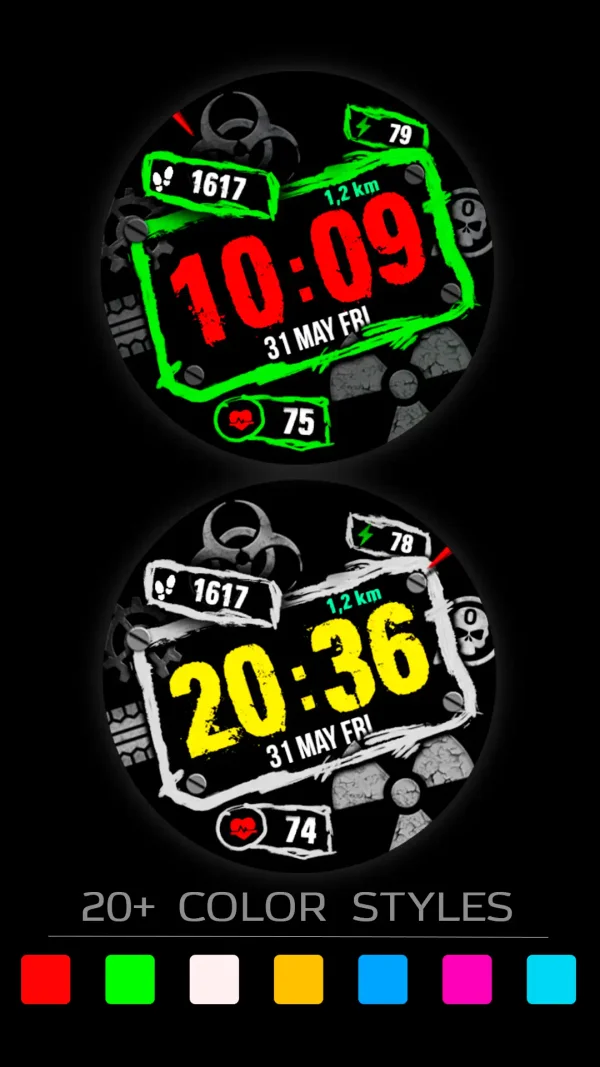
- Possibilité de changer la couleur
- Changer la couleur de l'horloge numérique
- Complications personnalisées
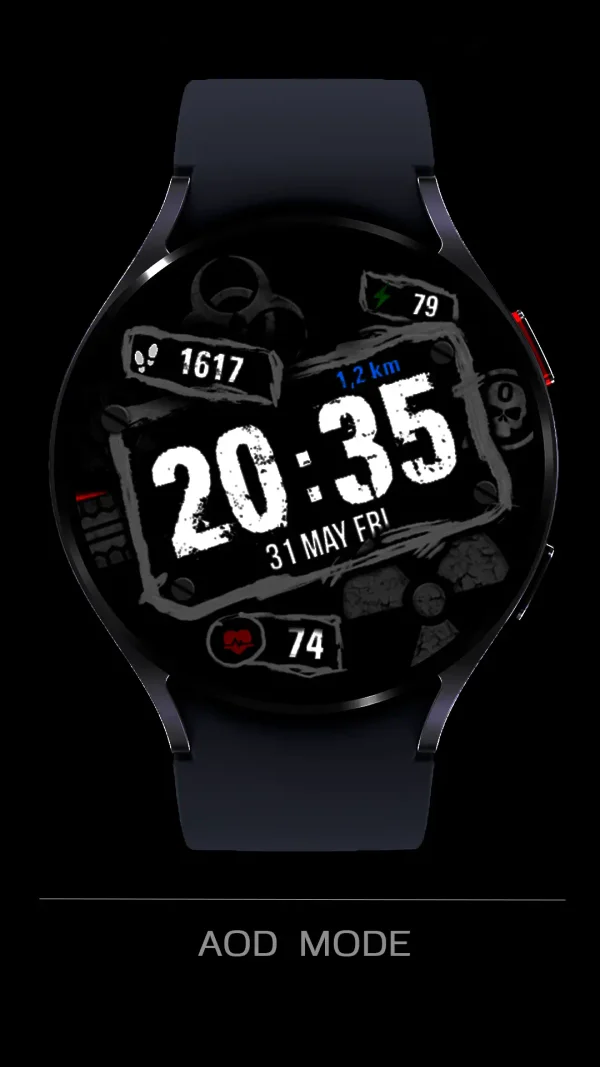
- Mode AOD
Compatible avec les appareils Wear OS fonctionnant sous API niveau 30 et supérieur, notamment les Samsung Galaxy Watch 4, 5, 6, 7, 8 et Pixel Watch.
**Installation**
1. Installez l'application du cadran sur votre téléphone.
2. Assurez-vous que votre montre Wear OS est connectée à votre téléphone et utilise le même compte Google.
3. Sélectionnez votre montre comme appareil d'installation et terminez l'installation. 4. Après l'installation, sélectionnez le cadran dans votre galerie.
Si l'installation est retardée, vérifiez la connexion Internet sur les deux appareils, patientez une ou deux minutes, ou redémarrez votre montre et réessayez.
**Personnalisation**
• Appuyez longuement sur le cadran, puis appuyez sur **Personnaliser** pour accéder aux paramètres.
• Pour une expérience optimale, nous vous recommandons de configurer le cadran directement sur votre montre. Tutoriel vidéo :
https://youtu.be/YPcpvbxABiA
**Assistance**
Pour toute question ou problème d'installation, veuillez contacter : srt48rus@gmail.com
**Plus de cadrans WIN**
Découvrez d'autres cadrans :
https://play.google.com/store/apps/dev?id=6789054753742990227
Afficher le texte d’origine
Nuclear Splash – Tactical Survival Watch Face
A rugged tactical watch face inspired by nuclear survival, military equipment, and post-apocalyptic aesthetics. Featuring a bold digital display and an industrial design, it’s built for those who prefer a tough, mission-ready look on their smartwatch.
Stylish artistic watch face for wear OS
Basic moments:
- time format 12/24 hours;
- Date
- Day
- Battery
- Pulse rate
- A high resolution;
- Possibility to change color
- Change the color of the digital clock
- Custom complications
- AOD mode
Compatible with Wear OS devices running API level 30 and above, including Samsung Galaxy Watch 4, 5, 6, 7, 8 and Pixel Watch.
**Installation**
1. Install the watch face app on your phone.
2. Make sure your Wear OS watch is connected to your phone and uses the same Google account.
3. Select your watch as the installation device and complete the installation.
4. After installation, select the watch face from your watch face gallery.
If installation is delayed, check the internet connection on both devices, wait a minute or two, or restart your watch and try again.
**Customization**
• Touch and hold the watch face, then tap **Customize** to access the available settings.
• For the best experience, we recommend configuring the watch face directly on your watch. Video guide:
https://youtu.be/YPcpvbxABiA
**Support**
If you have any questions or installation issues, please contact: srt48rus@gmail.com
**More watch faces by WIN**
Explore other watch faces:
https://play.google.com/store/apps/dev?id=6789054753742990227
Sécurité des données
Ce que WinWatchfaces déclare sur Google Play au sujet des données que cette application collecte et partage.
- Aucune donnée partagée avec des tiersEn savoir plus sur la manière dont les développeurs déclarent le partage
- Aucune donnée collectéeEn savoir plus sur la manière dont les développeurs déclarent la collecte
Nouveautés
19/10/2026
Wear OS update
- Added ability to select Chance of Rain in Custom Complications
- New Watch Face Format
Coordonnées du développeur
- E-mailsrt48rus@gmail.com
- Politique de confidentialitésites.google.com
- Adresseул. Ескалиева, д. 148 кв. 21 090000 Уральск Kazakhstan
Informations
- Proposée par
- WinWatchfaces
- Catégorie
- Personnalisation
- Mis à jour
- 19/10/2026
- Publié
- 31/05/2024
- Classification d’âge
- PEGI 3
- Prix
- 1,29 €
- Nom du package
- com.watchfacestudio.nuclearSplashwin
Applications similaires
-
 MJ110 Lines Inverted
Personnalisation
-
 Vintage 3
Personnalisation
-
 Digital X2
Personnalisation
-
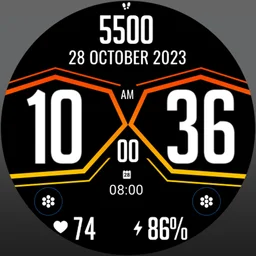 MJ111 Lines of the Eyes
Personnalisation
-
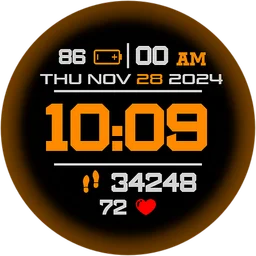 322 PS
Personnalisation
-
 Rugged 2.0 Watch Face
Personnalisation
-
 Nuclear Splash Left MOD
Personnalisation
-
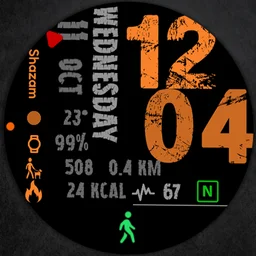 Watch face CRC010
Personnalisation
-
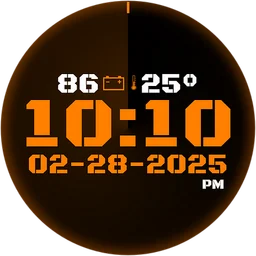 328 PS
Personnalisation
-
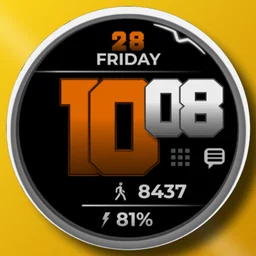 RACE - Big digital watch face
Personnalisation
-
 WIN Nuclear PRO Watch face
Personnalisation
-
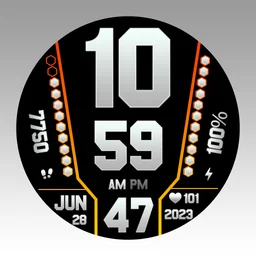 MJ086 Digital Watch Face
Personnalisation