
3DCDesign
3D print shop tracker
Conçue pour iPhone, iPad, iPod touch
Gratuit · Achats intégrés
- Classification d’âge4+
- CatégorieUtilitaires
- DéveloppeurEarl Hayes
- Taille230,3 Mo
Renvoie vers la page App Store officielle
Download.org n’héberge aucun fichier de 3DCDesign. Le bouton ouvre la page de l’application sur App Store, où Earl Hayes la publie. Fiche vérifiée pour la dernière fois le 16/11/2026.
Captures d’écran
À propos
Le développeur n’a pas fourni ce texte dans votre langue.
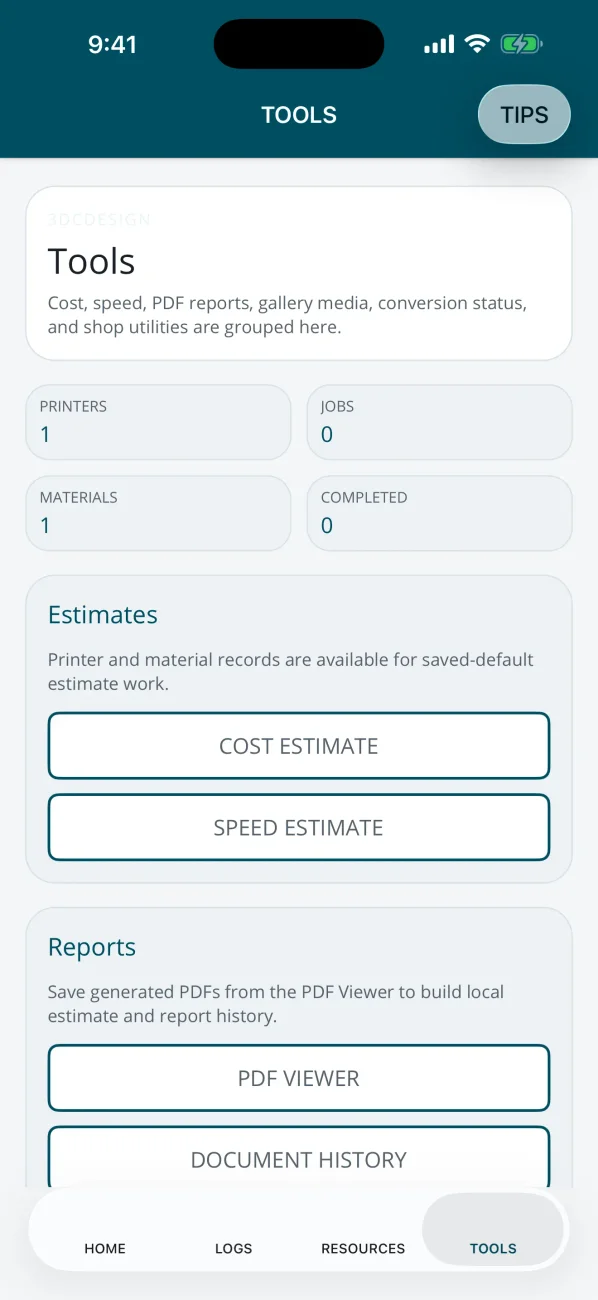
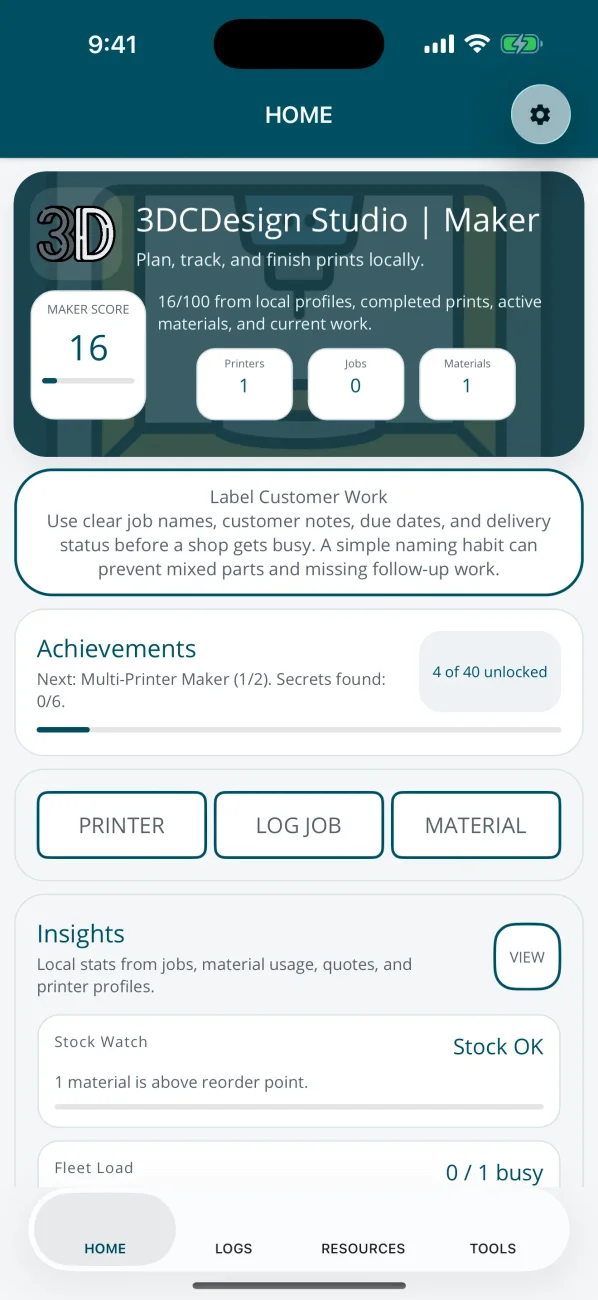
3DCDesign is a print log, spool tracker and cost calculator for 3D printing at home. Your records are kept on your device, with no account, no ads and no tracking. If you start selling prints, it handles quotes, customers and invoices too.
Start in three steps
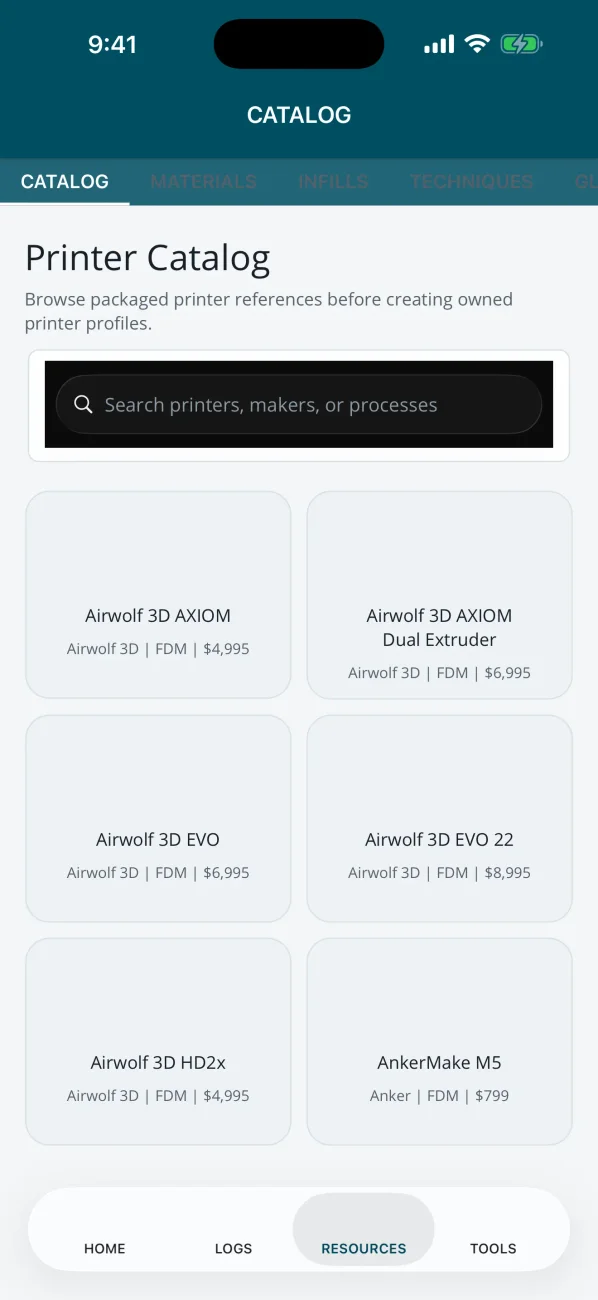
Choose your printer from more than 300 models and your filament from more than 60 brands, and say whether you sell prints. Or try a sample workshop first.
Know when a print should be done
Start a print with its time estimate and a Live Activity counts down on your Lock Screen and in the Dynamic Island. When the time is up, a notification lets you mark it done, mark it failed or snooze it. Home Screen widgets show the active print, today's list and low filament.
Log every print
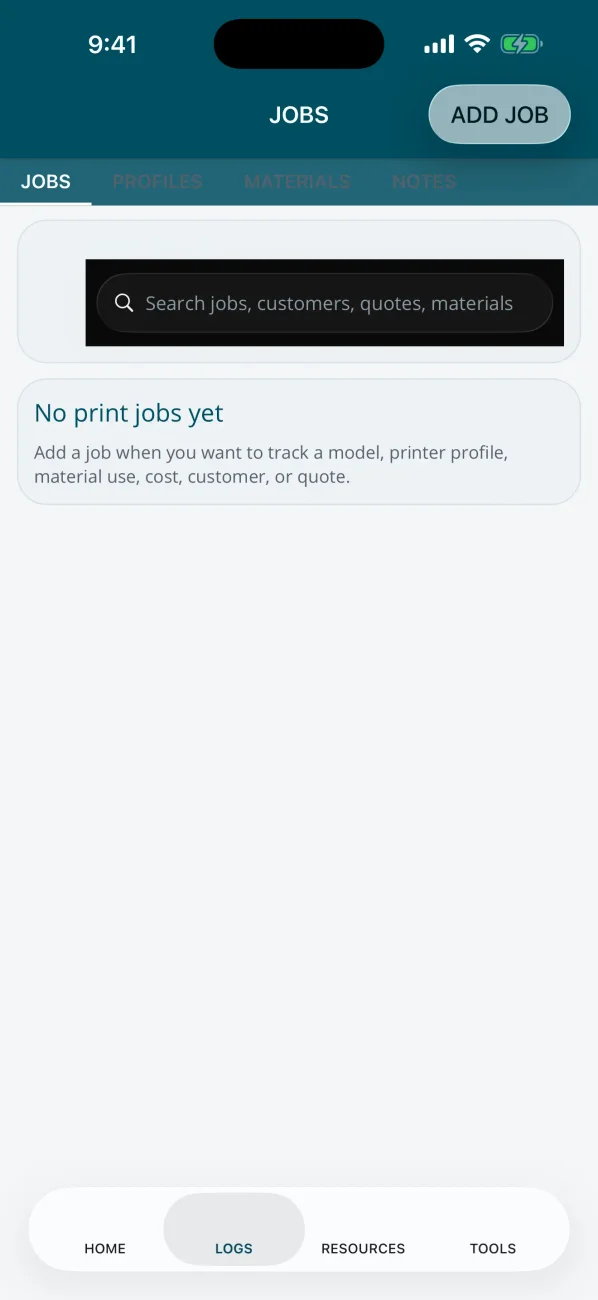
Log a print in one quick sheet, or pick its sliced file (.gcode, .bgcode or .gcode.3mf) to fill in the time, filament and preview. Add photos and notes, and give a failed print a reason.
Know every spool
Stock goes down as you log prints, with a full history. Restock by filament, not by spool: group spools of one filament into a product with one total and one restock level. Planning a print checks there is enough filament, and 3DCDesign estimates how long each filament will last at your pace. Scan OpenPrintTag or OpenSpool NFC tags, import spools from a Spoolman export and print QR labels. Optional notifications tell you when a filament runs low or a spool may need drying.
Know what each print costs
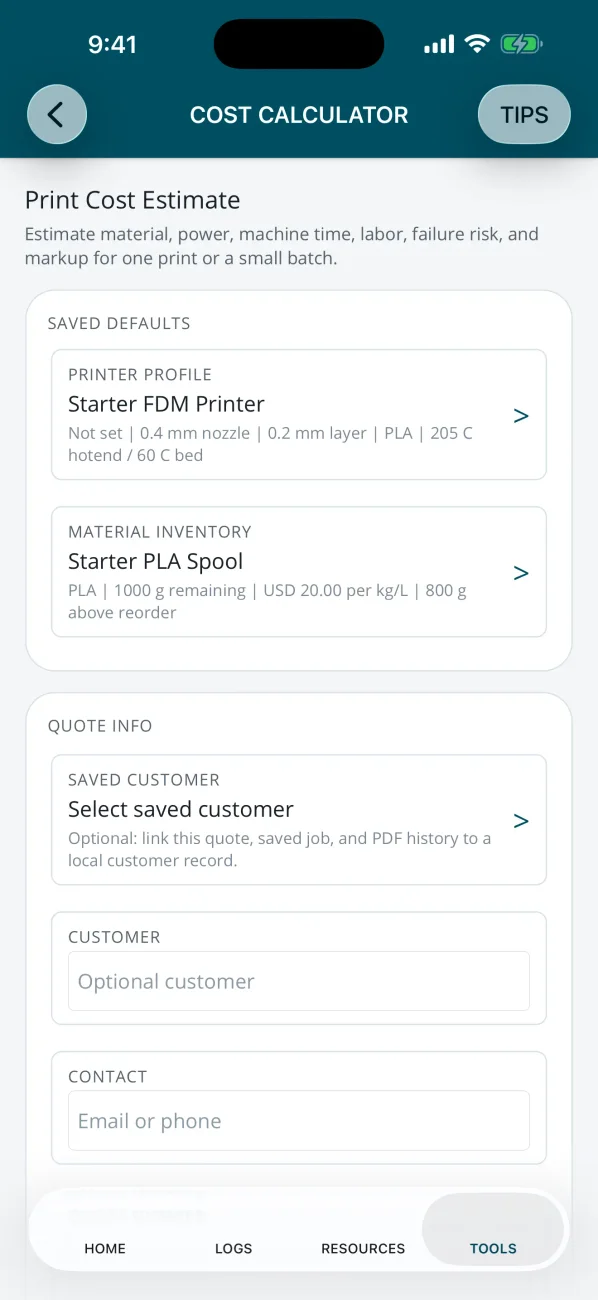
Price a print from material, machine time, electricity, labor, packaging, shipping, fees and waste. Choose markup, target margin or a flat rate and see your cost floor. Measure STL, 3MF and OBJ models for size and estimated weight.
Fix prints and learn
Print Doctor has 25 guides for common filament and resin problems, with the slicer settings to change. Hobby calculators, a material guide and a 120-term glossary work offline.
Look after your printers
Keep maintenance schedules, service history and reminders for each printer. See status from your own Moonraker/Klipper, OctoPrint or PrusaLink host on your network; controls stay off until you turn them on, and every command is confirmed. Everything works offline too.
Free backups that check themselves
Creating, previewing and restoring backups is free, with or without your Gallery photos and videos. New backups test themselves, automatic backups can go to a folder you choose, and a restore keeps a safety copy you can go back to for 24 hours.
When you start selling
Choose selling in Settings and Home shows today's agenda, money owed and active prints. Quotes and invoices carry your business details, logo and a payment QR code. Free: receipts for invoice payments and deposits, invoice drafts with a watermarked preview, what-if pricing and up to 25 active customers. Emails and texts open in your own mail or messaging app; 3DCDesign never sends anything itself.
Business Premium (optional subscription)
A monthly or annual subscription for sellers that adds:
- Issuing and correcting invoices
- Purchase orders
- Customer Pro tools: statements, price lists, follow-up templates and reorders
- Accountant export, with QuickBooks Online, Xero and Wave layouts
- Saved what-if scenarios
- More than 25 active customers, for workspaces created after this limit began
Backups and every record you make stay free.
Private by design
No sign-in, ads, analytics or tracking. Your records, photos and backups are not uploaded to us. They leave the app only when you export, share, back up, send an email or text from your own mail app, or connect to your own printer. Your phone's own device backup may also include them.
Privacy Policy: https://3dcdesign.com/privacy-policy/
Terms of Use (EULA): https://www.apple.com/legal/internet-services/itunes/dev/stdeula/
Nouveautés
Version 3.5 · 24/10/2026
Polishing any outstanding issues with UI/UX and making screens, buttons, and popups look better.
Printer Care tracks maintenance by hours, prints or filament used.
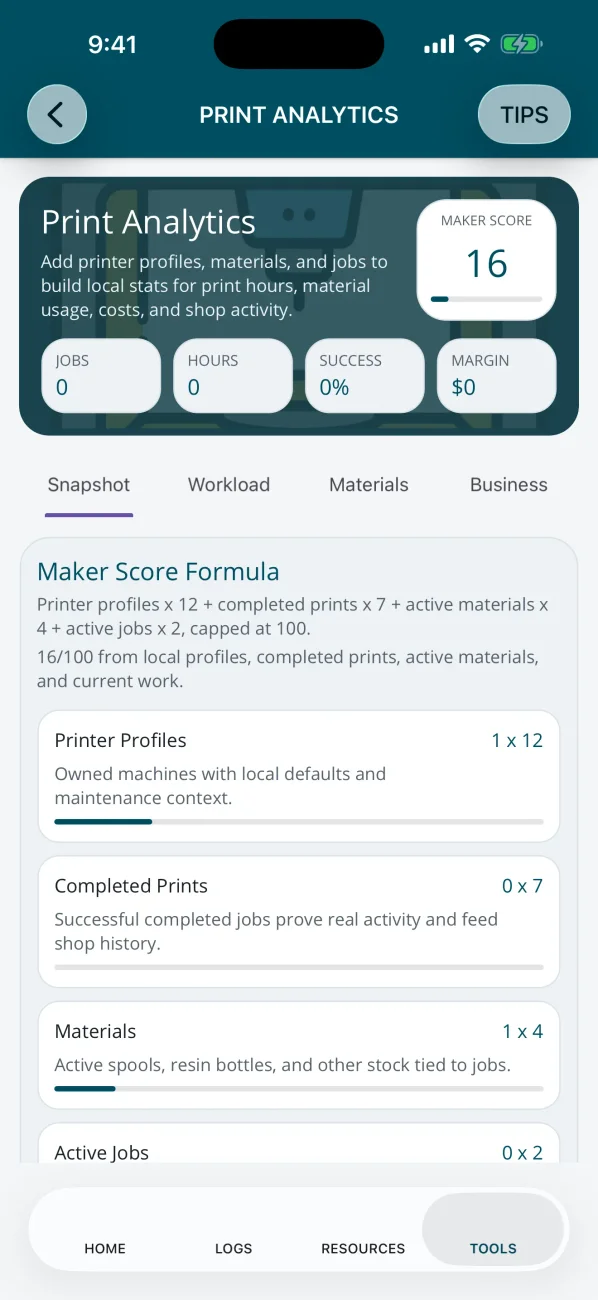
Finished prints show their filament and power cost, and stats cover a week, month, or year.
Add printers by brand, including Bambu Lab (status only), Elegoo Centauri Carbon, Creality K2 and Snapmaker U1.
Bulk actions on prints, a print time estimator, and for sellers new orders, quote outcomes, invoice numbering and bug fixes.
Confidentialité de l’application
Ce que Earl Hayes déclare sur l’App Store au sujet du traitement des données par cette application.
-
Données non collectées
Le développeur ne collecte aucune donnée à partir de cette application.
Les pratiques en matière de confidentialité peuvent varier, notamment en fonction des fonctionnalités que vous utilisez ou de votre âge.
Informations
- Vendeur
- Earl Hayes
- Catégorie
- Utilitaires
- Version
- 3.5
- Mis à jour
- 24/10/2026
- Publié
- 19/08/2024
- Taille
- 230,3 Mo
- Nécessite
- iOS 15.0 ou version ultérieure
- Classification d’âge
- 4+
- Prix
- Gratuit
- Achats intégrés
- Oui
- Copyright
- © 2026 Big Bwain LLC
Vous aimerez peut-être aussi
-
 Thinger: Modèles Impression 3DFichiers STL pour Imprimante
-
 Creality ScanUtilitaires
-
 ThangsUtilitaires
-
 Tripo AI: Générateur 3DCréer assets de jeu par photo
-
 Prusa3D printer control & models
-
 Impression 3D GO | ThingiverseModèles 3D, STL et Slicer
-
 Poloprint CloudUtilitaires
-
 3Drop - Thingiverse MakerWorldPrintables CrealityCloud Cult
-
 Flash StudioPrinter Control and 3D Models
-
 Flash MakerUtilitaires